Home Audio
How to Choose the Right Soundbar: A Practical Buying Guide
A clear framework for picking a soundbar, plus seven models that represent the main types, from passive bars to full surround packages.
Introduction
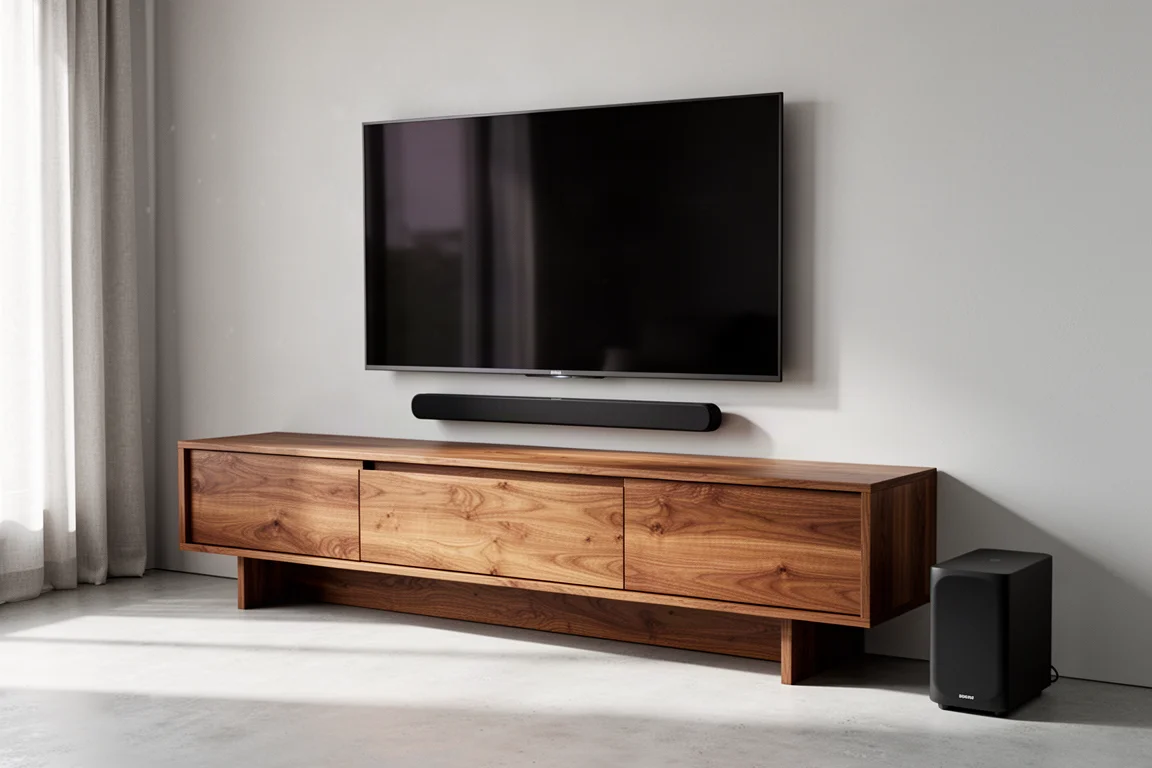
Shopping for a soundbar can feel harder than shopping for a full speaker system. There are single bars, bars with subwoofers, bars with rear speakers, and bars that are really just three speakers in a long cabinet. The decision gets much easier once you separate the category into a few clear types and match them to how you actually watch and listen.
This guide walks through the questions worth asking before you buy: which kind of soundbar you need, how many channels make sense, which connections matter, and how your room shapes the answer. It closes with seven models that represent the main approaches well.
Start With the Four Main Soundbar Types
Most soundbars fall into one of four groups: passive, powered, faux surround, and full surround. Knowing which group you are shopping in prevents most of the confusion.
A passive soundbar has no internal power amplifiers and no surround processing. It is essentially three passive loudspeakers built into a single bar-shaped chassis, and it connects to an AV receiver the same way traditional speakers would. The appeal is future compatibility: when technology or formats change, you update the receiver rather than replacing the entire bar.
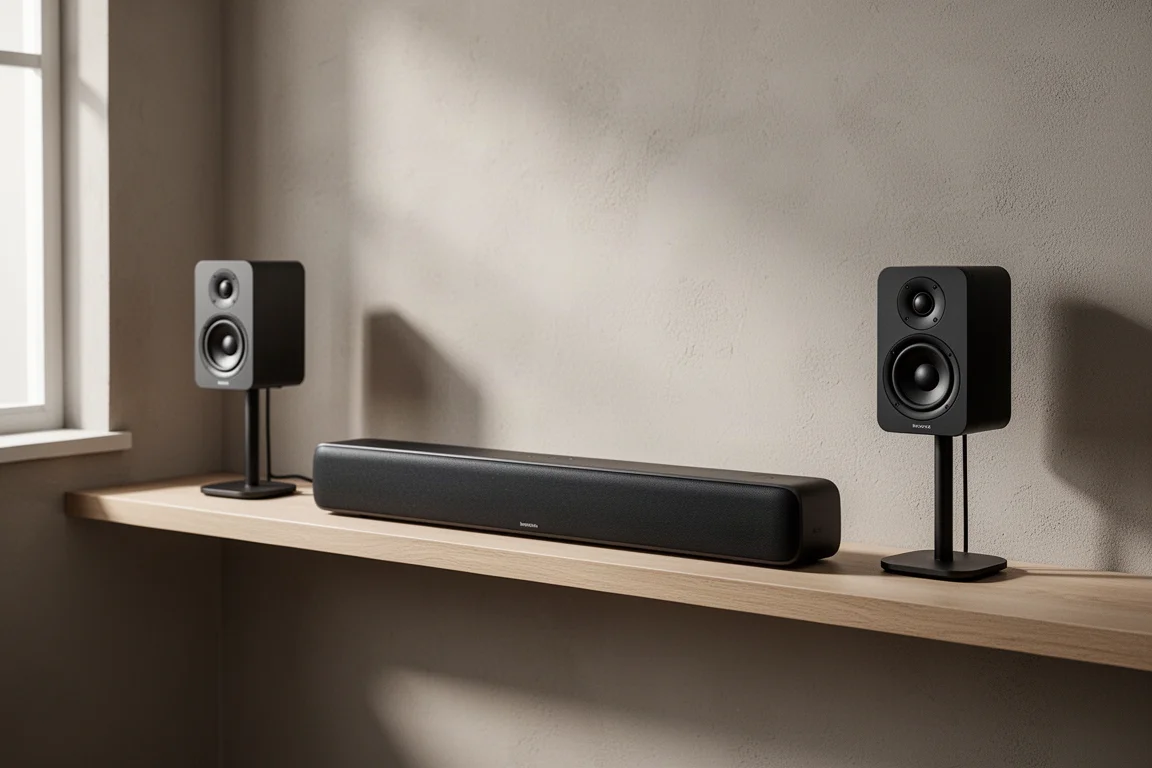
Powered soundbars are what most people picture. They need no additional components, so you plug them in, connect them to your TV, and you are finished. Within that group there are two useful subcategories: faux surround and full surround.
Faux surround bars are all-inclusive designs. They do not rely on separate surround speakers, and sometimes not even on a separate subwoofer. Instead they use multiple drivers inside the bar plus digital processing to steer sound around the room. Full surround bars take the opposite approach, pairing the bar with a wireless subwoofer and a pair of wireless surround speakers for a true surround speaker setup. Some full surround systems are sold à la carte, which means the subwoofer and surrounds may be purchased separately, but the end result is broadly the same whether the package arrives complete or gets assembled piece by piece.
One point applies across all four types. Dolby Atmos soundtracks can be enjoyed on any of them, as long as the bar you choose supports Dolby Atmos or DTS:X.
Match the Bar to How You Actually Listen
The first real decision is not about specs, it is about you. If a soundbar is there to improve everyday TV viewing, make dialogue clearer, and add some excitement to the occasional action film, a full surround system is more than you need. A faux surround or single bar solution will usually serve you better. If instead you want to recreate, or even replace, a true multi-speaker home theater setup with theater-like dynamics, clarity, and bass punch, a full surround bar is the right starting point.
If you are unsure, buy into a setup that lets you scale up or down as your needs change. Some all-inclusive systems are designed to be taken as a complete package, while others let you start with the bar alone and decide later whether a subwoofer and satellite speakers are worth adding.
Channels and Speaker Count: What Really Matters
The number of speakers inside a soundbar does not automatically translate into more convincing surround sound. A single bar with five drivers can create a similar sense of surround to one using nine or more, because so much depends on processing and setup.
That means channel counts should follow your goal rather than lead it. If your aim is clearer dialogue and a general step up from your TV’s built-in speakers, there is little reason to chase a 7.1-channel claim. A simple three to five channel bar is likely to be plenty. If you want the full home theater experience, then seven or more channels becomes a sensible target.
Connectivity: HDMI Inputs, eARC, and Gaming
A home theater receiver earns its place partly through connectivity. It lets you attach a games console, a Blu-ray player, and other devices to one box instead of running a pile of cables to the TV. Some soundbars offer a version of that convenience, and if you want to streamline your setup down to a single HDMI cable between the TV and the bar, it is worth shopping for one with multiple HDMI inputs, plus optical and analog inputs where available, rather than a bar with a single ARC or eARC-equipped HDMI port.
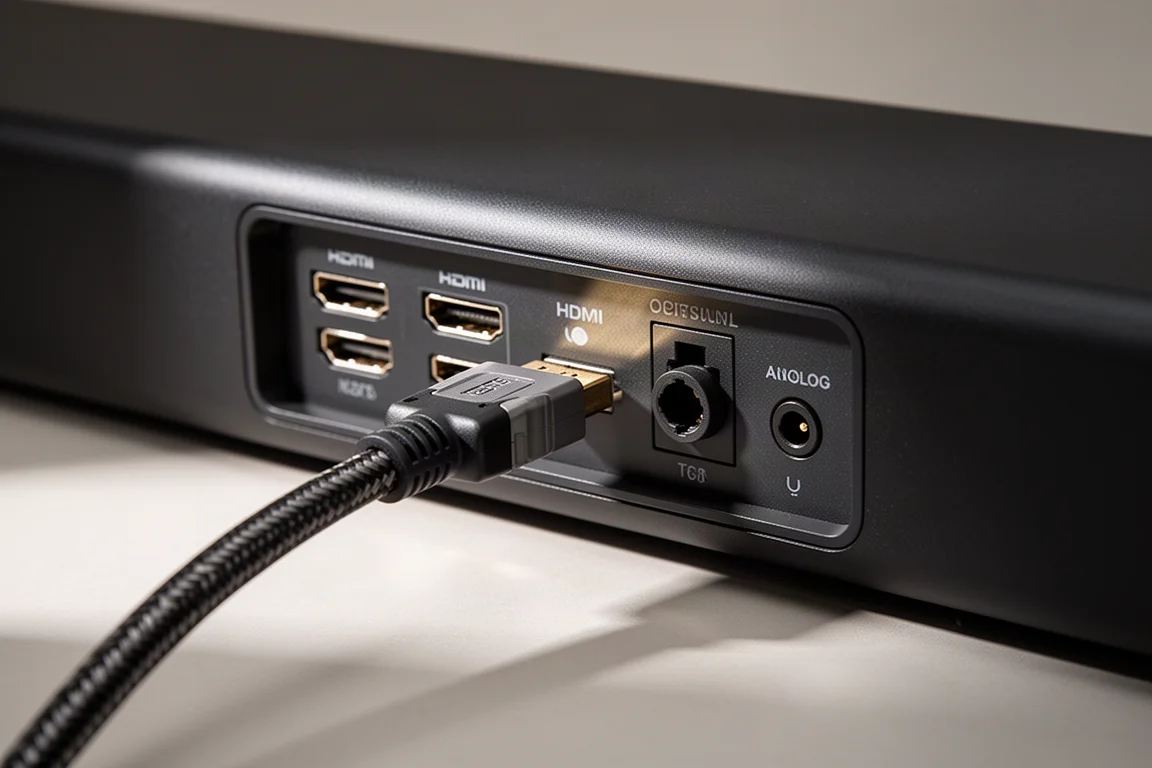
When you do have a choice, eARC is the connection to prioritize. Dolby Atmos can be carried over ARC as well as eARC, but eARC is generally the better option over the long run.
Gamers should note that only a handful of soundbars support 4K at 120Hz and 8K at 60Hz. The more reliable approach is to connect the console directly to the TV and run a single HDMI cable from the TV’s eARC port to the soundbar. Other components, such as a Blu-ray player, can usually be connected straight to the bar without issue.
For streaming music from a phone or laptop, look for Bluetooth, AirPlay, or Chromecast support. These are common features, so finding a bar that includes them is rarely difficult.
Fit the Bar to Your Room
Soundbars respond to the space around them just as traditional speakers do. A large room that needs to be filled with full-range sound or convincing surround will usually call for a complete solution with a separate subwoofer and separate surround speakers. Built-in room EQ is a genuine advantage here, and most of the more expensive bars from the major brands include it. Expect to download the manufacturer’s app to run the calibration.
A smaller room changes the calculation. For a bedroom, or an apartment with thinner walls, an all-inclusive design makes far more sense, and a compact bar with its own included subwoofer can be enough.
Soundbars and Music Listening
There is a persistent myth that music demands a different kind of speaker than home theater does. A good speaker does not discriminate between the two, and the same holds for soundbars. Every soundbar can be used for music listening.
What sounds good and what sounds bad is subjective, so the final judgment has to be yours. The important point is that you do not need to lose sleep over whether two-channel music will work through a soundbar, because it will.
Best Passive Option: Klipsch Heritage
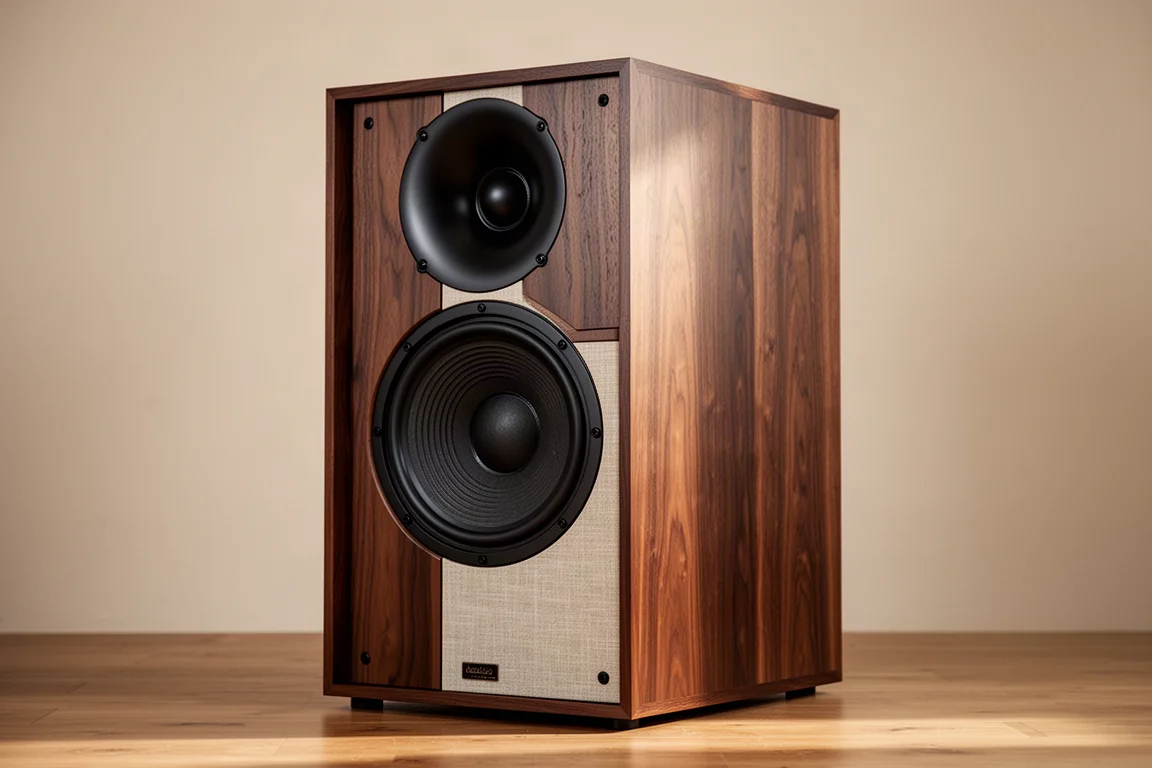
The Klipsch Heritage is a clear example of the passive approach. It contains three passive loudspeakers in a single bar-shaped chassis, with no internal amplification or surround processing of its own, and it connects to an AV receiver exactly as a conventional speaker would. That makes it the choice for anyone who dislikes the idea of a disposable bar and would rather upgrade a receiver when formats move on.
Best Full Surround Package: Samsung Q950A
The Samsung Q950A is the reference point for a complete full surround system. It brings together the bar, a wireless subwoofer, and a pair of wireless surround speakers to deliver a genuine surround speaker setup, and it sits in the group of bars with seven or more channels. It also belongs to the short list of soundbars with the enhanced connectivity that lets you attach several devices, and it is one of the more expensive bars with room EQ on board.
If your goal is to recreate a multi-speaker home theater rather than simply improve your TV’s audio, this is the type of system to look at first.
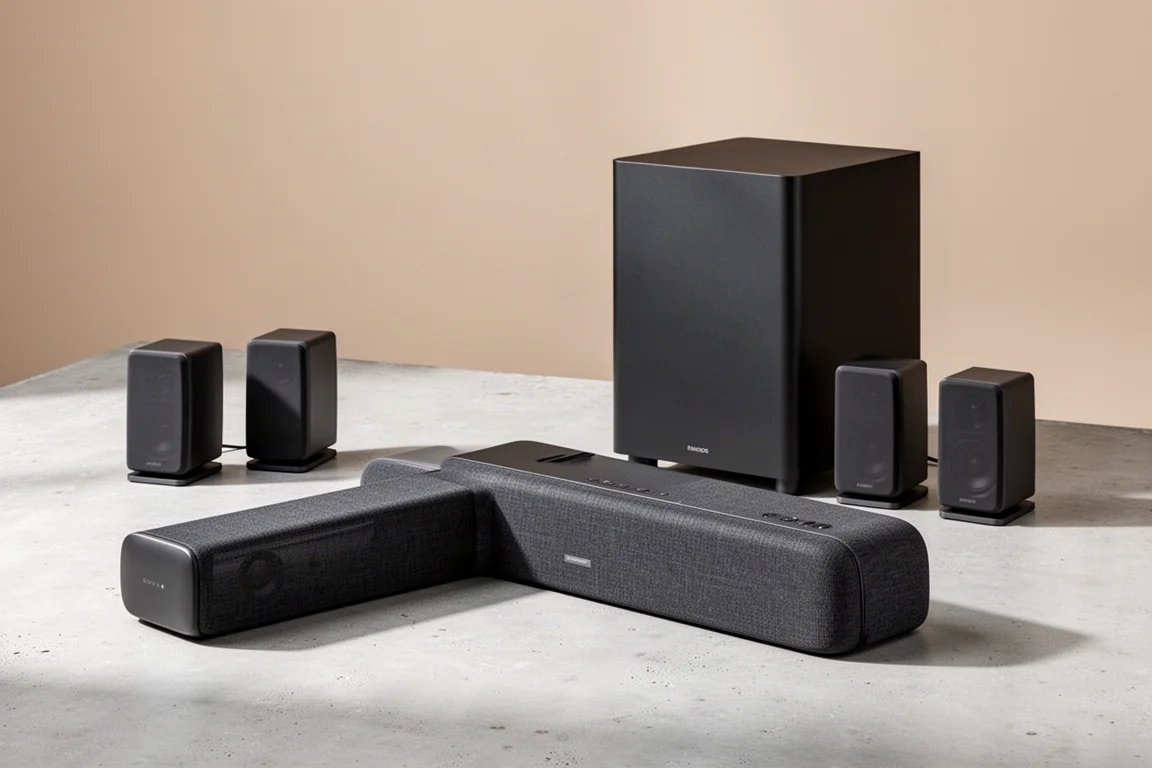
Best Single-Bar Surround: Sennheiser Ambeo
The Sennheiser Ambeo takes the faux surround route and does it at the top of the category. It is a single bar with no separate surround speakers, relying on multiple drivers and digital processing to steer sound around the listener. It also offers the enhanced connectivity that suits a multi-device setup, and it appears in the group of bars with seven or more channels aimed at full home theater ambitions.
Because it is an all-inclusive design, it suits listeners who want the scale of a surround system without satellites behind the sofa.
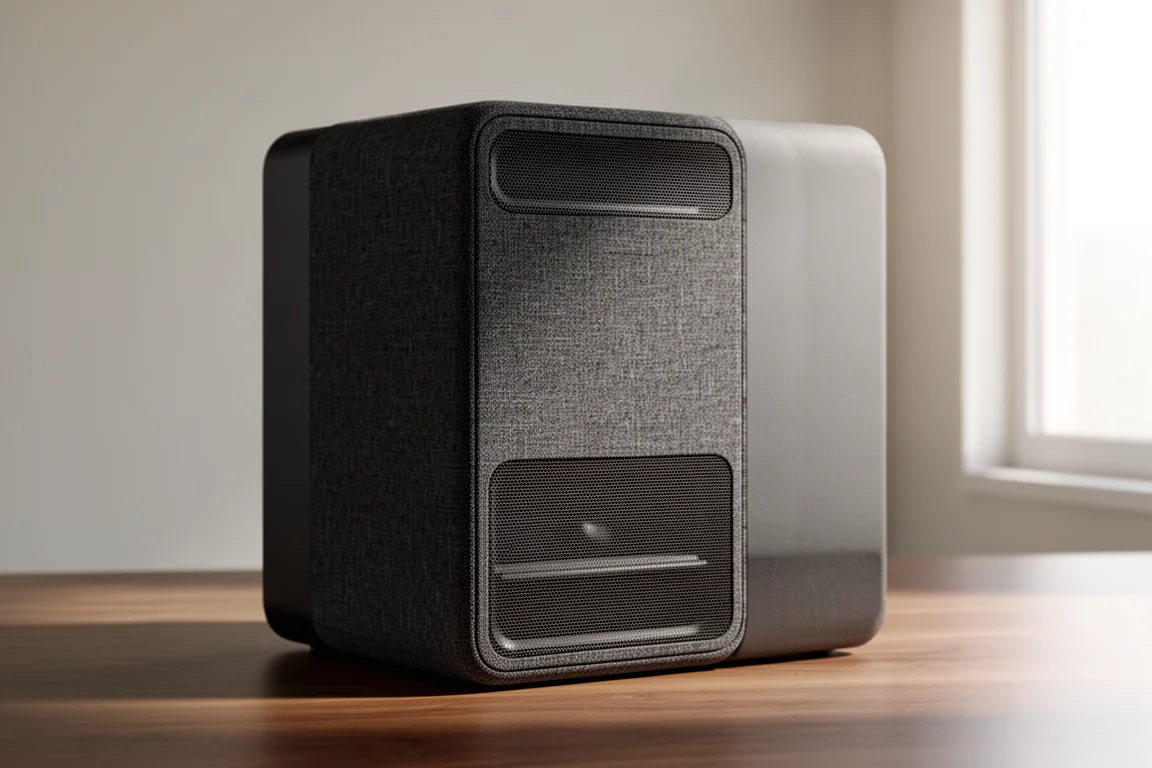
Best for Smaller Rooms: Sonos Beam Gen 2
The Sonos Beam Gen 2 is the practical middle of the market. Its three to five channel design is aimed squarely at clearer dialogue and better everyday TV sound rather than full home theater spectacle, which is exactly what most living rooms need. It also works well in smaller spaces, where an all-inclusive bar is the sensible answer.

Its other strength is flexibility. It can be taken as a bar first, with a subwoofer and surround speakers added later if your needs grow, so it does not lock you into a decision you might outgrow.
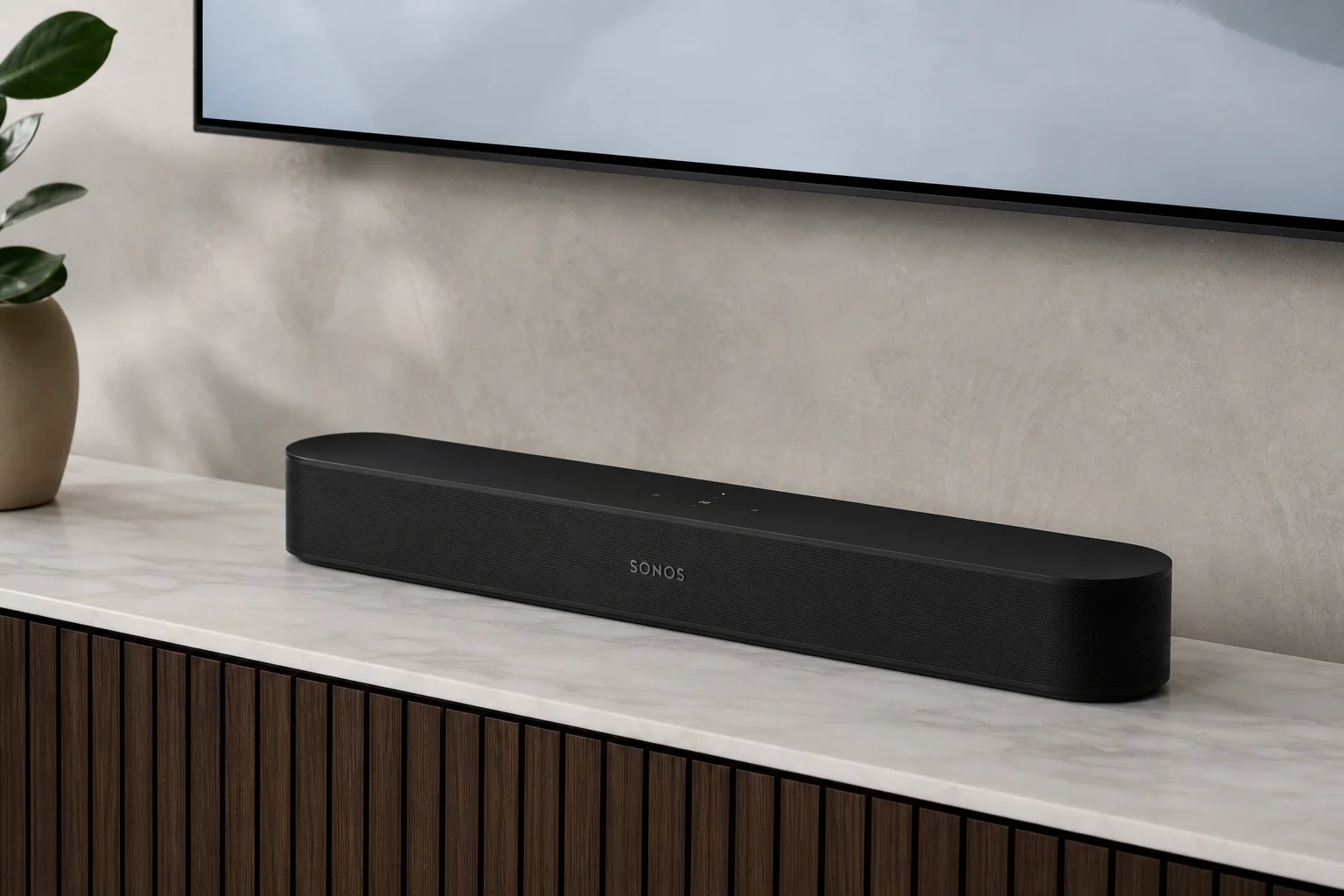
Best All-in-One Design: Bang & Olufsen Beosound Stage
The Bang & Olufsen Beosound Stage is another all-inclusive single bar, using processing and multiple internal speakers to create surround effects without satellites. It belongs to the small group of bars with enhanced connectivity, so a single HDMI run to the TV can coexist with other sources, and it is well suited to smaller rooms and apartments.
For listeners who want one object on the shelf and no extra boxes, this is the cleanest expression of that idea.
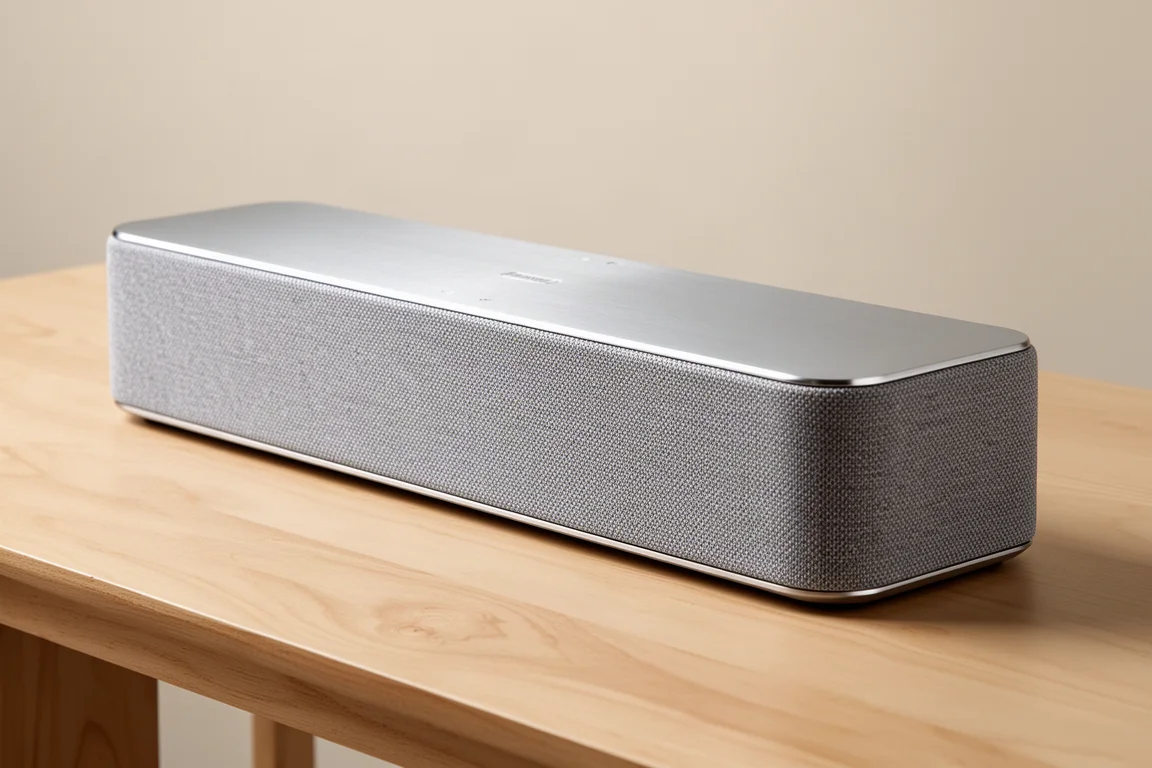
Best Multi-Speaker Alternative: Sony HT-A9
The Sony HT-A9 is not technically a soundbar, but it competes for the same buyers. It uses four satellite speakers plus a separate subwoofer, and that subwoofer is not optional. Bought as a complete set, it is a strong system that blurs the line between a dedicated theater setup and a soundbar-style one, with a more traditional speaker character than a single bar can offer.
It makes the most sense for someone chasing a full surround experience who is open to a handful of speakers rather than one bar.

Best Compact Bar With a Subwoofer: LG Eclair
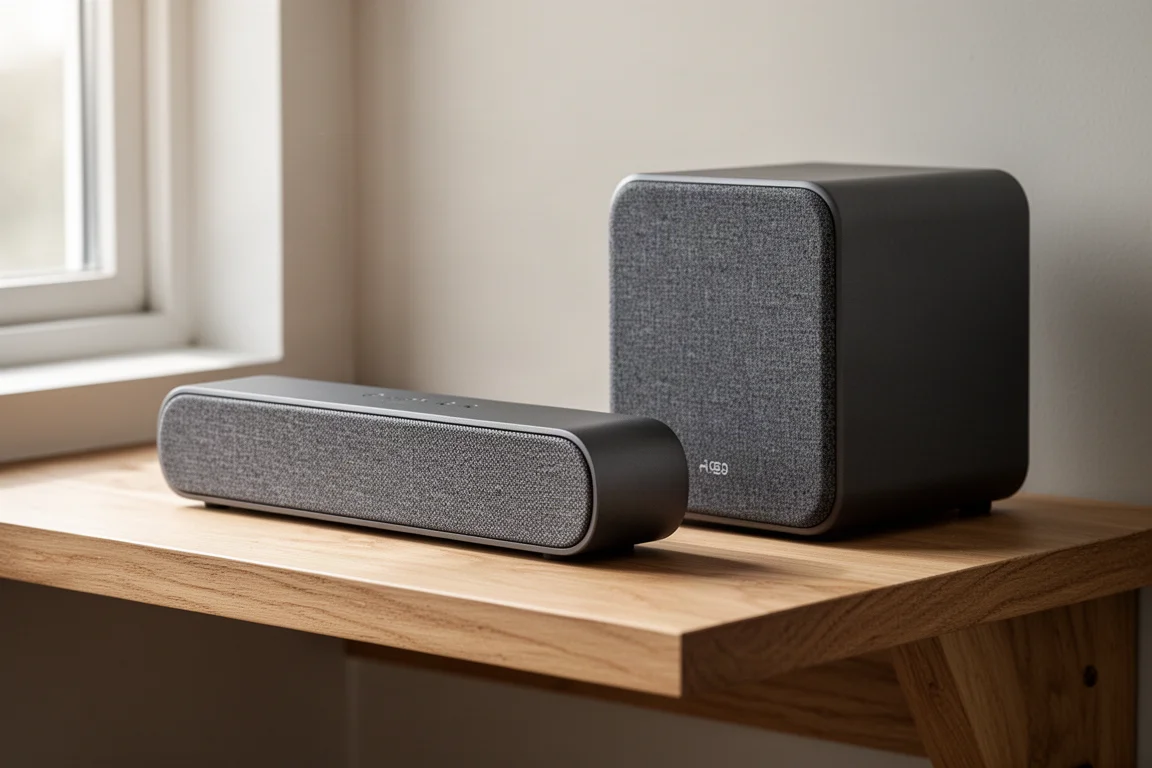
The LG Eclair is the small-space specialist. It is a tiny bar that ships with its own separate subwoofer, and it sits in the three to five channel range that covers everyday viewing and clearer dialogue. It also appears among the all-inclusive options suited to bedrooms and apartments with thinner walls.
If you want a meaningful upgrade over your TV speakers without filling the room with hardware, this is the kind of package to consider.
Overall Buying Advice
Work through the decisions in order. First, decide whether you are a casual viewer who wants better dialogue or a home theater listener who wants dynamics and bass punch, because that single answer eliminates most of the market. Second, choose a type: passive if you value future compatibility and already own a receiver, faux surround or all-in-one if you want fewer boxes, and full surround if you want the real thing. Third, match the channel count to that goal rather than to the biggest number on the box.

Then look at the practical details. Multiple HDMI inputs and eARC make a bar easier to live with, and eARC is worth prioritizing when the choice exists. Room EQ helps a bar settle into a large space, though it usually means using a companion app. In a smaller room, an all-inclusive design with an included subwoofer is often the better answer.
Finally, listen. Specification sheets narrow the field, but the only person who has to like the sound of the system is you.
Conclusion
There is no single best soundbar, only the one that matches your room, your sources, and the way you listen. Passive designs reward people who plan to keep upgrading a receiver. Single-bar designs reward people who want fewer boxes and a tidy setup. Full surround packages reward people who want a genuine home theater in the living room. Pick the category first, then the channel count, then the connections, and the shortlist builds itself.
Further reading
Related Reviews
Home Audio
Aperion Novus Tower and Center Review: Punchy Home Theater Sound With Real Refinement
A close look at the Aperion Novus tower and center speakers, from their layered paint finish and punchy bass to the 4-ohm load and what the price actually buys.
Home Audio
Arendal 1610 Tower Review: Flagship Dynamics in a Room-Friendly Tower
A compact floorstanding tower with three 8-inch aluminium woofers, a 5-inch carbon midrange, and the kind of bass heft usually reserved for much larger speakers.
Home Audio
Arendal 1723 S THX Review: A Reference Speaker Built Like a Tank
A practical look at the Arendal 1723 S THX, a sealed, THX-certified speaker with exceptional build quality, a very flat top end, and a midrange that responds beautifully to EQ.