Camera Drones
Hover Air X1 Review: The Pocket Drone You Will Actually Use
A 125 g folding drone with two-button control, automatic tracking, and hand landing. A closer look at where the Hover Air X1 shines and what to check before buying.
Introduction
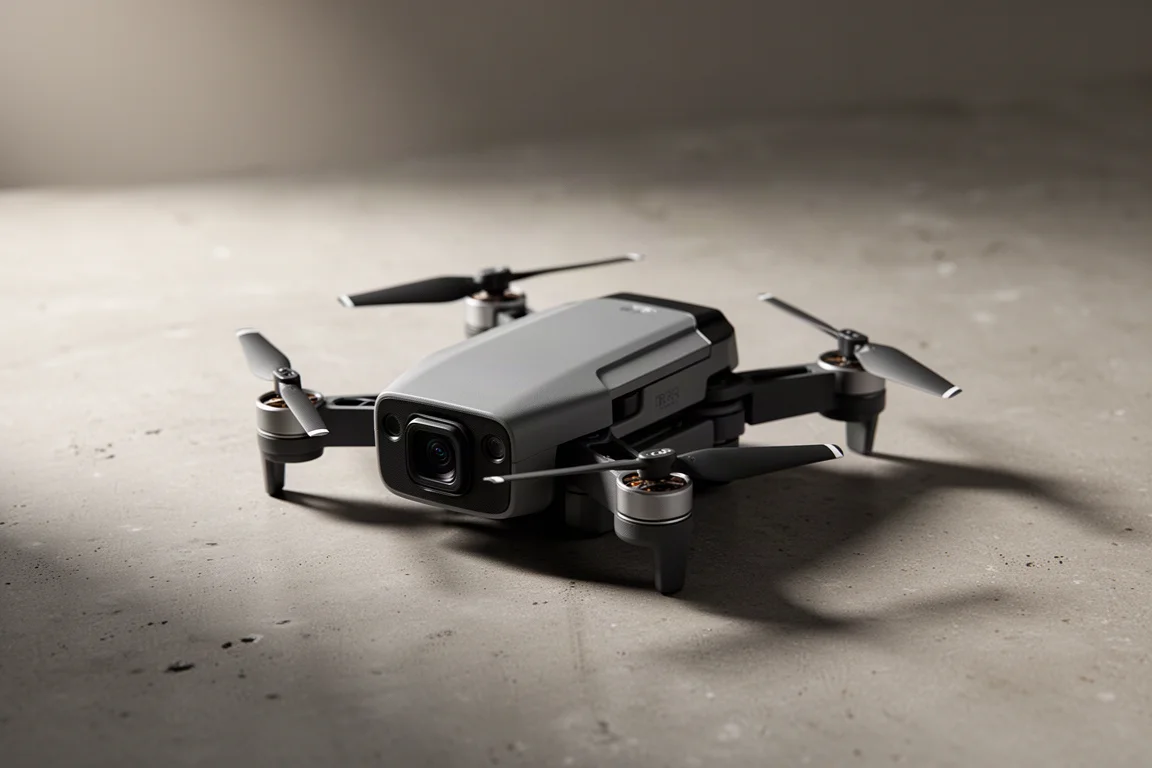
Folding drones have been promised before, but most still ask for a controller, a cable, a phone mount, and a few minutes of patience before the first frame. That setup cost is exactly why so many small drones end up sitting in a bag. The Hover Air X1 takes a different route. It weighs 125 g, folds down into something close to a phone-sized brick, and flies from two buttons on the body. No controller, no cables, no waiting around.
Here is what the drone does well, where it falls short, and who should consider it.
Who This Drone Is For
The Hover Air X1 suits people who want aerial footage without turning it into a production. If you shoot short clips for social media or YouTube, travel light, or spend time outdoors, the appeal is obvious: pull it out of a pocket, unfold it, press a button, and get the shot.
It also makes sense for anyone who already owns a larger drone and leaves it at home because the setup is too much work. The X1 is not trying to replace that drone. It is trying to be the one you actually bring.
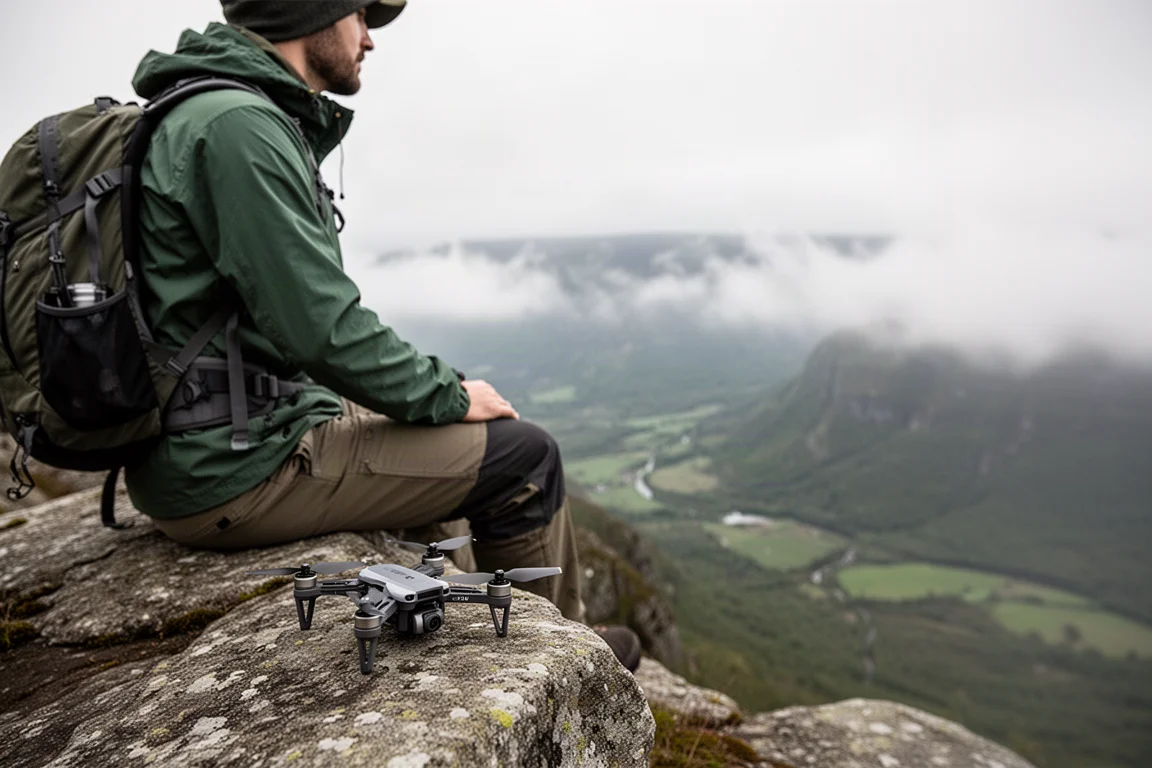
For climbers, hikers, and anyone moving through uneven terrain, being able to launch and recover the drone without a controller matters more than a spec sheet. The X1 behaves like a camera you can carry on a route rather than a piece of kit you plan a trip around.
Main Strengths: Pocket Portability and One-Button Control
At 125 g, the X1 folds into a package that fits in a jacket pocket. That single fact changes how often you use it, because there is no bag to pack and nothing to assemble.
Flight is handled by two buttons. Holding the top button powers the drone on, and a light indicates the current mode. Pressing it again cycles through the available modes: custom, hover, zoom out, follow, orbit, and bird eye. Once the mode you want is showing, a second press sends the drone off to fly the shot automatically.
The drone returns to you on the follow modes, and it lands in an open hand before switching itself off. Folding it back up and pocketing it takes seconds, which keeps the whole routine short enough that you will actually repeat it.
Flight Modes, Tracking, and App Control
The X1 leans on tracking rather than stick input. In follow modes it picks up the subject and keeps them framed, coming back when the shot is finished. Dolly track mode flies ahead of the subject and moves with them, and the following distance can be set to close, standard, or far.
The companion app connects over Wi-Fi in a few seconds and is where settings and footage live. The album holds everything you have captured, and downloads happen from there.
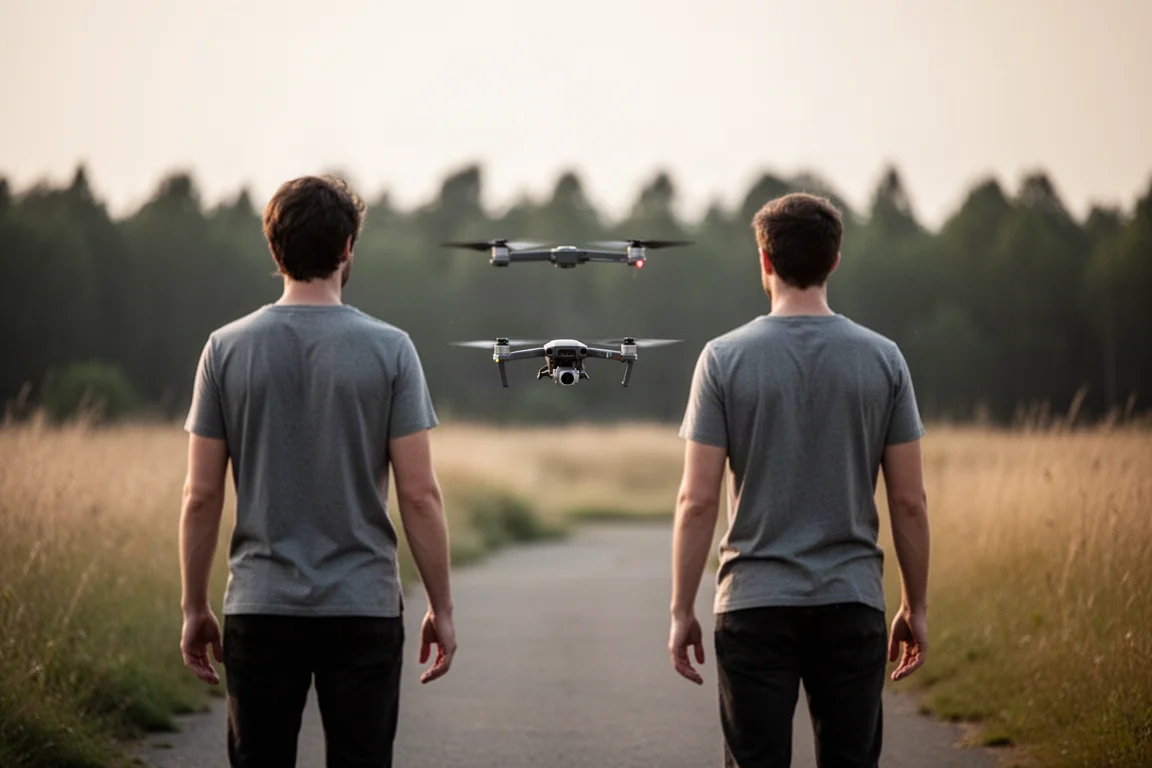
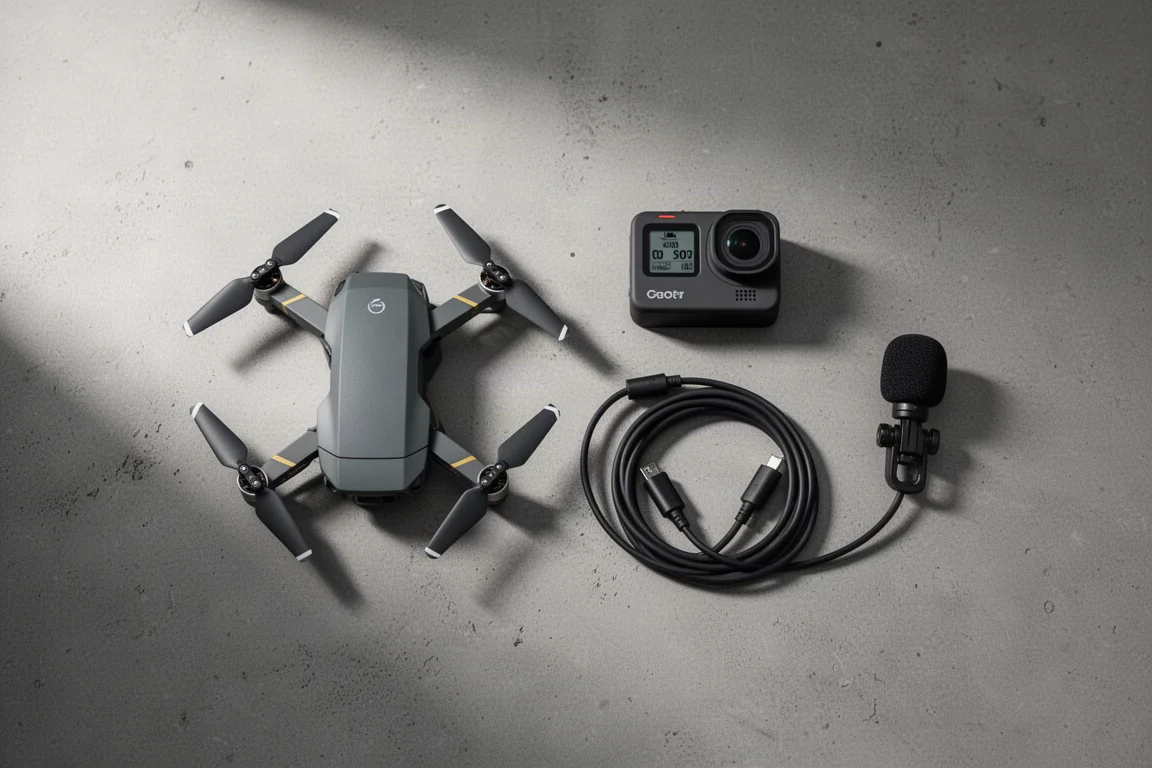
There is a neat audio trick as well. With a small microphone connected, the drone records sound to your phone while filtering out the drone noise, then merges the two files on download so you end up with a clip that has clean audio. It is the kind of detail that makes casual footage feel finished.
Build Quality and Crash Resistance
The body is built around a flexible plastic frame rather than a rigid shell. Knocks that would end a session with a stiffer drone tend to be absorbed, and the X1 shuts itself down and lands when it takes a hit.
That tolerance matters for a drone designed to be launched from hands and caught from the air. It also means the X1 is happier being treated as a pocket tool than as fragile equipment.
Where It Fits Alongside Other Cameras
A handheld action camera gives you a first-person view of what you are doing. The X1 gives you the angle you cannot hold yourself: the side-on follow, the pull-back as you move through a landscape, the view from above as you cross a rock face. Used together, they cover very different ground.
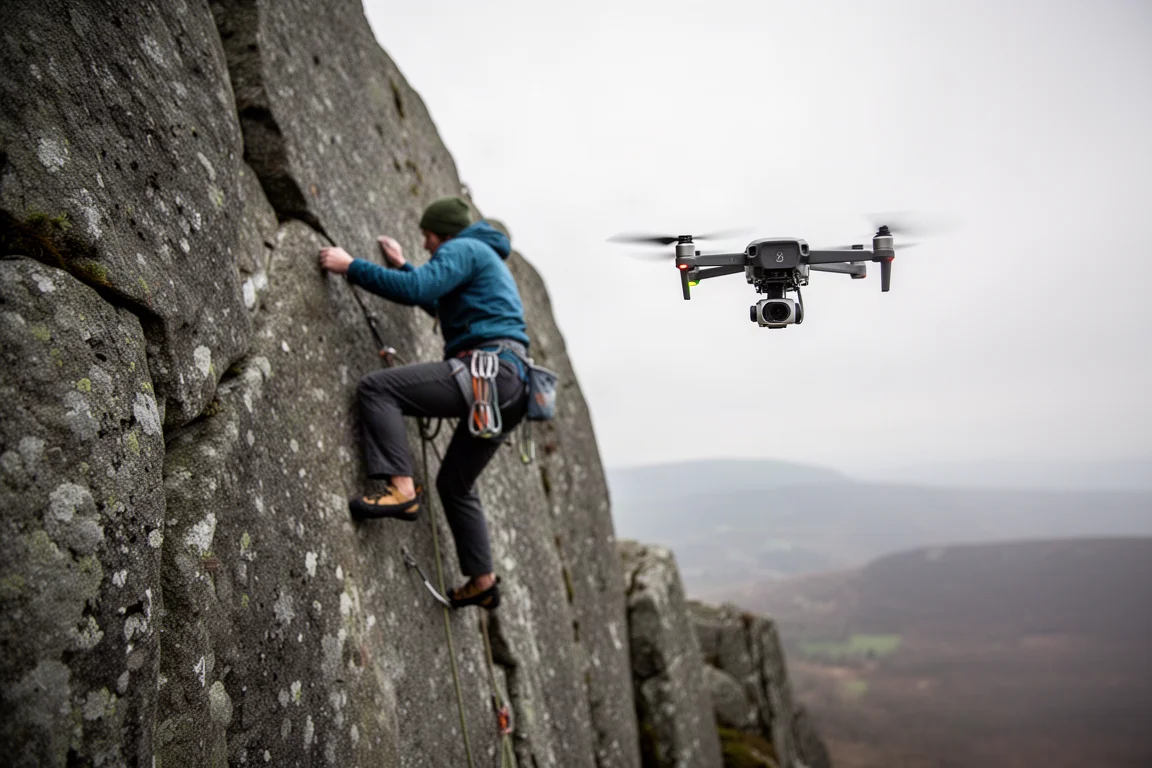
The catch is that the X1 is a complementary camera rather than a replacement for a higher-end drone or a professional rig. It is built for quick, shareable clips, not for work that depends on maximum image quality.
Things to Consider Before Buying
Video is captured at 2.7K. That is plenty for social media and YouTube, but it will not satisfy professional work that needs 4K or more headroom in post. Footage also arrives looking slightly oversharpened, stills are limited rather than offering a range of photo options, and manual control over the camera is minimal, so most of the look is decided by the drone.
Range and maximum height are modest by the standards of larger drones. The X1 is designed for close-in shots around a subject rather than long-distance flying, and anyone expecting to send it far out across a landscape will be disappointed.
The price is the other sticking point. For the size, it does not look like an expensive drone, even though a lot of tracking and processing sits inside it. Promotions have appeared from time to time, so it is worth checking the current price before committing.
Buying Advice
Buy the Hover Air X1 if the reason your current camera stays at home is friction. The case is simple: it folds small, launches without a controller, tracks the subject on its own, and lands in your hand. If you want the shot more than you want the spec sheet, that trade works well.
Skip it if you need 4K footage, manual exposure control, or long-range flight for professional work. Those needs point to a larger drone, and convenience alone will not close the gap. For everyone in between, the sensible move is to check the current price and any active promotions, then decide whether the convenience is worth the asking price to you.
Conclusion
The Hover Air X1 is not the most capable drone you can buy, and it is not priced like a toy. What it does unusually well is remove every reason not to use it: 125 g, two buttons, automatic tracking, hand landing, and a frame that survives a knock. For travel, outdoor clips, and quick social footage, that combination is hard to argue with.
Product link
View more details for Hover Air X1
This product is mentioned in the review. Check the specifications, options, and compatibility before buying.
View more details for Hover Air X1Further reading
Related Reviews
Camera Drones
Hover Air X1 Pro Max Review: A Pocket-Sized Flying Camera for Cyclists
A hands-free follow drone that records up to 8K and keeps pace with a rider at up to 42 km/h, with a cycling bundle that adds batteries, a bar beacon and ND filters.
Camera Drones
Hover Air X1 Pro Review: A Pocket Drone That Flies Itself
A practical look at the Hover Air X1 Pro, a folding drone that tracks cyclists automatically, plus its runtime, tracking modes, durability, and price.