Camera Drones
Hover Air X1 Pro Max Review: A Pocket-Sized Flying Camera for Cyclists
A hands-free follow drone that records up to 8K and keeps pace with a rider at up to 42 km/h, with a cycling bundle that adds batteries, a bar beacon and ND filters.
Introduction
Recording a ride well is harder than it looks. Mid-corner phone shots come out blurred, and stopping to set up a camera breaks the rhythm of a climb or a descent. The Hover Air X1 Pro Max is built around a different idea: a pocket-sized flying camera that launches from your hand and follows you while you ride, no controller and no second pair of hands required.
It is the flagship model in the Hover Air range, and the headline changes for riders are speed and image quality. It can follow at up to 42 km/h, with short bursts up to 60 km/h, and it records up to 8K from a gimbal-mounted camera with a 1/1.3-inch CMOS sensor. This review covers what it does well, where it needs care, and who gets the most out of it.
Who the Hover Air X1 Pro Max Is For
This is a drone for people who want footage of themselves moving through a landscape, not footage of the landscape alone. Cyclists are the obvious audience: you hold it out in front of you, press the middle button, and once the light turns red it is recording and following. There is no piloting involved.
It also suits riders who like to talk to camera while riding. The dolly track mode flies in front of you and moves backwards as you pedal, which keeps your face and your bike in frame without anyone else holding a camera. Because it can be used without the handlebar beacon and without a phone, you can leave both at home and still capture a full ride.
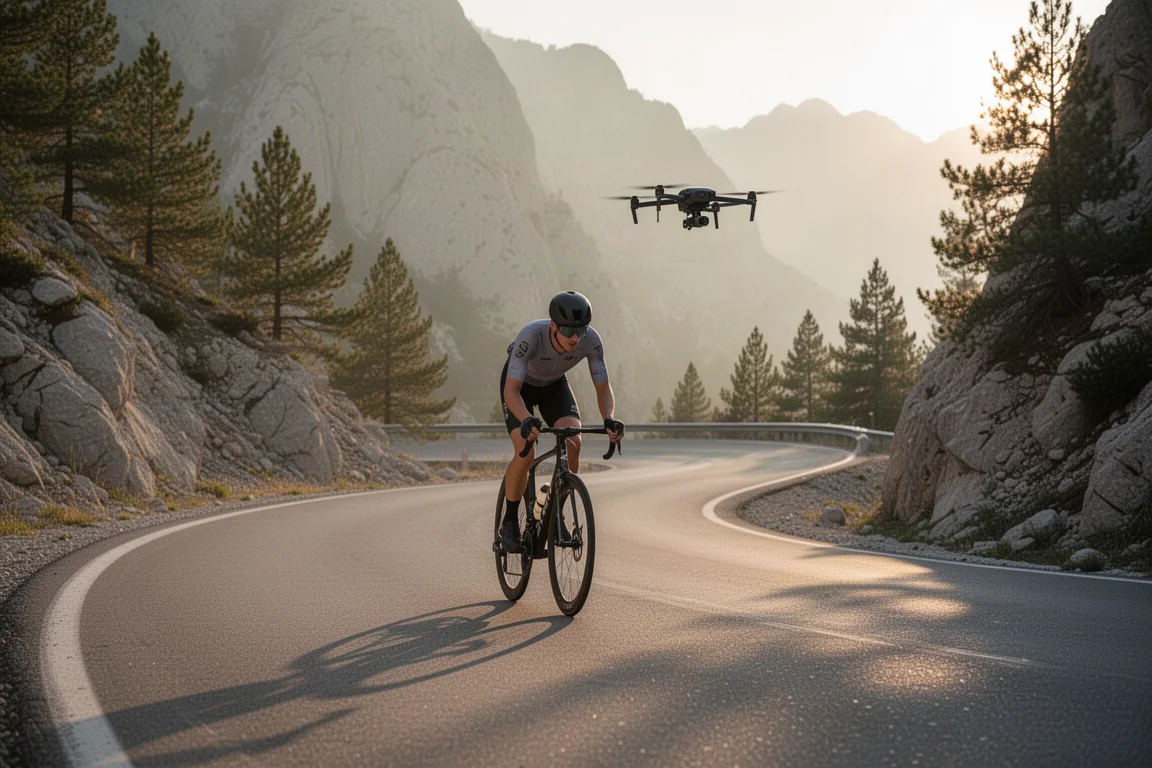
The appeal is strongest for anyone who rides scenic roads and has grown tired of the compromise between riding properly and documenting the ride.
Main Strengths
The strengths here are practical rather than theoretical. Everything about the X1 Pro Max is aimed at getting usable footage with almost no setup time, and most of that comes down to three things: how fast it can follow, how easily it is controlled, and how good the footage looks once it is off the drone.
Follow Speed for Cyclists
The follow speed is the single biggest upgrade for riders. At up to 42 km/h it comfortably holds pace on flat roads and steady climbs, and short bursts of up to 60 km/h mean it can stay with you through faster sections rather than dropping away. Sprinting against it is genuinely difficult, and on an uphill effort there is no realistic chance of outrunning it.
In practice this changes how you ride with it. You can attack a corner or push on a descent without the drone falling behind and needing to be relaunched, which is the point at which most self-filming setups become frustrating.
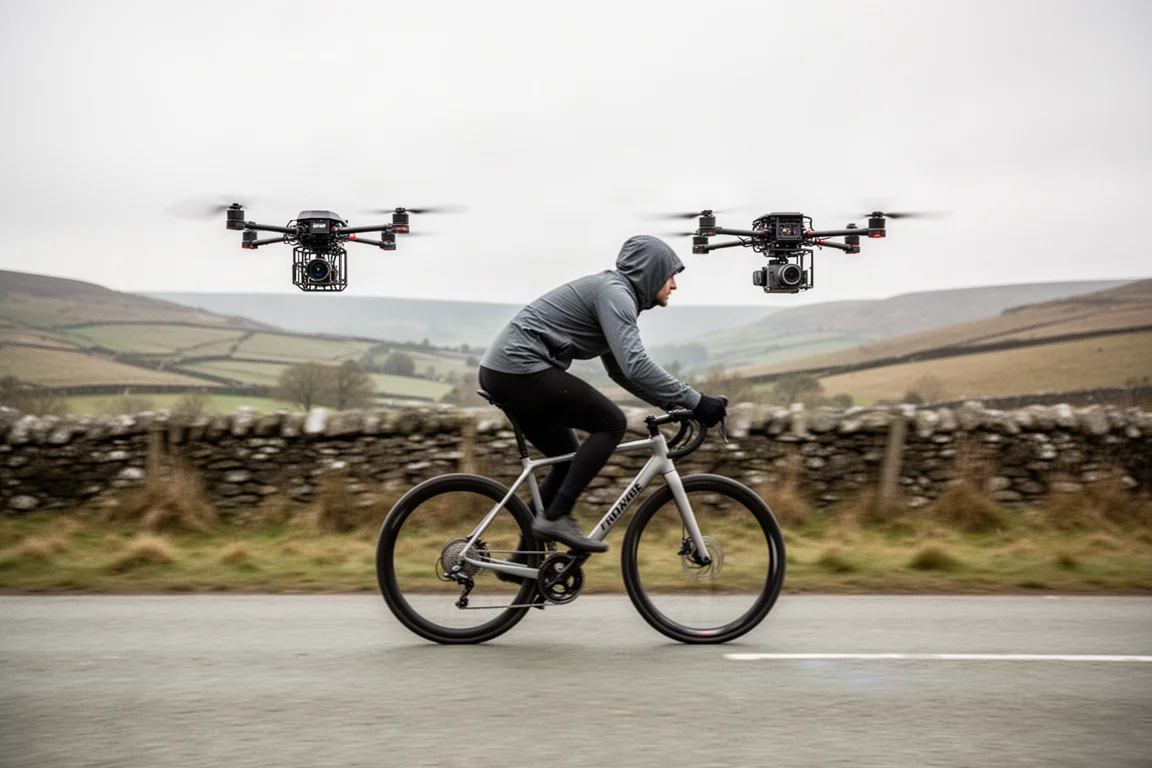
The dedicated cycling mode is tuned to be more precise and stable when you are on the bike, and it offers two behaviours in the app: a narrow route option that tracks the path you actually take, and an open areas option that takes shortcuts to conserve power.
Flight Modes, Controls, and Obstacle Avoidance
All of the controls sit on the drone itself. Pressing and holding the middle button powers it up, and two buttons cycle through the modes: hover, follow, orbit, bird’s eye, dolly track, ski mode and cycling mode. Orbit circles you, bird’s eye lifts to an overhead view, dolly track flies ahead of you moving backwards, and follow does exactly what the name suggests.
Obstacle avoidance is a large part of why it feels safe to use. A camera on the front looks where it is going and steers around obstacles, a sensor underneath tracks height above the ground, and a sensor on the rear handles the moments when it is flying backwards. It can follow you past other riders without flying into them, and it copes with trees and mountain bike trails. The rotors sit inside cages, which makes the whole thing surprisingly robust, and repair kits are available if the worst happens.
Image Quality and Stabilisation
The camera sits on a gimbal and records up to 8K from a 1/1.3-inch CMOS sensor. That sensor size lets in a lot of light, and the drone is quoted at 14 stops of dynamic range, which matters when a bright sky sits above a dark valley. The lens is described as a custom seven-layer array, and the ultra wide 107 degree field of view is a real advantage in the mountains, where you want the road, the switchbacks and the ridgeline all in one frame.
Because the footage is so high resolution, there is plenty of room to crop into a shot afterwards and still end up with a usable 4K or 1080p clip. Stabilisation comes from the gimbal rather than software alone, so panning shots stay smooth and the horizon stays level through corners.
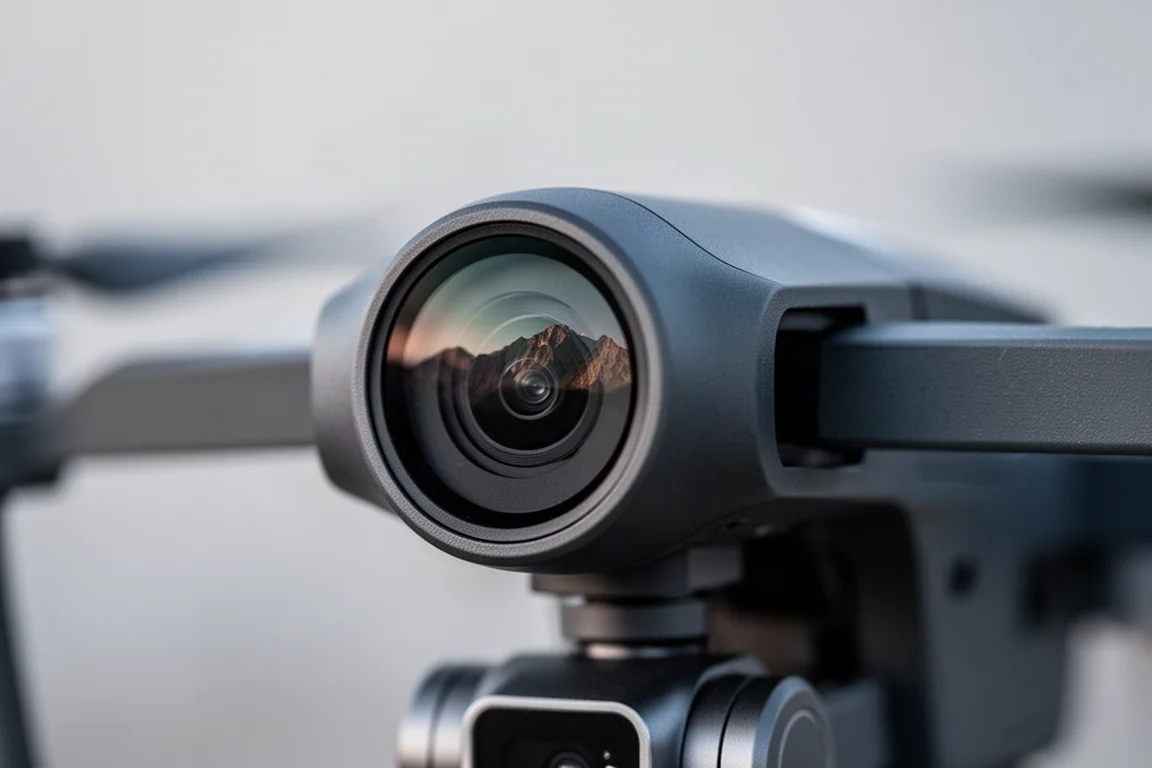
Recording itself is simple. Hold the drone out in front of you, press the middle button, and once the light goes red it records straight to the 64 GB of internal storage. A micro SD card can be added if you want more room. The app is where you fine-tune the details: aspect ratio, how far away the drone follows you, resolution, and whether you want portrait or landscape framing.
Things to Consider Before Buying
There is no side-facing sensor. The front, downward and rear sensors cover most situations, but when the drone performs a 360 spin, something like a large rock at its side is outside that coverage. Treat spinning manoeuvres in tight terrain with a bit of caution.
Flight time is quoted at 16 minutes, and that is per battery. It is enough for a series of short clips rather than a continuous record of a long ride, so carrying spares matters. The cycling bundle is designed around exactly that, arriving with a fitted battery plus two additional batteries.
Finally, this is not a drone that flies itself for you in every sense. Choosing modes, framing and follow distance still takes a little time to learn, even though launching and recording are one-button operations. The app is where the real control lives, and the more time you spend in it, the better your footage will look.
Buying Advice
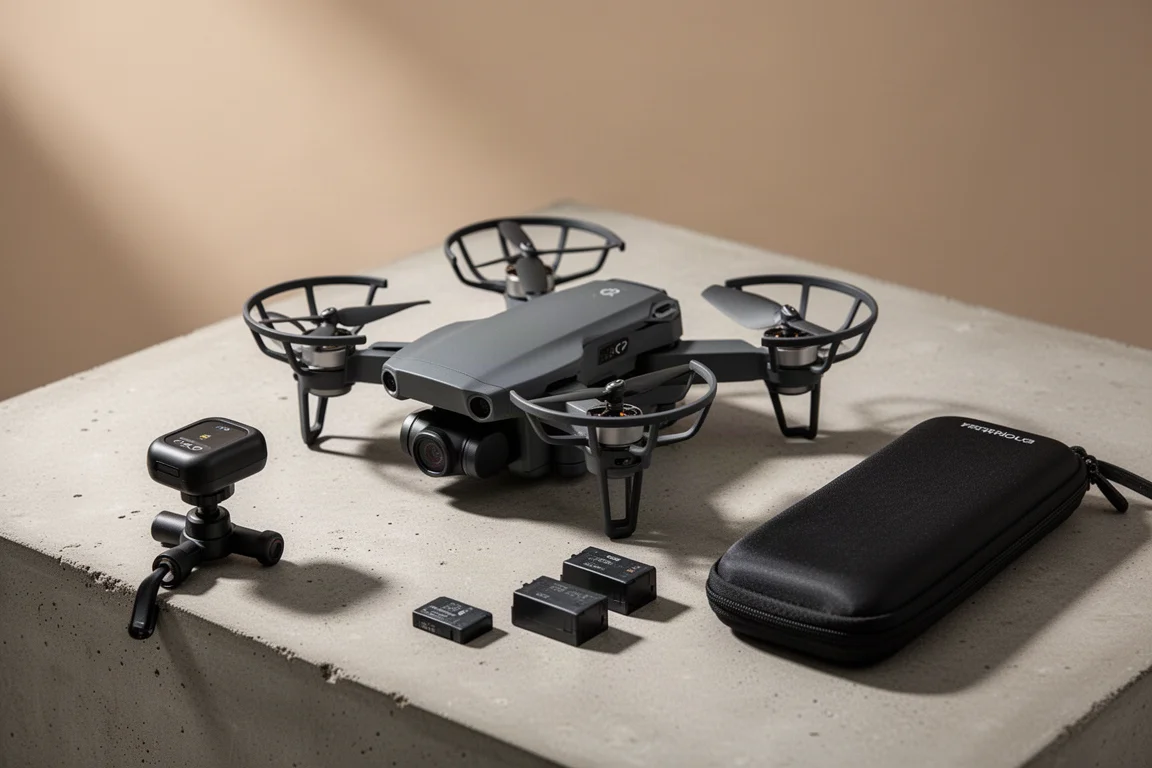
The X1 Pro Max was tested here as part of the cycling bundle, and for riders that is the configuration that makes sense. Alongside the drone and its fitted battery, the box includes a USB-C to C cable, a carry pouch, a protective pouch and the printed information guides. The bundle then adds two extra batteries, a charging hub and power adapter, the handlebar beacon with its mount, and a set of ND filters that act as sunglasses for the camera in bright conditions.
The beacon attaches either by wrapping around your bars or through a small magnetic adapter that fits a GoPro-style mount. The carry bag has a clever split design: zip it up in the middle and it can sit over your top tube for carrying the drone on the bike, and it has a strap for use off the bike.
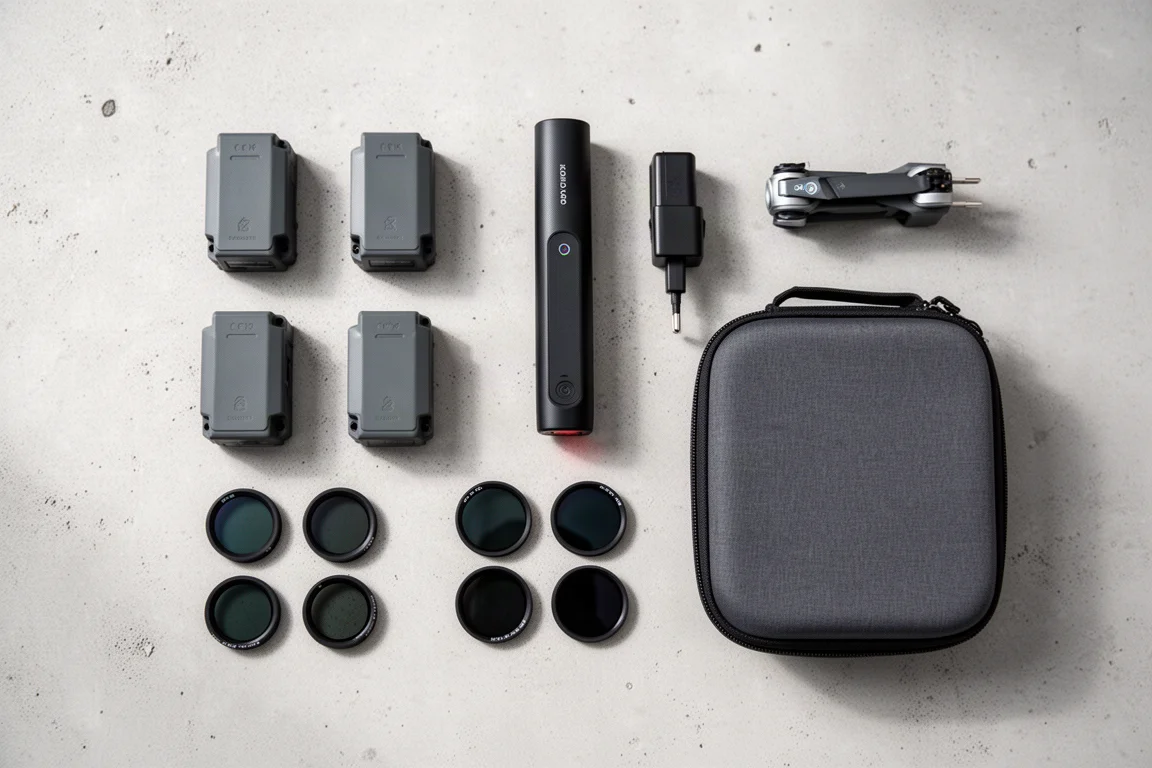
Upgrade paths are simple. Storage expands with a micro SD card, and if you do clip something, repair kits are sold directly by Hover Air. If your priority is hands-free footage of your own riding, without a second person and without a controller, this bundle covers everything you need from the first ride.
Conclusion
The Hover Air X1 Pro Max earns its place by removing the two things that usually ruin self-shot ride footage: setup time and dropped shots. It launches from your hand, follows you without a controller, holds pace at speeds most riders can only sustain on a descent, and captures 8K footage from a stabilised gimbal camera with a genuinely useful 107 degree field of view.
It is not without limits. The lack of side sensors, the 16 minute per-battery flight time and the small learning curve in the app are all worth knowing before you buy. For cyclists who ride interesting roads and want to bring those rides home as watchable footage, those are easy trade-offs to accept, especially with extra batteries already in the box.
Product link
View more details for Hover Air X1 Pro Max
This product is mentioned in the review. Check the specifications, options, and compatibility before buying.
View more details for Hover Air X1 Pro MaxFurther reading
Related Reviews
Camera Drones
Hover Air X1 Pro Review: A Pocket Drone That Flies Itself
A practical look at the Hover Air X1 Pro, a folding drone that tracks cyclists automatically, plus its runtime, tracking modes, durability, and price.

Backpacking Gear
Building a 10 lb Base Weight: An Ultralight Backpacking Gear List
A practical walkthrough of the ultralight pieces behind a 10 lb base weight, from a 765 g pack and a roomy one-person tent to a full camp chair and a dependable water filter.

Road Bikes
10 New Road Bikes Worth Watching: Aero, Titanium, Steel and Endurance Standouts
A practical roundup of 10 new road bikes, from aero flagships chasing single-watt gains to titanium, steel and endurance platforms built for real roads.