Drones
Ruko F11 Pro 2 Review: First Impressions of an Easy-Flying 4K Camera Drone
A few weeks in with the Ruko F11 Pro 2: simple setup, rock-steady hovering, and sharp 4K footage, plus what to know before you buy.
Introduction
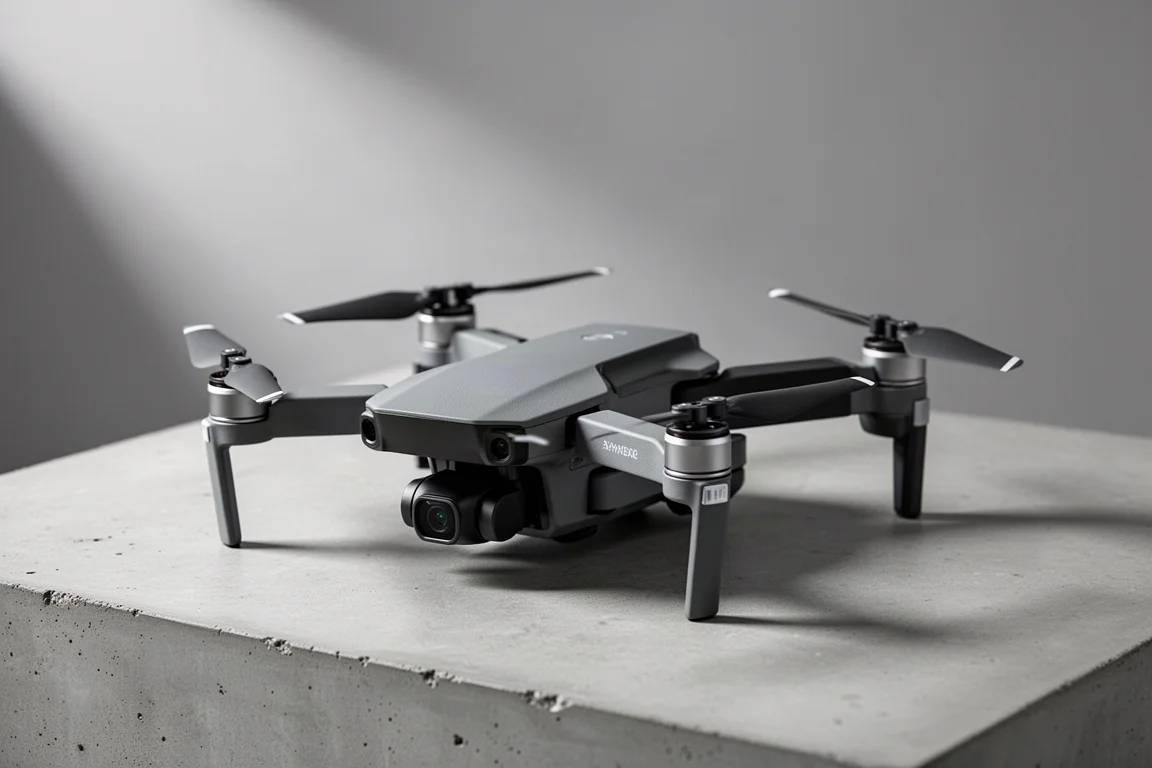
The Ruko F11 Pro 2 is a consumer camera drone built around one clear promise: aerial imagery that is easy to capture, even if you are new to flying. After a few weeks of field use, it has proven to be exactly that kind of drone. Setup takes minutes, the takeoff sequence is almost foolproof, and the 4K footage coming off the gimbal camera is genuinely impressive for the class.
This review covers initial impressions rather than a long-term verdict. The flight experience, stability, and camera quality are well understood at this point, while the more advanced automatic flight modes still deserve additional practice time.
Setup and First Takeoff
Out of the box, the setup process is as simple as it gets. You download the companion app, connect your phone to the controller, and the controller automatically pairs with the drone. There is no fiddly binding process and no confusion about which device talks to which.
Takeoff follows the same low-friction philosophy. Press both joystick buttons inward to start the engines, push up on the joystick, and you are flying. The entire sequence is intuitive enough that a complete beginner could be airborne within minutes of opening the box.
Flight Stability and Hovering
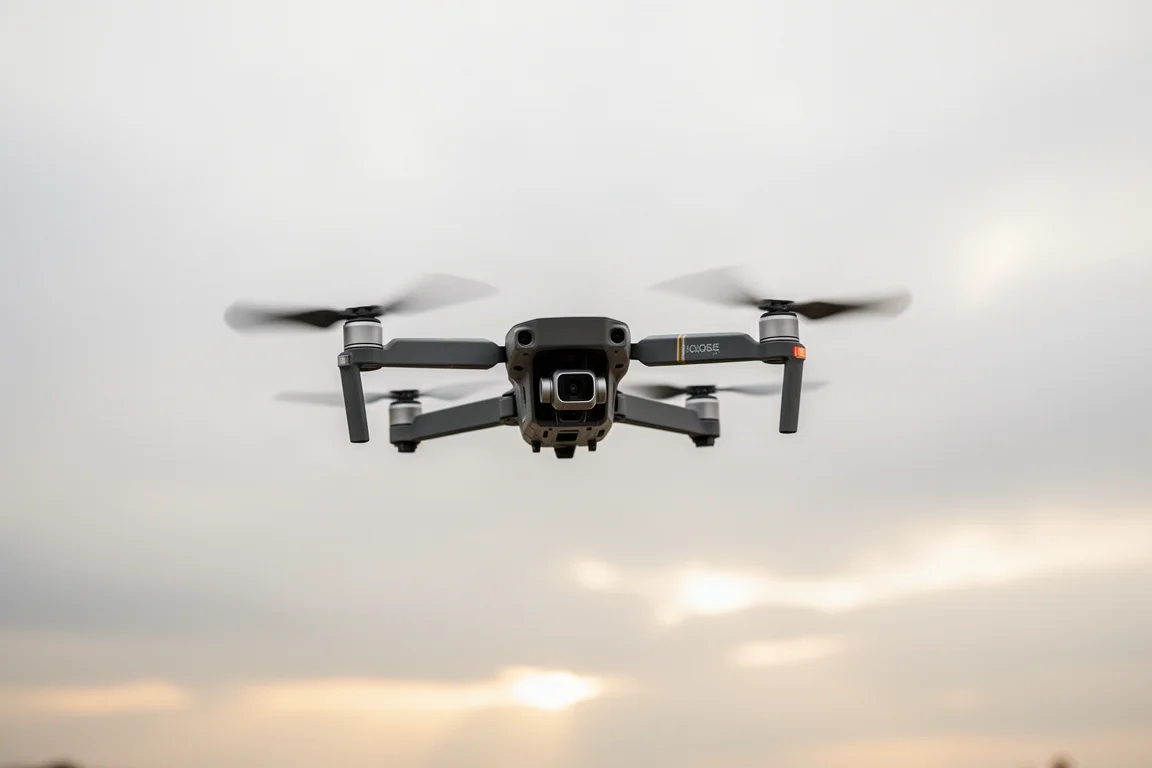
The first thing that stands out in the air is how well the F11 Pro 2 holds its position. Even at altitude, the drone stays locked in place with minimal drift, which makes framing shots far less stressful.
During testing, the drone hovered at a little over 200 feet with the camera held fixed and steady. The gimbal keeps the image so stable that the footage looks as if the camera were mounted on a tripod, which is the single most important trait for anyone shooting aerial video rather than just flying around.
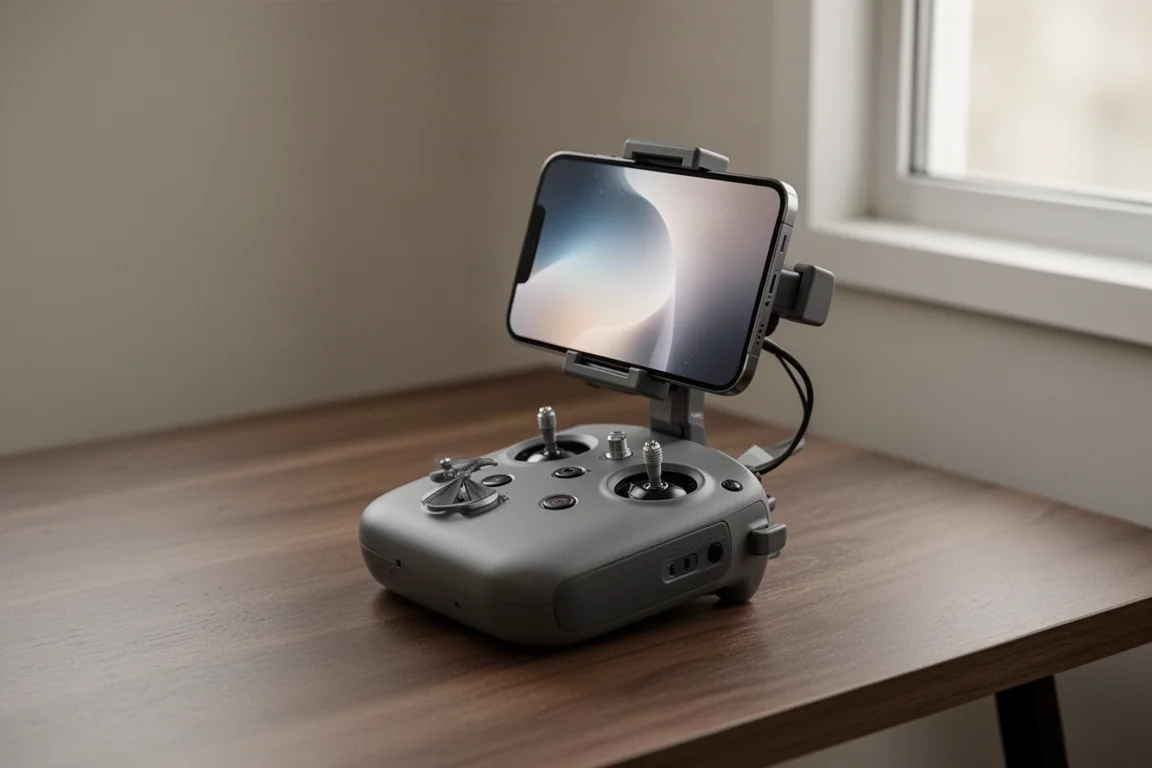
The manual controls are easy to work with once you are used to the joysticks, and they provide enough range of movement for smooth, deliberate camera moves rather than jerky pans.
Camera and Video Quality
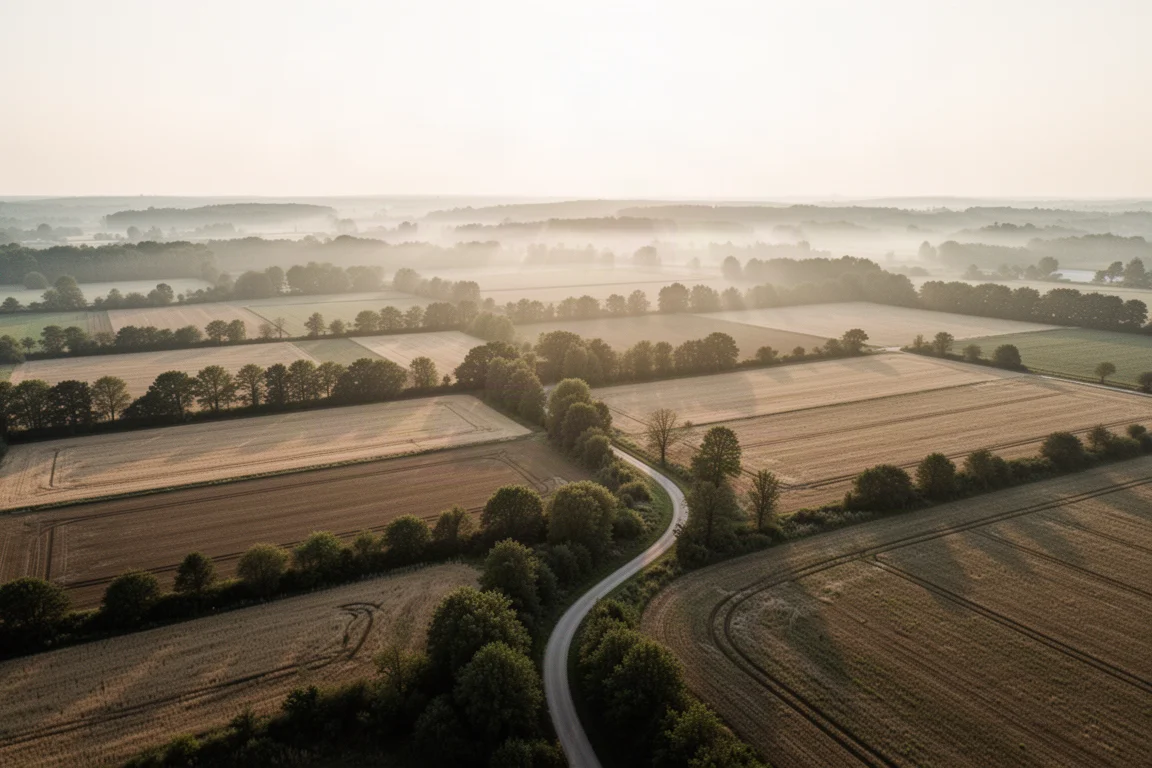
The headline feature here is 4K video capture, and the footage tested at that setting looks genuinely impressive. Colors, sharpness, and overall image quality are strong enough to use for serious aerial imagery, not just casual clips.
The stabilized gimbal plays a big role in this. Because the camera stays level and fixed while the drone maneuvers, shots come out clean without the wobble that makes budget drone footage unusable. For photographers and content creators expanding their options, this is where the drone earns its keep.
Automatic Flight Modes
Beyond manual flying, the F11 Pro 2 offers features such as flight follow and return to home. Early experimentation suggests they work as intended, but getting consistently good results takes practice, particularly with the automatic flight options.
These modes add real value for hands-free tracking shots and for safety, since return to home gives you a way to recover the drone if you lose your bearings. Plan to spend some time learning them rather than expecting perfect results on the first flight.
Who the Ruko F11 Pro 2 Is For
This drone suits photographers and hobbyists who want to add aerial imagery to their work without wrestling with a complicated platform. If your priority is a fast setup, dependable hovering, and clean 4K footage, it fits that brief well.
It is also a natural fit for travelers and hikers. The folding airframe and straightforward controls make it a reasonable companion for extended trips where capturing aerial footage matters but the drone cannot dominate the packing list.

Things to Consider Before Buying
The main caveat is practice time. While basic flying is nearly effortless, mastering the manual controls and the automatic flight options takes a few sessions. If you expect to fly cinematic routes on day one, you may be frustrated; if you are willing to learn, the ceiling is much higher.
Long-term durability is also not yet part of this impression, since the review period covers a few weeks of active field use. Buyers wanting a fully mature verdict should weigh that, though nothing in the early experience has raised concerns.
Buying Advice
If you are choosing your first serious camera drone or upgrading from a toy-class model, the F11 Pro 2 hits a comfortable sweet spot. Prioritize it when stability, easy setup, and 4K video quality rank highest on your list. If you need advanced autonomous features mastered out of the box, budget extra time to practice before relying on them.
Conclusion
The Ruko F11 Pro 2 delivers on the essentials: quick setup, simple takeoff, rock-solid hovering, and impressive 4K footage from a stabilized gimbal. The automatic flight modes reward a little patience, and for photographers seeking an accessible way into aerial imagery, it is a confident early recommendation.
Product link
View more details for Ruko F11 Pro 2
This product is mentioned in the review. Check the specifications, options, and compatibility before buying.
View more details for Ruko F11 Pro 2Further reading
Related Reviews
Drones
Best Budget Camera Drones Under 3000: Five Practical Options for Video and Photography
Five affordable camera drones with HD video capability and stable flight performance, each suited to different needs and budgets.
Drones
Best Budget Drones Under $200: Five Practical Options for 2026
Five budget-friendly drones with GPS, 4K cameras, and FPV capabilities. Real strengths and trade-offs to consider before buying.
Drones
Best Drone Cameras Under $500: Five Options for Different Needs
A practical guide to five drones under $500, covering portability, flight time, camera quality, and key features to help you choose.