Smart Home
Home Assistant Voice Preview Edition Review: Local Voice Control With Real Trade-Offs
A $60 smart speaker that processes voice commands locally, with a great design and early-stage software limitations worth knowing before you buy.
Introduction
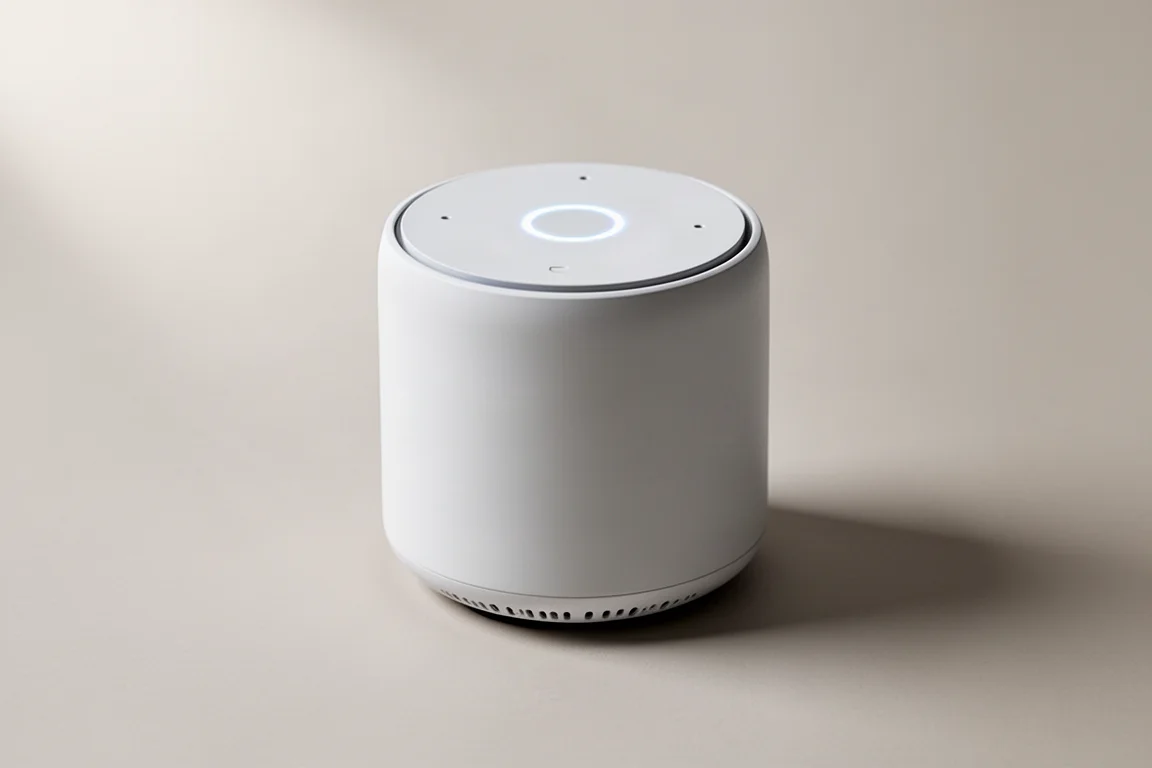
The Home Assistant Voice Preview Edition is a smart speaker with a completely local voice assistant. It is designed for people who want voice control without sending their commands to a cloud service. The hardware is polished and the privacy approach is genuinely different, but the software is still in an early stage. This review covers both sides so you know exactly what to expect before spending $60.
Who This Product Is For
This speaker is aimed at people who already use Home Assistant or who are willing to learn it. It is not a drop-in replacement for an Amazon Echo or a Google Nest speaker. If you want thousands of skills, music streaming by voice, and polished everyday voice commands, this device will frustrate you. It is best suited for developers, tinkerers, and smart home enthusiasts who value local processing and privacy over convenience.
Hardware Design and Controls
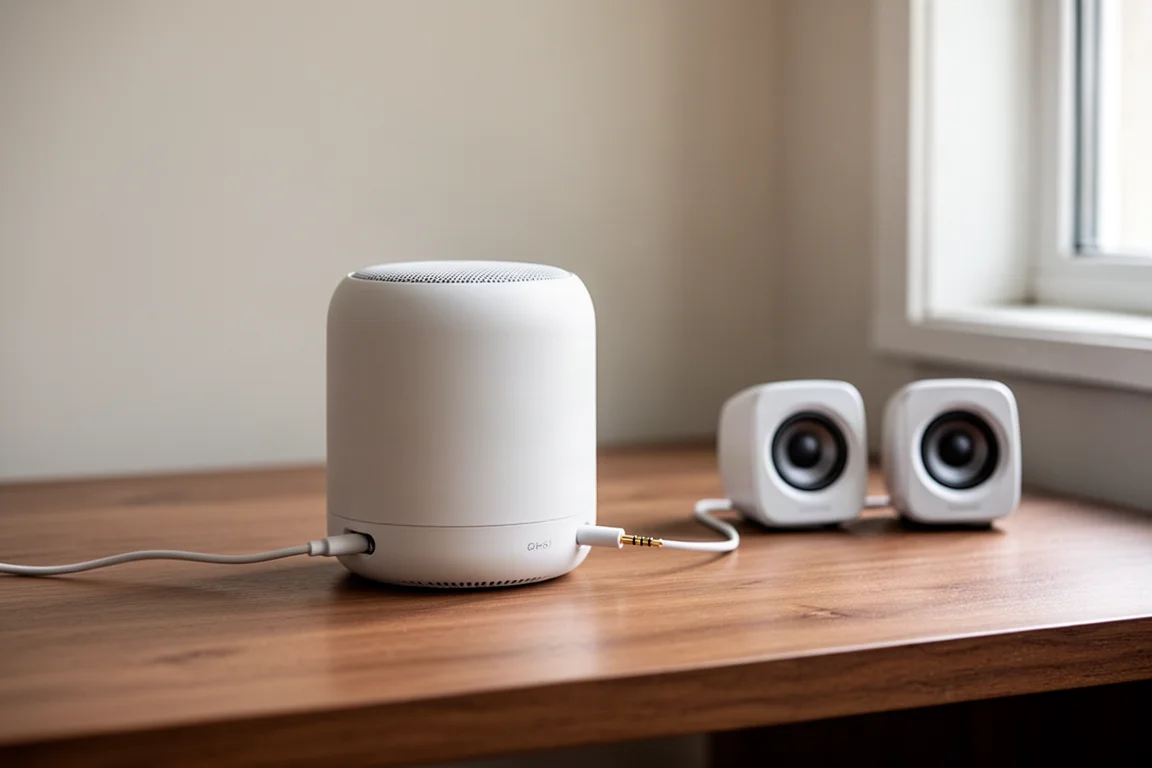
The hardware is the strongest part of this device. The design looks like a blend of an Echo Dot and an old-school iPod, with everything open source. On top there is a physical ring that rotates to change volume, with very slight clicks as it moves. An LED ring light around the center shows the current volume level. The center button activates the voice assistant or stops it, and it is very intuitive to use.
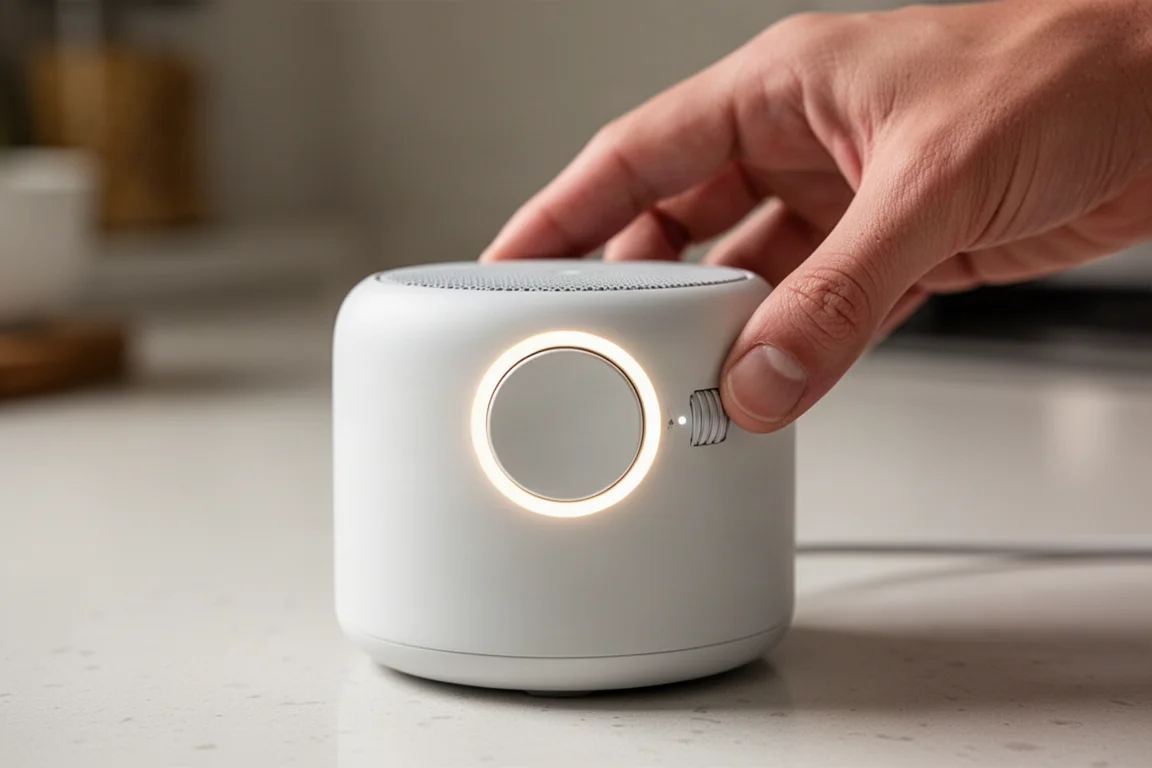
The button can also act as a smart button. Double, triple, or long presses are all recognized, so you can trigger automations or lighting scenes with a simple press pattern. Two microphones on top pick up voice commands from across a room, even with loud music playing. There are several wake words to choose from, including a secret one that responds to “hey babe.” The LED ring lights up when the wake word is detected, and you can change its color by holding the center button and rotating the wheel. The ring is also exposed as a light in Home Assistant, so it can be used in automations. For example, it could turn a certain color if you have not taken your medication yet, and turn off when you double-press the button to confirm.
On the side there is a physical mute switch, and the microphones can also be muted digitally. That allows you to temporarily mute the mics and unmute them later through an automation. The built-in speaker is not going to compete with something like a HomePod mini, but it sounds fine for reading out the weather. If you want better audio, there is a 3.5 mm stereo output jack that works well and gives a little chime when plugged in. Voice commands still work with external speakers connected, and music sounds good through them. The device is powered by a USB-C port, and a USB-C to USB-C cable worked without any issues.
How It Works Locally
The key difference with this speaker is that it can process voice commands entirely on your own hardware. Most smart speakers send your voice commands to a company’s cloud servers, and there is no way to disable that. With the Home Assistant Voice Preview Edition, you have complete control. You can choose to keep everything in your house, with no internet connection needed. A wake word, a voice command, and the lights turn off, all processed on a small computer in your home.
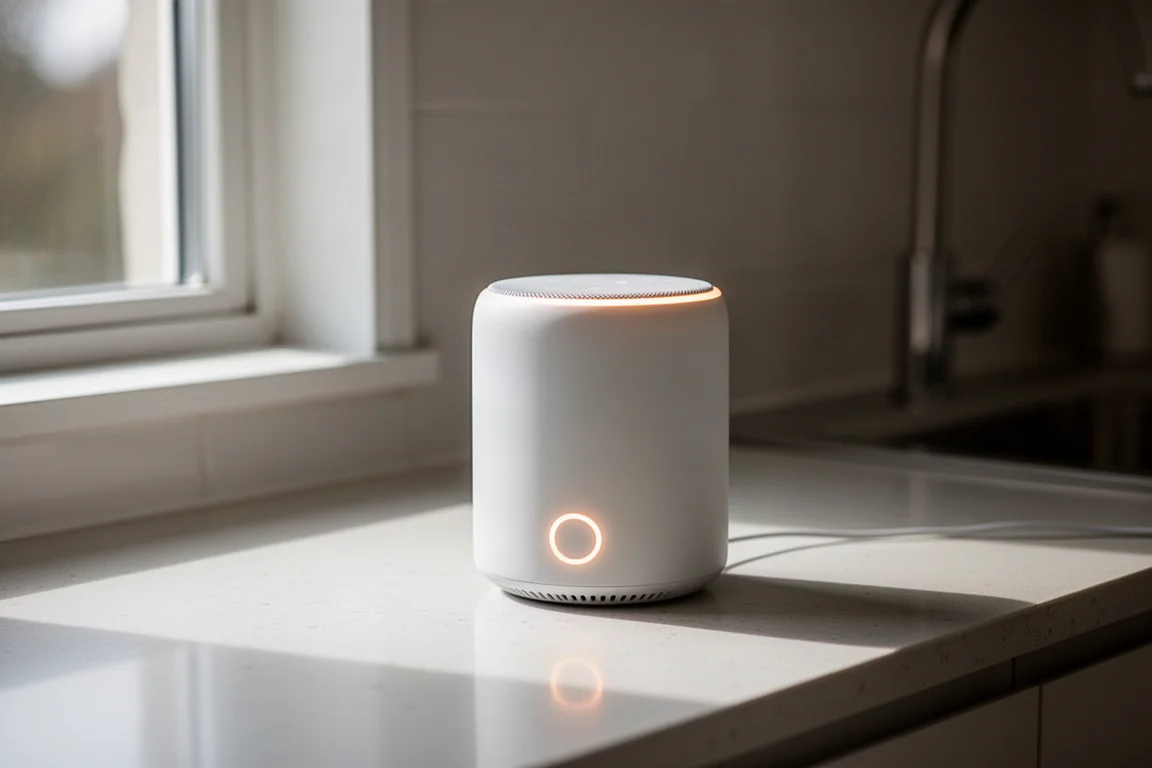
Setting it up is fairly straightforward, especially if you use Home Assistant Cloud. That option does depend on their cloud service, though. If you want everything to work locally, you need to understand the three parts that make voice processing work. The first is speech to text, which turns your spoken words into digital text. The second is the conversation agent, which processes the text command and figures out what should happen. The third is text to speech, which lets the speaker respond out loud.
Home Assistant lets you customize each of these parts. For example, you can change the conversation agent to a large language model like ChatGPT. With the latest Home Assistant update, the system can first try to process simple commands locally, like turning on lights. If you say something more complex, like “it’s kind of dark in here,” it can pass that along to the language model, which figures out that you want the lights brighter.
If you want to run everything locally without Home Assistant Cloud, you need to install an add-on for speech to text and another for text to speech. There is a guide that walks you through the steps, and it is fairly straightforward. However, if you are running Home Assistant on a low-power device like a Raspberry Pi 4, processing will be slow. Speech detection can take four to five seconds. Home Assistant says this can be as fast as one second on a faster machine. If you want faster speech detection without upgrading your hardware, you can use Home Assistant Cloud, which costs $5 per month. That subscription also supports Home Assistant development and allows for easy remote access.
What It Can Do Today
This is where the device falls short of expectations. If you are used to an Amazon Echo with thousands of skills, you will be disappointed. The Voice Preview Edition can control devices in Home Assistant and set timers. That is essentially it.
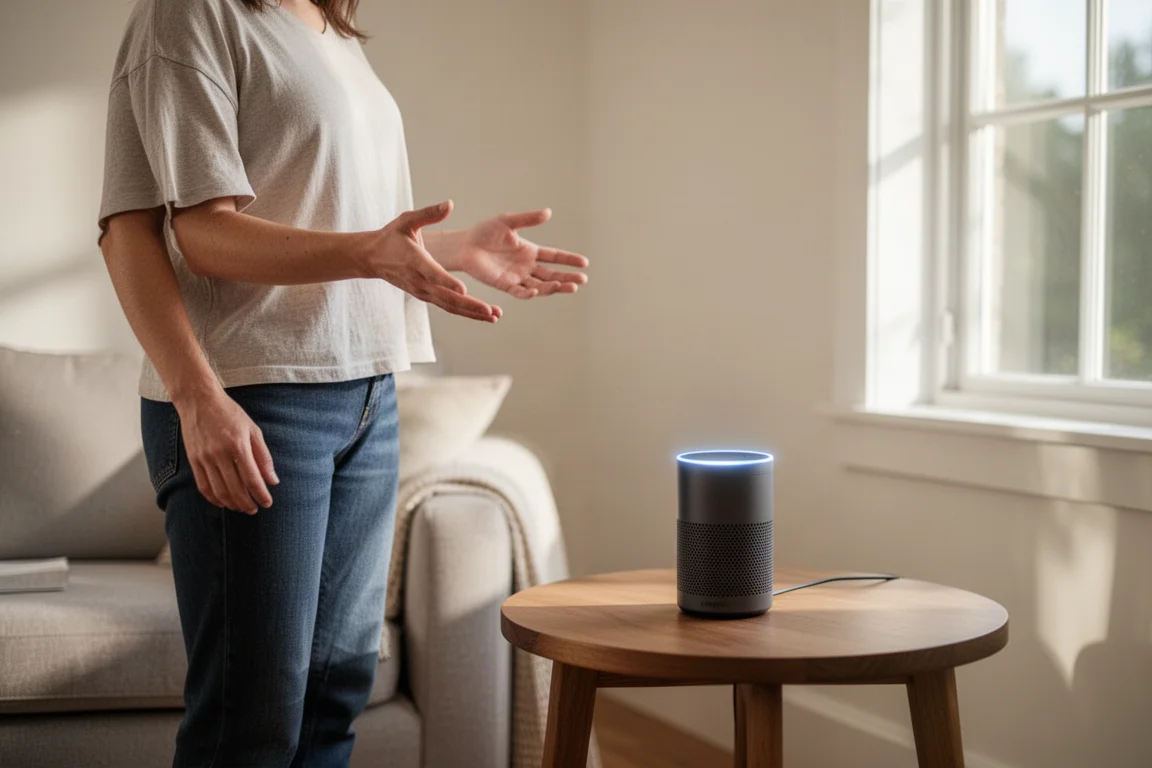
Even controlling smart home devices is not always smooth. For example, asking about the weather did not work at first because the weather entity had not been exposed to the assistant. Once exposed, it worked fine. Many smart home devices were already exposed, but not all, so commands might fail simply because a device has not been enabled yet.
Playing music is also limited. Asking it to play Spotify did not work, even with the Spotify instance exposed. Connecting Music Assistant to the Voice Preview Edition allowed control of a media player in the same room, and the speaker could be added as a media player in Music Assistant. But getting voice commands to play a specific artist or playlist required creating complex intent files, and even following all the steps did not work reliably. Basic media commands were inconsistent too. Skipping a song worked on some speakers but not when music was playing on the Voice Preview Edition itself. Pausing music worked, but saying “play” did not resume it; you had to say “resume” or “unpause.”
Many voice commands simply returned a default response of “sorry I couldn’t understand that.” This was not a pronunciation issue. It is the default response when the assistant does not know what to do. This is clearly an early-stage product, and the name “Preview Edition” reflects that. Do not expect it to be anywhere near an Amazon Echo in capability.
Things to Consider Before Buying
The Home Assistant Voice Preview Edition is only worth buying if you are a developer or a tinkerer willing to deal with current limitations. The hardware is excellent, the local privacy approach is compelling, and the open source community is thriving. But the software needs significant improvement. Voice commands are limited, music control is complicated, and local processing is slow on modest hardware.
There is also a promising future ahead. The open source community and Nabu Casa are likely to keep updating the device. One anticipated update would allow the speaker to start a conversation with you. For example, if a light sensor detects that a room is very bright, the speaker could ask if you want the shades lowered. You could simply say yes or no. This natural way of interacting with a smart home is exciting, but it is not available yet.
Buying Advice
If you want a polished voice assistant that works out of the box, this is not the right product. Stick with a mainstream smart speaker for now. If you are already invested in Home Assistant, value local privacy, and enjoy tinkering with early-stage technology, the Voice Preview Edition is a compelling $60 experiment. Just go in with realistic expectations about what it can do today.
Conclusion
The Home Assistant Voice Preview Edition is both amazing and frustrating at the same time. The hardware design is great, the local privacy model is genuinely different, and the future potential is exciting. But the current software is limited, music control is too complicated, and local processing is slow on a Raspberry Pi. It is a device for enthusiasts who want to be part of building something new, not for people who want a finished product.
Product link
View more details for Home Assistant Voice Preview Edition
This product is mentioned in the review. Check the specifications, options, and compatibility before buying.
View more details for Home Assistant Voice Preview EditionFurther reading
Related Reviews
Smart Home
Amazon Echo Hub Review: A Smart Home Dashboard That Finally Gets It Right
The Amazon Echo Hub puts smart home controls front and center with a fast, simple interface. Here is how it performs as a family-friendly dashboard.
Smart Home
15 Amazon Smart Home Automations: Practical Ideas for Every Room
Fifteen practical Amazon Alexa routines and automations that solve real household problems, from pet care to security and entertainment.
Smart Home
Apple TV as HomeKit Hub: Why It's Your Best Choice for Home Automation
The Apple TV combines HomeKit hub functionality with a display, camera viewing, and local automation control. Here's what makes it stand out from iPad and HomePod Mini alternatives.