Astrophotography Software
Helomaker Review: Software-Only Solar Guiding for Solar Imaging
A hands-on look at Helomaker, a Windows and SharpCap Pro based guiding package built for the sun, with lunar and planetary capability on top.
Introduction
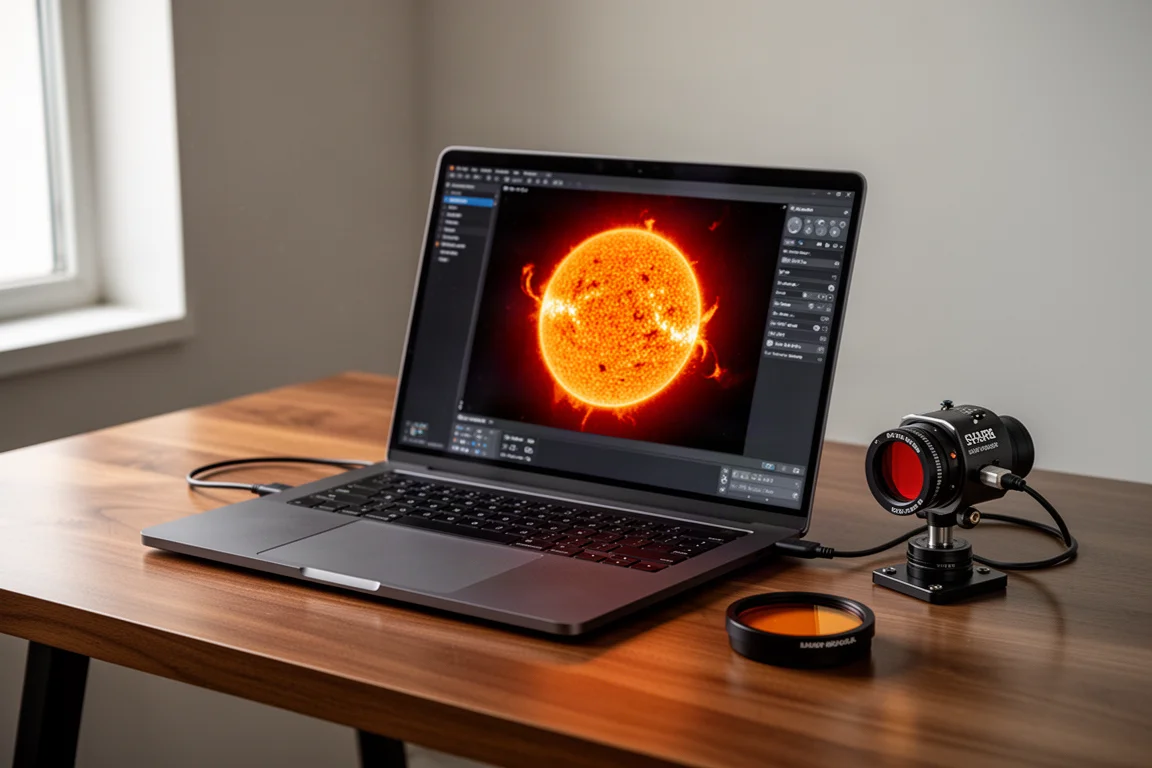
Solar guiding has long been a weak spot for imagers who shoot the sun. Dedicated solar guiding hardware works, but options are drying up, and one popular device has already gone out of production. Helomaker takes a different route: instead of an extra box on the telescope, it is software that guides on the sun using gear you already own.
This review focuses on solar guiding, though the software can also be used for lunar and planetary guiding. The verdict up front: it performed well in every solar configuration tested, and it has fully replaced the previous hardware guider as the go-to method for solar work.
What Helomaker Is
Helomaker is designed specifically for guiding on the sun, with lunar and planetary guiding also supported. It runs on Windows on top of SharpCap Pro and uses a companion program called PHD2 Solar, a special version of PHD2 built for the sun. PHD2 Solar is free; Helomaker itself is paid, with a one-year license and a perpetual license available.
The main appeal over hardware solutions is practicality. A separate solar guider must be mounted and configured on the telescope, and the widely used Hi Node Solar Guider is no longer in production, making it hard to find except on the used market. Software sidesteps that problem entirely.
Setup and First Run
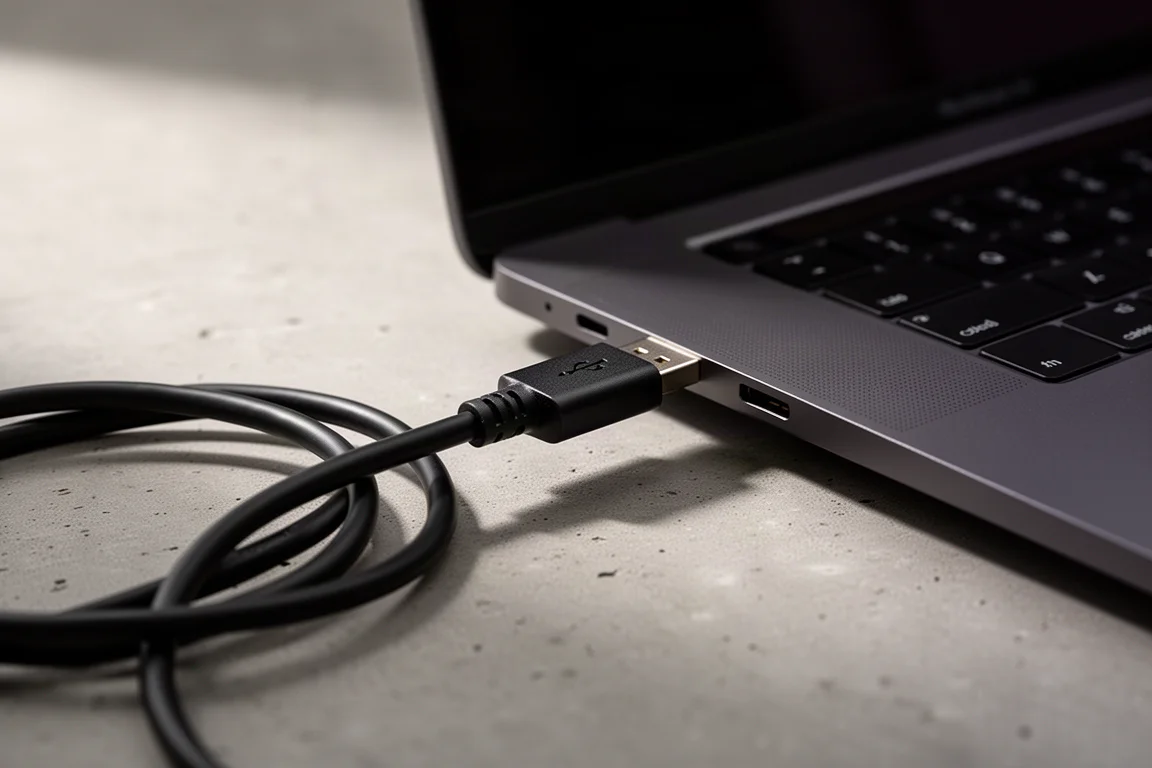
Setup is straightforward once you know the sequence. Connect your camera to a USB port on the PC, connect the mount’s USB connection to another port, and make sure the correct port is selected, such as COM 3 for the mount. Close any running instances of SharpCap and PHD2 first.
In the Helomaker main screen, the link buttons for SharpCap and PHD2 start red. Click the SharpCap link button and wait for it to turn green, then do the same for PHD2. From there, set the mount’s tracking rate to solar for best guiding performance, ensure you are polar aligned, frame and focus the target, and capture any required calibration frames. Flats are worth shooting for solar work.
Helomaker has built-in help on the F1 key, and the embedded documentation covers setup step by step, which helps when something does not behave as expected.
One important note: the special solar version of PHD2 must be used. Helomaker does not work with the standard PHD2. If the normal PHD2 is also used for night guiding, leave the night installation as instance one and set the Helomaker version to instance two. On the first run, you need to create an equipment profile, and you should select the virtual planetary camera rather than the physical camera. The virtual planetary camera applies when SharpCap’s imaging camera is shared for both imaging and guiding. If you run a dedicated guide scope and guide camera, you can instead select the physical camera in PHD2, which decouples exposure times between imaging and guiding. In one eclipse test, the main camera used 10 to 30 second exposures while the guide camera ran at 50 milliseconds and a much higher gain, which kept guiding stable on a dark moon.
Find and Track Modes
Find and track offers several modes, and choosing the right one matters. Star detection mode is never used in the daytime. The crescent and disc modes are intended for solar discs or moon phases that are entirely visible on screen with margin around them, so do not use them when only part of the limb is visible.
For full disc work, choose full disc mode; for focusing on a prominence, filament, or sunspot, use surface feature mode. A brightness slider affects the display only and can be used to improve visibility. When a longer focal length close-up of a sunspot or filament is needed, feature tracking mode lets you choose either a region of interest or a spot: use the middle tool on the right side to approximate coverage, then the bottom tool to snap it into position.
The main screen also handles session configuration: target name and folder, frames per cycle, sequence length to shape your time-lapse, the interval between cycles, and a continuous guiding toggle. Advanced settings can be locked to avoid accidental changes.
Tracking Performance
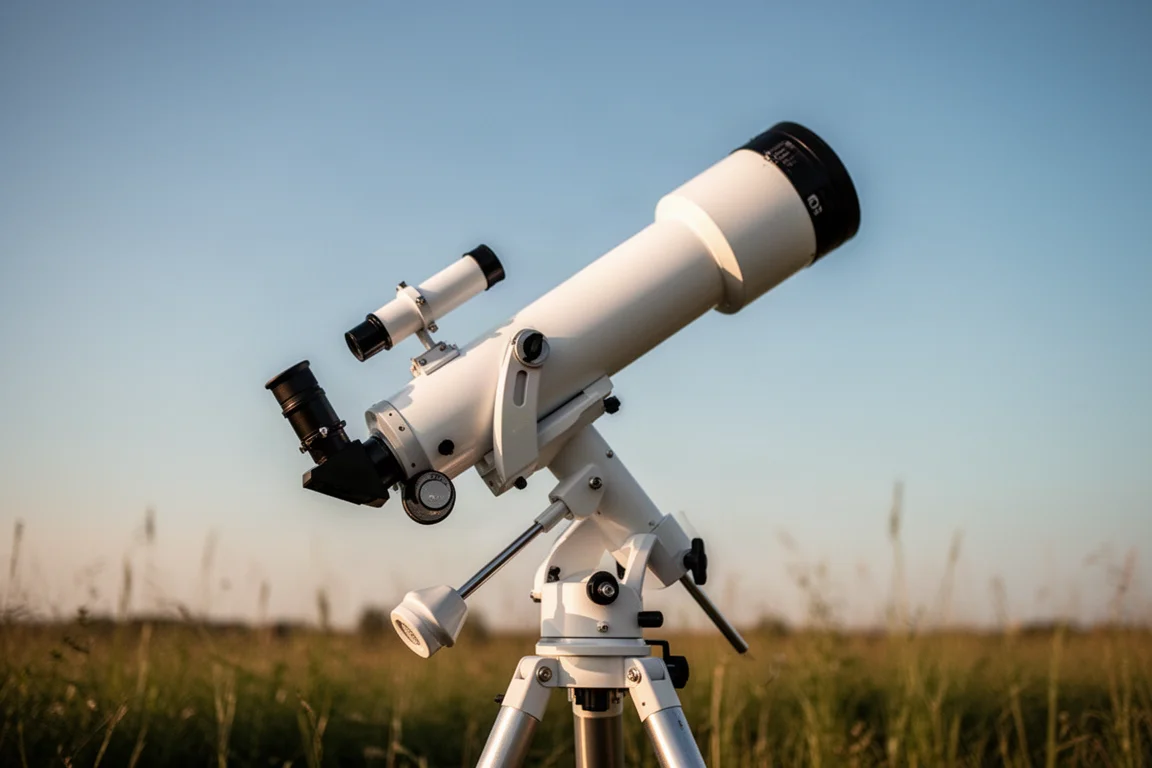
Helomaker was tested in three solar configurations. First, a Lunt 100MT at f7 with a 701mm focal length, which worked extremely well; even when the focal length was accidentally left set to 1120 instead of 701, guiding stayed perfect. Second, a Tak 160 FL at native f7, which is 1120mm. Third, and most often, a deliberately demanding arrangement: the Tak 160 FL with a Baader 4X telescentric for f28 and a focal length of 4480mm.
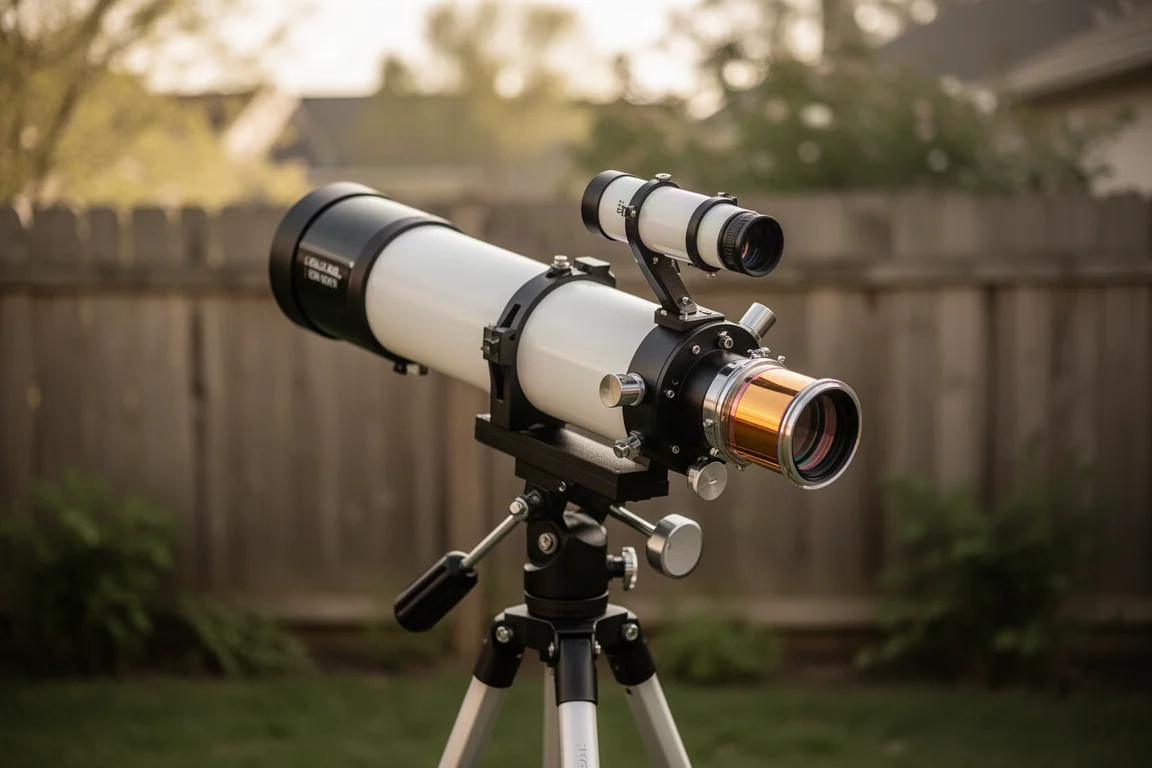
Even in that long focal length configuration, when the mount was not quite properly aligned and guiding flagged errors, results were still good. Poor calibration results were almost always traced to imperfect polar alignment, which is admittedly difficult in daytime. Notably, even with poor polar alignment Helomaker still tracked well; only when alignment was way off did trouble follow, as expected. One setup detail matters: enter the correct focal length, taking into account any barlows in the optical train or inside a Quark.
Solar Animations: Not Set and Forget
Even with perfect tracking, solar animations demand attention. Three things happen as time progresses during a time-lapse session.
First, as the sun climbs higher, you look through less air mass and the image slowly brightens. A perfect histogram at the start can turn into a washed-out oversaturated one unless exposure or gain is trimmed occasionally. Second, the telescope heats up, minutely shifting the focal plane from objective to camera. The shift might be only microns or sub-millimeters, but it is enough to soften formerly sharp focus over the session. Third, etalons are affected by heat: the longer they sit in the sun’s path, the hotter they get and the further off band they drift. Periodic retuning is needed unless the etalon is remotely controlled, for example with a Lunt PC USB controller or a Solar Spectrum heater cooler.
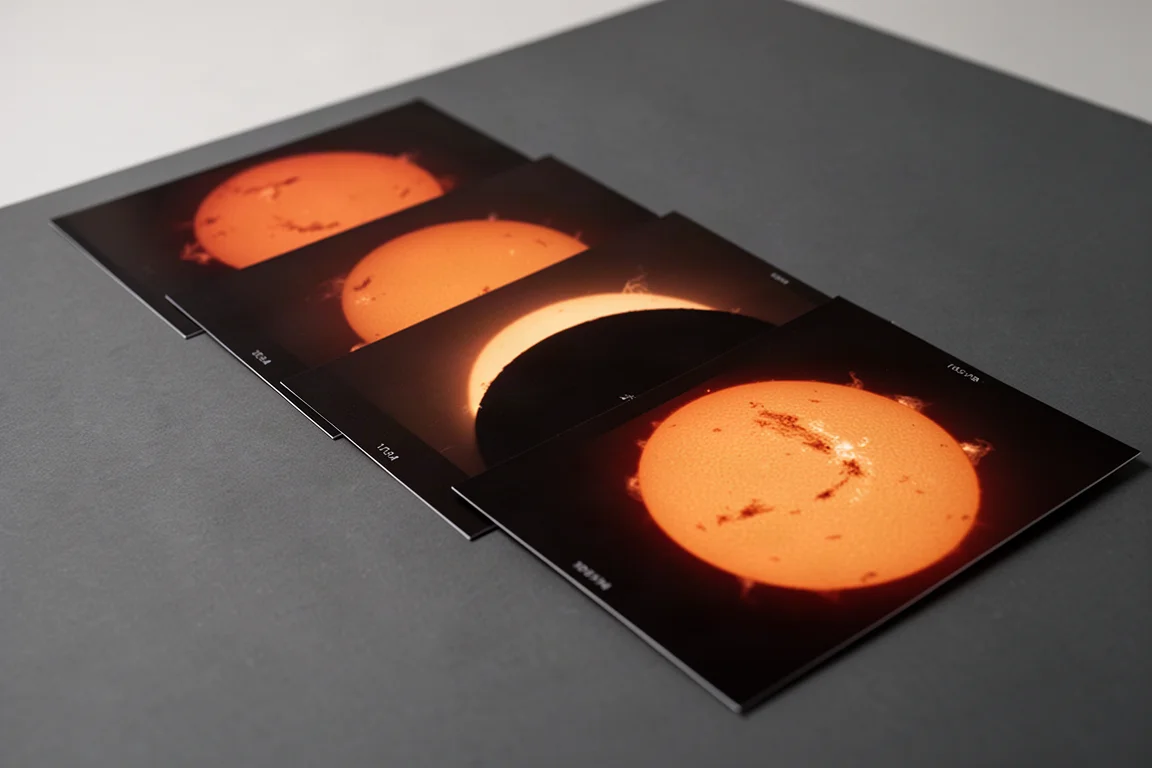
Best practice is to check the image every 15 to 20 minutes during a time-lapse and adjust exposure, gain, fine focus, and etalon tuning as needed.
Buying Advice
Helomaker is a paid product with one-year and perpetual license options, and PHD2 Solar is free. There is currently a discount on offer: purchases before February 1st, 2026 get 20% off with the code ASTRO at checkout, while purchases on or after February 1st, 2026 get 5% off.
If you image the sun and want reliable guiding without hunting down discontinued hardware, Helomaker is worth serious consideration. If your polar alignment habits are sloppy, keep expectations measured: the software is forgiving, but extremely poor alignment will still cause trouble. Anyone running standard PHD2 for night guiding should plan the dual-instance setup from the start.
Conclusion
Helomaker impressed across every solar configuration tested, from a 701mm full disc setup to a demanding 4480mm close-up arrangement, and it recovered gracefully even from setup missteps with responsive support. Its daytime-reliable guiding, sensible mode structure, and hardware-free approach make it a compelling replacement for discontinued solar guiding hardware, with lunar and planetary guiding available as a bonus. For solar imagers who want dependable tracking without extra hardware on the scope, it is an easy recommendation.
Product link
View more details for Helomaker
This product is mentioned in the review. Check the specifications, options, and compatibility before buying.
View more details for HelomakerFurther reading
Related Reviews
Astrophotography Software
AstroWizard vs Siril vs PixInsight: A Practical Comparison for 2026
We compare three astrophotography processing tools across real images, looking at ease of use, control, and final results.
Astrophotography Software
RC Astro Tools Standalone: Blur, Noise, and Star Exterminator Explained
RC Astro's Blur Exterminator, Noise Exterminator, and Star Exterminator are now available outside PixInsight, bringing advanced processing to free software like Siril.
Astrophotography Software
Affinity V3 for Astrophotography: A Free Photo Editor That Takes Deep Sky Processing Seriously
A hands-on look at the new free Affinity by Canva for deep sky astrophotography, including stacking, star removal, and noise reduction workflows.