Desktop DACs
Geshelli Labs J2 Review: AKM 4493 vs Sabre 9038Q2M
A practical comparison of the Geshelli Labs J2 in its AKM 4493 and ESS Sabre 9038Q2M versions, covering sound character, inputs, build options, and how to choose.
Introduction
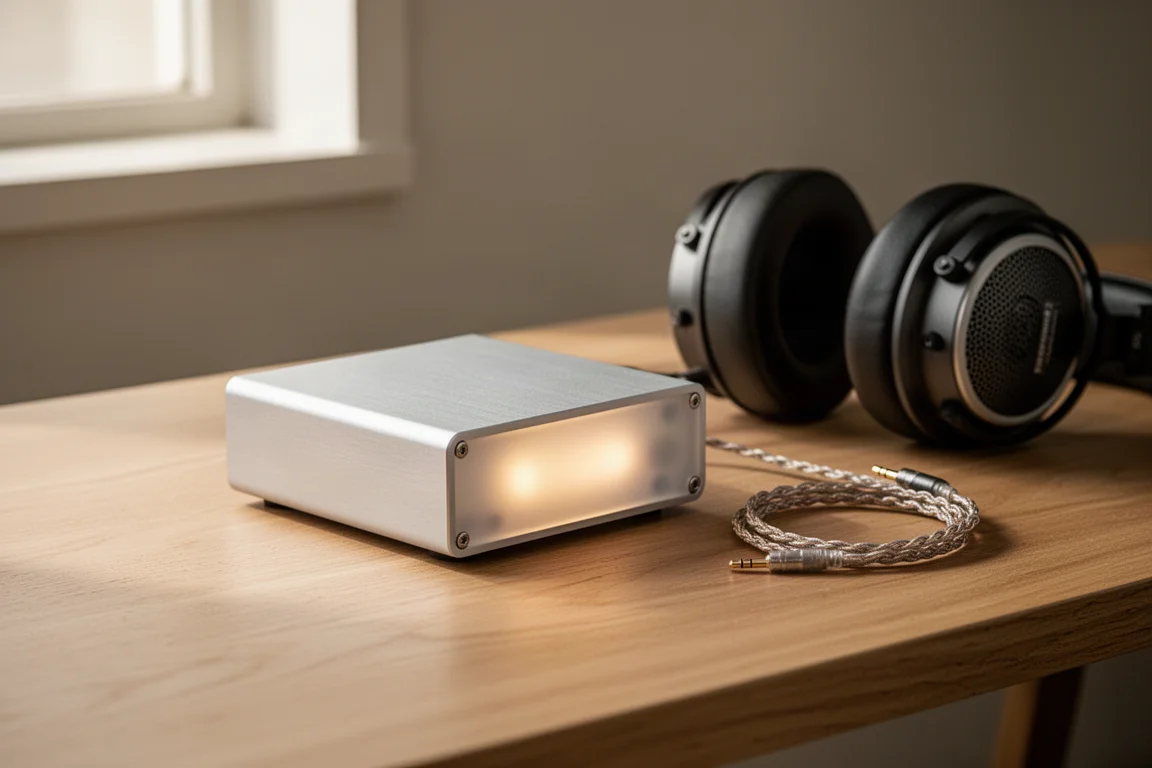
The Geshelli Labs J2 is a compact desktop digital-to-analog converter built by a family-run company in Florida, and it has become a reference point for listeners who want serious sound from a small box. What makes the J2 interesting is that it is not a single fixed product. Geshelli Labs offers it with different converter chips, different enclosure materials, and a wide choice of front-panel colours, so two J2 units can look and sound quite different.
The two versions most buyers will weigh against each other are the J2 with the AKM 4493 chip and the J2 with the ESS Sabre 9038Q2M. They share a chassis, an input set, and an output stage, but their sound signatures diverge in ways that are easy to hear once you know what to listen for. This guide covers both.
Inside the J2: Two Chips, One Chassis
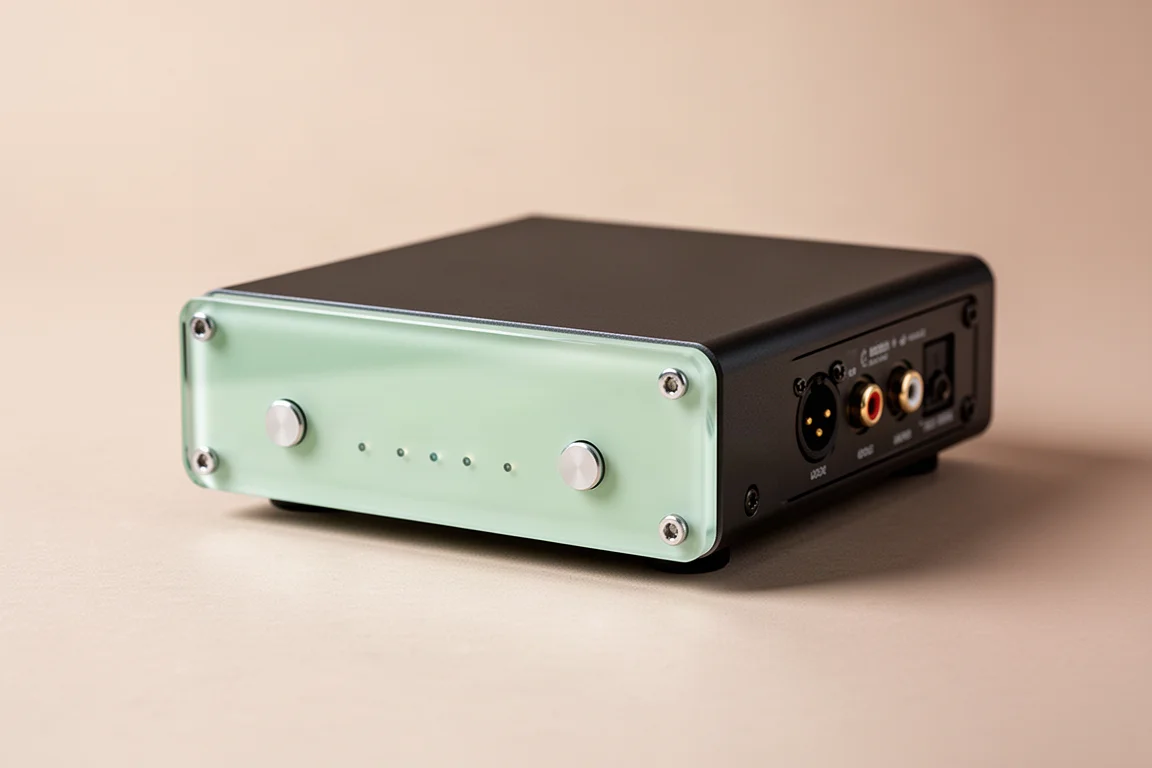
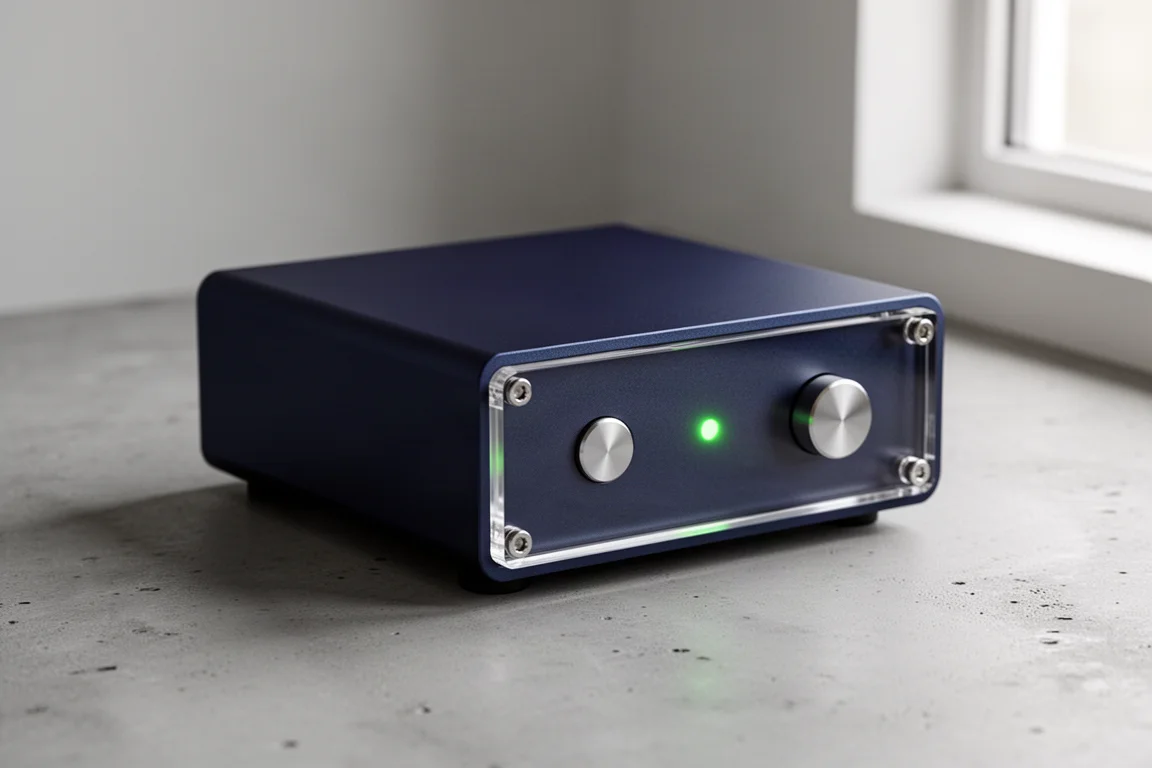
The J2 uses a small aluminium enclosure as standard, with wood available as an upgrade. Front-panel controls are deliberately minimal: a power button and an input button, with everything else handled at the back. That simplicity is part of the appeal, because it keeps the unit small enough for a desktop and free of the menus and modes that clutter many modern converters.
The AKM 4493 version exists because of an unusual supply situation. A fire destroyed the AKM factory, and a number of manufacturers that relied on AKM chips had to move to alternatives. AKM-based converters became scarce as a result, which makes the 4493 version of the J2 a notable option for listeners who want that converter family in a current product. Geshelli Labs also offers a J2 built around the older 9026 Pro, so the line now spans a few generations of chip design.
Both versions are assembled the same way and both run from a 12V wall supply. Nothing about the external hardware changes between the AKM and Sabre models, which means the choice comes down to the converter chip and the sound character it produces.
Geshelli Labs J2 AKM 4493: Sound and Character
The AKM version is defined by its low end. Bass has real weight, it is clearly defined, and it takes control of the music rather than sitting passively underneath it. On dense rock recordings, bass guitar lines separate cleanly in space and each note stays easy to follow, even when the mix is busy. That combination of weight and definition is uncommon at this price.
The midrange is slightly forward and a touch richer than the Sabre version, which gives voices and instruments a fuller, more present feel. The top end is detailed, but it does not draw attention to itself immediately; it takes a few tracks before the treble character becomes obvious. The overall result is engaging and cohesive, and it holds up across long listening sessions.
Geshelli Labs J2 Sabre 9038Q2M: Sound and Character
The Sabre version moves in the opposite direction. Treble detail is immediately audible, so fine texture in cymbals, strings, and reverb tails is easy to pick out from the first track. The midrange is cleaner, though it sits slightly further back, which makes vocals feel a little less forward than on the AKM model.
The trade-off is bass. The Sabre version is leaner and less emphatic down low. Low frequencies remain controlled and tidy, but they do not carry the same physical presence, and the presentation leans toward clarity over impact. For listeners who prioritise top-end information, that is exactly the right balance.
Where the AKM version pulls you into the low end, the Sabre version invites attention to the upper registers. Neither is more accurate in any absolute sense. They suit different recordings and different preferences.
Inputs, Outputs, and Daily Use
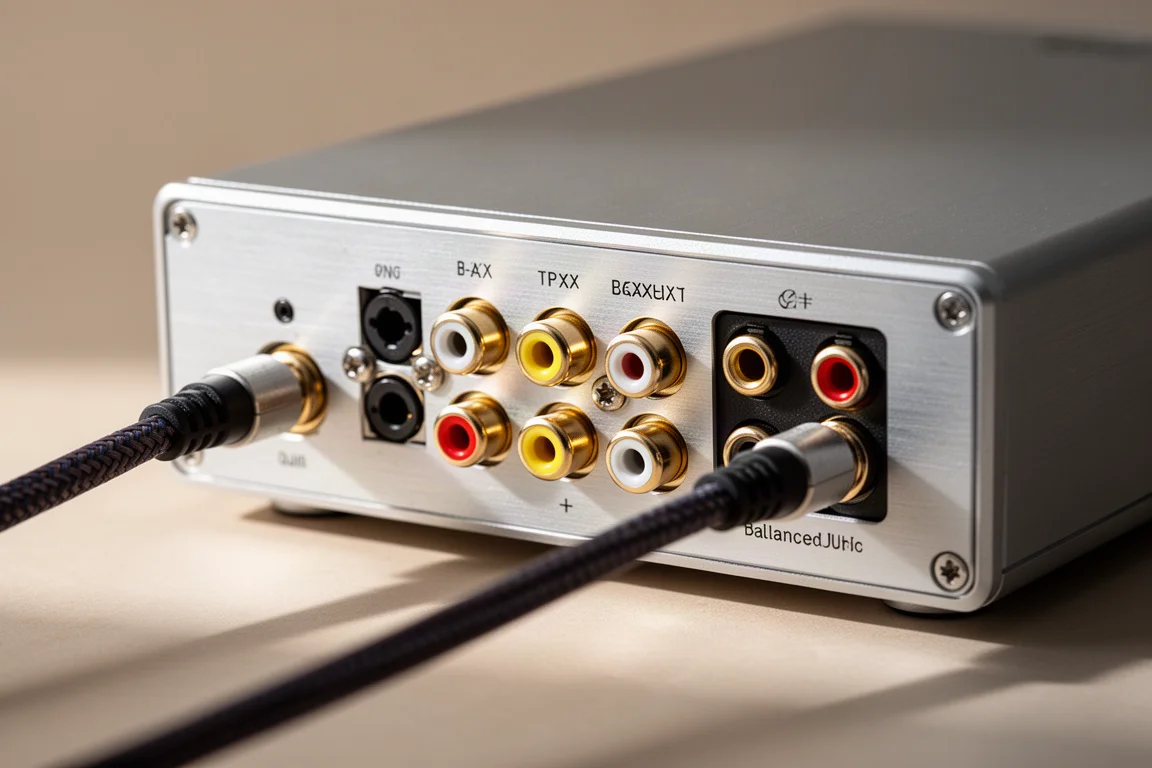
Connectivity is generous for a unit this size. The front panel carries an optical input and a coaxial input, and the rear adds a second optical input, a second coaxial input, and a USB input. The USB connection is an optional add-on, so buyers who only need optical or coaxial can skip it and pay less.
Outputs include single-ended RCA connections and a genuinely balanced output pair. Using the balanced outputs roughly doubles the output voltage, which can be useful with preamplifiers that have balanced inputs or with longer cable runs.
Day-to-day operation is straightforward. A short press of the power button after startup cycles the internal indicator light through its colours or turns it off entirely. A short press of the input button changes the active input, and a long press cycles the output level through a few settings. Four small indicators on the front show which input is active, and the assignment takes a moment to learn.
Matching the J2 to Your System
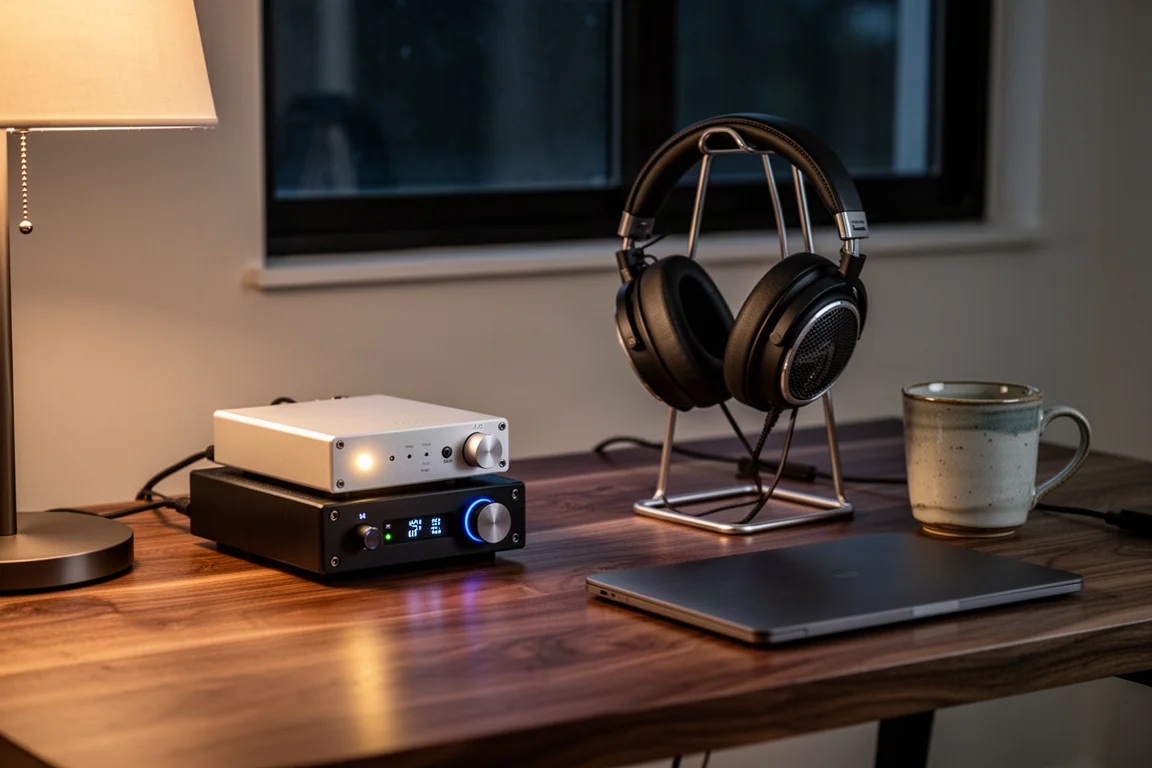
The J2 is a fixed-output converter. It has no remote control and no variable output, so it works best feeding a preamplifier or integrated amplifier that handles volume. On a desktop, that is no inconvenience at all, since changing inputs is a short reach away. In a living-room system, plan on getting up when you want to switch sources.
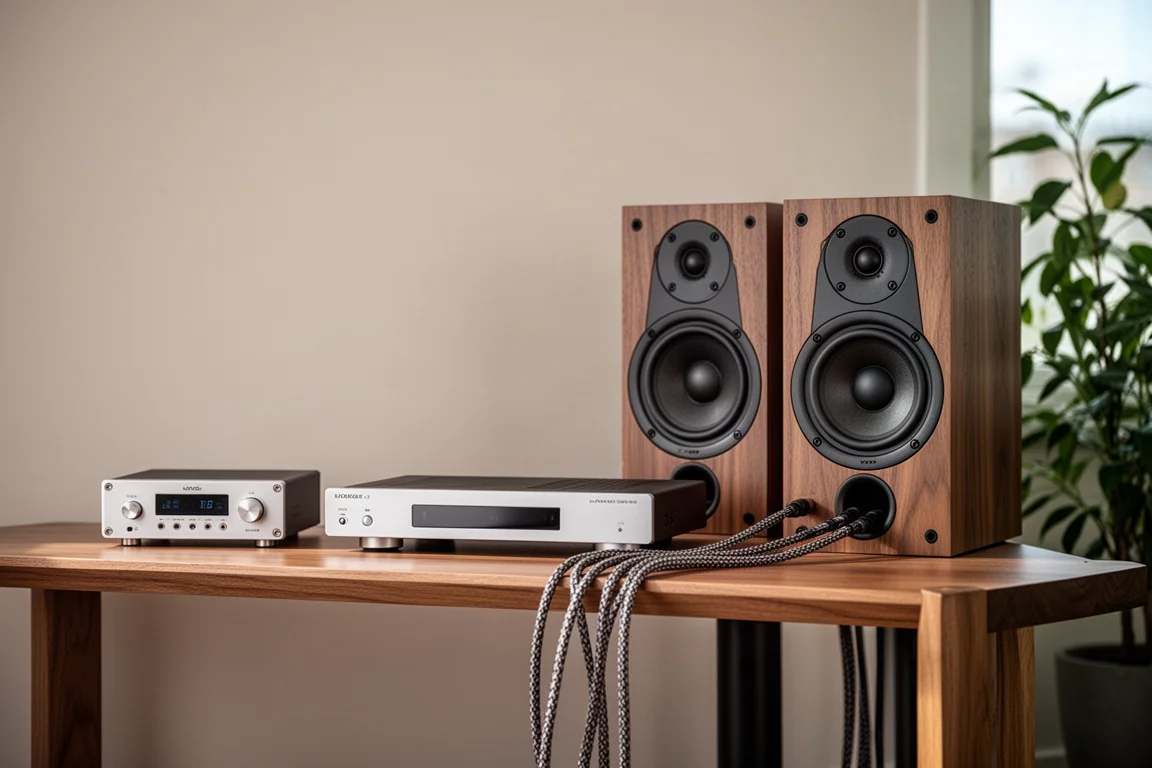
Fed into a preamp and a pair of power amplifiers driving full-size speakers, the J2 produces a large, engaging presentation with a sense of scale that goes well beyond its footprint. It is equally at home driving a headphone setup from a desk. The stock 12V wall supply is all most systems need, and some owners have moved to a linear power supply with a reported improvement, though that is an optional experiment rather than a requirement.
What the J2 Leaves Out
There are no digital filter roll-off options, no oversampling or undersampling settings, and no sound colour modes. There is no remote control and no variable output. What remains is a simple set of choices: power, input, and output level.
That restraint is the point. If you want a converter that you configure once and then forget, the J2 fits that approach. If you rely on a remote for source switching, you will need to put a remote-controlled preamp in front of it, and even then the input selection still happens at the J2 itself.
Buying Advice
Pricing is straightforward. The J2 in an aluminium case without USB is $250, and adding USB brings it to $299. Wood enclosures start around $50 more depending on the species, with beechwood among the most affordable, so a wood-cased J2 without USB lands near $300. Red oak and white oak are also available at higher cost depending on the wood chosen.
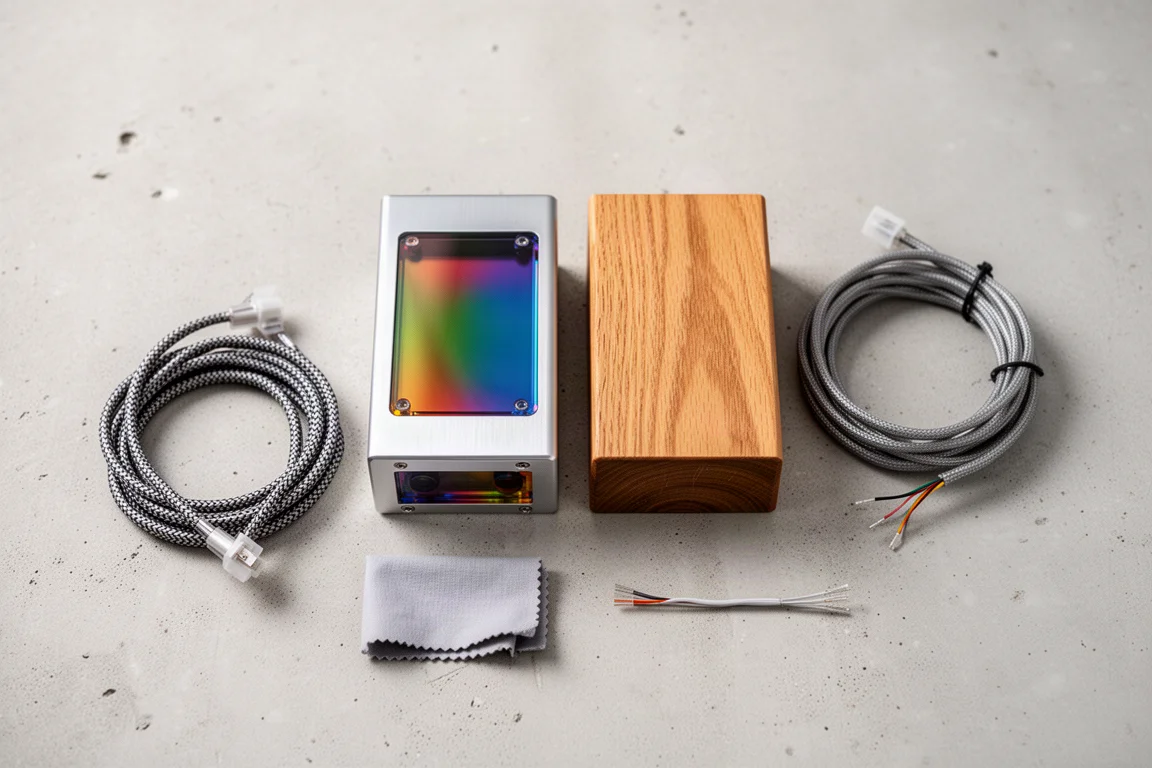
Buyers also choose the look. Five aluminium colours and fourteen plexiglass colours can be mixed and matched, which is unusual in this category and a large part of why the J2 does not look like every other converter on a desk.
On sound, the decision is simple. Choose the AKM 4493 version if you want weight, control, and a forward midrange that pulls you into the music. Choose the Sabre 9038Q2M version if top-end detail and a cleaner, leaner balance matter more to you. Both are strong values at their price, and the difference between them is a matter of taste rather than quality.
Conclusion
The Geshelli Labs J2 succeeds because it does the important things well and refuses to do everything. Two converter options, a compact chassis, a genuinely balanced output, and a price that stays modest even with a wood case. The AKM 4493 version stands out for its bass weight and engagement, while the Sabre 9038Q2M version rewards listeners who want detail at the top. Either way, the J2 is a converter that earns its place on a desktop.
Further reading
Related Reviews
Desktop DACs
Fosi Audio ZD3 Review: A Compact Desktop DAC With HDMI ARC and Swappable Op-Amps
The Fosi Audio ZD3 pairs a Sabre 9039 Q2M DAC with HDMI ARC, Bluetooth, and a socketed op-amp stage at a $179 retail price. Here is what it does well and what to check first.
Desktop DACs
JDS Labs J2 AKM 4499 Review: A Two-Chip DAC Built for Speaker Listening
The JDS Labs J2 AKM 4499 version pairs two AKM chips with three socketed op amps. Here is what the upgrade adds, how the op amp options change the sound, and where the 4493 version still makes sense.
Desktop DACs
Schiit Modi Multibit vs the Field: Six Desktop DACs Compared
Six desktop DACs compared side by side, with the Schiit Modi Multibit at the centre and clear notes on where each rival pulls ahead.