Fitness Smartwatches
Garmin Venu 3 vs Garmin Forerunner 265: Which Fitness Smartwatch Fits You Best
Two Garmin watches with the same price and very different personalities. Here is how the smartwatch-focused Venu 3 stacks up against the sports-focused Forerunner 265.
Introduction
Garmin sells two watches that, on paper, look almost identical: the Venu 3 and the Forerunner 265. Both are fitness-focused smartwatches, both track a long list of sports, both deliver plenty of health and recovery feedback, both have AMOLED touchscreens, and both carry the same asking price. So why does Garmin make both?
The short answer: one leans smartwatch, the other leans sport. The Venu series is more smartwatch-focused, with tighter smartphone integration and a more classic look. The Forerunner series is more sports-focused, with a sportier design and deeper training tools for people who will happily trade a few smart features for better workout feedback. This breakdown walks through where they differ so you can pick the right one.
Design, Sizes, and Build
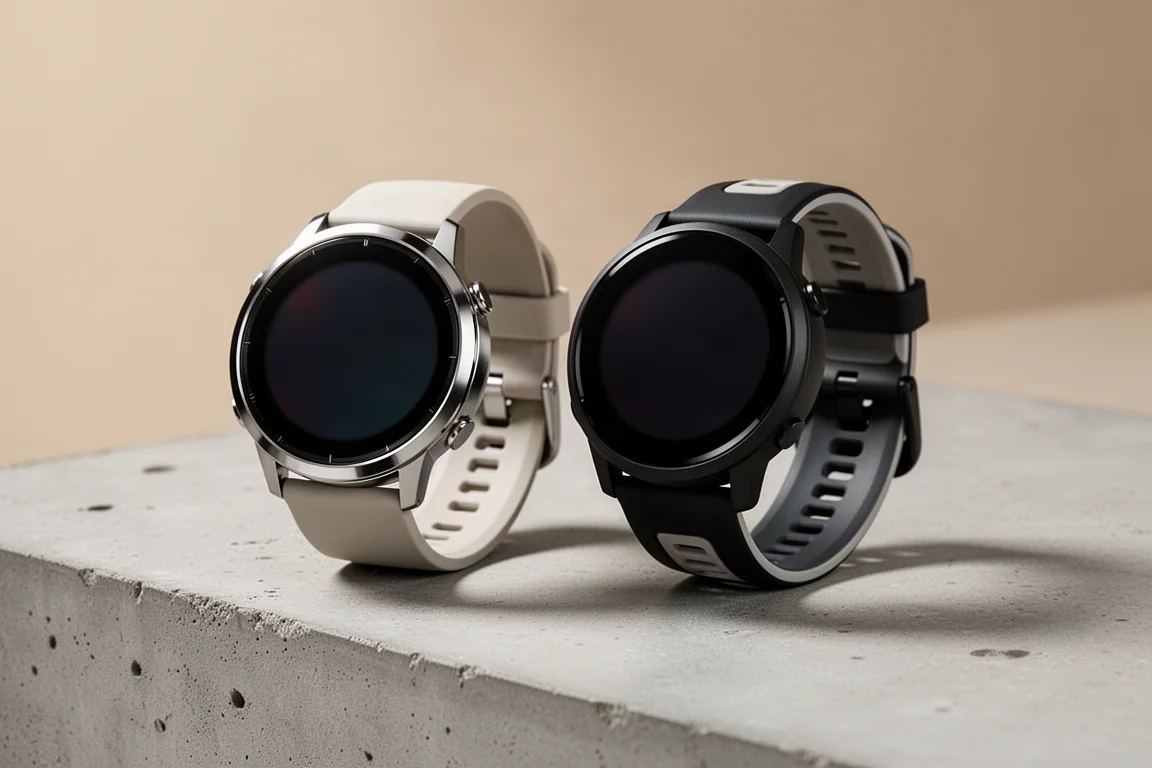
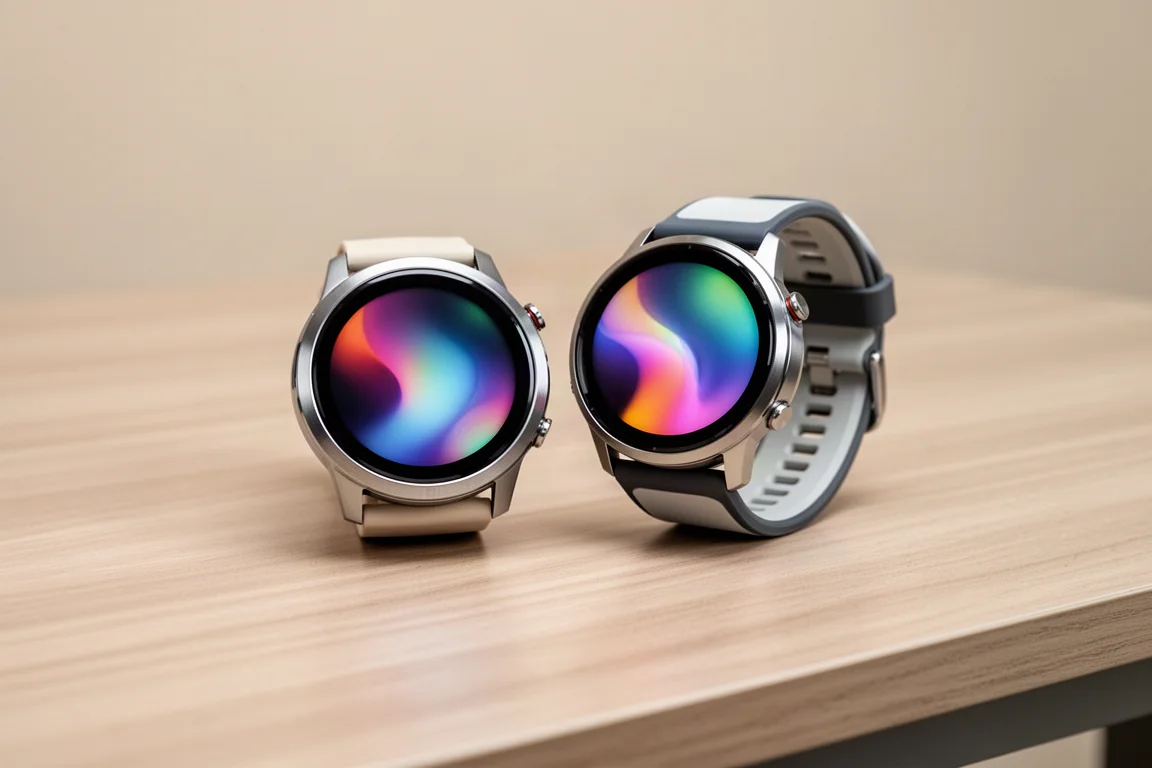
Both watches come in two sizes, so most wrist sizes are covered either way. The Forerunner 265 sizes run just a millimeter or so larger than the corresponding Venu 3 options. Interestingly, the Venu 3 actually gets the slightly larger displays: the larger Venu 3 has a 1.4-inch screen at 454 x 454 pixels, while the larger 265 has a 1.3-inch screen at 416 x 416 pixels, and the same pattern repeats on the smaller sizes.
Weights are essentially identical across matching sizes, and both use standard replaceable bands: 18 mm on the smaller models and 22 mm on the larger ones. The 265’s bands have a two-tone design with holes on both sides, while the Venu 3’s bands look a bit more subtle and clean. Both are comfortable for everyday wear and sports.
The case materials are where the design split shows. The Venu 3 has a stainless steel bezel that gives it a slightly more premium look, while the 265 uses a plastic bezel. The 265 is not a cheap-looking watch by any means, but the Venu 3 simply looks more polished. On durability, both carry a 5 ATM water resistance rating and Gorilla Glass 3 over the display.
Buttons, Touchscreen, and Everyday Control
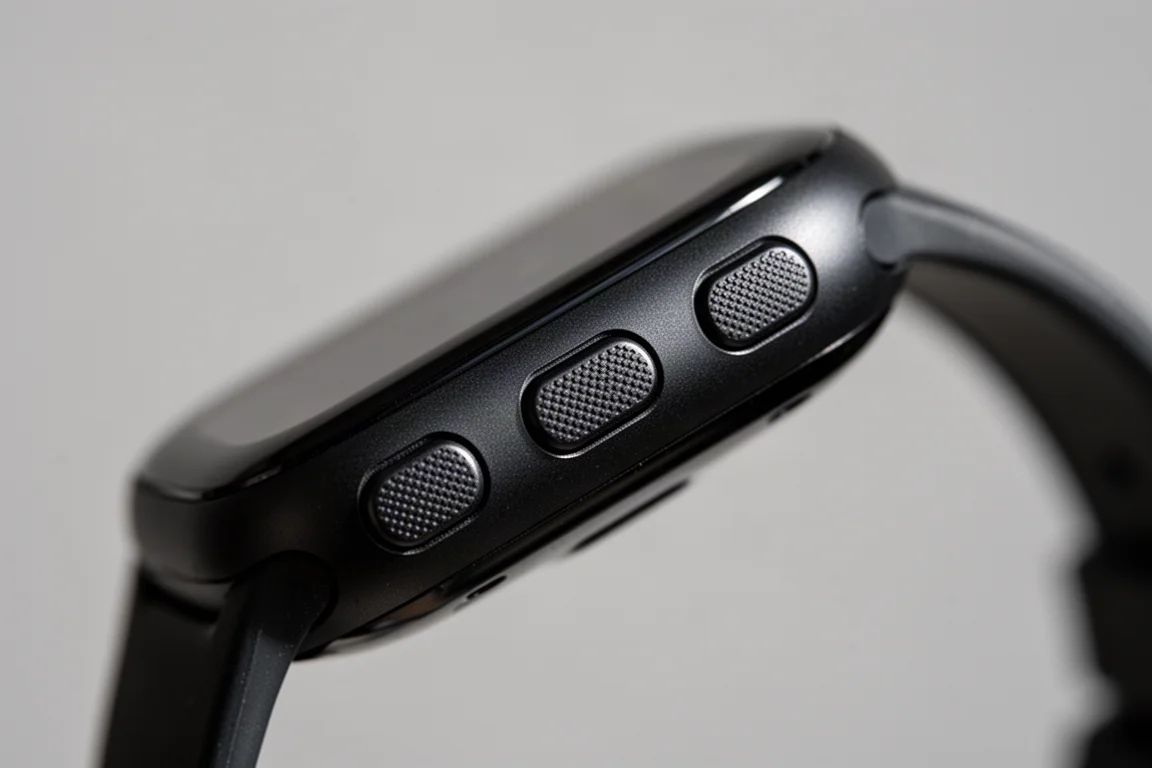
Both watches have touchscreens, but the button layouts differ significantly, and this is one of the most practical differences between them. The Forerunner 265 uses a five-button setup: a power button on the upper left that also wakes the display and opens the controls menu on long press, up and down buttons for scrolling through widgets and menus, a start/pause/enter button on the upper right that also opens workout profiles, and a back/lap button on the lower right.
The Venu 3 has just three buttons. The upper right button handles workout profiles plus start and pause, the lower right is back/lap, and the middle right button is assignable, with its highlight being a long-press shortcut to your smartphone’s voice assistant.
Here is why this matters. On the 265, you can do anything with the buttons that you can do with the touchscreen, and vice versa. You can even enable or disable the touchscreen globally or per activity profile, for example on for trail running but off for road running. On the Venu 3, navigation relies on swiping: scrolling data pages mid-workout, backing out of menus, and even saving or discarding a workout all require the touchscreen.
In practice, the 265’s flexibility pays off most during workouts when your hands are sweaty or you are wearing gloves, situations where touchscreens on any device tend to get finicky. If you mostly interact with your watch mid-workout, this alone can tip the decision.
Smartwatch Features: The Venu 3’s Advantage
This is where the Venu 3 clearly pulls ahead. It has a built-in microphone and speaker, something the 265 lacks entirely. That hardware enables two things: phone calls on the watch (when your phone is in range, since neither watch has cellular) and a voice assistant. On an iPhone you can summon Siri; on Android you can use Google Assistant or Bixby.
For texting, both watches receive notifications on Android and iPhone, and both can send predefined quick replies when paired with an Android phone. The Venu 3 adds a newer feature: typing custom replies with an on-screen keyboard on Android. It is unclear whether that keyboard will ever come to the 265.
iPhone users get texts on both watches but no quick replies or keyboard on either, a limitation Apple places on any watch that is not an Apple Watch. The Venu 3 does have a workaround though: since it can access Siri, you can dictate a text by voice, such as asking it to send a message saying you are on your way. It is not a quick-reply tap, but it works.
Beyond calls and texts, the two watches are very similar: both support offline music storage from services like Spotify, Deezer, and Amazon Music, both have 8 GB of storage, both offer Garmin Pay contactless payments, and both sync weather and calendar events from your phone.
Battery Life
Day-to-day battery life is close to a wash. With the always-on display off, both watches run roughly 10 to 14 days per charge. Turn on the always-on display and that drops to around three and a half to five days. Actual runtime depends on how many activities you log and settings such as the pulse ox sensor.
Health and Recovery Features
The core health tracking is nearly identical: 24/7 heart rate, blood oxygen saturation, stress, respiration rate, steps, floors climbed, calories burned, intensity minutes, and Body Battery, Garmin’s gauge of your energy levels through the day based on sleep, rest, and activity.
The Venu 3 adds new enhancements here. Its Body Battery view breaks out individual factors, showing how sleep, workouts, restful periods, and even naps each drain or boost your energy. It also tracks naps of five minutes or longer, and it introduces a Sleep Coach feature that takes your baseline sleep recommendation and adjusts tonight’s sleep suggestion based on your previous night, activity levels, and other factors. Whether these features will arrive on the 265 later is not confirmed, though the Body Battery breakdown seems plausible since the underlying data already exists.

Both watches also include the Morning Report, a customizable wake-up summary covering Body Battery, sleep quality, HRV status, weather, and your calendar. HRV status was a surprise addition to the Venu 3, and both watches share a recovery time advisor that estimates how long until you are fully recovered and ready for a strong performance.
Training Feedback: Where the Forerunner 265 Pulls Ahead
This is the 265’s home turf. Its standout feature is Training Readiness, which combines sleep, recovery time, HRV status, training load, sleep history, and stress history into a single score of how prepared you are to train right now. It is available on the 265 and some of Garmin’s higher-end watches, and it is not expected on the Venu 3. You can approximate it with the Venu 3’s Body Battery, but that uses fewer inputs.
The 265 also adds Training Status, which assesses whether your training is productive by weighing VO2 max trends, HRV status, and training load, with labels ranging from peaking to strained or unproductive. For performance metrics, it provides both running and cycling VO2 max, lactate threshold estimates, and a race predictor for common running distances. The Venu 3 estimates running VO2 max but not cycling VO2 max, even though it can pair with cycling power meters.
Post-workout data differs too. The 265 serves training load, a measure of exercise stress based on heart rate and EPOC, plus training effect for aerobic and anaerobic impact. The Venu 3 skips that detail but offers a newer, more approachable Workout Benefit feature that spells out in plain language what a workout did for your fitness. Garmin has confirmed Workout Benefit is not coming to the 265, and likewise training load and training effect are not expected on Venu-series watches.
Sports Profiles and Advanced Data
Both watches cover the common sports: indoor and outdoor running, cycling profiles, a wide range of gym activities, and pool plus open water swimming, the latter being new to the Venu series. But the 265 carries more profiles, including trail running, ultra running, and many team sports. Critically, the 265 has triathlon mode, which could be the deciding factor for triathletes. The Venu 3 counters with golf, absent from the 265, plus a new meditation profile.
Data pages differ as well. The Venu 3 supports up to three customizable data pages with four fields per page plus a dedicated heart rate page, while the 265 allows a dozen or more pages with up to six fields each. The 265 also has a resume later function for pausing long activities like hikes and picking them up afterward, and it includes Pace Pro for building pacing strategies for workouts or races.
Sensors and Navigation
Internally, both watches pack GPS, altimeter, accelerometer, gyroscope, compass, heart rate sensor, and pulse ox sensor. Two sensor differences are worth noting. The 265 uses a multi-band GNSS chipset that can access two satellite frequencies at once across five satellite systems, aimed at better accuracy near tall buildings, rock faces, or heavy tree cover. The Venu 3 uses an all-systems GNSS chipset on a single frequency. In practice, though, the Venu 3 proved very accurate even on twisty, tree-covered mountain bike rides, outperforming some other devices that do have multi-band chipsets, so chipset alone does not decide accuracy. This is unlikely to be a meaningful difference for most buyers.
On heart rate, the Venu 3 carries Garmin’s fifth-generation Elevate sensor while the 265 has the fourth generation. Both should be fine for running, road biking, and indoor cycling, but the newer sensor may handle challenging activities like weight training, HIIT, and mountain biking a bit better. For those activities, an external chest strap remains the reliable choice.
External sensor support also differs. Both pair with cycling power meters and collect single-sided power, and neither captures advanced cycling dynamics from pedals like Garmin’s Rally XC200; that requires a higher-end 965, Fenix, or Epix. The 265, however, can pair with Garmin’s RD Pod for advanced running dynamics including ground contact time balance, supports extended display with compatible Garmin Edge bike computers, and can control some Garmin action cameras. Both pair with the HRM Pro and HRM Pro Plus straps, but only the 265 can collect the full running dynamics data from them; the Venu 3 only gets heart rate. The 265 also supports the strap’s offline heart rate storage, useful for swimming.
Navigation is another gap. The Venu 3 offers basics: back to start, save locations, and simple arrow-and-distance guidance. The 265 adds breadcrumb-style routing that draws a line to follow, plus the ability to load routes from your Garmin Connect library for hikes or rides. Neither watch has full onboard maps; that remains a 965 territory feature.
Which One Should You Buy?
Choose the Venu 3 if you want a fitness watch that behaves more like a smartwatch: a premium look, on-wrist calls, a voice assistant, on-screen keyboard replies on Android, and smarter Body Battery and sleep insights with nap tracking and Sleep Coach. It is Garmin’s most capable Venu yet, especially now that it includes HRV status, recovery time, and cycling power meter support.
Choose the Forerunner 265 if training is the priority: Training Readiness, Training Status, full running dynamics, running power, triathlon mode, richer data pages, Pace Pro, route navigation, and broader sensor support. The five-button layout also makes it more usable with sweaty hands or gloves mid-workout.
Conclusion
These two watches share a price, a display philosophy, and most core health tracking, so the decision comes down to emphasis. The Venu 3 is the better everyday smartwatch with genuinely useful communication and recovery extras, while the Forerunner 265 is the better training tool with deeper metrics and sports coverage. Match the watch to how you actually spend your time, and either one will serve you well.
Product link
View more details for Garmin Venu 3
This product is mentioned in the review. Check the specifications, options, and compatibility before buying.
View more details for Garmin Venu 3Further reading
Related Reviews
Fitness Smartwatches
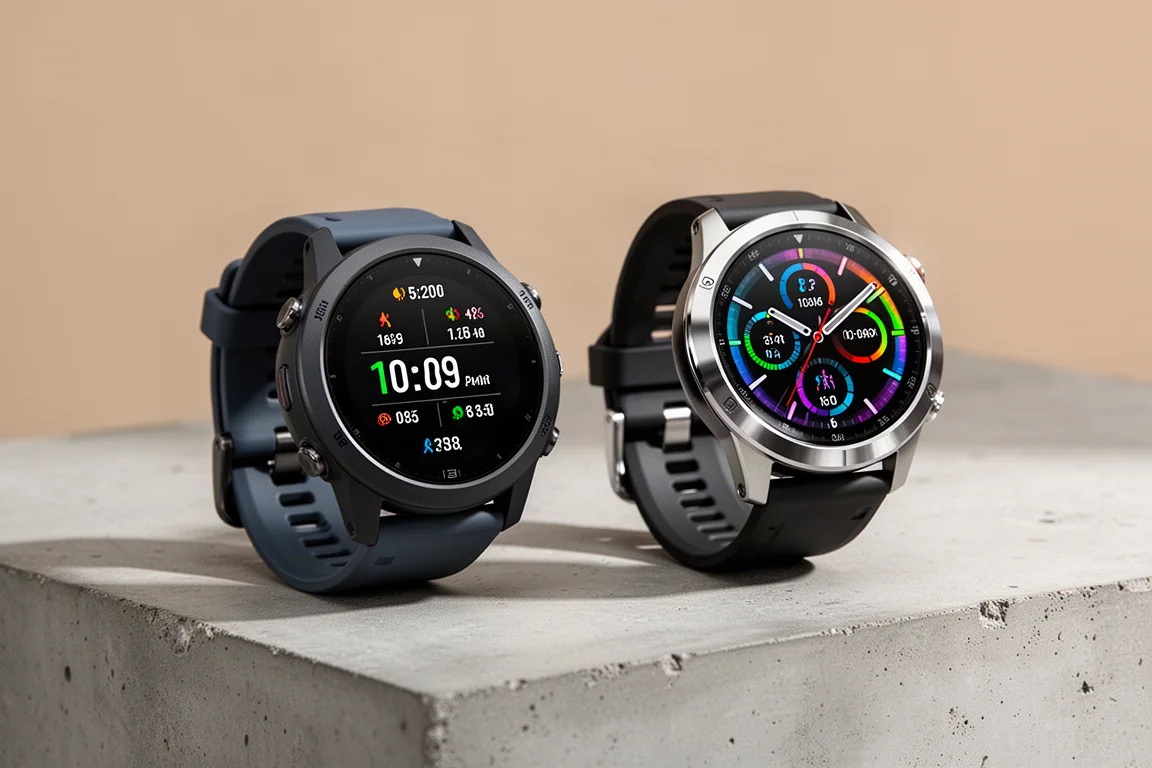
Garmin Forerunner 265 vs Garmin Venu 2 Plus: Which Mid-Range Garmin Fits You Best?
Two AMOLED Garmin watches at a similar price with very different personalities: one leans sports and training, the other leans smartwatch. Here is how to choose.
Fitness Smartwatches
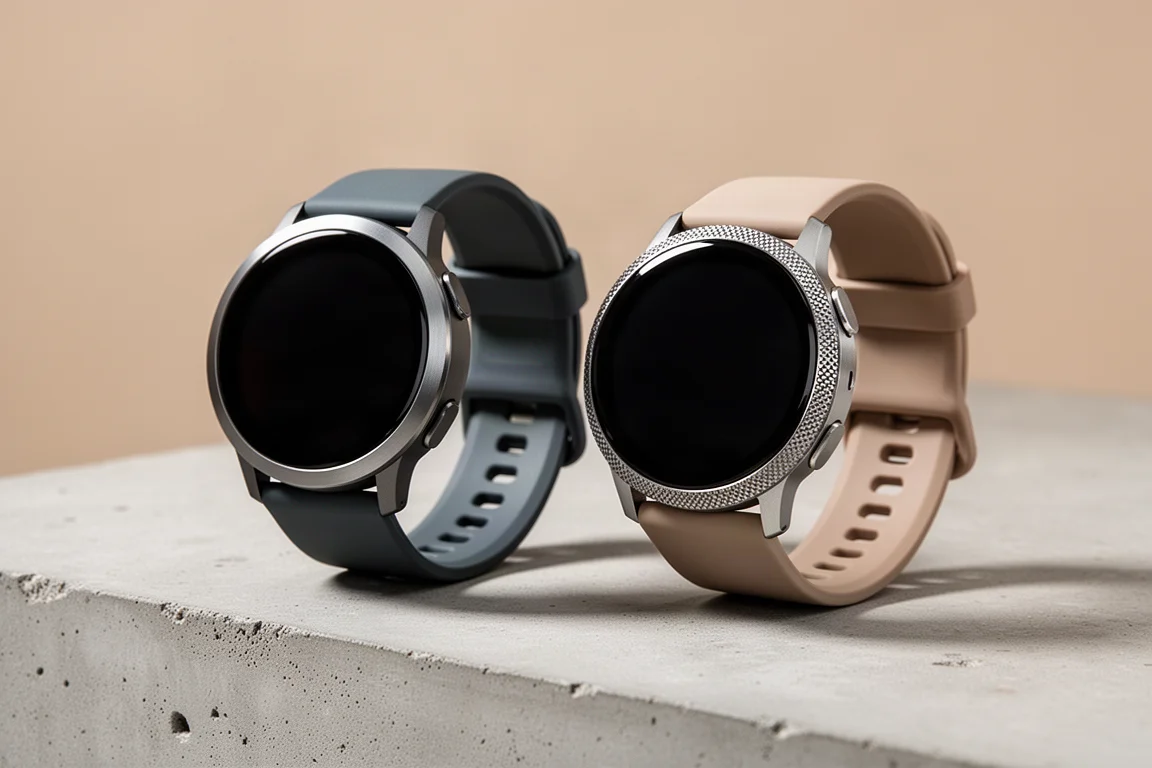
Garmin Vivoactive 5 vs Garmin Venu 3: Which Fitness Smartwatch Makes More Sense
Two closely related Garmin fitness smartwatches with very different prices. Here is how the Vivoactive 5 and Venu 3 compare on design, battery, health tracking, and sport features.

Backpacking Gear
Building a 10 lb Base Weight: An Ultralight Backpacking Gear List
A practical walkthrough of the ultralight pieces behind a 10 lb base weight, from a 765 g pack and a roomy one-person tent to a full camp chair and a dependable water filter.