Outdoor Navigation
Garmin Trails Review: Is the Paid Trail Library Worth It?
Garmin Trails adds a paid trail browser to Garmin Connect and Garmin Explore. Here is what works, what is missing, and when the free route is the better buy.

Introduction
Garmin Trails is Garmin’s newest addition to its outdoor navigation toolkit: a searchable trail library that lives inside the Garmin Connect dashboard and mirrors into Garmin Explore. The catch is where it sits. Trails is part of the paid Garmin Connect Plus feature set, and it is also included with the Maps Plus tier on Garmin Explore. For anyone who has already paid for a Garmin watch or handheld, that raises an obvious question: is there enough here to justify another subscription line item?
The short answer is that the mechanics work and the trail data is real, but the feature mostly repackages information that is already available elsewhere. This review covers what Trails actually does, where it is genuinely useful, and where it falls short.
What Garmin Trails Adds to Garmin Connect
Trails appears inside Garmin Connect under Training and Planning, presented as a list of routes near you. Each entry carries a short description, total ascent, an elevation profile, and the months when the trail tends to be most popular. Filters let you narrow that list by attributes such as total ascent, and search reaches well beyond your immediate area: recognisable routes such as Half Dome appear, and coverage across the United States is broad enough to be practical.
The more useful part is what happens next. From a trail page you can send the route straight to a paired device, where it lands among your saved courses and is followed like any other course, with the same guidance you would get from a route you built yourself.

Garmin Explore mirrors the same library. A dedicated Garmin Trails map layer can be toggled on and off alongside the layers already present, and the same filters are available when you open an individual trail. Coverage is not complete, however. Some well-known local routes are missing, and some users open the list and find very little near them at all.
Who This Feature Suits
Garmin Trails makes the most sense for people who are already inside the paid tier. If you subscribe to Garmin Connect Plus or Garmin Maps Plus for other reasons, the trail library is a convenience rather than a new expense: a browser that lives in the app you already use, with a one-tap handoff to your watch.
It is a harder sell for everyone else. If most of your outings are local and you already know the routes, a built-in library adds very little. The feature earns its place mainly when you travel and want a quick way to find something to follow near an unfamiliar trailhead.
Main Strengths
Three things stand out.
First, the device handoff is smooth. Sending a trail to a watch works reliably, and the route is stored with your saved courses, so you can find it again later without repeating the setup.
Second, the data presentation is sensible. Total ascent, an elevation profile, popular months, and a short description give you a fast sense of whether a route matches your fitness and the season.
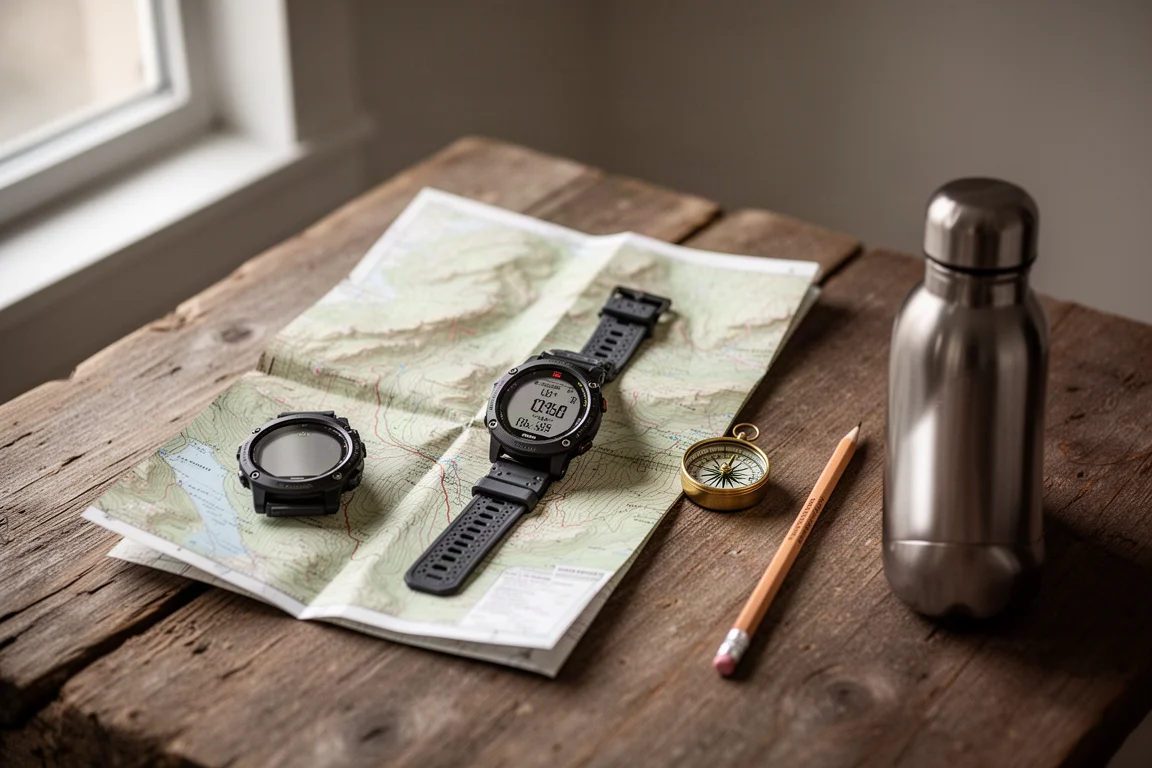
Third, the Explore integration is clean. The Garmin Trails layer behaves like the other map layers and the filters carry across, so you can browse on a larger screen and then push the route to your device.
Things to Consider Before Buying
The ratings and reviews are the most visible gap. Trail pages show star ratings, but the review data is essentially empty. Nothing in the library reads like a trip report from someone who has actually walked the route, so the context that normally helps you judge difficulty and conditions is missing. It looks as though the system expects users of a paid service to supply that context after the fact.
Customisation is limited as well. You can customise a trail into a course and drop a point, but the routing and editing tools are basic. Rerouting around a closure or linking two paths is not really possible, and most people will end up editing the route somewhere else.
Sign-up friction is worth knowing about in advance. Activating the feature through Garmin Connect Plus can fail with an account error that has nothing to do with the subscription itself, as an InReach Professional account can trigger, while the same feature unlocked without trouble through Maps Plus.
Coverage gaps matter too. Popular routes do exist in the library, but not every well-known trail does.
How It Compares With Free Alternatives
This is where Garmin Trails struggles most. GPX files for trails are freely available from a range of outdoor websites and community sources, and importing one into Garmin Connect or Garmin Explore is part of the experience your device purchase already covers. Once imported, the file syncs to your watch as a course, exactly as a Garmin Trails route does.
AllTrails is the other obvious reference point. Its free account lets you record an activity and leave a review, so the community data is built on participation rather than a subscription. The paid tier, at roughly $25, can send a trail directly into Garmin Connect as a course, which removes most of the manual import work.

Against that, a paid trail library with empty reviews is a difficult value proposition, at least in its current state.
What Would Make Garmin Trails Worth Paying For
The feature is not far from being useful. Populated reviews and trip reports would do the most to change the picture, because that is the one thing a free GPX file cannot give you. Better routing tools would help too: the ability to move a course point, avoid a closed section, or stitch two trails together would turn the library into a planning tool rather than a catalogue.
Anything that only Garmin can provide would also justify the cost, whether that is richer data drawn from device activity, offline access in areas without signal, or closer integration with the navigation features already on the watch. As it stands, the library is a starting point rather than something you would subscribe for on its own.
Buying Advice
If you already pay for Garmin Connect Plus or Garmin Maps Plus, Trails costs you nothing extra, and it is worth a look, especially when you travel and want a route near an unfamiliar trailhead. Send a trail to your watch, follow it as a course, and treat the library as a starting point rather than a finished guide.
If you are considering a subscription specifically for Trails, the free route makes more sense. Download a GPX file from an outdoor site, import it into Garmin Connect or Garmin Explore, and let it sync to your device. You keep the same on-watch experience without adding a recurring cost.

For anyone who wants route data alongside genuine community reviews, a service built around user reports will serve you better, and it can hand routes across to Garmin Connect as well.
Conclusion
Garmin Trails works. The handoff to a paired device is clean, the filters are sensible, and the elevation and season data give you a quick read on a route. But it sits behind a subscription while offering information that is available elsewhere at no extra cost, and its review layer is empty. For existing subscribers it is a small bonus worth exploring. For everyone else, importing GPX files remains the more practical path, and the money is better spent on gear you will actually wear out on the trail.
Product link
View more details for Garmin Trails
This product is mentioned in the review. Check the specifications, options, and compatibility before buying.
View more details for Garmin TrailsFurther reading
Related Reviews
Outdoor Navigation
Natural Atlas Review: Trail-Accurate Navigation for Hikers
Natural Atlas measures distance along real trails rather than straight lines, and pairs that with offline maps, tide predictions, and printable paper maps.

Outdoor Navigation
Best Satellite Communicators and Outdoor GPS Devices 2026
A practical guide to handheld GPS units, satellite messengers, beacons and outdoor watches, with the real strengths and trade-offs of each option.
Outdoor Navigation
Caltopo vs AllTrails Plus: Which Outdoor Planning Tool Fits Your Hike?
A practical comparison of two outdoor planning tools: Caltopo for detailed trip planning and terrain data, and AllTrails Plus for simple trail discovery and navigation.