Satellite Communicators
Garmin inReach Messenger Review: A Year With Garmin's Messaging-First Communicator
A long-term look at the Garmin inReach Messenger, from transmit power and battery life to the Garmin Messenger app and the navigation features it does not have.
Introduction
Satellite communicators are usually sold as all-in-one backcountry tools, so the Garmin inReach Messenger can look like an odd entry in the lineup. It has no real onboard navigation, Garmin’s own product imagery leans toward car camping, and there are no first-party belt clips or backpack straps offered for it. That combination makes it easy to file away as a recreational accessory rather than a serious outdoor device.
A year of regular use points in a different direction. The inReach Messenger is best understood as a messaging device that happens to live in the inReach family, and once that framing is clear, its place becomes obvious. It is small, it lasts a long time between charges, and it puts out more transmit power than any other inReach device currently available.
Who the Garmin inReach Messenger Is For
Two groups get the most out of this device.
The first is the long-distance hiker. If the goal is to share a position on a breadcrumb trail map with friends and family and exchange the occasional message, the Messenger covers that cleanly. Turn it on, drop it in the top of a pack, and it can run for two or three weeks without a charge. For someone already carrying a phone for navigation, photos, and audio, adding a small dedicated communicator is a light way to stay in touch.

The second group is existing inReach or satellite communicator owners whose current device struggles to get messages out. The Messenger has the highest transmit power in the inReach lineup, and that appears to help when conditions work against you. It is not a perfect like-for-like comparison in wattage terms, but the difference is noticeable in practice.
Car campers are a third audience, and the Messenger works well for them. It is simply worth knowing that more cost-effective options exist for that use case.
Design, Antenna, and Satellite Performance
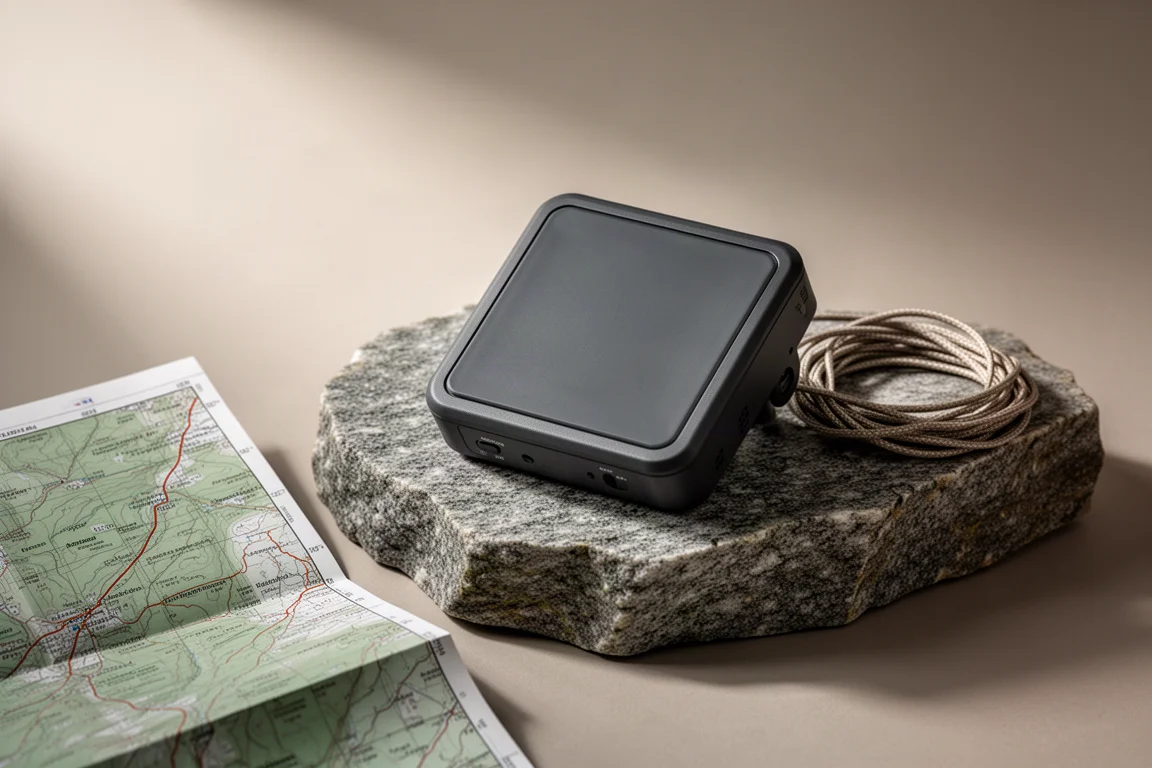
The Messenger does not look like the rest of the inReach family. Other inReach devices use a helix antenna at the top. The Messenger uses a patch antenna, which is the large square on the top face of the housing. That shape dictates how you carry it: keep it upright or flat, and avoid leaving it upside down.
The most reliable placement over the year was high in the top compartment of a backpack, sitting relatively flat. From there it stays elevated and has a clear view of the sky. It can also be mounted to a pack, and at roughly the size of a pack of cigarettes it fits easily into small pouches and holders. The main precaution is orientation, since a device that flips upside down will not perform the way it should.
On the satellite side, the Messenger can also use BeiDou, the Chinese satellite constellation, in addition to GPS. Every inReach device tries to establish a position fix before sending, because the location is attached to the outgoing message, and the extra constellation support helps that fix happen a little faster than it does on something like the inReach Mini 2.
Transmit power is where the Messenger separates itself. It runs at 3.9 watts, compared with roughly 1.5 to 1.6 watts on the Mini 2. Higher wattage does not guarantee dramatically faster delivery, but the general pattern over a year of use was a modest improvement. With the Mini 2, a message typically went out in somewhere between two and five minutes. With the Messenger, that window narrowed to roughly one to four minutes, and under good conditions a message could move in seconds. Conditions still govern everything, but the Messenger has been the more effective of the two at getting messages through.
Battery Life and Reverse Charging
The battery is one of the Messenger’s clearest advantages. It carries an 1,800 mAh cell, larger than the 1,250 mAh battery in the Mini 2, and it lasts roughly twice as long in practice. Averaged across a year of use, the drain worked out to about 5 percent per day with the device powered on around the clock, which puts a full charge at roughly 20 days in mixed conditions.
That matters most in the scenarios where a communicator is actually needed. A long back-and-forth with a doctor after an injury, or several extra days stuck in place because of weather, drains a battery far faster than idle monitoring. Having the reserve available is the point.
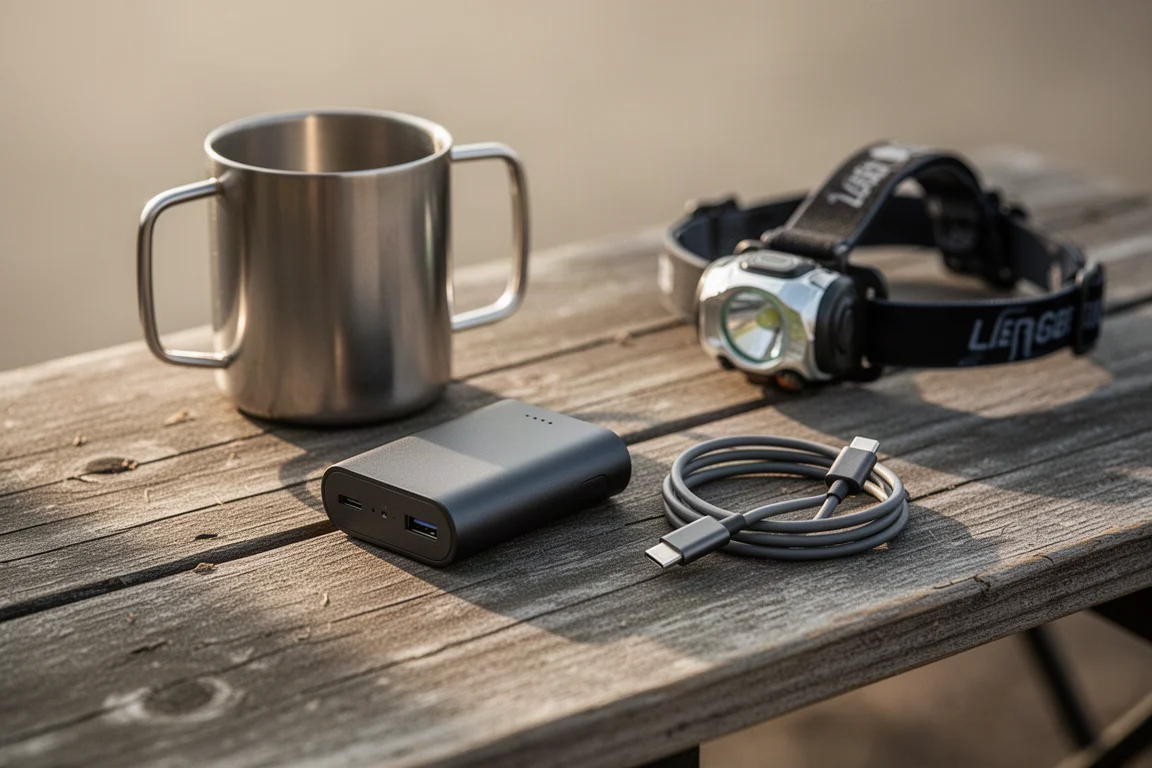
There is also a reverse charging feature. The Messenger can push a slow charge over USB to a phone for 20 minutes, provided its own battery is above 25 percent. It is not a replacement for a proper power bank, and a small USB battery pack remains the better answer for extended trips, but as a fallback it does the job.
Messaging, the Garmin Messenger App, and How Contacts Reach You
The hardware itself is minimal. There is an SOS button on the side, USB-C charging, a small screen, and three buttons: two arrows and an OK key. Holding the back key jumps to the top of a menu. Everything the device does on its own is functional rather than pleasant, which is why the companion app carries most of the experience. Over Bluetooth, the app remote-controls the device, gives you a full keyboard, shows a log of every message, and presents weather reports with icons.
The Messenger’s messaging model deserves a careful look, because it differs from other satellite communicators. The device itself does not have a phone number attached to it. When you pair it with the Garmin Messenger app, the app asks for your cell phone number and uses it as a unique identifier inside the Garmin Messenger system. That number has nothing to do with your carrier, and no carrier involvement is required.
The practical consequence is that people who want to message you should install the Garmin Messenger app. A free account is enough, and no device is required on their end. They add you as a contact using your cell number, send a message, and Garmin routes it to you over satellite, Wi-Fi, or cellular as needed. It behaves much like any mainstream messaging app, which makes it a reasonable ask for family members.
The Messenger also works the way a traditional inReach does. You can send a message straight to an SMS number or an email address, and the recipient can reply. That reply path works for days at a time, but the originating number or address is not permanent and will change over time. Group messages are supported inside the app, provided everyone involved is using it.
Setup has also moved into the app. Registration, device pairing, and opt-ins such as search and rescue insurance can all be handled there rather than on a website. And if you already own an inReach Mini 2, 66i, 67i, or a Montana 700 or 750i, the Garmin Messenger app works with those devices too, so the same messaging experience is available without buying new hardware.
Navigation Limits: What It Does and Does Not Do
Garmin’s own training material describes this as a device that is not intended for navigation, and a year of use confirms that framing. There are a couple of basic tools, but they are backup features rather than a navigation system.
Track back records points every 10 minutes and then provides a bearing back toward where you started. It is a rough safety net, and better than nothing if visibility drops. The device can also display your latitude and longitude, though the format cannot be changed and the option sits a few menus deep. Paired with a paper map, that is genuinely useful.

Beyond that, the list is empty. There are no waypoints, courses, tracks, or routes. The device does not record a usable track log, and it cannot be paired with the Garmin Explore app. Anyone who wants mapping, route planning, or on-device navigation should look at a different device in the family.
Things to Consider Before Buying
The Messenger leans on a phone for the best experience. Reading and typing on the device alone is possible but slow, so a charged phone matters more here than it might with a larger handheld.
Orientation is another practical consideration. The patch antenna wants to stay upright or flat, so it needs a stable spot in a pack or on a mount rather than a loose pocket where it can flip.
The navigation gap is the biggest one. If map work is part of the plan, this is not the device for it. And delivery times, while generally better than the Mini 2, still depend on sky view and terrain, so a message that takes a few minutes is normal rather than a fault.
Buying Advice: Messenger vs Other Options
For anyone who already owns an inReach and wants the most effective messaging the platform offers, the Messenger is the straightforward choice. The higher transmit power and the larger battery are the two reasons it stands out, and both show up in everyday use rather than only on paper.
If navigation is the priority, the Garmin GPSMAP 67i is the stronger pick. It has a large, easy-to-read screen, message typing through the rocker buttons along the bottom, and a non-touchscreen design that works with gloves and in wet conditions. It is a very capable navigation device for demanding environments.

If you want a small unit with meaningful navigation backup, the inReach Mini 2 remains compelling. It offers strong battery life in a very small body and includes features such as navigate by course, and it pairs with the Garmin Explore app. Car campers, meanwhile, may find the Zoleo or the Motorola Defy more cost effective for their needs.
Conclusion
The Garmin inReach Messenger makes sense once you stop expecting it to be a navigator. It is a compact, long-lasting messaging device with the highest transmit power in the inReach lineup, a battery that can stretch to roughly 20 days of standby, and an app that makes satellite messaging feel close to ordinary texting. For long-distance hikers and for owners of an inReach device that struggles to send, it is a genuinely useful tool. For anyone who needs maps and routes in the field, a different device will serve better.
Product link
View more details for Garmin inReach Messenger
This product is mentioned in the review. Check the specifications, options, and compatibility before buying.
View more details for Garmin inReach MessengerFurther reading
Related Reviews
Satellite Communicators
Garmin inReach Messenger vs inReach Mini 2: Which Satellite Communicator Belongs in Your Pack
A practical comparison of two compact Garmin satellite communicators, covering navigation, screen size, battery life, reverse charging and price.
Satellite Communicators
Garmin inReach Messenger vs Zoleo: Which Satellite Communicator Is Right for You?
A practical comparison of two satellite communicators, covering price, battery life, messaging, apps, satellite coverage, and standalone SOS use.
Satellite Communicators
Garmin inReach Mini 2 vs inReach Mini: Is the Newer Satellite Communicator Worth It?
A practical comparison of the Garmin inReach Mini 2 and the original inReach Mini, covering battery life, USB-C charging, navigation, app support, and upgrade advice.