Satellite Communicators
Garmin inReach Messenger Plus Review: Longer Messages, Voice Notes, and Real Trade-Offs
A close look at the Garmin inReach Messenger Plus, covering its new Iridium messaging system, voice notes, photo sharing, battery behaviour, and navigation limits.
Introduction
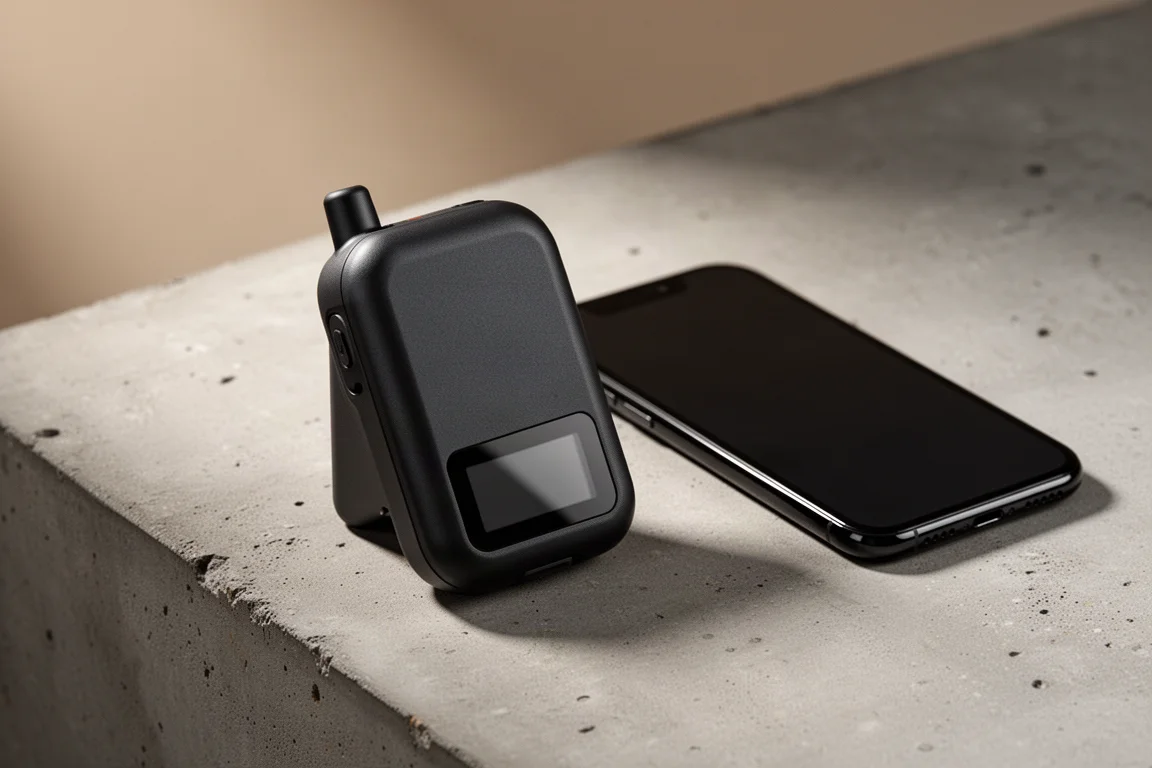
The Garmin inReach Messenger Plus looks almost identical to the inReach Messenger that came before it. The housing is the same, the small display on the lower half is the same, and the core promise is unchanged: SOS messaging, weather reports, and tracking from places where a phone has no signal. What has changed is the inside, and that difference is the whole story of this device.
Every inReach up to now, including the Mini 2 and the GPSMAP 67i, has sent data over Iridium Short Burst Data. The Messenger Plus moves to Iridium Messaging Transport, a higher-speed system built on Iridium Certus that is more commonly found in larger hardware such as marine systems, Wi-Fi equipment, and drones. The move brings higher throughput and lower latency, and it required Garmin to rewrite a substantial part of how inReach works while keeping the device backwards compatible with older units. It also pushes the price up considerably compared with the original Messenger.
Who This Product Is For
The Messenger Plus is built for people who travel beyond reliable cell coverage and want a direct line to emergency services and to the people at home. It works best when paired with a smartphone, which handles typing, voice recording, and photo selection, though the core functions remain available on the device’s own small screen. SOS triggering, check-in messages, and tracking all work without pulling out a phone.

The strongest case for this device is detail. A hiker, paddler, or backcountry skier who needs to describe an injury, a location, or a change of plan can now send far more than a short line of text. If you already carry an inReach and you only ever use it for basic messaging and tracking, the new capabilities are unlikely to change how you use the device day to day.
Main Strengths of the inReach Messenger Plus
The headline improvement is message length. Over satellite, the Messenger Plus can send a message of up to 1,600 characters to another Messenger Plus or to anyone connected through Wi-Fi or cellular data. The older Short Burst Data system allowed roughly 160 characters per message. If the recipient is on any other inReach, the message arrives in chunks, and each chunk counts against that person’s message allowance, which is worth remembering before sending a long update to a friend on an older unit.
Emojis now work, and older inReach devices can send them too. Tapbacks work the way they do on a phone, and a tapback does not come out of your message allowance. Check-in messages behave exactly as they did before, so the everyday safety workflow stays familiar.
Transmit power is another change. The Messenger Plus transmits at 9.33 watts, compared with 3.89 watts for the original Messenger and around 5 watts for a typical personal locator beacon. The systems are not directly comparable, and radio waves travel the same way regardless, but higher transmit wattage increases signal strength and range, which showed up as a little more reliability in dense forest.
Garmin Explore app support is new as well. The original Messenger only worked with the Messenger app. With the Messenger Plus, the Explore app can draw on the device’s GPS rather than the phone’s GPS.
Messaging, Voice Notes, and Photo Sharing in Practice
Voice messages are the feature most likely to change how you use the device. You record them through the phone, not into the device itself, and a paired watch with voice control cannot be used to capture them either. Each clip is capped at 30 seconds, which sounds short until you try it. Thirty seconds of speech carries far more than a stack of short text messages when you are describing a medical situation, a location, or a decision.
Sending takes a little longer than a text, with a progress bar on screen. Voice notes cannot be sent to a non-Messenger Plus inReach, but they will reach any Messenger account connected over Wi-Fi or data, and playback quality is good. If you send one to an older inReach on Short Burst Data, it simply does not go through until that device reconnects over Wi-Fi or cellular. Garmin Response, the centre that handles emergency calls, is set up to receive both voice messages and photos.
Photos work in a similar way. You can pull one from your photo library or shoot it in a camera app and send it. Images are downscaled from the phone camera’s native resolution, but resolution is consistent between sending and receiving with no visible degradation, and the results looked good. Together, voice notes and images give an emergency contact or a rescue coordination centre far better information than text alone.
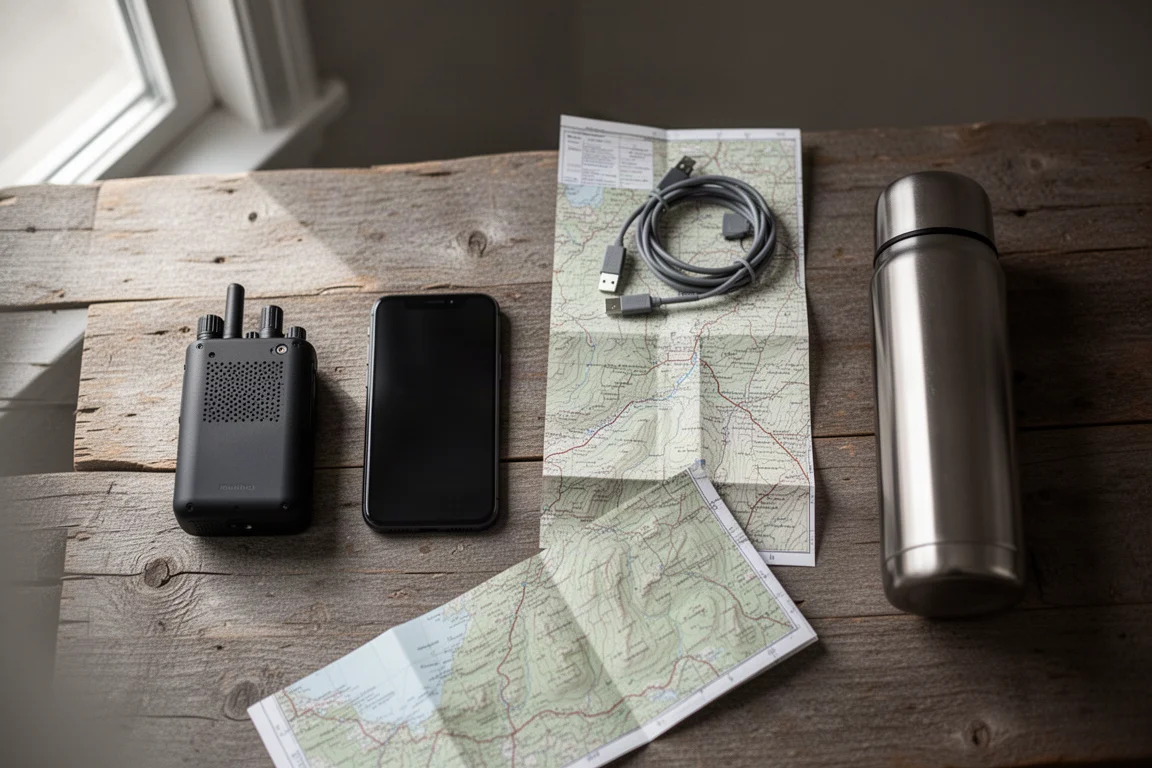
The practical limit sits at the receiving end. Anyone on an older inReach or without a data connection will get a delayed or partial experience, so it is worth checking what the people you message most often are carrying.
Field Performance: Speed, Range, and Reliability
Testing in a coastal redwood grove, with heavy tree cover standing in for difficult conditions, the Messenger Plus was noticeably quicker than an inReach Mini 2, though not dramatically so. The advantage averaged somewhere around 20 to 30 percent. Both devices generally got messages out in under two minutes, usually in the 30 second to one minute range. Voice notes and images took longer and varied a lot: one image took close to ten minutes, while another went through in under a minute a short time later.
How quickly replies arrive depends on messaging mode, which is really a battery management setting. Performance mode keeps the device continuously connected to the satellites, similar to the way a phone stays locked onto a signal. Low power mode sends your message, checks briefly afterwards, and then checks roughly once an hour, which is how older inReach devices behave. Performance mode feels more like a live conversation. Low power mode stretches the battery.
Positioning is multi-GNSS but not multiband. Tracks recorded alongside a multiband watch were acceptable rather than exceptional. For live tracking and shared track points, that is more than enough. It is not a substitute for a dedicated navigation device.
Battery Life and Messaging Modes
Garmin publishes battery figures for each messaging mode, but real world results varied widely. In the redwood test, running in performance mode with messages going back and forth under heavy canopy, the battery fell noticeably and there were stretches of several minutes where nothing would send. By contrast, a hike with 10 minute tracking intervals and no messaging at all did not use a single percentage point over three or four hours.
The pattern is fairly clear: most of the drain comes from staying connected. If the device is cycling in and out of satellite contact while in performance mode, it works harder and the battery suffers. Garmin rates the device for roughly 250 messages, photos, and voice messages back and forth in total.
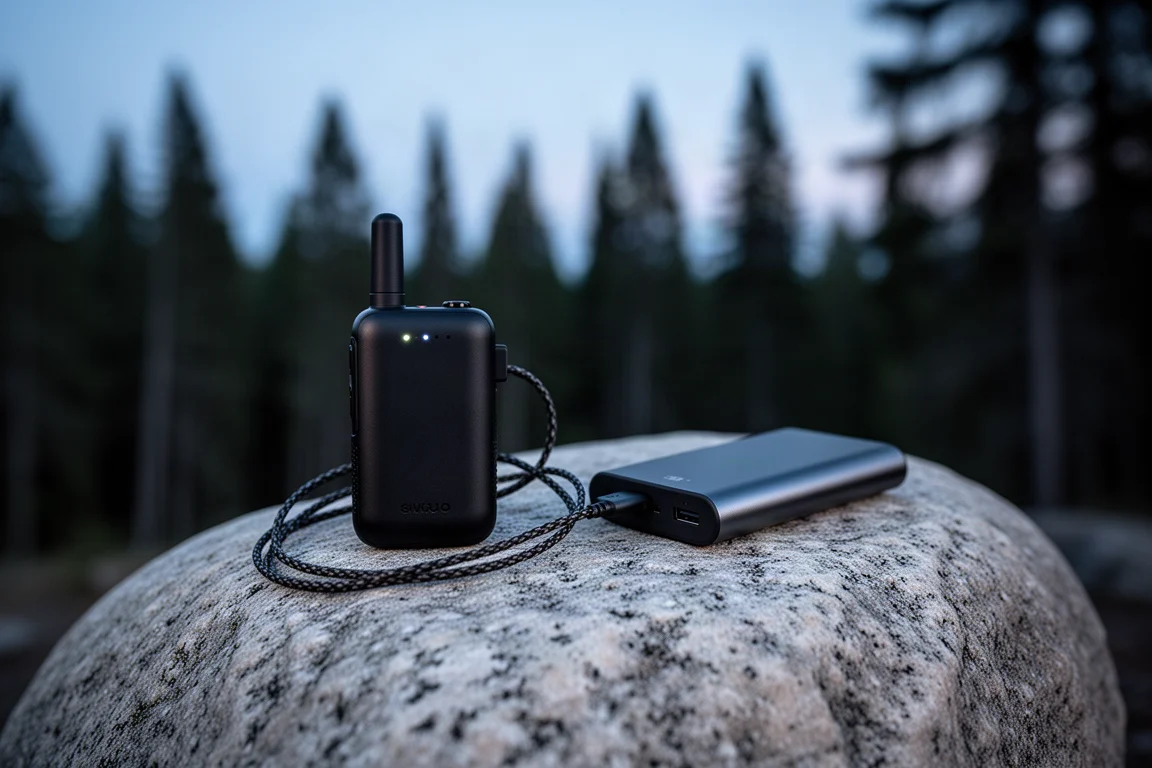
A sensible routine is to leave the device in low power mode for general hiking and switch to performance mode when you are actively exchanging messages and want quick replies. Carrying a separate power bank remains the simplest insurance for longer trips.
Navigation, TrackBack, and Reverse Charging
Garmin Explore app support sounds more useful than it turned out to be. The app can draw on the device’s GPS instead of the phone’s, and it connected without trouble, but creating a course and navigating it produced no turn by turn alerts and no course map on the device screen the way an inReach Mini 2 provides. The only prompt came at the end of the route. The TopoActive maps in the Explore app are also a long way behind dedicated mapping apps, which makes the whole feature better described as a bonus than a reason to buy.
TrackBack has a new interface, and it works in the same limited way as before. On a test hike, points from earlier in the walk were not present in the TrackBack log, and following a saved point means watching a compass bearing and waiting for an arrival alert. TrackBack is genuinely useful on a watch that records a point every second or two. With 10 minute intervals, it is better than nothing but not much more.
Reverse charging is the feature to treat with the most caution. The idea is that the device can top up a phone, since so much of the Messenger Plus experience depends on one. It will not operate when the device itself is below 25 percent, and in testing it drained the Messenger Plus heavily without delivering any meaningful charge to a phone. Treat reverse charging as unreliable, plan around it, and bring a battery bank instead.
Buying Advice
Unless you have a specific need to send photos or voice messages over satellite, the honest answer is probably no. The core function of an inReach, getting an SOS out and holding a two-way conversation from the backcountry, has not changed, and older units still do it well, perhaps a fraction slower and with fewer refinements.

If cost is not a deciding factor and you have used a Messenger before, the new capabilities are a genuine upgrade, particularly in an emergency where a 30 second voice note or a photo can say what several text messages cannot. One more thing to check before buying is the subscription. Sending messages over the new system costs Garmin more on the back end, and that is likely reflected in the newer service plans, so compare plan pricing against your expected usage. Whatever you choose, test the device thoroughly before you depend on it.
Conclusion
The inReach Messenger Plus is the most significant change to the inReach line since the first device, and it earns that description through the messaging system rather than the hardware. Longer messages, voice notes, and photos make it a better tool for the moments that matter most, and the higher transmit power adds a little extra margin in difficult terrain.
It is also more expensive, its battery behaviour demands attention, its navigation features are thin, and its reverse charging did not deliver in testing. For anyone whose existing inReach already covers SOS and basic messaging, there is no urgent reason to upgrade. For everyone else heading well beyond coverage and wanting to say more when it counts, the Messenger Plus is a compelling option.
Product link
View more details for Garmin inReach Messenger Plus
This product is mentioned in the review. Check the specifications, options, and compatibility before buying.
View more details for Garmin inReach Messenger PlusFurther reading
Related Reviews
Satellite Communicators
Garmin inReach Messenger vs inReach Mini 2: Which Satellite Communicator Belongs in Your Pack
A practical comparison of two compact Garmin satellite communicators, covering navigation, screen size, battery life, reverse charging and price.
Satellite Communicators
Garmin inReach Messenger vs Zoleo: Which Satellite Communicator Is Right for You?
A practical comparison of two satellite communicators, covering price, battery life, messaging, apps, satellite coverage, and standalone SOS use.
Satellite Communicators
Garmin inReach Mini 2 vs inReach Mini: Is the Newer Satellite Communicator Worth It?
A practical comparison of the Garmin inReach Mini 2 and the original inReach Mini, covering battery life, USB-C charging, navigation, app support, and upgrade advice.