Avionics
Garmin GTN vs GNS: Choosing Between the 650, 750, 430 and 530
A practical guide to Garmin's GNS and GTN navigator families, and how to pick the right panel upgrade for how you actually fly.
Introduction
If you fly a piston single or light twin with an older Garmin navigator, you have probably wondered whether to stay with the GNS series or step up to the newer GTN family. The honest answer depends less on the hardware and more on your mission: how you fly, how often, and what you want the airplane to do for you.
From GPS to Flight Management System
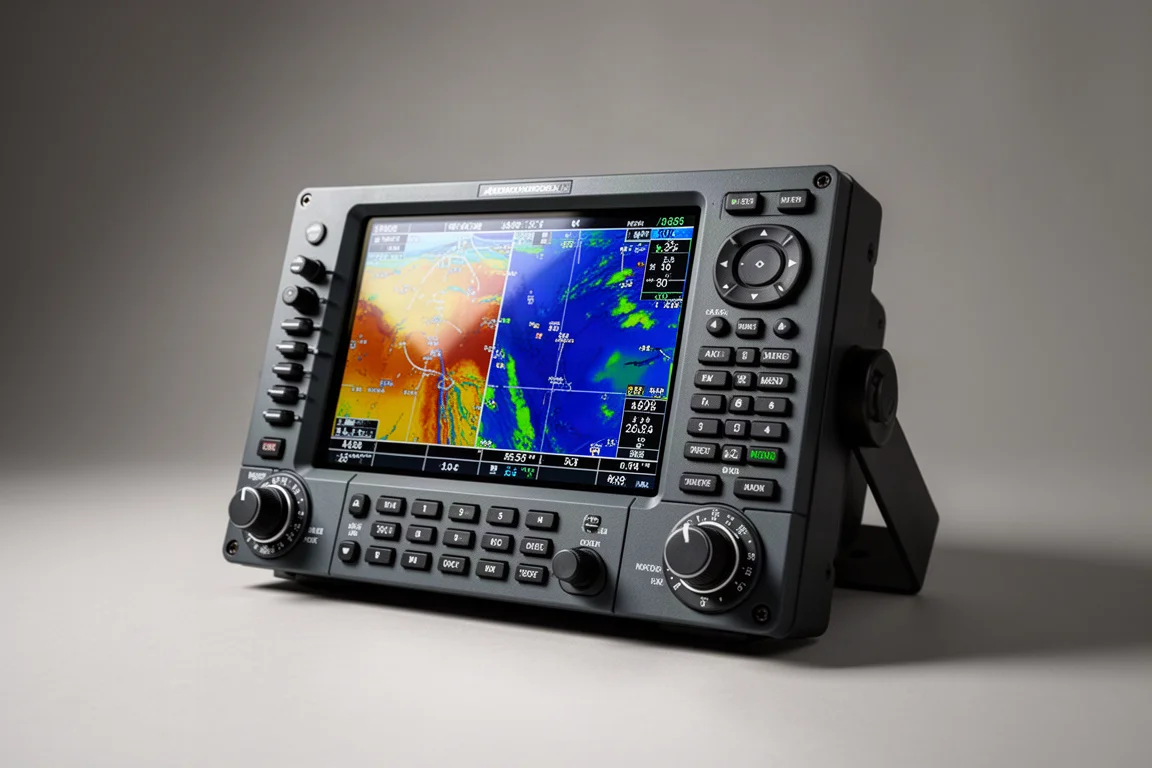
The jump from the GNS series to the GTN series is a genuine generational shift, not just a screen update. It is the difference between the old flip-phone era and the smartphone era. Where the GNS units are GPS navigators, the GTN units behave like fully integrated flight management systems, and they act as the hub of the airplane.

That hub role is the key difference. The GTN series connects to the primary flight display, the multi-function display, the autopilot, and the weather receiver in a way the older GNS series simply could not. If your aircraft already has glass displays or an autopilot you want to couple more tightly, that integration matters far more than any single feature on the spec sheet.
Garmin GTN 650: The Natural GNS 430 Replacement
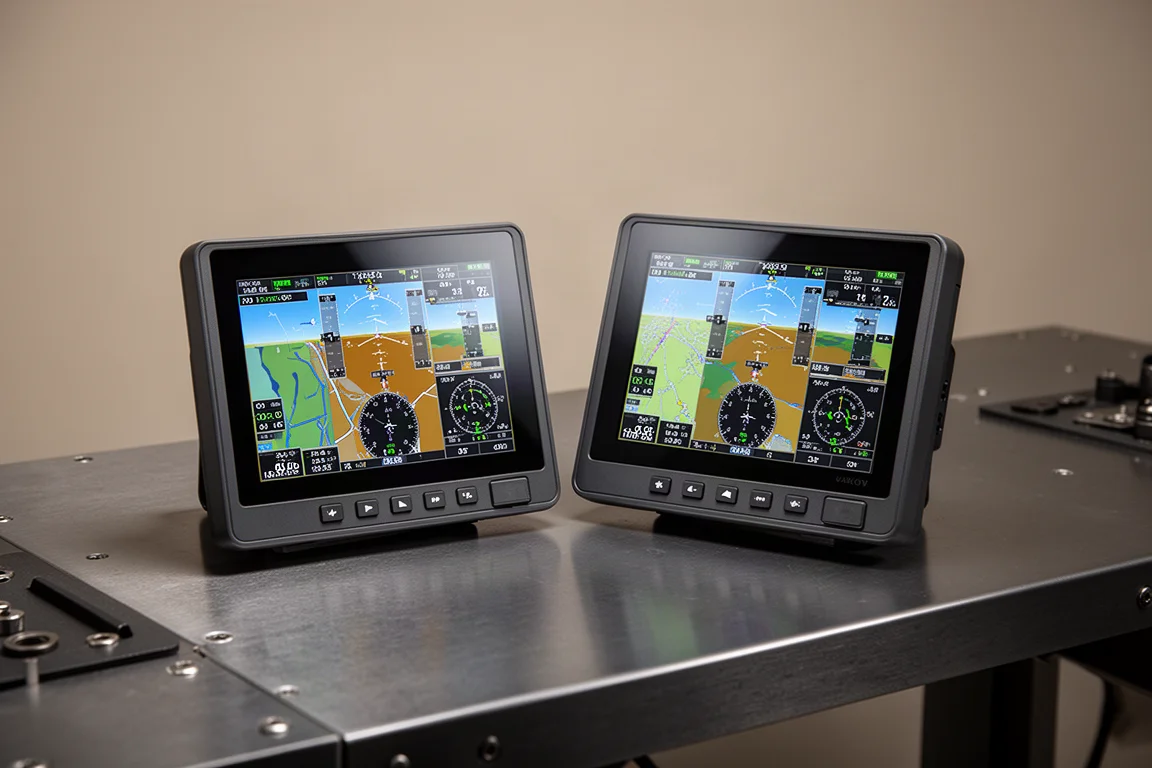
The GTN 650 and GTN 750 look very similar and share a great deal of capability, but they are different avionics with a good fit for each. The 650 is typically the great replacement for a GNS 430, and with so many 430s still flying, removing a 430 and dropping in a 650 is a phenomenal upgrade for many owners.
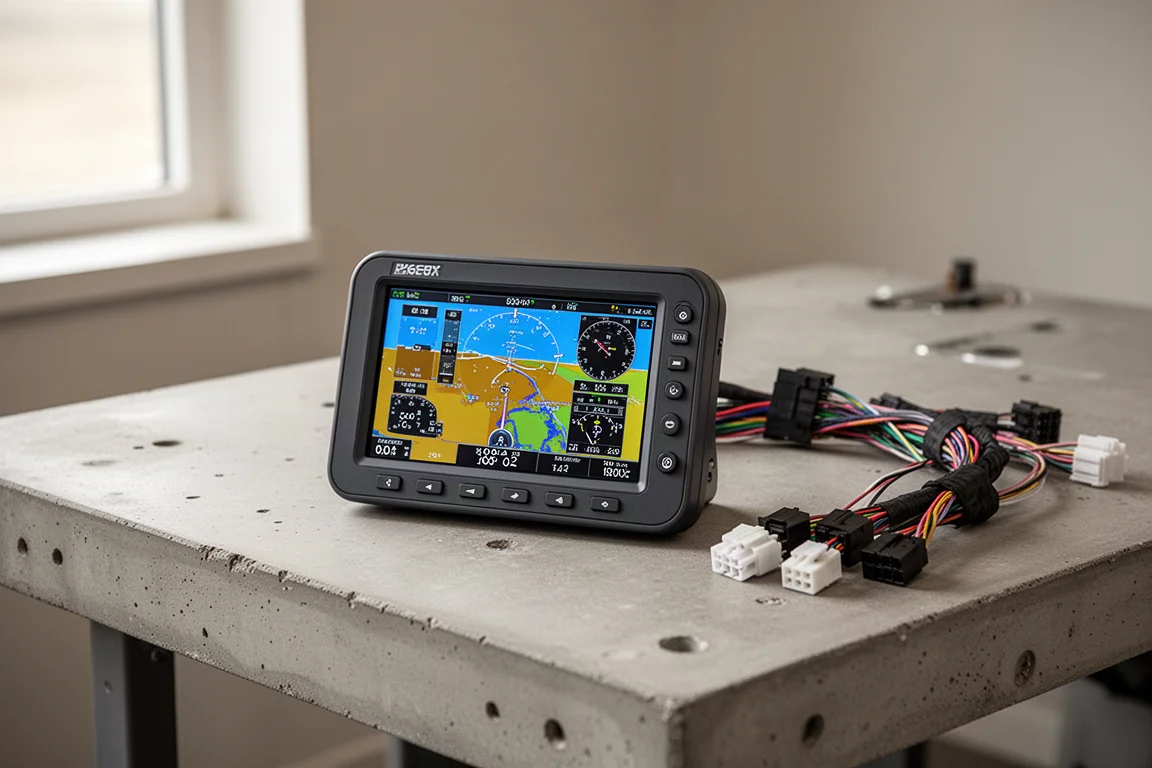
If your flying is casual weekend hops, the 650 delivers a modern interface and full approach capability in the same slot you already have. It keeps the footprint familiar while bringing the panel firmly into the current era.
Garmin GTN 750: Consolidating Panel Real Estate
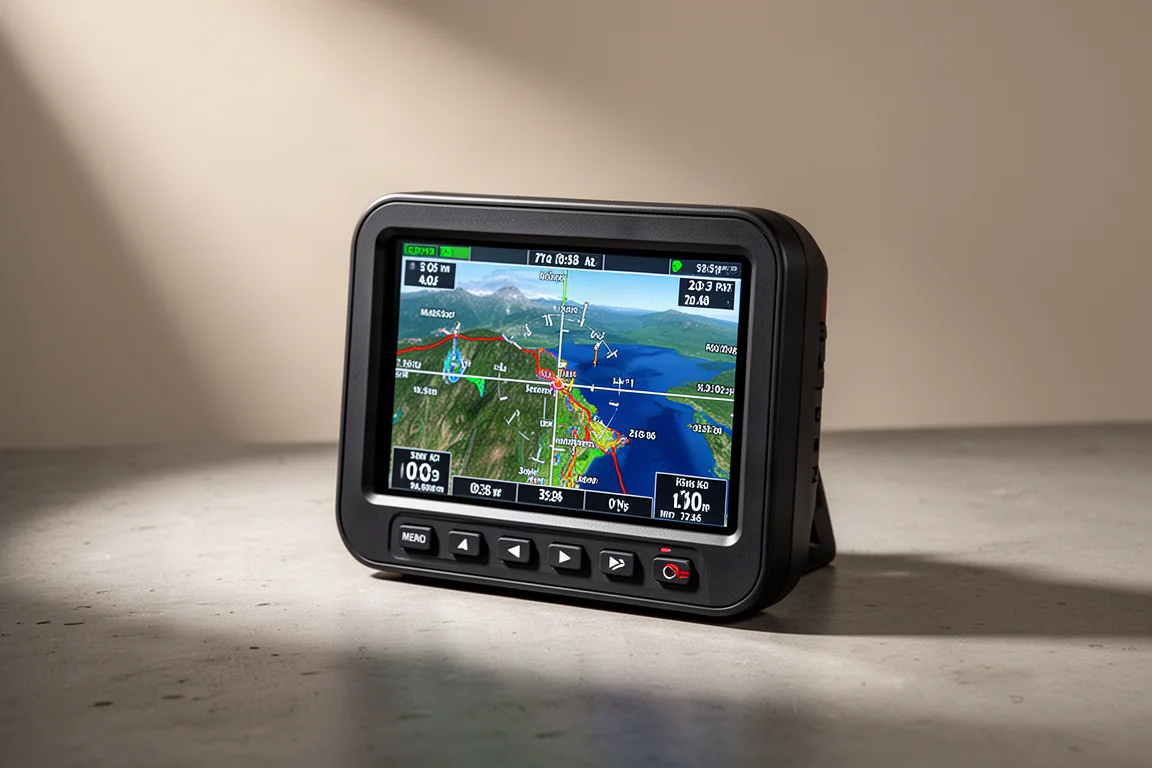
The 750 tends to be the answer when a GNS 530 comes out alongside an audio panel or a transponder. Because the 750 can take on remote audio panel and remote transponder functionality, you can consolidate several boxes into one unit while maintaining the smaller available panel real estate.
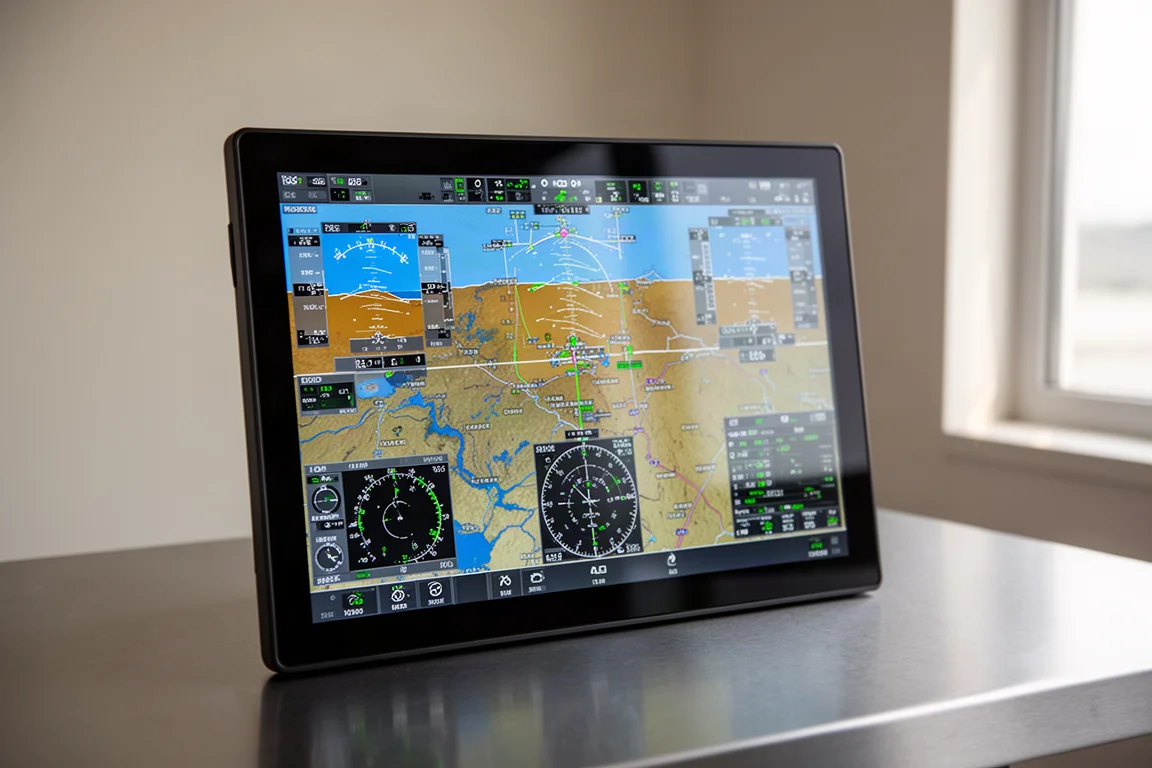
For owners facing a multi-box replacement, this consolidation is often what tips the decision. Fewer units, less clutter, and one large display doing the work of several.
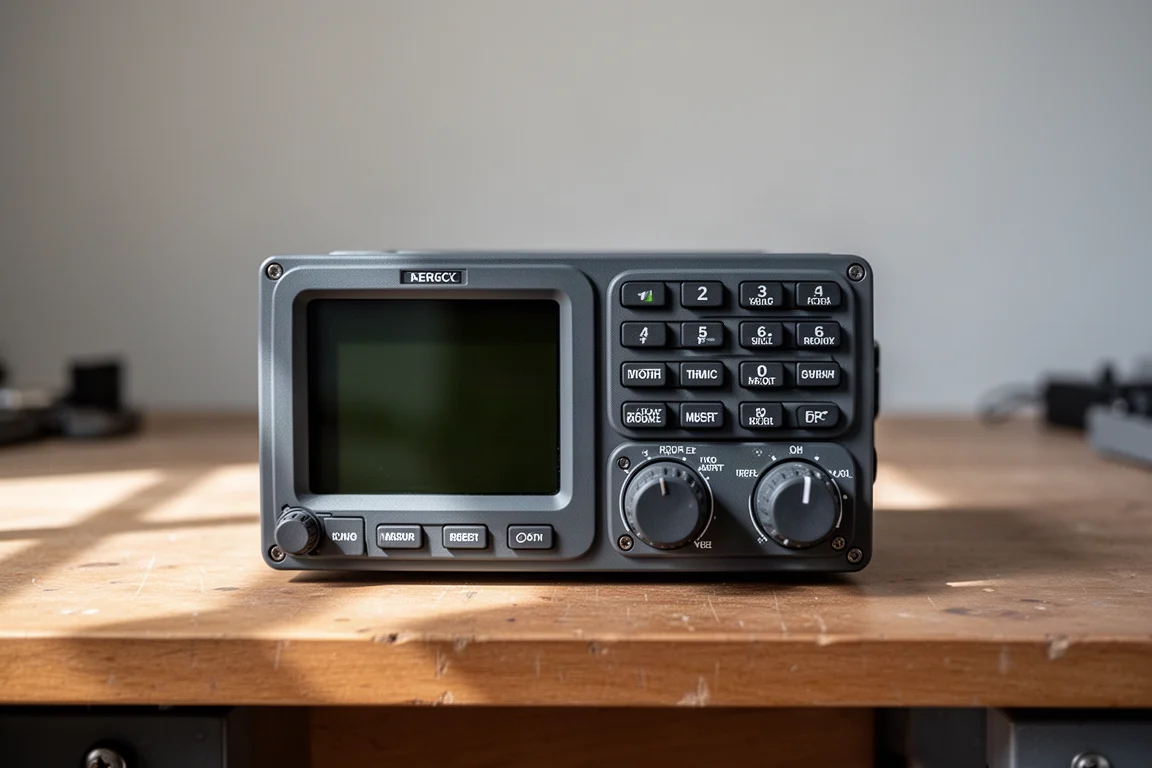
Garmin GNS 430: The Trusted Entry Point
The GNS series still earns its place. The GPS series is typically an easier install and works well as a quick, single-part upgrade. It provides full ILS, full GPS approaches, full nav and comm, and does everything the original 430 did, and more.

If your typical flight is chasing $100 hamburgers with friends on nice Saturdays, the GNS series is probably the more natural conversation. It covers the essentials without paying for integration you may not use.
Garmin GNS 530: The Larger-Screen Classic
The GNS 530 remains the other half of the legacy pair, and it is the unit most often replaced by the GTN 750 when owners decide to modernize. If your airplane currently runs a 530, the comparison between staying put and upgrading is one worth running against your actual mission rather than against the newest hardware.
A Word on Drop-In and Used Upgrades
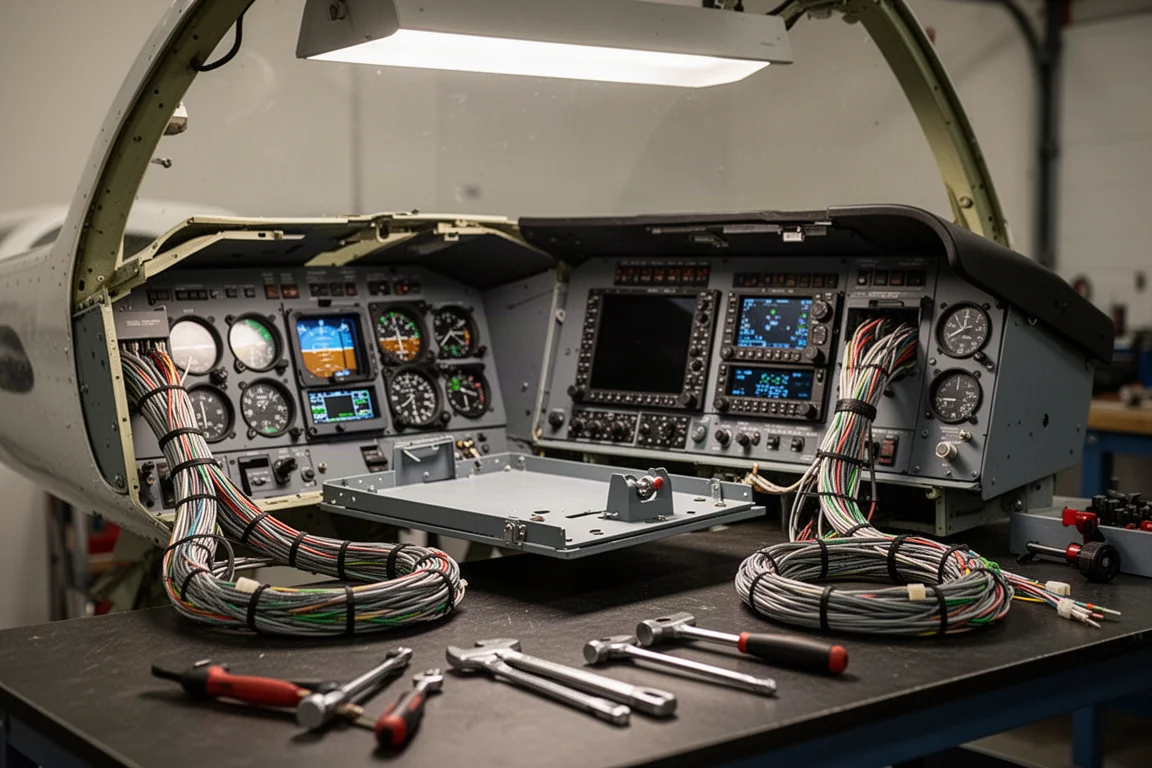
One warning worth repeating: beware the false economy of the drop-in replacement or the used upgrade. It can feel like a good option in the moment, but long term it is often a bad investment. If Garmin could have built a unit with all the capabilities of the new GTN series that used the existing tray and harness, they would have done it. They did not, because technology has changed over the last 25 years and the interfaces required have changed with it.
How to Decide: Match the Unit to Your Mission
When owners are unsure, the right approach is to talk through the comparison honestly: what does a normal flight look like for you, what did your last few flights involve, and what is the most important part of your life this airplane serves?
If the answer is relaxed weekend flying, the GNS series conversation makes sense. If the answer involves tighter integration, autopilot coupling, and consolidating a crowded panel, the GTN series is usually the better fit. And when the choice comes down to Garmin versus an alternative brand, a head-to-head comparison tends to favor Garmin nine times out of ten.
Conclusion
There is a right answer for every airplane and every owner. The GNS 430 and 530 remain capable, easier-to-install choices for straightforward flying, while the GTN 650 and 750 turn the navigator into the integrated hub of a modern panel. Define your mission first, and the unit choice follows naturally.
Further reading
Related Reviews
Avionics
Dynon SkyView 10-inch Display: A Practical Avionics Choice for Experimental Builders
Why this dual-screen glass panel setup appeals to homebuilders, from plug-and-play wiring kits to battery backup and clever panel ergonomics.
Avionics
Garmin Axiom Review: A Generational Leap in Glass Cockpit Avionics
Garmin's Axiom flight display brings synthetic vision, configurable HSI views, widgets, and integrated EIS into a single panel upgrade for certified piston aircraft.

Avionics
Garmin Bonanza Panel Upgrades: The Avionics Worth Knowing About
Two Beechcraft Bonanzas, two very different Garmin panels. A closer look at the avionics that make a vintage panel feel modern without losing its character.