Avionics
Garmin Bonanza Panel Upgrades: The Avionics Worth Knowing About
Two Beechcraft Bonanzas, two very different Garmin panels. A closer look at the avionics that make a vintage panel feel modern without losing its character.
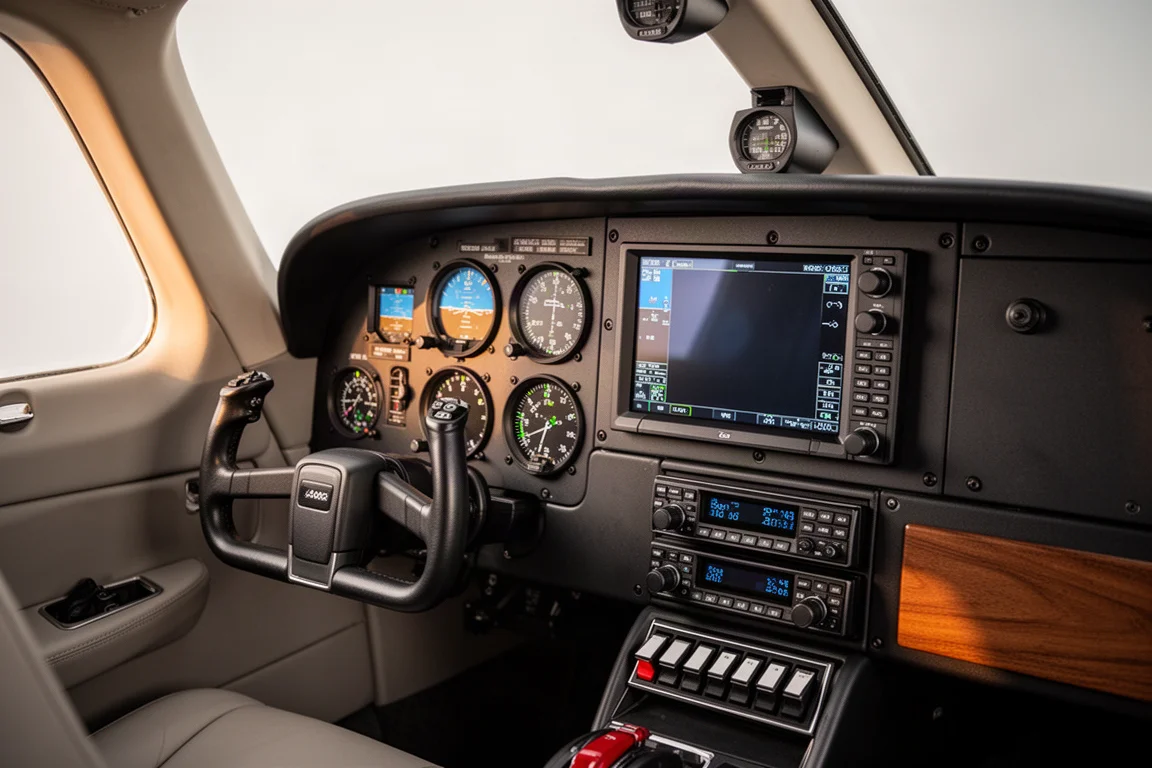
Introduction
There is more than one way to build a great Garmin panel. That became clear during a comparison of two Beechcraft Bonanzas: a classic C35 that kept its vintage character while gaining modern capability, and a newer A36 flying a fully integrated glass layout. Both aircraft use the same brand of avionics, but the philosophy behind each panel is completely different.
The C35 relies on compact, retrofit-friendly instruments that slide straight into existing panel cutouts. The A36 leans on large displays and deep configurability. Neither approach is wrong, and looking at both side by side highlights which Garmin products suit which kind of owner. Here is how the key pieces of equipment stack up.
The GI 275: Modern Instruments in a Vintage Cutout
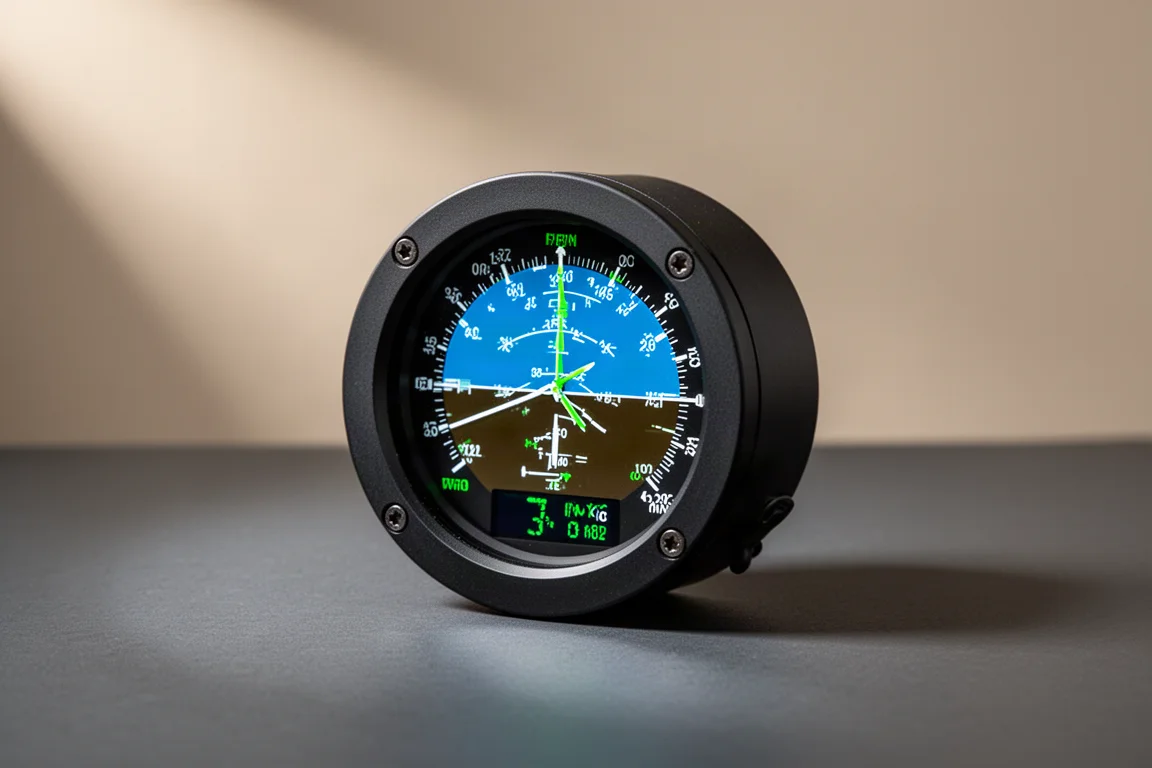
The GI 275 is arguably the star of the retrofit story. It was developed for owners who want to maintain the vintage look and feel of a panel without cutting into it or committing to an excessive installation. In practice, the old instrument comes out and the GI 275 goes in, bringing digital capability to a standard round-gauge footprint.
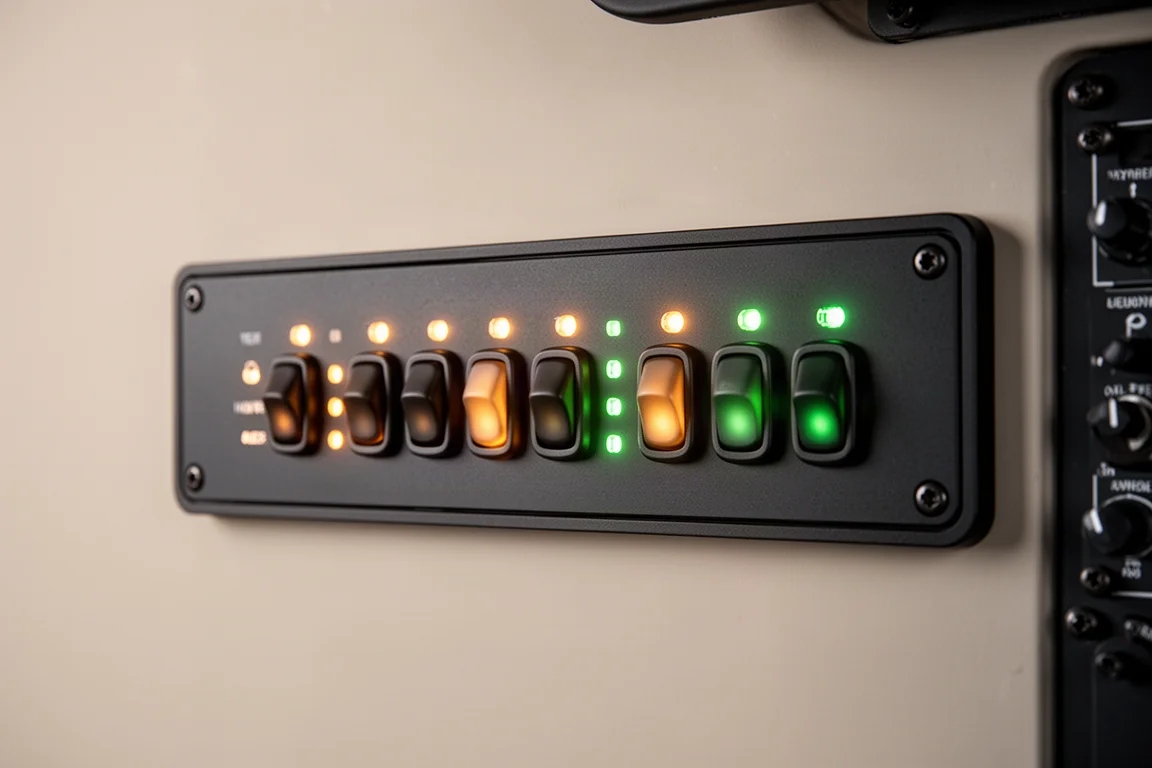
For the C35, that mattered enormously. The owner wanted to preserve the airplane’s character: the piano-key switch rows, the original Beechcraft detailing from the instrument cluster, even the swing-over yoke. The GI 275 made it possible to modernize the attitude indicator, HSI, and engine monitoring while keeping all of that heritage intact. A third GI 275 serves as an Engine Indicating System, consolidating everything that used to line the side of the panel.
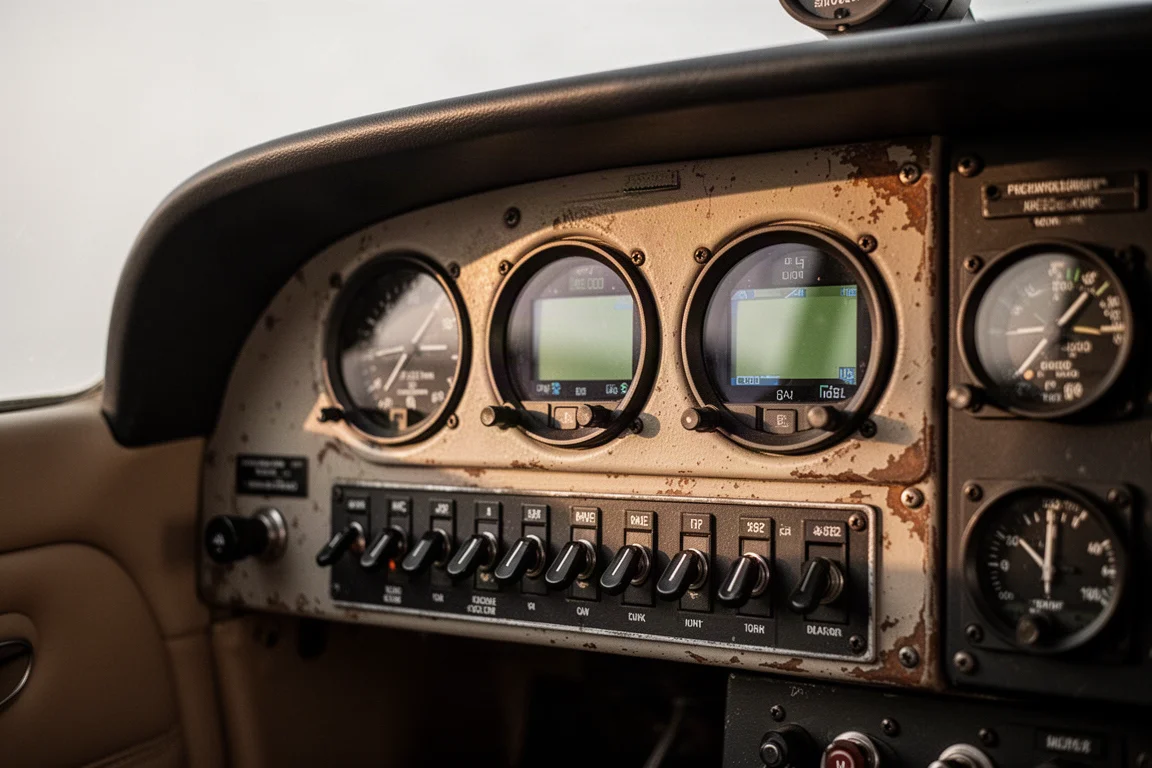
The transition from analog gauges is less intimidating than it looks. The first half hour brings information overload, after which the scan becomes seamless. The engine-monitoring configuration is especially transformative: six CHTs, six EGTs, lean assist, three fuel levels, fuel flow, and pressure all live in one concise gauge, giving the pilot information that simply was not available before.
The GFC 500: Autopilot Confidence for Low-Time Operators
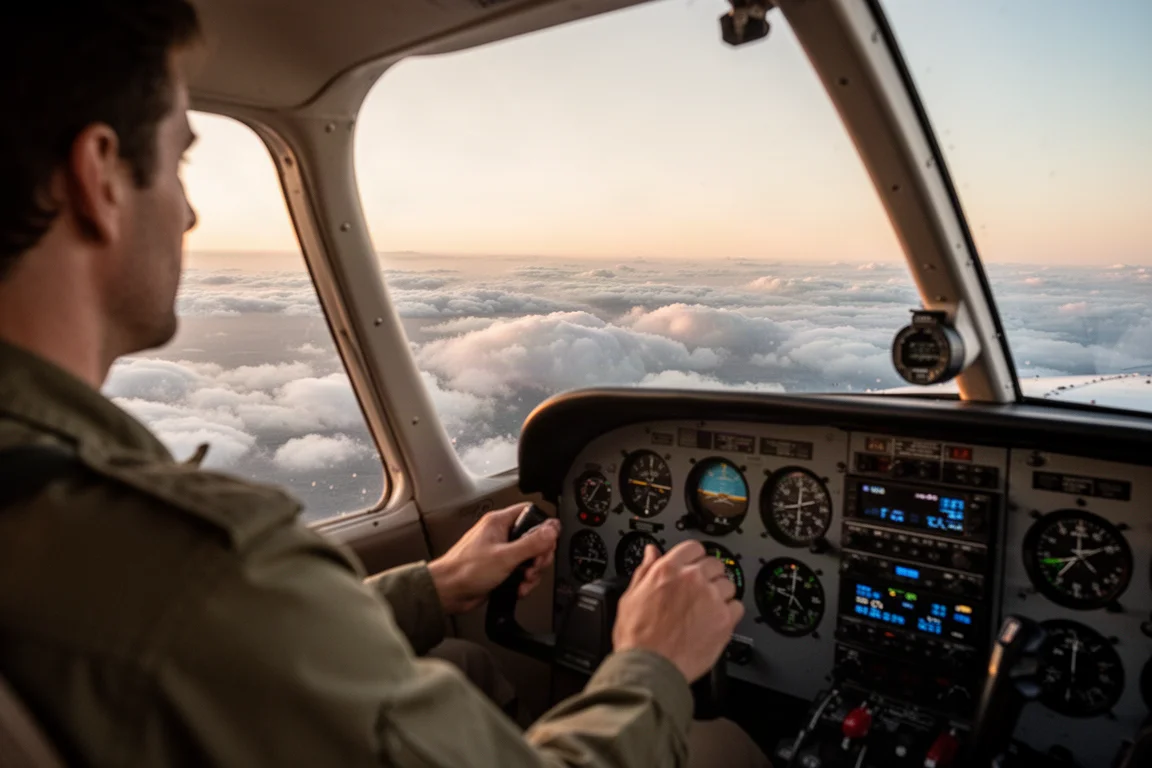
For a pilot whose previous autopilot experience amounted to a couple of hours, the GFC 500 has been a genuine shift in how cross-country flying feels. Altitude capture is seamless, and the airplane holds its path without wagging, snaking, or hunting. It worked cleanly from the moment of installation, which is not always a given in a retrofit aircraft.
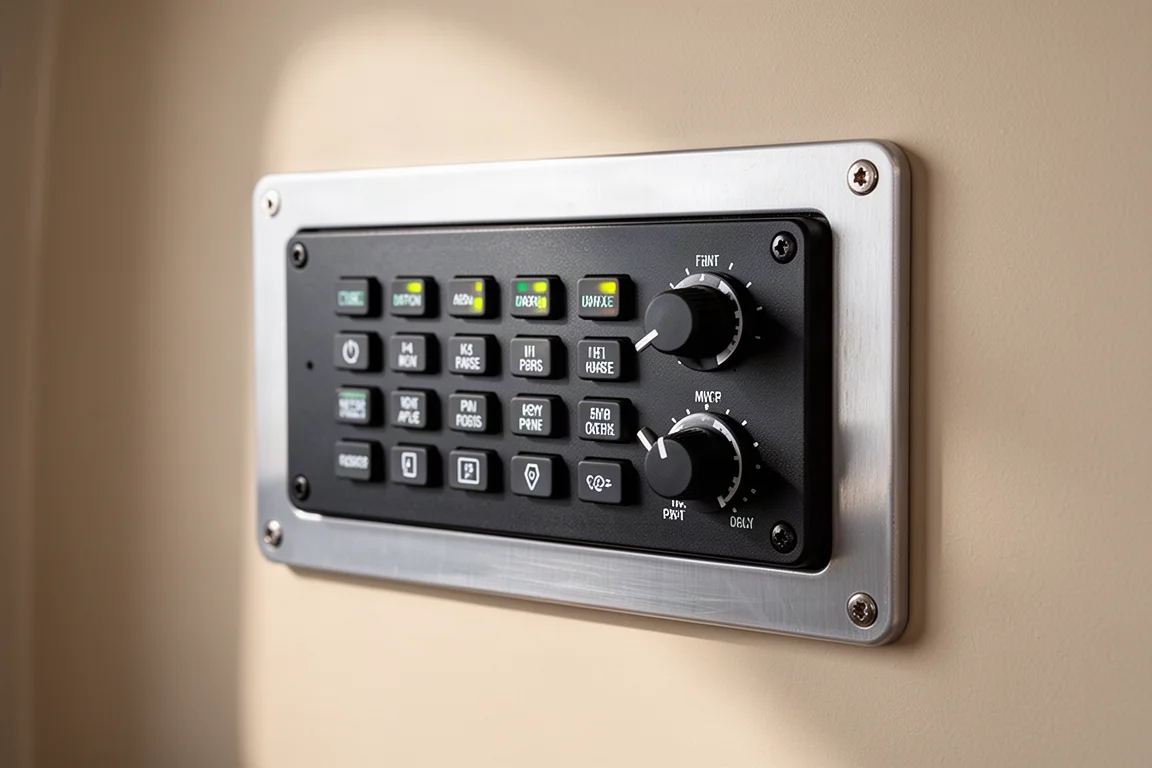
The bigger change is workload. With the GFC 500 flying the airplane, a single pilot can run checklists, manage the engine, and keep eyes outside without constantly hand-flying. That pilot has since flown it from California to Oshkosh to Kansas City, and describes it as having changed how cross-country flying gets done entirely.
The TXi Flight Display: Big Screens, Big Flexibility
Step into the A36 and the difference in approach is immediate. The 10-inch TXi flight display dominates the panel and can be presented full screen or in split-screen mode, showing charts, a moving map, and engine information in arrangements the pilot can tailor freely. The configurability is the headline: presentations can be swapped and rearranged to match exactly how you like to fly.
The TXi engine monitoring is a thoughtful design touch. Instead of only line tapes for engine instrument readings, it presents actual gauge graphics, echoing the analog instruments older pilots grew up with. Values are easy to read at a glance, with no hunting to determine whether something is in the yellow or approaching a redline. Pertinent engine notifications also appear on the primary side, so they are easy to catch.
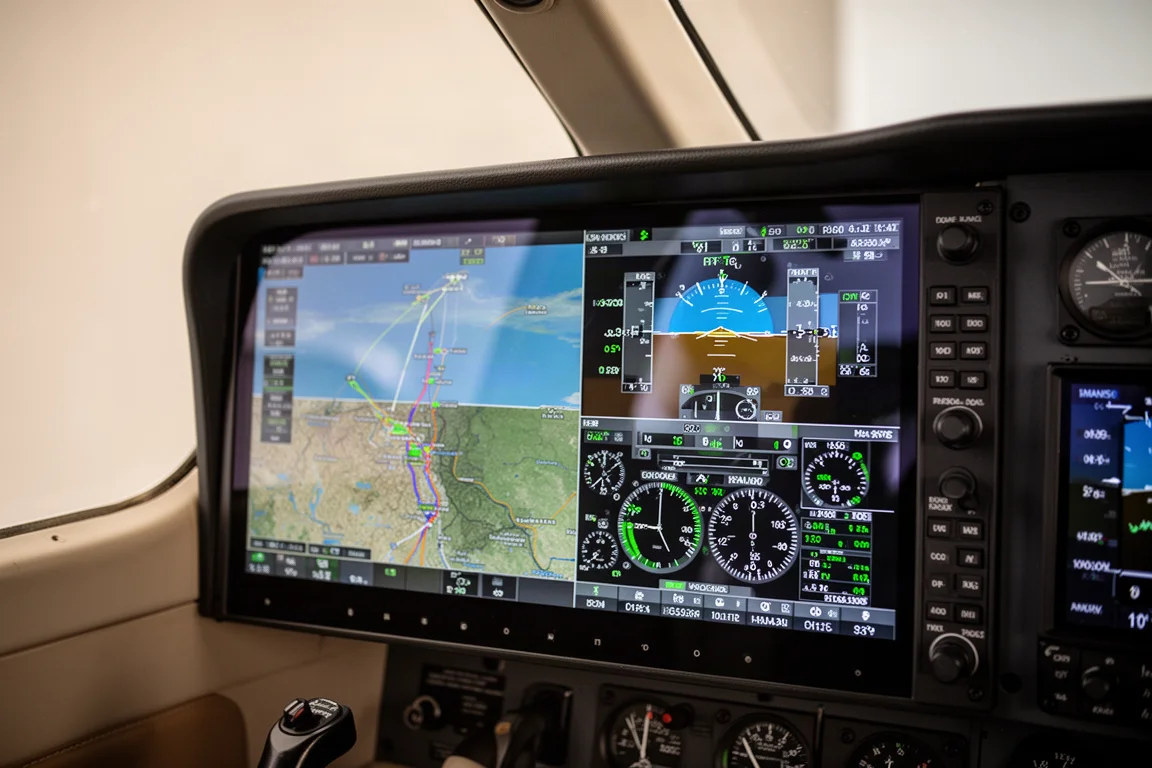
There are practical ergonomic benefits too. Large screens eliminate the parallax you get reading analog gauges from the right seat, making the panel easy to interpret from either position. And because Garmin’s compact products can be placed on the left or the right of the panel, the layout can be built around however the pilot actually flies.
The GTN 750Xi: The Touchscreen Navigator
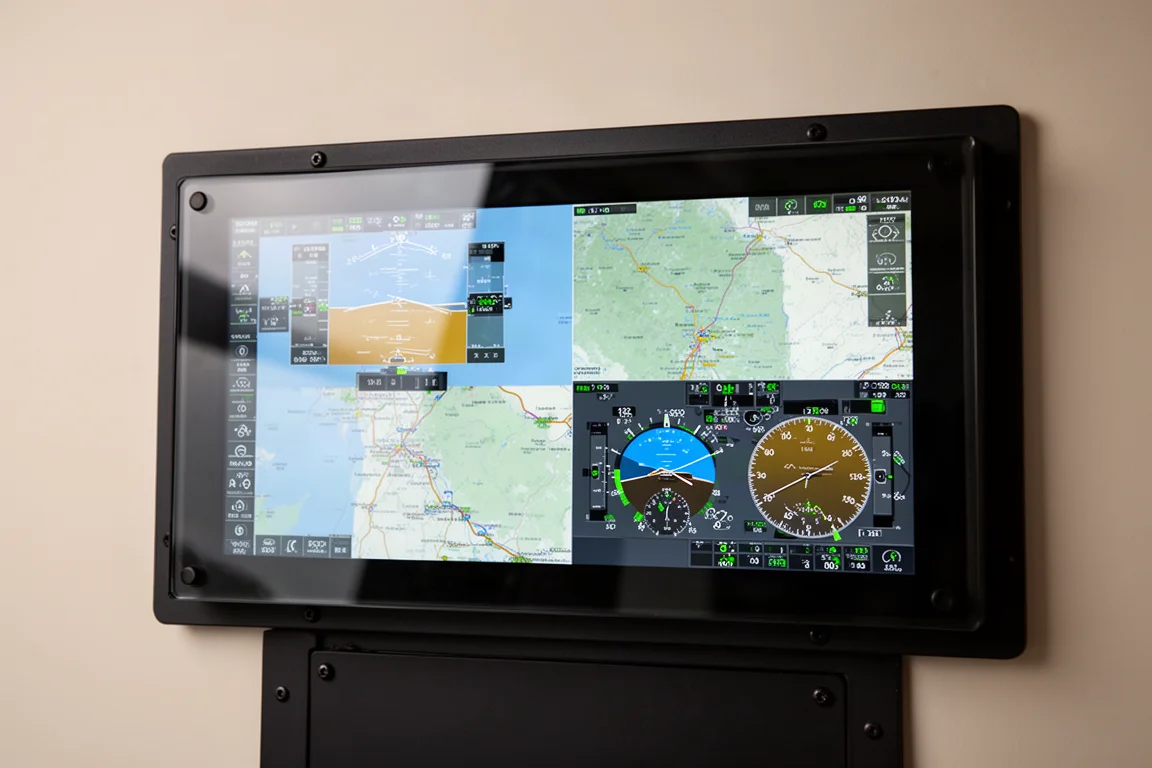
The GTN 750Xi is the navigator at the center of the A36’s panel, and it pairs a large touchscreen with physical knobs and buttons so pilots can use whichever input suits the moment. For a pilot who had flown with round gauges and had only seen fully integrated systems from a distance, the ability to configure everything on the fly was the standout impression. It offers a clear step up in capability from smaller GPS units while sitting at the heart of the panel.
The GTX 345: Visibility Without the Reach
One quiet retrofit win in the C35 was placement. The transponder used to live in a lower rack where it was genuinely hard to reach. With the GTX 345 installed in the rebuilt stack, everything now sits in the line of sight, readable and usable from the pilot’s position. It is a reminder that a panel upgrade is as much about ergonomics as it is about features, and that compact units make a sensible, readable layout possible even in a tight vintage panel.
Smart Glide: A Safety Net Worth Knowing
The A36’s panel adds a capability the C35 does not have: Smart Glide. Engaged at 5,500 feet over rural Kansas, it took over the airplane, pitched for best glide at around 110 knots, and turned toward the nearest airport while announcing it clearly. With the autopilot managing the glide, the pilot is hands-off and free to run the emergency checklist, then look outside for a landing spot.
Within two miles of the airport, the system prompts the pilot to start maneuvering or disengage and land manually. For anyone flying single-pilot cross-country in a single-engine aircraft, that is a meaningful safety improvement, and it left a strong impression even on a pilot flying the panel for the first time.
The Finishing Touches: Audio, Charging and Everyday Usability
The C35’s radio stack rounds out with a GMA 345 audio panel and a GNC 355 GPS comm up top, a GNC 255 nav/com beneath it, and a GTX 345 transponder below. The stack is compact enough that everything fits without crowding, all within easy reach and line of sight, which had been a real concern before the upgrade.
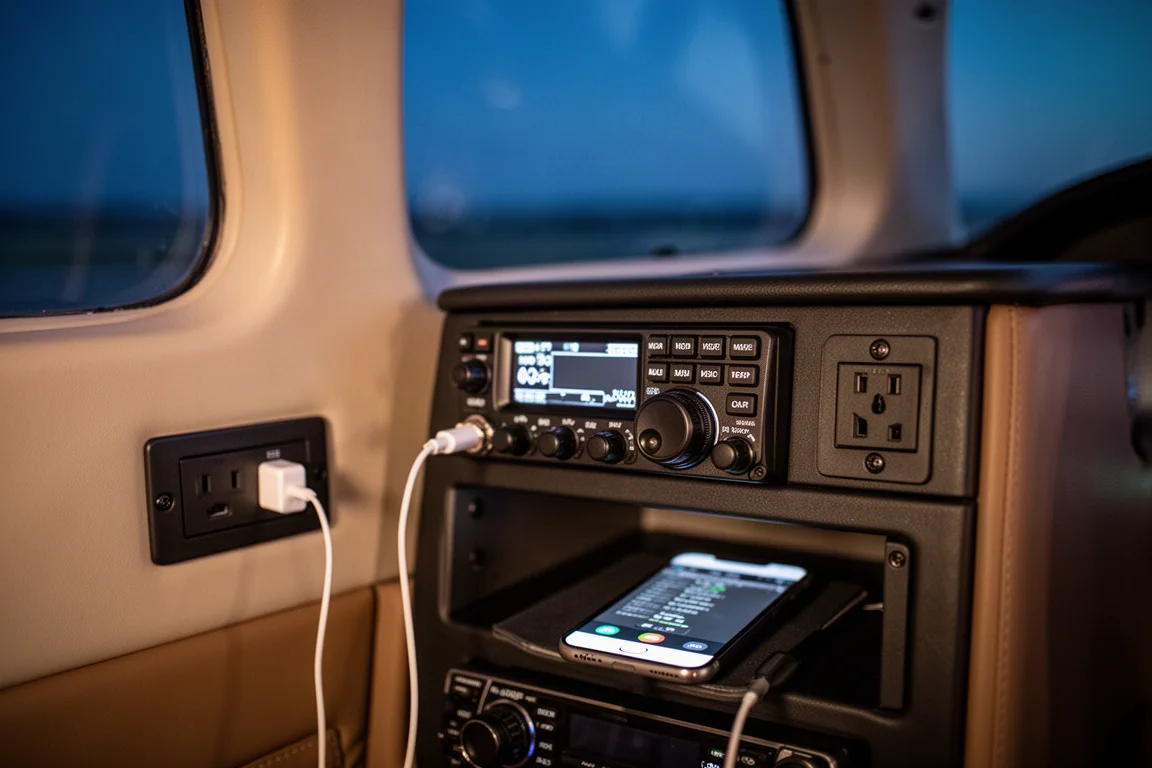
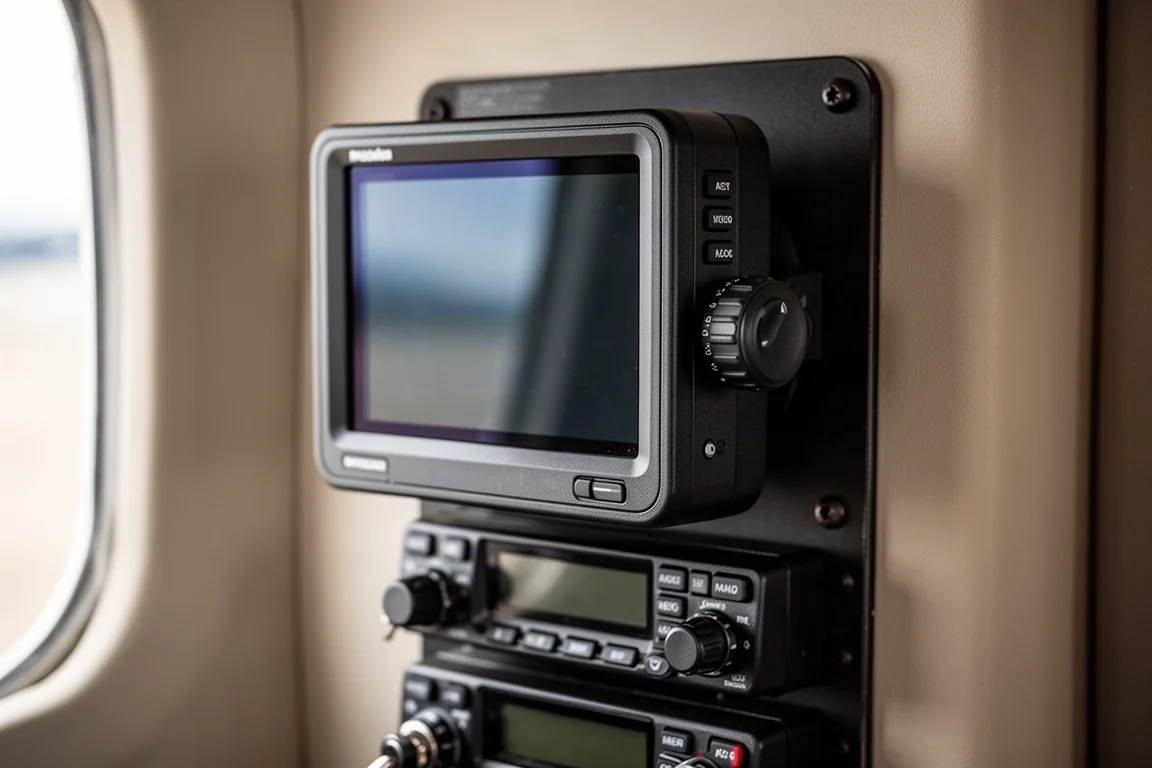
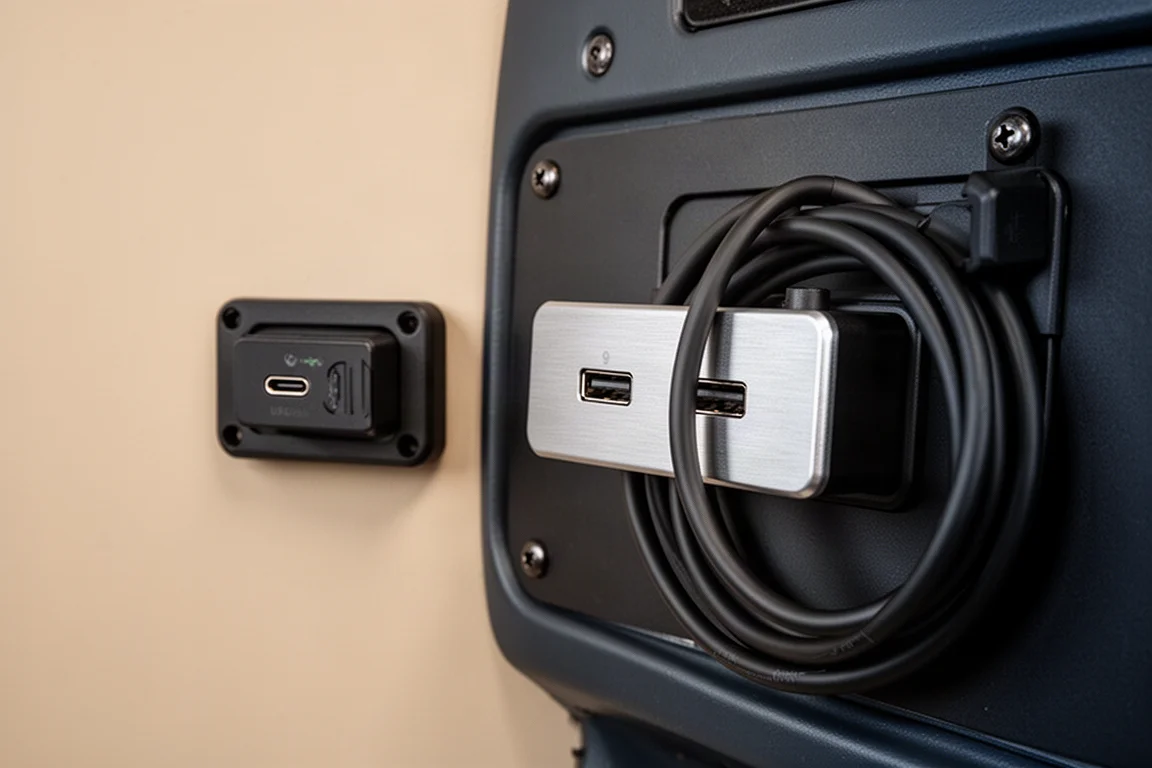
Small touches matter in daily use too. GSB 15 USB-C ports on the right side of the panel keep phones and action cameras charged in flight, a modest addition that earns its panel space on every trip. On the A36, the GMC 600 autopilot adds its own dedicated display on the panel, complementing the large TXi screens and keeping autopilot status visible at a glance.
Which Panel Approach Fits You?
The two panels answer two different questions. If you own a classic aircraft and want to preserve its vintage feel, the GI 275 route delivers digital capability in the original round cutouts while keeping every heritage detail. If you want maximum situational awareness and configurability, the TXi and GTN route with Smart Glide support is described by one first-time flyer as the ultimate cross-country machine. Either way, a thoughtfully built Garmin panel adds capability without asking you to relearn how to fly the airplane.
Conclusion
Both Bonanzas prove there is no single right way to modernize a panel. Compact retrofits like the GI 275 and GFC 500 respect an aircraft’s character while transforming what it can do, while large-format displays like the TXi and GTN 750Xi deliver configurability and safety features such as Smart Glide. The common thread is that well-chosen avionics make the airplane feel more capable while still feeling like the airplane you know.
Further reading
Related Reviews
Avionics
Dynon SkyView 10-inch Display: A Practical Avionics Choice for Experimental Builders
Why this dual-screen glass panel setup appeals to homebuilders, from plug-and-play wiring kits to battery backup and clever panel ergonomics.
Avionics
Garmin Axiom Review: A Generational Leap in Glass Cockpit Avionics
Garmin's Axiom flight display brings synthetic vision, configurable HSI views, widgets, and integrated EIS into a single panel upgrade for certified piston aircraft.
Avionics
Garmin G3X Touch in the Extra 330LT: Why One Clean Screen Beats a Cluttered Panel
A closer look at the Garmin G3X Touch and Garmin GFC autopilot pairing in an Extra 330LT, and why integrated avionics simplify both flying and panel space.