Avionics
Garmin Axiom Review: A Generational Leap in Glass Cockpit Avionics
Garmin's Axiom flight display brings synthetic vision, configurable HSI views, widgets, and integrated EIS into a single panel upgrade for certified piston aircraft.
Introduction
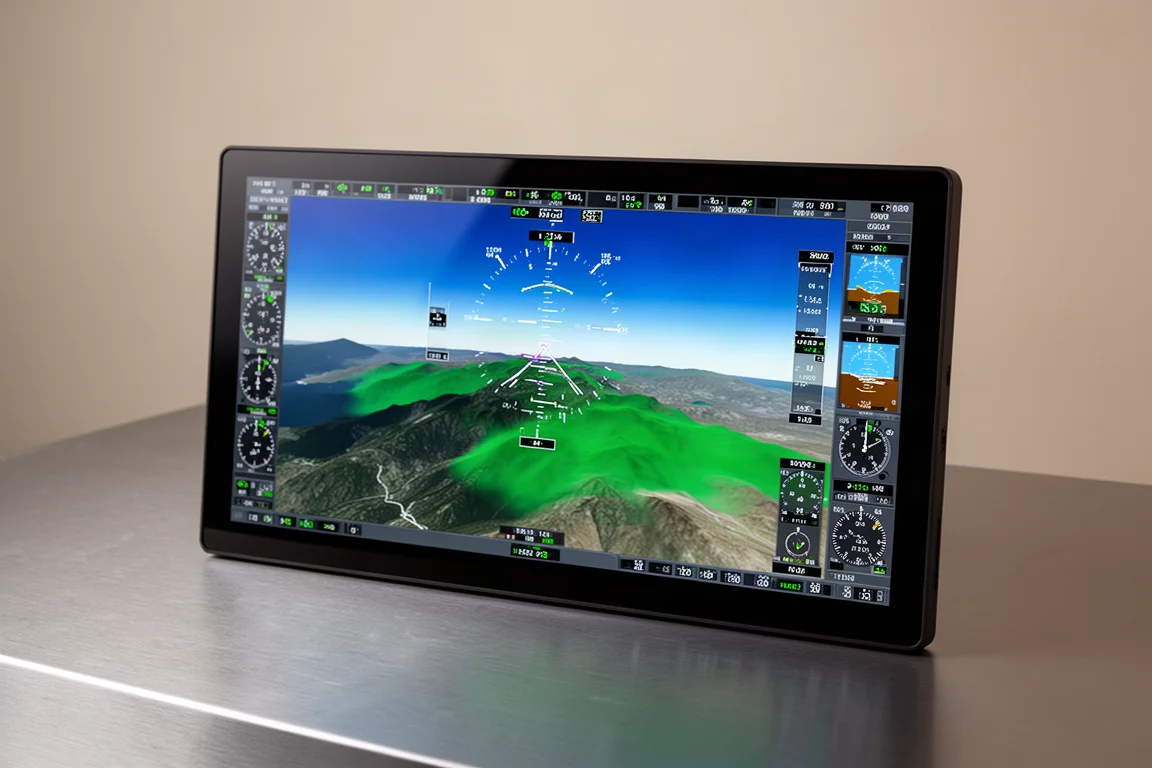
The Garmin Axiom flight display family represents the company’s latest approach to panel upgrades for piston aircraft, and it arrives with a clear thesis: integration is the product. Rather than asking pilots to choose between a big primary flight display, a moving map, engine monitoring, and autopilot interfaces as separate boxes, Axiom folds IFR GPS, Nav/Com, synthetic vision, engine instrumentation, and app-style menus into one display unit. In the aircraft we looked at, a 30-year-old Baron, two 11.6-inch flight displays were paired with an 8-inch portrait display alongside a GFC 600 autopilot and GIA 275. The result is a panel that looks nothing like its airframe’s age.
Who This Product Is For
Axiom is aimed at owners of certified piston single and twin engine aircraft who want a modern glass panel without replacing the whole airframe. The included AML STC covers hundreds of certified aircraft, and there are options for experimental and light sport aircraft as well. If you fly IFR, manage older steam-gauge panels, or simply want more situational awareness on every leg, this display family is squarely built for you.
What the Axiom Brings to the Panel
The headline feature is the new synthetic vision technology view. On the ground, Axiom depicts taxiways, taxiway signs, and runway hold short signs, correlating a top-down map with what you see out the window. That surface picture pairs directly with the SurfaceWatch feature for ground situational awareness. In the air, synthetic vision shines when flying around unfamiliar or terrain-rich areas, giving a clear, dimensional picture of what surrounds you.
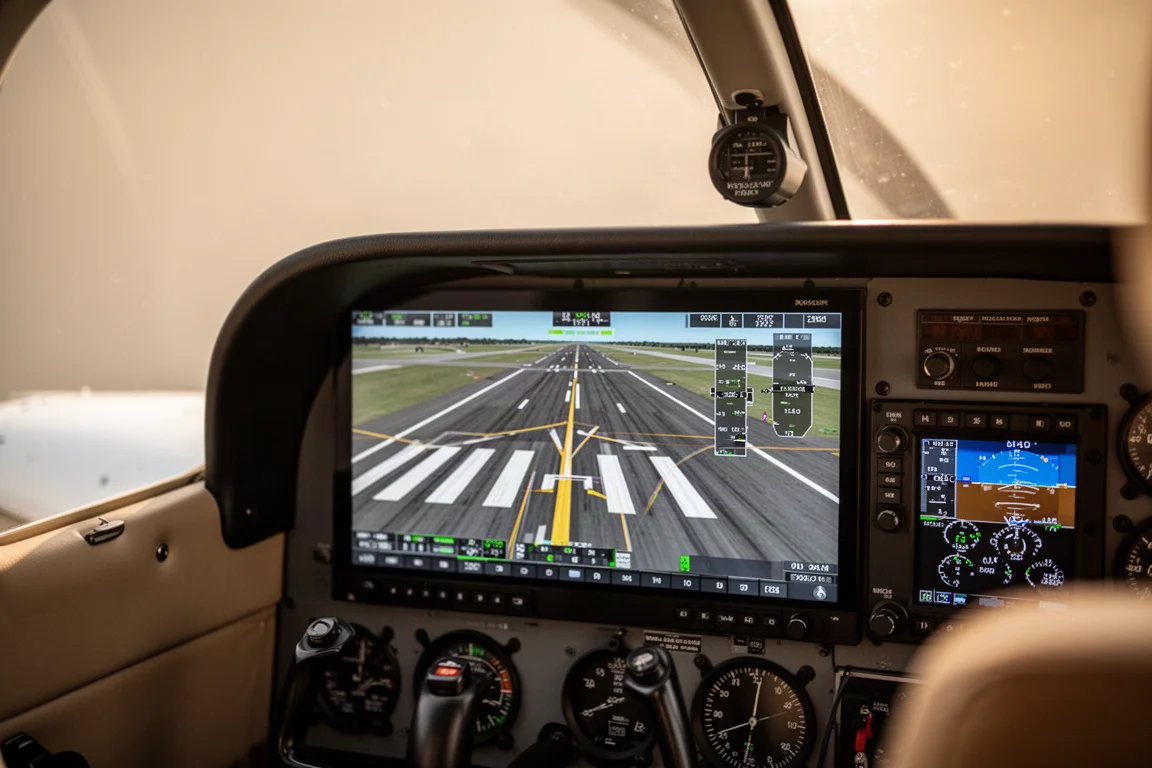
METAR wind information is displayed right on the primary flight display, so in the last moments before taking the runway you know exactly where the wind is coming from without hunting for it on a secondary page. It is a small touch, but it is the kind of detail that shows how the system was designed around real flying habits rather than spec sheets.
Configurable HSI and Situational Awareness
One of the more flexible features is the ability to change what is shown inside the HSI. You can quickly select a basic HSI with compass headings only, a map view with terrain and obstacles, or a traffic view. When something else already occupies your split screen, keeping situational awareness inside the HSI itself is genuinely useful.
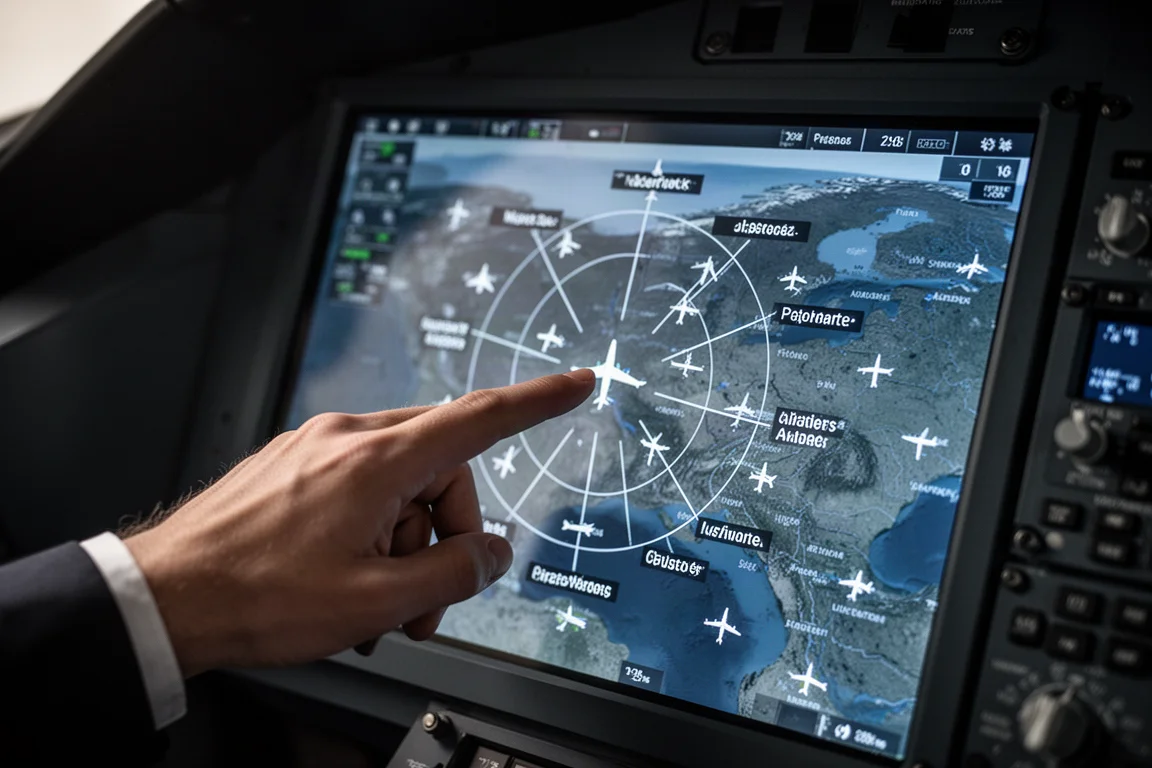
Building on the inset pages familiar from the G1000, Axiom introduces widgets. A one-touch tap on a widget brings up a full map menu, so pilots who prefer full-screen synthetic vision can still keep a map, traffic page, or nearest airport available at a glance. The nearest airport widget even shows a glidable symbol indicating which airports fall inside your glide range ring.
Touch-First Interaction: Radial Menus and Widgets
Axiom borrows a favourite interaction from Garmin Pilot: the radial menu. Touching the map gives quick access to airport information including frequencies, runways, weather, NOTAMs, and charts. Essentially everything you would need to get to an airport is reachable from that radial menu without digging through page menus. Combined with widgets, the touchscreen stops feeling like a bolted-on tablet and starts feeling like the primary way the system was meant to be used.
Runway Occupancy Awareness
Axiom adds Runway Occupancy Awareness (ROA), which provides situational awareness in and around the airport environment. In a coordinated demonstration on approach, traffic positioned on the runway appeared first as a white annunciation, then yellow, then red, giving crews escalating warnings that the runway was occupied. In a real scenario, that progression gives you time to make the go-around decision early rather than late.
Integrated Engine Indication System
Garmin’s standard EIS is incorporated into Axiom. On the 8-inch portrait display, a full-screen layout shows oil pressure, temperature, fuel flow, and, in equipped aircraft, even deice pressure. For pilots who track engine health, a bar graph lays out CHTs and EGTs clearly, with monitor mode as the default.
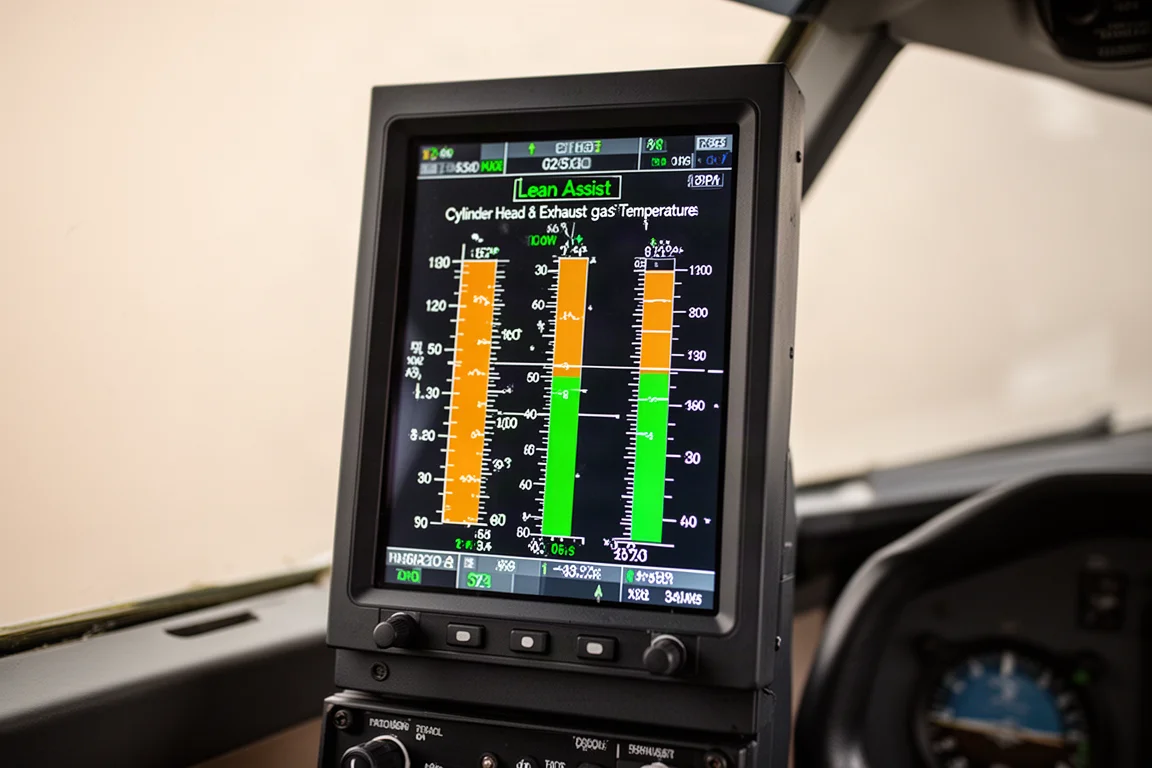
Lean assist mode watches for the EGT peak and supports both lean-of-peak and rich-of-peak operations, while a normalized mode provides a flat reference so you can see deltas in EGT or CHT from that baseline. On the primary display, a single touch on the EIS strip brings up a split-screen EIS page, and touching the EIS banner returns you to whatever split-screen view you had before. It is a fast, low-friction way to check the engine without losing your navigation picture.
Emergency Features and the Dedicated Dimmer Button
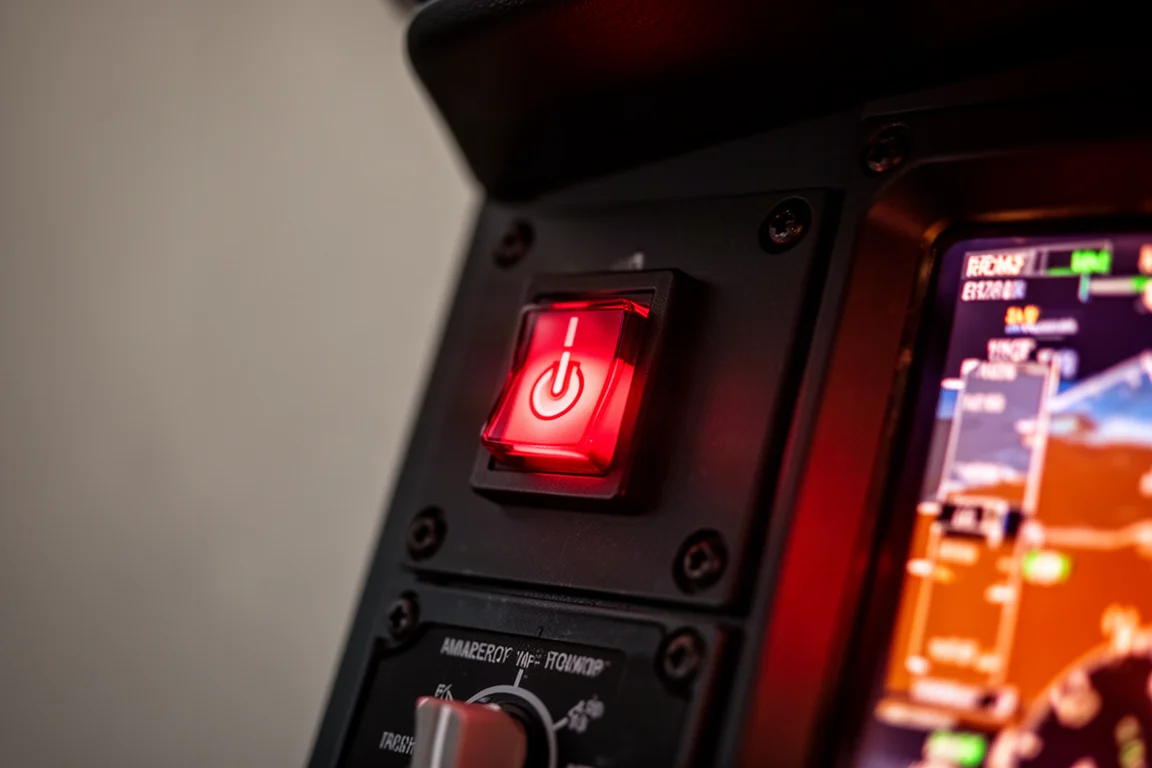
Axiom includes a dedicated dimmer button for emergency purposes. From that menu you get quick access to level mode and Sparkl. With one touch you can immediately tune the emergency com frequency 121.5 and squawk the emergency transponder code 7700. The emergency page also shows readouts such as current position, distance from a glidable airport, and AGL altitude, which is exactly the information you want when trying to figure out whether you can make it to a landing spot.
Buying Advice
If you fly a certified piston aircraft and your panel predates the modern glass era, Axiom is one of the most complete single-vendor paths available. The integration argument is the strongest reason to buy: IFR GPS, Nav/Com, EIS, synthetic vision, and autopilot interfaces all live in one display ecosystem with consistent menus. The broad AML STC means there is a good chance your airframe is already covered, and experimental and light sport owners have options too. Before committing, verify coverage for your specific aircraft model and decide which display sizes and accompanying boxes, such as the GFC 600 autopilot and GIA 275, fit your budget and mission.
Conclusion
Axiom is less a single new display and more a generational leap in how a piston aircraft panel works. The hardware, the software, the app-based menu structure, and the integration all push in the same direction, and that coherence is what makes it compelling. For pilots who have been waiting for a modern glass upgrade that respects both their budget and their airframe, Axiom deserves a close look.
Product link
View more details for Garmin Axiom
This product is mentioned in the review. Check the specifications, options, and compatibility before buying.
View more details for Garmin AxiomFurther reading
Related Reviews
Avionics
Dynon SkyView 10-inch Display: A Practical Avionics Choice for Experimental Builders
Why this dual-screen glass panel setup appeals to homebuilders, from plug-and-play wiring kits to battery backup and clever panel ergonomics.
Avionics
Garmin Bonanza Panel Upgrades: The Avionics Worth Knowing About
Two Beechcraft Bonanzas, two very different Garmin panels. A closer look at the avionics that make a vintage panel feel modern without losing its character.
Avionics
Garmin G3X Touch in the Extra 330LT: Why One Clean Screen Beats a Cluttered Panel
A closer look at the Garmin G3X Touch and Garmin GFC autopilot pairing in an Extra 330LT, and why integrated avionics simplify both flying and panel space.