Avionics
Garmin G3X Touch in the Extra 330LT: Why One Clean Screen Beats a Cluttered Panel
A closer look at the Garmin G3X Touch and Garmin GFC autopilot pairing in an Extra 330LT, and why integrated avionics simplify both flying and panel space.
Introduction
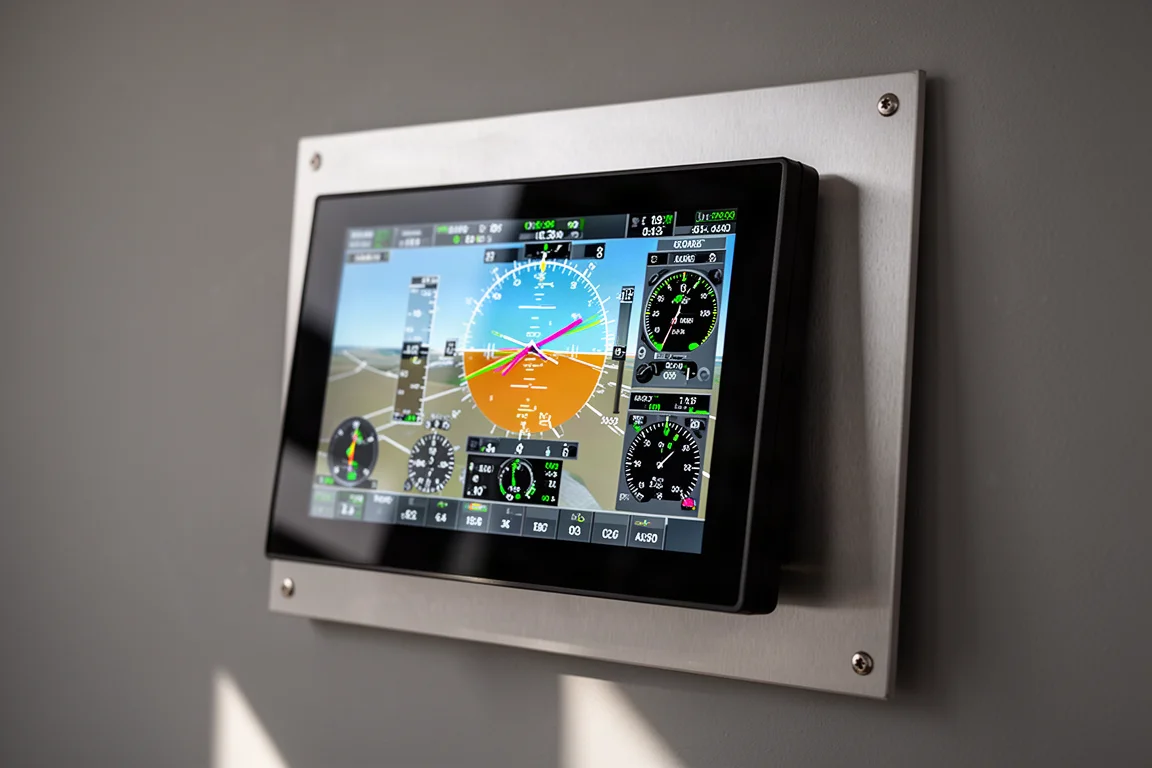
Panel clutter is a familiar problem in experimental aircraft. Mixing avionics from different vendors often means a patchwork of screens, switches, and half-integrated systems, where one small thing never quite works the way you want. The pairing discussed here, a Garmin G3X Touch installed alongside a Garmin GFC autopilot in an Extra 330LT, takes the opposite approach: one vendor, top to bottom, one screen doing the work of many.
Why a Single-Screen Panel Makes Sense
The appeal starts with simplicity. Many experimental panels end up as a hodgepodge of equipment bolted together over the years, and the value-for-money question becomes hard to answer. A single G3X Touch screen consolidates everything into one place, which frees up panel space and keeps all the information in one view.
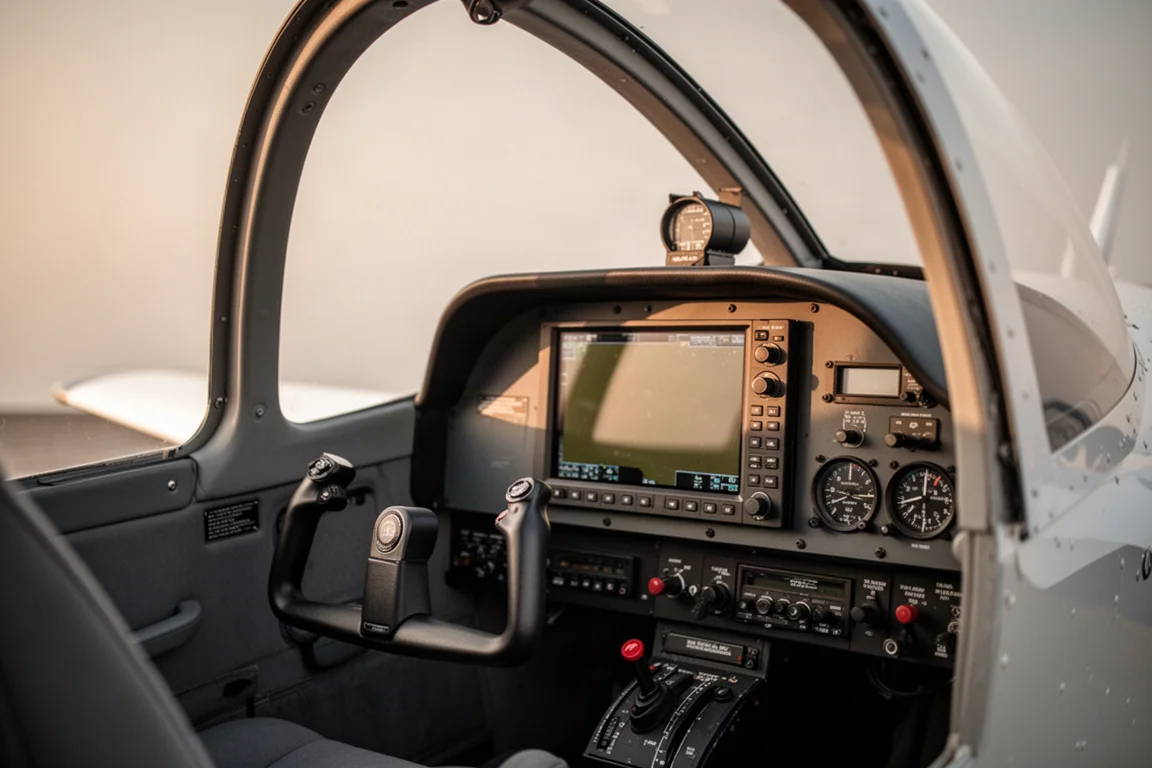
Instead of looking down toward the floorboard for engine instruments, everything from engine monitoring to navigation lives on the same screen. For this class of aircraft, one screen genuinely covers everything a pilot needs, and the interface is described as very intuitive and easy to use.
Synthetic Vision Is the Standout Feature
Synthetic vision gets heavy use, especially when flying around home terrain. North Georgia may seem flat, but the mountains are close by, and trips to Colorado add even more terrain to manage. Seeing that terrain laid out visually is described as the coolest part of the whole system.

It also covers engine monitoring at a glance, from manifold pressure to fuel flow, so the data a pilot needs most is always right where the eyes already are.
Flight Planning and Route Preview
Beyond flying, the G3X Touch handles everyday planning tasks. Scrolling to an airport chart page makes it easy to check an unfamiliar airport’s layout, for example when trying to find a specific hangar. The flight plan page puts route information one tap away.
Route preview is particularly useful for complex arrivals, departures, or routes in busier airspace. Entering a route and previewing it makes mistakes obvious: if the line goes somewhere unexpected, something was entered wrong, and it can be fixed before the flight rather than in the air.

Garmin GFC Autopilot: Integration Done Right
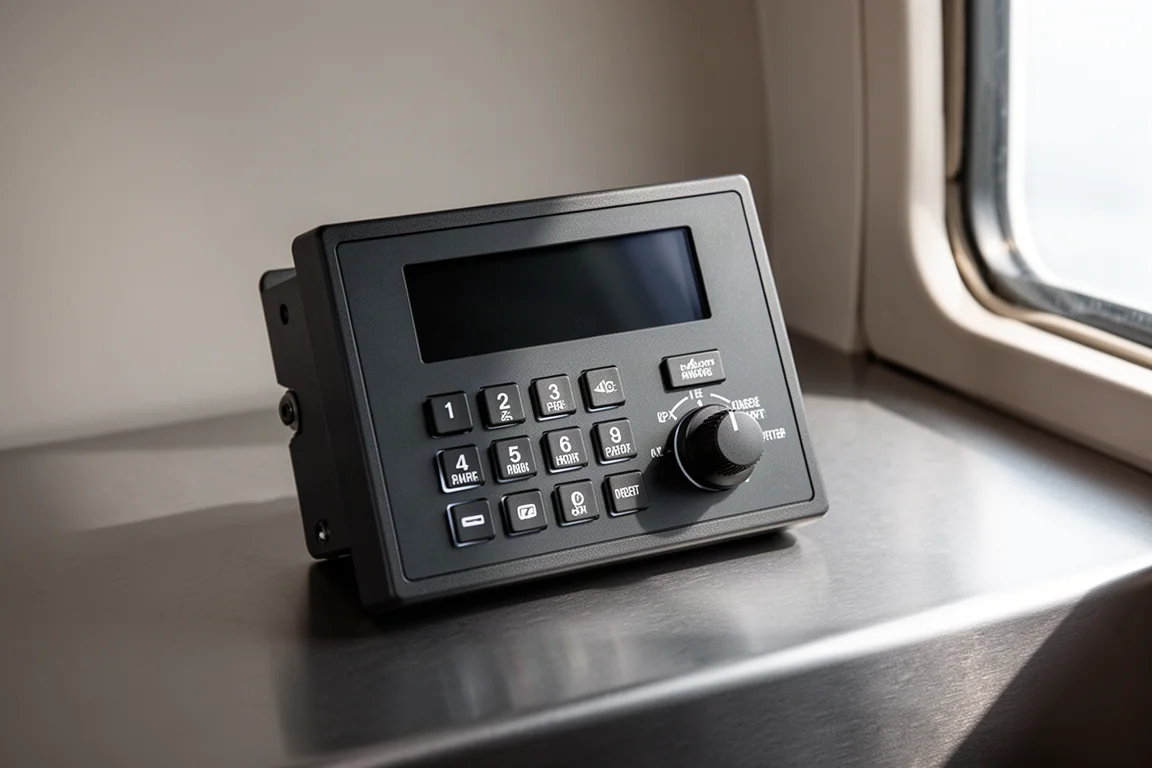
The GFC autopilot was installed at the same time as the G3X Touch, and top-to-bottom Garmin integration is what makes the pairing work. Past experience mixing one company’s autopilot with another company’s GPS always left one small thing that did not behave quite as expected. With everything from Garmin, the autopilot simply works as intended.
Although the aircraft is flown under VFR in the United States, the autopilot is described as beyond capable of flying an approach, arguably better than many airplanes flying today. That level of performance builds confidence in the system.
Safety and the Case for Integrated Avionics
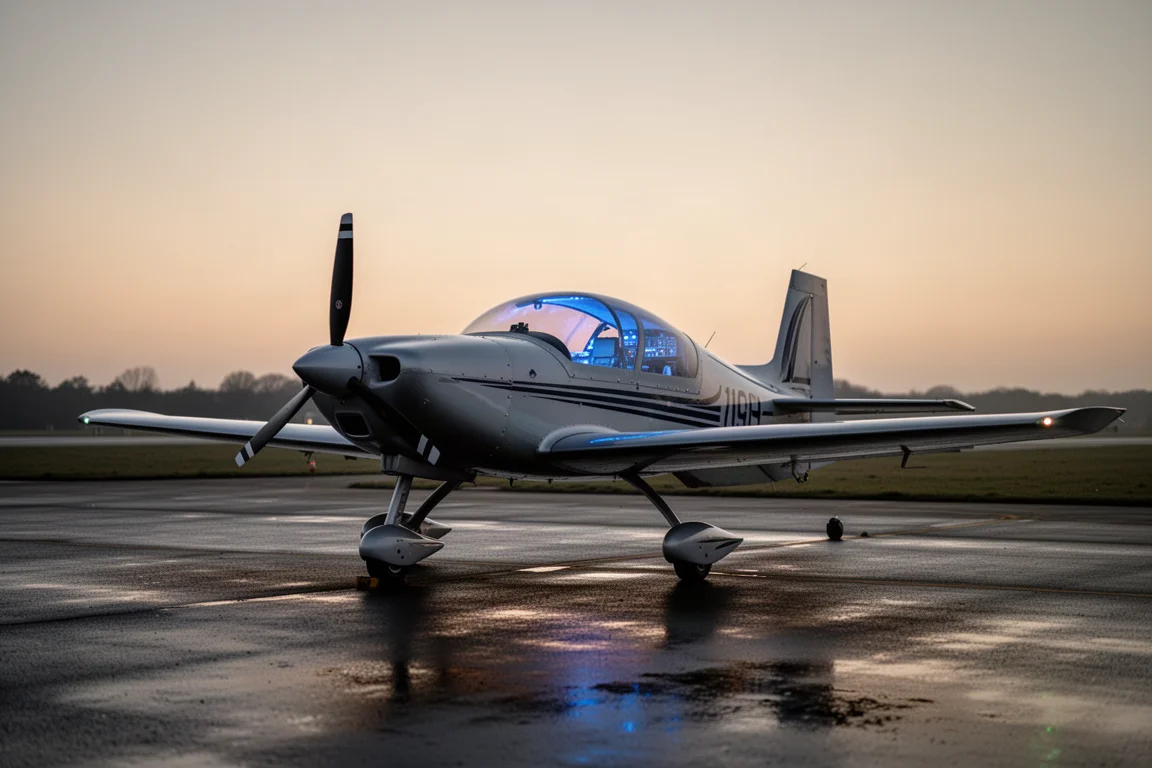
At the end of the day, safety comes first, and avionics that function at a high level are hard to put a price tag on. New technology can feel intimidating, especially for pilots from an older generation who would rather not change what they know. The experience here says the opposite: the G3X Touch is genuinely fun and easy to learn.
Buying Advice
If you are building or updating an experimental aircraft panel, the lesson from this setup is straightforward: consider consolidating around one integrated system rather than stitching together components from multiple vendors. A single G3X Touch screen covers engine instruments, navigation, charts, and synthetic vision, and pairing it with the matching autopilot removes the integration friction that mixed-brand panels create.
Conclusion
The G3X Touch delivers simplicity, intuitive operation, and genuine panel space savings, while the GFC autopilot rounds out the package with dependable, well-integrated performance. For pilots weighing the upgrade, the combination of one screen, one vendor, and high-functioning avionics is a compelling case.
Further reading
Related Reviews
Avionics
Dynon SkyView 10-inch Display: A Practical Avionics Choice for Experimental Builders
Why this dual-screen glass panel setup appeals to homebuilders, from plug-and-play wiring kits to battery backup and clever panel ergonomics.
Avionics
Garmin Axiom Review: A Generational Leap in Glass Cockpit Avionics
Garmin's Axiom flight display brings synthetic vision, configurable HSI views, widgets, and integrated EIS into a single panel upgrade for certified piston aircraft.
Avionics
Garmin Bonanza Panel Upgrades: The Avionics Worth Knowing About
Two Beechcraft Bonanzas, two very different Garmin panels. A closer look at the avionics that make a vintage panel feel modern without losing its character.