Fitness Tech
Garmin Forerunner 255 Review: A Complete Beginner's Guide to Garmin's Mid-Range Running Watch
A practical walkthrough of the Garmin Forerunner 255, covering the interface, training tools, HRV status, race widgets, GPS accuracy, battery life, and music support.
Introduction
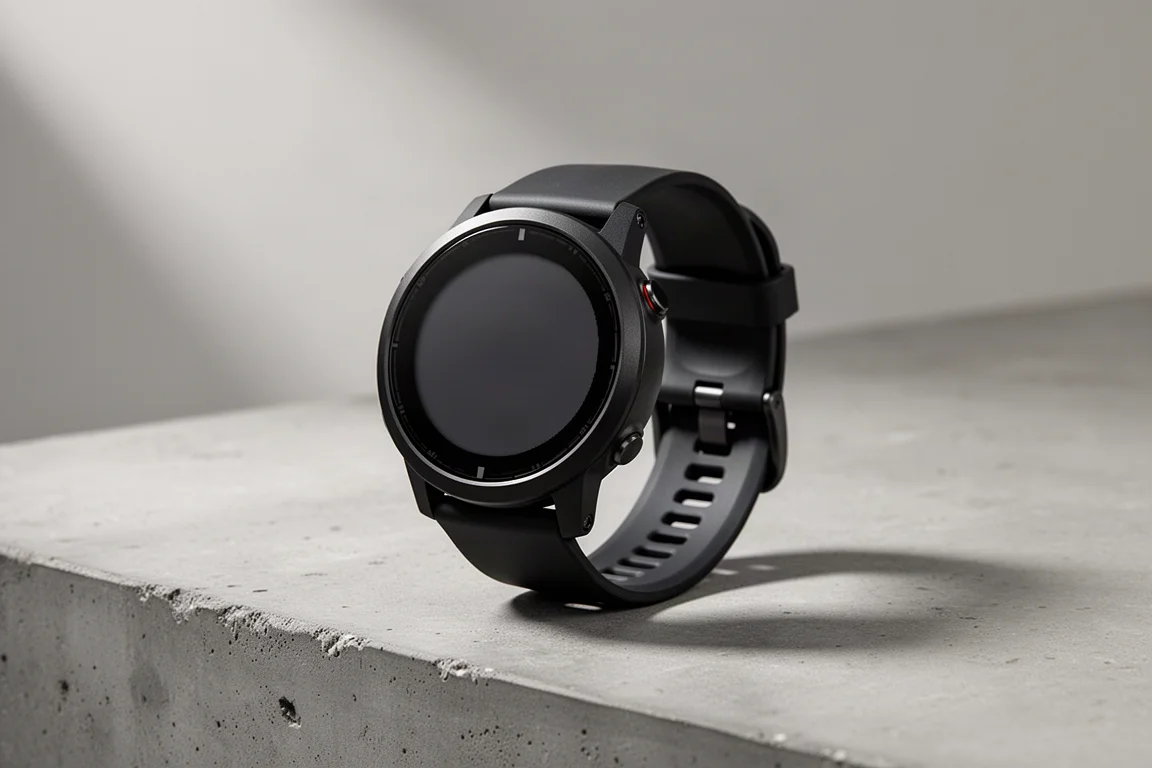
The Garmin Forerunner 255 is the kind of watch that quietly does almost everything a serious runner needs, and it has become one of the most sensible purchases in Garmin’s running lineup. This guide walks through the interface, the training features, and the small details worth knowing before you buy, starting with the basics and moving toward the more advanced tools like HRV status and the race widget.
Who This Watch Is For
There are two versions of the Forerunner 255: a smaller 42mm case and a larger 46mm case, and each is available with or without music storage. The music edition adds space for playlists and can play audio to Bluetooth headphones or speakers; otherwise the two variants are functionally identical. Both include Garmin Pay, which was one of the notable additions over the previous Forerunner 245.
If you run regularly and want structured guidance, race planning, and reliable daily health tracking without paying flagship prices, this watch sits squarely in your territory. Garmin positions it around $349 to $400, while the higher-end Forerunner 955 costs roughly $100 more and adds features like ClimbPro and Training Readiness.
Interface, Buttons, and the Sensor on the Back
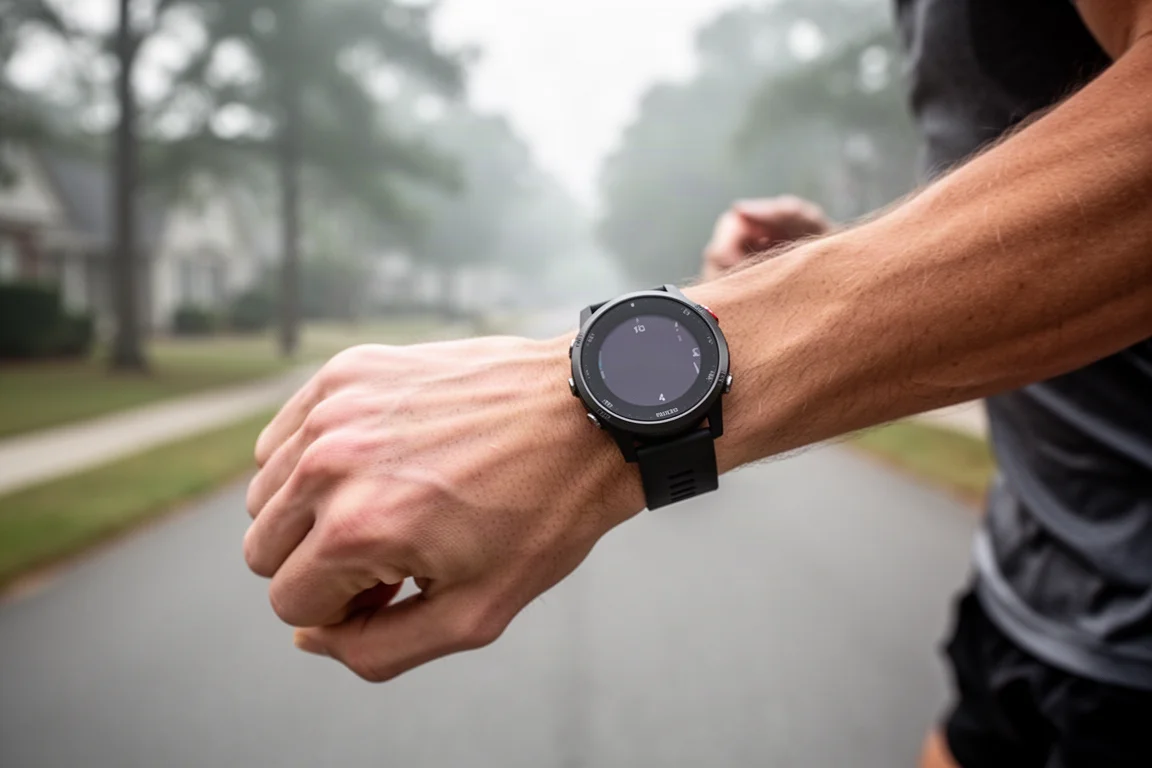
This is not a touchscreen watch. It is all buttons, all the time: three on the left side and two on the right. The upper right button is your start, stop, and confirm button, the lower right one is back, and the left side handles scrolling up and down plus a light button that doubles as quick access to the controls menu.
The watch face is fully customizable. Press the middle button, choose a default face, then edit each component on it, for example recovery time, weekly run time, current VO2 max, sunrise and sunset, battery, and phone connection status. Below the watch face sit widget glances, up to three per page, which open into fuller widgets when tapped.
On the back you will find the optical heart rate sensor, which also handles blood oxygenation, stress, and other readings, along with the standard Garmin charging port. Music storage is on the underside of the music edition only.
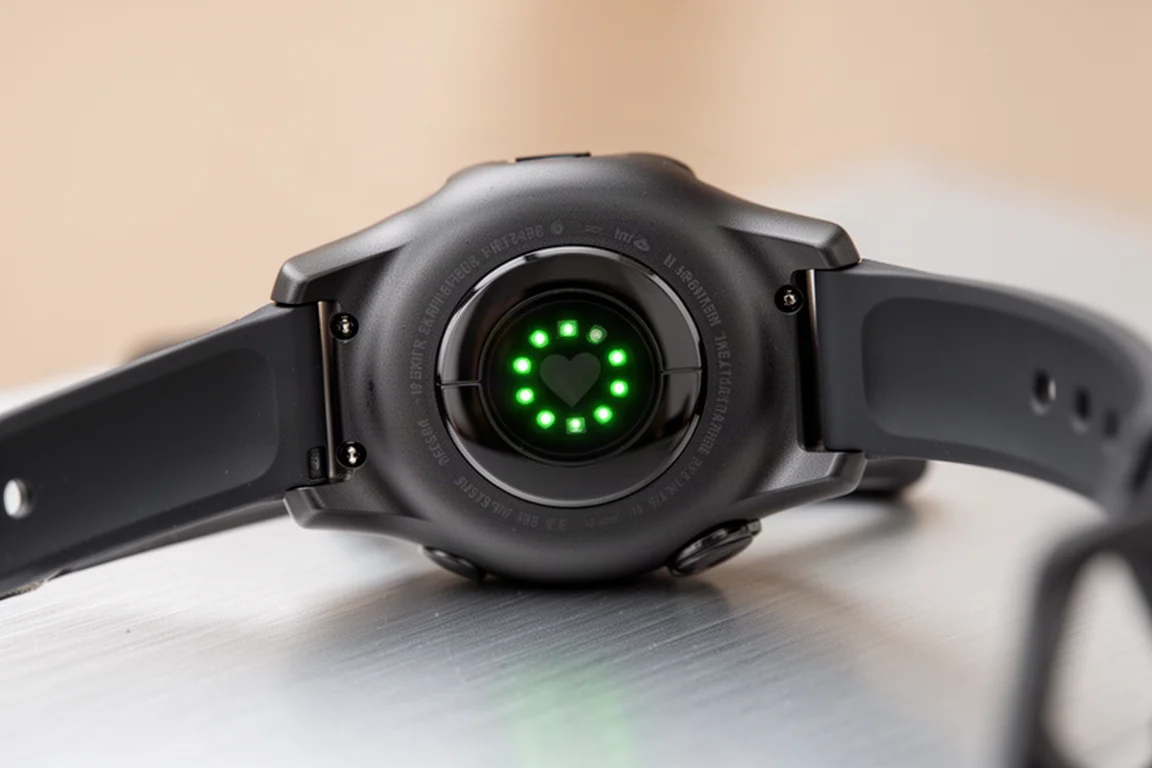
Pulse Ox, the blood oxygenation feature, has three modes: on demand, during sleep, or 24x7. The 24x7 mode is the biggest battery drain on the watch, so on-demand use is the more practical choice unless you have a specific reason such as altitude monitoring. There is also a Health Snapshot feature, which collects a set of health readings over two minutes and exports them as a PDF you can share with a doctor.
Nearly every setting can also be managed from your phone through the Garmin Connect app, which is far easier than configuring data fields one by one on the watch. The Connect IQ store adds third-party watch faces, data fields, and apps, including things like music services, transit apps, and loyalty cards.
Training Status and HRV Status Explained
The Forerunner 255 introduced HRV Status, tracking heart rate variability overnight while you sleep. It shows a personalized balanced or unbalanced range, and Garmin needs 19 days of continuous wear before the status appears, after which it trends across up to 90 days of data. The key idea is long-term trending: one bad night before a race is normal and should not drive decisions.
Each morning, the watch greets you with a morning report summarizing your HRV status, sleep, the day’s weather, and calendar items. It is a genuinely useful way to start the day without opening your phone.

Training Status looks at the workout side of things. A “productive” status means your VO2 max is increasing, HRV is balanced, and your seven-day acute load is optimal. The load focus view breaks down aerobic, high aerobic, low aerobic, and anaerobic focus areas and flags shortages such as too little low aerobic work.
Recovery hours estimate how long until your next hard workout, and the countdown speeds up or slows down depending on sleep quality and daily stress. VO2 max itself climbs partly through fitness and partly through doing the right blend of workouts: long easy runs on the running side, and hard intervals for cycling. If you only ever run easy, the number will not move much.
Race Widgets and Daily Suggested Workouts
One of the standout new features on the 255 is the race widget. Create a race in Garmin Connect with the date, time, city, and even the course, and the watch generates a dynamic running training plan with build, peak, and taper phases all the way to race day. The race page shows an estimated finish time, expected temperature at the start, and your loaded course with ascent and descent.
Daily suggested workouts adapt to that plan. A base run suggestion might be 34 minutes at an easy pace, while interval days can get impressively creative with multi-step sprint blocks. In the run settings you can pick which day long workouts fall on, choose pace or heart rate targets (running power is not an option here), and pause training if life gets in the way.
The watch also supports structured workouts, interval creation on the device, PacePro plans for race pacing, a lactate threshold guided test, racing against a past activity, and breadcrumb course navigation with the Up Ahead waypoint feature. Navigation is breadcrumb style only, as there is no full mapping on this model.
Native running power is supported, but it requires an external accessory such as the Running Dynamics Pod or a compatible chest strap like the HRM Pro series. Alerts can be set for heart rate zones, pace, run/walk intervals, distance, cadence, and more, and Auto Climb can swap in an extra data page when you start climbing.
GPS Accuracy and Battery Life
The Forerunner 255 adds multi-band (dual-frequency) GNSS, which connects to roughly 60 satellites across two frequencies for a significant accuracy leap, especially in cities and mountains. The tradeoff is that it roughly halves battery life. For most runs, the standard “all systems” mode is already very good, and GPS-only is fine for open terrain.
UltraTrack mode trades accuracy for extended battery life by sampling far less frequently, so reserve it for multi-day activities where you truly need the duration. Battery Saver mode, found in the Power Manager, stretches standby from around 12-14 days up to 64 days by disabling music, phone connection, Wi-Fi, the optical heart rate, Pulse Ox, and activity tracking.
Battery Life, Garmin Pay, and Music
Garmin Pay works on a bank-by-bank basis rather than by card network, so check whether your bank is supported before counting on it. Loading a card takes seconds, and payments work from a wallet accessible with the up button. It is handy for post-run coffee or convenience store stops.
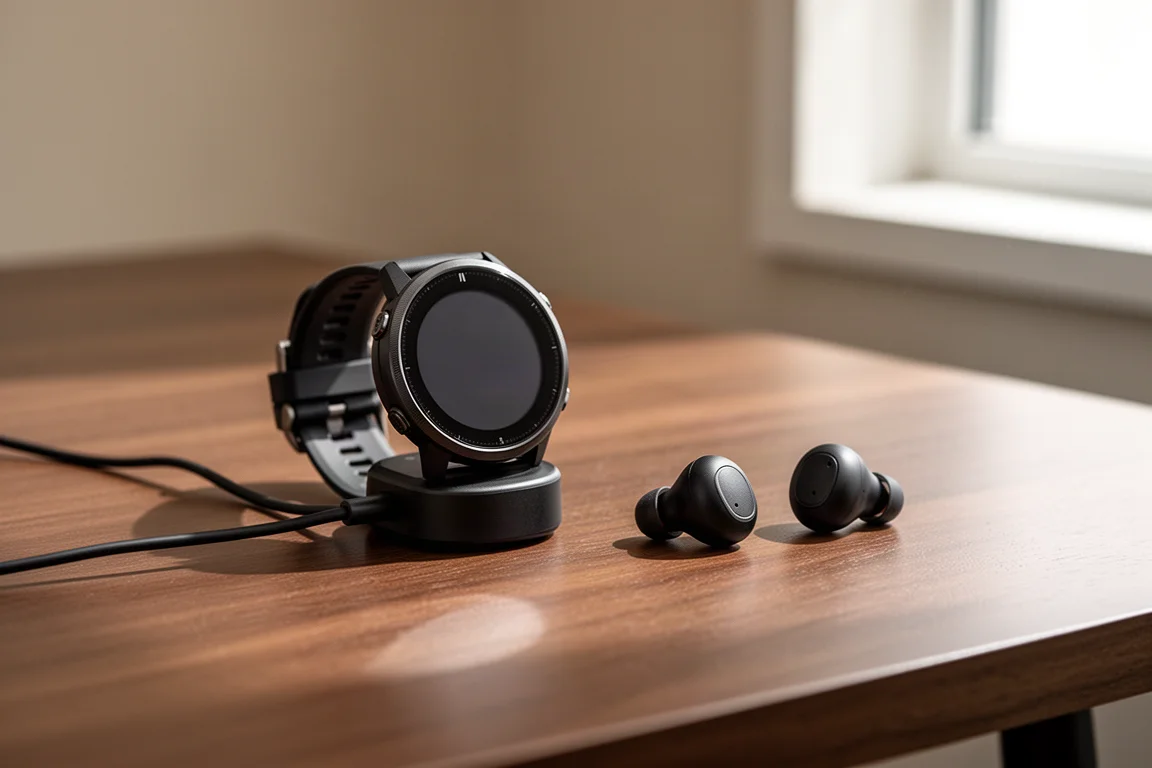
Music support requires the music edition and any Bluetooth audio device, from headphones to speakers. Spotify, Amazon Music, and Deezer playlists download over Wi-Fi directly to the watch with no phone needed, though the watch must check in with the service every 30 days. Playlist syncing happens automatically whenever the watch is on the charger, and playback, volume, and track skipping are all controlled from the wrist. Connectivity to headphones has proven reliable across a wide range of devices.
Buying Advice
At $349 to $400, the Forerunner 255 is easy to recommend over the older Forerunner 745, which now feels caught between generations. If you want ClimbPro, Training Readiness, and full mapping, the extra $100 or so for the Forerunner 955 is worth considering. Otherwise, the 255 covers the essentials with remarkably few gaps.
Conclusion
The Garmin Forerunner 255 delivers a polished button-driven interface, genuinely useful training and recovery tools, dual-frequency GPS, and optional music storage at a mid-range price. For runners who want Garmin’s modern training ecosystem without flagship cost, it is one of the most complete options available.
Product link
View more details for Garmin Forerunner 255
This product is mentioned in the review. Check the specifications, options, and compatibility before buying.
View more details for Garmin Forerunner 255Further reading
Related Reviews
Fitness Tech
Garmin HRM 200 Review: A Heart Rate Strap Built for the Next Few Years
Garmin's new HRM 200 adds a button, a light, and encrypted heart rate broadcasting to a familiar chest strap formula, at a reasonable price.
Fitness Tech
Garmin Connect Plus Nutrition Logging: A Hands-On Look at Food Tracking Inside Garmin Connect
Garmin has added food and nutrition logging to its paid Garmin Connect Plus tier. Here is how the feature works, where it excels, and the trade-offs to know before subscribing.
Fitness Tech
Garmin HRM Fit Review: A Heart Rate Strap Designed for Sports Bras
Garmin's HRM Fit clips into the underside of a sports bra instead of using a chest band. We look at how it works, how accurate it is, and whether it earns its place over a traditional strap.