Fitness Tech
Garmin Connect Plus Nutrition Logging: A Hands-On Look at Food Tracking Inside Garmin Connect
Garmin has added food and nutrition logging to its paid Garmin Connect Plus tier. Here is how the feature works, where it excels, and the trade-offs to know before subscribing.
Introduction
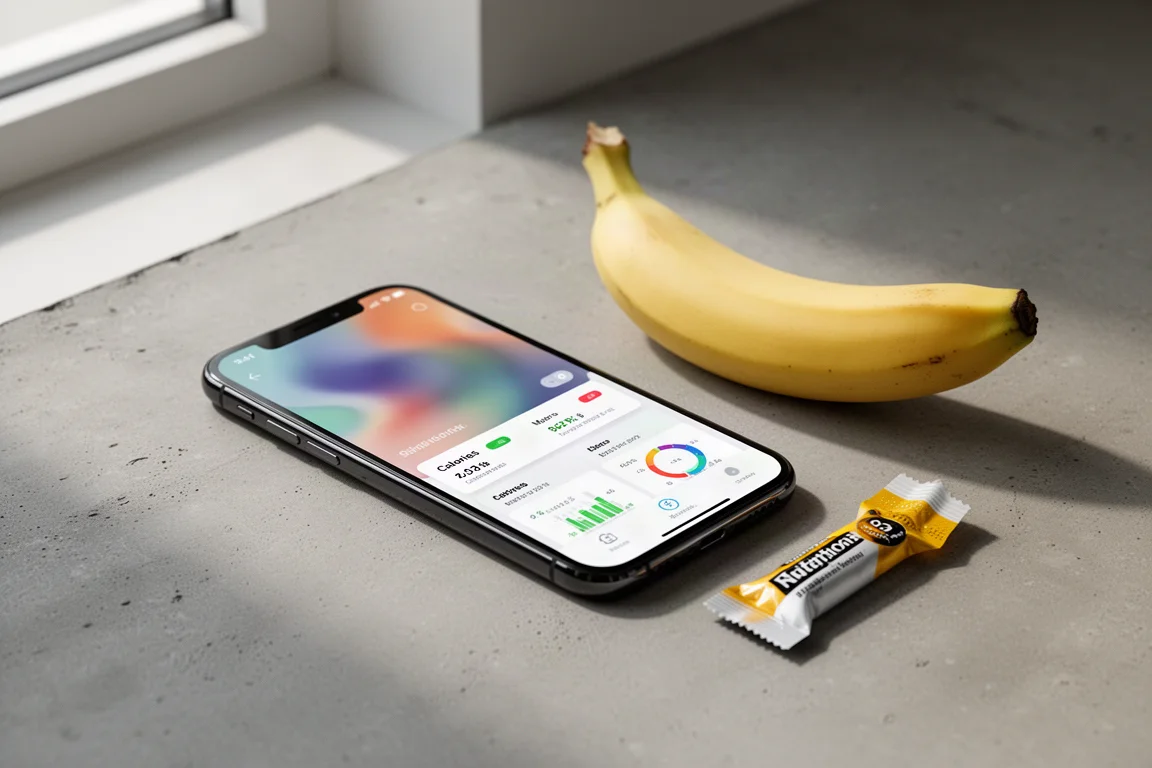
Garmin has quietly added food and nutrition logging to Garmin Connect, or more precisely to Garmin Connect Plus, the paid portion of the Garmin Connect platform. Anyone who has followed Garmin’s subscription push knows the skepticism around Connect Plus, but nutrition tracking is one area where paid access is the norm rather than the exception. Garmin’s long-standing partner MyFitnessPal also requires a subscription for comparable logging, at roughly $79 per year, while Garmin Connect Plus sits at $69 per year. The question is simply whether the implementation is good enough to be worth it, and this walkthrough is designed to help you decide.
How the Feature Works
The first step is subscribing to Connect Plus, though Garmin will handle that for you automatically if you open the nutrition feature without an active subscription. To reach the feature, tap the More option in the lower part of the app, choose Health Stats, and select Nutrition from there.
On first launch, there is one important thing to know: if you already sync nutrition data from MyFitnessPal, enabling this feature disconnects the entire MyFitnessPal connection, including workout syncing. It also breaks any MyFitnessPal-based smart scale integration, meaning automated weight data would then require a Garmin scale.
Next, the app asks for your nutrition goals: maintain weight, lose weight, gain weight, or no goal at all. If you choose weight loss, you can pick a target weight and a weekly loss rate, for example moving from a quarter kilo to half a kilo per week, and the app shows a summary including a goal target date.
Before logging anything, it is worth exploring the settings. You can redefine your meal windows for breakfast, lunch, and dinner, adjust the entire daily timeline if you work unusual hours, reallocate meal calorie goals, and revisit your nutrition plan. The most important setting sits at the very bottom: region and language. If your Garmin Connect account is registered in one country but you live in another, you need to change this. Without it, barcode scanning simply does not work. Once the region was switched to match the actual location, every scanned item in the fridge worked.
Logging Food and Barcode Scanning
On the nutrition screen, calories and macros sit at the top, with a daily timeline below covering breakfast, lunch, and dinner. Tapping the plus button next to a meal opens recently logged foods, favorites, custom foods you have created, and my meals, which lets you bundle several foods into a reusable collection for meals you eat regularly.
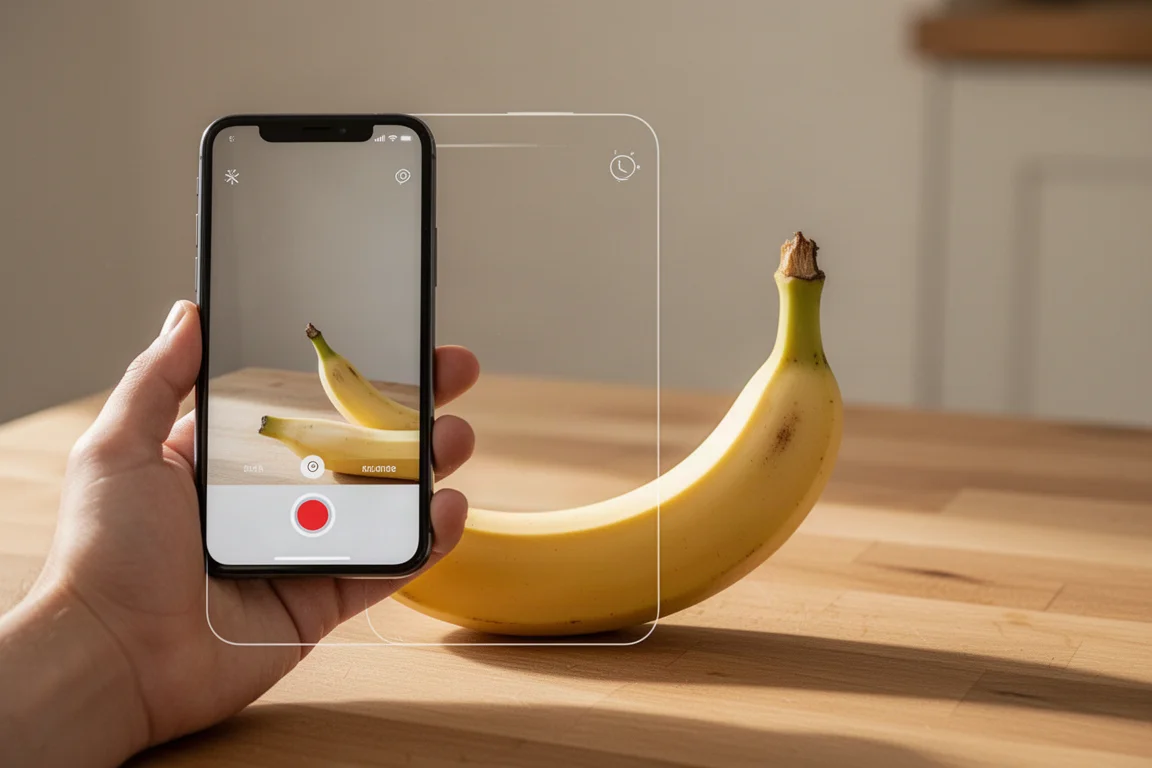
The photo-based food recognition is the standout. Scanning a banana correctly identified it, defaulted to 100 g, and let the serving be added to a chosen time of day before logging it into the timeline.
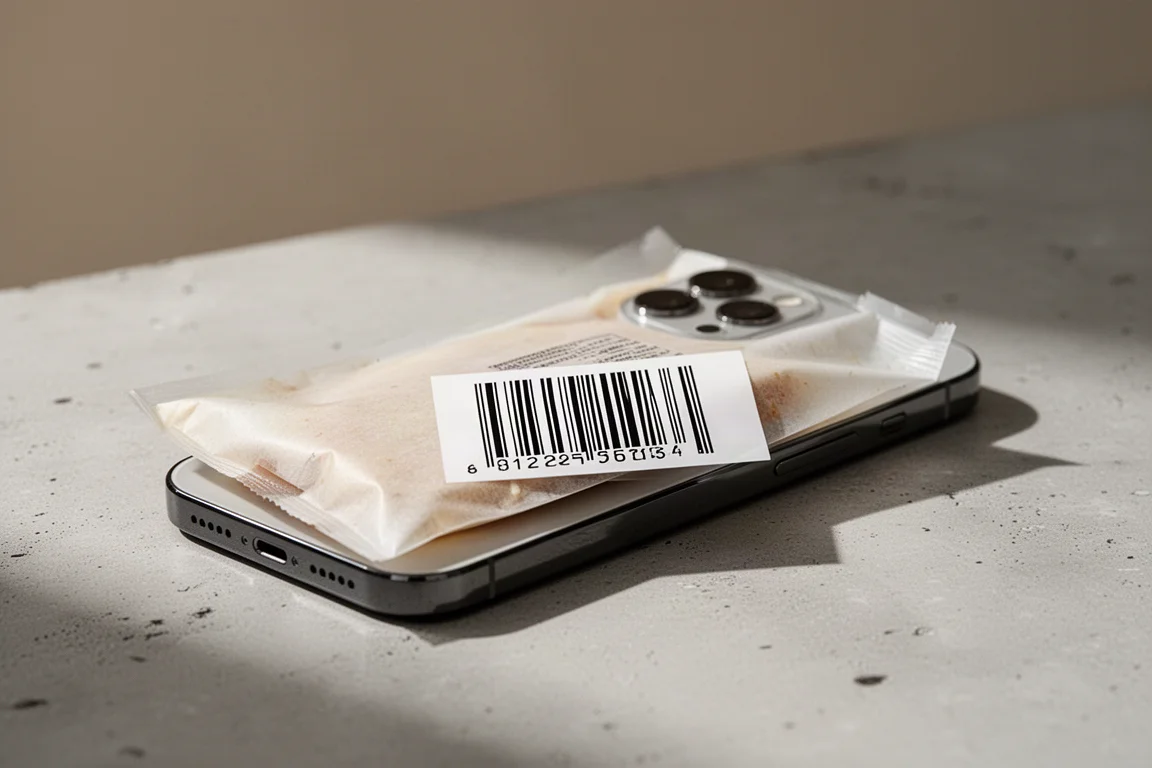
Barcode scanning is equally central. A generic supermarket item scanned almost instantly, pulled in a 100 g serving size that matched the EU packaging standard, and every nutrition figure, from calories to protein and fat, lined up perfectly with the label. Items can be saved as favorites for quick re-logging later. Nearly every barcode in a fully stocked fridge scanned successfully, with a pack of eggs being the lone failure, and that is trivial to add manually. Scanning multiple items at once even worked: the system detected a pineapple sitting behind a loaf of bread and offered it as an additional item that could be deselected.
Fueling Workouts and Manual Food Entry
For athletes, logging mid-workout fuel matters just as much as meal tracking. On a long run, energy gels can be added to the relevant meal window afterward. If a product is not in the database, creating a custom food takes less than a minute: enter the brand and name, set the total weight, then fill in calories, protein, fat, and carbs from the package label. A photo can be attached for reference, and the food is saved for future use.

That flexibility is genuinely useful, because smaller items like individual gel packets may not appear in the database even when the larger retail box does. Adding the item once means it shows up instantly in the correct meal frame on subsequent days.
Tracking Progress and Watch Integration
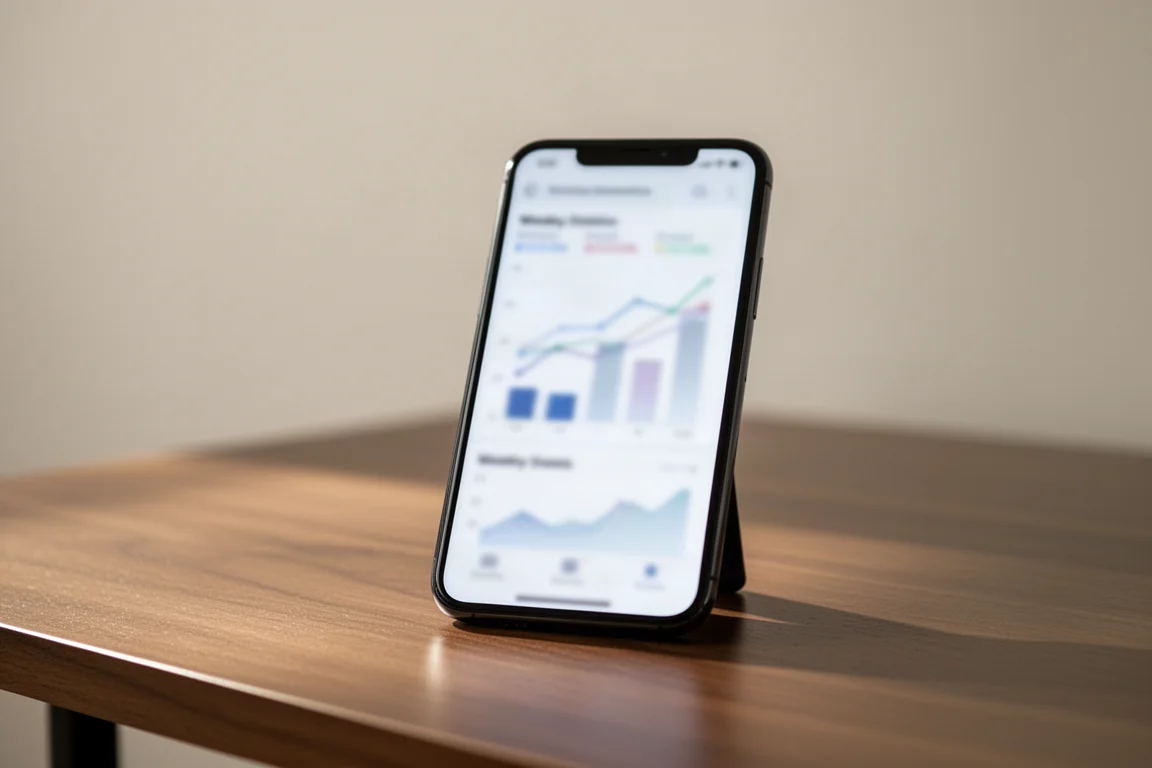
Once your day is logged, the top of the nutrition screen shows total calories, protein, fat, and carbs, plus the amounts remaining. Trends can be viewed across 7 days, 4 weeks, or 1 year, including daily calories, daily macros, and a meal breakdown.
Back on the Garmin Connect home screen, a nutrition card can be added to the at-a-glance section, and its plus button jumps straight into adding a food. Newer Garmin watches also get a nutrition widget showing daily summaries and macros, though early beta firmware made it prone to crashing in testing, an issue that may well be resolved in stable software.
Things to Consider Before Buying
The comparison with MyFitnessPal is the clearest way to frame the decision. Garmin Connect Plus costs slightly less per year, and the subscription effectively bundles the other Connect Plus extras alongside nutrition. The downsides are real, though: enabling the feature severs MyFitnessPal integration entirely, and automated weight data requires a Garmin scale afterward. The region mismatch for barcode scanning is another friction point that Garmin really should surface automatically.
If you already log food religiously and live inside the Garmin ecosystem, this is a reasonable, slightly cheaper alternative to a dedicated nutrition subscription. If you rarely log food, it may not be the reason to subscribe on its own.
Conclusion
Garmin Connect Plus nutrition logging is a thoughtfully built feature: fast photo recognition, reliable barcode scanning, customizable meal windows, and sensible long-term trend views. Its main caveats are the broken MyFitnessPal integration and the region setting quirk. Whether it justifies the subscription depends on how seriously you track food, but for Garmin users already eyeing Connect Plus, it is a genuinely functional addition rather than a token extra.
Product link
View more details for Garmin Connect Plus
This product is mentioned in the review. Check the specifications, options, and compatibility before buying.
View more details for Garmin Connect PlusFurther reading
Related Reviews
Fitness Tech
Garmin HRM 200 Review: A Heart Rate Strap Built for the Next Few Years
Garmin's new HRM 200 adds a button, a light, and encrypted heart rate broadcasting to a familiar chest strap formula, at a reasonable price.
Fitness Tech
Garmin Forerunner 255 Review: A Complete Beginner's Guide to Garmin's Mid-Range Running Watch
A practical walkthrough of the Garmin Forerunner 255, covering the interface, training tools, HRV status, race widgets, GPS accuracy, battery life, and music support.
Fitness Tech
Garmin HRM Fit Review: A Heart Rate Strap Designed for Sports Bras
Garmin's HRM Fit clips into the underside of a sports bra instead of using a chest band. We look at how it works, how accurate it is, and whether it earns its place over a traditional strap.