Handheld GPS
Garmin eTrex Touch Review: Rugged Handheld GPS With Real Trade-Offs
A detailed look at the Garmin eTrex Touch, covering real battery runtime, GPS accuracy, all-weather touchscreen performance, and the software quirks to weigh before buying.
Introduction
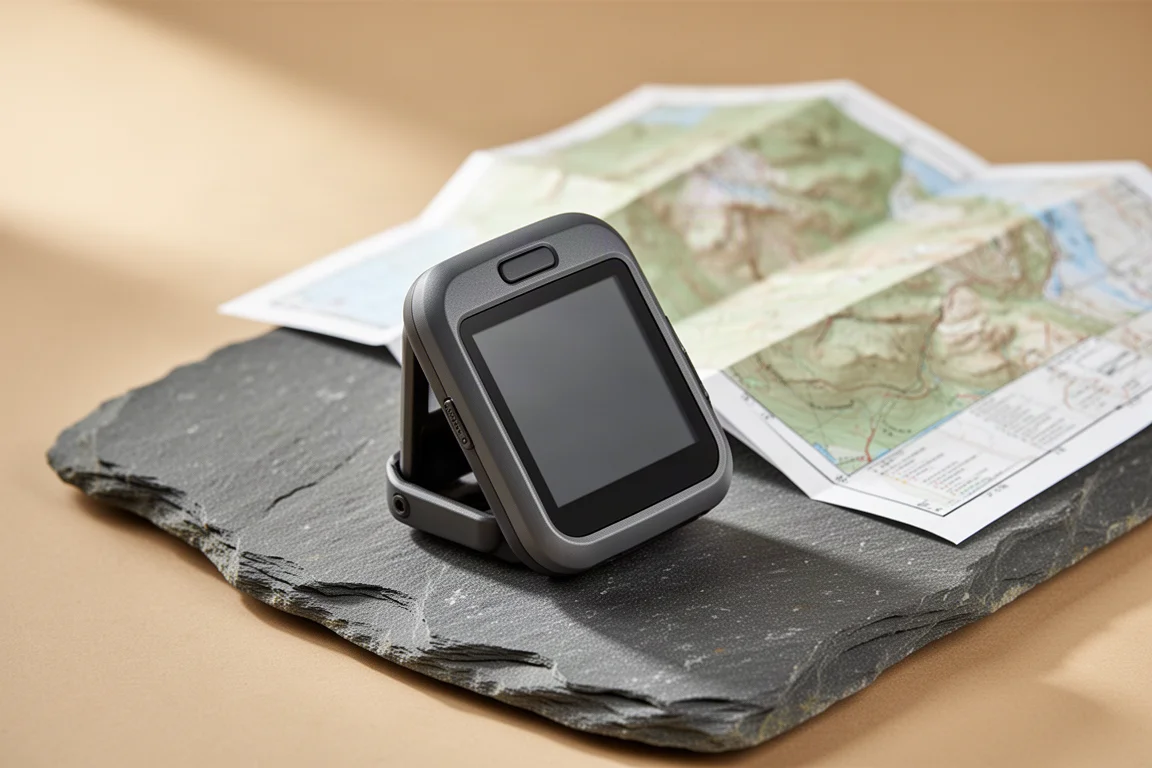
The Garmin eTrex Touch is a compact, rugged handheld GPS built for the kind of navigation a smartphone handles perfectly well until conditions get rough. A dedicated unit is more durable than a phone, lasts far longer between charges, and keeps working in wet, cold, and demanding environments.
The idea behind the eTrex Touch is simple. It takes over the heavy lifting of navigation and leaves the phone, and its battery, free for the moments that really need it. After several months of use, that idea only partly delivers. The hardware is genuinely tough and the touchscreen copes with bad weather far better than expected, but battery behaviour, memory limits, and a shallow, occasionally glitchy software experience keep this from being an easy recommendation.
Who the Garmin eTrex Touch Is For
This handheld makes the most sense for hikers, riders, and other outdoor users who want a standalone device for offline trail navigation and route following. It rewards people who value a rugged body, a small and light form factor, and long rated battery life, and who are willing to trade away the deeper menu customisation that older Garmin handhelds offered.

It also suits anyone who wants to keep a phone in reserve. Carrying the eTrex Touch for course navigation and activity tracking means the phone can stay powered down until a more complex decision calls for a larger screen and easier panning and zooming.
Anyone hoping this will simply replace a phone navigation app should weigh the trade-offs below carefully before buying.
Main Strengths: Rugged Build and All-Weather Touchscreen
The eTrex Touch is small and light enough to disappear into a pack pocket or a jacket, and it is clearly built to be carried rather than coddled. That ruggedness matters most when the weather turns, and touchscreen-only designs are usually the first thing to struggle in rain or when gloves are on.
In heavy downpours, the touchscreen held up well. There were no phantom touches and no unresponsive areas, and the display kept responding normally in conditions that would leave most phones awkward to use. It is a reassuring result for a device with no keypad to fall back on.
There is only one physical button, the sleep, wake, and power control on the top edge. It sits slightly recessed, which makes it awkward to press, particularly with gloves on, and it sometimes needed deliberate attention to register. The compensation is that it is very difficult to trigger by accident.
Main Strengths: Battery Life and GPS Accuracy
Garmin rates the eTrex Touch at up to 130 hours in SatIQ mode, which the device also labels as auto select. In practice, with activity tracking and course navigation running, real-world runtime landed closer to 100 hours. The full 130 hours only appeared when the unit sat at home with the screen off and nothing to do.
Switching the GPS mode to all systems plus multi-band changes the picture sharply. Battery drain climbed dramatically, at points approaching 5 percent per hour, and averaged out at roughly 3 percent per hour. That is a significant penalty, and it narrows the gap between this handheld and a phone.
The payoff is accuracy. With all systems and multi-band enabled, fixes generally landed between 6 and 9 ft. In smart mode, accuracy typically dropped to somewhere between 9 and 12 ft. Both are usable depending on the standard you need, but it is a genuine trade-off between maximum precision and battery life.
One detail worth knowing: the native software shows only a simple battery icon that declines as the charge drops, with no percentage figure. A third-party Garmin IQ battery widget adds a real percentage if you want a clearer picture of remaining runtime.
Main Strengths: Maps and Offline Navigation
The eTrex Touch ships with preloaded TopoActive maps for your region. In North America, those maps plus the system software occupied roughly 16 GB of the 32 GB of internal memory. There is no microSD slot, so storage cannot be expanded and Garmin’s microSD map cards cannot be used.
Day-to-day navigation works well. Panning and zooming were quicker than on older eTrex units, though not as fast as a smartphone, and calculating routes or navigating offline on the fly caused no problems. The preloaded maps include a good number of official trails and handled standard trail hiking comfortably.
A Maps+ subscription is promoted heavily on the device, and it adds a recurring cost if you want it. For many users, the preloaded TopoActive maps will already cover the trails they hike and ride.
Things to Consider: Software and Firmware Stability
The initial firmware was buggy. The unit would reboot on its own, and settings could revert to their defaults after a restart. The latest firmware is a clear improvement, and since updating there have been no reboots or major problems.
Some rough edges remain. Changing parameters inside an activity can leave a loading graphic on screen that never clears, and switching courses sometimes loses turn alerts, inconsistently enough that it is hard to predict. The overall impression is of software that has not been tested all the way through.
The interface also lacks the customization depth of older eTrex and GPSMAP units and closely resembles the H1 layout. Profiles have been removed entirely. Ascent planning is still advertised but does not appear anywhere on the device, and waypoint proximity alerts, a key handheld GPS feature, were missing at launch and only added later.
Things to Consider: Charging and Ergonomics
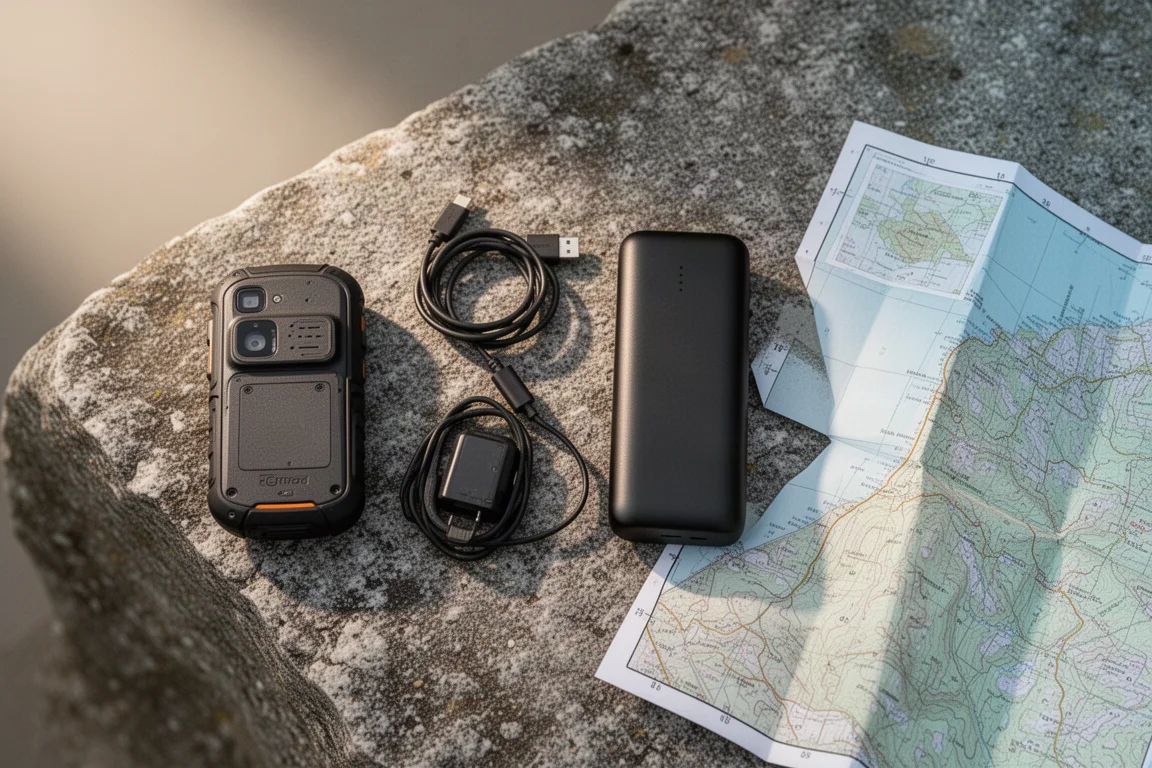
The most consequential change is the internal battery. Older eTrex units ran on swappable AA cells, so a spare pair solved almost everything. Here, charging means plugging into an external battery pack over USB-C, which adds bulk and planning to multi-day trips.
The body also has square edges rather than the rounded feel of older GPSMAP and eTrex devices. That is a matter of taste, but it is the kind of change long-time users notice immediately.
Long-term confidence is worth factoring in as well. Recent Garmin firmware releases have a habit of fixing some items while breaking others, which matters more than usual on a device you might rely on to navigate in a tricky situation.
Buying Advice
For most people, the honest answer is that the eTrex Touch will not replace a phone for navigation. The interface lacks the depth expected from a Garmin handheld, and the firmware track record does not inspire the same confidence as Garmin’s button-driven models.
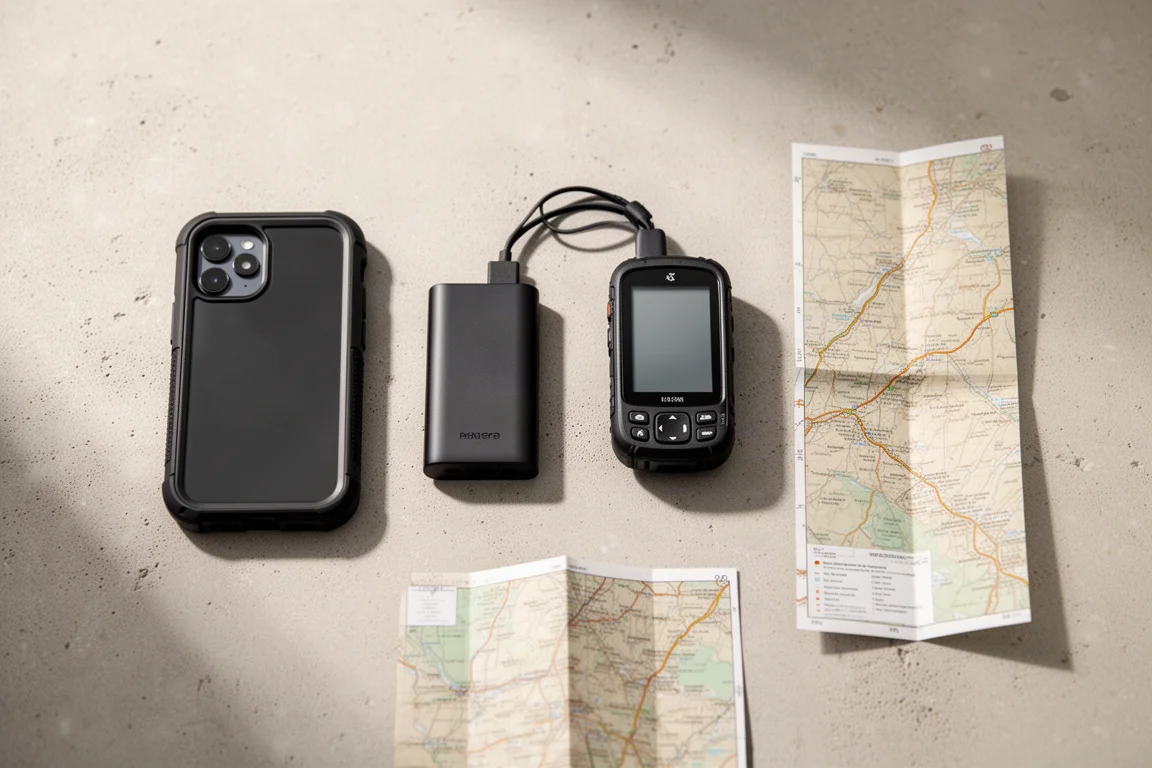
If the goal is simply to protect a phone on longer outings, a rugged case and an external battery pack will likely cost much less than $100 and cover a good part of what this device does.
If a dedicated handheld is what you actually want, two Garmin alternatives are worth weighing. The GPSMAP 67 without InReach offers great battery life, physical buttons, and a bigger, brighter screen, and it typically costs about $50 more. The GPSMAP 65S is larger than the eTrex, keeps the familiar rounded feel and physical buttons, matches the eTrex on multi-band performance, and runs on replaceable AA batteries with the older, more customizable interface.
Coming from an older eTrex, the square-edged body and the internal battery are the two details most likely to decide it for you.
Conclusion
The Garmin eTrex Touch gets the outdoor fundamentals right. It is rugged, small, light, and rated for long runtime, and its touchscreen is genuinely usable in heavy rain. The preloaded TopoActive maps and offline navigation are ready to go out of the box.
The compromises are equally clear. Aggressive battery drain in multi-band mode, no battery percentage in the native software, fixed internal storage, and a software experience that still feels a step behind both a phone app and Garmin’s own button-driven handhelds.
Buy it if you want a compact, tough companion device for offline trail navigation and you accept the trade-offs. If deep customization, swappable batteries, and a longer track record matter more, the GPSMAP options are the safer path.
Product link
View more details for Garmin eTrex Touch
This product is mentioned in the review. Check the specifications, options, and compatibility before buying.
View more details for Garmin eTrex TouchFurther reading
Related Reviews
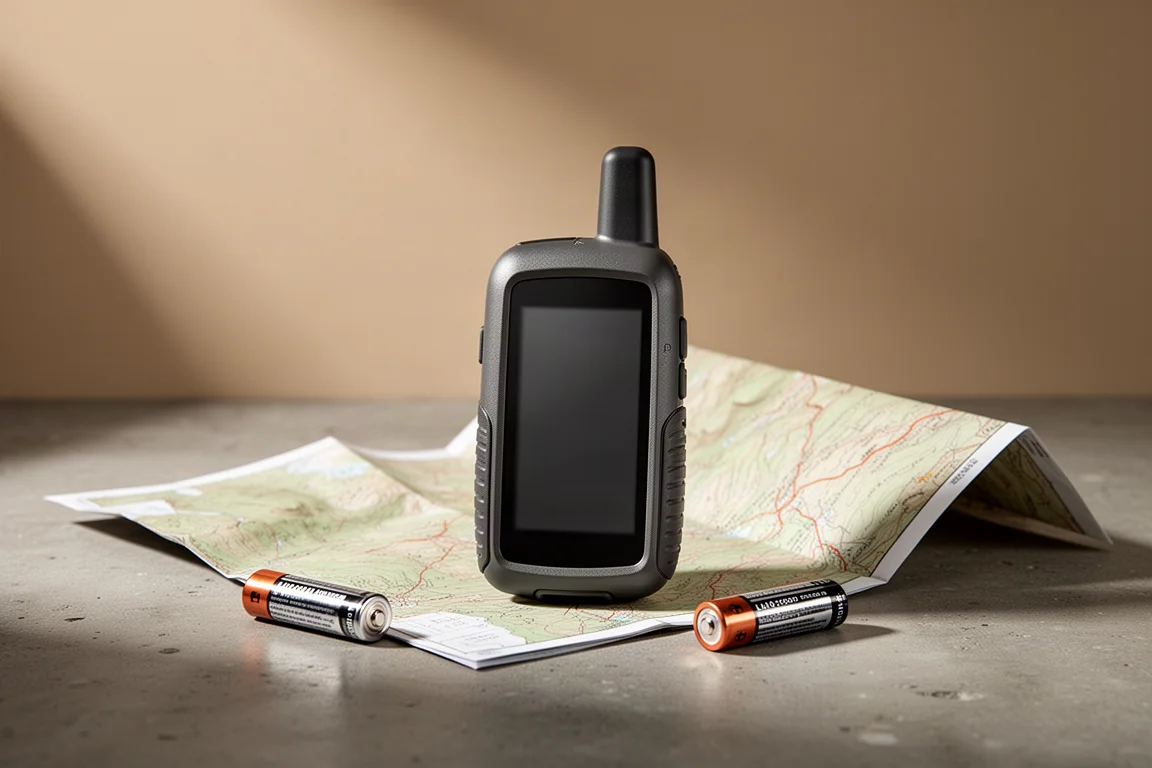
Handheld GPS
Garmin GPSMAP 65 Review: Multi-Band Precision in a Familiar Handheld
A hands-on look at the Garmin GPSMAP 65, its multi-band GNSS precision, elevation accuracy, battery life, maps, and who should buy it.
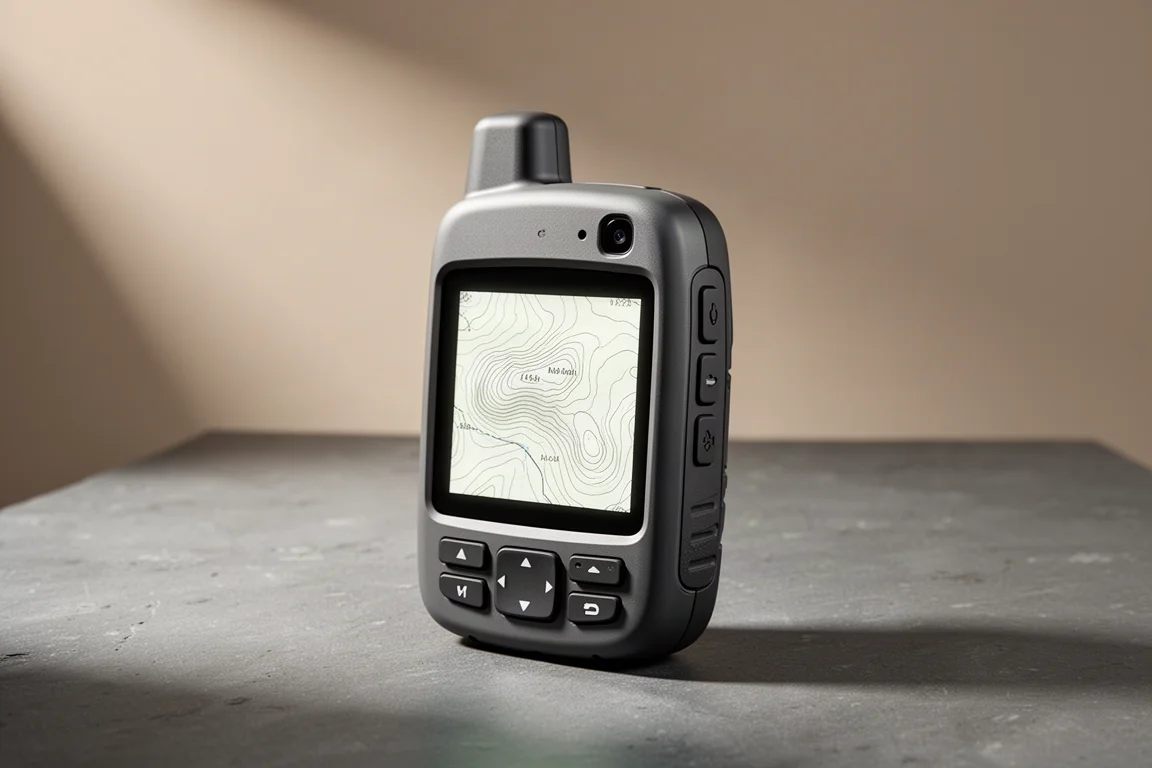
Handheld GPS
Garmin GPSMAP H1 Review: A Capable Handheld Navigator That Still Needs Polish
A close look at Garmin's flagship handheld navigator: accurate tracks after months of firmware updates, dependable inReach messaging, and the screen and battery trade-offs to weigh before buying.
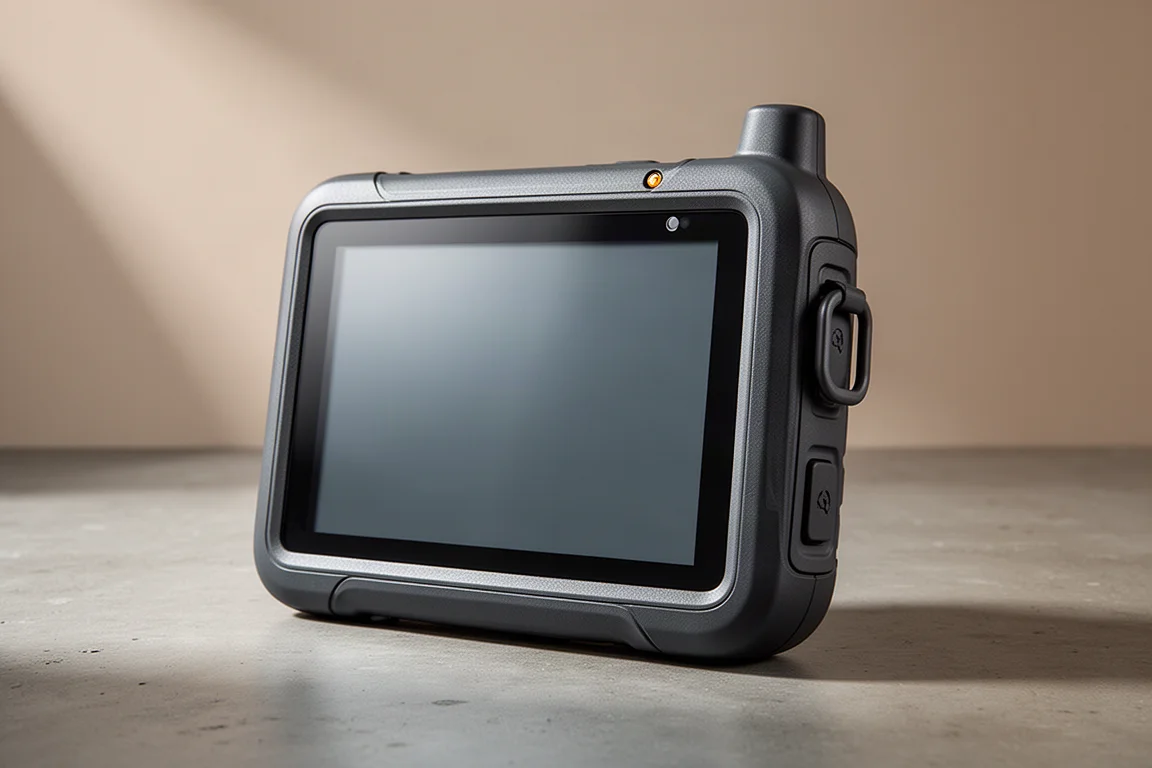
Handheld GPS
Garmin Montana 750i Review: A Big, Rugged Handheld GPS With Real Trade-Offs
A practical look at the Garmin Montana 750i, covering the large transflective touchscreen, inReach messaging, preloaded maps, the camera, battery behaviour, and the trade-offs worth weighing before buying.