Cycling Computers
Garmin Edge 840 Solar Review: Excellent Features, Questionable Solar Premium
A fast, accurate cycling computer with a bright touchscreen, strong mapping, and ClimbPro 2.0, plus a solar layer that adds less than its price suggests.
Introduction
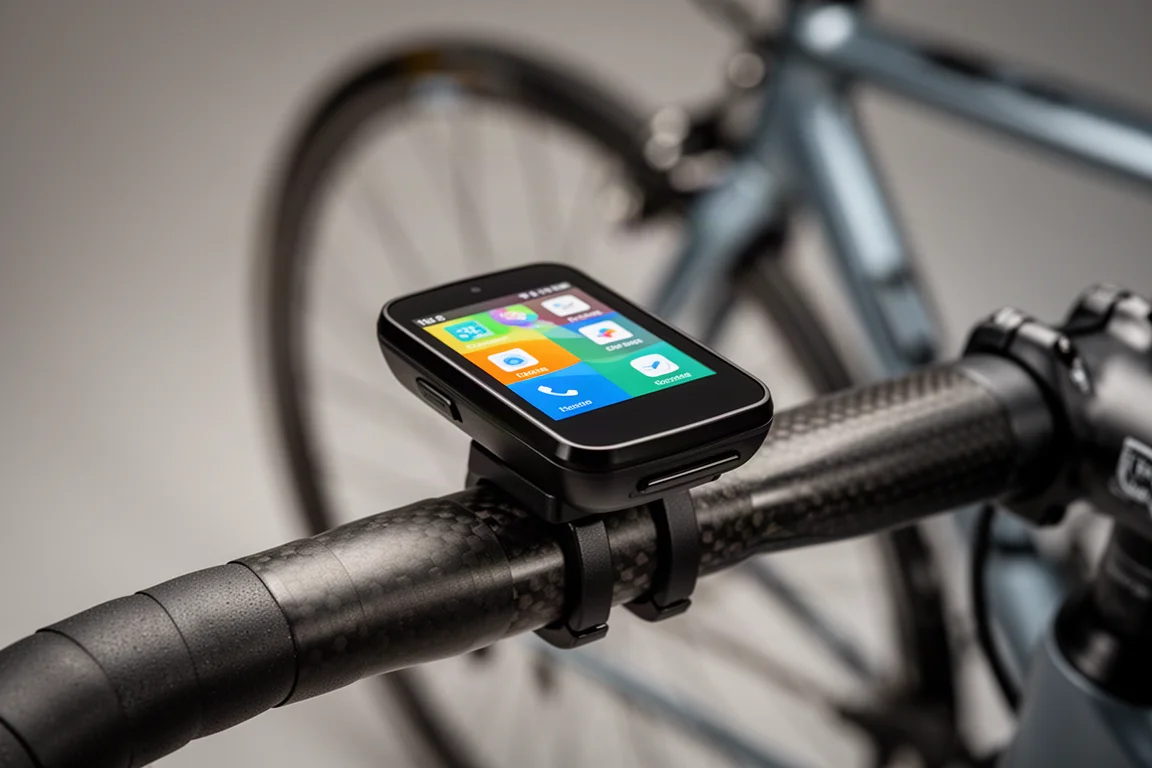
The Garmin Edge 840 Solar sits at the top of Garmin’s compact touchscreen range, pairing a bright, responsive display with the company’s latest navigation and climbing tools. On paper it is an easy computer to like: setup is quick, the screen stays legible in direct sun, and the mapping remains one of the strongest reasons to choose a Garmin head unit in the first place.
The solar element is the part that deserves closer scrutiny. The panel adds cost without adding much in everyday riding, and for many riders the standard Edge 840 delivers the same experience for less. This article walks through what the Edge 840 Solar does well, where the solar charging falls short, and who should consider it anyway.
Who the Garmin Edge 840 Solar Is For
This computer suits riders who want a compact head unit that starts quickly, locks onto GPS almost immediately, and guides them confidently on both familiar roads and unfamiliar ones. It is a natural upgrade for anyone coming from an older Edge device, because the setup process can import existing data screens and sensors straight from the Garmin Connect app, so the transition takes minutes rather than an evening.
It also appeals to riders who plan routes in Garmin Connect and want them waiting on the device, and to riders who like being shown nearby climbs even when they are not following a planned course.
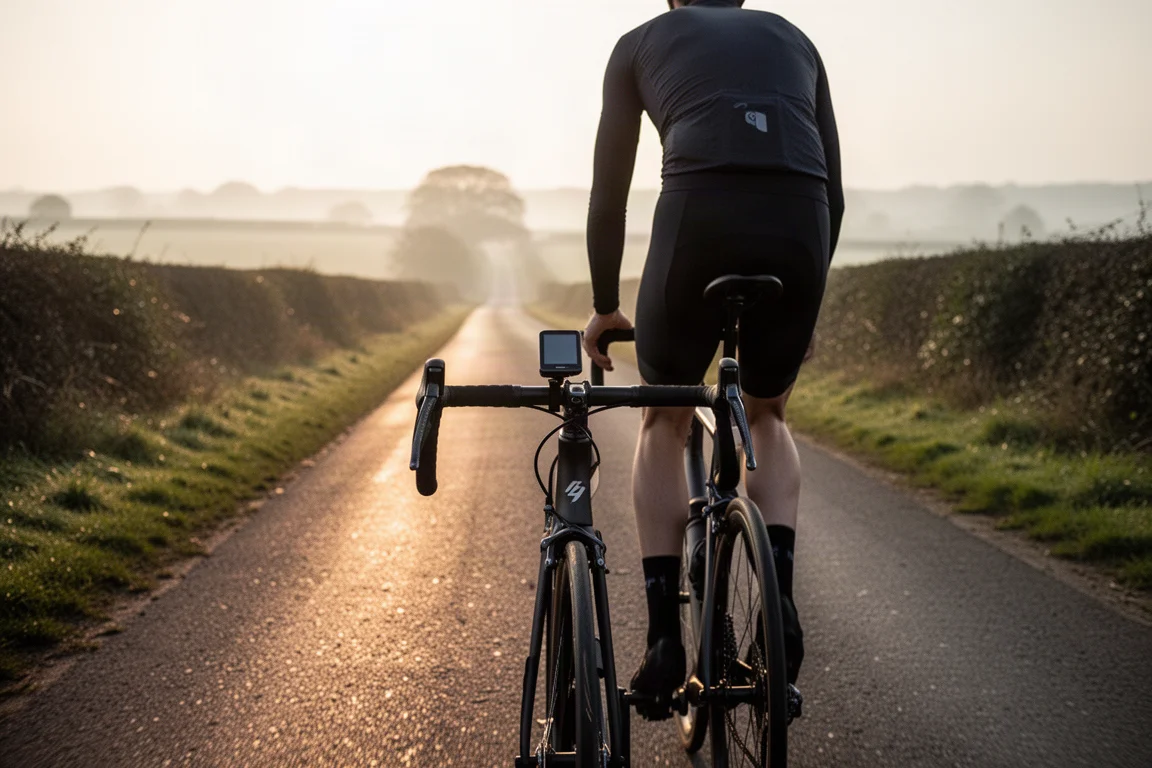
Riders who mainly want basic speed, distance, and heart rate may find the feature set larger than they need, and the solar version adds a premium that short rides are unlikely to recover.
Main Strengths: Navigation and Mapping
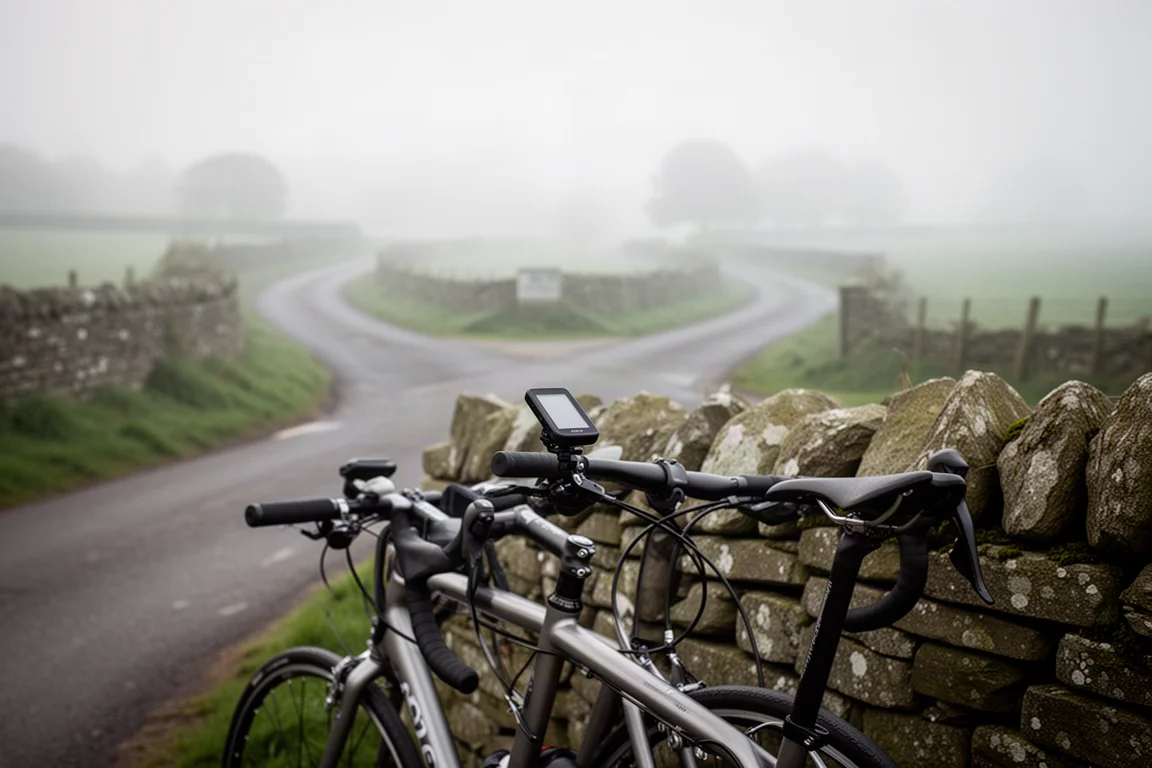
Mapping remains one of the best things about Garmin’s Edge computers. Routes created in Garmin Connect, on road or off it, transfer cleanly, and the navigation proved accurate in use. The maps are easy to read, turn directions appear with plenty of warning, and the device offers a quick re-route if you wander off course. Being able to pause navigation is genuinely useful, particularly when you are hunting for a mid-ride cafe stop.
The address search function, available on the Edge 840 and Edge 1040 but not on the Edge 540, is a welcome addition. It works well when you need to navigate to an unfamiliar meeting point rather than a pre-planned route.
Main Strengths: Setup, Screen, and Everyday Use
Out of the box, the setup process is straightforward, and the latest interface has been designed primarily around touchscreen units like the Edge 840 and Edge 1040. Data screens can now be customized from a phone, including changing individual data fields and building entirely new screens. The phone functionality is fairly basic, but it works reliably, and the unit was quickly ready to ride.
Day to day, the experience is pleasant. Selecting a ride profile and pressing go is all it takes, and the GPS signal is picked up very quickly. Startup speed stands out next to some competitors, which can take considerably longer to become ready. The body shape follows the older Edge 830, keeping it more compact than the Edge 1040, and at 89 grams it is noticeably lighter than the 1040’s 132 grams, though lighter options exist elsewhere. The display stays easy to read even in bright sunlight.
The new home screen adds useful customization, though the adaptable box that shows either your last ride or an uploaded course takes up a large area. The uploaded course is the more helpful of the two, since most riders prefer to analyze completed rides in Garmin Connect or a similar platform later. That block of space also leaves less room for glances, the small expandable tiles that can surface anything from ride history to an estimated VO2 max. You can choose how many of them to display.
ClimbPro 2.0 and Climb Discovery
The second generation of ClimbPro displays a climb profile even when you are not following a route, using routing popularity data to make an educated guess about which climb you are about to tackle and where it starts and finishes. For the majority of the time it works really well, though there were a few occasions when the segment ended before the actual summit.
When it triggers, the color-coded climb profile is easy to read at a glance, showing average gradient, distance remaining, and vertical meters still to climb, with a small map section that is helpful when a junction is coming up. One or two data fields can be placed at the bottom of the screen, or turned off entirely, and the feature can be disabled per ride profile.
Swipe down from the top of the screen and you reach swipeable pages, one of which lists climbs in the local area with their proximity, gradient, and length. Selecting one opens a map, a gradient profile, and a ride button that quickly generates a route to the start of the climb, which is a great way to explore a new area.
It is worth knowing that the always-on nature of ClimbPro 2.0 has increased file sizes. The Edge 840’s 32GB of storage handles this comfortably, but the Edge 540’s 16GB can be limited to a single map package region to free up space.
Music Controls on the Bike
Music controls are one of the newer additions, letting you play, pause, skip, and rewind tracks from the head unit when a phone is connected and audio is playing through headphones. The basic function is genuinely convenient, and it is easier than digging a phone out of a jersey pocket, especially in thick winter gloves.
The implementation is not flawless. The screen occasionally froze and had to be closed and reopened before the controls responded again. Garmin recommends using music controls only when riding an indoor trainer, and that guidance is worth respecting on the road.

For indoor trainer sessions, where the feature is intended to be used, the controls behave as described and remove the need to reach for a phone mid-session.
Solar Charging: What It Really Adds
This is the part that shapes the buying decision. The solar panel is a £70 add-on over the standard Edge 840, and in real-world use it contributed little outside of long, blazingly sunny days. On hour-long commutes, the panel struggled to add more than a minute or two of charge, which is close to meaningless. On a three-hour weekend ride that started around 11am, it added roughly 30 minutes of extra ride time. Riders heading out for longer days with sunshine from start to finish will likely see more benefit.
The panel can also trickle charge while the device is in standby, showing the current solar intensity level on screen as it sleeps. That yielded only one or two percent over about two hours, though it might get you out of a pinch one day.
The technology works, but it is fair to question how much value it adds for most riders. At a £70 premium, it is hard to justify the cost, and that space could arguably have been used to enlarge the screen for a more contemporary look and feel.
Things to Consider Before Buying
Consider how you actually ride. Short, frequent commutes are exactly the pattern where solar charging contributes least, so the standard Edge 840 makes more sense for that use. If you regularly spend whole days in strong sun, the solar version has a better case, though the gains are still modest.
Also consider the rest of the range. The Edge 840 keeps the more compact body and adds the address search function, while the Edge 1040 offers a larger format with the same touchscreen-focused interface. The Edge 540 uses a smaller storage allocation, which matters if you want several map regions installed. Riders who value low weight above all may look at other options, and those who want the fastest possible startup will find the Edge 840 a strong performer.
Buying Advice
For most riders, the standard, non-solar Edge 840 is the better purchase. It delivers the same fast GPS lock, the same readable touchscreen, the same mapping and navigation, the same address search, and the same ClimbPro 2.0 behavior, and it costs less. Saving the £70 premium and putting it toward a sensor, a mount, or simply the ride itself is the more sensible route.
Choose the Edge 840 Solar only if you ride long days in reliably strong sunshine and like the idea of banking a little extra runtime. Even then, treat the solar panel as a small bonus rather than a headline feature.
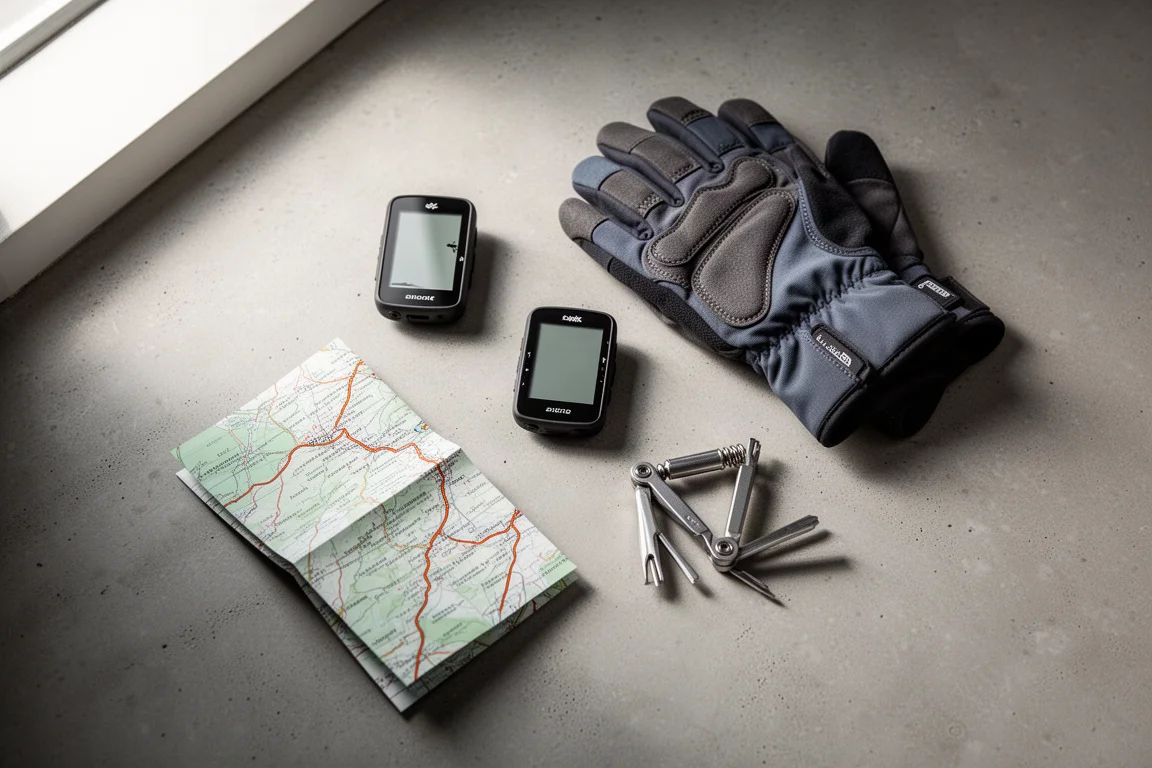
Whichever version you pick, the underlying computer is the same, and that is the strongest argument in its favor.
Conclusion
The Garmin Edge 840 Solar is a genuinely capable cycling computer. Setup is quick, the screen is excellent, navigation is accurate and easy to follow, and the latest climbing tools add real value on unfamiliar roads. Music controls are a useful extra, even with the occasional software hiccup.
The solar charging layer is the one element that does not earn its premium. On commutes it barely registers, and only long, sunny rides show a meaningful return. Most riders will get the same excellent experience from the standard Edge 840 and keep the difference.
Product link
View more details for Garmin Edge 840 Solar
This product is mentioned in the review. Check the specifications, options, and compatibility before buying.
View more details for Garmin Edge 840 SolarFurther reading
Related Reviews
Cycling Computers
Best Cycling Computers: 11 Options Compared
A practical look at 11 cycling computers, from the premium Garmin Edge 1050 to the budget Coros Dura, with strengths, trade-offs, and buying advice.
Cycling Computers
Best Cycling Computers 2026: 10 Head Units Across Every Price Point
A practical guide to ten cycling computers, from a $9.99 wired unit to solar-assisted flagship head units with colour mapping, sensor pairing and long battery life.
Cycling Computers
Best Cycling Computers Under £200: Seven Capable Head Units Compared
Seven cycling computers below £200 compared on navigation, sensor support, battery life and everyday value.