Fitness Tech
Garmin Connect Plus Nutrition Tracking: A Full Day of Food Logging Reviewed
Garmin now offers native food and nutrition tracking in Garmin Connect. We tested a full day of logging to see what works, what does not, and whether Connect Plus is finally worth it.
Introduction
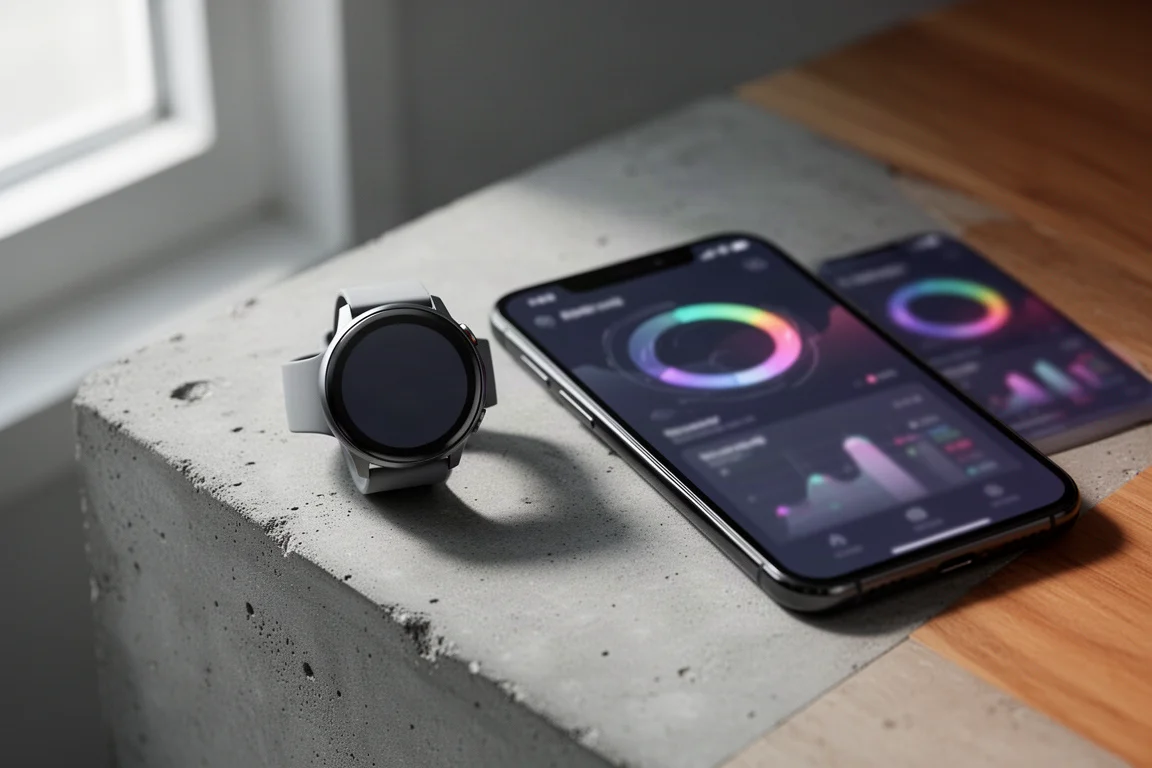
Garmin has rolled out native nutrition and food tracking in the Garmin Connect app, plus compatible Garmin watches. You can now log food, track macros, and get guidance based on your goals, whether that is maintaining, losing, or gaining weight. Better yet, the guidance is dynamic and adjusts based on the workouts and activities you do throughout the day.
Previously, you could see calories burned in Garmin Connect and log food separately, but the nutrition piece relied on the MyFitnessPal app feeding data back into Garmin. Now everything happens natively inside Garmin Connect, backed by a large food database, photo recognition, and barcode scanning.
There is a catch: this feature is exclusive to Garmin Connect Plus subscribers. Up until now, Connect Plus has not offered a particularly compelling feature set, but this addition changes that equation for a lot of people. We spent a full day logging everything from morning coffee to late-night snacks to see how it performs in real life, including a few quirks worth knowing about before you subscribe.
Who This Product Is For
This feature makes the most sense for Garmin owners who want food tracking without juggling a second app. If you have a specific weight goal in mind, whether that is maintaining, losing, or gaining weight, the built-in guidance adds real functionality to a platform you may already use daily.
One honest caveat from testing: food logging is extremely enlightening. Seeing how calories add up across a day is eye-opening, whether it is a 470-calorie coffee drink or a 270-calorie grab-and-go bottle. But logging also requires consistency, and it is not for everyone. Some people find constant measuring mentally taxing, and anyone with a long track record of understanding their own energy needs may not need it at all.
It is also worth remembering that these are estimates. Manufacturer labels may not reflect real calories in some products, and watch-based calorie burn is itself an estimate. These numbers provide useful general guidelines rather than laboratory precision.
How Setup Works
Setup happens in the nutrition tab of your health settings in Garmin Connect. If you are not already a Connect Plus subscriber, you will be prompted to subscribe, and a free trial is available so you can test the feature before committing.
Once subscribed, a guided setup walks you through your goals and eating windows to craft your nutrition plan. You first choose a goal: maintain, lose, or gain weight, or no goal at all. If you choose to lose or gain weight, you can specify how much over what time period, and the app adjusts daily calories accordingly. You then confirm personal details like gender, birth date, height, and current weight, and select an activity level.
There are five activity levels ranging from sedentary to extremely active, each with helpful definitions. Your choice feeds directly into your calorie and macro targets, and a suggested macro breakdown is pre-populated, though you can adjust it to match your diet. One practical note: if you previously connected MyFitnessPal, the app will prompt you to disconnect it before using native tracking.
The three-dot menu in the upper right unlocks additional customization: per-meal calorie goals, meal window timing, and an auto-adjust calorie goal toggle that adapts your calorie surplus based on calories burned during activities.
How It Handles Workouts
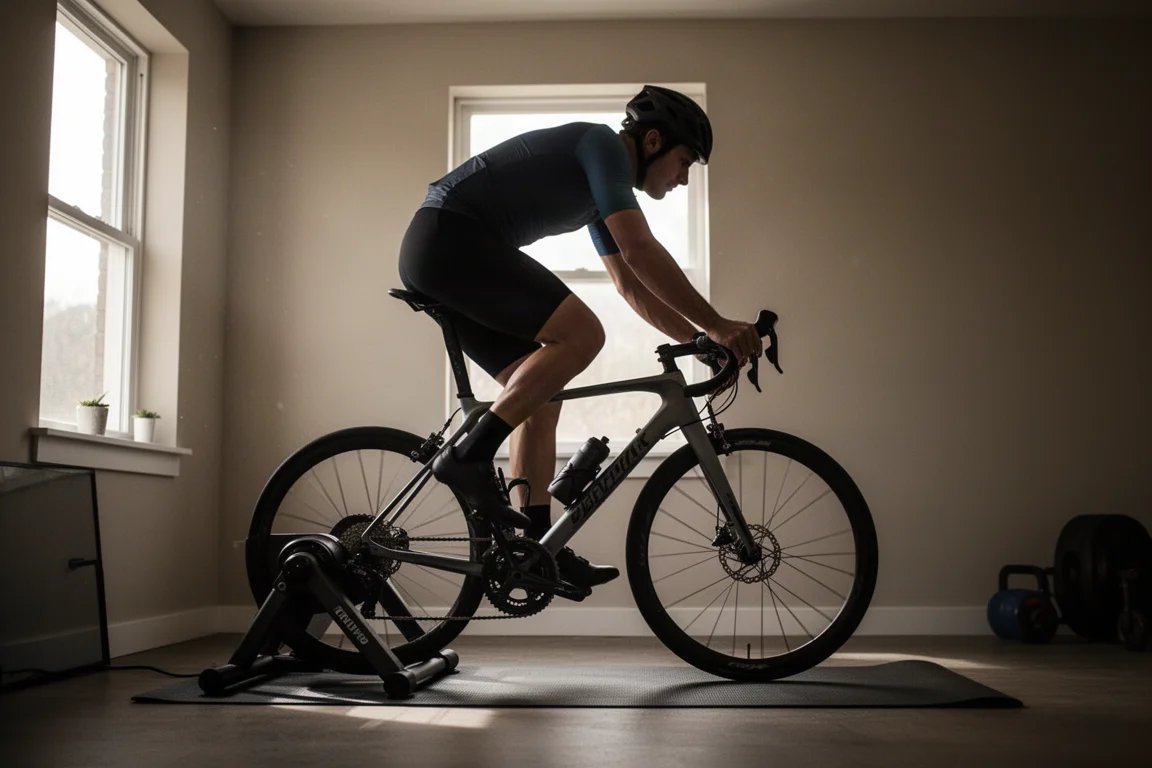
The dynamic adjustment is the headline feature, so the first test was a quick 30-minute indoor ride. After burning around 300 calories, the total updated for the day. A second, harder hour at higher intensity added another 800 calories or so on top.
But this is where the math started to raise questions. With a basal metabolic rate around 2,000 calories plus roughly 1,100 to 1,200 burned on the bike, and a few hundred more for everyday activities like chores and groceries, a realistic total lands near 3,500. The app was showing closer to 4,300.
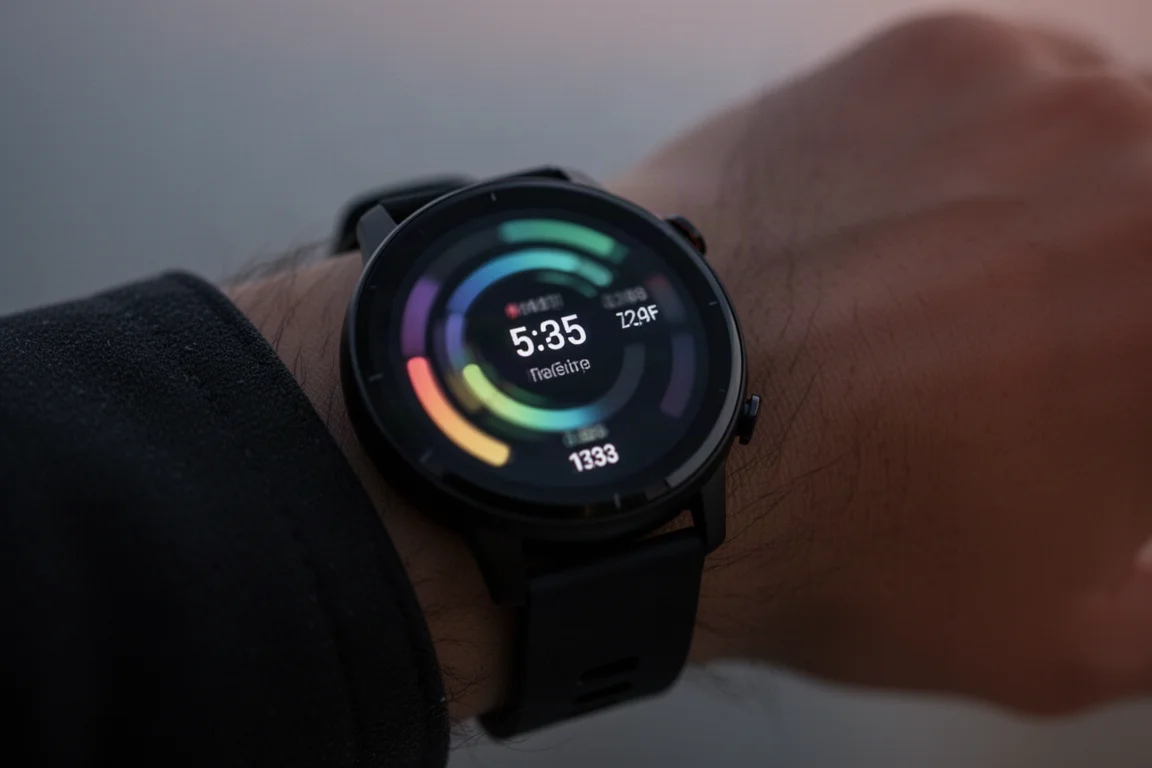
Meanwhile, the calories widget on the watch told a different story: a running total of 2,300 with a projected daily total around 3,000. And the watch’s own calorie goal displayed 3,200, which matched the original setup suggestion without any activities, not the dynamic number in the app. After a treadmill interval session burning just over 400 calories, the app showed 4,800 while the nutrition widget on the watch still showed 3,200. Something is not syncing cleanly between these surfaces, and the nutrition widget appears to be stacking calories on top of a predefined assumption. This looks like a launch-stage bug rather than a design flaw, but it is worth watching for if you subscribe early.
Food Recognition in Real Use
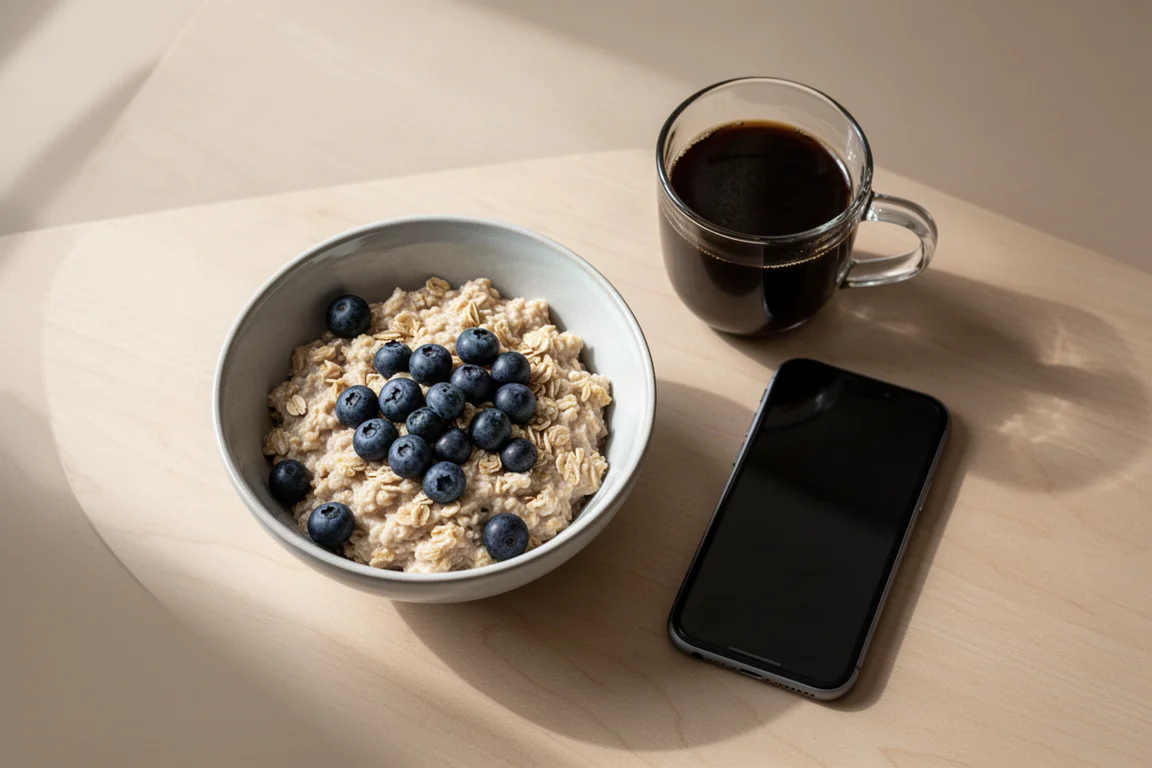
Logging itself is smooth. Text search through the food database pulled up an impressive range of options, including the exact oatmeal product in the pantry and a long list of protein powders. Photo recognition worked well too: a picture of the front of a protein powder jug identified it immediately, and a bowl of blueberries was recognized without trouble.
One near-miss: photographing the blueberries on a food scale in hopes it would read the weight on the display did not work. It simply pre-populated the standard serving size. Still, the food itself was identified correctly.
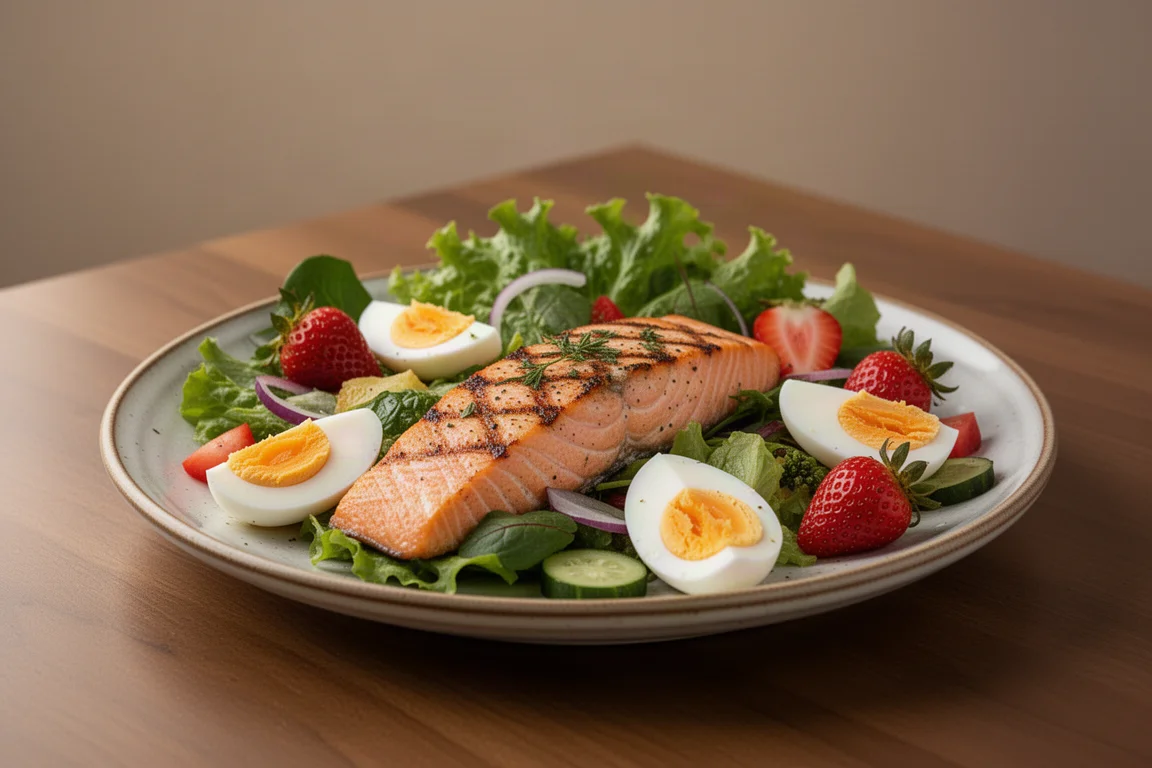
Dinner delivered the best result of the day. A plate of salmon, a large salad, eggs, dinner rolls, and strawberries was logged with salmon recognition spot on. The salad was the standout: the app correctly identified most individual ingredients. It mistook garlic cloves for chicken, but everything else was right, which is genuinely impressive for a single photo.
A few dinner rolls were only recognized relatively close, so imperfect items do slip through. Everything logged flows into your daily calorie and macro chart, and once a compatible watch syncs, the data appears there too.
The watch integration deserves special mention. You can log food directly from the wrist, see your calories consumed for the day, pull up previously logged items, access favorites saved in Garmin Connect, and manually enter calories, protein, fat, and carbs when needed.
Things to Consider Before Buying
The subscription is the main hurdle. Garmin Connect Plus runs $6.99 per month or $69.99 for the year. For comparison, MyFitnessPal still offers free tracking, but with ads, and its premium plan with customized guidance, barcode scanning, and other features runs around $80 to $100 per year if paid annually.
Against that backdrop, Garmin’s pricing undercuts MyFitnessPal’s premium tier while consolidating everything into one platform you may already own. Another wishlist item: the nutrition tab shows a great timeline breakdown of macros for the day, but adding workouts and calories burned to that same view would make it far more useful as a single daily snapshot.
Finally, expect some rough edges. The calorie math inconsistencies between the app and watch widgets were noticeable throughout testing, and while these seem like fixable launch issues, anyone expecting perfectly polished numbers on day one should calibrate expectations accordingly.
Buying Advice
For anyone who previously found Garmin Connect Plus underwhelming, this feature changes the calculus. The combination of a large food database, reliable photo recognition, barcode scanning, goal-based dynamic guidance, and strong watch integration makes the subscription considerably more palatable, especially compared to paying annually for a MyFitnessPal premium plan.
If you already own a Garmin watch and have a weight goal in mind, try the free trial first. It gives you enough time to run the full setup, log a few days of food, and see whether the dynamic calorie adjustments fit your routine. Just keep an eye on the calorie totals across the app and watch during that trial period.
Conclusion
Native nutrition tracking is the most compelling reason to subscribe to Garmin Connect Plus so far. Food recognition is genuinely strong, the watch integration is well done, and having everything in one platform removes the friction of third-party syncing. The calorie math quirks are real but likely temporary. For Garmin owners with weight goals, this finally makes the subscription worth a serious look.
Product link
View more details for Garmin Connect Plus
This product is mentioned in the review. Check the specifications, options, and compatibility before buying.
View more details for Garmin Connect PlusFurther reading
Related Reviews
Fitness Tech
Garmin HRM 200 Review: A Heart Rate Strap Built for the Next Few Years
Garmin's new HRM 200 adds a button, a light, and encrypted heart rate broadcasting to a familiar chest strap formula, at a reasonable price.
Fitness Tech
Garmin Connect Plus Nutrition Logging: A Hands-On Look at Food Tracking Inside Garmin Connect
Garmin has added food and nutrition logging to its paid Garmin Connect Plus tier. Here is how the feature works, where it excels, and the trade-offs to know before subscribing.
Fitness Tech
Garmin Forerunner 255 Review: A Complete Beginner's Guide to Garmin's Mid-Range Running Watch
A practical walkthrough of the Garmin Forerunner 255, covering the interface, training tools, HRV status, race widgets, GPS accuracy, battery life, and music support.