Smart Home
Gaga Smart Bird Feeder Review: Solar-Powered Birdwatching From Your Phone
A solar-powered smart bird feeder with live streaming, motion capture, and optional AI bird identification, plus a few quirks worth knowing before you buy.
Introduction
Smart bird feeders have quietly become one of the more approachable entry points into backyard wildlife, and the Gaga smart bird feeder is a solid example of the newer generation of these devices. It arrives with an external solar panel, a heavy-duty stand, and a camera that streams live video and captures footage when birds land on the perch. After spending real time with it, we came away impressed by the images it produces, but there are a few practical trade-offs around storage and wildlife protection that are worth understanding first.
What’s in the Box
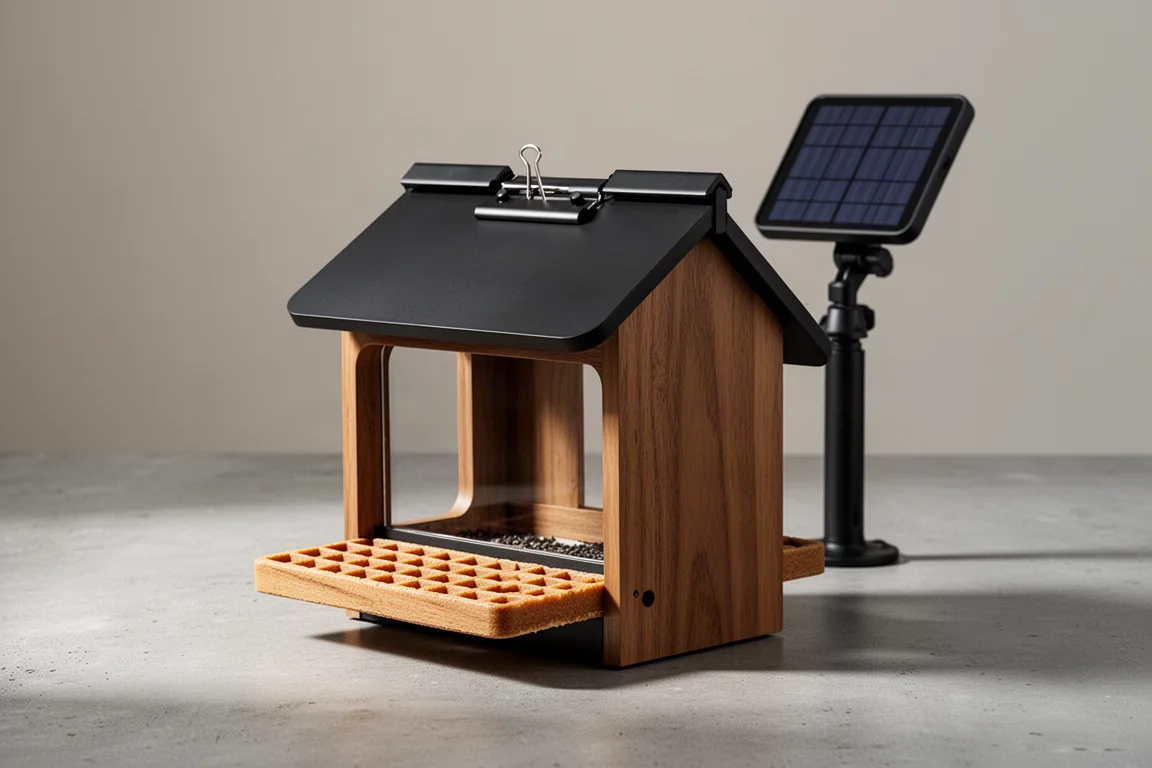
The feeder comes out of the packaging as a single assembled unit, which makes the setup refreshingly low effort. Alongside it you get the perch with a waffle-textured feeding platform, a sturdy heavy-duty stand that should hold up to curious raccoons, and an external solar panel with adjustable mounting hardware. The solar panel is a welcome inclusion since not every feeder in this category bundles one.
The roof uses a simple clip-on design that opens and closes easily, which makes refilling straightforward. One small detail to check before mounting: the roof can be pushed open fairly easily, so it is worth confirming it is seated properly. There are also screw-in fruit forks included, letting you offer an orange slice or other fruit for orioles and other fruit-loving visitors. A tree strap, an antenna for the back, and a charging cable round out the accessories.
Setup and First Impressions
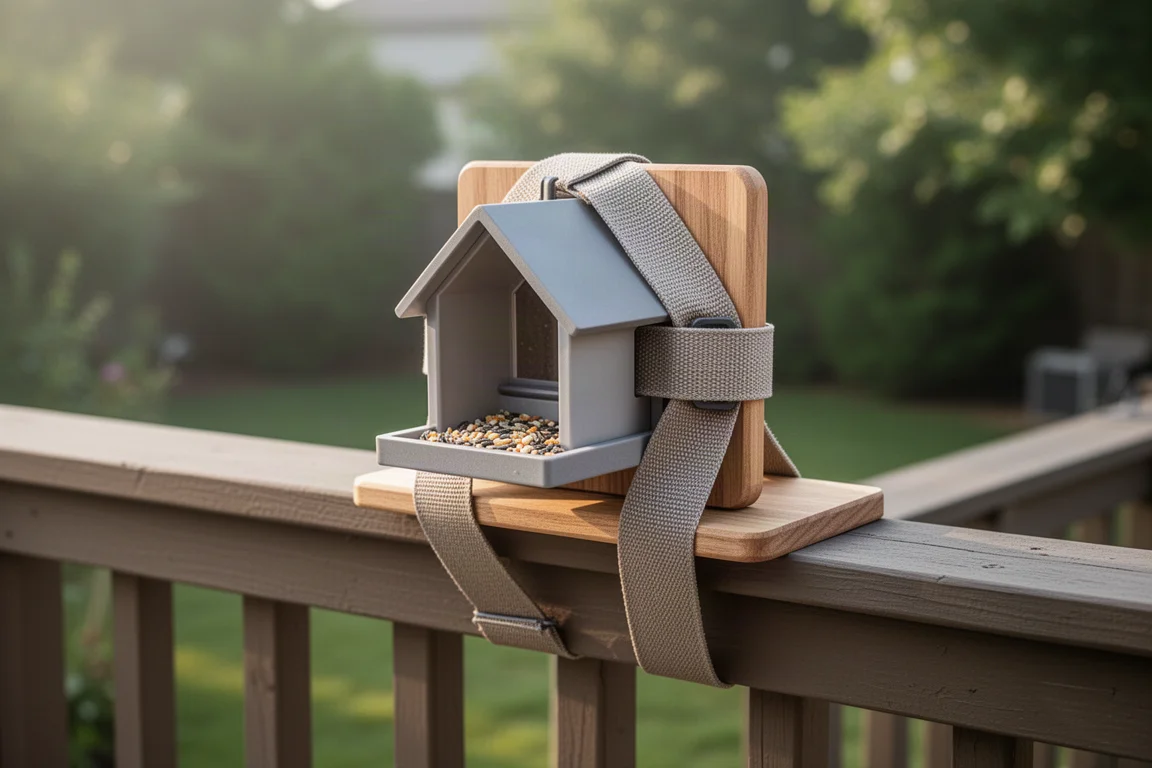
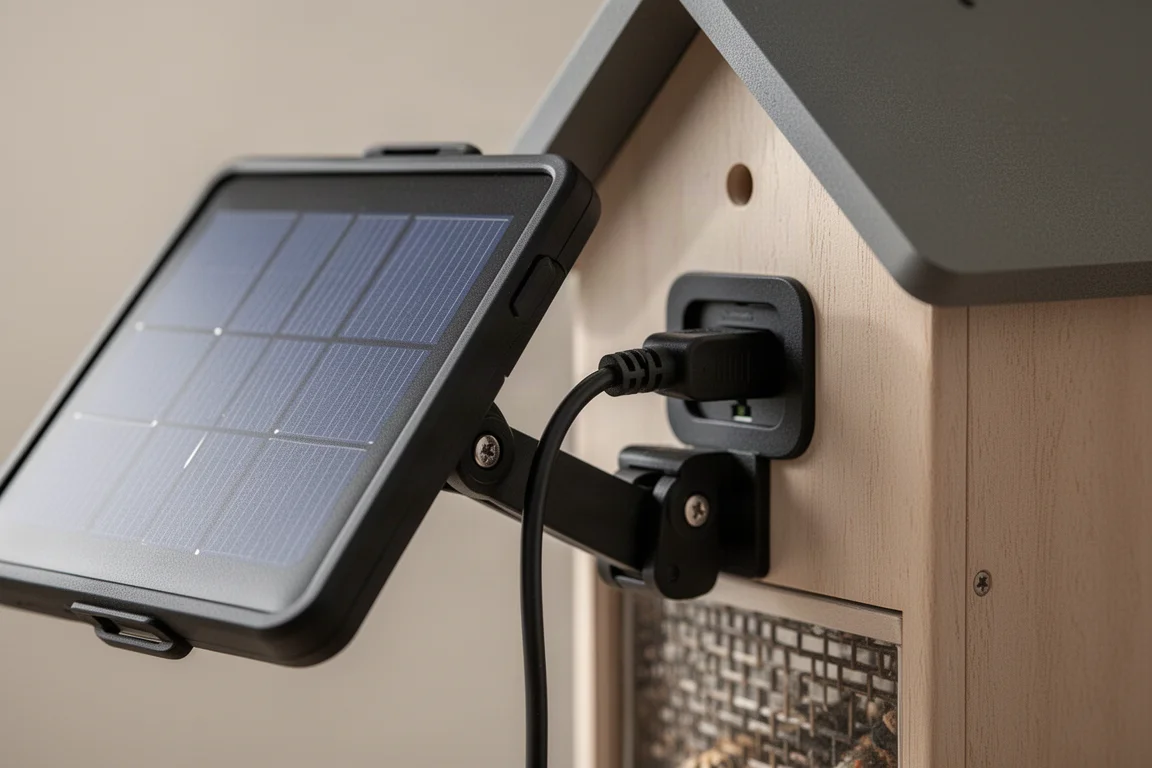
Assembly is genuinely simple: the perch slots into place, the roof clips on, and the feeder is ready. We mounted it using the included tree strap on a board, then used a second strap to secure that board to a deck, since these feeders can tip over if a raccoon climbs onto them. The solar panel attaches to the back and the angle can be adjusted to catch the sun, with the cable plugging into the rear of the unit.
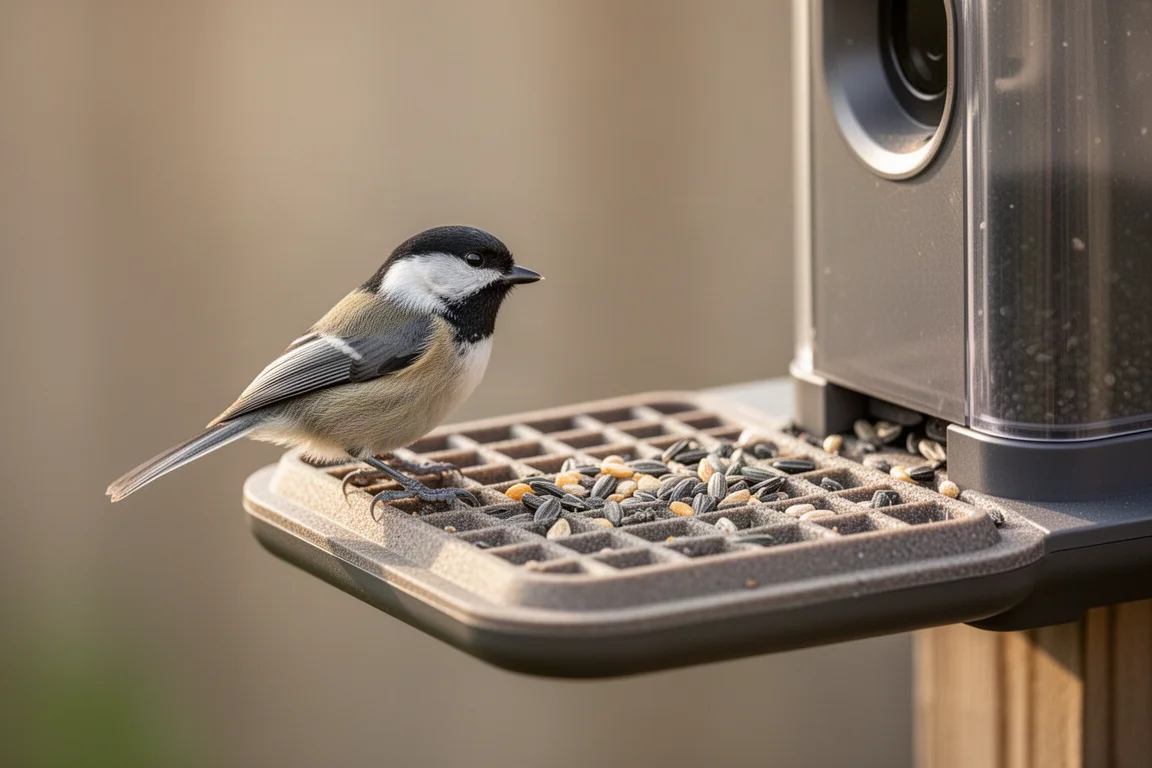
Getting it online means scanning the QR code on the box and using the Vico Home security app. It connected to Wi-Fi without much trouble, though a firewall may need to be relaxed during the initial pairing. Within minutes we were watching a live stream, and the first chickadee arrived not long after, hopping on and off the perch right in front of the camera.
What We Caught on Camera
Once the feeder was up and running, it delivered. We recorded a wide variety of species: cardinals, chickadees, cowbirds, red-winged blackbirds, and grackles all made appearances, and a raccoon even showed up at night. The motion-triggered recording worked as expected, capturing footage whenever activity occurred on the perch.
One limitation worth flagging: without an SD card installed, the app only retained roughly the last four or five days of captured media before older clips were deleted. If you plan to download highlights later, add an SD card or offload clips regularly. With local storage in place, that problem largely goes away.
App, Storage, and the Optional AI Plan
The Vico Home app is used by several smart feeders, so it should feel familiar if you have used one before. Without a subscription, you still get live streaming and motion-captured clips. An optional paid plan adds AI bird identification, which displays a green bird icon next to videos where it detected avian wildlife and offers candidate identifications with varying certainty levels. In past use, the AI has been hit or miss, sometimes landing on the right answer and sometimes not, so treat it as a convenience rather than a definitive field guide.
One usability note: motion notifications arrive frequently, and we ended up turning them off in favor of checking the app directly. If constant pings would bother you, expect to adjust notification settings shortly after setup.
Squirrel-Proofing Is On You
Our solar panel ended up chewed off at both ends after a determined rodent got to it, which took solar charging out of the equation entirely. To be fair, the feeder itself was not at fault, and the panel worked well up until then. If you are investing in a feeder like this, squirrel-proofing is essential.
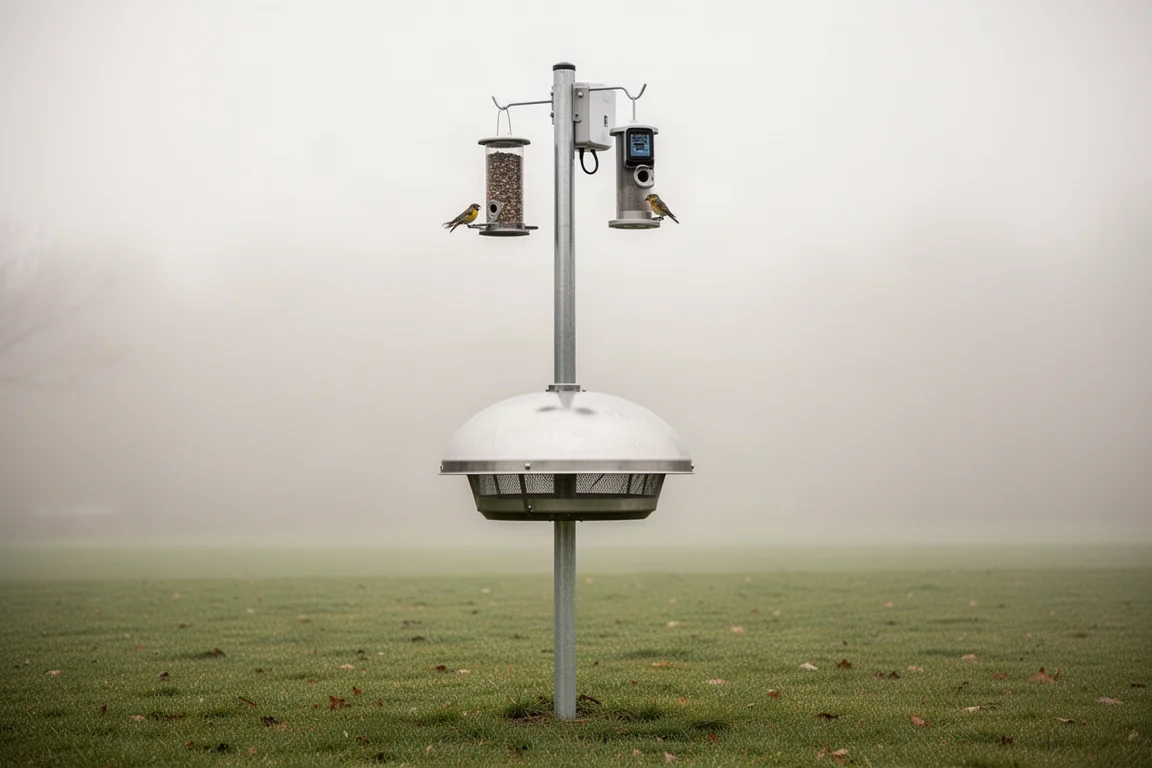
The recommended approach is simple: mount the feeder on a freestanding post in open yard space away from anything a squirrel could jump from, then fit a squirrel baffle below it. That setup should keep mammals off the hardware and your investment intact.
Buying Advice
The Gaga smart bird feeder makes the most sense for backyard birders who want a hassle-free live feed and motion captures without committing to a subscription. Bring your own SD card for reliable storage, budget a few minutes for app pairing, and plan the mounting location with squirrels in mind. Add the paid identification plan only if AI species labels are important to you, since the free experience remains fully usable.
Conclusion
With included solar charging, a genuinely sturdy stand, and quick assembly, the Gaga smart bird feeder earns its place in the backyard. The camera captured a satisfying variety of birds with minimal effort on our part, and the few frustrations we hit, short cloud retention without an SD card and a chewed solar cable, were both avoidable with a little foresight. For anyone curious about watching their feeder visitors up close from a phone, it is an easy recommendation.
Product link
View more details for Gaga Smart Bird Feeder
This product is mentioned in the review. Check the specifications, options, and compatibility before buying.
View more details for Gaga Smart Bird FeederFurther reading
Related Reviews
Smart Home
Amazon Echo Hub Review: A Smart Home Dashboard That Finally Gets It Right
The Amazon Echo Hub puts smart home controls front and center with a fast, simple interface. Here is how it performs as a family-friendly dashboard.
Smart Home
15 Amazon Smart Home Automations: Practical Ideas for Every Room
Fifteen practical Amazon Alexa routines and automations that solve real household problems, from pet care to security and entertainment.
Smart Home
Apple TV as HomeKit Hub: Why It's Your Best Choice for Home Automation
The Apple TV combines HomeKit hub functionality with a display, camera viewing, and local automation control. Here's what makes it stand out from iPad and HomePod Mini alternatives.