Audio Interfaces
Focusrite Scarlett Lineup Guide: Choosing the Right Audio Interface
A practical walkthrough of the Focusrite Scarlett range, from the single-preamp Solo to the eight-preamp 18i20, with clear guidance on when each step up makes sense.
Introduction
Choosing a first audio interface is really a question about how you plan to record. The Focusrite Scarlett range answers that question across six models, and each step up adds a specific capability rather than a vague improvement in quality. If you only ever track one microphone at a time, the smallest model does the job well. If you want to capture a drum kit and a full band, you need a different class of box entirely.
This guide walks through the Scarlett Solo, 2i2, 4i4, 8i6, 18i8 and 18i20 in order, explains what each one adds, and points out where a limitation is likely to show up in practice.
How the Scarlett Lineup Grows With Your Studio
Every interface in the range shares a common foundation. Each one records through microphone preamps, sends audio to powered studio monitors over line outputs, and lets you monitor through headphones. The differences come down to how many microphones you can connect, how many separate outputs you can route, whether the unit draws power from the USB port or from an included external supply, and whether digital connections such as S/PDIF, ADAT and MIDI are available.
That gives a simple way to read the lineup. Count the microphone preamps you need on day one, then decide how much routing and expansion you want later.
One pattern is worth understanding before you start. Microphones need a preamp, and a line input is not a substitute. An adapter that converts an XLR cable to a quarter-inch plug does not turn a line input into a microphone input, so the number of preamps on the front panel is the real limit on how many microphones you can record at once.
Focusrite Scarlett Solo: The First Interface
The Scarlett Solo is the simplest way into the range. It has one microphone input and one instrument input, so you can record your voice with a microphone and plug an electric guitar or acoustic-electric guitar straight in, monitoring through headphones while you play. Two line outputs on the back panel connect to powered studio monitors.
The trade-offs are worth knowing up front. Only input one contains a microphone preamp, so a second microphone cannot be added through the instrument input with an adapter. A single knob controls the headphone and line output level together, which means muting studio monitors during a headphone session would mean unplugging them from the back. That matters more than it sounds, because monitor playback can bleed into a live microphone and either spoil the take or trigger a feedback loop.
Focusrite Scarlett 2i2: The Two-Input Workhorse
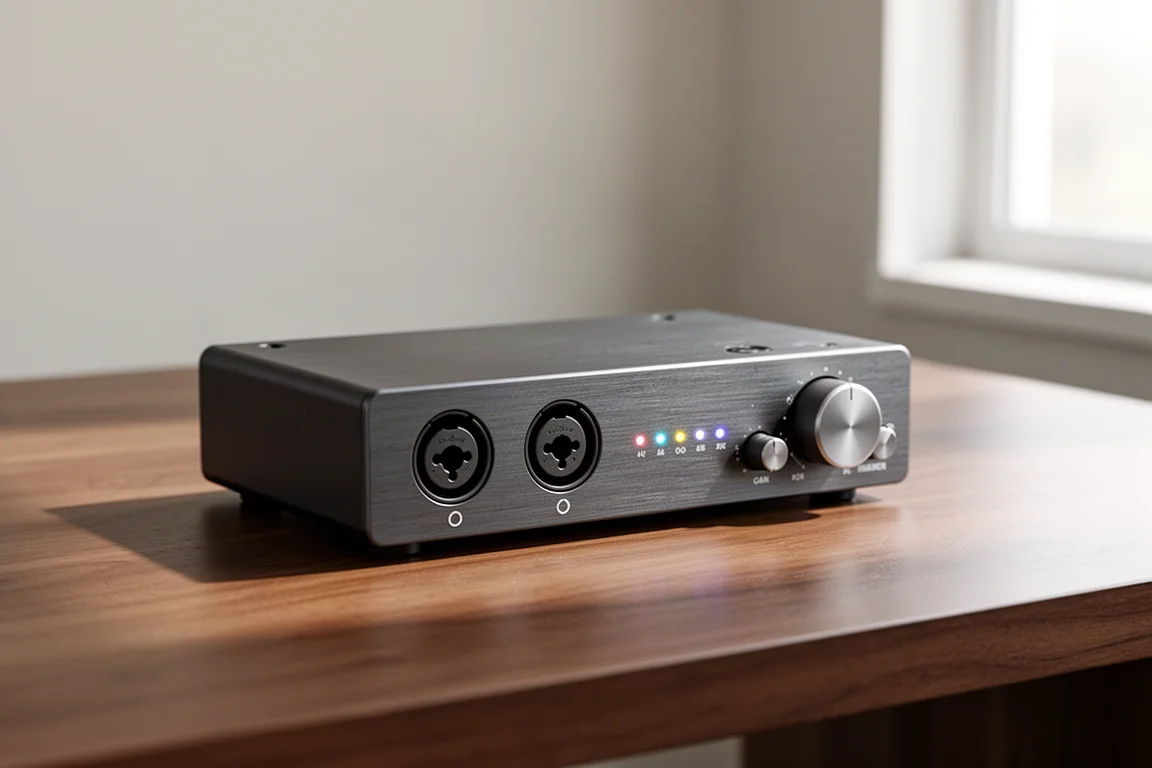
The Scarlett 2i2 doubles the front panel with two combo inputs, each able to accept a microphone, an instrument, or a line level source such as the output of a mixer. There is a headphone output on the front and two line outputs on the back, and this time each of those outputs has its own volume knob.
That separation is the practical difference. You can run monitors and headphones at independent levels, record a microphone and an instrument together, capture two microphones at once, or make stereo recordings. It covers the core needs of a solo musician without extra hardware.
Two inputs and two outputs do eventually become a ceiling. Wanting a third microphone, or wanting to integrate outboard effects and route audio to additional outputs without disconnecting your studio monitors, is the point where the next model starts to make sense.
Focusrite Scarlett 4i4: More Routing, Same Two Preamps
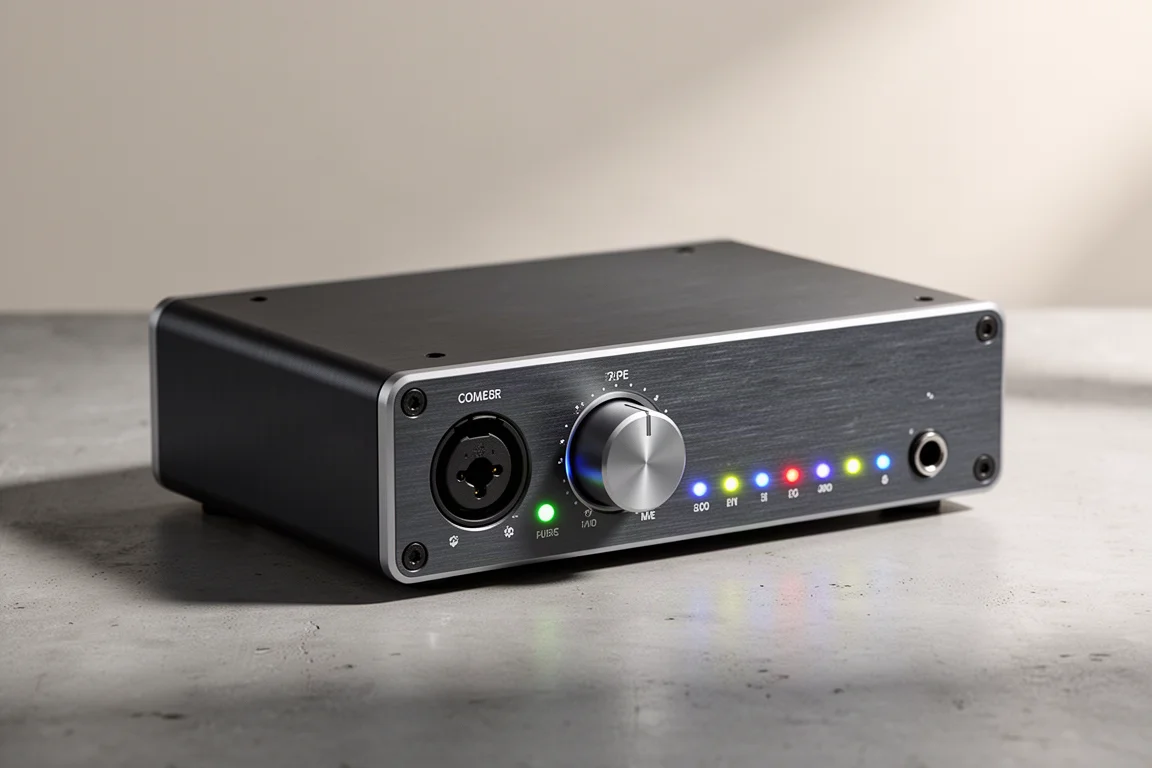
The Scarlett 4i4 keeps the two front combo inputs, the headphone output and the two monitor line outputs with their own volume knobs, then adds a second pair of line inputs and a second pair of line outputs. Those extras open the door to insert sends and returns, where audio leaves the interface through a line output, passes through an outboard device, and returns through a line input. The second output pair can feed an alternate set of studio monitors or send audio to another destination while the main monitors stay connected.
The additional line inputs suit line level sources, for example the mix coming from a separate mixer, while the front combo inputs remain free for microphones. DIN MIDI connections on the back cover hardware that speaks MIDI, and from this model upward the included Focusrite Control software offers deeper routing, including the ability to customise what plays through each output and to loop audio from various applications back into the interface.
The catch is preamp count. The 4i4 has two microphone preamps, exactly like the 2i2, and the extra line inputs are not equipped to connect microphones directly. Recording more than two microphones means adding an external preamp, and at that point a larger interface is often the cheaper route than running the 4i4 with two external preamps.
For a studio that mainly needs flexible routing, MIDI, and room for outboard gear, the 4i4 is a sensible middle step. For anyone counting microphones, it is the wrong kind of upgrade.
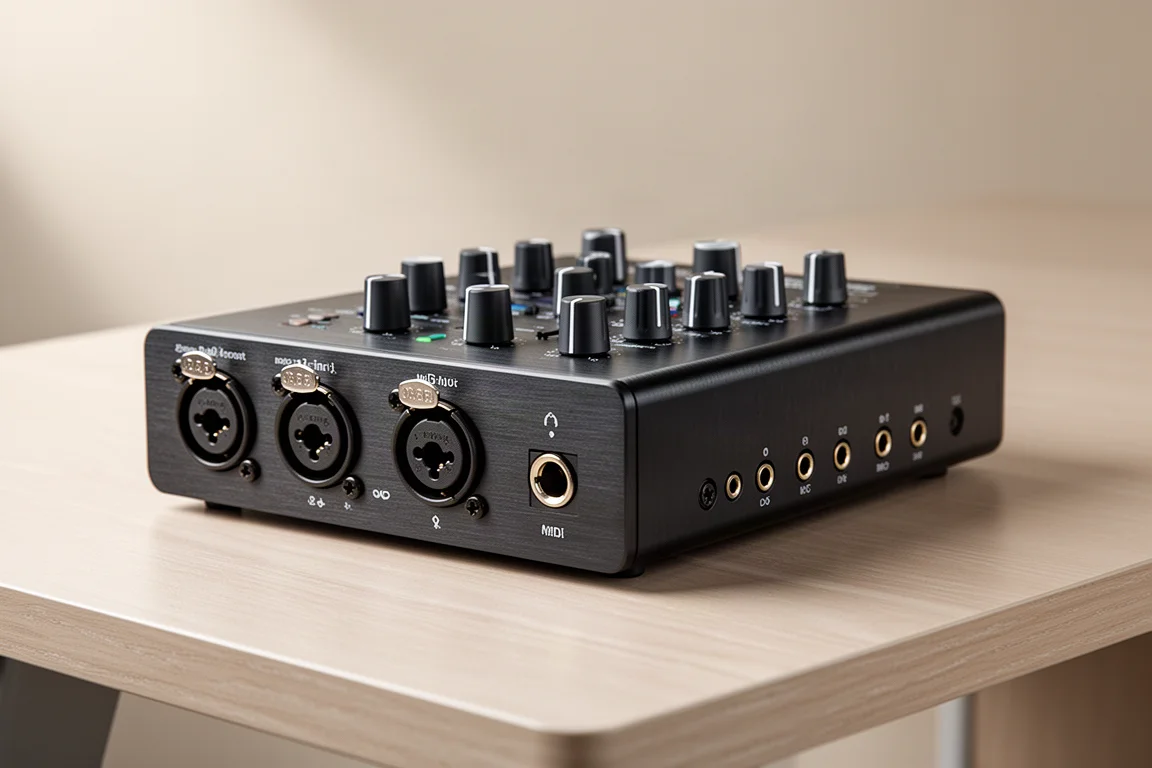
Focusrite Scarlett 8i6: Extra Headphone Mixes and Digital I/O
The Scarlett 8i6 builds on the 4i4 and adds a second headphone amplifier, which makes two separate headphone mixes possible, one for you and one for the performer. The analog input count rises to six: two combo jacks on the front and four line inputs on the back, useful for the same insert and auxiliary send duties described above. MIDI connections are present as well.
This is also the point where the power arrangement changes. The 8i6 and everything above it require the included external power supply rather than drawing power from the computer’s USB port.
Digital connectivity arrives here too. Coaxial S/PDIF inputs and outputs on the back add two channels in and two channels out, for use with a preamp, mixer, or another device that has S/PDIF functionality. Those channels expand the system, but they do not raise the microphone count, since the 8i6 still has two microphone preamps. Recording more microphones would require an external preamp with analog or S/PDIF outputs.
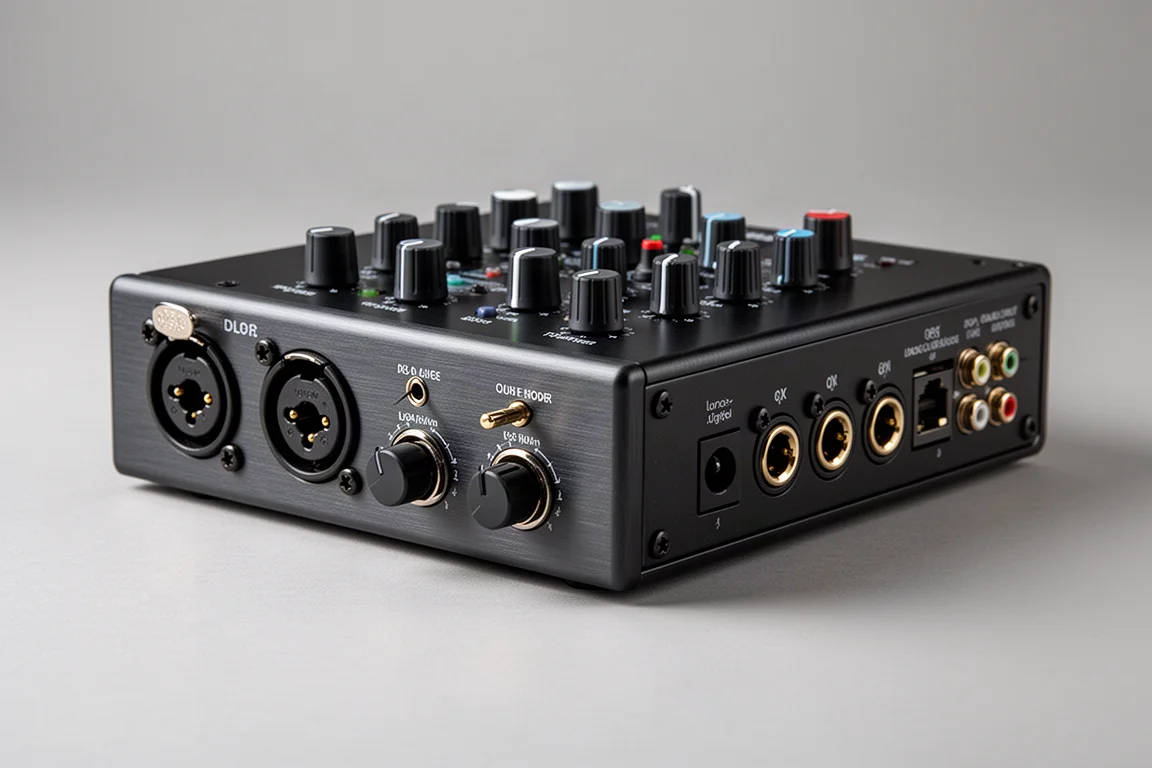
Focusrite Scarlett 18i8: Four Mic Preamps and ADAT Expansion
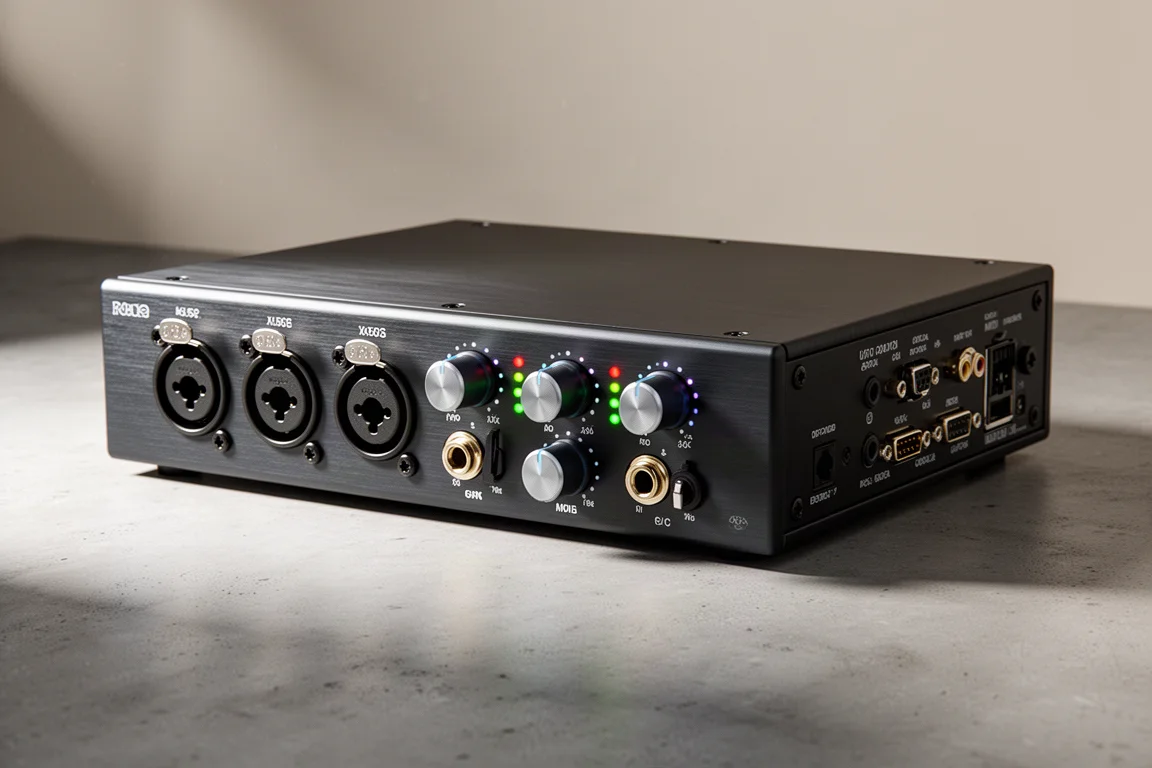
The Scarlett 18i8 is the first model in the range that records more than two microphones directly. The first two front combo jacks accept microphones, instruments or line level sources, while the third and fourth combo jacks accept microphone or line level inputs, so four microphones can be connected out of the box. S/PDIF input and output, plus optical ADAT, are on the back.
ADAT is what makes this interface unusually expandable. Paired with an eight-channel ADAT-equipped preamp such as the Focusrite OctoPre, the 18i8 can record 12 microphones at once. That suits a layered approach to a full band: capture a drum kit with four microphones, then layer bass and guitar, then add vocals. MIDI connections and two headphone outputs carry over from the 8i6, and the interface is designed to grow over time.
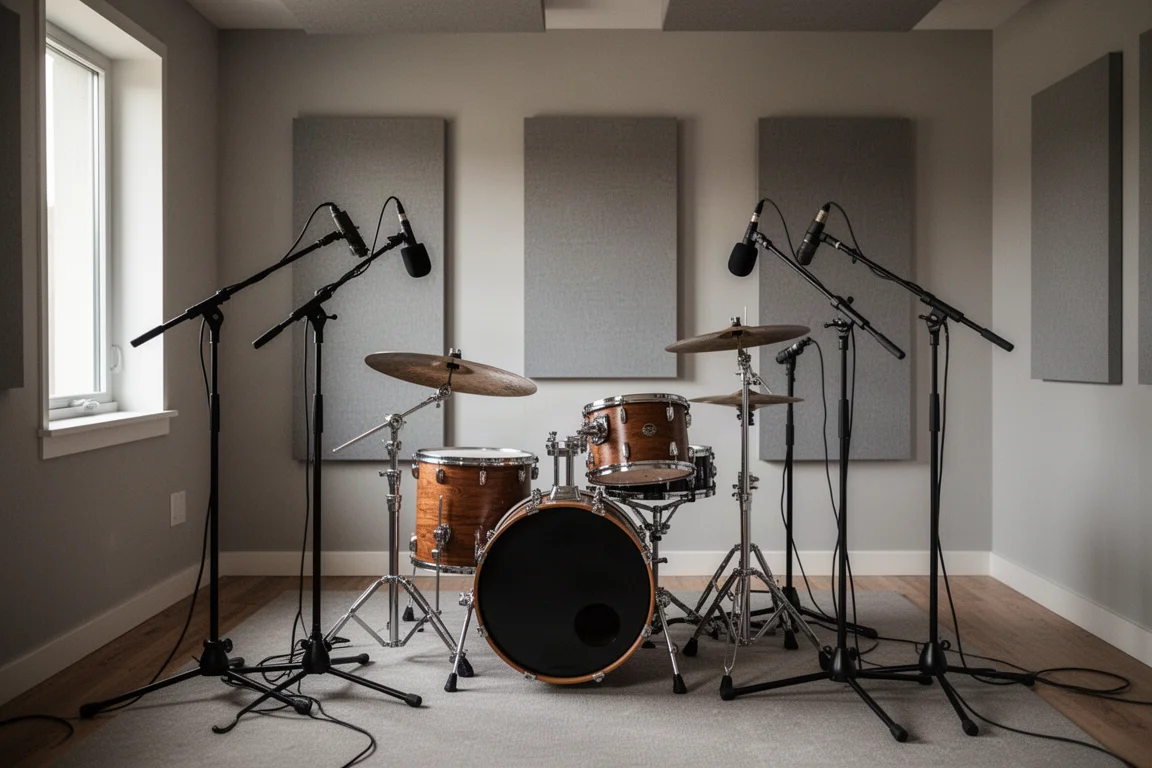
The limitation only matters if you intend to track an entire live band in one pass. Four microphone preamps can feel tight on day one, and reaching 12 preamps with an OctoPre costs considerably more than the next interface in the range.
Focusrite Scarlett 18i20: Eight Preamps for Bands and Drummers
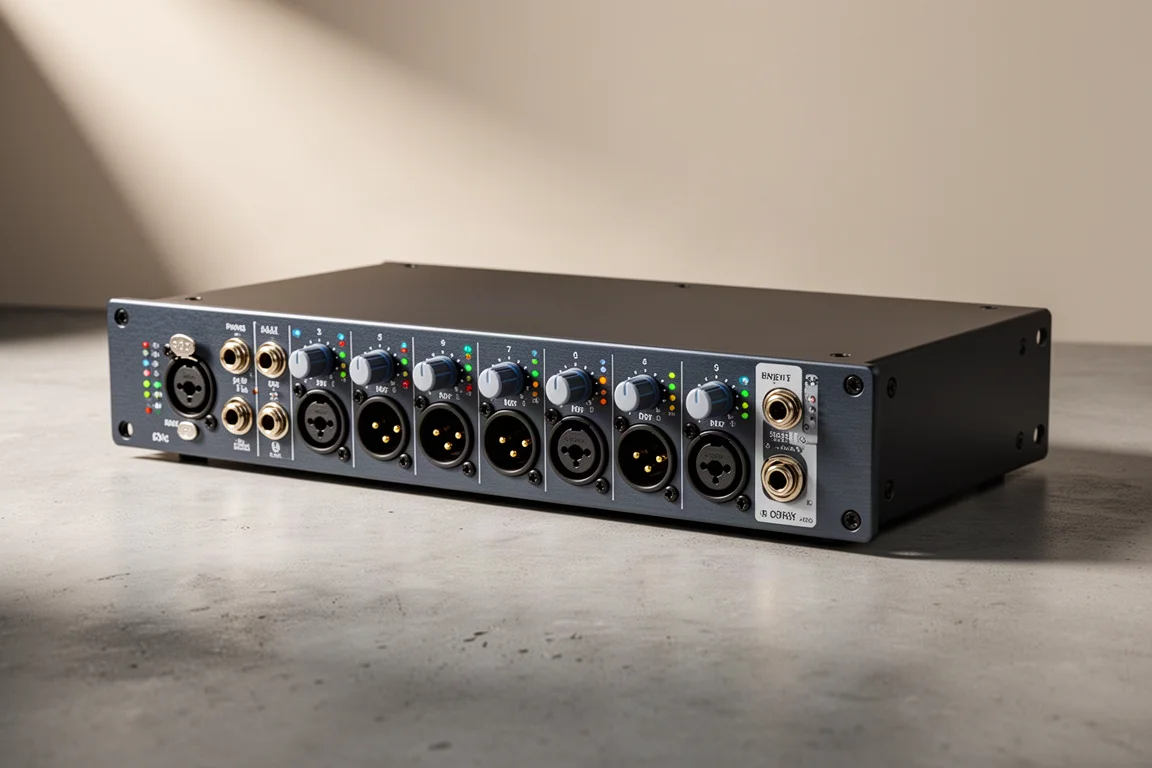
The Scarlett 18i20 is the model to look at if you want to record up to eight channels at a time. It has eight microphone preamps built in, ten line level outputs, two headphone outputs, S/PDIF, and ADAT. Paired with a Focusrite OctoPre, it can record up to 16 microphones simultaneously, which is enough for a live band.
There is also MIDI input and output and a word clock output for synchronising with other digital devices. For multi-track recording the price tag is easy to justify, because the amount of input and output on offer leaves plenty of room for outboard gear and patch bays as the studio grows. Realistically, the only ceiling appears if you are recording a huge band.
Past this point, the next move is not more channels but better ones. The Clarett line steps up preamp quality and features rather than input count.
Buying Advice: Matching the Interface to Your Workflow
The decision usually comes down to two counts: how many microphones you need to record at the same time, and how many separate outputs you need to route.
For a first setup recording one voice and one guitar, the Scarlett Solo covers it, and it is a clean way to learn how an interface works. If you want a second microphone, stereo recording, or independent control of monitors and headphones, start at the Scarlett 2i2, which is the point where the range becomes genuinely flexible for a solo musician. Producers who need MIDI, insert routing, or a second pair of outputs should look at the 4i4, and anyone who wants two headphone mixes or S/PDIF hardware integration should move up to the 8i6.
The jump that matters most for tracking is the move to the 18i8, since it is the first model that records four microphones directly and the first with ADAT expansion. For drummers and bands, the 18i20 is the natural destination: eight preamps, ten line outputs, and enough expansion to grow into for years.
Conclusion
Each Scarlett interface solves a slightly different problem, and the right choice is the one that matches how you actually record. Buy for the microphone count and routing you need now, with a clear idea of how much expansion you want later, and the range will carry you a long way.
Further reading
Related Reviews
Audio Interfaces
Audient EVO and iD Range Guide: Eight Audio Interfaces Explained
A practical walkthrough of eight Audient interfaces, from the compact EVO 4 to the expandable iD44, and how to match one to the way you record.
Audio Interfaces
How Many Mic Inputs Do You Need? An Audio Interface Buying Guide
Microphone input count is the decision that shapes every audio interface purchase. A practical guide to choosing an interface you will not outgrow.
Audio Interfaces
Best Audio Interfaces Under $200: Nine Practical Picks for Home Recording
Nine audio interfaces under $200 grouped by microphone input count, from single-input models for solo work to eight-input setups for tracking a full band.