Audio Interfaces
Focusrite Scarlett 2i2 Review: Which USB Audio Interface Is Right for You?
A practical look at the Focusrite Scarlett 2i2, plus the 4i4, 18i20, and Behringer UMC 1820 for setups that need MIDI, extra outputs, or more inputs.
Introduction
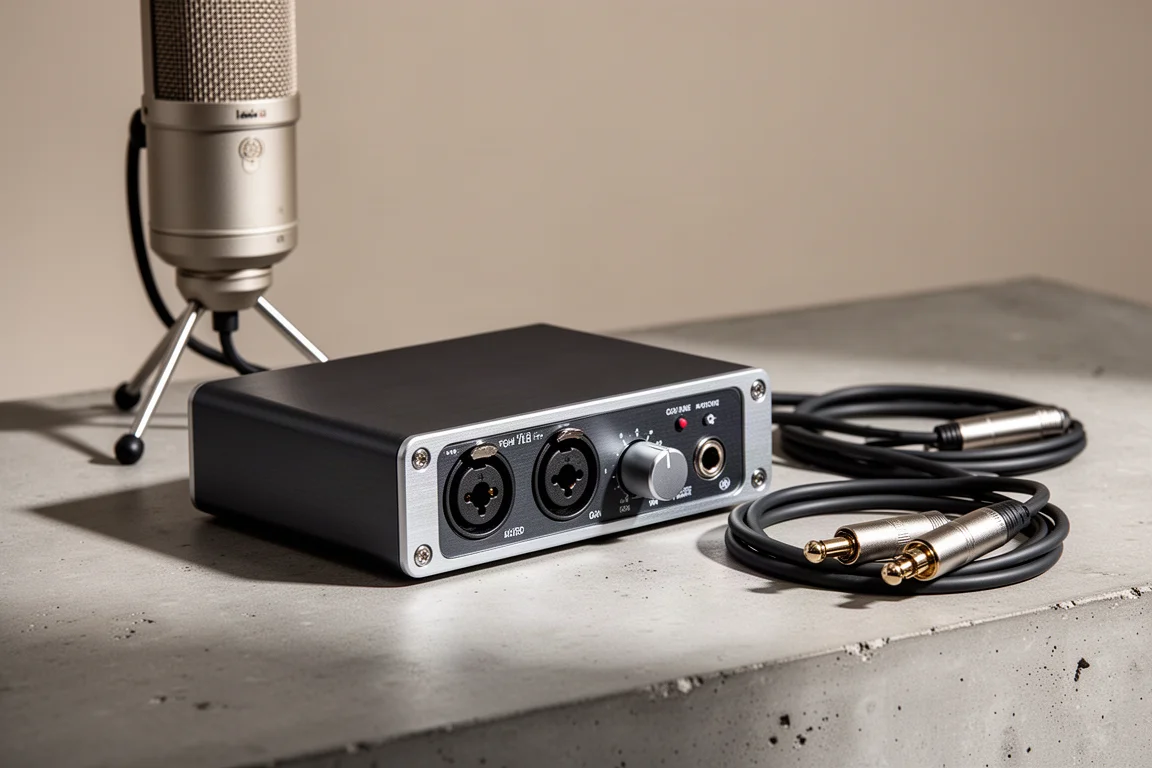
The Focusrite Scarlett 2i2 has earned its place as a default recommendation for anyone shopping for a USB audio interface under $200. It is relatively inexpensive, reliable, and extremely simple to set up, and for a large share of home studios that combination is exactly what matters. Value alone does not settle the question, though. The 2i2 is a two-input interface, and some recording, streaming, and mixing workflows genuinely need more connectivity than that. This guide looks at what the 2i2 does well, where its limits sit, and which of the larger alternatives makes sense once you reach them.
How to Choose a USB Audio Interface
The first decision is input count, and the useful question is how many sources you need to capture at the same time rather than how many instruments you own. Two inputs cover a microphone and a guitar, a vocal and an acoustic, or a host and a guest on a podcast. Anything that needs a full drum kit or a live band captured in one pass pushes you toward an interface with more inputs.
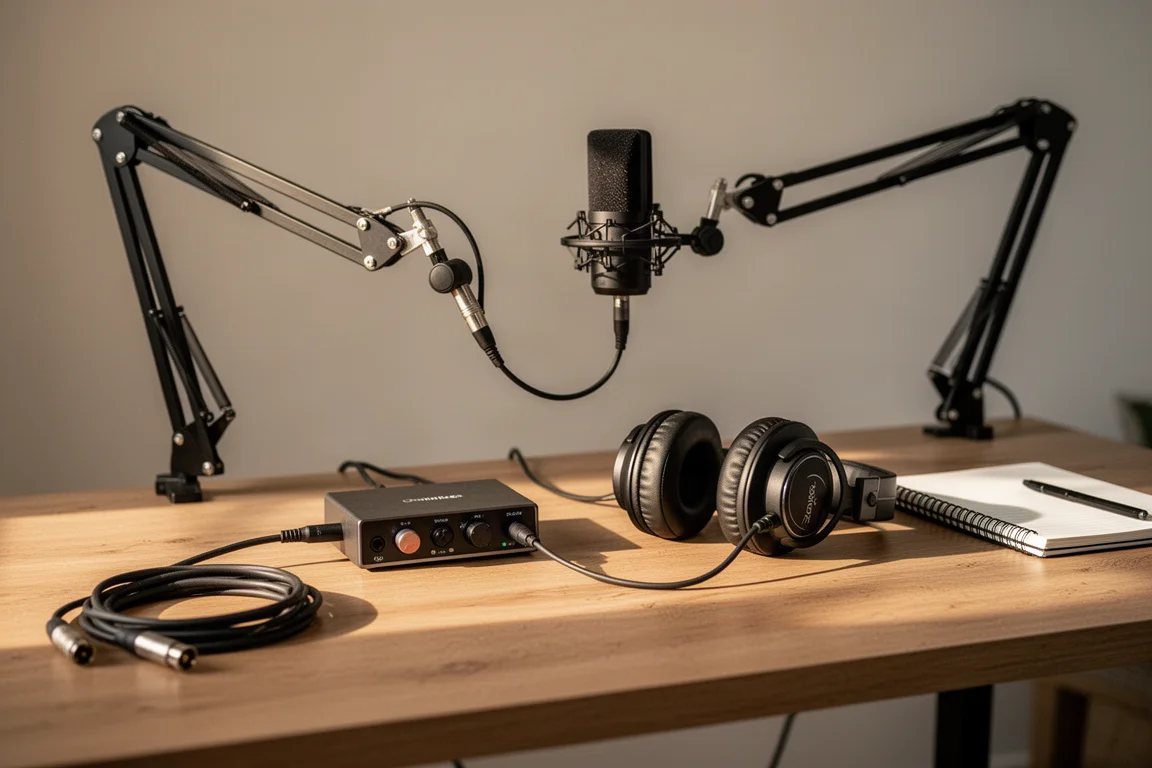
Outputs matter just as much for mixing. Two line outputs are enough to run a pair of powered studio monitors or a set of headphones for in-the-box mixing with your DAW plugins and effects. If you plan to run signal out through outboard compressors or reverb units and back in, switch between several pairs of monitors, or mix surround sound for film, you will want additional outputs beyond the basic pair.
Connectivity is the third checkpoint. A device with a five-pin DIN MIDI connection needs an interface that offers MIDI ports, while a USB MIDI keyboard can connect straight to the computer and skip that requirement entirely. Finally, consider setup. An interface that is easy to get running the first time removes a real barrier for new users, and that ease of setup is one of the quiet strengths of the Scarlett line.
Focusrite Scarlett 2i2: The Best Starting Point
The 2i2 provides two inputs that accept mic level, line level, or instrument level, which means you can connect almost anything with an XLR or quarter-inch output, from a bass guitar to a keyboard to a condenser microphone. There is a headphone jack for monitoring and two line outputs for speakers. Signals can be recorded to separate tracks in your DAW, so a guitar and a vocal captured at the same time can be leveled and processed independently, and you can layer as many overdubs on top as you like.
For guitarists, the built-in instrument input pairs with the amp modeling software bundled with the interface, so you can record an amplifier with a microphone or plug the guitar in directly. For streaming and podcasting, the 2i2 handles one microphone for you, or one each for you and a guest, and like virtually every USB interface it works with streaming and teleconferencing platforms once you select it as the microphone and speaker device inside the app.
Setup is a genuine strength. The box includes a link to an interactive setup guide that walks through the process step by step, and the whole thing takes only a few minutes. The main gap is MIDI. The 2i2 has no five-pin DIN connection, so hardware MIDI devices will need another route.
Focusrite Scarlett 4i4: MIDI and Extra Outputs
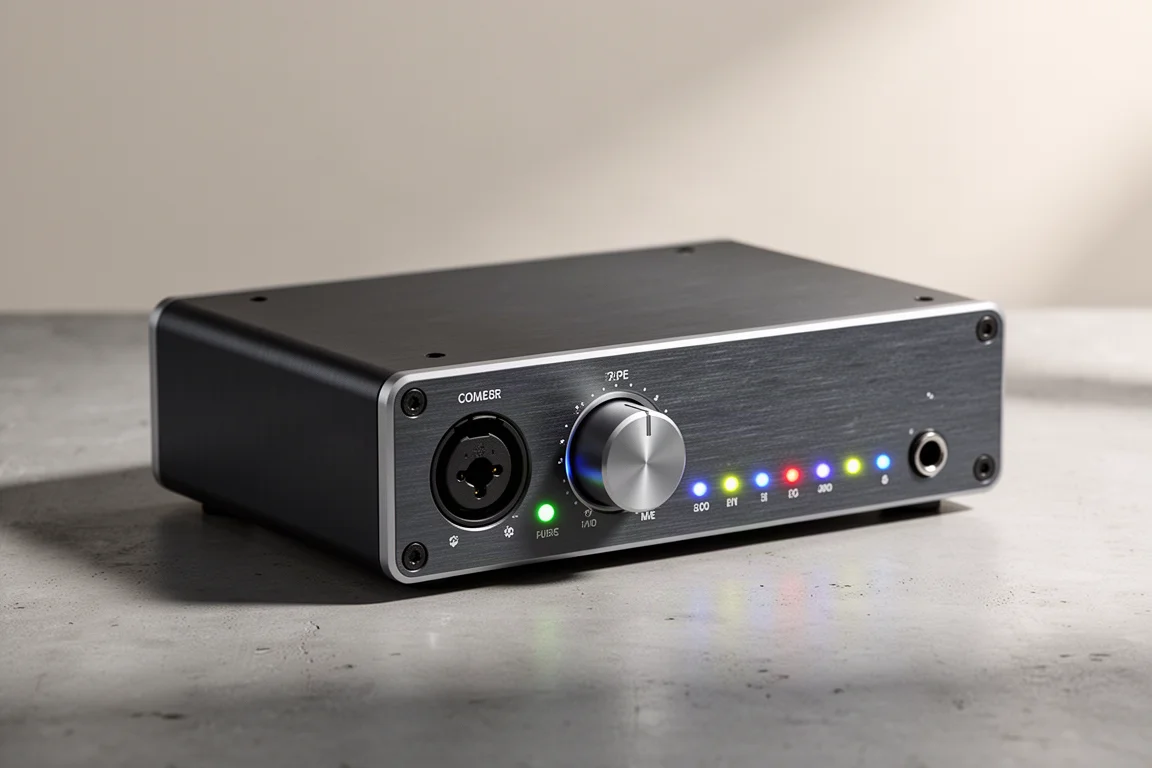
The Scarlett 4i4 is the natural upgrade when the 2i2 runs short in two specific areas. First, it adds five-pin DIN MIDI inputs and outputs, which is the missing piece for anyone working with hardware synths or other MIDI gear that does not connect over USB. Second, it provides two additional outputs on top of the pair found on the 2i2.
Those extra outputs are more useful than they first appear. They let you send signal out of the computer, through outboard processors such as compressors or reverb units, and back in through an input. They also make it practical to switch between multiple pairs of studio monitors, or to mix surround sound for film work.
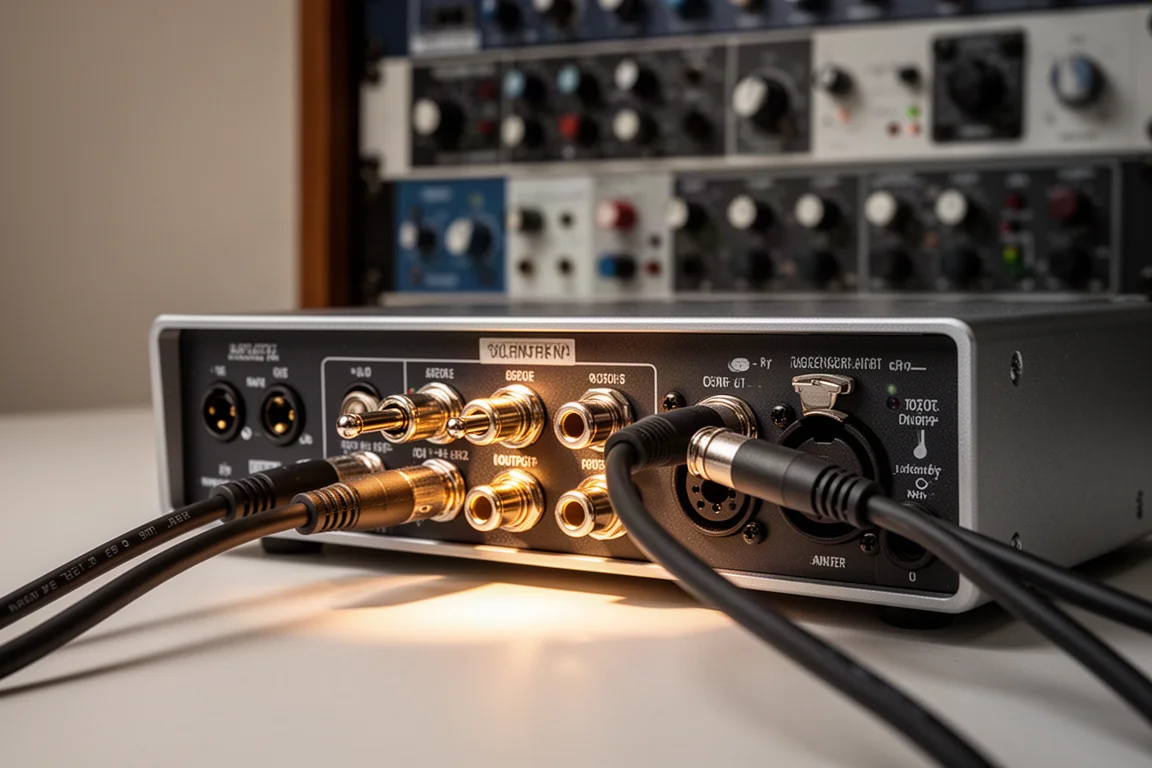
For most people, two outputs remain plenty, and a USB MIDI keyboard removes the need for MIDI ports entirely. The 4i4 is best understood as a targeted step up for producers who already know they need one of those two features rather than as a default choice.
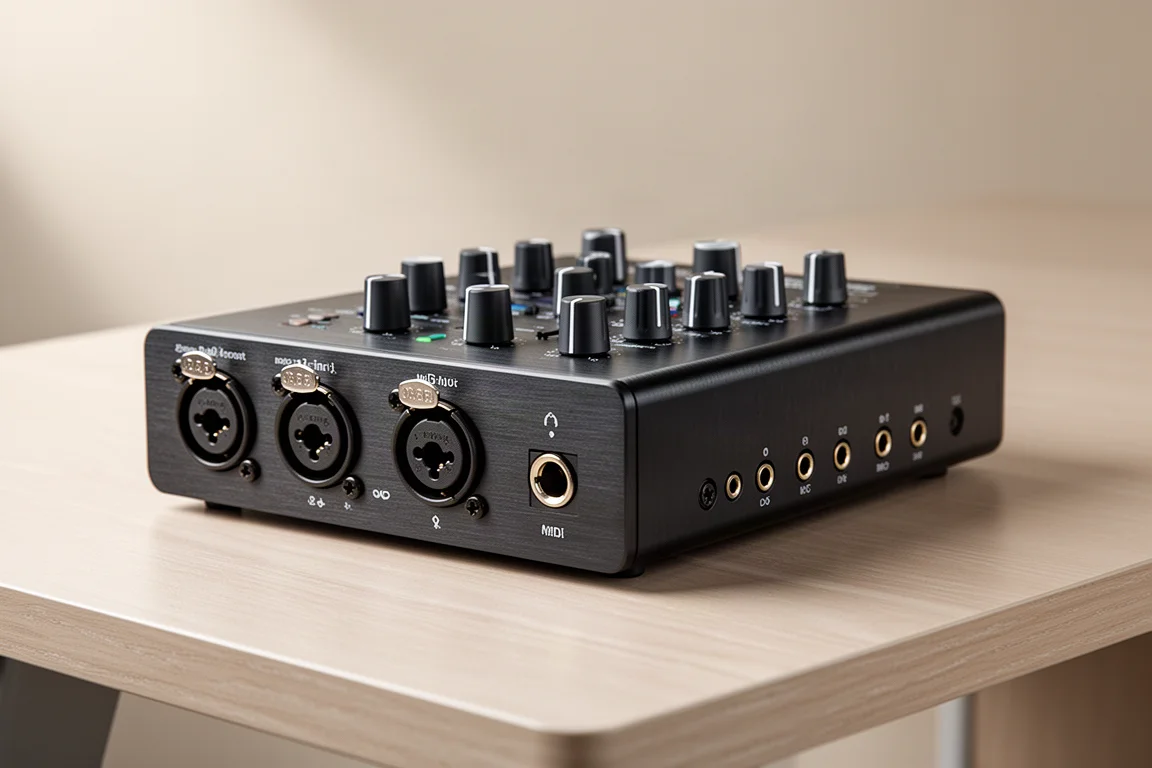
Focusrite Scarlett 18i20: Eight Inputs for Full Sessions
When the job is a drum kit or a live band, two inputs become the limiting factor quickly. It is possible to capture a kit with only one or two microphones, but if the budget allows, an interface that records eight inputs simultaneously opens up far more control over the final mix. The Scarlett 18i20 is built for exactly that scenario, giving you enough channels to mic a full kit or track several players at once.
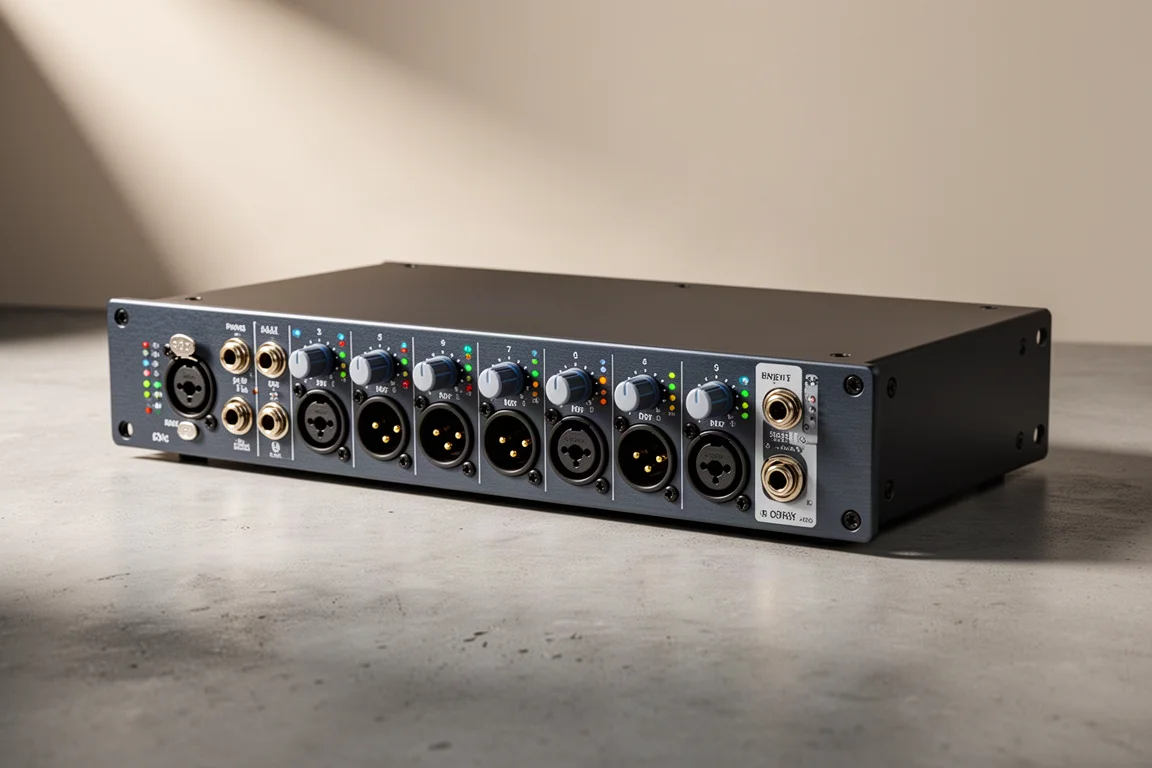
Behringer UMC 1820: A Lower-Cost Eight-Input Option
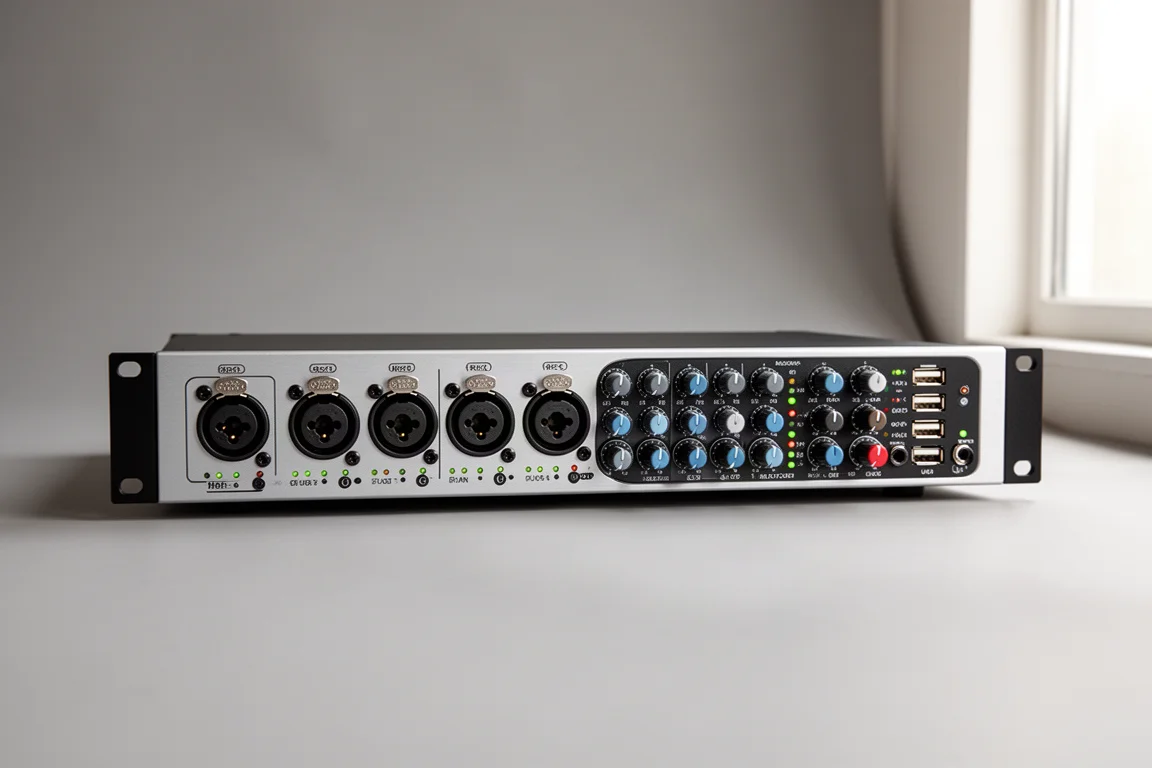
The Behringer UMC 1820 reaches the same eight-input capacity as the 18i20 and serves as a comparable alternative for multi-source recording. If your sessions involve a drum kit or a full band and you want eight inputs captured at once, this is the other route worth comparing against the Focusrite option.
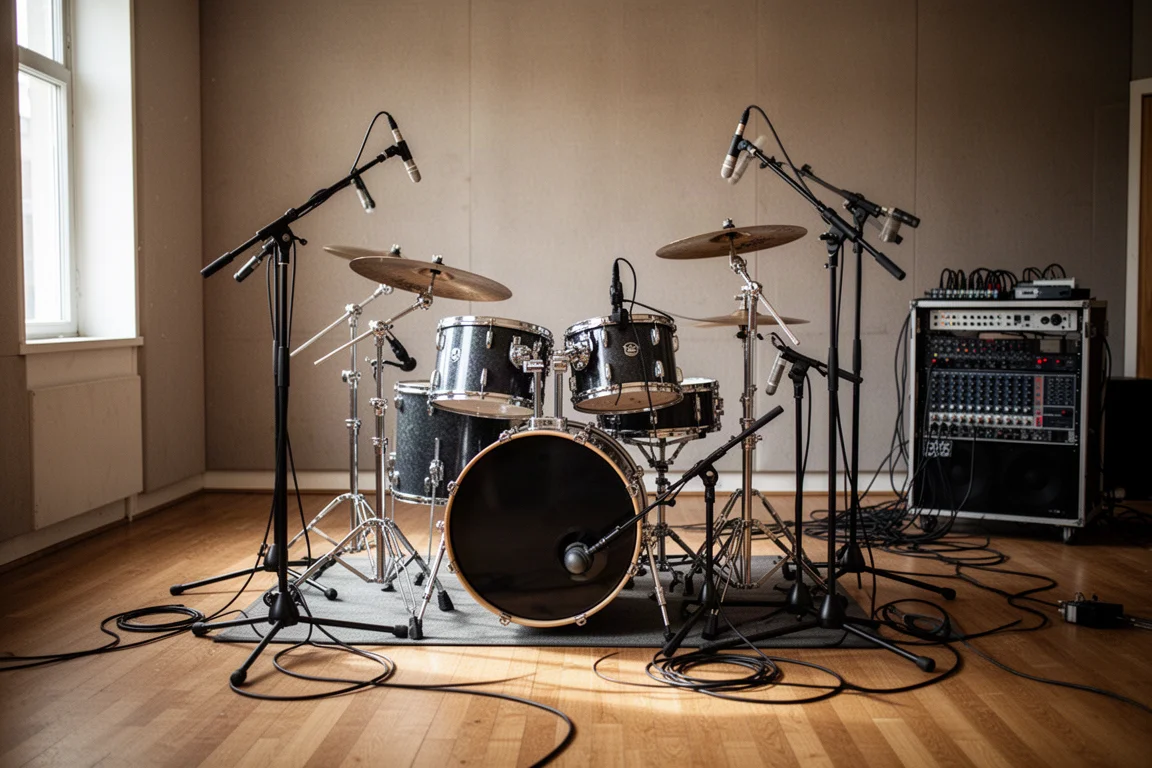
Both of these larger interfaces are a different kind of purchase from the 2i2. They solve a specific problem, capturing many sources at the same time, and they make far less sense for a solo performer who records one or two tracks at a time.
Matching an Interface to Your Setup
The clearest way to decide is to start from the scenario you actually record in. A solo musician recording one or two instruments at a time, a songwriter layering parts one by one, or a streamer and podcaster working with up to two microphones will find the 2i2 covers the job with room to spare. A producer with hardware MIDI devices or an outboard processing chain should look at the 4i4 for its MIDI ports and extra outputs. Anyone tracking a drum kit or a live band should weigh the 18i20 against the UMC 1820 for their eight simultaneous inputs.
It also helps to separate needs from possibilities. Extra inputs and outputs are only worth paying for when a specific session demands them, and the 2i2 remains the simpler, lower-cost answer for the majority of home setups.
Overall Buying Advice
If you are unsure, the honest starting point is the 2i2. It is inexpensive, dependable, and quick to set up, and it covers the vast majority of recording, mixing, and streaming use cases without asking you to learn a complicated routing system. Buy it with confidence if your sessions involve one or two sources at a time.
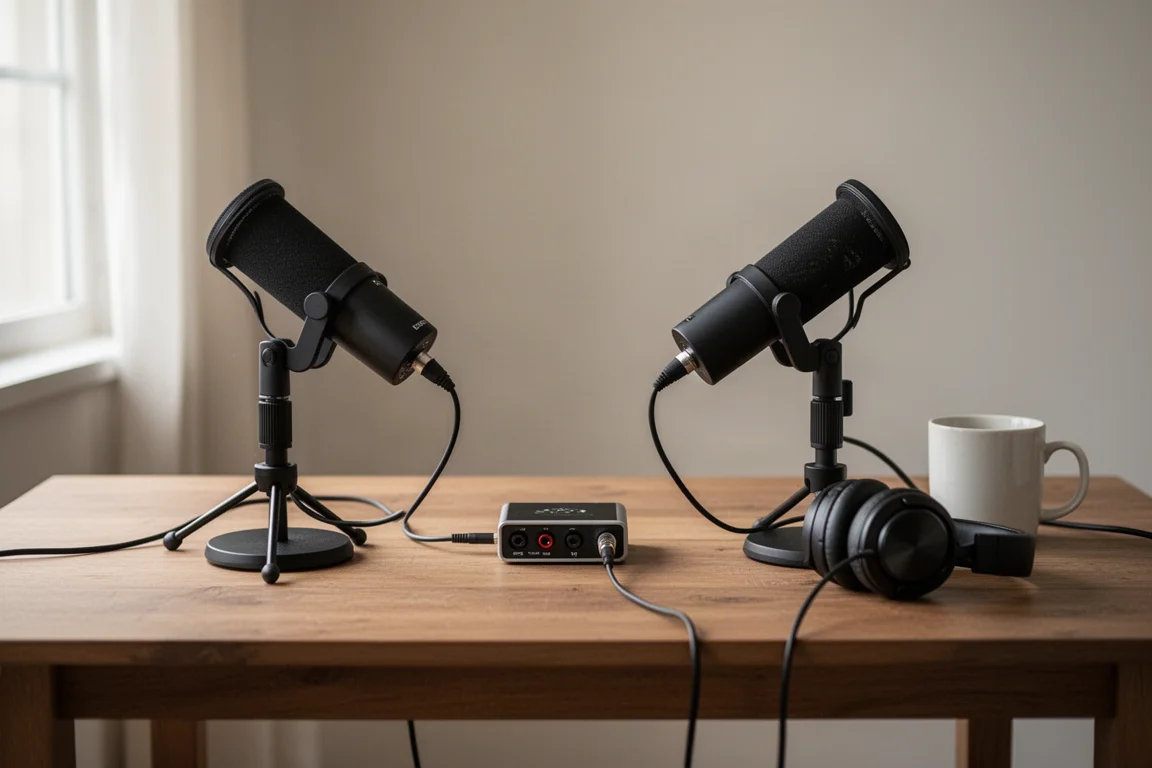
Move up only when a concrete requirement appears. Choose the 4i4 if you need five-pin MIDI or extra outputs for outboard gear and multiple monitor pairs. Choose the 18i20 or the UMC 1820 if eight simultaneous inputs are the difference between capturing a performance in one take and piecing it together afterward. Each step up costs more and adds complexity, so let the workflow decide rather than the spec sheet.
Conclusion
The Focusrite Scarlett 2i2 holds its reputation for good reason. It is affordable, reliable, and simple to set up, and its two flexible inputs and pair of line outputs handle the overwhelming majority of home studio tasks. If you fit one of the common scenarios above, it is a straightforward buy. If your work involves MIDI hardware, outboard processing, or tracking a full band, the 4i4, 18i20, and UMC 1820 are the upgrades that address those needs directly.
Further reading
Related Reviews
Audio Interfaces
Audient EVO and iD Range Guide: Eight Audio Interfaces Explained
A practical walkthrough of eight Audient interfaces, from the compact EVO 4 to the expandable iD44, and how to match one to the way you record.
Audio Interfaces
How Many Mic Inputs Do You Need? An Audio Interface Buying Guide
Microphone input count is the decision that shapes every audio interface purchase. A practical guide to choosing an interface you will not outgrow.
Audio Interfaces
Best Audio Interfaces Under $200: Nine Practical Picks for Home Recording
Nine audio interfaces under $200 grouped by microphone input count, from single-input models for solo work to eight-input setups for tracking a full band.