Fitness Trackers
Fitbit Charge 6 Review: Google Features Arrive on a Familiar Band
A physical button returns, a new heart rate sensor promises better workout accuracy, and Google Maps, Wallet, and YouTube Music finally land on Fitbit's band. Here's how it all works in daily use.
Introduction
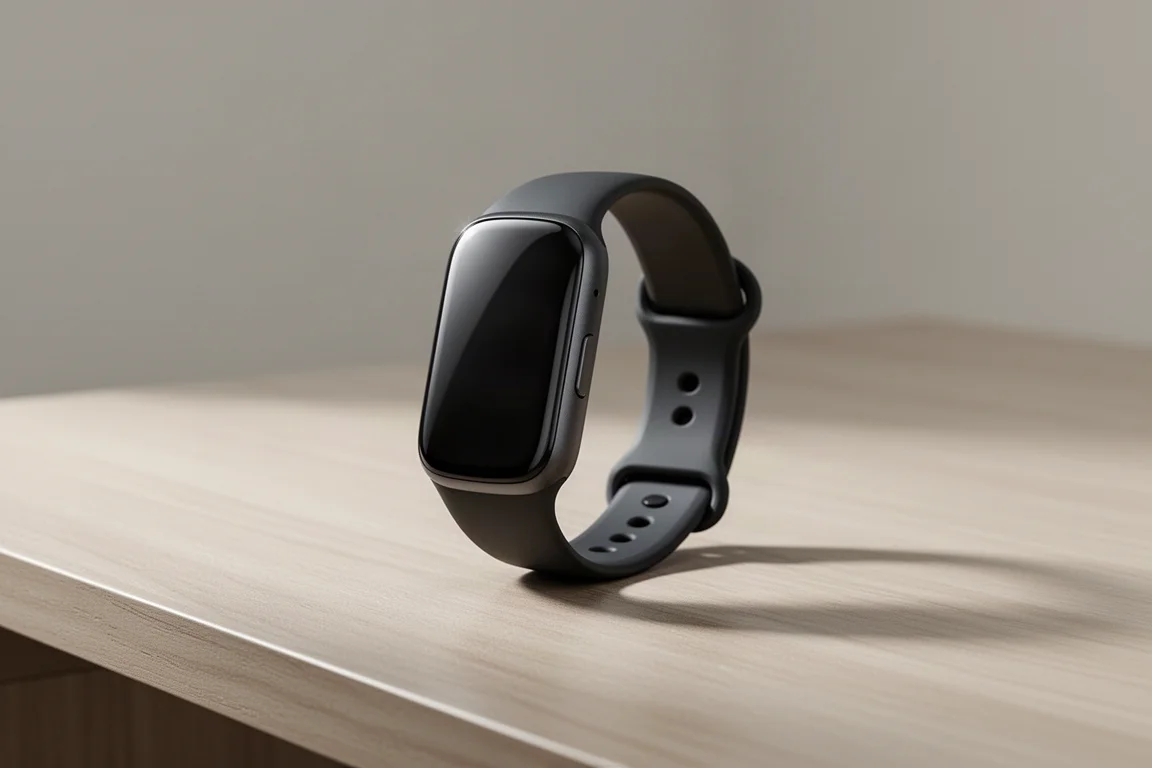
The Fitbit Charge 6 sits at an interesting crossroads. It keeps the slim band format that made the Charge line popular, but it now carries a noticeable dose of Google alongside its traditional fitness tracking. Priced at $159, it packs a long list of new features into a device that still positions itself as a daily activity tracker rather than a full sports watch.
After spending time with it across daily tracking, workouts, and accuracy testing, here is a practical look at what works, what does not, and who should actually upgrade.
What’s New on the Charge 6
The headline change is the return of a physical button on the side of the band. The previous Charge 5 used a touch-based in-display button, and the new pressable button makes everyday interaction noticeably easier. It sounds minor, but it improves the experience more than you might expect.
Fitbit also claims the new heart rate sensor is significantly more accurate than before, especially during workouts. Part of that comes from machine learning algorithms borrowed from the Google Pixel Watch line. The sensor hardware itself differs from the Pixel Watch 2, since the Pixel Watch sensor physically would not fit into the band.
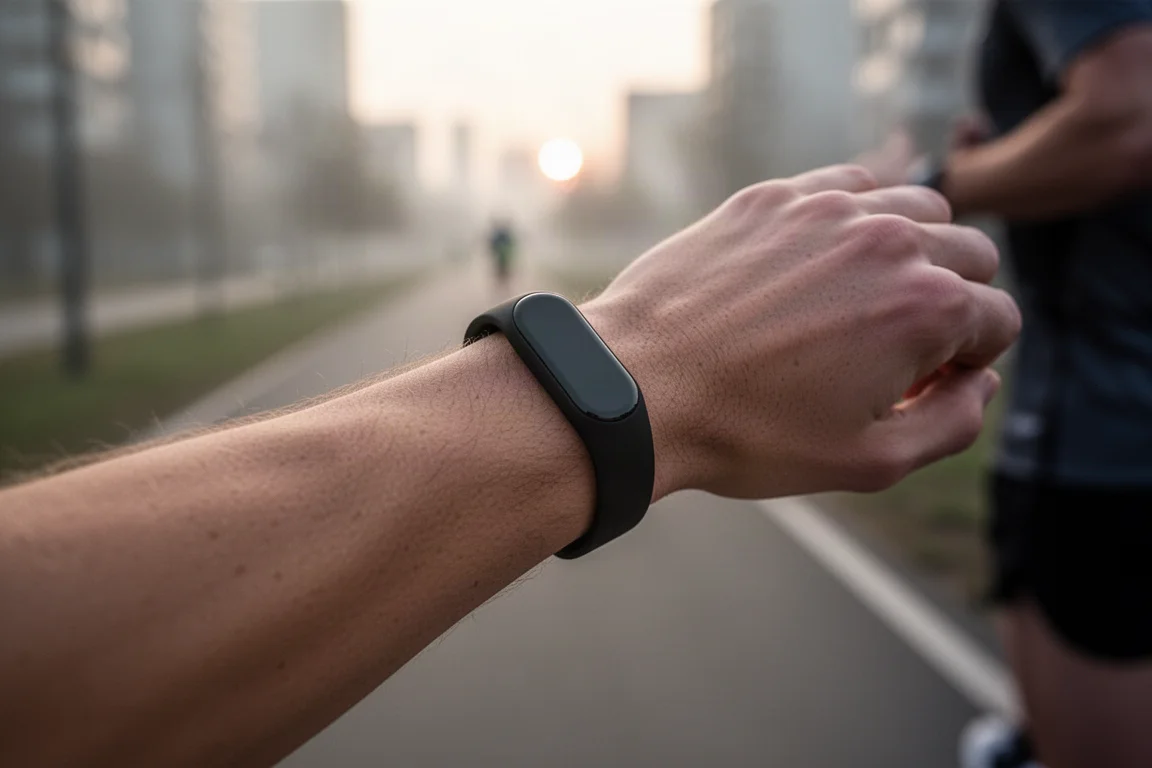
Battery life is rated at 7 days, and Fitbit’s battery claims have historically been fairly conservative. In practice the band held up well, aside from a minor charging quirk where the low-battery display showed random numbers briefly. One more housekeeping note: you must convert your Fitbit account to a Google account to use the Charge 6. The conversion is quick, only a few taps, but it is mandatory.
Heart Rate Broadcasting: Great Idea, Limited Execution
One of the most interesting additions is heart rate broadcasting. You can pair the Charge 6’s live heart rate to third-party apps and equipment, such as a Peloton bike. To use it, you swipe down from the top of the display, tap “Heart Rate on Equipment,” and start broadcasting. On the receiving device, you select the Charge 6, confirm the pairing on the band, and the heart rate appears.
Once locked in, it works reliably. The catch comes during the pairing itself: the confirmation process can get confused and needs to be repeated a couple of times before it sticks.
The bigger problem emerged in further testing. Fitbit encrypts the broadcasted heart rate data, which is unusual in the industry. Most apps and devices do not support encrypted heart rate broadcasts, so compatibility suffers. Some setups, such as Zwift on Apple TV, eventually work after a few failed attempts, but many phone apps and bike computers simply fail because they were never designed for encryption. It is a nonstandard choice that breaks a feature most people would expect to just work.
Google Maps, Wallet, and YouTube Music
Three Google integrations define the Charge 6’s feature set, and all three work on both iPhone and Android, not just Android phones.
YouTube Music controls let you manage music playback from the phone, including browsing your playlist and playing tracks. The band has no direct Bluetooth audio connection, so playback happens on your phone or paired headphones while the band acts as the remote.
Google Maps adds turn-by-turn directions on your wrist. After authenticating through the Maps app, turn prompts appear on the band as you walk or drive. While driving it is less useful, but for walking it is genuinely handy to keep the phone in your pocket and glance at directions.
Google Wallet brings tap-to-pay to the band. It is worth noting Wallet is different from Google Pay: it ties to your Google account with credit cards pre-loaded. Setup involves a long series of confirmation prompts, but after that, tapping to pay is straightforward.
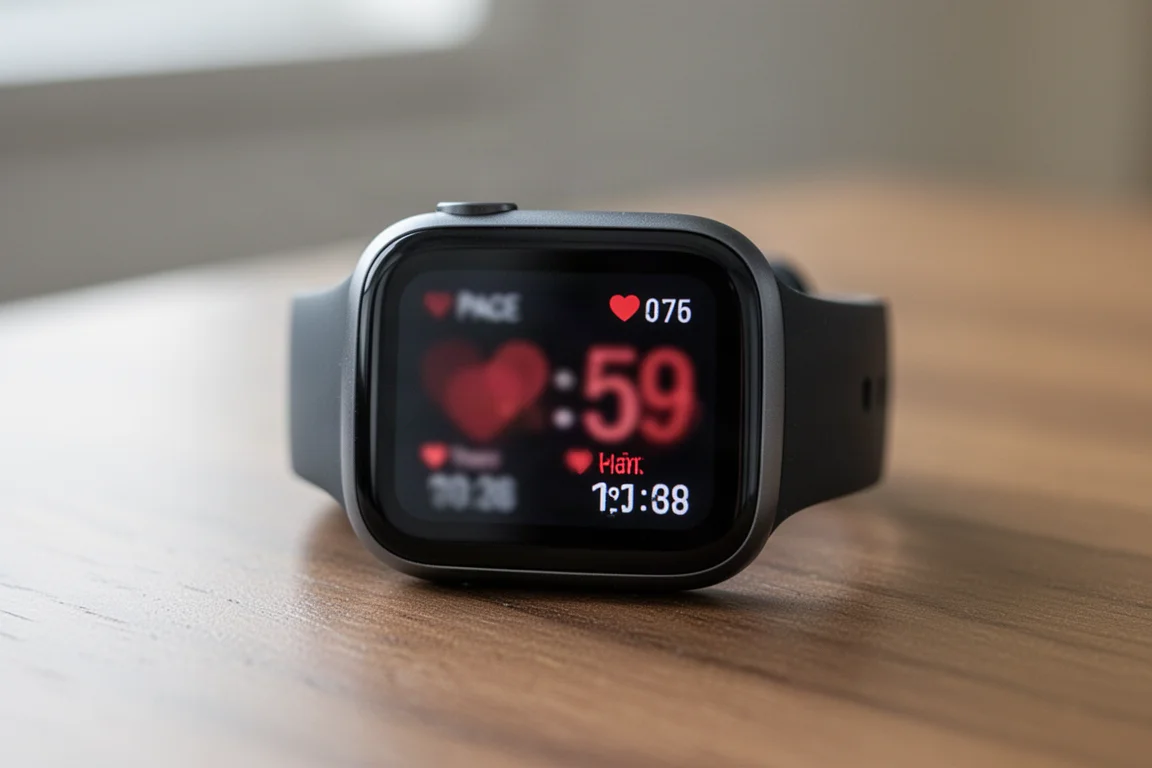
Fitbit also added 20 new sport modes, bringing the total to roughly 40. The bigger improvement, though, is that all sport modes are now accessible directly on the band. On the Charge 5 you had to define six favorites, and adding more required digging through the phone app. Now you simply swipe through the list, which is how it should have always worked.
An accessibility-focused Zoom magnifier rounds out the new features: triple-tap the screen to zoom in, once you enable it in the display settings.
The User Interface: Daily Tracking and Sports
The main watch face is customizable, and swiping down from the top opens the controls menu with Google Wallet, Do Not Disturb, sleep mode, heart rate broadcasting, screen wake settings, find phone, water lock, and settings.
Swiping up from the bottom opens the dashboard: daily steps, distance, hourly activity, current heart rate, sleep score, Daily Readiness score, SpO2, and weekly exercise progress. Sleep and readiness scores matched how the day actually felt in testing, which is about all you can ask from those metrics.
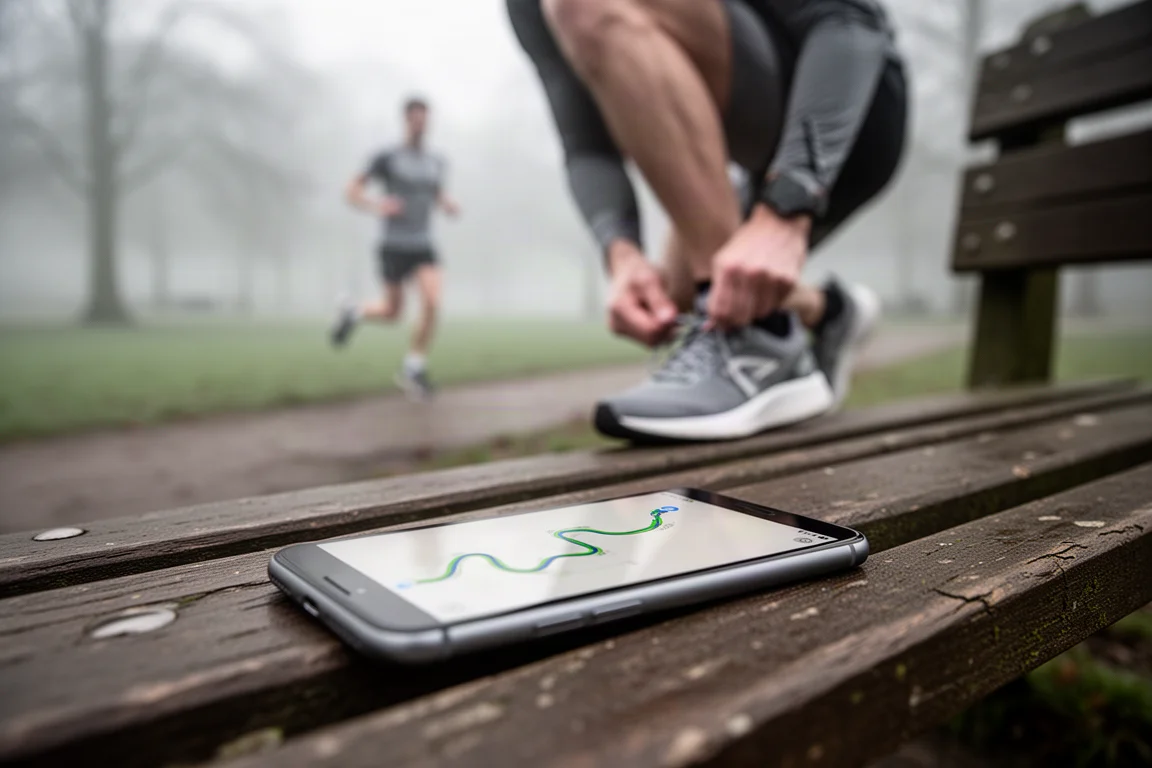
On the sports side, starting a run brings up GPS connection, goal setting, lap marking, heart rate zone notifications, auto pause, auto stop, and always-on display options. During the workout you can cycle through a few main data pages, though customization is limited. This is not designed to be a sports watch, and the interface reflects that.
Beyond workouts, the band offers alarms, timers, an EDA scan for stress tracking with breathing exercises, and an ECG feature that takes about 30 seconds and reports whether your heart rhythm looks normal or abnormal, with a full report in the Fitbit app.
Accuracy: The Good and the Not So Good
Sleep tracking is the easy win. Sleep and wake times were consistently accurate in testing. Sleep stage accuracy was not judged closely here, since no wearable handles stages with high confidence, but the core sleep metrics hold up.
Heart rate accuracy shows real improvement. Indoor interval workouts tracked very closely against a chest strap and other optical sensors. Outdoor intervals, a tougher test for optical sensors, were generally good too, with a bit of lag on very hard sprints. More moderate efforts tracked fine.
GPS accuracy is where things fall apart. The Charge 5 had a design flaw: the antenna runs along the underside of the band, so wearing it snugly for good heart rate accuracy effectively killed GPS reception. Fitbit acknowledged this on the Charge 5, and despite the new heart rate algorithm being positioned as a potential workaround, the problem persists on the Charge 6.
At normal workout snugness, the band rarely acquires GPS and loses it almost immediately when it does. Loosening the band to its last hole keeps GPS connected most of the time but wrecks heart rate accuracy. The practical solution is to use your phone for GPS during outdoor workouts while keeping the band snug, which gives you solid heart rate data and decent GPS from the phone.
Should You Buy the Fitbit Charge 6?
If you are coming from a Charge 4 or earlier, this is a clear major upgrade, especially with the improved display and the full set of new features. If you are on a Charge 5, the decision comes down to whether the three Google integrations, heart rate broadcasting, and easier sport mode access matter enough to you.
At $159 with 7 days of battery life, it is a strong value, particularly compared with AMOLED smartwatches that often need daily charging. The GPS limitation is the main reason for caution if you run outdoors without your phone.
Conclusion
The Fitbit Charge 6 delivers a meaningful feature refresh: a real physical button, a genuinely better heart rate sensor, and the most complete Google integration the band line has seen. Daily tracking, sleep, and heart rate accuracy all perform well for this category. The persistent GPS weakness keeps it from being a serious running tool on its own, but paired with your phone it covers most people’s needs. For anyone wanting a slim, long-lasting tracker with smartwatch conveniences, it remains one of the more compelling options at this price.
Product link
View more details for Fitbit Charge 6
This product is mentioned in the review. Check the specifications, options, and compatibility before buying.
View more details for Fitbit Charge 6Further reading
Related Reviews
Fitness Trackers
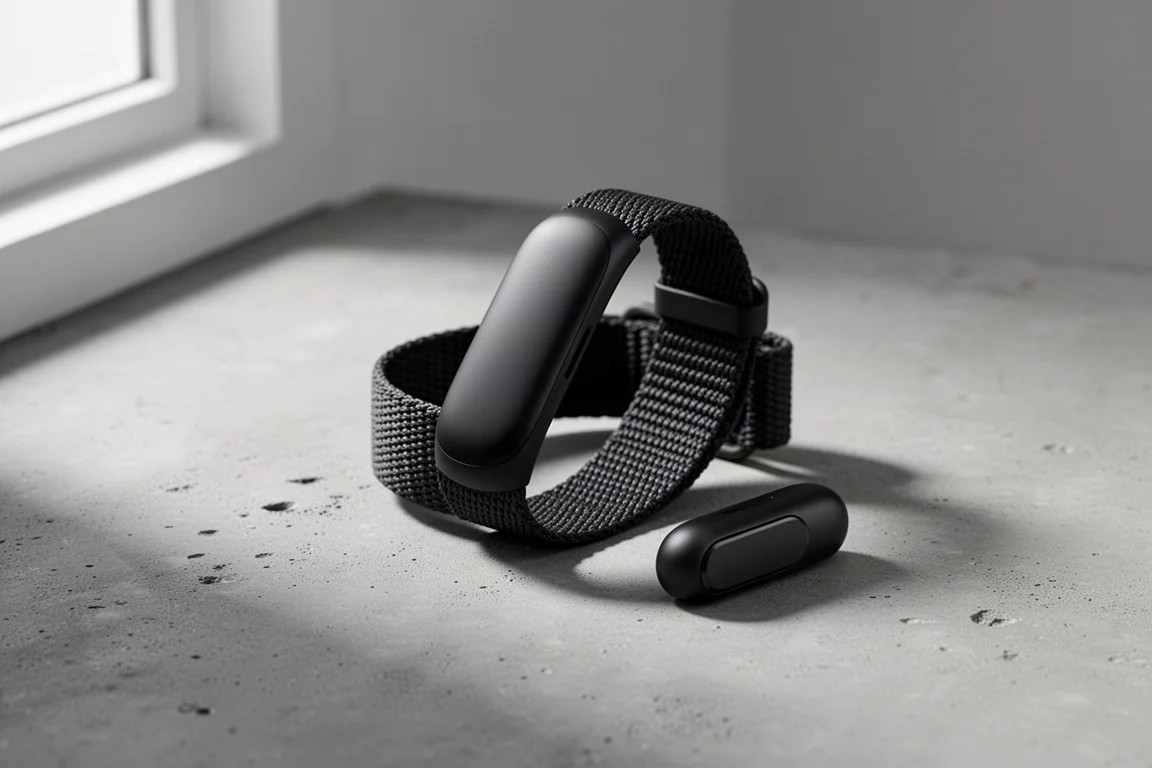
Amazfit Helio Band Review: A $99 Screenless Fitness Band That Isn't a Whoop Killer (And Doesn't Need to Be)
The Helio Band delivers impressive hardware and accurate heart rate tracking for $99 with no subscription, but its software keeps it from truly competing with Whoop.
Fitness Trackers
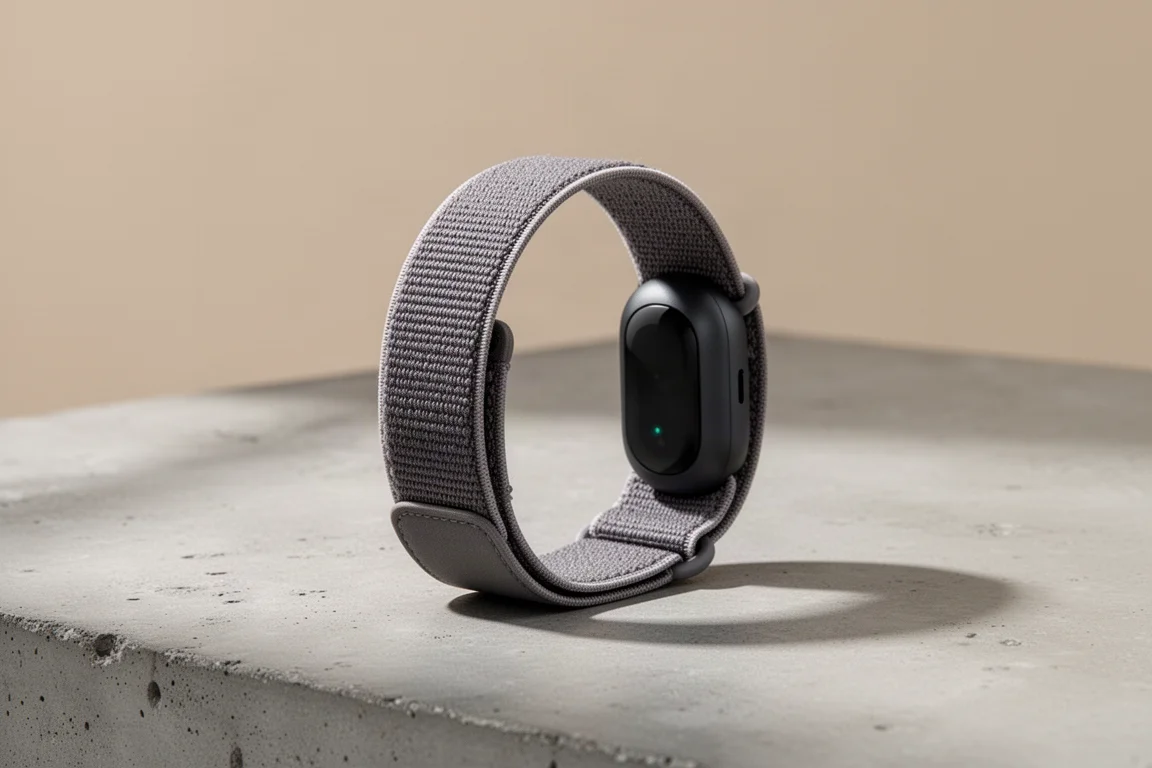
Fitbit Air Review: A $99 Screenless Band That Challenges Whoop
After weeks of testing across running, cycling, swimming, and everyday wear, the Fitbit Air proves to be impressive hardware with a few software growing pains.
Fitness Trackers
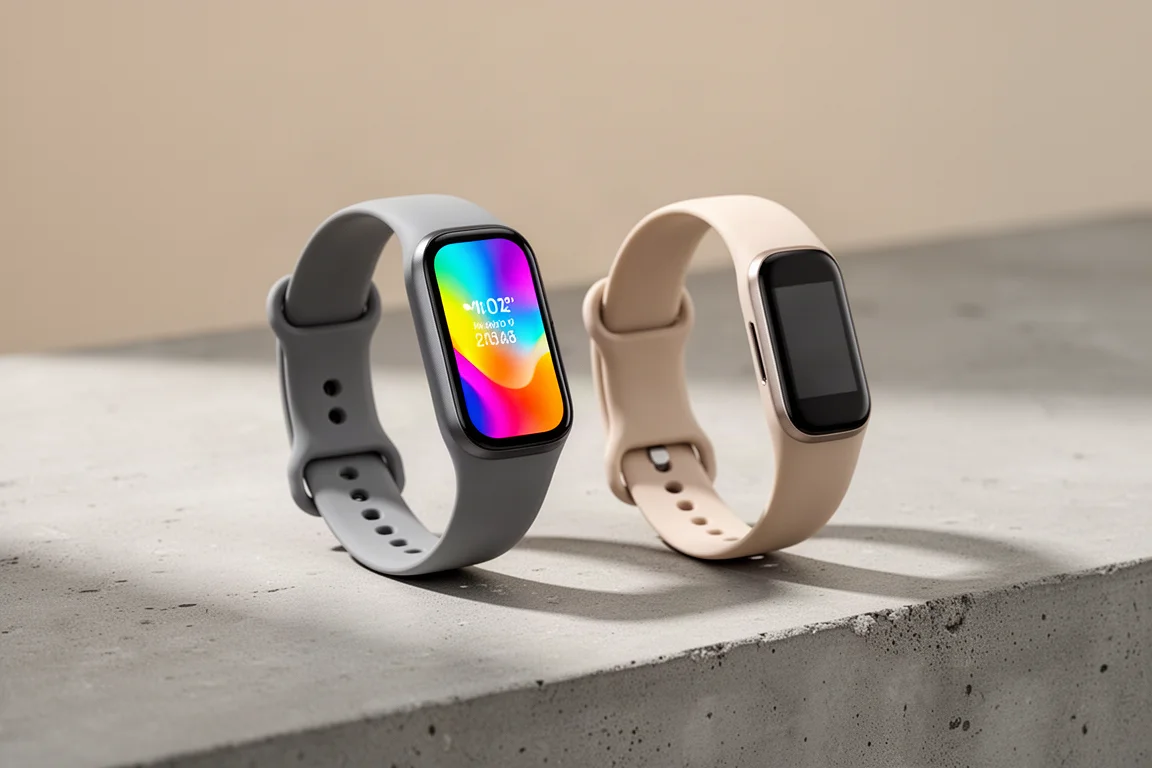
Fitbit Charge 5 vs Garmin Vivosmart 5: Which $149 Fitness Band Should You Buy?
Two fitness bands at the same list price take very different approaches to displays, health data, and sports tracking. Here is how they compare in practice.