Fitness Trackers
Fitbit Air Review: A $99 Screenless Band That Challenges Whoop
After weeks of testing across running, cycling, swimming, and everyday wear, the Fitbit Air proves to be impressive hardware with a few software growing pains.
Introduction
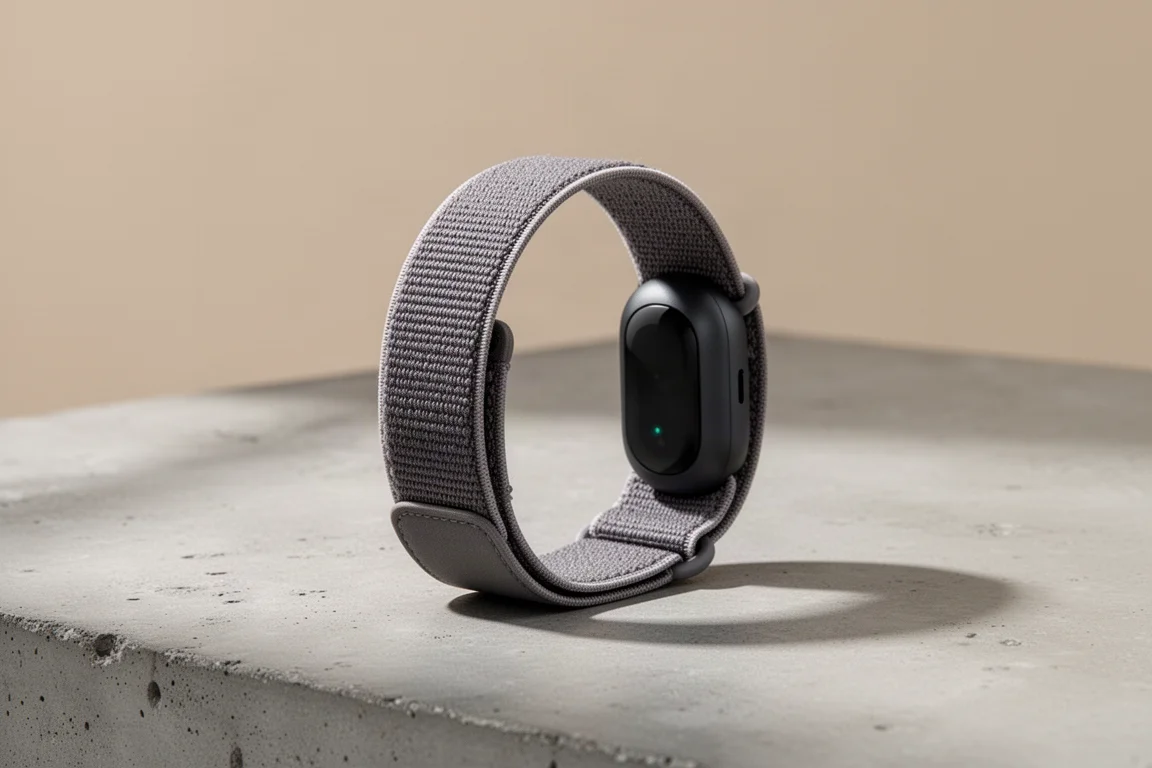
The Fitbit Air is a new screenless fitness band that has been worn day in and day out for several weeks, across swimming, biking, running, and plenty of ordinary life in between, side by side with the Whoop Strap. At $99, it costs less than half of what Whoop charges in the first year, and nothing after that, which alone makes it worth a serious look. This review focuses on three things: the hardware, the app experience, and heart rate accuracy, because for a screenless band that is essentially a heart rate monitor with extra sensors, accuracy is everything.
Hardware and Wearability
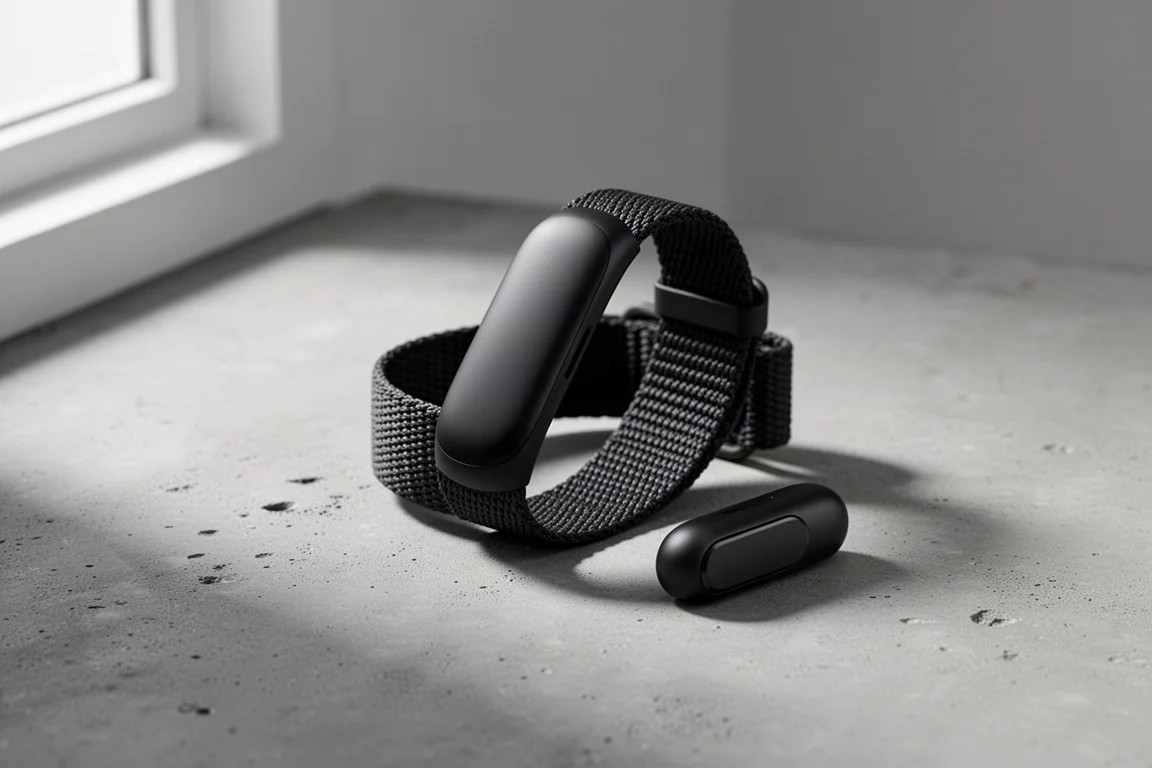
Inside the box you get the charging cable and the pebble, the small pod that slides into the band and snaps in securely. The name is a nod to Fitbit acquiring the Pebble smartwatch company years ago. The band goes on with a fold-and-velcro closure, and the pod has survived all sorts of rough activities without coming loose.
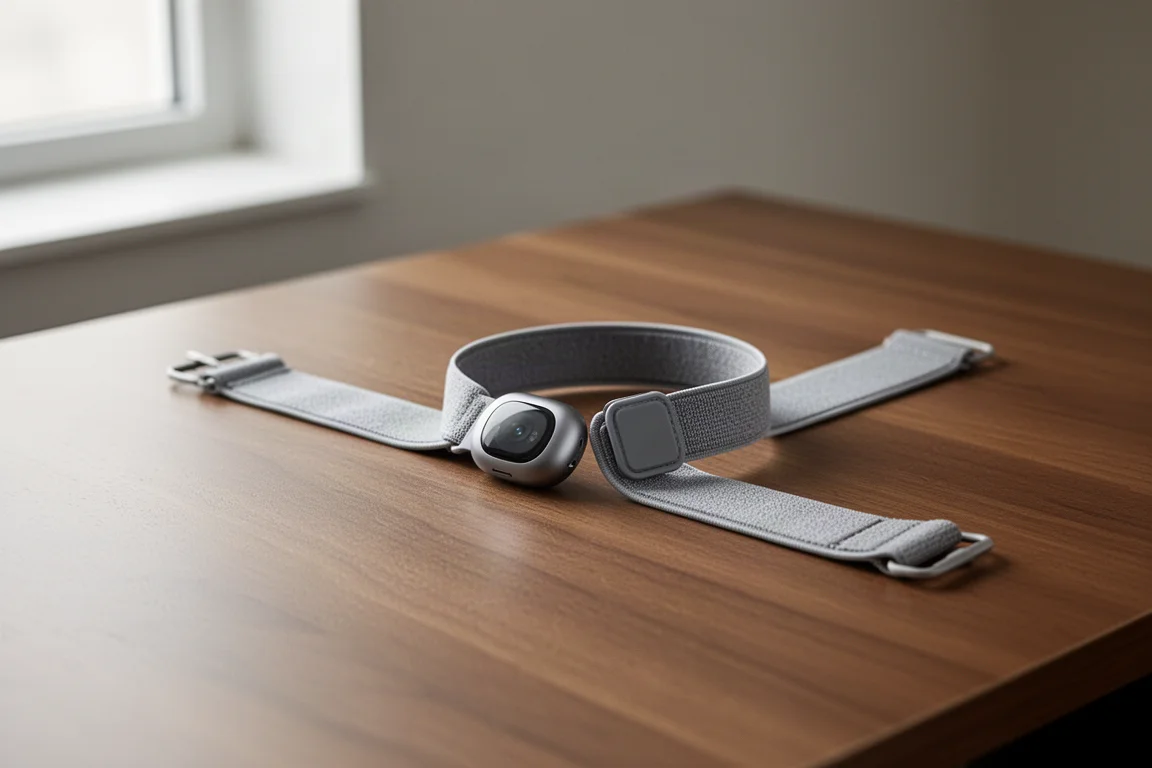
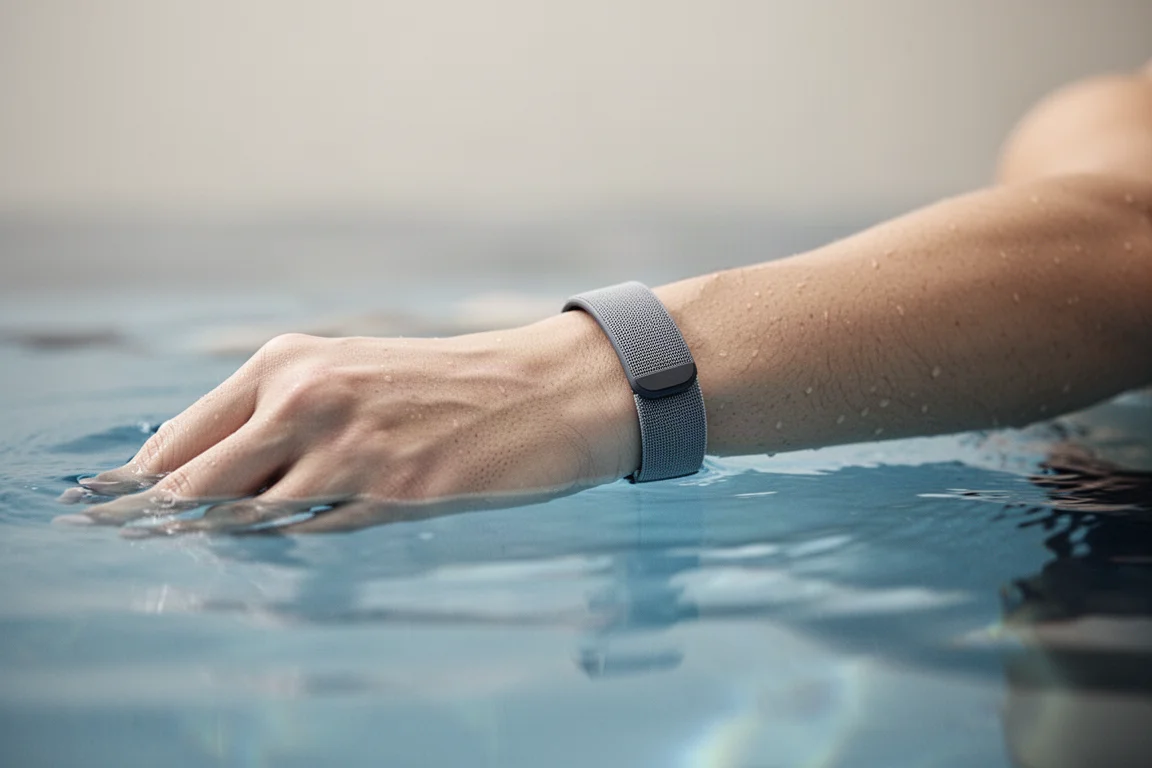
There are three band types: the performance band, the active band, and the elevated band. The performance band is very lightweight compared to competitors, and the only real drawback is the velcro, which could catch on longer clothing in winter. The device is water resistant to 50 meters and handled repeated swimming, including to 10 meters, without any issues. It also has a vibration motor for silent alarms and a tiny LED used only for battery and pairing status.
Charging claims held up well in testing: five minutes of charge delivers roughly a day of use, and the seven-day battery life claim proved accurate.
The App Experience
Because there is no screen, everything depends on the Google Health app (formerly the Fitbit app), both the good and the bad. The home dashboard shows a dynamic weekly cardio goal and a small set of customizable metrics. The main complaint is that the metrics list is far too limited; there is no HRV option, for example, and the data portion occupies only a small slice of the page while the rest is AI-generated summaries.
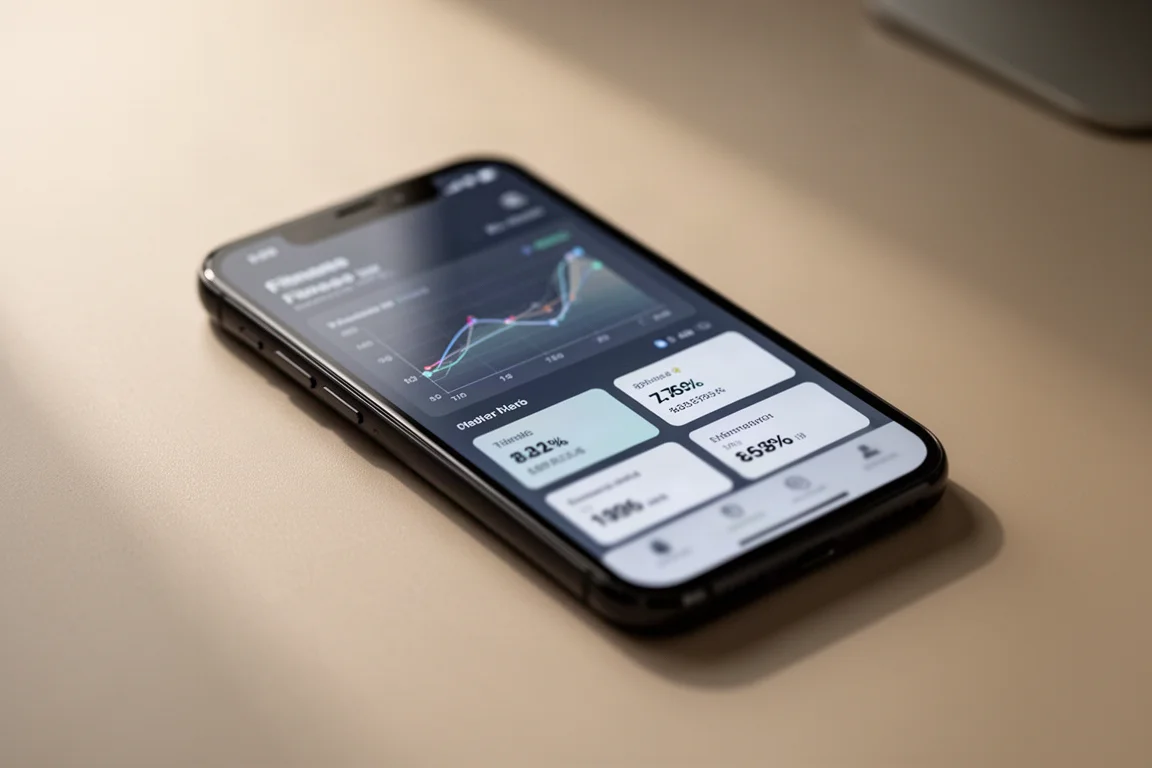
Free and premium accounts get identical data, every metric, every workout. The difference is purely the AI text: premium users get AI insights, daily summaries, and Google Coach guidance, free users just get the facts. Ironically, many premium users would happily trade the “talky-talky” away.
Sleep tracking includes sleep phases, duration, resting heart rate, and HRV, plus up to eight manual alarms with a smart wake window and vibration-only alerting. The health tab shows breathing rate, SpO2, resting heart rate, HRV, and skin temperature variation, and includes FDA-certified background AFib detection, though there is no manual on-demand ECG.
Workouts and Training Tools
With no buttons on the band, workouts are either auto-detected or started manually in the app. Auto-detection worked well for running but is limited to roughly five activity types, an area where Whoop is far ahead. Cycling detection depended on terrain, struggling on a downhill e-bike commute but picking up mountain riding quickly. Heart rate is always recorded in the background, so times can be adjusted afterward.
Manual workouts unlock GPS mapping from your phone, along with heart rate zones, elevation, and syncing to Strava and other platforms. The cardio load system, which tallies high heart rate time across the whole day, feels logical and grounded in real exercise physiology, and the readiness score pulls in HRV, recent sleep, and resting heart rate in a similarly sensible way.
One weak spot is heart rate broadcasting: instead of following standard Bluetooth profiles like Whoop, Garmin, and Amazfit, Fitbit requires per-vendor compatibility, which makes pairing with equipment like a Peloton unnecessarily awkward.
Heart Rate Accuracy
Across a wide range of sessions, accuracy was hit or miss: very good roughly 80 to 90 percent of the time, with occasional significant failures. A chill 25-minute run saw readings spike as much as 25 bpm too high, and an interval run with a partner struggled at points. Yet a challenging trail run with steep ups and downs was tracked almost flawlessly, and an indoor cycling session was spot on.
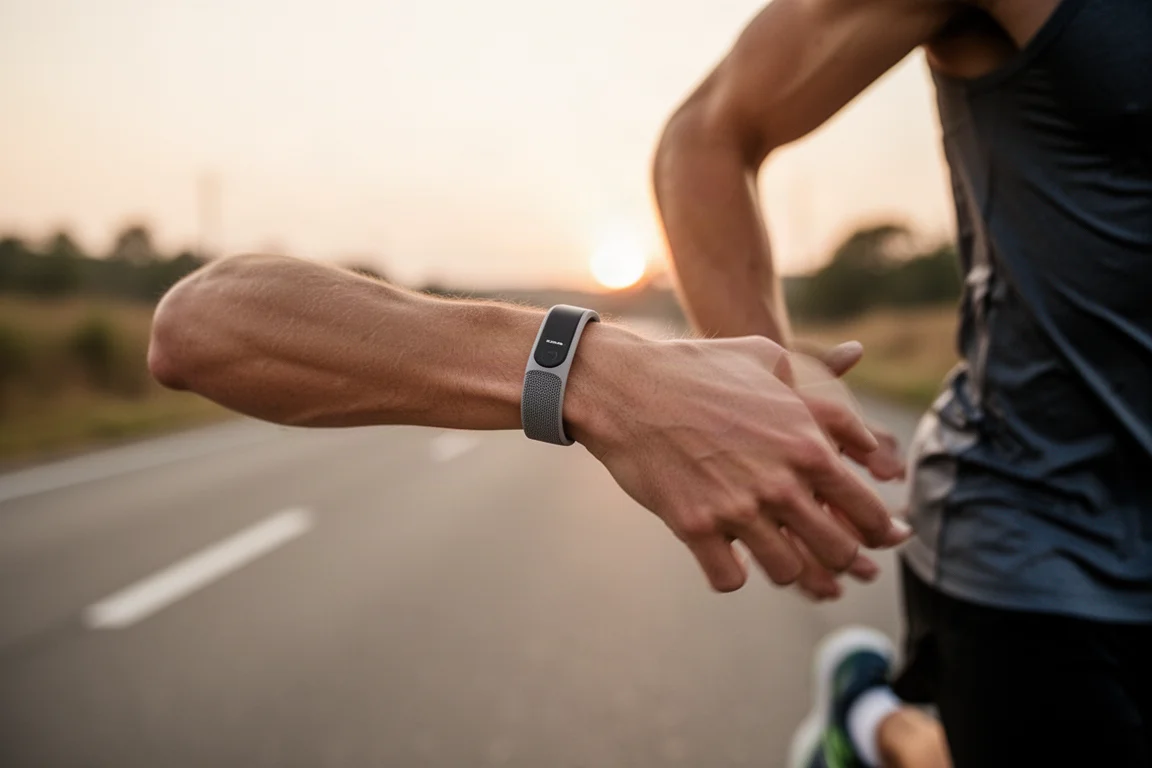
On a nearly two-hour mountain road ride, one of the hardest activities for wrist optical sensors, the Fitbit stayed close to reference, with the occasional dip on fast descents where vibration and low heart rate combined. Because the band is very thin, side light leakage can affect readings if it is worn loosely; wearing it snug solves most of that. Strength training went well overall.
Bugs and Software Polish
The hardware itself has been solid; the app experience is where the frustrations live. Sleep scores occasionally vanish until you sign out and back in, sleep quality data sometimes fails to display, and elevation gain can show as zero while the elevation plot itself is correct. Fitbit is aware of the issues and fixing them quickly, some already shipped, but the package feels like it needs another month or two of polish. Nothing has been an outright deal breaker so far.
Buying Advice
At $99, the Fitbit Air is hard to beat on value. The hardware works well, the battery delivers, and the form factor is comfortable. Casual athletes will likely never notice the occasional heart rate accuracy hiccups; more serious athletes may find them annoying. On a free account, the AI clutter disappears entirely and you are left with a clean, if basic, data experience. The premium AI insights are genuinely useful for training and recovery, even if they occasionally fixate on the wrong things.
One consideration worth weighing: Google has committed, as part of the Fitbit acquisition terms, to not use your data for advertising for roughly another three years. Beyond that, there is little commitment, so privacy comfort is a personal call.
For the vast majority of people, this makes more sense than Whoop, especially given the price is less than half for the first year and nothing after, versus Whoop’s ongoing hundreds of dollars per year.
Conclusion
The Fitbit Air is impressively capable hardware at a remarkable price, let down somewhat by a buggy, AI-heavy app that needs more data-centric polish. If heart rate accuracy gets fine-tuned and the software matures, this is a clear value winner in the screenless band category.
Product link
View more details for Fitbit Air
This product is mentioned in the review. Check the specifications, options, and compatibility before buying.
View more details for Fitbit AirFurther reading
Related Reviews
Fitness Trackers
Amazfit Helio Band Review: A $99 Screenless Fitness Band That Isn't a Whoop Killer (And Doesn't Need to Be)
The Helio Band delivers impressive hardware and accurate heart rate tracking for $99 with no subscription, but its software keeps it from truly competing with Whoop.
Fitness Trackers
Fitbit Charge 5 vs Garmin Vivosmart 5: Which $149 Fitness Band Should You Buy?
Two fitness bands at the same list price take very different approaches to displays, health data, and sports tracking. Here is how they compare in practice.
Fitness Trackers
Garmin Circa Review: A Subscription-Free Screenless Tracker for Runners
After a month of testing, we look at what the Garmin Circa gets right, where it falls short, and whether it can replace your running watch.