Fitness Trackers
Fitbit Air First Impressions: Early Days With the New Google Health App
A first look at the Fitbit Air and the transition to the Google Health app, including automatic activity detection, AI coaching, and readiness tracking.
Introduction
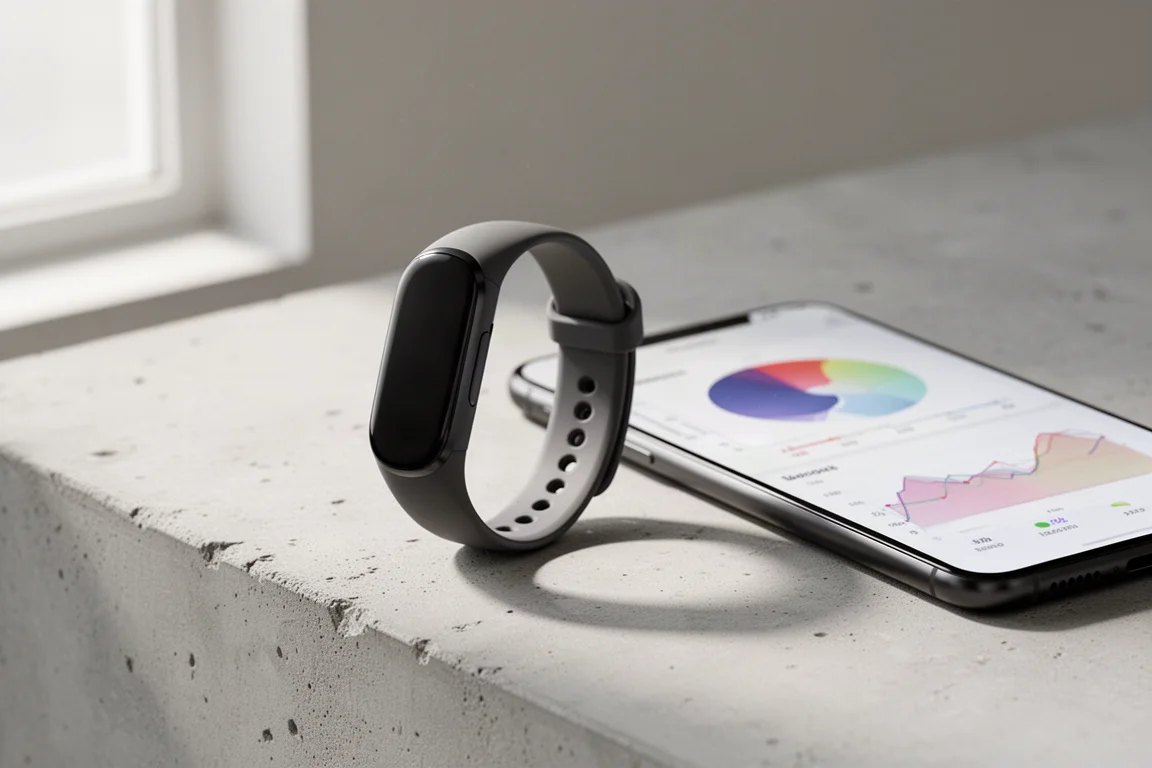
After a few days of testing the Fitbit Air alongside the newly renamed Google Health app, a clear early picture is starting to form. This is very much a first-look stage: the device has only been worn for a handful of days, covering runs, rides, sleep, and everyday activity. The full verdict on accuracy and long-term usefulness will take another week or two of testing across running, cycling, weight training, and high-intensity interval training, with comparisons against other options like Whoop on both features and accuracy.
What the first days do show is how the pairing works in practice: automatic workout detection, morning readiness scores, sleep tracking, and an AI coach that reacts to how your week is actually going.
Who This Product Is For
The Fitbit Air is aimed at people who want a mostly automatic health and fitness experience. If you prefer putting on a band, going about your training, and letting the software figure out what you did, that is exactly the workflow being tested here. It also suits anyone invested in the Google ecosystem who wants a single app pulling together sleep, readiness, vitals, and workout history.
Runners and riders coming back from injury or managing a training load will find the AI-driven feedback loop particularly relevant, since the coach can adapt its advice based on context you give it.
The Google Health App: A Familiar Foundation
The Google Health app is the old Fitbit app that has been in public preview for a while, now transitioning to the new name. The core functionality is about the same, though there are some under-the-cover changes, some of which appear to respond to early feedback on the public preview. It is available on both iOS and Android, and everything here was tested on an iPhone.
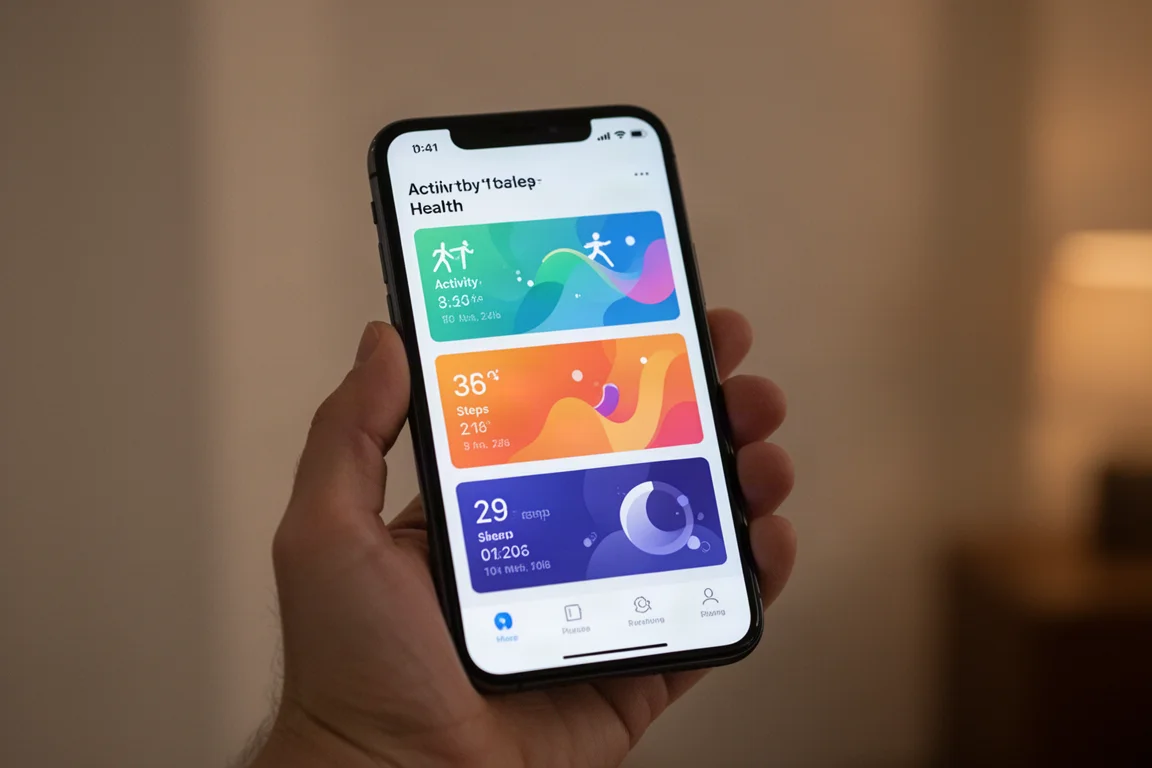
The home screen is organized into cards: weekly cardio accumulation against your target, steps, daily readiness, and sleep score. Readiness is a single morning metric built from heart rate variability, recent sleep, and resting heart rate. The cards are customizable, and the large weekly target card can be switched between cardio and steps. Further down are heart rate, distance, calories burned, exercise days, and a vitals section covering breathing rate, blood oxygen saturation, resting heart rate, heart rate variability, and skin temperature.
Automatic Activity Detection and the No-GPS Question
One important hardware detail: the Fitbit Air does not have GPS. Distance and pace for a detected run are estimated using the accelerometer, your steps, and the stride length set in the app. Over two days, a run was automatically detected and logged with cardio load, duration, distance, pace, steps, calories, and a full heart rate chart with time in zones.
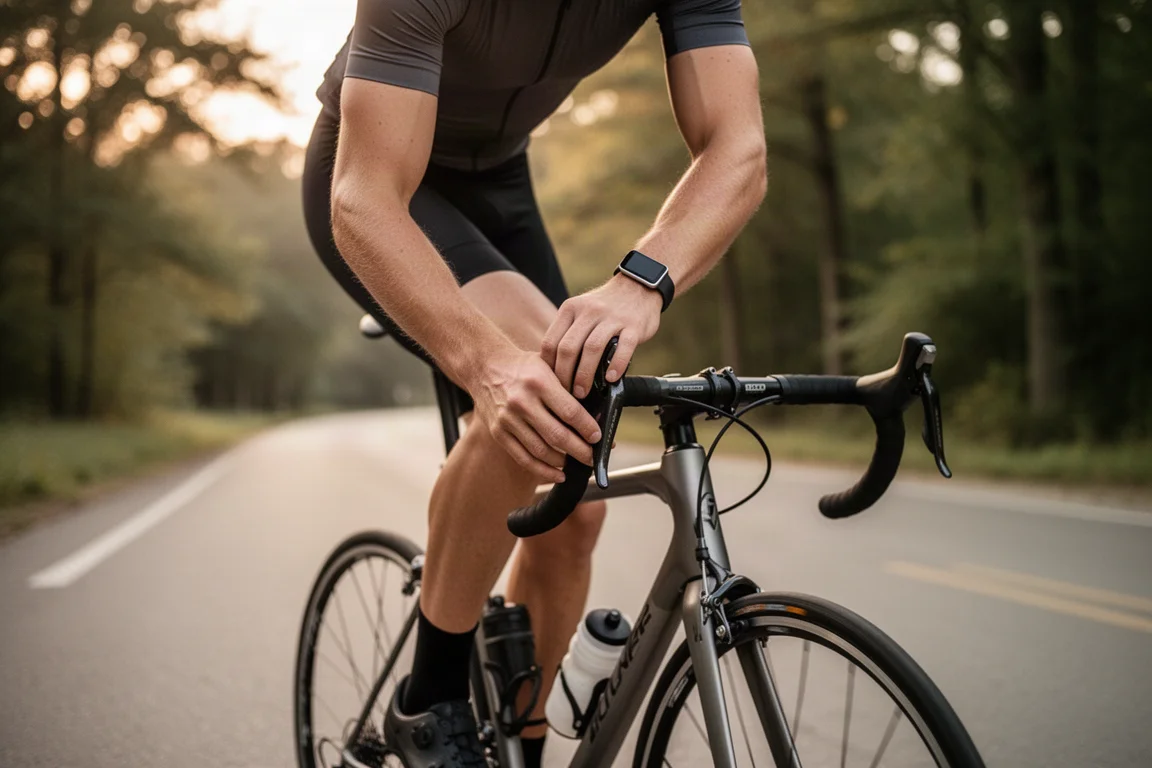
A bike ride was also picked up automatically, but without GPS and without arm swing, no distance or pace was recorded for it, only duration, cardio load, zone minutes, calories, and heart rate data. If you want GPS-tracked distance and speed, you can manually start an activity in the app and use your phone’s GPS, which can also help calibrate stride length automatically.

The manual workout list is long and includes some interesting options like surfing and swimming, though the practicality of that without taking the band off or carrying a phone is a question the full review will dig into.
Vitals, AI Feedback, and Recovery Insights
The AI coach is one of the more distinctive parts of the experience. It delivers morning insights, end-of-day summaries, and per-workout feedback. In testing so far, the morning insight correctly suggested the body was well rested for a light run, and the end-of-day recap acknowledged a heavy double day after a run and a ride.
Because the AI coach has been told about an ongoing Achilles and plantar injury, its feedback referenced that context directly, advising low impact and foot protection. You can also continue the conversation with the coach after a workout, describing how a run actually felt, which makes the guidance feel more personal than generic daily tips.
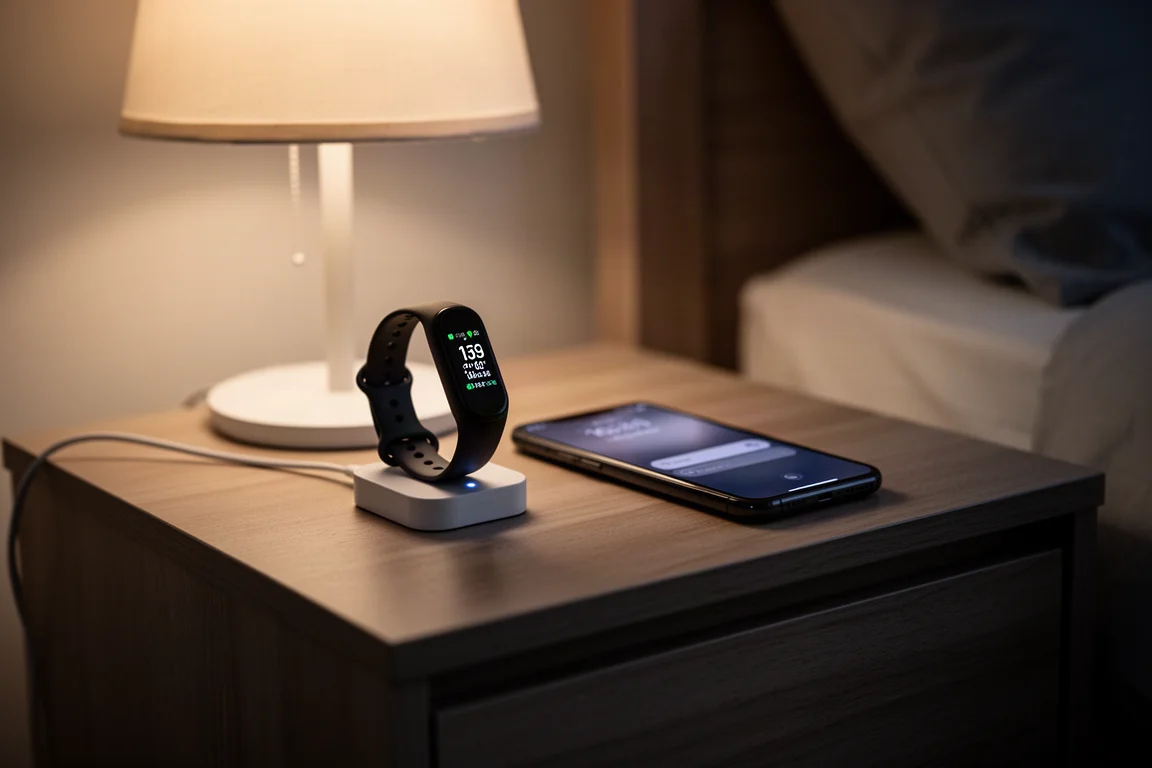
Resting heart rate and heart rate variability trends are shown alongside sleep, so a rough week shows up clearly in the data, and improvement over subsequent nights is visible too. There is also a log button for chat with the AI coach, photographing food for automatic calorie identification, and manually logging activities, body measurements from other scales, food, sleep, and weight.
Things to Consider Before Buying
A few practical points worth weighing before committing:
- No onboard GPS. Run distance is accelerometer-based; rides get no distance at all unless you track manually through the phone.
- Accuracy is still unproven. Only a few days of testing have been done, so heart rate accuracy, automatic detection reliability, and AI feedback quality are not yet fully validated.
- App transition is in progress. The Google Health app is close to the Fitbit public preview it replaces, but nuanced differences are still being sorted out.
If your training depends on precise GPS distance data straight from the wrist or band, the Air’s approach requires either accepting estimates or pulling out your phone. If you care more about recovery, sleep, readiness, and adaptive coaching, the early experience looks promising.
Buying Advice
Hold any final judgment until deeper accuracy testing wraps up, but the direction here is encouraging. The Google Health app experience is polished and cohesive, automatic detection worked for both a run and a ride during initial testing, and the AI coach adds genuine contextual value. Anyone deciding between this and alternatives like Whoop should wait for the head-to-head feature and accuracy comparison before making a call.
Conclusion
The Fitbit Air paired with the Google Health app already delivers a smooth, mostly automatic health tracking experience with a genuinely conversational AI coach layered on top. The open questions are accuracy, the GPS-less distance estimation, and how the app’s transition settles out. Those will be answered in the full review after more weeks of testing across a wide range of sports.
Product link
View more details for Fitbit Air
This product is mentioned in the review. Check the specifications, options, and compatibility before buying.
View more details for Fitbit AirFurther reading
Related Reviews
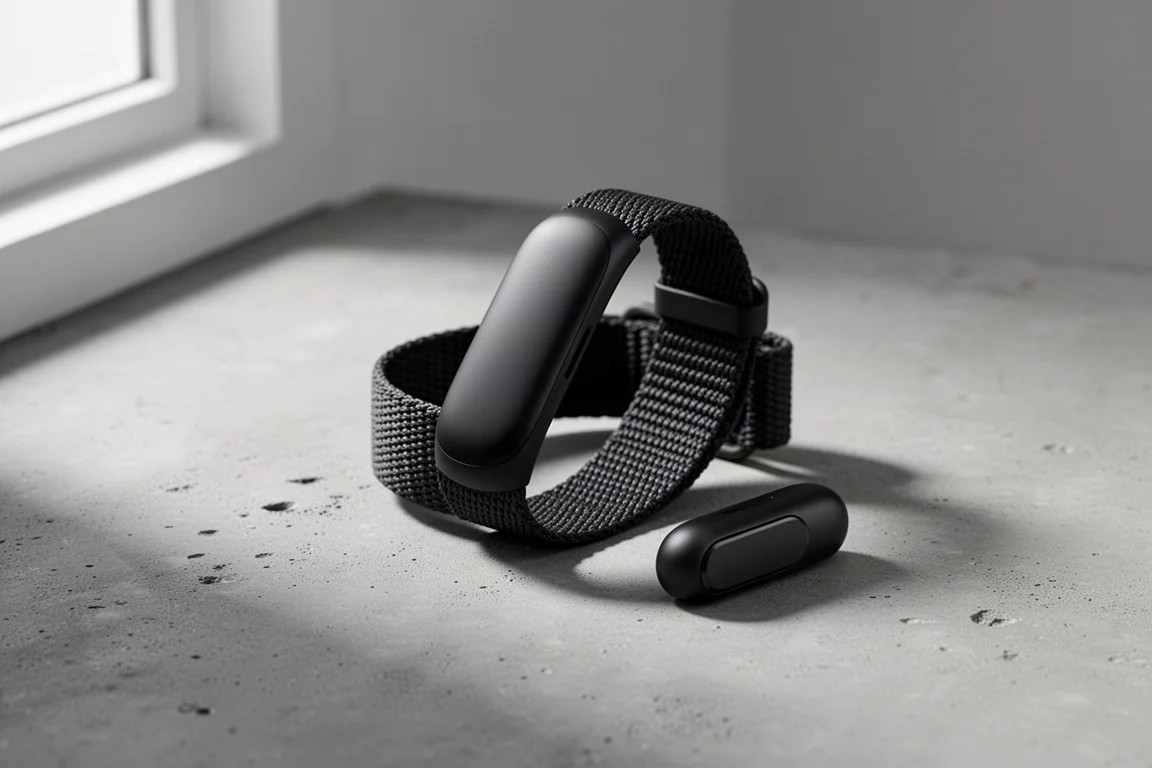
Fitness Trackers
Amazfit Helio Band Review: A $99 Screenless Fitness Band That Isn't a Whoop Killer (And Doesn't Need to Be)
The Helio Band delivers impressive hardware and accurate heart rate tracking for $99 with no subscription, but its software keeps it from truly competing with Whoop.
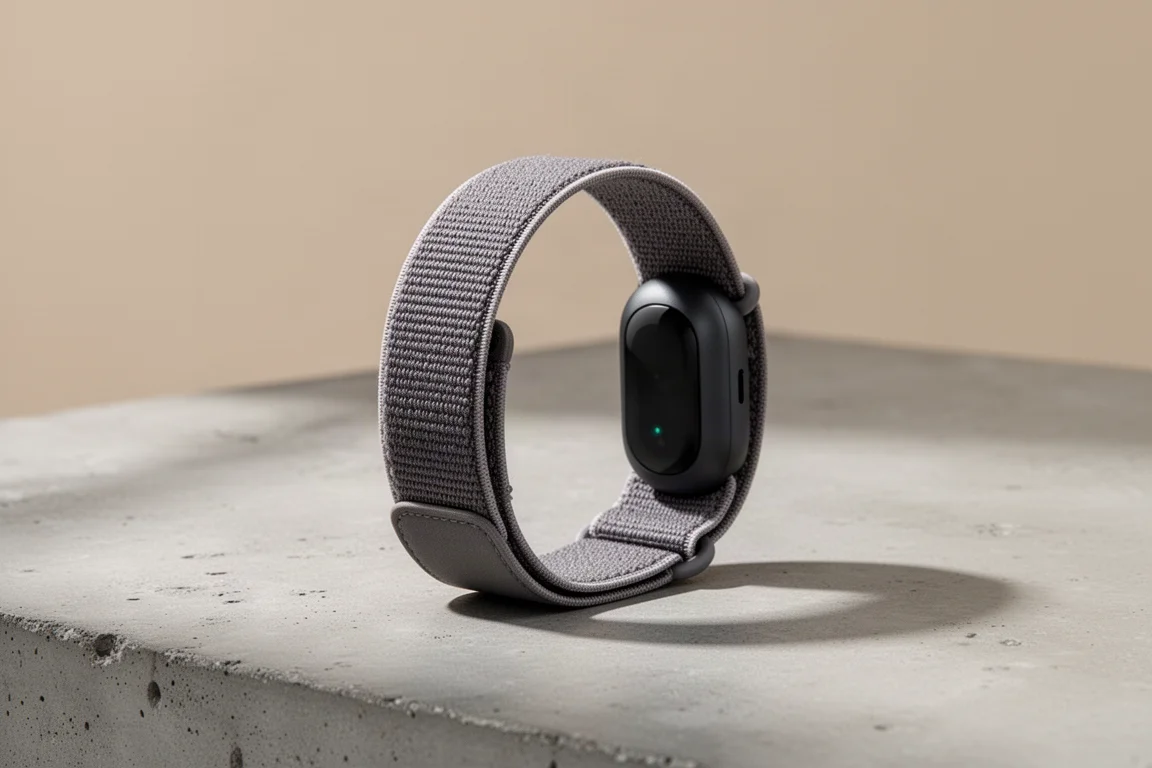
Fitness Trackers
Fitbit Air Review: A $99 Screenless Band That Challenges Whoop
After weeks of testing across running, cycling, swimming, and everyday wear, the Fitbit Air proves to be impressive hardware with a few software growing pains.
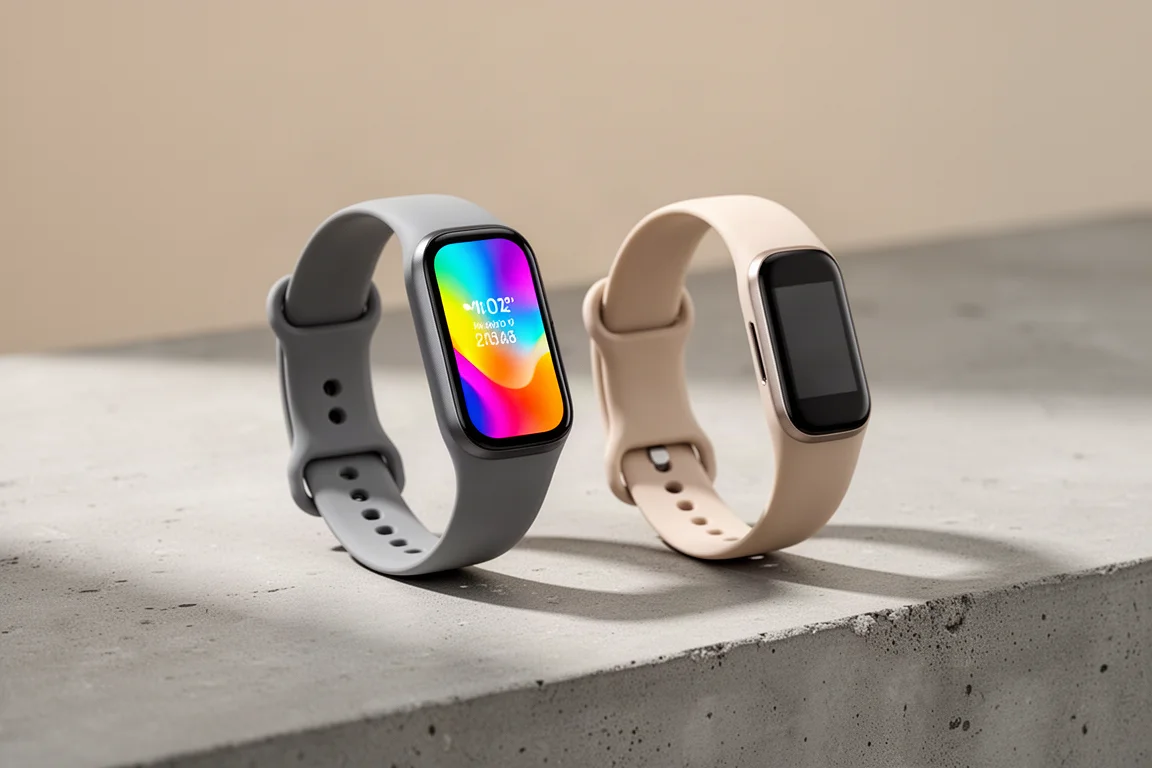
Fitness Trackers
Fitbit Charge 5 vs Garmin Vivosmart 5: Which $149 Fitness Band Should You Buy?
Two fitness bands at the same list price take very different approaches to displays, health data, and sports tracking. Here is how they compare in practice.