Fitness Wearables
Fitbit Air First Impressions: A Slim Screenless Band Checked Against Whoop, Polar and Amazfit
Hands-on impressions of the new Fitbit Air screenless band, its pebble design, and how it stacks up next to the Whoop band, Polar Loop Gen 2 and Amazfit Helio band.
Introduction
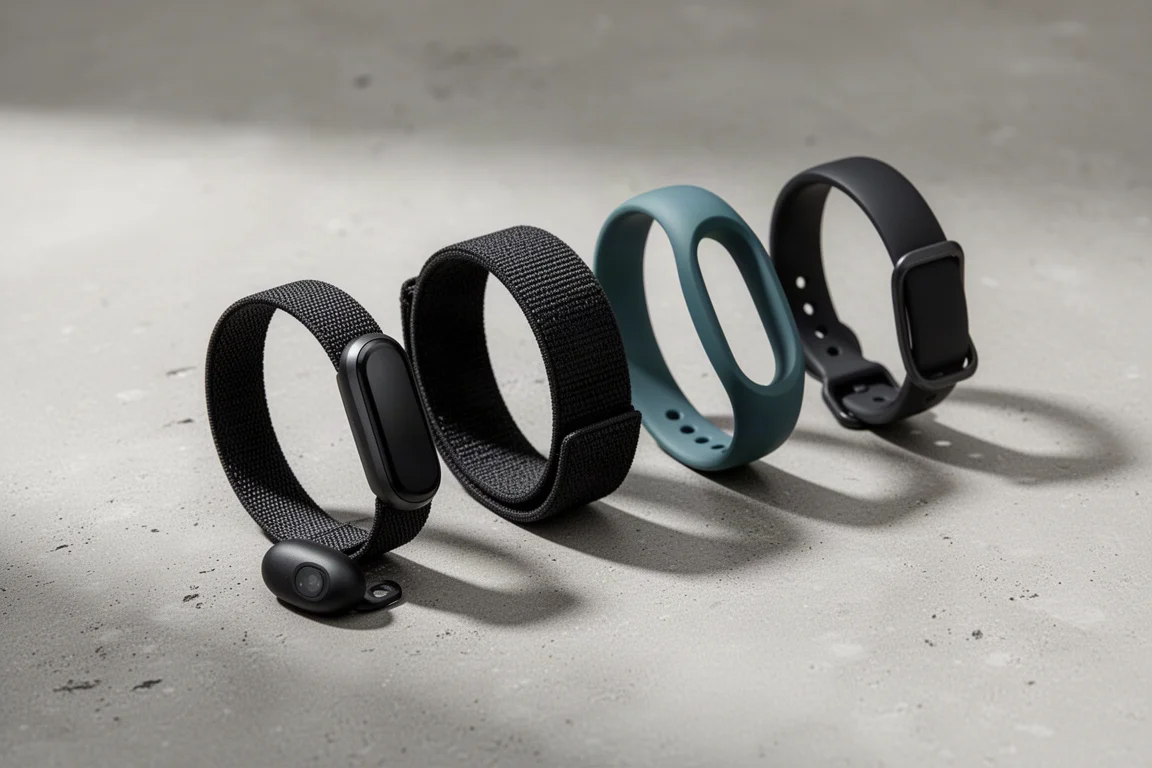
The Fitbit Air is the newest entry in the screenless band category, arriving alongside established options like the Whoop band, Polar Loop Gen 2 and Amazfit Helio band. With a new band and the rebranded Google Health app (formerly the Fitbit app) as its software home, the Air has plenty to prove. These are early hands-on impressions based on unboxing, a day and a half of wear, and a first look at the app experience.
Hands-On with the Fitbit Air Hardware
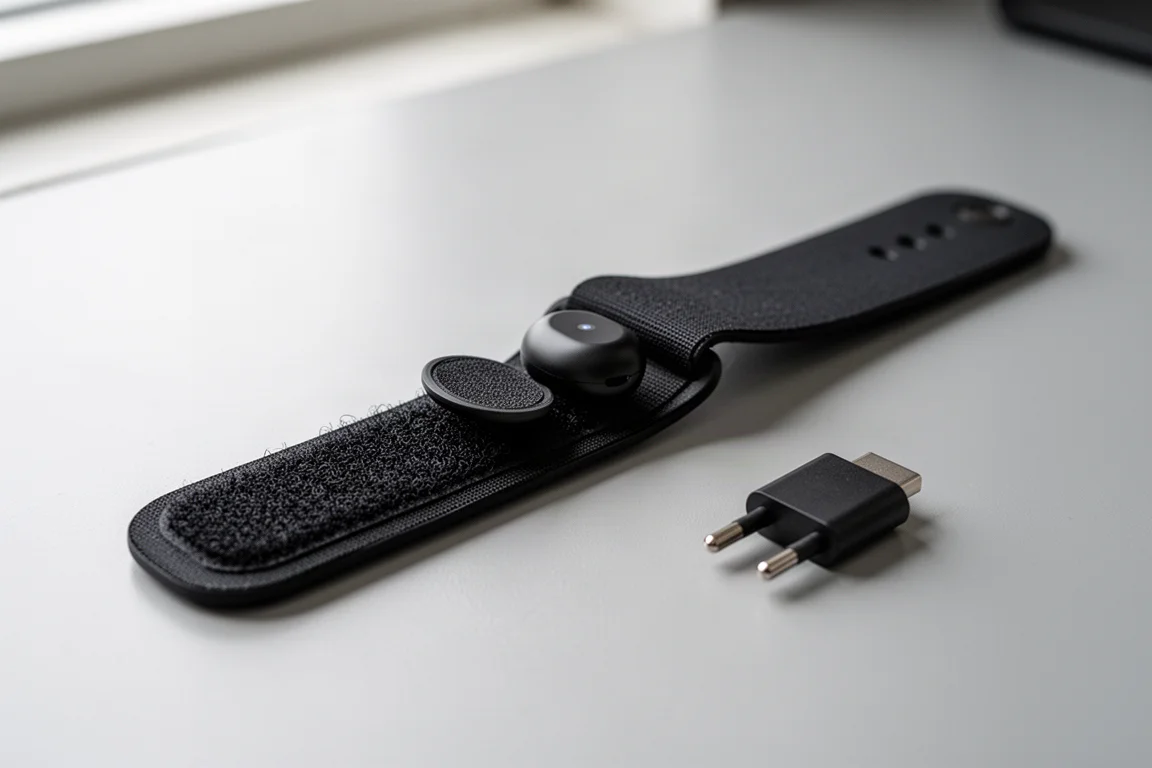
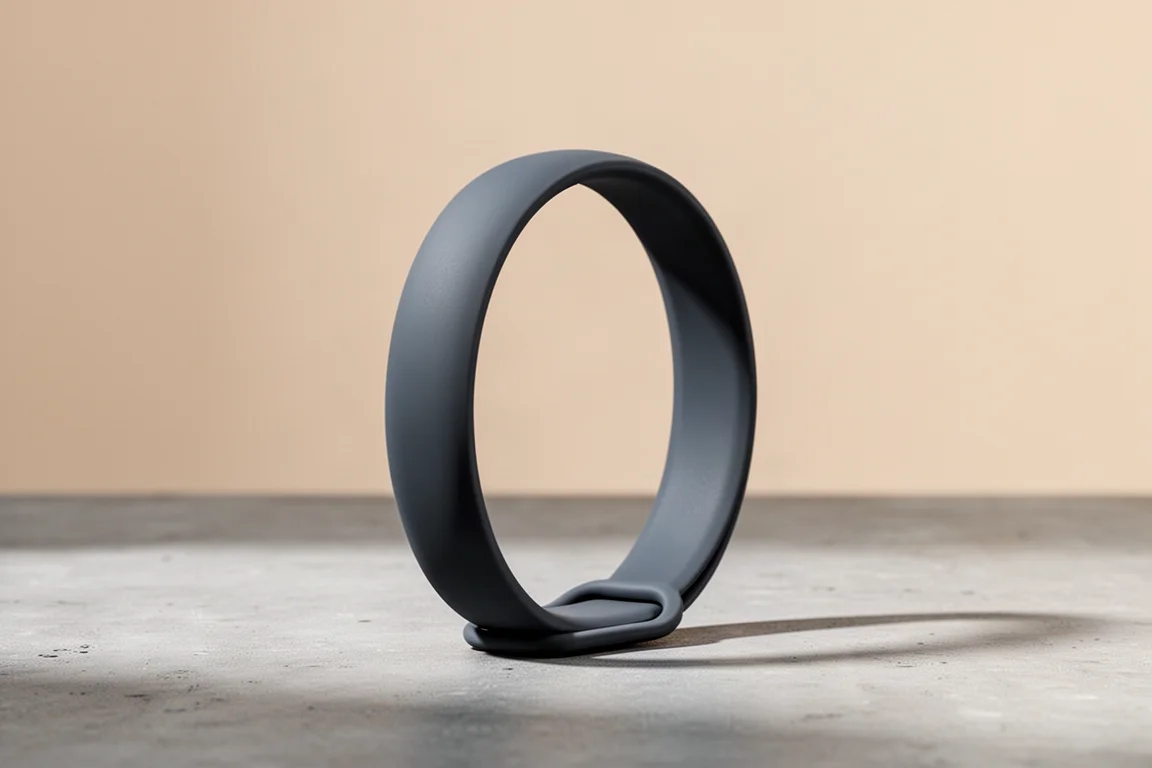
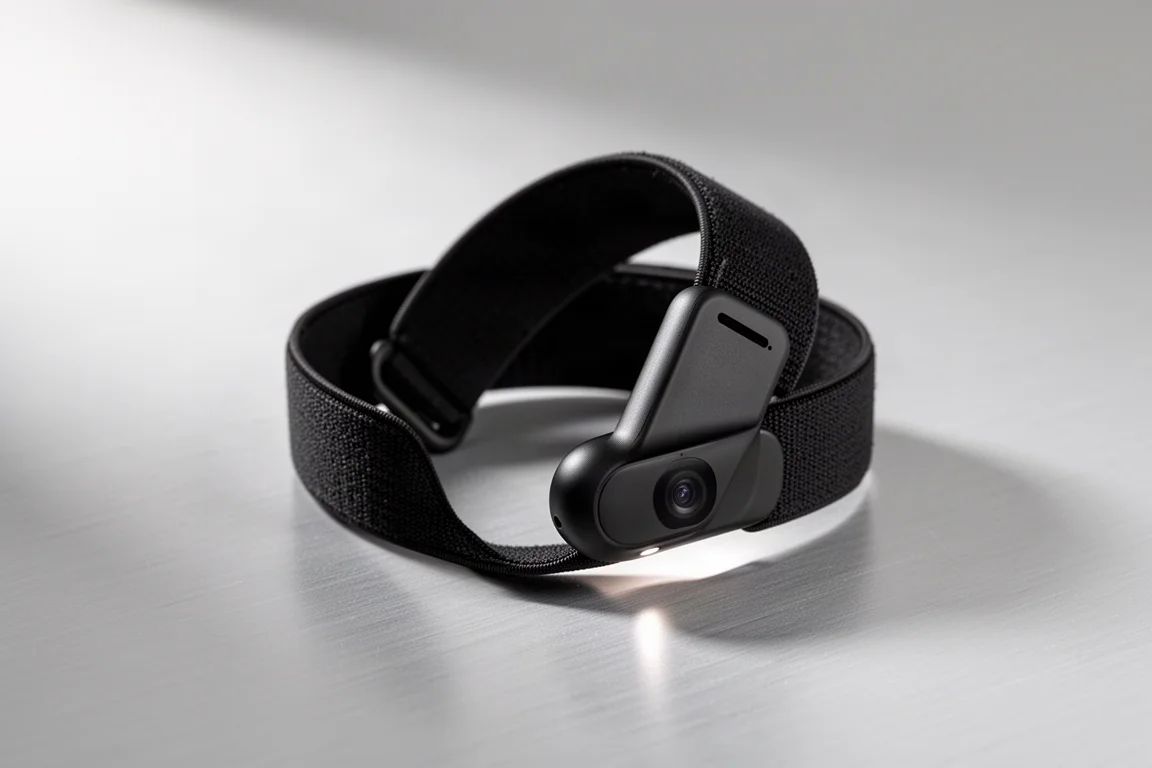
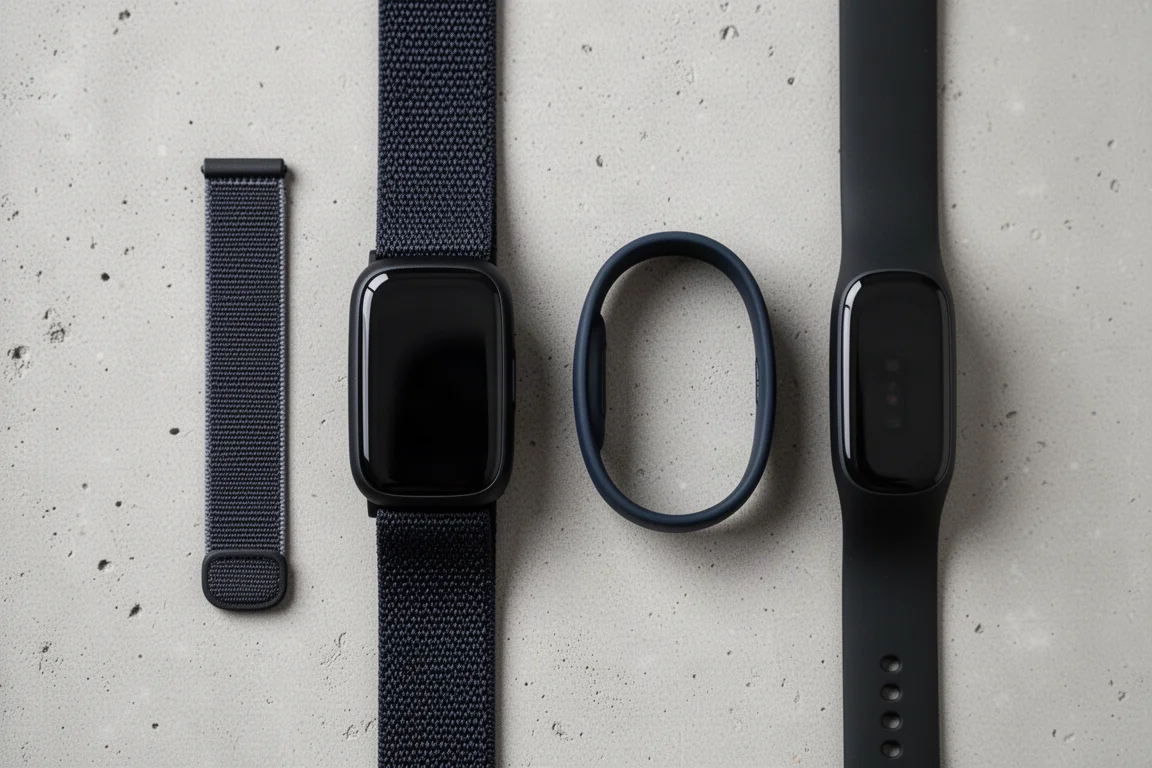
Out of the box, the Air is refreshingly simple: the band itself, plus a charging cable. Fitbit fans will notice yet another proprietary connector, a two-prong design that aligns with the sensor module inside the strap. That module, affectionately named the “pebble” in a nod to Fitbit’s acquisition of the Pebble smartwatch brand, pops out of the band so it can be swapped into other strap options. The pebble design also means third-party makers can iterate quickly on alternative bands, which matters for anyone wanting more choice than Fitbit itself offers at launch.
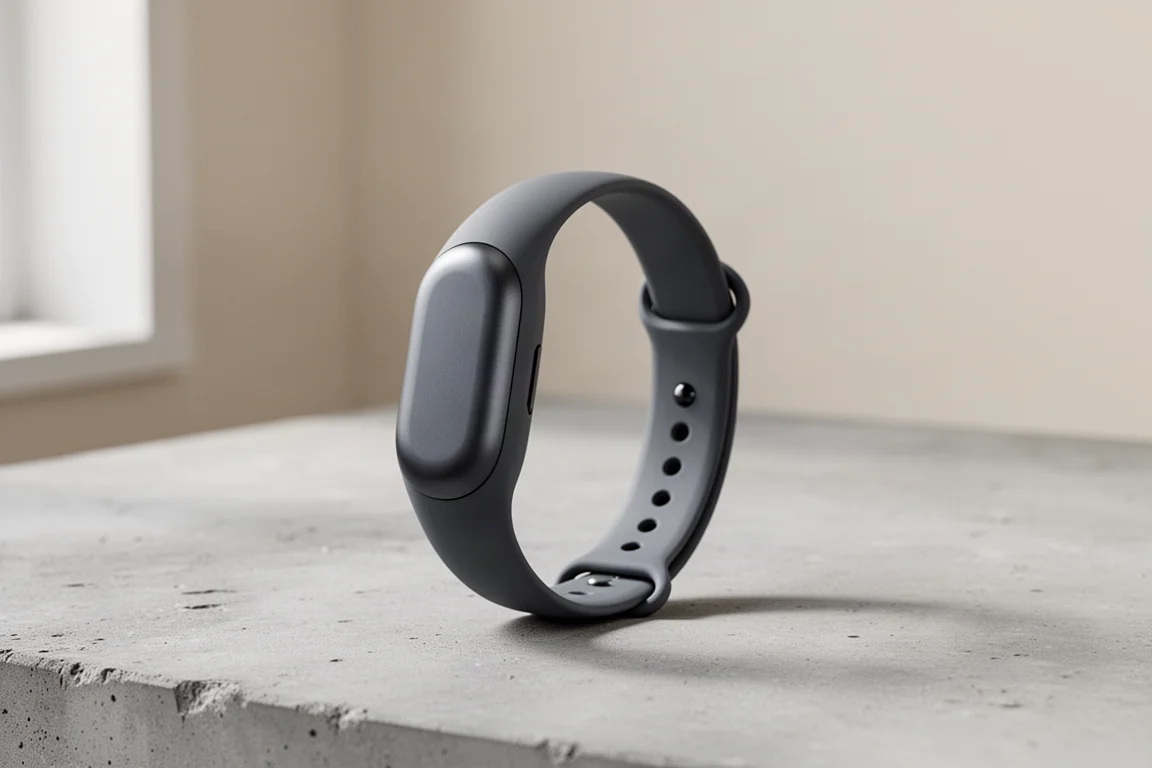
The strap fastens with Velcro, so it adjusts across a wide range of wrist sizes, from large wrists down to much smaller ones. The band sits very low on the wrist and covers the pebble cleanly across the top. Fitbit claims 7 days of battery life, which we will verify in a longer test, though Fitbit’s battery claims have historically been reliable.
How It Compares on Size and Weight
Side by side on the desk, the differences between these bands become obvious. The Fitbit Air is roughly half the width of the Whoop band, and while the Whoop’s width is not a problem functionally, the Air is clearly the more fashion-friendly option. The Polar Loop Gen 2 and Amazfit Helio band round out the field, both long-term wear staples in this screenless segment.
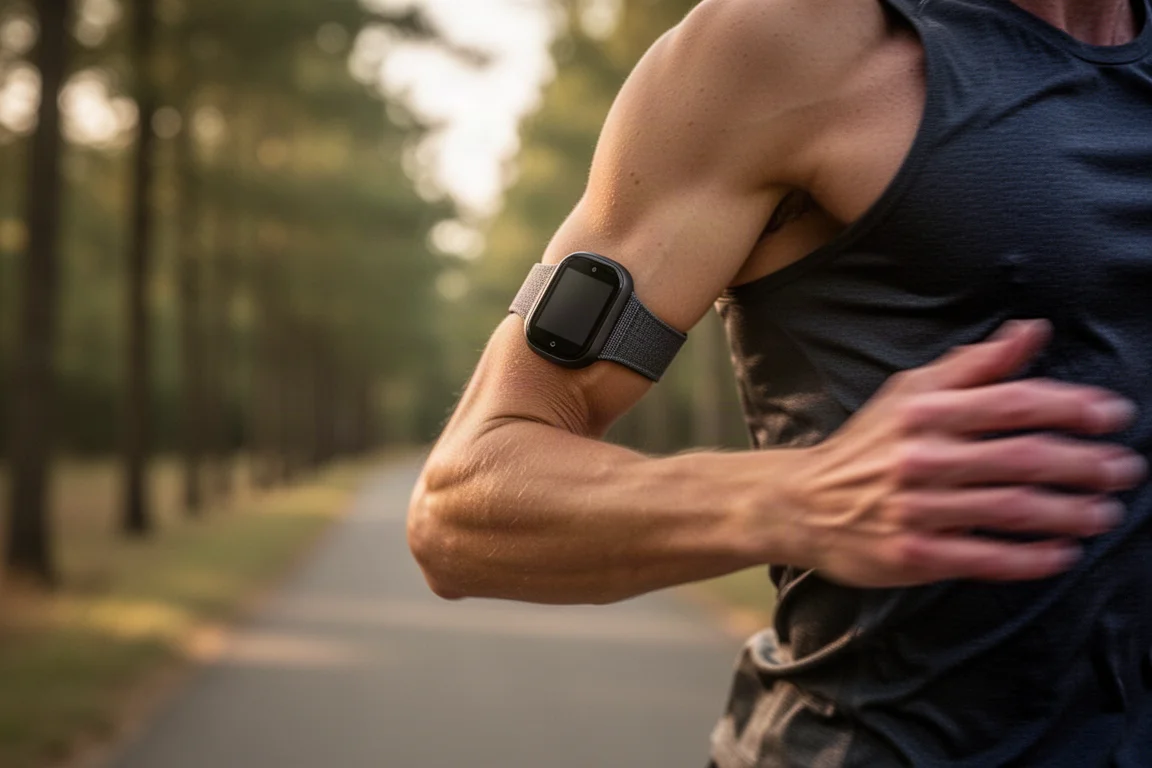
One current gap: there is no dedicated bicep strap for the Air yet, which matters because upper-arm placement is a popular option for this category. Given how easily the pebble pops out, third-party straps seem likely to appear quickly.
Fitbit Air vs Whoop Band
The Whoop band is the most established rival here, and it shows in one key area: automatic exercise detection. Whoop’s activity recognition covers a very long list of exercise types, while Fitbit’s detection list is far more limited today. In early wear, a run was detected within a minute, but a bike commute started several minutes late, likely confused by a long downhill and flat stretch on an e-bike. Every other band worn at the same time caught the ride start correctly.
Whoop also has longevity on its side, with years of refinements behind it. The Air counters with a slimmer, more discreet form factor and deeper integration with Google’s health ecosystem, which will be the deciding factor for many buyers.
Fitbit Air vs Polar Loop Gen 2
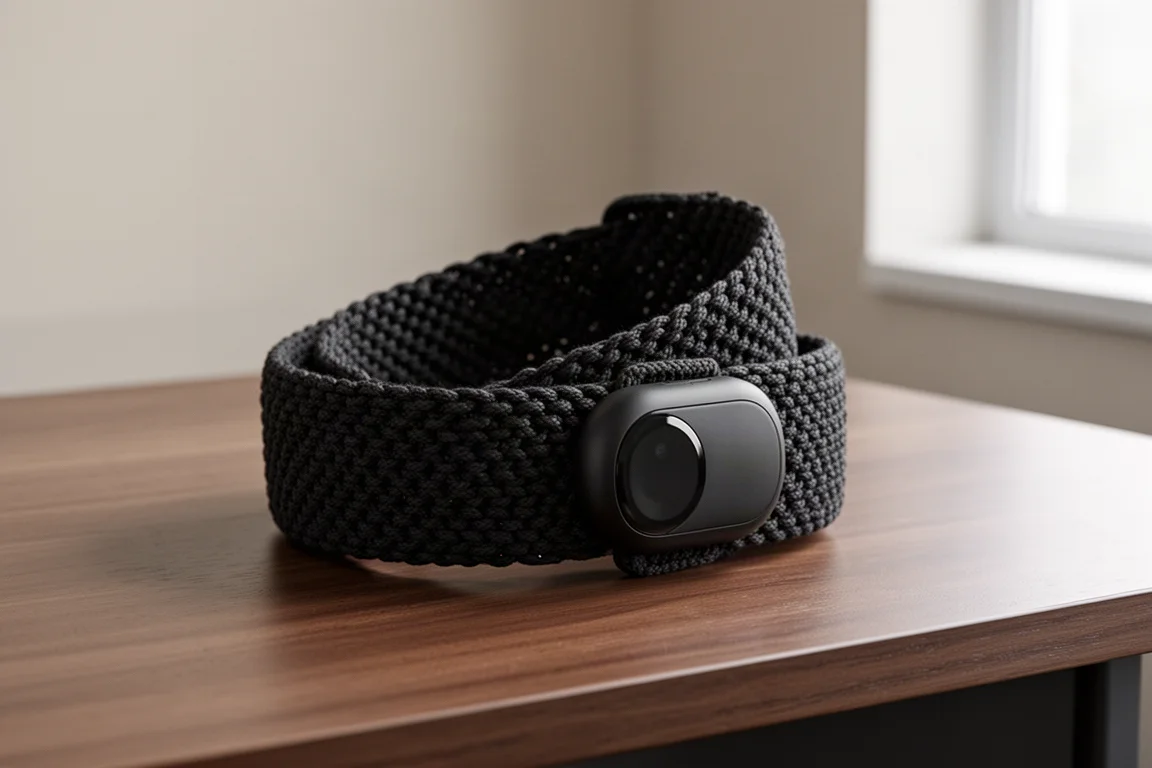
The Polar Loop Gen 2 has been a near-daily wear for close to a year in this comparison, and its strengths are consistency and simplicity. Where the Air leans on Google’s app and coaching ambitions, the Loop stays closer to Polar’s traditional training-first approach.
Fitbit Air vs Amazfit Helio Band
The Amazfit Helio band, worn for about a year in this comparison, sits in a similar screenless space and has proven itself as a dependable daily tracker. It is generally the more budget-conscious route of the three rivals, while the Air positions itself as the more polished hardware and software package.
The Google Health App Experience
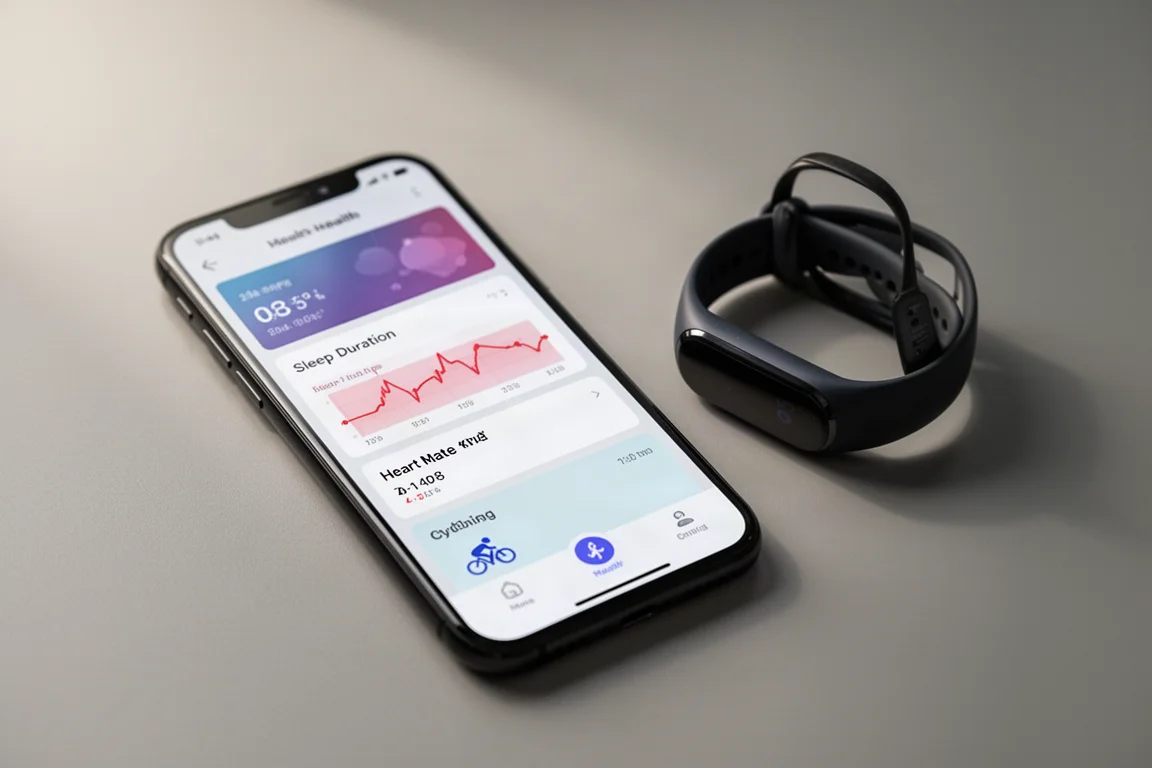
The new Google Health app is nearly identical to the Fitbit preview app many existing users have tried, with minor differences. The top of the Today view is customizable but only lightly so, and the biggest early complaint is that key metrics like HRV status are missing from the list of things you can pin there. Below that sits a chronological feed of your day, which surfaces everything from an evening summary to playful, oddly personal notes. In one memorable example, it correctly recalled a late-night snack habit from an onboarding answer given months earlier. Google, it turns out, never forgets.
Sleep data is presented with duration, resting heart rate trend and HRV shown against personalized green zones, with taps opening full sleep phases, stages and benchmarks. The Health tab consolidates resting heart rate, cardio load, blood oxygenation, active zone minutes and estimated VO2 max, while the Fitness tab holds goals, structured workouts and a manual workout starter with live heart rate.
Automatic exercise recognition remains the app’s biggest work-in-progress. The run detection was excellent, but the ride detection lagged, and weather context from the app did not match local conditions. These are the rough edges Google will need to polish, especially for a band with no screen of its own.
Buying Advice
Screenless bands live or die by four things: hardware comfort and battery life, the accuracy of the underlying heart rate and sleep data, automatic exercise recognition, and the quality of the app. On hardware, the Fitbit Air makes a strong first impression with an unusually slim design and a swap-friendly pebble system. On app, the Google Health experience is polished and personal but still light on customization.
If automatic exercise detection across many activity types is your priority, the Whoop band currently holds the clear lead. If you want a simpler, more traditional training companion, the Polar Loop Gen 2 remains a solid choice. If budget matters most, the Amazfit Helio band offers the most affordable entry into the category.
Conclusion
The Fitbit Air is a genuinely appealing piece of hardware in a category that has long been dominated by bulkier rivals. Its slim design, swap-out pebble and the new Google Health app give it a distinct identity. The gaps, limited activity detection and light app customization, are real but fixable, and Google seems aware of both. For buyers who value a discreet, comfortable band inside Google’s ecosystem, the Air is worth serious consideration, with a deeper look at accuracy and battery life still to come.
Further reading
Related Reviews
Fitness Wearables
COROS EvoLab VO2 Max Review: How Close Is the Estimate to a Lab Test?
COROS EvoLab estimated a VO2 Max of 61 against a lab result of 63.5. Here is what the estimate gets right, where its limits sit, and who should trust it.
Fitness Wearables
Coros HR Monitor Review: A Simple Optical Armband That Mostly Delivers
The Coros Heart Rate Monitor broadcasts accurate heart rate over Bluetooth with a comfortable strap and solid battery life, but a few steady-state wobbles and missing features give some pause.
Fitness Wearables
Garmin Circa vs Whoop, Fitbit, Amazfit and Polar: Which Wearable Gets the Data Right?
We compare eight wearables across workout heart rate, automatic activity detection, sleep, steps and calories to see where each one earns its place on your wrist or bicep.