Fitness Trackers
Fitbit Ace Review: A $99 Screenless Tracker With No Subscription Required
Fitbit's new Ace is a screenless wearable aimed squarely at Whoop-style bands, with seven-day battery life, automatic workout detection, and a revamped Google Health app.
Introduction
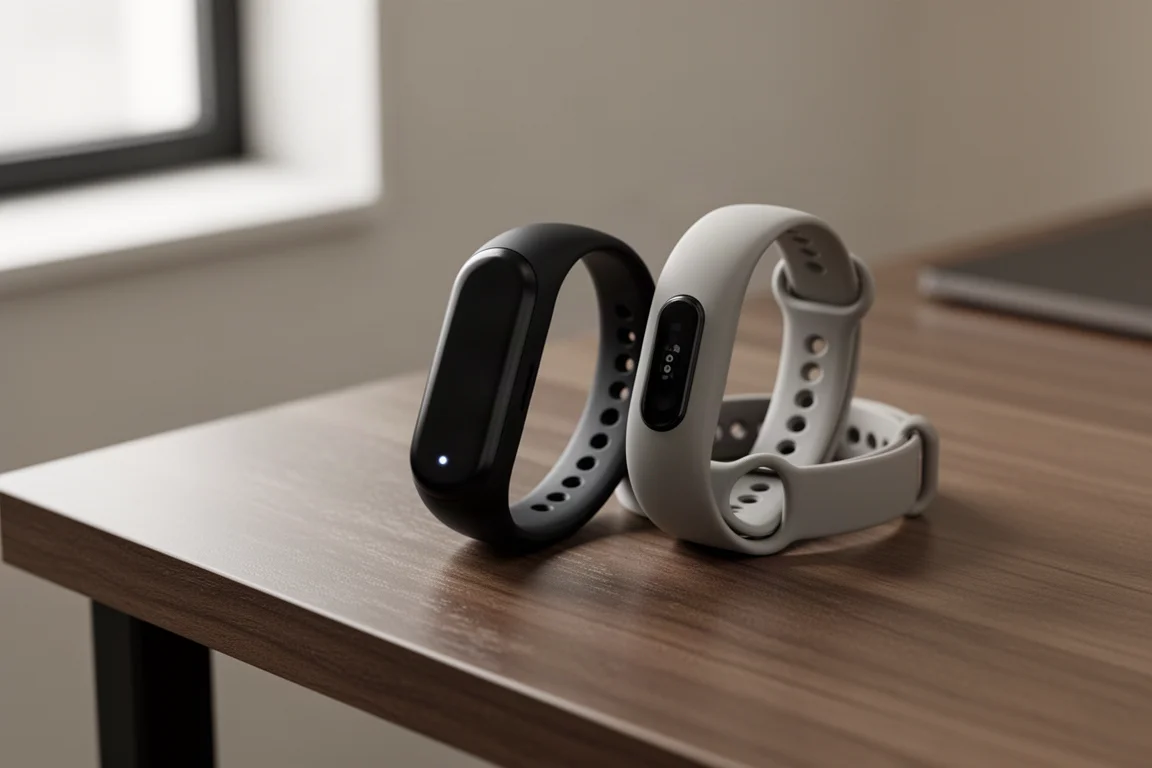
Fitbit has announced a new kind of Ace. Priced at $99 with no subscription required, it is a screenless wearable that puts Google directly into territory long dominated by Whoop-style bands. It is essentially the guts of a Fitbit Charge 6 wrapped in a minimal band, paired with a heavily AI-driven app. Here is what the hardware, software, and platform picture look like at launch.
Hardware: A Charge 6 Without the Screen
The Ace is a screenless band, so there is nothing to tap or read on your wrist. Instead, it tracks activity, steps, sleep, and workouts, then syncs everything to your phone. The most useful way to picture it is a Fitbit Charge 6 with the screen removed, leaving just the internal pod. That pod pops out of the band, and Google offers three band styles: Active, Elevated, and Performance bands, each in several colors, with extra bands available separately.
One gap at launch is the lack of a bicep band option. Google has hinted it may arrive later, and given how quickly third-party band options tend to flood the market, that limitation seems unlikely to last long. If you prefer a different strap than the three official styles, patience will probably pay off.
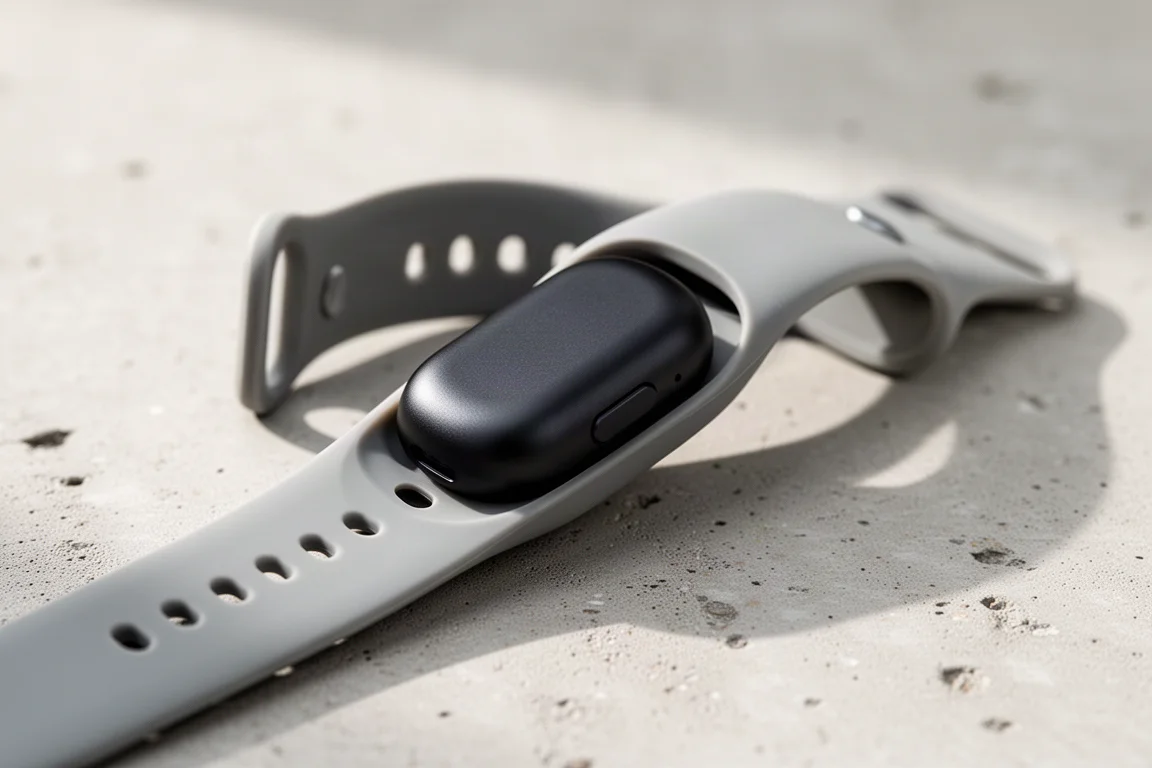
The sensor package is impressive for the price. You get an optical heart rate sensor similar to the Charge 6, skin temperature measurement, blood oxygenation, and FDA-approved background AFib detection. There is no manual ECG mode, but background AFib detection is what most people actually want anyway. A vibration motor handles regular alarms, smart wake alarms with a wake-up window, and low battery alerts, while a small LED signals battery status and pairing.
On the connectivity side, the Ace uses Bluetooth to sync with your phone and supports connected GPS, since no screenless band carries its own GPS receiver. Your phone provides the GPS track, and the band merges in its heart rate data, with results syncable to platforms like Strava. The band stores seven days of activity data or one full day of workout data without syncing, so you do not need your phone on you at all times. It is water resistant to 50 meters and weighs just 5.2 grams without a band, or 12 grams with one.
Battery Life and Compatibility
Google claims seven days of battery life, plus a quick-charge feature that delivers a full day of use in just five minutes. Fitbit historically tends to be conservative with its battery claims, so if anything, the real-world figure may land at or above the stated number. Long-term battery testing will be one of the key things to watch as fuller reviews arrive.
The Ace is fully compatible with Android and iOS, and Google says the two apps have complete parity, which is welcome news for iPhone owners.
Software: The Google Health App
The app is the most important part of any screenless device, and this is where the story gets interesting. The Fitbit Premium app has been renamed the Google Health app, following a major revamp over the past several months. At the top of the home screen you get your weekly cardio load, steps for today, a readiness score, and last night’s sleep, with a stream of written insights underneath.
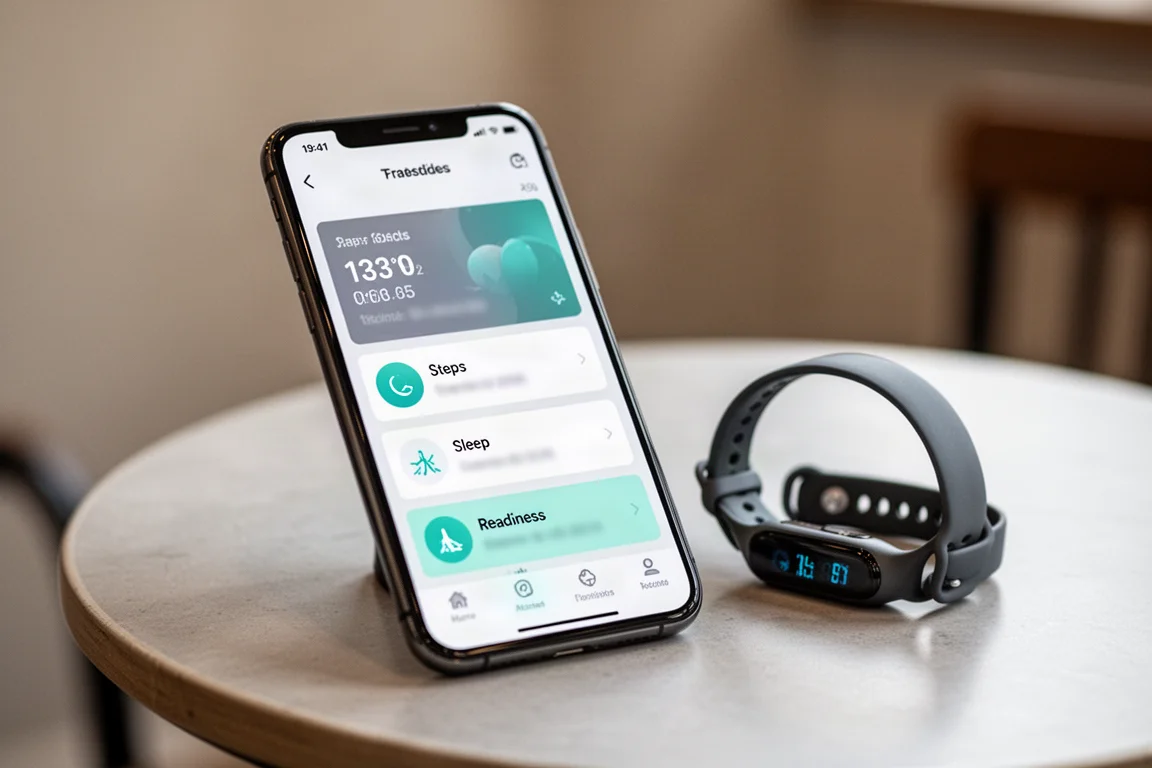
That stream of words is the defining characteristic of the new app. Google leans heavily on AI, and it is genuinely the strongest implementation in the fitness space at turning raw data into meaningful insights. The trade-off is that it is very talkative, and some users will find that style over the top. The home screen is also surprisingly rigid: you can only customize a small set of metrics and cannot add more. A middle ground between data density and AI chatter would make the app stronger.
The data foundation underneath is notably open. The app can pull in data from Apple HealthKit and from Google Connect on Android, and new web-based Google Health APIs are replacing the old Fitbit APIs used by platforms like Peloton. In practice, this positions the app as a data hub for all of your devices, and you can even wear the Ace alongside a Pixel Watch and have the sources combined.
Automatic Exercise Tracking
Automatic exercise detection is here, which matters enormously in this category. Start running and the Ace recognizes it, tracks it, and labels it as a run. This is a strength Whoop and Amazfit share, and where Polar’s Loop falls short, labeling everything as a generic activity without identifying the sport.
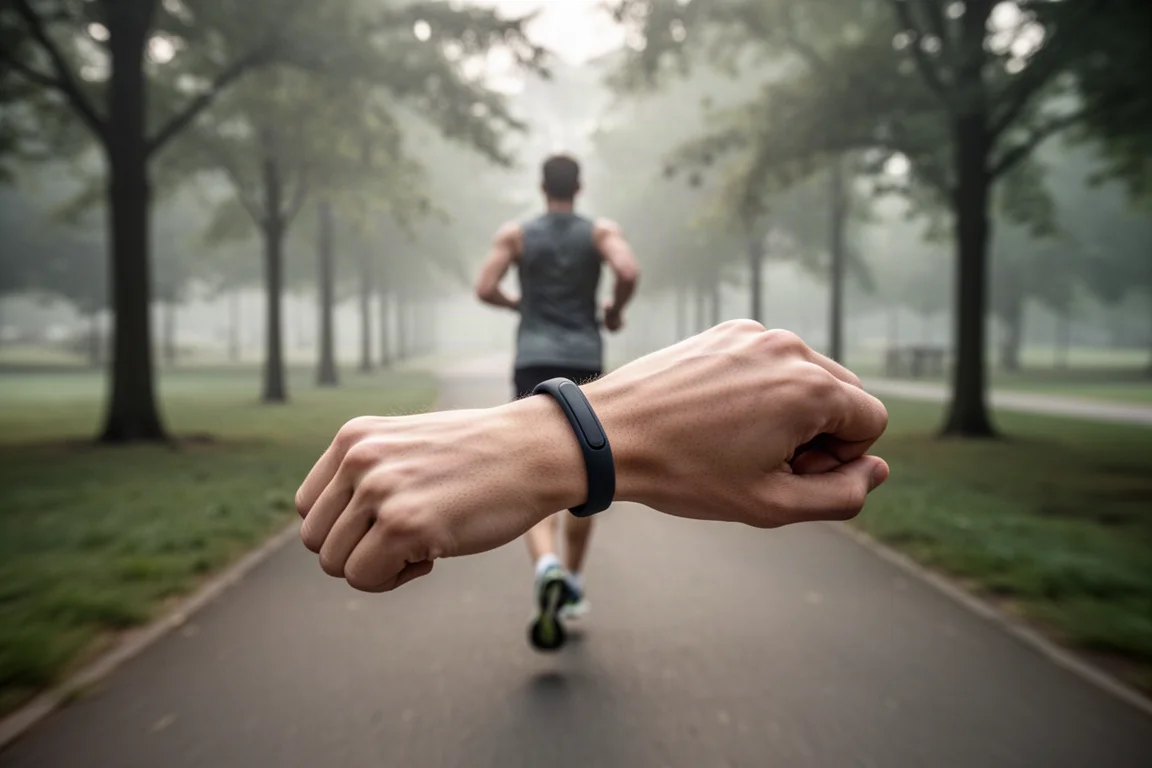
Fitbit’s list of recognized activities is small compared with Whoop’s, which distinguishes between mountain, road, and indoor cycling plus a long tail of other sports. Google’s mitigation is adaptive learning: if you rename your Saturday outdoor ride as a mountain bike ride, the system learns over time and starts labeling it correctly on its own. It would be better to get that classification right up front, but the learning approach should soften the gap for many users.
Readiness, Cardio Load, and Coaching
The Ace delivers cardio load, a training-load measure visible after each workout, along with a daily readiness score. Readiness used to require a Fitbit Premium subscription, but it has been free for all users for the last couple of years. Heart rate variability gets its own view with a personal green range that builds as the band learns your baseline over time.
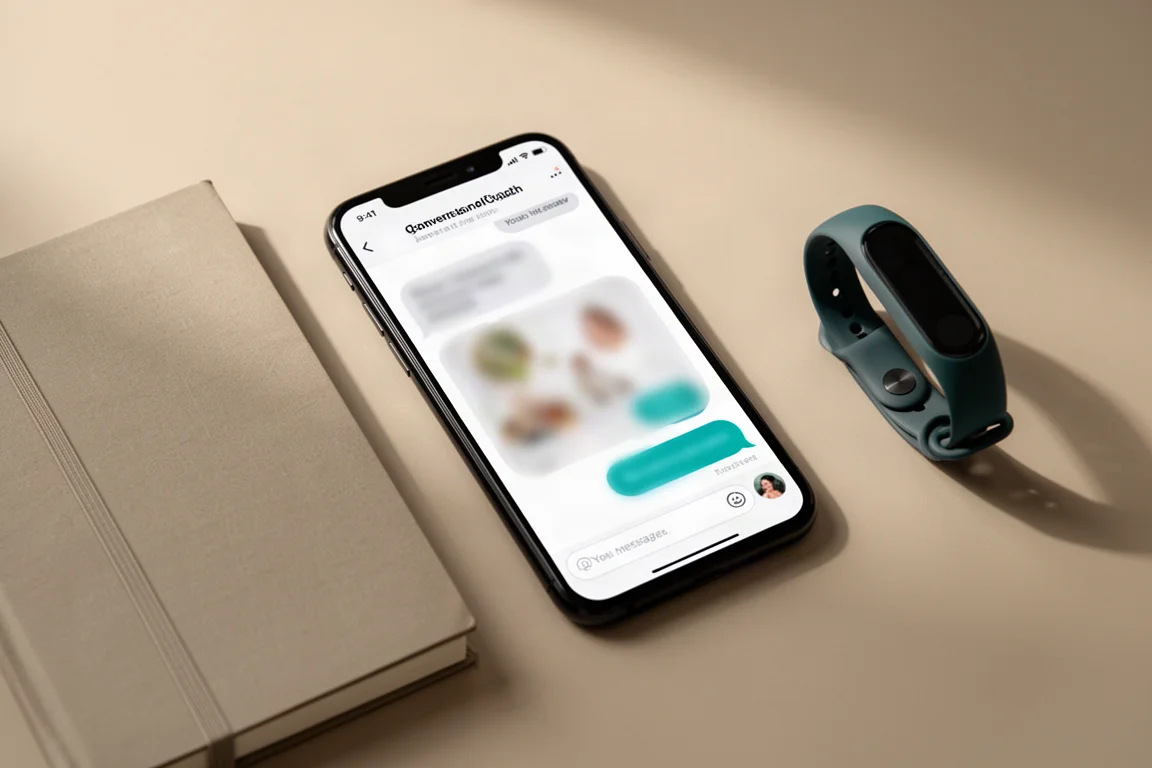
The coaching layer is where Premium earns its keep. The app generates a weekly plan of workout suggestions based on your goals, and it adapts like a coach would: after a stale goal of a 35K trail run kept coming up, the suggestions progressively scaled down to 15K. You can also converse with the coach directly, for example asking it to convert your plan into a marathon plan for September, confirm the changes, and have the plan update. That conversational quality is well beyond anything else in the fitness space right now.
Things to Consider Before Buying
The core hardware and basic app experience come with no subscription, which is the Ace’s most aggressive feature at $99. However, the advanced, talkative features shown in the premium experience do require Fitbit Premium, with the first three months free. A rough rule of thumb: if it talks, it is probably a Premium feature; if you want to ask the AI questions, that is Premium too.
Three questions will determine whether the Ace succeeds: how accurate the automatic workout recognition is, whether the battery hits the claimed seven days, and whether sensor accuracy stays in the same realm as the Fitbit Charge 6 or Pixel Watch 4. If it lands there, this is an easy recommendation at the price.
Buying Advice
At $99 with no mandatory subscription, the Fitbit Ace undercuts its screenless rivals on cost of ownership while offering a genuinely modern, AI-first app, strong sensor coverage including background AFib detection, and broad platform compatibility. The main cautions are the small list of auto-tracked sports, the lock-in of advanced features behind Premium, and the fact that real-world accuracy and battery testing are still pending. If you want a Whoop-style band without the subscription, this is the one to watch.
Conclusion
The Fitbit Ace brings a compelling formula to the screenless band market: Charge 6-grade hardware, a renamed and revamped Google Health app with best-in-class AI insights, and a $99 price with no required subscription. Its success will rest on accuracy and battery life, but on paper, it is the strongest value proposition in the category right now.
Product link
View more details for Fitbit Ace
This product is mentioned in the review. Check the specifications, options, and compatibility before buying.
View more details for Fitbit AceFurther reading
Related Reviews
Fitness Trackers
Amazfit Helio Band Review: A $99 Screenless Fitness Band That Isn't a Whoop Killer (And Doesn't Need to Be)
The Helio Band delivers impressive hardware and accurate heart rate tracking for $99 with no subscription, but its software keeps it from truly competing with Whoop.
Fitness Trackers
Fitbit Air Review: A $99 Screenless Band That Challenges Whoop
After weeks of testing across running, cycling, swimming, and everyday wear, the Fitbit Air proves to be impressive hardware with a few software growing pains.
Fitness Trackers
Fitbit Charge 5 vs Garmin Vivosmart 5: Which $149 Fitness Band Should You Buy?
Two fitness bands at the same list price take very different approaches to displays, health data, and sports tracking. Here is how they compare in practice.