MIDI Controllers
Expressive E Osmose CE Review: A Premium MPE MIDI Controller
The Osmose CE brings Expressive E's expressive MPE keys to a dedicated MIDI controller with DAW controls and bundled software.
Introduction
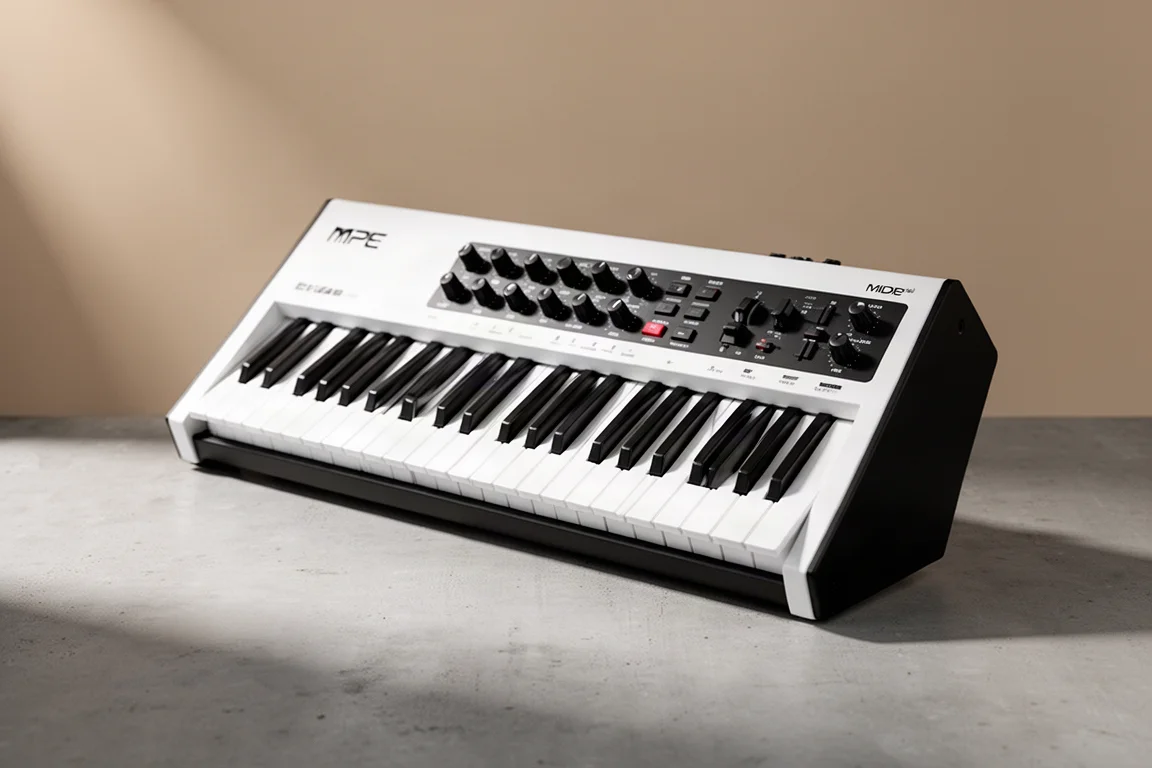
Expressive E has answered the call of keyboardists everywhere with the Osmose CE, a dedicated MIDI controller version of their acclaimed Osmose synthesizer. The original Osmose, released three years ago, captured attention with its expressive keys that allow for playing techniques far beyond a traditional keyboard. While the original was a full synthesizer with built-in sounds, many players asked for a version that could control software instruments and DAWs directly. The Osmose CE delivers exactly that, at a more accessible price point.
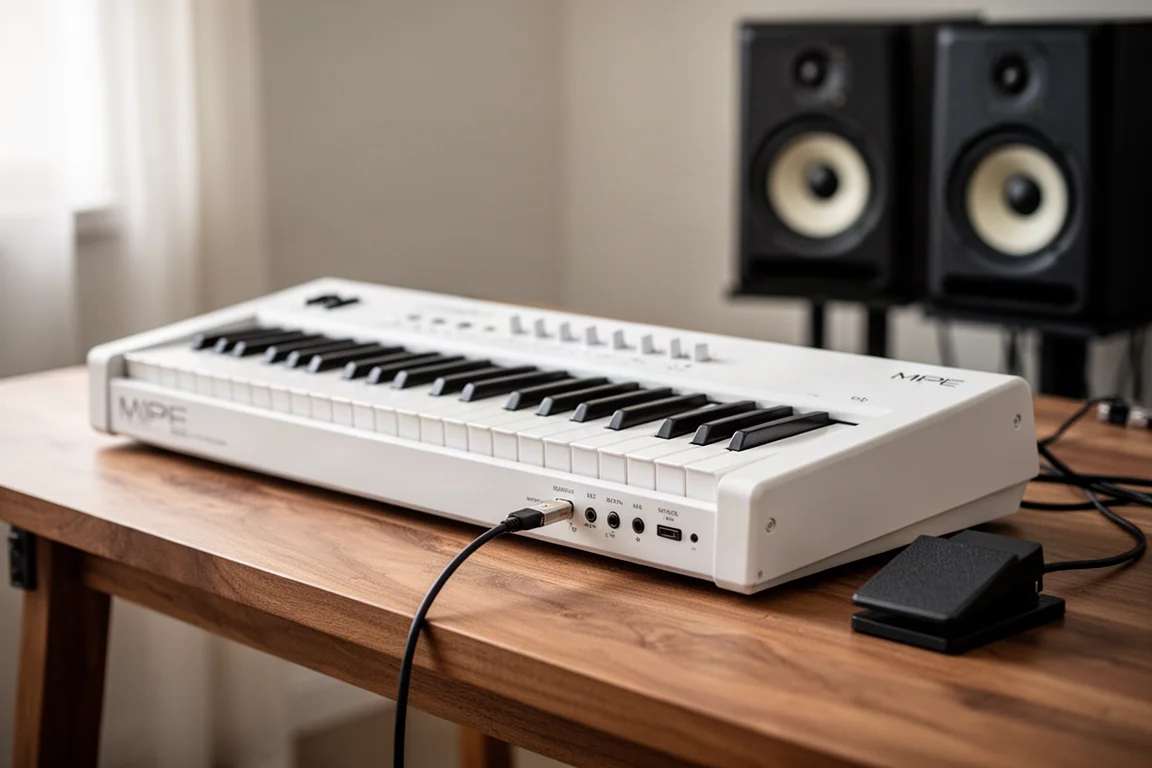
This controller edition keeps the same magical keys while adding dedicated DAW controls like play, stop, record, and quantize buttons that the original lacked. It is designed for musicians who want expressive control over their virtual instruments and a hands-on approach to their recording workflow. With a striking white finish and premium build quality, the Osmose CE is a controller that demands to be seen.
Who This Product Is For
The Osmose CE is for keyboardists and producers who want to bring a new level of expression to their software-based music production. If you have ever felt limited by the static nature of traditional MIDI keyboards, the Osmose CE offers a way to play virtual instruments with the nuance of a live performance. It is also for those who want a single controller that can handle both expressive playing and everyday DAW navigation.
This controller suits musicians who work primarily in a computer-based studio and want to move away from programming filter sweeps and vibrato with a mouse. Instead, you can play those gestures naturally. It is also a strong choice for those who appreciate the MPE (MIDI Polyphonic Expression) format and want a keyboard that captures every subtle movement of their fingers.
The Keys: A New Level of Expression
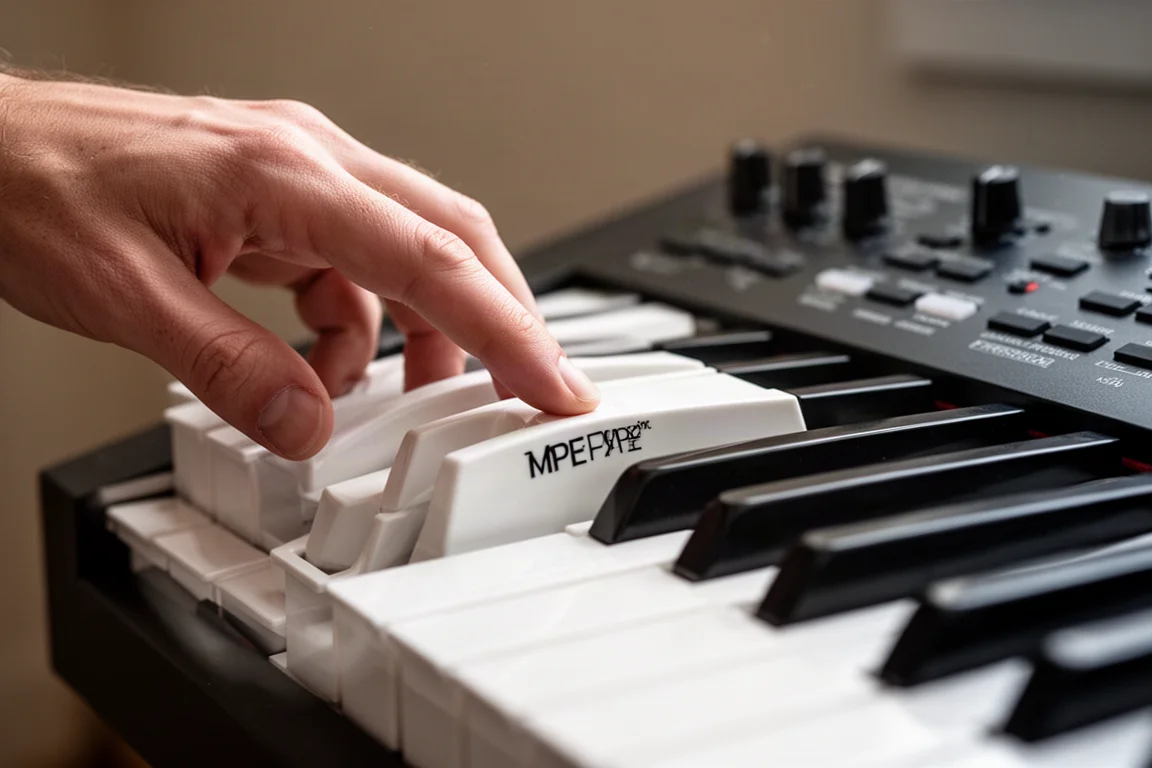
The heart of the Osmose CE is its keybed. These keys are unlike anything on a standard MIDI controller. The first thing you notice is the depth: you can press the keys down much further than usual, and that travel translates directly into sound control. It is like aftertouch on steroids, and it works polyphonically, meaning each note can have its own independent pressure and expression.
Beyond pressing down, you can also control the sound by how you strike the keys. A harder tap produces a different response than a gentle touch. You can wiggle the keys side to side for vibrato, strum them for a guitar-like effect, or apply custom portamento without any programming. Even the way you lift your finger off the key impacts the sound. All of this translates into performances that capture the natural nuances of your playing.
For keyboardists, this is a genuinely new experience. It may take some time to get used to, but once you do, the expressive possibilities are remarkable. You can play a cello virtual instrument and produce a natural vibrato simply by moving your finger, rather than automating a parameter. The Osmose CE also allows you to adjust the sensitivity and flexibility of the keys through its on-screen menu, so you can tailor the feel to your playing style.
DAW Integration and Controls
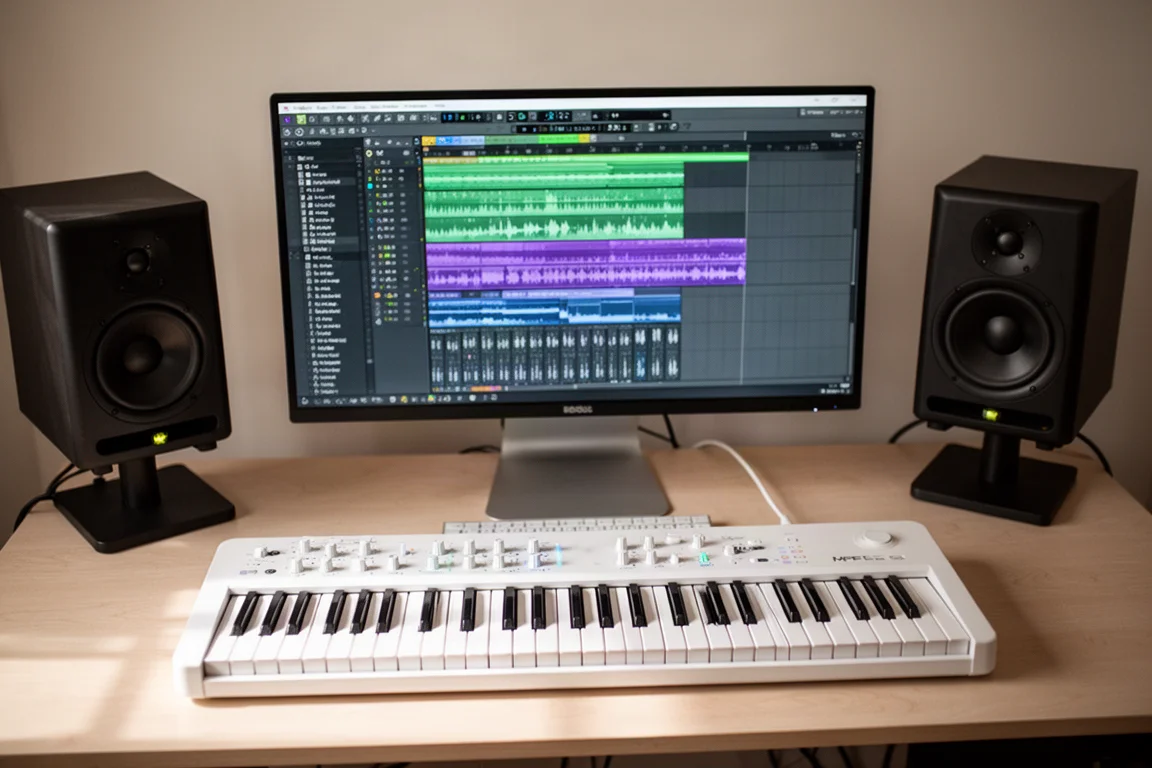
The Osmose CE is designed to integrate deeply with your digital audio workstation. It works well with Bitwig, Cubase, Ableton Live, and Logic. The mode button lets you switch between settings and DAW controls, giving you access to transport functions like play, stop, record, and metronome directly from the keyboard.
The top left knob controls the play head, and pressing it activates loop mode. The bottom left knob navigates your tracks, and pressing it loads a plugin. You also have dedicated controls for volume, pan, and sends, plus mute and solo buttons. The shift button unlocks additional functions like adding markers, jumping to markers, and transposing. You can also use it for undo, redo, quantize, and tap tempo.
In Ableton Live, you can launch clips and scenes and use the knobs to control macro parameters on devices. The screen, which is 4.3 inches and full color, provides a clear interface for navigating menus and presets. The volume button at the top is cleverly mapped to the main output volume of your DAW, not the keyboard itself, which is a thoughtful touch for studio use.
Playing Virtual Instruments
Since the Osmose CE has no built-in sounds, it relies on virtual instruments running on your computer. It sends standard MIDI to any plugin, so you can play it just like any other controller. But its real strength lies in MPE, which captures all your expressive gestures and translates them into richer performances.
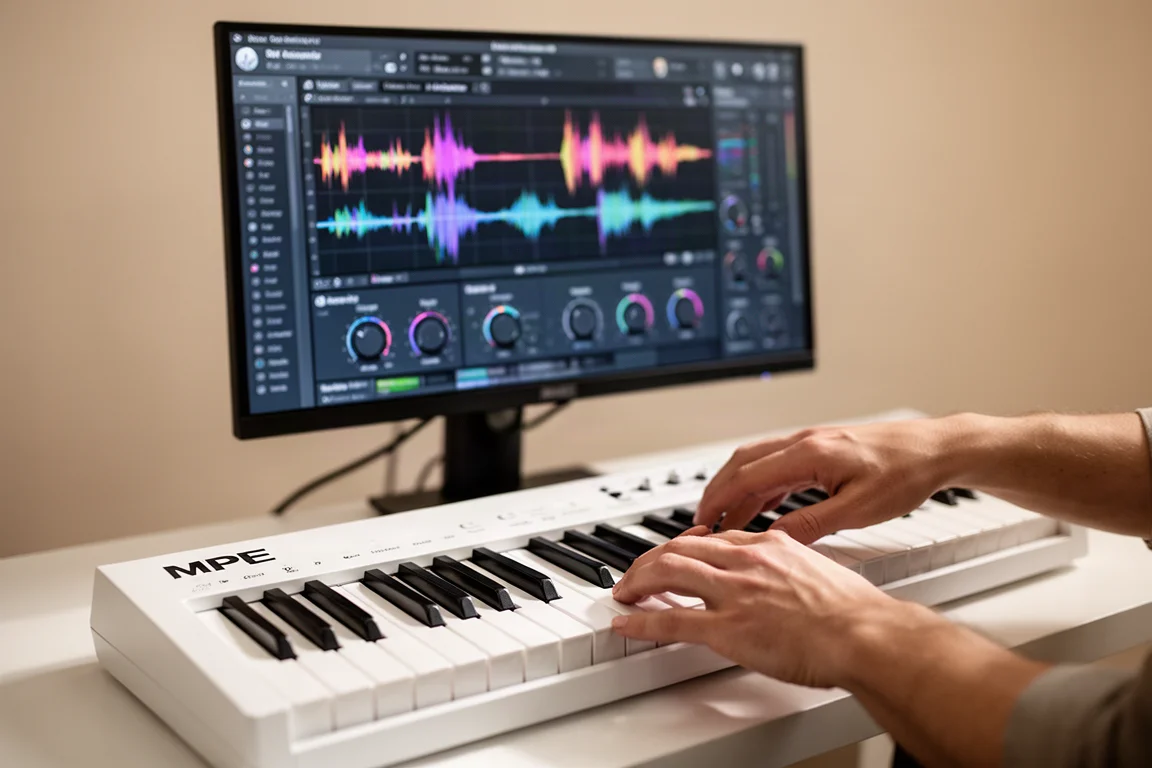
To get you started, Expressive E includes a new software instrument called Control E. It comes with the Osmose CE and includes over 900 presets. You simply load the Control E plugin in your DAW, choose a preset, and start playing. The plugin also provides on-screen controls for favorites, macro controls, sensitivity, arpeggiators, and press glide.
Control E also features presets created by other plugin companies, such as Phase Plant from Kilohearts and the CV3 by Applied Acoustics. This suggests that more preset packs may be released in the future, expanding the sonic possibilities. You can control the Control E plugin directly from the Osmose CE, filtering by plugin, type, or sound characteristics, and scrolling through presets with the knobs.
The Osmose CE also works well with other plugins. In Ableton Live, MPE-compatible instruments like Drift work right away. In Omnisphere, you can map parameters like aftertouch to control things like filter cutoff, using the deep travel of the keys for expressive control.
Build Quality and Design
The Osmose CE is a gorgeous MIDI controller. The white finish is striking, and the contrast between the black and white elements looks premium from every angle. It is the kind of keyboard that wants to be shown off rather than hidden in a drawer. The build quality feels solid and durable, with no concerns even with the unusual key mechanism.
On the back, you will find a power switch, two pedal ports, a USB-C port for connecting to your computer and powering the device, and another USB-C port for external MIDI. There are also MIDI in and out ports for traditional connections. The included arpeggiator is extensive, with a variety of presets and the ability to save your own. You can even control the octave range of the arpeggiator by how deeply you press the keys, a feature unique to this expressive keybed.
Things to Consider Before Buying
While the Osmose CE is impressive, there are a few things to keep in mind. The screen, while nice and full color, could be used more effectively. It would be helpful to see live feedback from track volumes or more interesting visual feedback from the Control E plugin, which currently looks a bit plain.
Accessing the arpeggiator requires some menu diving, as there is no dedicated button. There are also no scale or chord features that you might find on other MIDI keyboards, and no drum pads. This controller is designed to showcase the keys, so if you need pads, you will need a separate device.
The expressive keys also have a learning curve. If you are a pianist, you might find yourself defaulting to a hammer action keyboard for everyday playing. The Osmose CE is a specialized tool, and it takes time to become fully comfortable with its unique playing surface.
Buying Advice
The Osmose CE is not a cheap MIDI controller. The 49-key version is priced at $1,000, and the 61-key version, which is the one reviewed here, costs $1,200. There is no 88-key version available yet. For comparison, a 49-key ROLI Seaboard RISE costs around $1,400, making the Osmose CE a more affordable entry into the MPE keyboard world.
If you are a pianist looking for a single controller, you might prefer a hammer action keyboard like the Native Instruments S88 as your main controller, with the Osmose CE as a secondary expressive option. But for those who want the latest in MPE technology with integrated DAW controls and bundled software, the Osmose CE represents good value in its category.
Conclusion
The Osmose CE delivers exactly what was asked for: a dedicated MIDI controller with Expressive E’s revolutionary keys. It offers a level of expression that traditional controllers cannot match, and it pairs that with thoughtful DAW integration and a generous software bundle. If you want expressive playing and do not need a built-in synth, the Osmose CE is a compelling choice for your studio.
Product link
View more details for Expressive E Osmose CE
This product is mentioned in the review. Check the specifications, options, and compatibility before buying.
View more details for Expressive E Osmose CEFurther reading
Related Reviews
MIDI Controllers
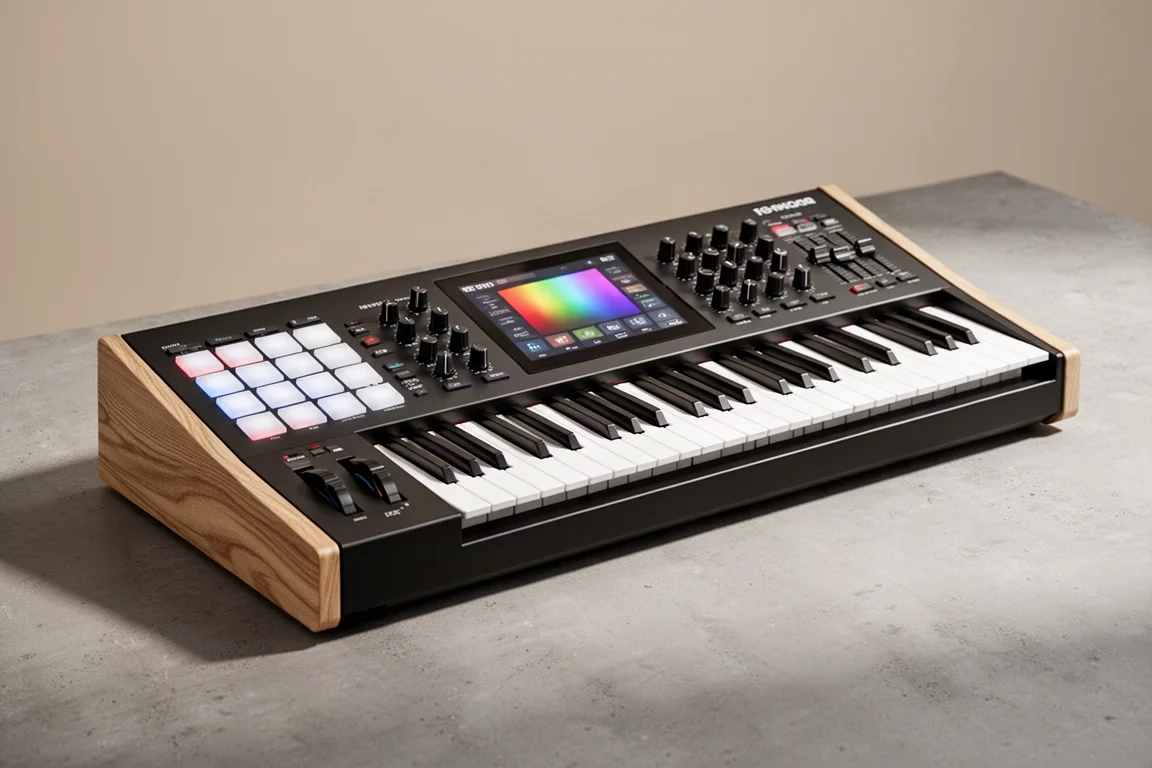
Arturia KeyLab 88 MK3 Review: A Weighted Hammer Action Controller for Serious Virtual Instrument Work
The Arturia KeyLab 88 MK3 brings a fully weighted hammer action keybed, deep software integration, and hands-on controls to a flagship MIDI controller.
MIDI Controllers
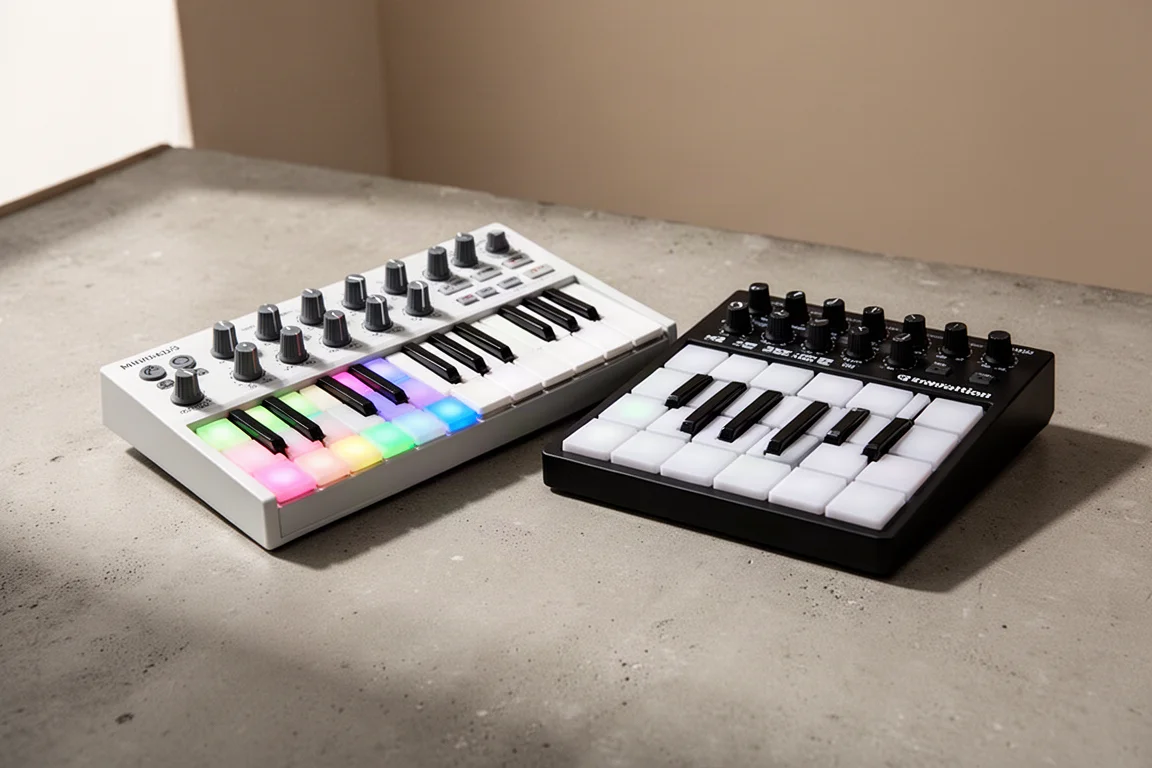
Arturia MiniLab 3 vs Novation Launchkey Mini MK4: Which Mini Keyboard Fits Your Workflow?
A feature-by-feature comparison of two popular 25-key MIDI controllers, covering key feel, pads, DAW integration, software bundles, and creative tools.
MIDI Controllers
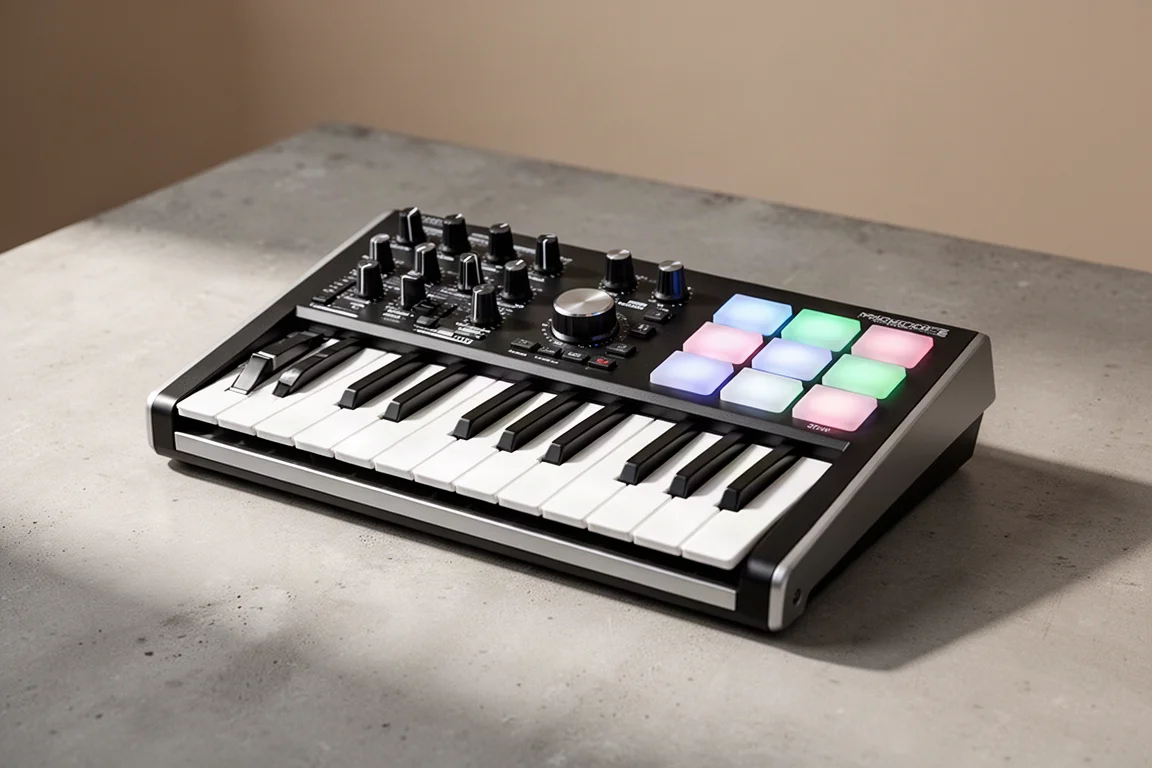
Arturia MiniLab 37 Review: More Keys, Same Winning Feel
The Arturia MiniLab 37 expands on the MiniLab 3 with a longer keybed, while keeping the controls that made the original stand out. Here is how it compares.