Smart Home
ESPHome Starter Kit Review: A Beginner-Friendly Way to Build Your Own Smart Home Sensors
The ESPHome Starter Kit makes building a custom smart home sensor approachable, even for complete beginners. Here is how it works and who it is best for.
Introduction
Building your own smart home device has always sounded like a project for electrical engineers. The ESPHome Starter Kit aims to change that. It is a beginner-friendly kit that teaches you how to build a real, functional smart home sensor using ESPHome, a firmware generator and configuration system that turns microcontrollers into fully customizable smart home devices.
The kit is designed to be approachable. Even an 11-year-old can handle most of the assembly, and no soldering or coding experience is required. The whole process uses a drag-and-drop interface that generates the underlying code for you. By the end, you have a working sensor that can control your smart home, not just a toy.
What Is the ESPHome Starter Kit?
The ESPHome Starter Kit is a collaboration between Apollo and the Open Home Foundation, the organization behind Home Assistant. A majority of the profits from the kit go toward supporting the Open Home Foundation, which funds ESPHome, Home Assistant, and hundreds of other open-source projects.
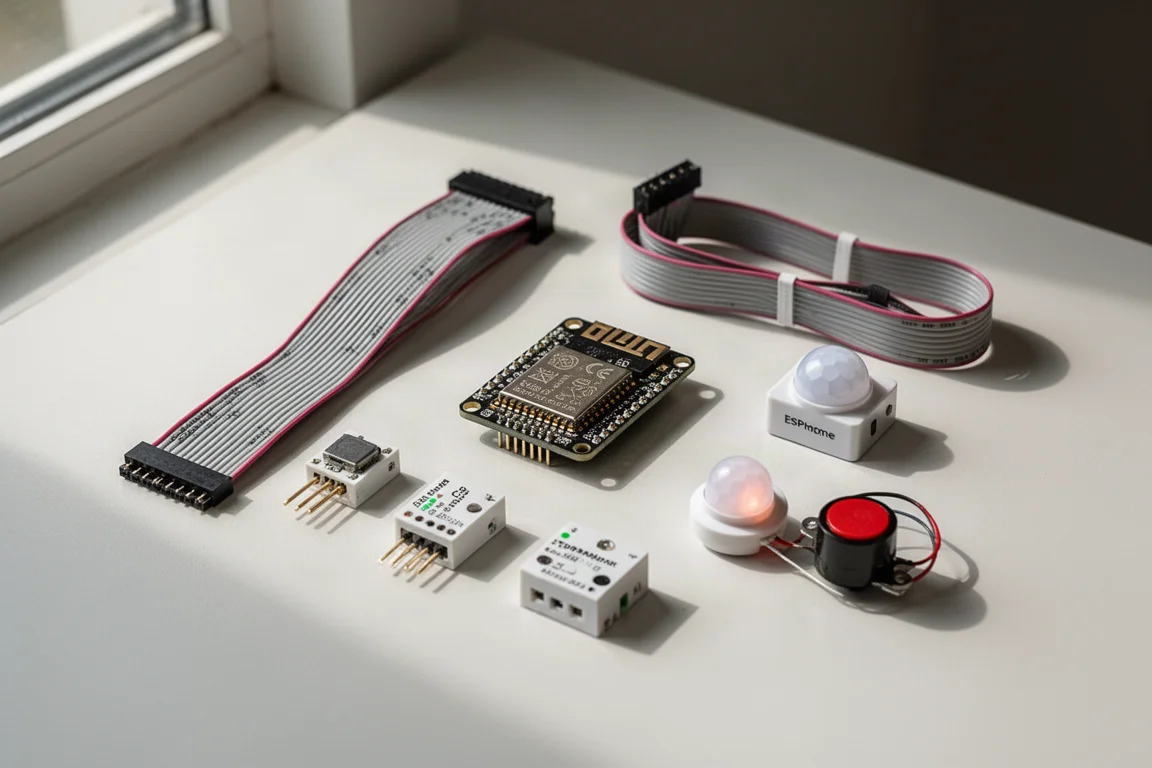
The kit includes an ESP32-C6 microcontroller, which acts as the brain of the device. All the sensors, lights, and buttons connect to this microcontroller using ribbon cables, so there is no soldering involved. The physical connection is simple: flip the latch up, insert the cable with the blue side facing up, and flip the latch back down.
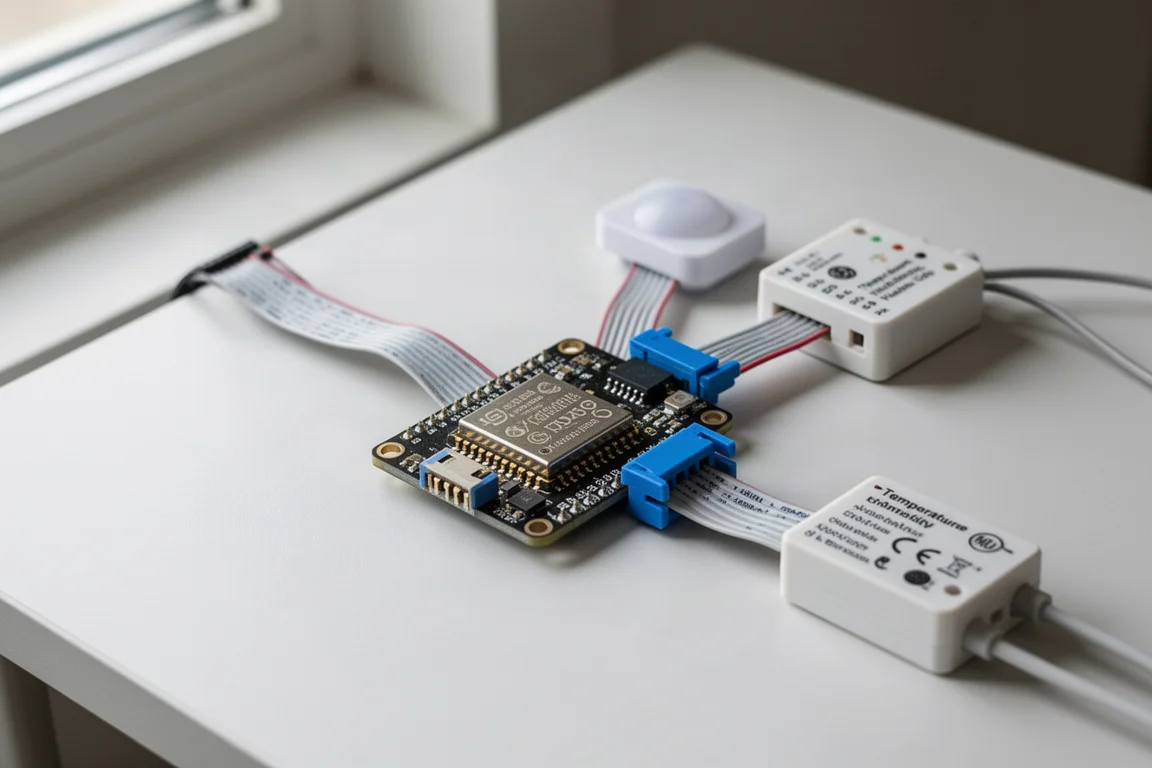
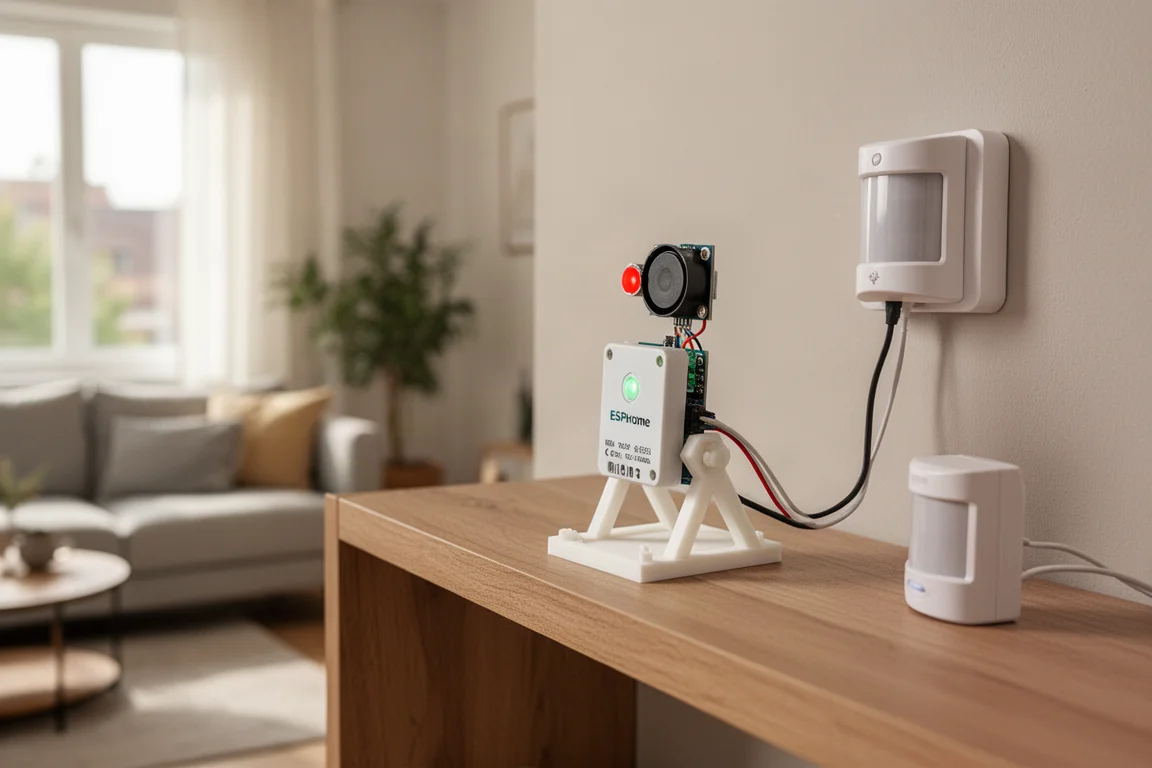
The kit also includes several modules: a button, a motion sensor that requires connecting the included PIR sensor, an LED and buzzer combo, and a temperature and humidity sensor. There is also a small stand for the LED and buzzer combo. The sensors come together in one piece and need to be separated, which takes a little force. An adult may need to help younger kids with this step.
Who This Product Is For
The ESPHome Starter Kit is ideal for anyone who has wanted to build their own smart home devices but felt intimidated by the technical side. It is also a great project for families. The assembly is simple enough for an 11-year-old to follow along, and the sense of accomplishment from building a real device is rewarding for kids and adults alike.
If you already use Home Assistant, the kit opens up even more functionality. But you do not need Home Assistant to use it. Everything can be done without it, making the kit accessible to a wider audience.
How the ESPHome Starter Kit Works
The setup process uses the ESPHome Device Builder app, which can be downloaded to your computer or run inside Home Assistant. The app handles all the heavy lifting. When you add a component through the visual interface, the app generates the YAML code for you in the background. You never have to write any code yourself.
Adding a button, for example, is as simple as going to the component section, clicking add component, searching for button, and clicking add. The app writes the YAML code automatically. If you click on any of the generated YAML code, it opens the corresponding UI for that specific component, which makes it easy to understand what is happening under the hood.
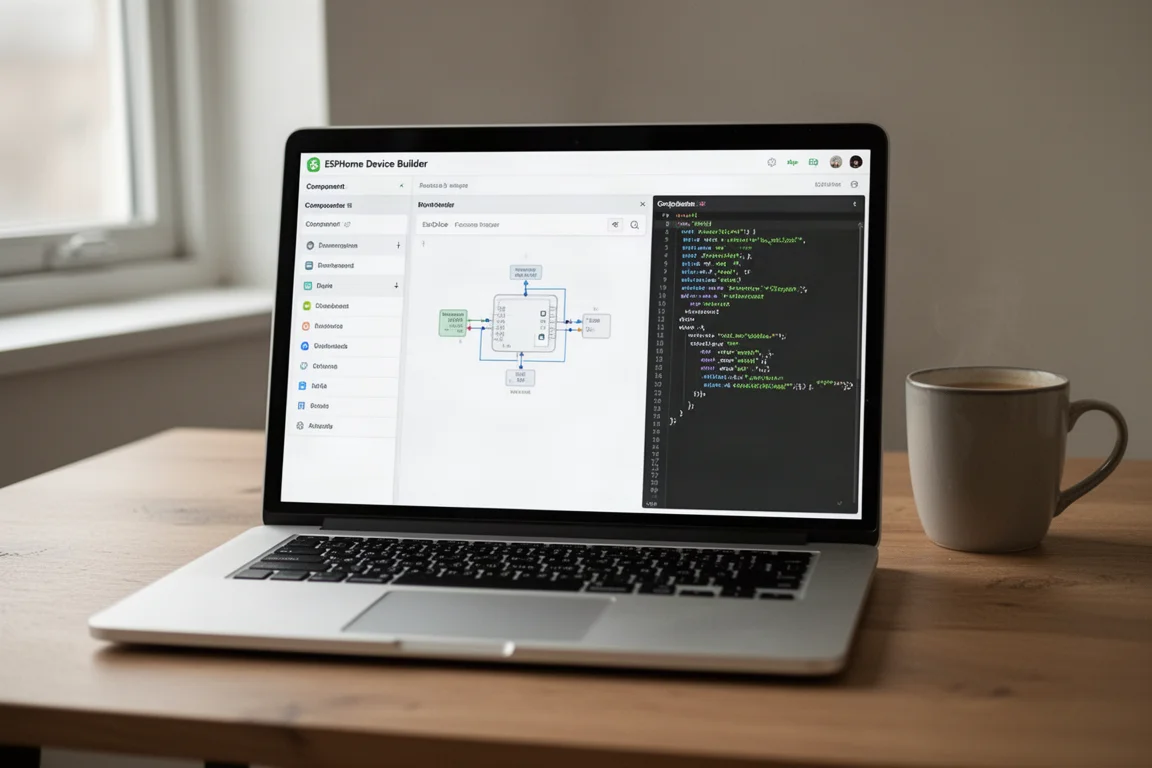
Once you are ready to test the device, you click save and install. The app compiles the YAML configuration into C++ code and installs it on the device. This part feels surprisingly satisfying, even if you do not fully understand what the code means.
Main Strengths
The biggest strength of the ESPHome Starter Kit is how seamless it makes the entire process. The drag-and-drop interface removes the fear of coding, while still showing you the generated YAML code if you want to see it. This strikes a nice balance between simplicity and learning.
The kit also supports automations that run directly on the ESP32-C6 device. This means they work even if your Wi-Fi or Home Assistant is down, because they do not rely on anything else. Everything runs completely locally.
The kit is also genuinely useful beyond the initial tutorial. You can make it act as a Bluetooth proxy in Home Assistant, extending the Bluetooth range of your hub. You can experiment with lighting effects, play tunes on the buzzer, and even control the buzzer directly from Home Assistant. There are also everyday automation ideas to spark inspiration.
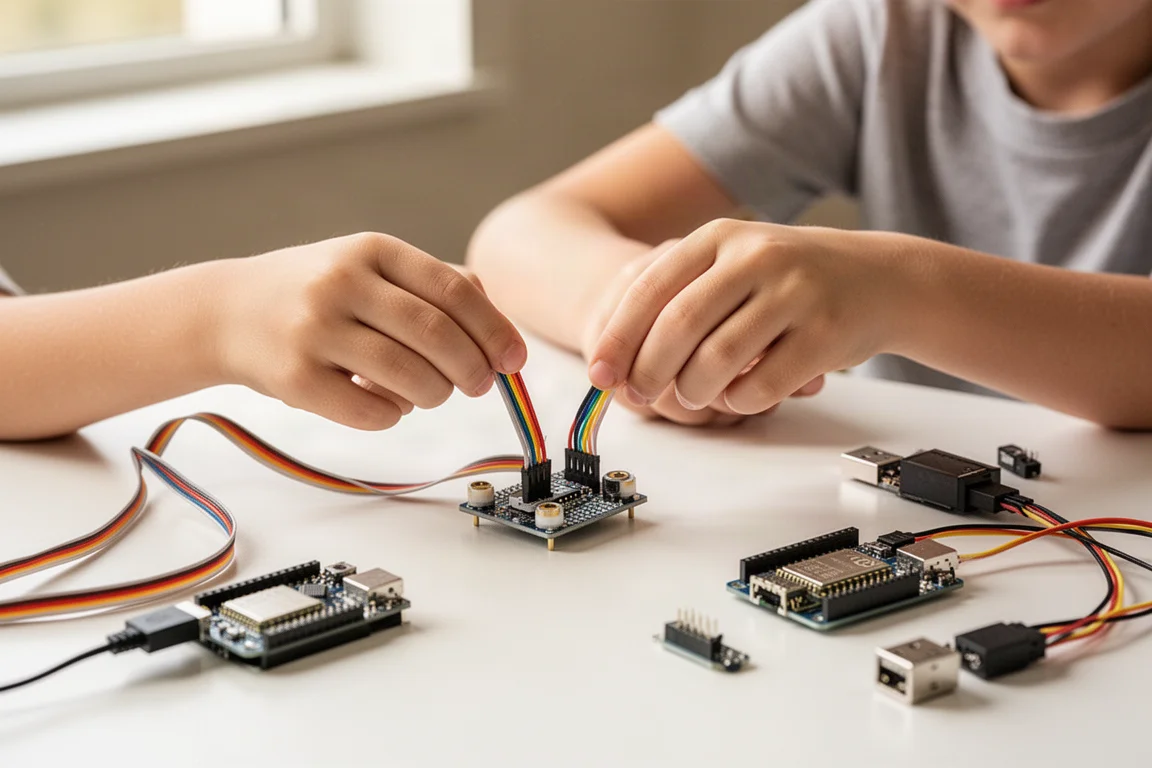
For families, the kit is a fantastic bonding project. Playing songs on the buzzer and changing the lights with the button is genuinely fun, and it feels like a real achievement when the device is integrated into your smart home.
Things to Consider Before Buying
The ESPHome Starter Kit is not a full tutorial. The online instructions are thorough and include helpful GIFs, but the kit itself is more of an overview of how everything works. You will need to follow the online steps to complete the setup.
Separating the sensor modules takes a bit of force, so younger children may need help with that step. The rest of the assembly is simple enough for kids to handle.
If you want to protect the kit and make it look nicer, you can 3D print an enclosure for the LED and buzzer module. This is an optional step, but it is worth considering if you plan to use the device long-term.
Buying Advice
The ESPHome Starter Kit is a smart purchase if you have been curious about building your own smart home devices but did not know where to start. It is also a great choice for families looking for a hands-on project that produces a real, usable device.
The skills you learn from the starter kit carry over to building other devices. The ESPHome website lists a wide range of sensors you can use, so the kit is a gateway to a much larger world of DIY smart home projects. Instead of waiting for a company to build the device you want, you can build it yourself.
Conclusion
The ESPHome Starter Kit makes building a smart home sensor feel approachable and fun. The drag-and-drop interface removes the coding barrier, the physical assembly is simple, and the result is a real device that integrates into your smart home. It is a rewarding project for individuals and families alike, and it opens the door to building your own custom smart home devices in the future.
Product link
View more details for ESPHome Starter Kit
This product is mentioned in the review. Check the specifications, options, and compatibility before buying.
View more details for ESPHome Starter KitFurther reading
Related Reviews
Smart Home
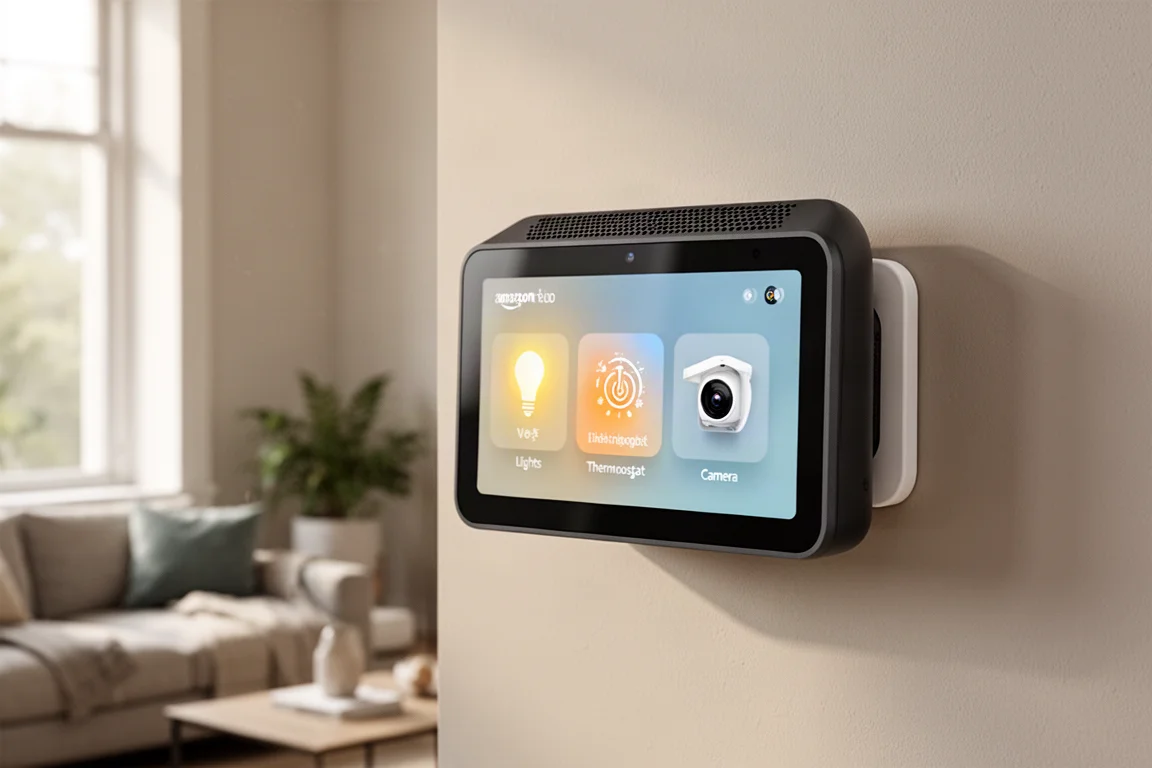
Amazon Echo Hub Review: A Smart Home Dashboard That Finally Gets It Right
The Amazon Echo Hub puts smart home controls front and center with a fast, simple interface. Here is how it performs as a family-friendly dashboard.
Smart Home
15 Amazon Smart Home Automations: Practical Ideas for Every Room
Fifteen practical Amazon Alexa routines and automations that solve real household problems, from pet care to security and entertainment.
Smart Home
Apple TV as HomeKit Hub: Why It's Your Best Choice for Home Automation
The Apple TV combines HomeKit hub functionality with a display, camera viewing, and local automation control. Here's what makes it stand out from iPad and HomePod Mini alternatives.