Automotive
Escort ZR6 Laser Jammers: A Hands-On Look at Features and Performance
The Escort ZR6 laser jammers offer compact heads and flexible integration, but the interface leaves room for improvement.
Introduction
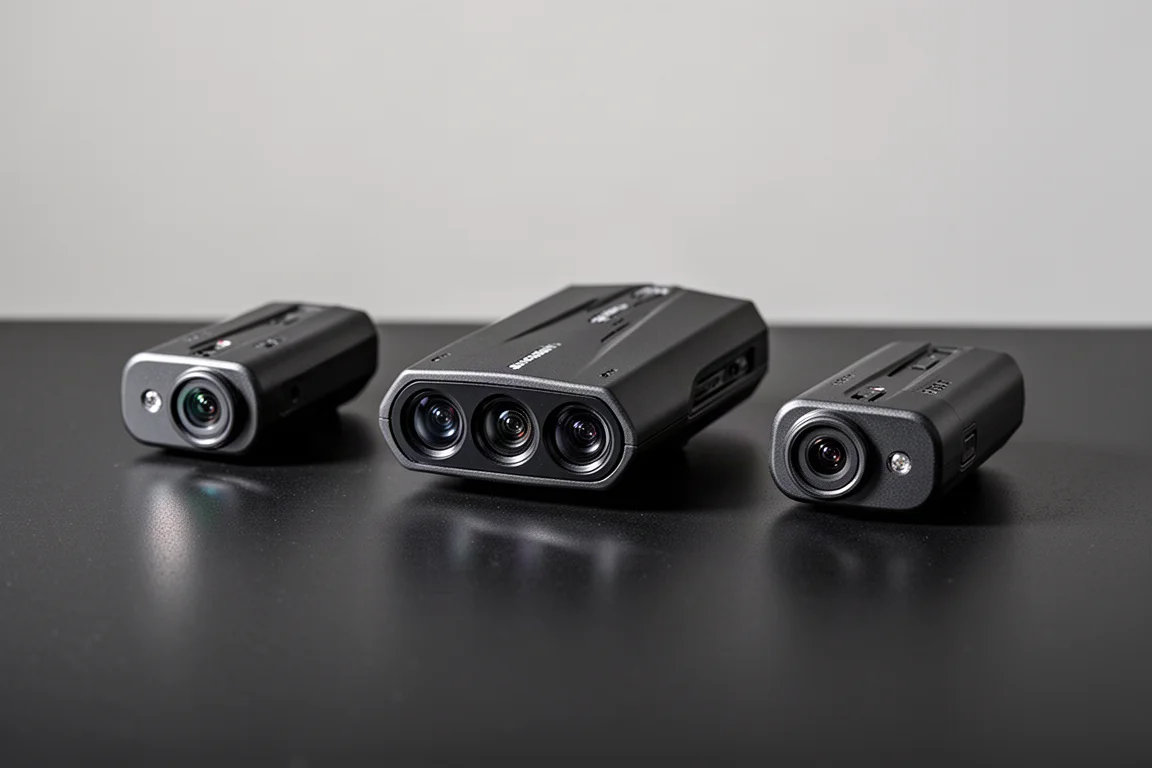
The Escort ZR6 laser jammers are designed to protect your vehicle from police laser speed measurement. These are the same laser jammers used in the custom-installed Redline CI 360C system, featuring the smaller heads that are more compact than the competition. The key difference is the interface: the ZR6s can run standalone with their own dedicated controller and speaker, or they can be paired with a compatible windshield-mount Escort detector for a more integrated experience.
This review covers the unboxing, installation, user interface, and overall impressions of the ZR6 system, including how it performs both standalone and when connected to a radar detector.
What Comes in the Box
The standard ZR6 system retails for $1,500 and includes three heads for front protection. Additional heads for rear protection cost $400 each. The system can be purchased directly from Escort for DIY installation, or you can find an installer through their website.
Inside the box, you will find an owner’s manual covering all components, button functions, jamming modes, and installation instructions. The manual also explains how to pair the system with a radar detector and use the Drive Smarter app for advanced settings like auto JTK (jam to kill) features.
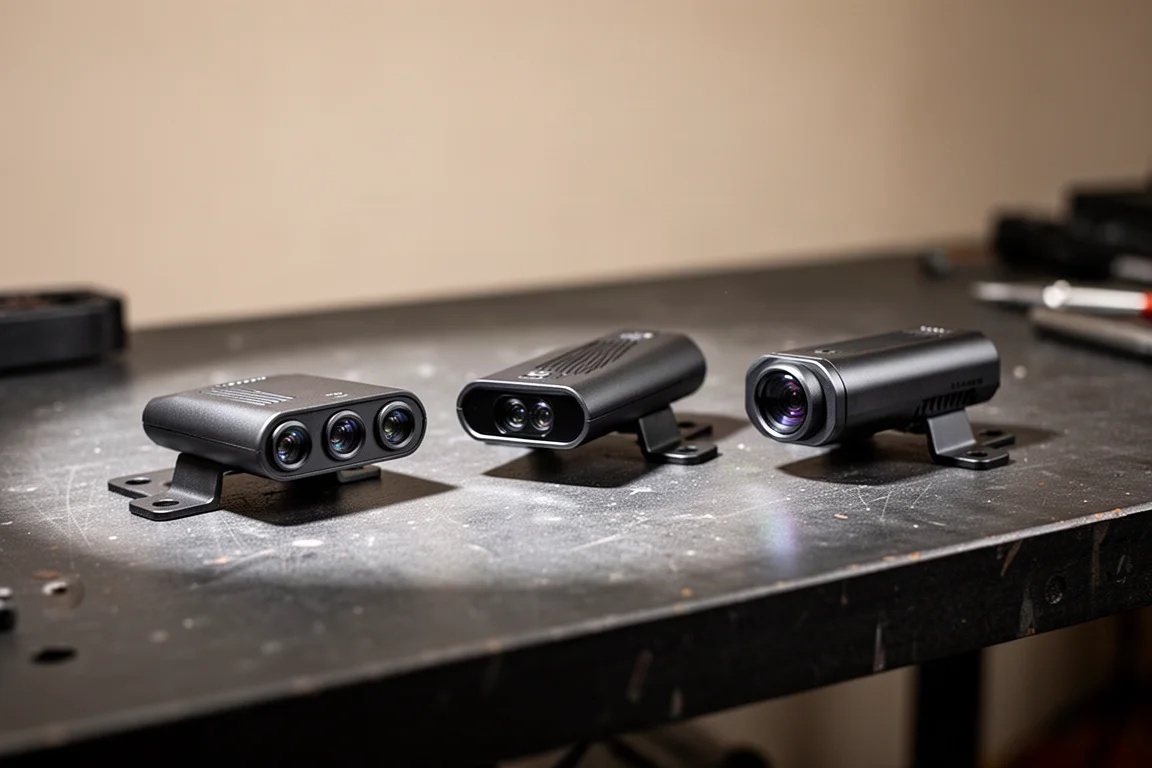
The hardware includes three laser jammer heads, a VX bridge (a waterproof box that goes in the engine bay), an interface box (the main brains of the system), a wired controller, a speaker, and all necessary cables. The VX bridge has connectors for up to six heads, supporting both front and rear protection. The interface box houses the power connection, speaker, ports for the heads, controller, and an optional detector connection. It also features dip switches to configure which heads are front or rear, fuses for protection, and a mini USB port for firmware updates.
Installation and Setup
The installation process is straightforward. Each head slides into a special holder that connects to a mounting bracket, which attaches to the inside of the grill area. The kit includes screws, a bubble level to ensure the heads are straight and level, and zip ties for cable management.
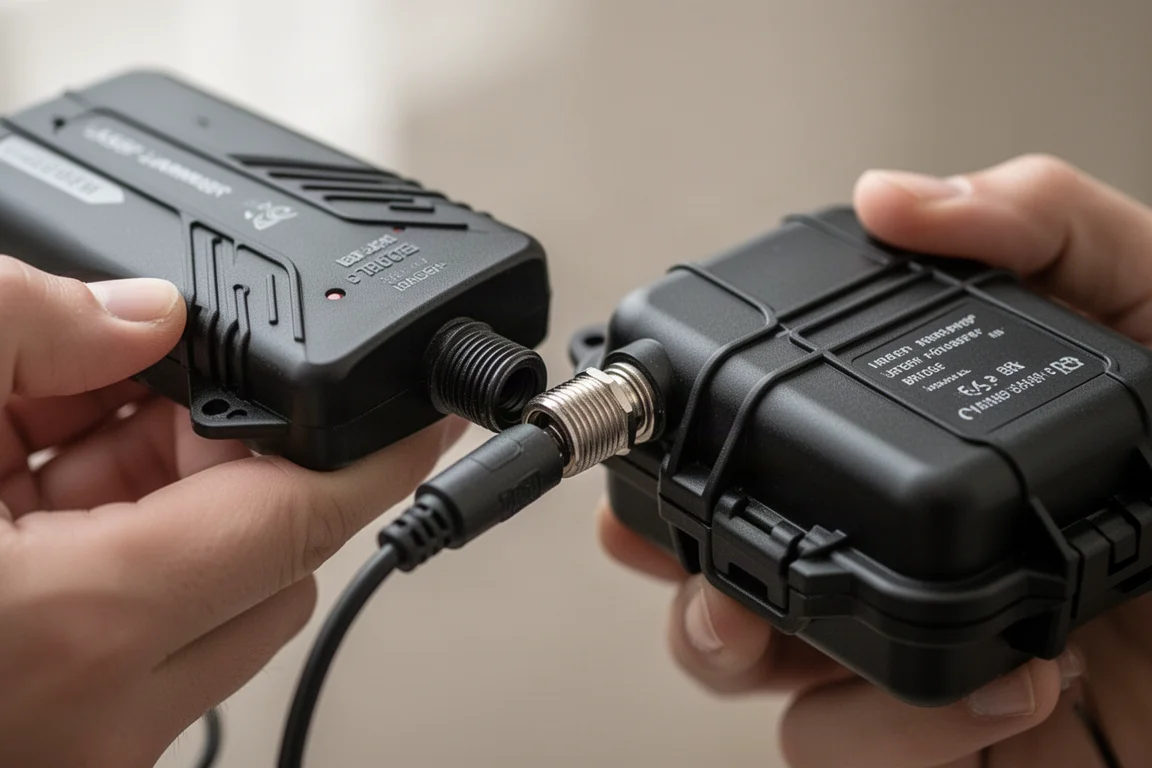
The heads plug into the VX bridge, which then connects to the interface box. The system ships with two types of heads: transceivers (which can both transmit and receive) and transmitters (which can only transmit). They look identical from the outside, but the transmitter has a yellow sticker on the back and male pins on its connector, while the regular heads have female connectors. The heads also come in different colored bags (blue for transceivers, red for transmitters) to make them easy to distinguish.
Once everything is connected, powering on the system produces a quick beep and a green status LED. The controller has three buttons: power, volume/mute (which also manually disables the jammers), and a mode button to switch between receiving and jamming modes.
Standalone Operation and Controls
Running the ZR6 standalone provides basic functionality. The system can detect and jam laser signals, and the controller allows you to switch between receive-only and shifting (jamming) modes. The speaker is loud enough to hear even if the system is buried behind the dash.
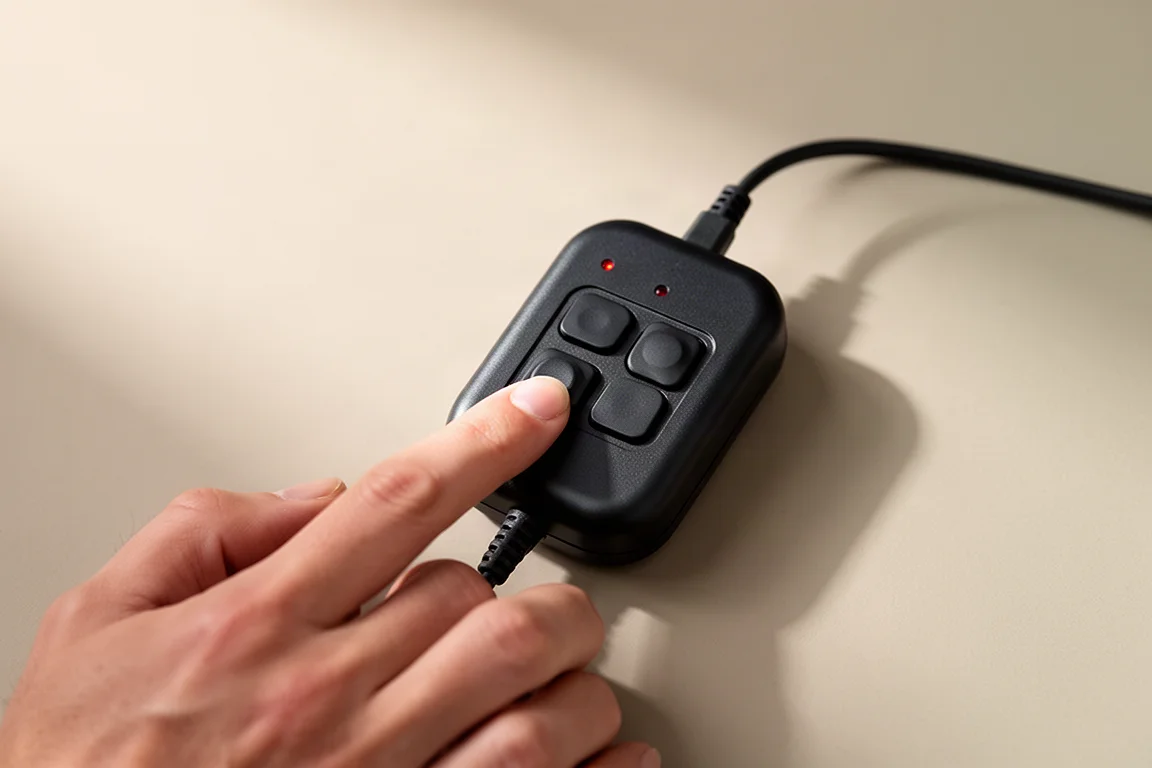
Manual disarm is achieved by double-pressing the mute button when you get hit with laser. A single press only mutes the alert. Interestingly, a single press of the mode button also disarms the system, which is a useful alternative. There is no timer for automatic disarm in standalone mode, and the system does not identify the specific laser gun being used. It only indicates the direction of the threat (front or rear).
When tested with a Pro Laser 4, the system immediately began jamming and displayed a red and green alert. With a Laser Ally gun, the behavior was different: the center transmit head continued jamming while the outer heads switched to receiving only, monitoring the gun’s pulse patterns. This adaptive behavior is a notable feature.
Pairing with a Radar Detector
Connecting the ZR6 to a compatible Escort windshield-mount detector unlocks additional functionality. A cable connects the detector’s power port to the detector port on the ZR6’s interface, providing power directly from the jammers. The detector then acts as the controller, display, and speaker for the laser jammer system.
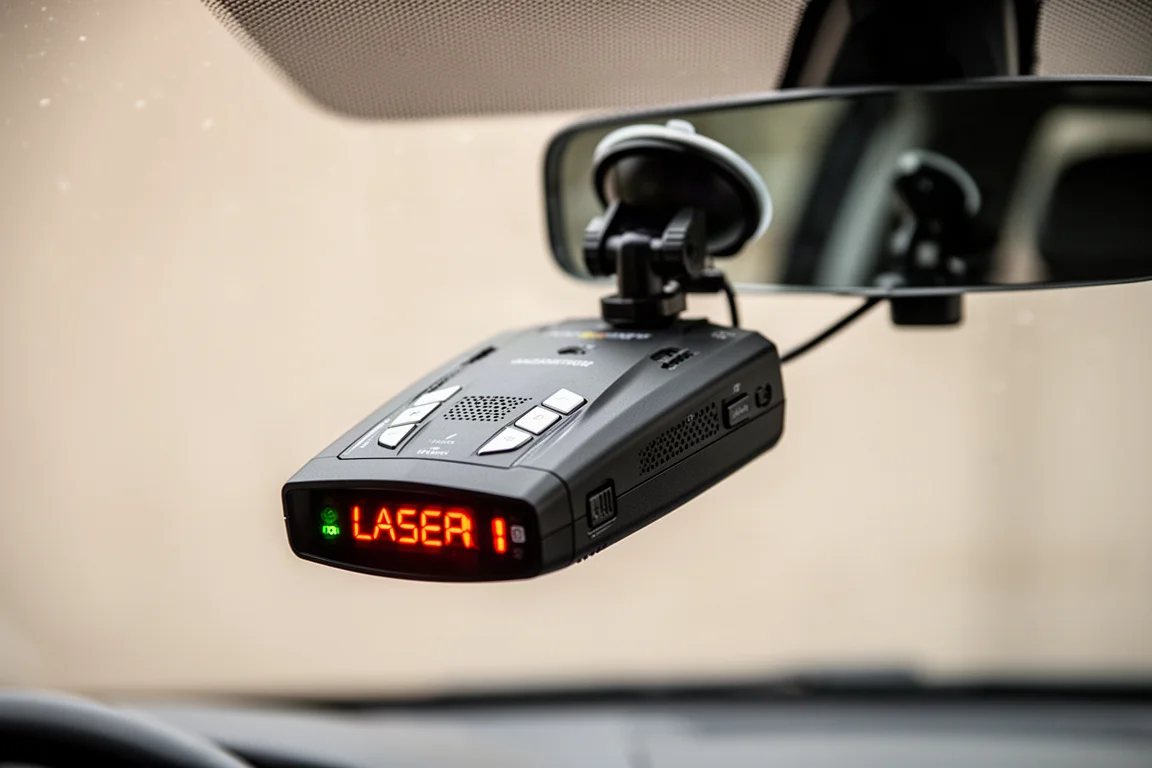
When paired, the detector displays alerts like “Front laser shifting” and can identify the specific gun, such as “Dragon Eye.” The wired controller still works to mute and disarm the system, providing a secondary control option. The mode button on the controller switches between receive-only and shifting modes, though the audio confirmation comes from the ZR6’s speaker rather than the detector.
The Drive Smarter app adds auto JTK options when paired with Escort’s latest detectors. You can set the jammers to automatically disarm after 4, 6, 8, or 10 seconds. This is a significant safety improvement over manual disarm, as it ensures the jammers stop transmitting after a set period. Older Escort detectors only support manual JTK.
Firmware Updates
Updating the ZR6 requires a Windows computer and Detector Tools Pro software, available from Escort’s website. There is no Mac version, and the system was not recognized on a Mac during testing. The update process requires a specific sequence: plug in the USB cable, power on the system, then launch Detector Tools and select “Update all software.” The update can take 5 to 15 minutes, though it may complete faster. After updating, the firmware version may still display as 1.0.0, which is a known quirk.
Buying Advice
The Escort ZR6 is a solid choice if you want a standalone laser jammer that works with any radar detector. The compact heads are more stealthy and visually appealing than competitors like ALP, TMG, or TPX. The ability to pair with an Escort detector for integrated functionality and auto JTK is a strong selling point.
However, the standalone interface is basic and lacks advanced features. There is no way to set automatic disarm times without a compatible detector, and the system does not audibly identify the laser gun. The alert announcements could also be more immediate, especially when the jammers disarm.
If you already own a compatible Escort windshield-mount detector, the ZR6 is a compelling upgrade that adds laser protection with minimal additional hardware. If you plan to run it standalone, be prepared for a more manual experience.
Conclusion
The Escort ZR6 laser jammers deliver the same performance as the Redline CI 360C system in a more portable and flexible package. The compact heads and standalone capability are clear advantages, and pairing with an Escort detector adds valuable features like auto JTK and gun identification.
The interface has room for improvement, particularly in standalone mode where advanced features are missing. The alert system could also be more responsive and informative. Despite these quirks, the ZR6 is a capable laser jammer that should perform well in real-world testing. If you are looking for a compact, effective laser jammer with flexible integration options, the ZR6 is worth considering.
Product link
View more details for Escort ZR6
This product is mentioned in the review. Check the specifications, options, and compatibility before buying.
View more details for Escort ZR6Further reading
Related Reviews
Automotive
Best Brake Parts Cleaner 2026: 14 Brands Tested for Speed, Cleaning Power, and Residue
We tested 14 brake parts cleaners for evaporation speed, grease removal, sludge breakdown, and residue to find the best value for your garage.
Automotive
LiPower Solid-State Car Battery Review: A Lighter, Longer-Lasting Upgrade
A practical look at the LiPower solid-state car battery, covering its specs, real-world performance, and how it compares to a traditional AGM battery.
Automotive
Oil Additives Tested: Do They Improve Power, Fuel Economy, and Engine Protection?
Five popular oil additives tested for horsepower, fuel economy, cold flow, heat resistance, and wear protection. See which ones delivered and which fell short.