Ultra Short Throw Projectors
Epson Lifestyle Grand Plus Review: A 4K Ultra Short Throw Projector for Very Large Screens
The Epson Lifestyle Grand Plus succeeds the LS800 with a shorter throw, a new 4K system, 4K 120 Hz gaming, Bose audio, and Google TV with Gemini built in.
Introduction
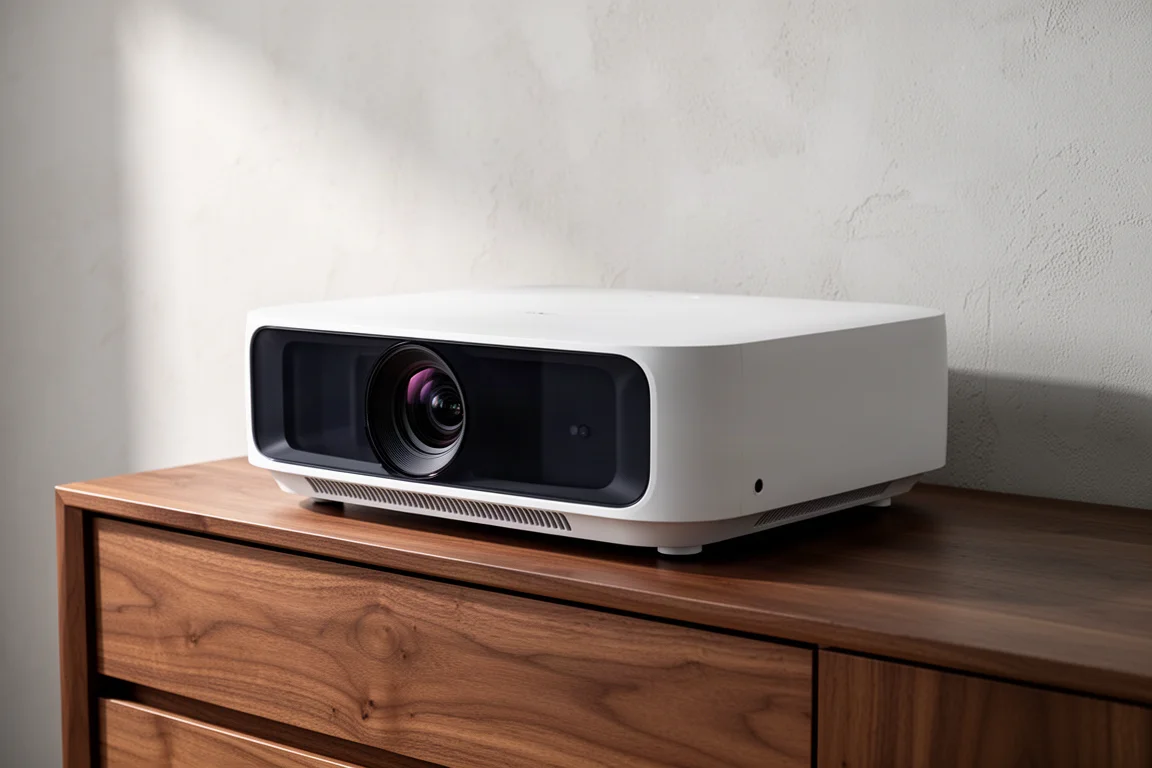
Ultra short throw projectors solve a specific problem. They sit inches from the wall, replace a television with a picture measured in feet rather than inches, and keep working with some room lighting on. The Epson Lifestyle Grand Plus is the next chapter in that idea, arriving as the successor to the LS800.
Epson released the LS800 in 2022, and it built its reputation on 4,000 lumens of brightness, placement just a few inches from the wall, and a 120-inch ambient light rejecting screen pairing that produced a bright, sharp image even with some lights on. It also carried Yamaha 2.1 speakers, a Google-powered smart TV interface, Epson’s 3LCD chipset, 10-bit color, and low input lag for gaming.
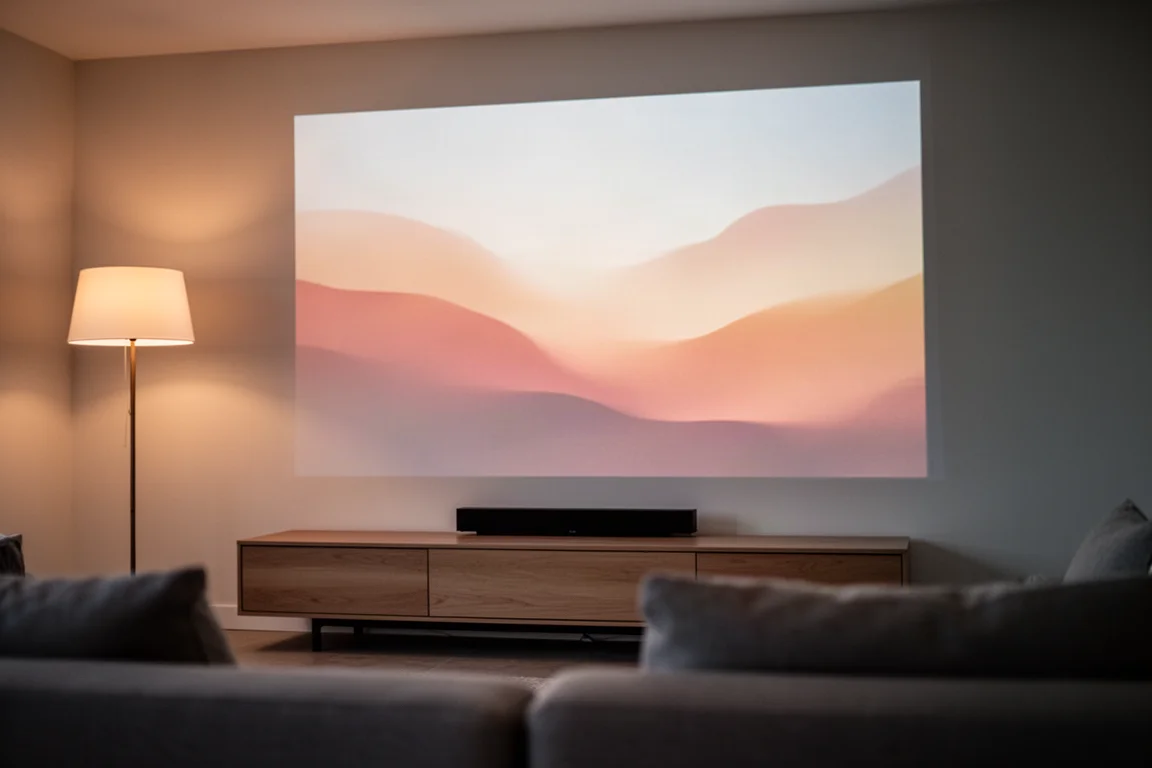
The Grand Plus moves the concept forward rather than rewriting it. It supports screens up to 150 inches from a shorter throw distance, adds an improved 4K system, HDMI 2.1 with 4K at 120 Hz for gaming, a Bose audio system, and Google TV with Gemini built in natively.
It is also worth answering the obvious question first. Televisions are getting larger and more affordable, and a good TV still beats a projector on contrast, black levels, and peak brightness. But once you want to go really big, at 120 inches or more, an ultra short throw setup remains the more practical and cost-effective route to that size.
Who This Projector Is For
If you are shopping for an ultra short throw projector for the first time, the Grand Plus is the natural starting point. The picture is better than the LS800, the gaming specifications are a genuine step up, the software is more capable with Gemini built in, and the shorter throw gives you more placement freedom.
Existing LS800 owners face a harder decision. The picture and gaming improvements are real, and the LS800 will not receive the Gemini firmware update, so Gemini is a Grand Plus feature. That said, an upgrade is not strictly necessary if you are happy with the image you already have.
The value case also speaks to anyone who wants a very large image without the price of a very large television. For context, a projector paired with a 138-inch screen lands far below the cost of the largest premium TV options.
Main Strengths
The Grand Plus is a refinement of a formula Epson already had working, with meaningful gains in resolution processing, placement, gaming, and software.
Picture Quality, Brightness, and HDR
The Grand Plus uses a new 4K display technology that works differently from the 4K Pro UHD system in the LS800. Where Pro UHD shifted pixels along a single axis, the new system uses dual axis precision shift glass plates to produce a full 3840 by 2160 image on the screen. In practice, fine detail resolves more clearly, textures read better, and the image holds up on content with dense patterns such as fabric, sports uniforms, and background detail in films.
Brightness is rated at 4,000 lumens for both color and white output, and that balance matters more than it might seem. Many projectors advertise a high white lumen figure while delivering much lower color brightness, which is what you actually see during normal viewing. Because Epson uses three separate LCD chips, one for each primary color, color and white lumens are equal, the rainbow effect common to single-chip DLP designs is avoided, and color accuracy stays consistent across content types.

HDR is another area where the Grand Plus steps ahead of the LS800. It adds dynamic tone mapping, where the previous generation relied on a more static approach to tone curve adjustments. The new processing does a better job of preserving bright highlights while retaining shadow detail, so dark scenes reveal a little more information and bright scenes look more controlled. The overall HDR presentation feels more balanced.
One limitation is worth knowing. The Grand Plus supports HDR10 but not Dolby Vision or HDR10 Plus. With HDR10 and dynamic tone mapping, it still performs well.
Four picture modes are available: dynamic, standard, cinema, and natural. Dynamic delivers the most brightness and suits sports and everyday viewing with the lights on. Cinema is the better choice for movies, with more accurate color and a gentler look over long sessions. Natural is the most precise option if you want to fine-tune further. A practical routine is to pick the mode that matches your daytime lighting and switch to cinema or natural for movie nights.
Throw Distance and Placement Flexibility
Throw distance is where the Grand Plus separates itself from other ultra short throw projectors. It needs only 6.8 inches from the lens to the wall for a 120-inch image. At 100 inches that distance drops to less than 4 inches, and at 150 inches it is 11.2 inches. Those figures are extremely short even by ultra short throw standards, and they undercut competitors such as the Hisense PX3 Pro and the Nexigo Aurora Pro Mark III, which require more distance at every screen size.
The practical benefit is furniture. The projector fits on a shallower cabinet without overhanging the front edge, and placement is generally more forgiving. With a standard ceiling there is enough headroom for a 150-inch screen, and with a thin frame screen the total system height at 150 inches comes out to around 7.6 feet. In a standard 8-foot ceiling room, that means an almost floor-to-ceiling image.
Design, Remote, and Everyday Operation
The chassis does not stray far from what Epson has been doing with this line. It comes in black or white, shares the same dimensions as the LS800, and is designed to sit on a media cabinet or credenza right against the wall. It still fits the Salamander Design Chicago cabinet built specifically to house it, and Epson offers wall mount options if you would rather keep it off your furniture entirely.
The updated remote includes a built-in microphone for Gemini voice interaction. It is not backlit, which is a small miss, though the layout is intuitive enough to become comfortable with in a dark room fairly quickly.
Fan noise also improves. The Grand Plus runs at a maximum of 29 dB against 32 dB on the LS800. It is not a dramatic difference on paper, but during quiet scenes in a quiet room the fan is noticeably less present.
Gaming, Audio, and Smart Features
Gaming is a significant upgrade. The LS800 topped out at 4K at 60 frames per second, while the Grand Plus supports 4K at 120 Hz with auto low latency mode, which detects a connected game console and switches to low latency automatically. Input lag measured around 20 ms at 4K 120, a comfortable range for most players. Fast-paced genres such as first-person shooters and sports titles benefit most, and the HDMI 2.1 port supports HDR gaming for a PlayStation 5 or Xbox Series X. Two of the three HDMI inputs are 2.1 rated for 4K 120, the third is HDMI 2.0 for up to 4K 60, and one of the 2.1 ports carries eARC for routing audio to a receiver.
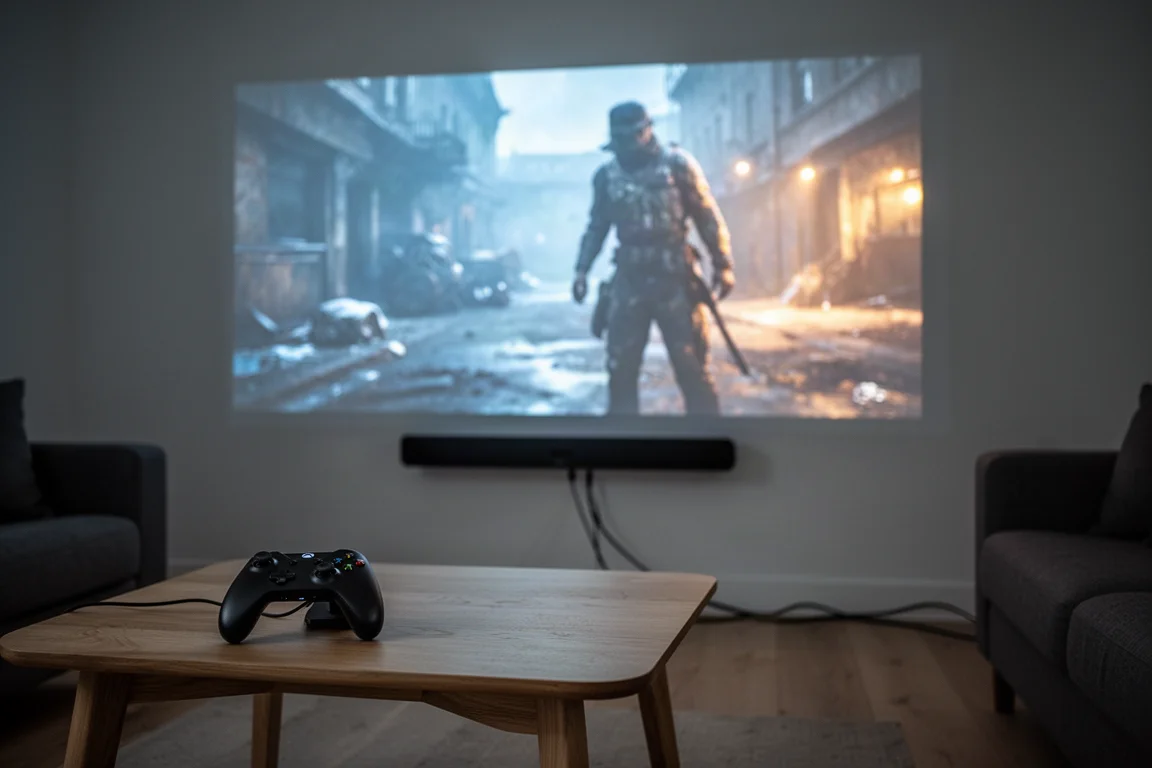
Audio comes from a built-in Bose system in a 2.1 configuration with two 1.8-inch full-range drivers and a 3-inch woofer, plus custom spatial processing and four EQ modes: cinema, dialogue, music, and standard. It is a step up from the Yamaha system in the LS800, but anyone accustomed to a proper sound system will notice the gap quickly. It is fine for casual use, such as movie night in the backyard or a room where dedicated audio is not part of the plan yet. At this screen size, a good soundbar is a noticeable improvement and a full surround setup is the ideal pairing.
Gemini and Google TV
Gemini is one of the most distinctive parts of the Grand Plus. Google TV with Gemini is built in natively, developed in partnership with MediaTek and Google, and the interaction model differs from the older Google Assistant experience. Assistant was command based, short prompt and short answer. Gemini is conversational, so you can follow up, add context, and refine a request without starting over.
Responses are visually organized, with cover art, show information, and follow-up suggestions rather than a flat list. Ask about a specific title and Gemini returns a summary, ratings, and a direct link to the streaming service that carries it, which removes the usual hopping between apps. Sports searches surface scores, highlights, and related content. For visual or educational requests, you can ask to see things such as an artist’s most famous paintings and get a full-screen gallery. Google Photos is integrated as well, so photos from your own library can be pulled up on the projector.
Gemini arrives through a firmware update rather than shipping on early units. It is also a good reason to stay with the built-in platform instead of reaching for an external streaming device, particularly because eARC supports Dolby Atmos passthrough. You do not have to choose between Gemini and good audio.
Things to Consider Before Buying
A few limitations are worth weighing before you commit.
HDR support stops at HDR10, with no Dolby Vision or HDR10 Plus, so check whether those formats matter for the content you watch.
The remote is not backlit.
The built-in Bose audio is a real improvement over the previous generation but is not a substitute for a dedicated system.
Most importantly, the projector is only part of the equation. You can project onto a wall or a standard screen, and some people do, but an ambient light rejecting screen is strongly recommended if the room has overhead lighting or windows. Those screens use a sawtooth optical pattern that rejects ambient light from above and the sides while directing the projected image toward the viewer, which is what keeps the picture clean with the lights on. With overhead lights on and natural light coming through windows, color stayed relatively vibrant and the image held up well. Dimming the lights and closing the shades improves it noticeably, but everyday use does not require the room management a front projector would demand.
Screen pairings worth knowing: the EPV DarkStar UST 3 is available from 126 inches to 150 inches in motorized fixed frame and electronic drop-down configurations. For a smaller setup, Epson’s SilverFlex ALR screen in 100 or 120 inches is the more approachable option.
Buying Advice
Budget for the whole system rather than the projector alone. A Grand Plus paired with a 138-inch EPV DarkStar screen comes in at roughly $6,300 combined, which is a very different number from a 115-inch TCL mini LED at around $20,000 or a 150-inch Samsung at around $30,000. That comparison is where the value case for a large ultra short throw setup becomes clear.
Plan around placement and room lighting as well. The short throw distance gives you flexibility with furniture, but the screen choice and the audio path will shape the experience more than any single specification. If Gemini matters to you and you already own an LS800, the Grand Plus is the way to get it, since the older model will not receive that firmware update.
Conclusion
The Epson Lifestyle Grand Plus is a well-rounded package and one of the more complete ultra short throw options available at this price. The shorter throw, the new 4K processing, the 4K 120 Hz gaming support, and the built-in Gemini experience all represent real movement from the LS800.
Go in knowing that a dedicated audio system and a good ambient light rejecting screen are part of the full setup. The projector on its own is only part of the equation.
Product link
View more details for Epson Lifestyle Grand Plus
This product is mentioned in the review. Check the specifications, options, and compatibility before buying.
View more details for Epson Lifestyle Grand PlusFurther reading
Related Reviews
Room Correction
Anthem ARC Genesis Beta Review: Smarter Speaker and Subwoofer Integration
A practical look at Anthem's ARC Genesis beta, including phase-aware speaker calibration, all-pass subwoofer blending, and the settings worth adjusting.
AV Processors
Anthem AVM 90 8K Review: A Reference-Grade AV Processor for Music and Movies
A close look at the Anthem AVM 90 8K AV processor: measured performance, two-channel and immersive listening notes, bass control, and what to weigh before buying.
Home Theater
Anthem AVM 90 Review: A 15.4-Channel Flagship Preamp Processor
A close look at Anthem's flagship preamp processor, covering its dual ESS DAC architecture, 15.4-channel layout, ARC Genesis calibration and four independent subwoofer outputs.