Embroidery Software
Embrilliance Essentials vs Express: Is the Paid Embroidery Software Worth It?
A practical look at the free Embrilliance Express mode and the paid Embrilliance Essentials tier, covering key features, limitations, and who should upgrade.
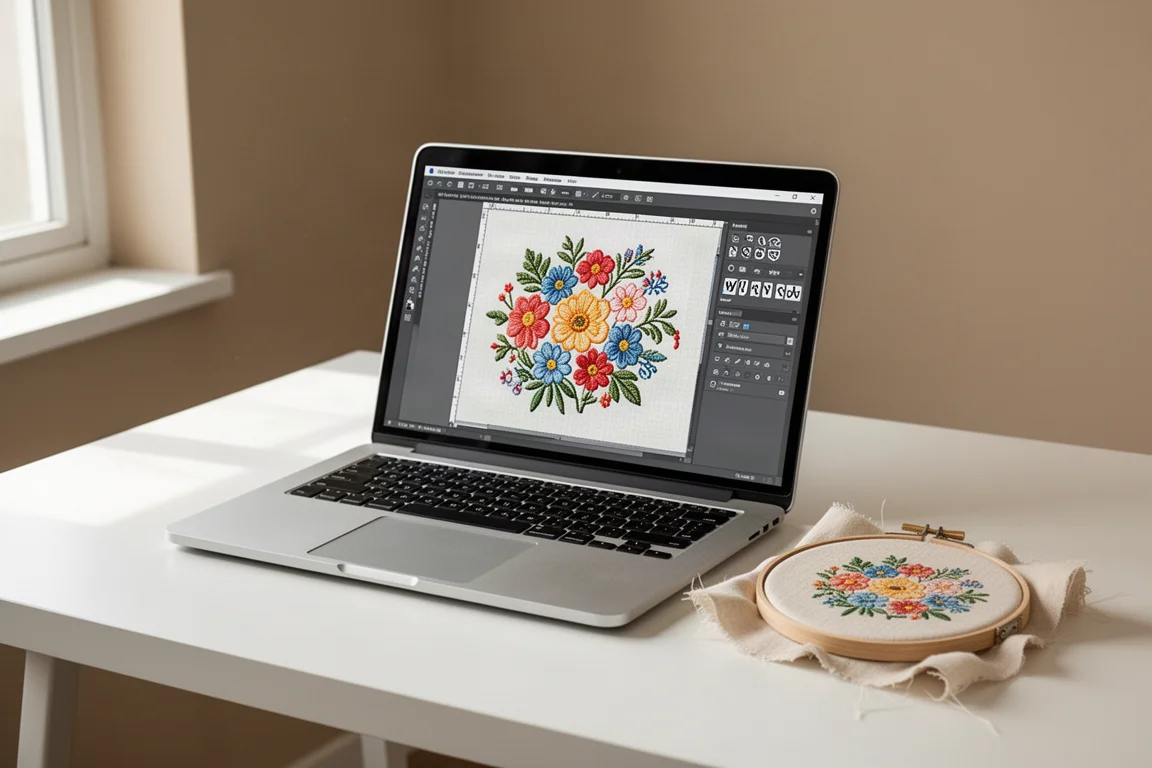
Introduction
Machine embroidery software can feel like a maze of tiers, features, and pricing models. If you have been using the free version of Embrilliance and wondering whether the paid upgrade is worth it, this guide breaks down the differences between the free Express mode and the paid Essentials tier, along with a look at the more advanced Stitch Artist options.
Embrilliance stands out in the embroidery software space for one simple reason: it is not subscription-based. You pay once and you own the software. Updates are included for life, and you can upgrade to a higher tier later without paying full price again. For anyone tired of subscription fatigue across sewing and craft software, that is a refreshing approach.
Who This Software Is For
Embrilliance targets machine embroiderers at different skill levels. The free Express version suits beginners who want to test the software and do basic lettering. The paid Essentials tier fits hobbyists who work with purchased designs and want to merge, resize, and customize them. The Stitch Artist line is aimed at those who want to digitize their own designs from scratch.
The software runs on both Mac and Windows, which makes it accessible to most home embroiderers. The user interface is generally considered intuitive and comfortable to use, even for people who juggle multiple types of software in their daily work.
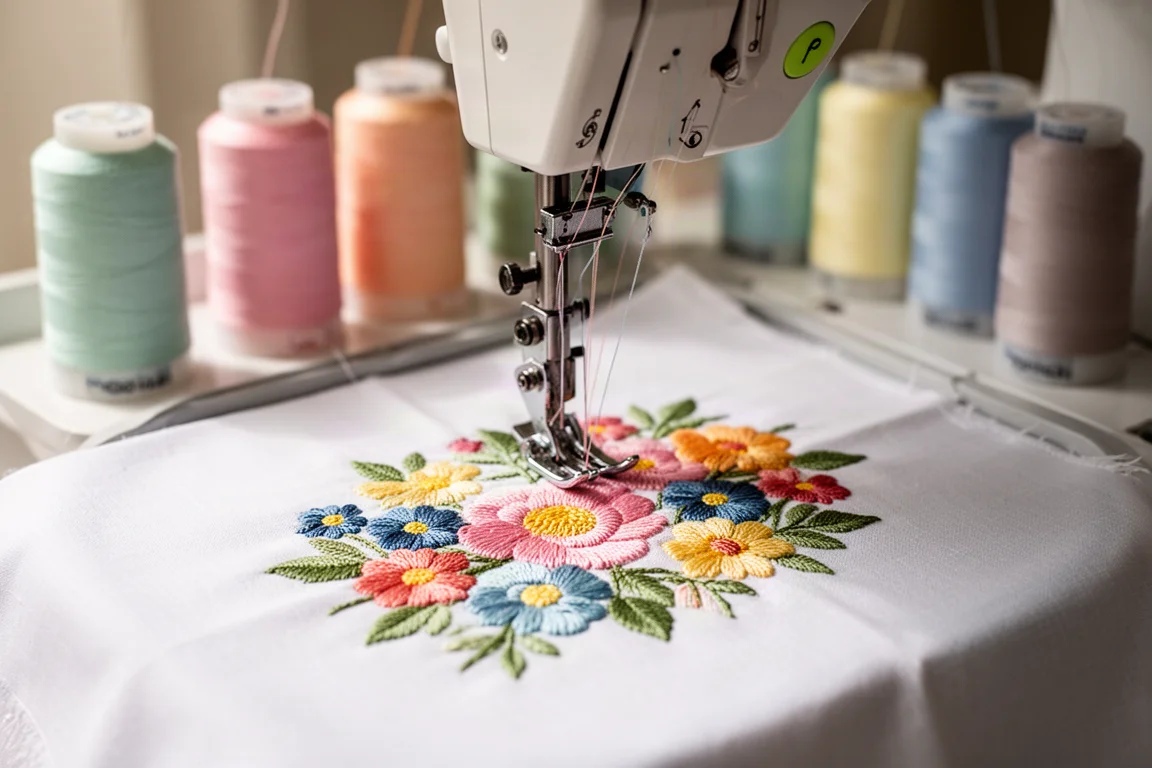
Embrilliance Express: The Free Version
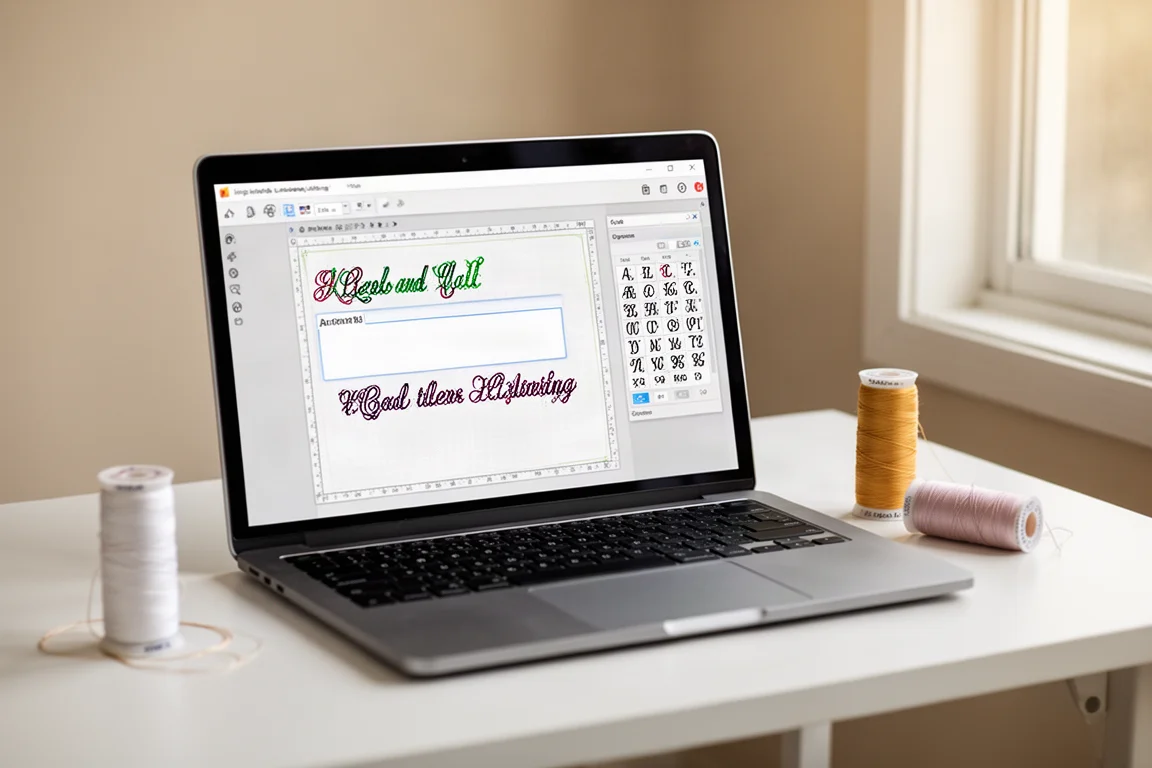
Embrilliance Express is the free tier of the software. It is intentionally limited. With Express, you can import BX fonts, type out words, names, and monograms, and save the completed embroidery design to whatever file format your machine uses. For Brother machine owners, that means saving as PES files.
If you just want to check out the software and see whether the interface works for you, Express is a reasonable starting point. It lets you get a feel for how Embrilliance handles basic tasks without spending anything.
However, the free version stops there. Most of the features that make Embrilliance useful for real embroidery projects are locked behind the paid tiers. The stitch simulator, design resizing with stitch recalculation, merging designs, and adding purchased designs to lettering are all unavailable in Express.
For anyone who wants to do more than simple lettering, the free version will quickly feel limiting. That is by design, but it is worth knowing before you invest time learning the free tier.
Embrilliance Essentials: The Paid Upgrade
Embrilliance Essentials is the tier that most serious hobbyists will want to consider. It is the version that unlocks the features that make machine embroidery projects practical and enjoyable.
With Essentials, you can merge embroidery designs in almost any format, even if they come in zip files. You can resize designs and have the software recalculate stitches so the density does not get messed up. You can colorize designs and convert between thread brands. You can add lettering to designs in multi-line, monogram, and circle modes, spiral text, or create very large embroidered letters.
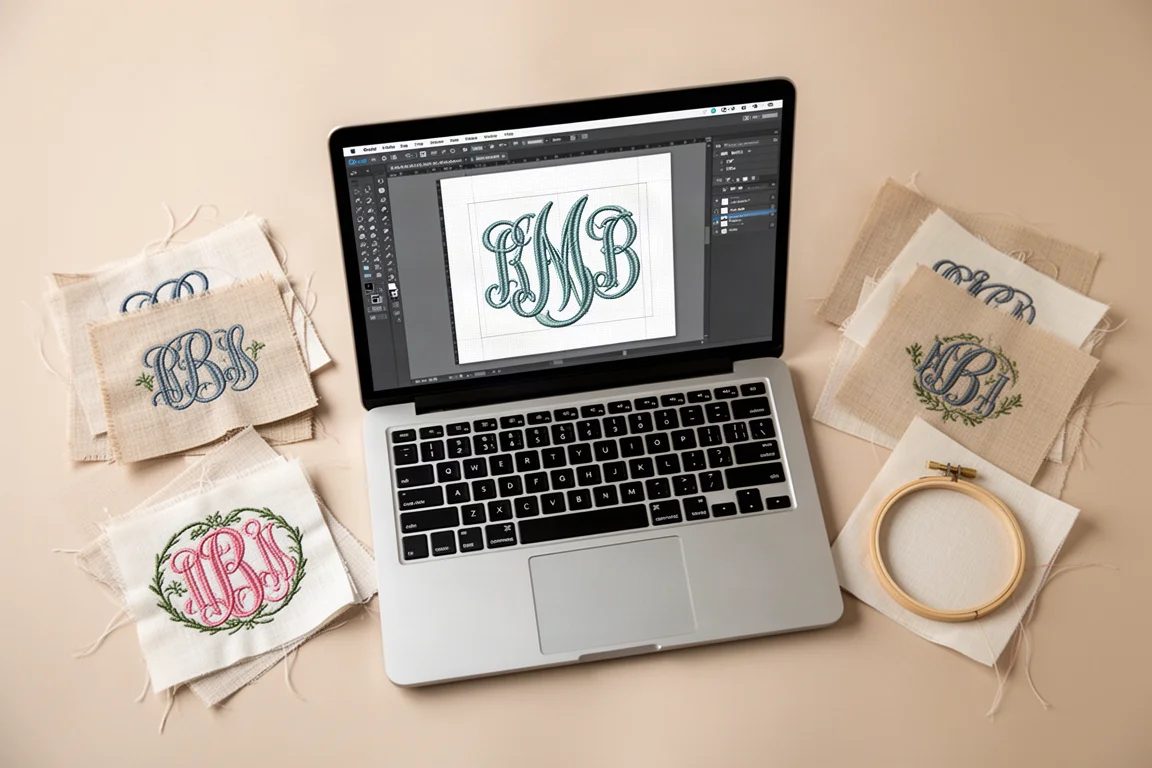
The software includes 21 fonts, and you can modify lettering, create monograms, sequence lettering, and convert lettering to objects and stitches. You can also save applique files for electronic cutting machines like Brother Scan and Cut, Cricut, Cricut, and Silhouette, which means you can create SVG cut files for fabric preparation.
Other useful features include overlapping designs with hidden stitches removed, the stitch simulator, grouping and ungrouping embroidery objects, changing or removing individual colors, and sorting color stops intelligently to group elements together with proper overlapping.

For someone who does machine embroidery as a serious hobby, Essentials offers a strong set of tools at a reasonable price. The one-time payment model means you get updates for life without ongoing fees. The software also pairs well with designs purchased from marketplaces like Etsy, embroidery libraries, and design studios.
Embrilliance Stitch Artist: For Digitizing Your Own Designs
If you want to move beyond purchased designs and create your own embroidery files from scratch, Embrilliance Stitch Artist is the tier to explore. It comes in three levels, with Stitch Artist 1 as the entry point for digitizing and making your own designs, and higher levels offering more advanced capabilities.
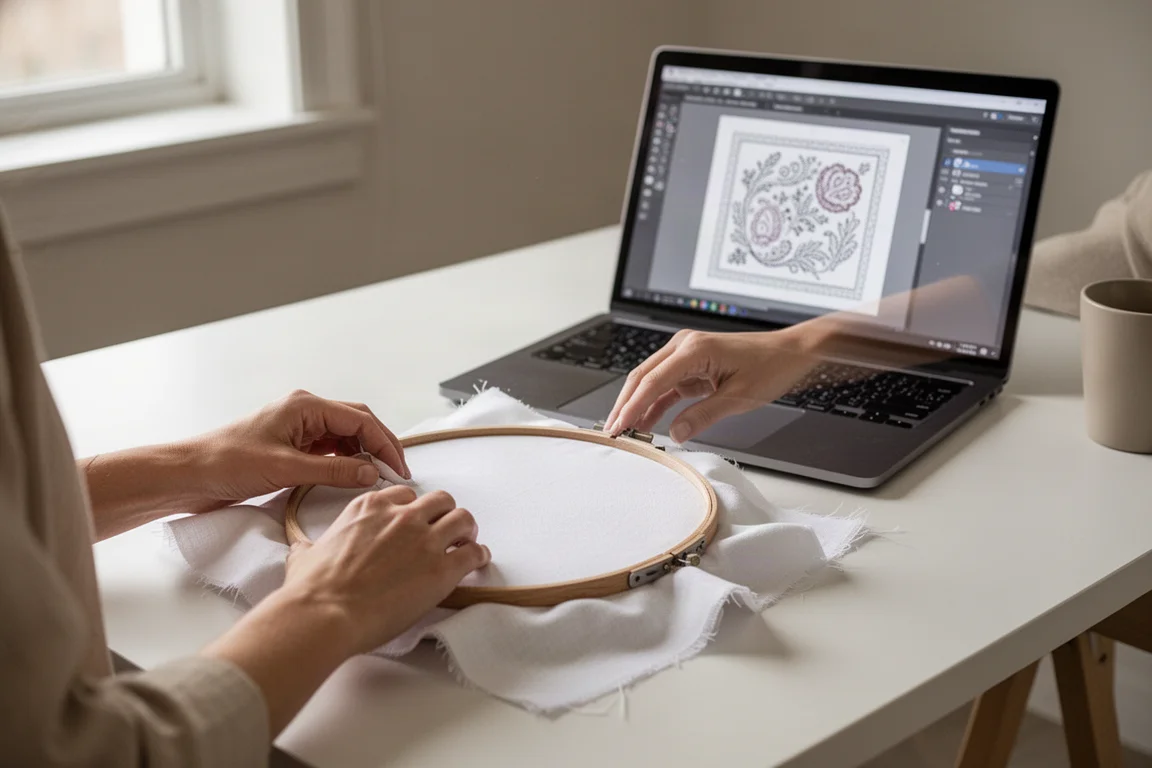
The pricing for Stitch Artist sits in line with other digitizing software on the market, such as Wilcom Hatch. One advantage is that you can buy the levels individually, so you only pay for the features you actually use. If you start with Stitch Artist 1 and later want to upgrade to level 3, there is a separate upgrade price rather than paying full price again.
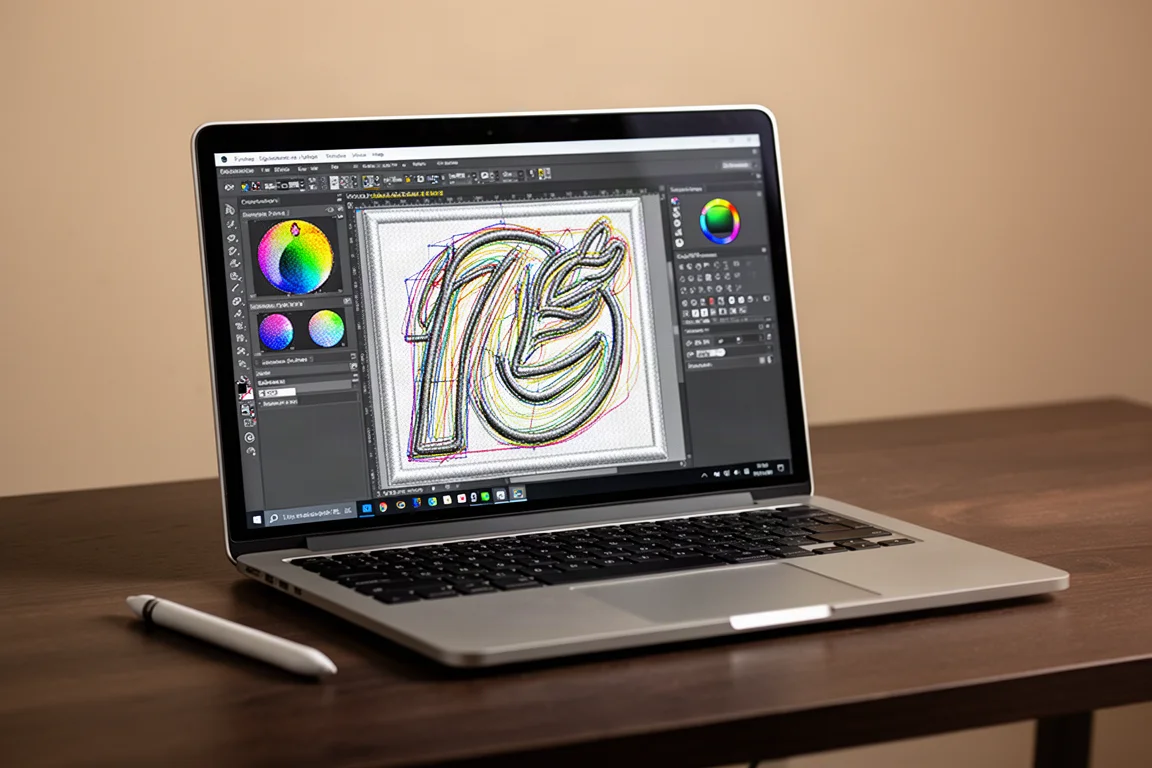
For most home embroiderers who work with purchased designs and lettering, Stitch Artist is probably more than needed. But for those who want full creative control over their embroidery files, it is a legitimate path forward. Embrilliance also offers a channel with tutorials for the more advanced features.
Which Version Should You Choose?
The right Embrilliance tier depends entirely on what you want to do with machine embroidery.
If you are brand new and just want to see whether the software feels right, start with the free Express version. It lets you type out words and save basic designs, which is enough to get a feel for the interface.
If you are a serious hobbyist who works with purchased designs, wants to add lettering and monograms, resize designs without ruining stitch density, or create applique cut files, Essentials is the tier to get. It covers the vast majority of features that home embroiderers actually use.
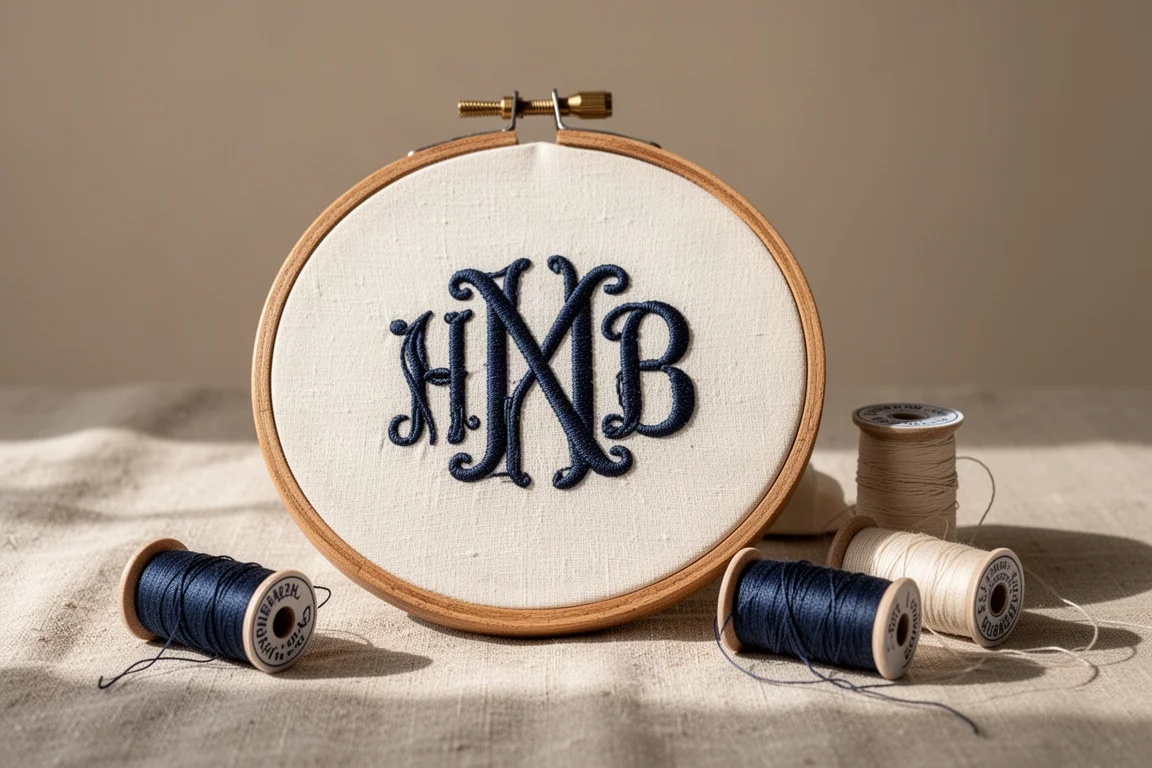
If you want to digitize your own designs from scratch, Stitch Artist is the appropriate investment. It is a more advanced tool with a higher price, but it is priced comparably to other digitizing software and offers a modular upgrade path.
Buying Advice
Embrilliance is a one-time purchase, which makes it a more attractive option than subscription-based embroidery software. The company frequently runs sales, so it is worth checking the website for current pricing before buying.
For most people, Essentials represents the best value. It unlocks the features that make embroidery projects practical, and the lifetime updates mean your purchase keeps its value over time. The ability to upgrade to a higher tier later without paying full price again is another point in its favor.
If you are on the fence, consider what you actually do with your embroidery machine. If you only stitch out designs directly from your machine’s touchscreen, you may not need any software at all. But if you want to combine designs, add names and monograms, resize elements properly, or prepare applique pieces with a cutting machine, the paid software is a worthwhile investment.
Conclusion
Embrilliance offers a clear upgrade path from the free Express version to the paid Essentials tier and beyond to Stitch Artist. The free version is genuinely limited, but it serves as a useful introduction to the software. Essentials is where the software becomes a practical tool for serious hobbyists, with design merging, stitch recalculation, colorization, and applique file creation all included.
The one-time payment model and lifetime updates make Embrilliance a refreshing option in a market that is increasingly moving toward subscriptions. If you are even somewhat serious about machine embroidery, the paid version is worth considering.
Further reading
Related Reviews
Pickleball Paddles
2025 Paddle Awards: The Best Pickleball Paddles of the Year
A category-by-category breakdown of the best pickleball paddles of 2025, covering value, control, all-court, power, and paddle of the year.
Automotive Accessories
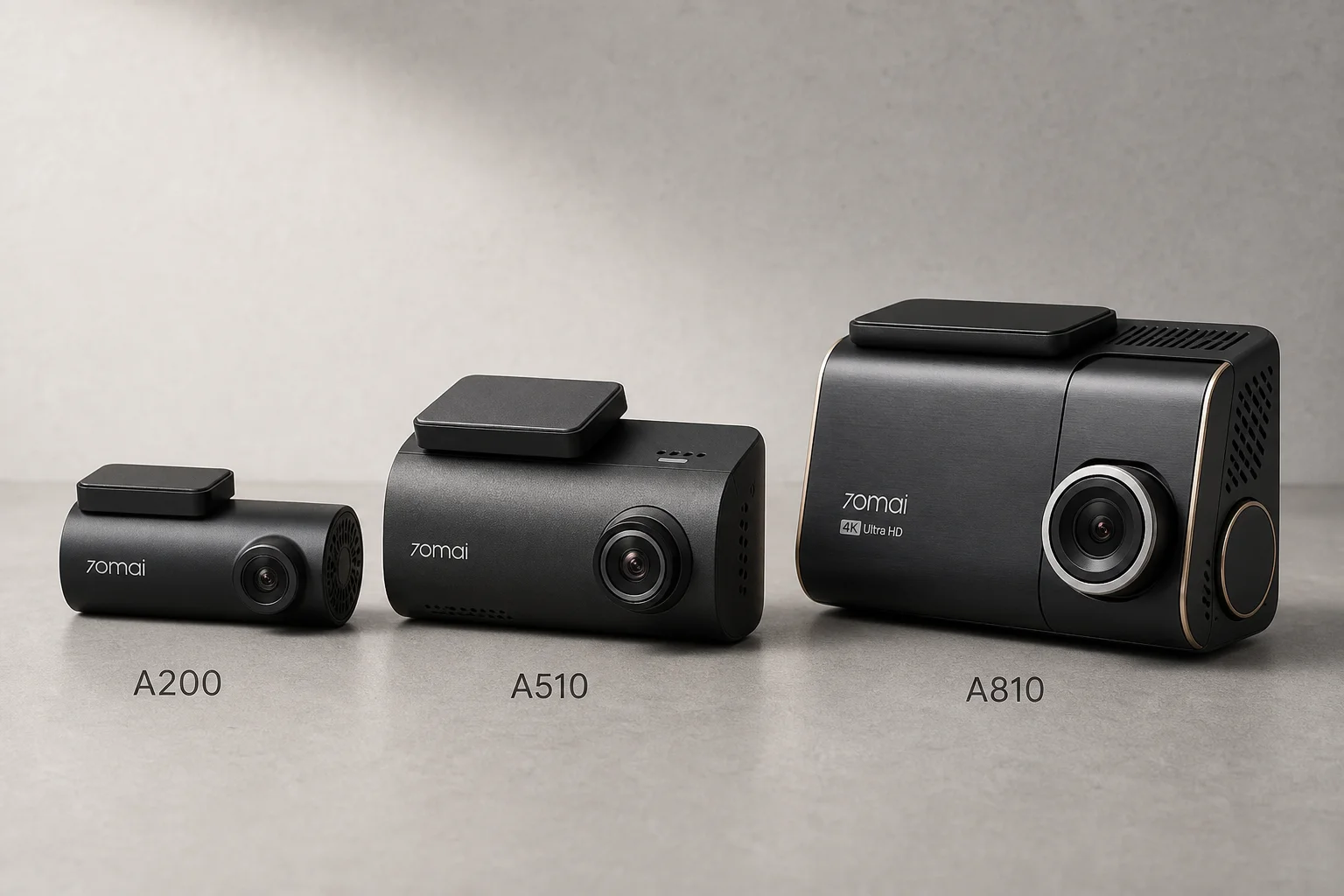
70mai Dash Cam Comparison: A200 vs A510 vs A810
Three dash cameras from 70mai across different price points reveal how resolution and sensor quality impact real-world footage clarity, especially for number plate visibility and low-light performance.
Mobile Gaming Accessories
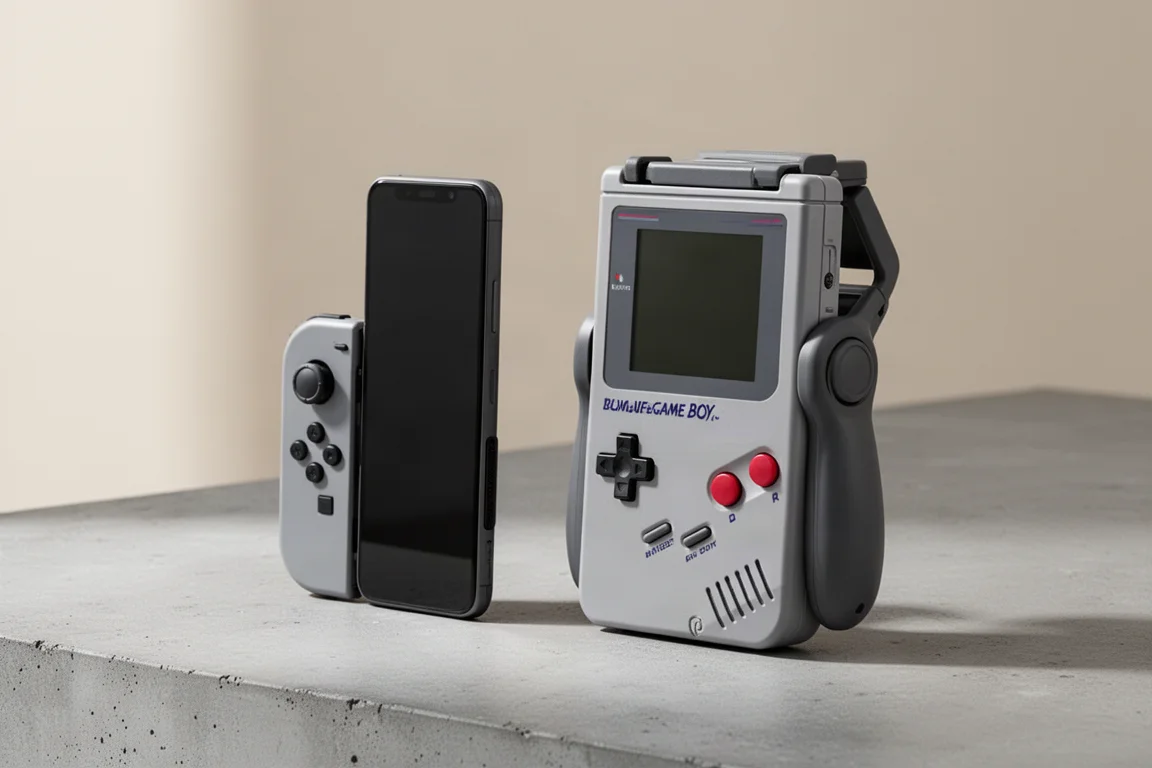
8BitDo FlipPad vs GameSir Pocket Taco: Which Vertical Phone Controller Fits You Best?
Two compact vertical phone controllers with very different approaches to connectivity, controls, and everyday use. Here is how they compare across seven practical categories.