Home Theater
Dynasty Pro Audio WSA-5RP Plus Review: Wireless Rear Surround Without the Wiring
A $299 wireless amplifier kit that carries 24-bit/48 kHz audio to passive surround speakers, with measured power figures and setup notes worth knowing before you buy.
Introduction
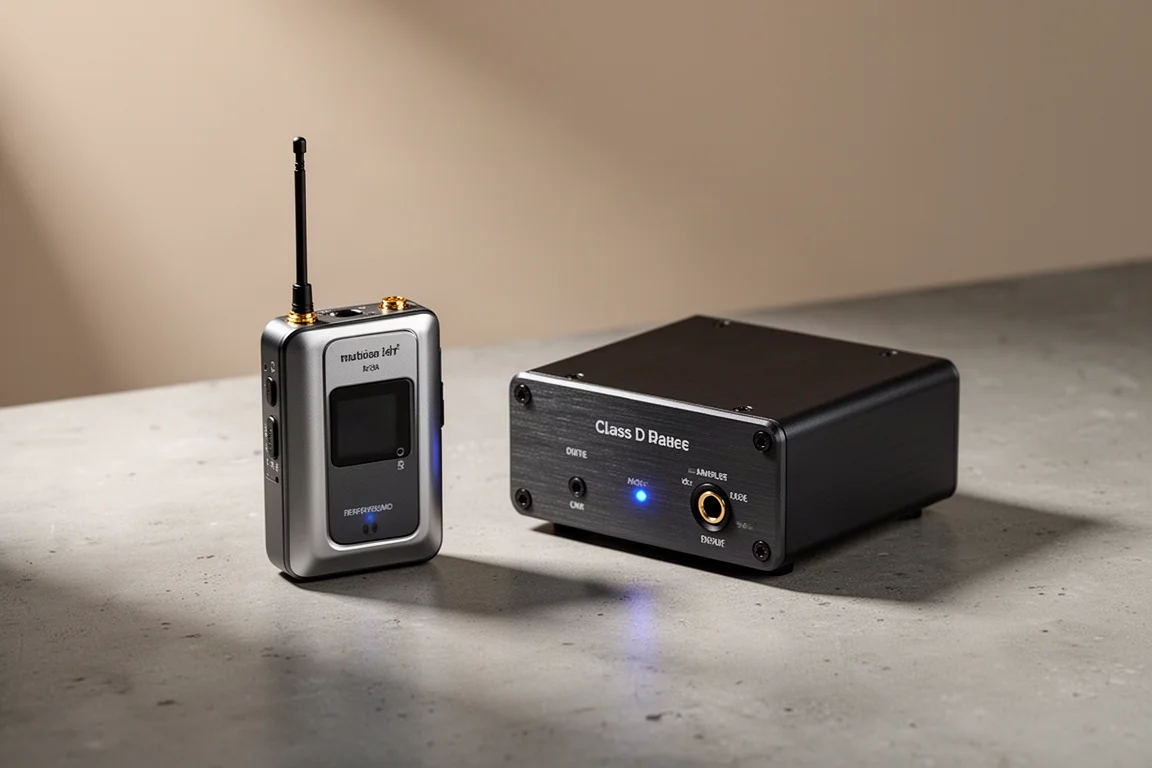
The hardest part of building a surround system is rarely choosing the speakers. It is getting signal to the side and rear positions without tearing open walls or running cable across a finished room. The Dynasty Pro Audio WSA-5RP Plus Wireless Rear Surround Amplifier Kit is aimed directly at that problem. It combines a compact wireless transmitter with a small stereo amplifier that drives a pair of passive surround speakers, carrying audio over a 5.2 GHz or 5.8 GHz link instead of a copper run. The kit sells for around $299, and its appeal is simple: real surround channels in rooms where wiring is not realistic.
Who This Wireless Surround Kit Is For
This is a product for listeners who already own an AV receiver or preamp processor and a pair of passive speakers they want to use as surrounds. It is a natural fit for apartments, rented homes, and living rooms with finished walls, hardwood floors, or an interior design that simply cannot absorb another cable path. It also suits anyone who has hesitated to add side or rear channels because the run from the equipment rack to the back of the room is awkward or impossible.
There is a second, quieter use case. If you have a spare pair of passive bookshelf or floorstanding speakers sitting unused, the same kit can stream to them in a two-channel setup and give those speakers a second life without a dedicated amplifier purchase.
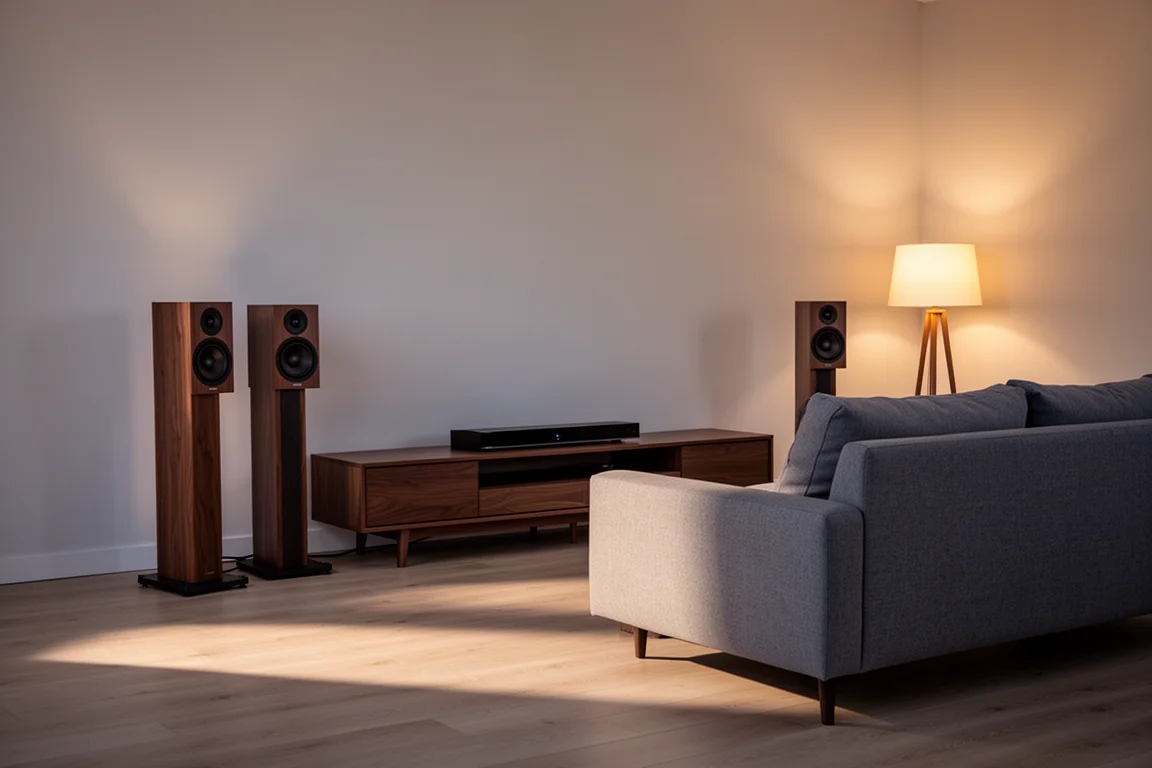
The kit is not designed to replace an AV receiver, and it does not decode anything. It carries an analog surround or subwoofer output from the receiver across the room and amplifies it at the far end, which keeps the receiver as the brain of the system.
Main Strengths: Measured Performance and Power Delivery
The wireless link is the headline feature, and it is worth being precise about what it is. This is not a Bluetooth connection. The transmitter and receiver form a peer-to-peer wireless link with automated channel selection, and it carries uncompressed 24-bit/48 kHz audio. The advertised working distance is about 30 meters, or 100 feet, ideally with a clear line of sight between the two units.
The amplifier itself is rated at 50 watts per channel in stereo. Bench measurements of the amplifier show very good frequency response linearity under open, 8 ohm, and 4 ohm conditions, with the design clearly optimized around a 4 ohm load. Sampling runs at 48 kHz as advertised, with a sharp roll-off at 24 kHz.
Power delivery is where the numbers get interesting. With two channels driven into 8 ohms, the amplifier produced about 45 watts per channel at under 0.1 percent total harmonic distortion plus noise, roughly 47 watts per channel at 0.1 percent, and about 55 watts per channel at 1 percent. Into 4 ohms, both channels driven, it delivered around 95 watts at 0.1 percent and about 109 watts per channel at 1 percent. The lowest distortion point measured at 25 watts corresponded to a SINAD figure of about 80 dB.
Bridge the amplifier and the picture changes substantially. In bridged mode into an 8 ohm nominal load, it produced about 193 watts at 0.1 percent distortion plus noise and around 227 watts per channel at 1 percent, holding low distortion up to roughly 160 watts. That is close to the theoretical fourfold gain over the stereo rating, which is more than many amplifiers manage in bridged operation at 8 ohms.
Setup and Real-World Performance
Setup is deliberately short. Both the transmitter and receiver need power, and they need to sit within the advertised 100 feet with a clear line of sight to each other. The unbalanced surround outputs, and optionally the subwoofer output, from the AV receiver or processor connect to the transmitter. If a subwoofer is involved, the crossover should be set either in the receiver or on the subwoofer itself. Speakers then connect to the amplifier at the far end.
From there it is a matter of powering both units up. They blink while negotiating, and a solid blue light on each confirms the link. After that, running the receiver’s calibration routine or balancing the channels manually per the manual completes the job.
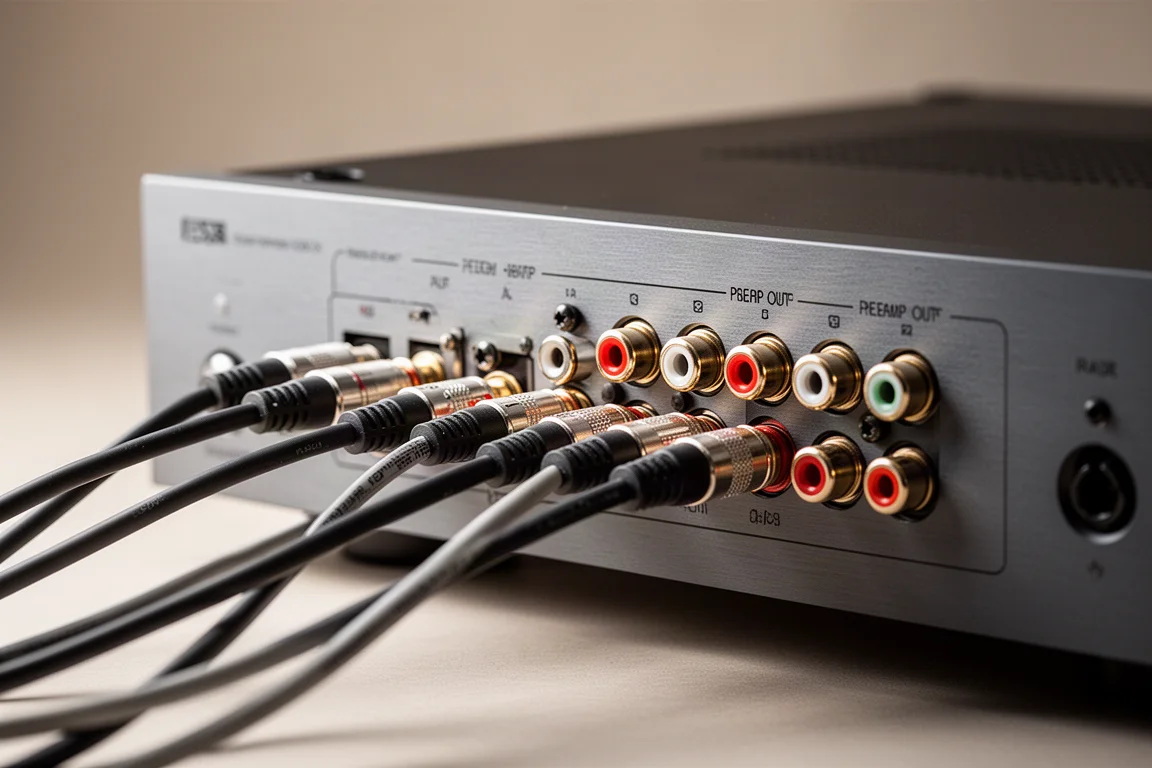
In a real installation with the transmitter and receiver roughly 20 feet apart and a clear line of sight, using unbalanced preamp outputs to feed the rear surrounds, the results were clean. Surround-heavy film material produced zero distortion, zero popping, and no perceptible latency, with a convincing sense of envelopment and solid dynamics. Shutting down the other amplifiers and leaving only the front channels, the surrounds, and the active subwoofers running confirmed the same outcome. The link behaved as if the speakers were wired.
Bridged Mono and Dual-Kit Configurations
Two extra configurations extend the kit beyond a simple surround pair. The first is bridged mono. An additional wireless receiver is available separately, and it can be paired to the same transmitter, with both amplifiers set to bridge mono. That configuration is useful when you want more power for side or rear surrounds, or when you want to drive a two-channel pair with a bridged amplifier.
The second is running two complete wireless kits in the same listening room. Across both bands there are close to 106 available channels, and the recommendation is to set one transmitter and receiver pair to 5.2 GHz, indicated by a green LED, and the second pair to 5.8 GHz, indicated by a blue LED, to keep the two systems from interfering with each other.
Things to Consider Before Buying
Line of sight matters more than the distance figure. The 100-foot rating assumes a clear path between transmitter and receiver, so a kit tucked inside a closed cabinet or separated by thick masonry will not behave the same way as one sitting in the open.
Setup discipline determines whether the system is quiet or noisy. Some user reports describe popping and distortion from speakers connected to the amplifier, and those symptoms line up with skipping the manual’s guidance. Four steps matter: set the receiver’s channel output level to the maximum level you expect to encounter in your programming, confirm the left and right channels are balanced with an SPL meter, start the amplifier’s wireless receiver volume low to avoid clipping, and if popping or distortion appears, step the transmitter attenuation down from 0 dB to -6 dB and then to -12 dB without touching the receiver volume controls.
There are also a few measured characteristics to weigh. With an 8 ohm nominal speaker, the response shows a slight treble lift of roughly 2 dB at 20 kHz. The amplifier has no onboard bass management, and bandwidth is limited at -3 dB at 240 Hz, so a lower crossover point requires external bass management in the receiver or the subwoofer. Dynamic power measurements track closely with the continuous power sweeps, which indicates limited power supply headroom, a common trait of the regulated switch-mode supplies used in compact Class D designs. Bridging into 4 ohm speakers is not recommended.
Finally, source level deserves attention if you plan to use the kit in a two-channel system. Standard SACD and CD output is around 2 volts RMS, which will clip the preamp stage, so the attenuation switch should be set to -6 dB or -12 dB with the volume adjusted to taste.
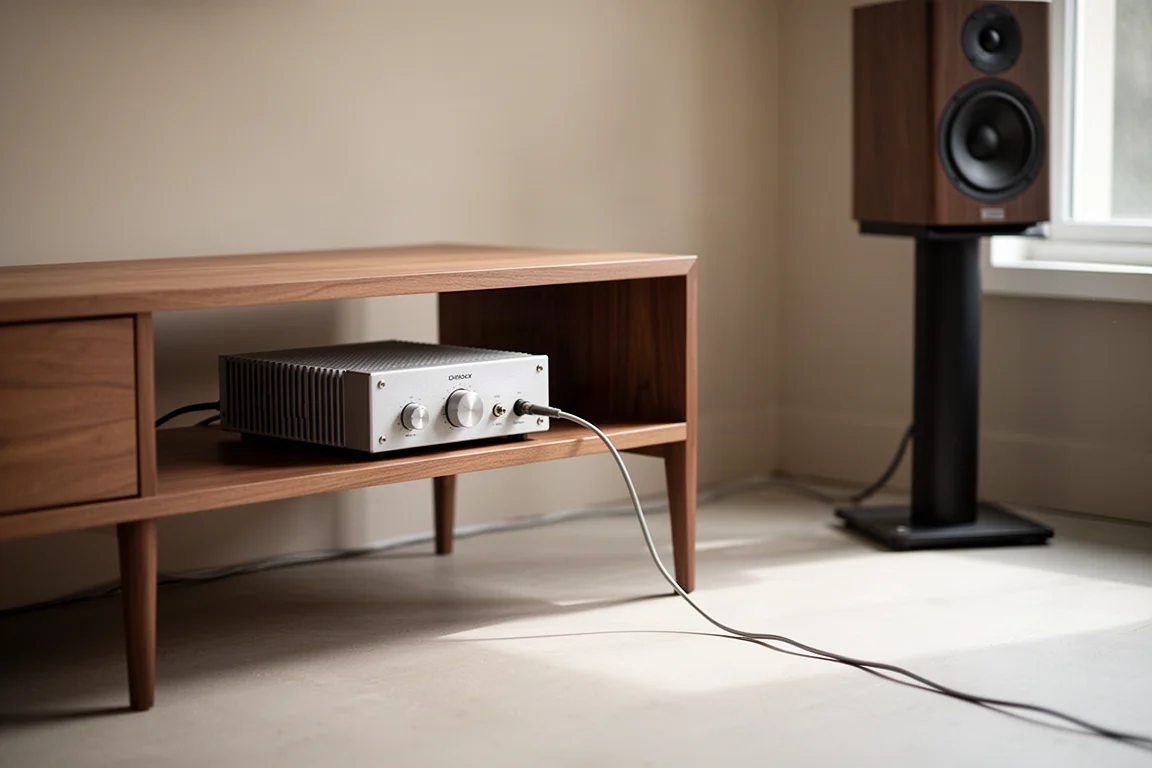
In listening tests with high-quality source material and large floorstanding speakers, the tonal balance came across as slightly more forward and brighter than a reference integrated amplifier costing many times more, with tight, linear bass and a good sense of soundstage. That comparison is not a fair fight given the price difference, but the result was respectable rather than embarrassing.
Subwoofer and Crossover Considerations
If you plan to route a subwoofer output through the kit, treat the crossover as an external responsibility. There is no bass management inside the unit, so the crossover has to be handled by the AV receiver or the subwoofer itself. The measured bandwidth limit of -3 dB at 240 Hz means that a lower crossover point, such as the 80 Hz standard used in many home theater setups, must be set upstream.
Subwoofer frequency response itself measured well, so the limitation is about configuration rather than the quality of the pass-through.
Buying Advice
At $299, this is not an impulse purchase, and it is not the cheapest way to add surround channels if you can run cable easily. Its value shows up in the specific situations where wiring is the obstacle: finished rooms, rented spaces, awkward floor plans, and aesthetic constraints that rule out a cable path entirely. For those buyers, the kit solves a problem that is otherwise expensive or impossible to solve.
The strongest case for it is a system that needs side or rear surrounds and cannot get them any other way. The measured performance, the bridged mode headroom, and the clean real-world wireless behavior all support that use. The main conditions are practical: keep a clear line of sight, follow the manual’s gain and attenuation steps, and handle bass management outside the unit. Buyers who plan for those three things should find it a dependable way to complete a surround system.
Conclusion
The Dynasty Pro Audio WSA-5RP Plus earns its place by doing one job well. It moves surround audio across a room without cable, drives passive speakers with more measured power than its size suggests, and stays clean when it is set up as intended. It is not a substitute for an AV receiver, it needs line of sight, and it leaves bass management to the rest of the system. For listeners blocked by wiring rather than by budget, those trade-offs are reasonable, and the result is a surround system that finally reaches the back of the room.
Product link
View more details for Dynasty Pro Audio WSA-5RP Plus Wireless Rear Surround Amplifier Kit
This product is mentioned in the review. Check the specifications, options, and compatibility before buying.
View more details for Dynasty Pro Audio WSA-5RP Plus Wireless Rear Surround Amplifier KitFurther reading
Related Reviews
Home Theater
Anthem AVM 90 Review: A 15.4-Channel Flagship Preamp Processor
A close look at Anthem's flagship preamp processor, covering its dual ESS DAC architecture, 15.4-channel layout, ARC Genesis calibration and four independent subwoofer outputs.

Home Theater
Apple TV 4K With AirPods: A Best-Value Home Theater Setup
An Apple TV 4K paired with AirPods over Bluetooth makes a compact home theater setup for movies, spatial music and late-night viewing, and it can be assembled for as little as $300.
Home Theater
Arcam AVR15, AVR25, AVR35, and AVP45 Compared: Which AV Amplifier Fits Your System?
Four new Arcam home theater components share nine-channel amplification and Dirac Live, but differ in power, processing ceiling, and channel flexibility.