Smart Telescopes
DWARF Mini Review: Big Astrophotography in a Pocket-Sized Smart Telescope
An ultra-compact smart telescope that aligns, tracks, and stacks deep sky photos automatically, all from a friendly app.
Introduction
The DWARF Mini from DwarfLab is the company’s newest smart telescope, and it promises epic photos of the night sky in a remarkably lightweight, compact design. Having compared it against other smart telescopes like the Vaonis Vespera, Celestron’s Origin, and ZWO’s Seestar, the big question here is simple: does the DWARF Mini sacrifice quality for the sake of portability? After putting it through a full night of galaxy imaging, the short answer is no, and the reasons why make it one of the most accessible entry points into astrophotography we have used.
The DWARF Mini aligns, tracks, stacks, and autoprocesses your data to create finished photos of deep sky objects, all from within the DwarfLabs app. Everything happens with minimal input from you, which is exactly what a beginner-friendly smart telescope should do.
Design and What’s in the Box
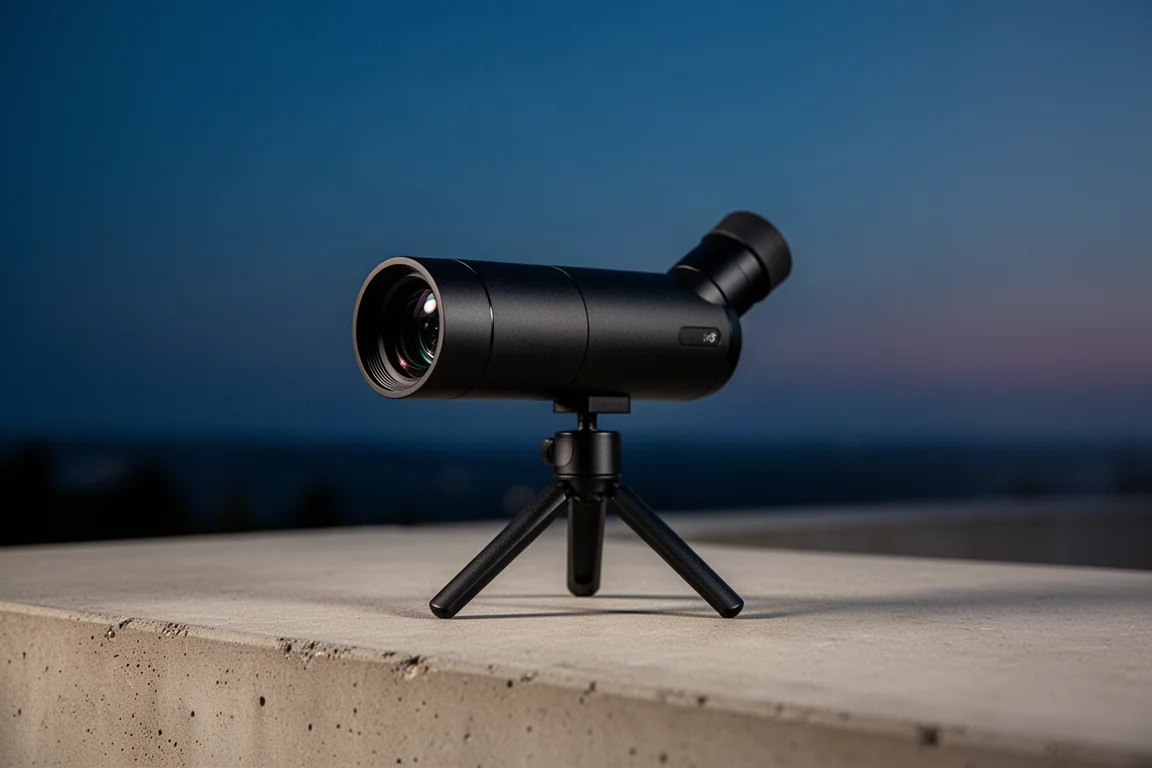
The DWARF Mini is an ultra-compact smart telescope that weighs just 1.85 lb and fits into nearly any backpack or camera case. It can even slip into a pocket, which is genuinely rare in this category. Optically, it uses a 30mm apochromatic lens with a 150mm focal length, delivering strong color correction with a flat field across the entire frame. A highly sensitive Sony IMX 662 color sensor handles the astrophotography modes, while a separate 1080p widefield lens and sensor cover the other imaging modes. It moves up, down, left, and right on an alt-azimuth mount, and while no tripod is strictly required, the dedicated DwarfLab Mini tripod proved robust and high quality, especially for equatorial mode.
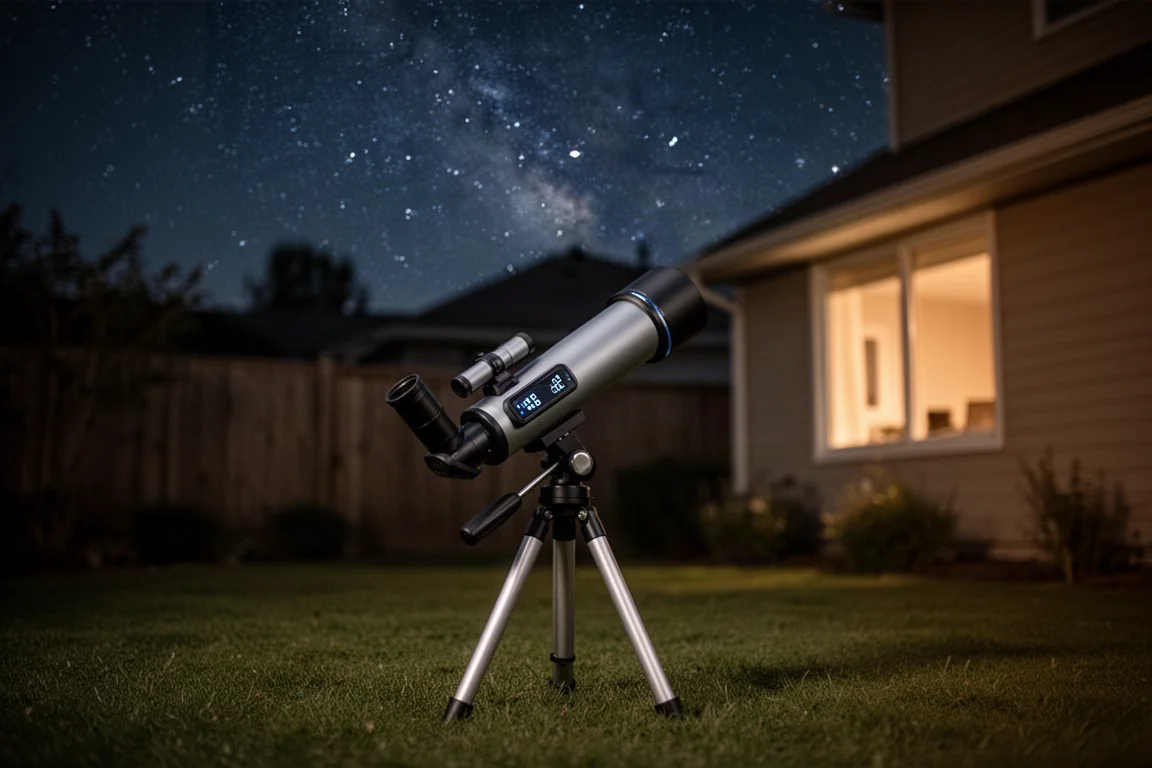
In the box you also get a magnetic clip-on solar filter for photographing the surface of the sun, which magnets onto the main objective for safe solar imaging, plus a USB-C cable for charging the internal battery. The telescope can be used while charging, and we found the 4-hour battery life was plenty for a full night’s session. Pairing it with a portable power supply such as the Apertura 155 would suit campers or backyard marathons even better.
The DwarfLabs App Experience
The first thing that stands out is how intuitive the user interface is. If you are jumping into astrophotography for the first time, this is something you will greatly appreciate, and even experienced imagers will find the layout welcoming rather than limiting.
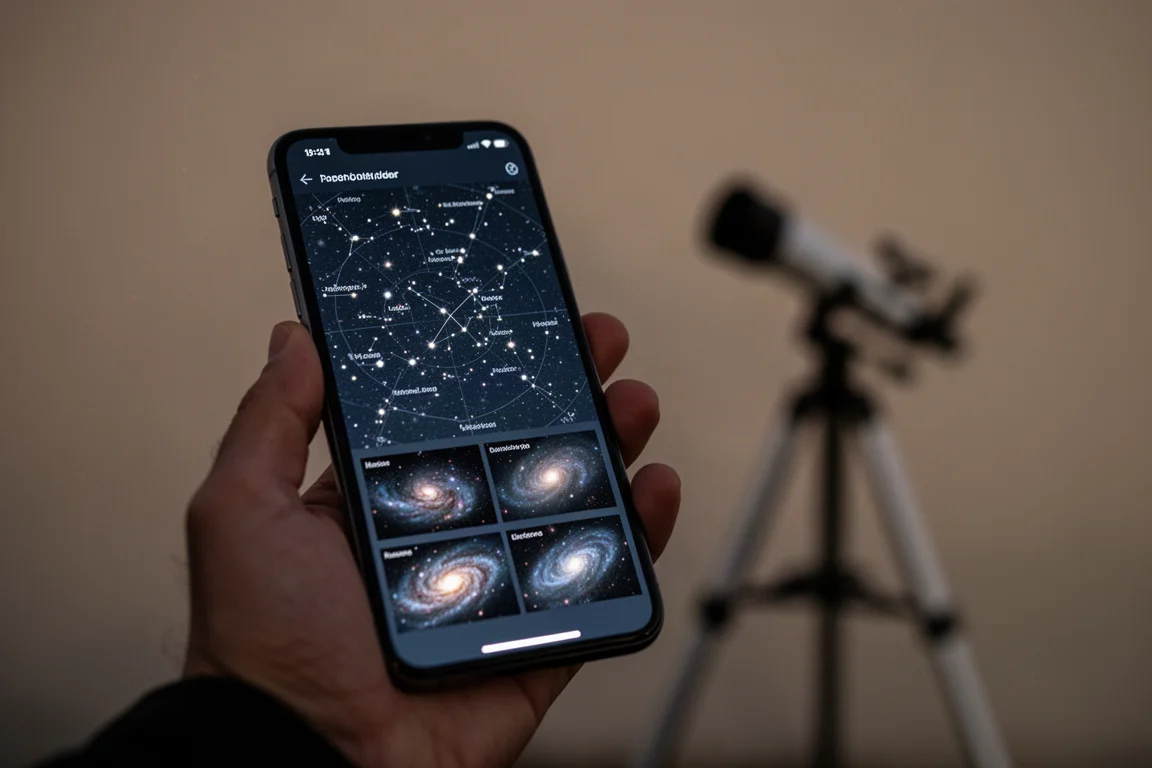
Connecting is straightforward: power on the telescope, wait a few moments for the Wi-Fi signal, then connect through the app and join the network. From the live view you see real-time feeds through both the main lens and the widefield lens. One standout feature is Sky Finder mode. If you only have a small patch of unobstructed sky available, simply point the telescope at it and the app shows exactly which deep sky objects are visible there, complete with miniature photos and icons. Select one, and the telescope slews to it and starts photographing automatically. This bypasses the need for a sky atlas or manual searching, which is a huge win for anyone with a tree line or houses blocking part of the sky.
EQ mode is also available if your tripod pans up and down, and the dedicated DWARF Mini tripod is what we recommend. The in-app polar alignment instructions are extremely clear; in testing, alignment to one degree of accuracy took about a minute. Simply face the Dwarf logo south, tilt toward the North Star, and the app constantly updates to tell you whether to move the mount clockwise, counterclockwise, up, or down. Better polar alignment means longer exposures before star trails appear, and we suggest starting around 45 to 60 seconds and adjusting from there depending on conditions.
Imaging Modes Beyond Deep Sky
The app offers four imaging modes: general, deep sky, solar system, and star trail. General mode works much like a smartphone camera, letting you shoot photos, photo bursts, video, or time-lapses with autofocus and a full parameter panel for both the telephoto and wide photo lenses. This is where the creative flexibility lives.
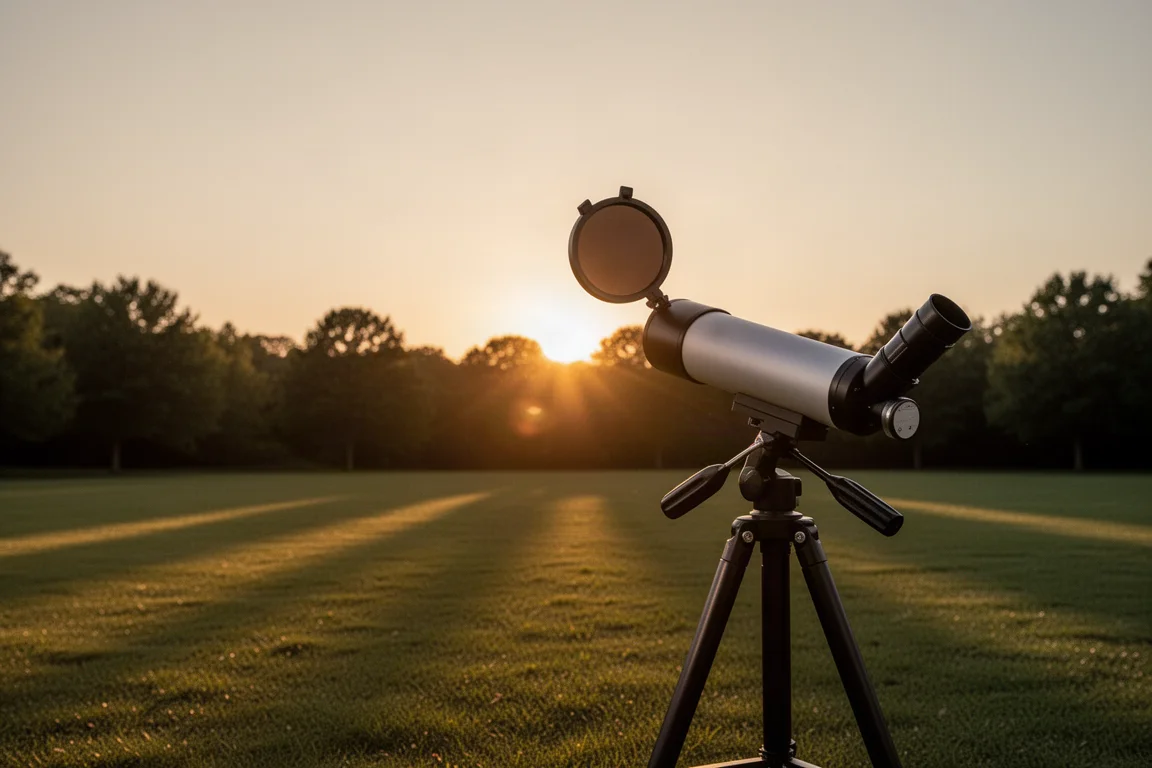
Solar system mode is best used on the moon and sun. Selecting the sun prompts you to attach the included solar filter, then you manually center it with the directional pad, hit track, and the telescope follows it for prolonged shooting. From this mode you can capture pleasing photos of the sun, including detail on sunspots. The moon follows the same process.
Star trail mode might be the most fun of all. Point the telescope in any direction at a clear sky, choose a duration, and generate either a classic buildup video that looks like an animated star trail photo, or a comet-style video where the stars appear to fall from the sky. The comet style is hard not to love.
Post-Processing Made Simple
The Dwarf Infinity Lab handles the finishing touches. Mega Stack lets you combine several nights of imaging sessions into a single image, provided they share the same exposure length, potentially stacking hours of exposure time into one high-contrast, richly colored astrophoto. Stellar Studio then applies background extraction, noise reduction, and sharpening with a single tap, and the improvement is visible immediately.
If you do want full manual control, the app outputs raw TIFF files, so you can take your images into Photoshop or PixInsight and post-process there. You never have to learn curves, saturation, or star removal, but the door is open if you eventually want to.
So, Does Portability Cost You Quality?
To answer the central question directly: absolutely not. What genuinely surprised us was how often we simply wanted to bring the DWARF Mini outside and use it, a feeling that never materialized with other smart telescopes. Setup speed reinforces this. From powering on to capturing Messier 65 in the Leo Triplet took under four minutes: connect in the app, select deep sky mode, search the atlas, frame the target, set a 15-second shutter, and let the telescope calibrate, locate, and begin stacking in real time.
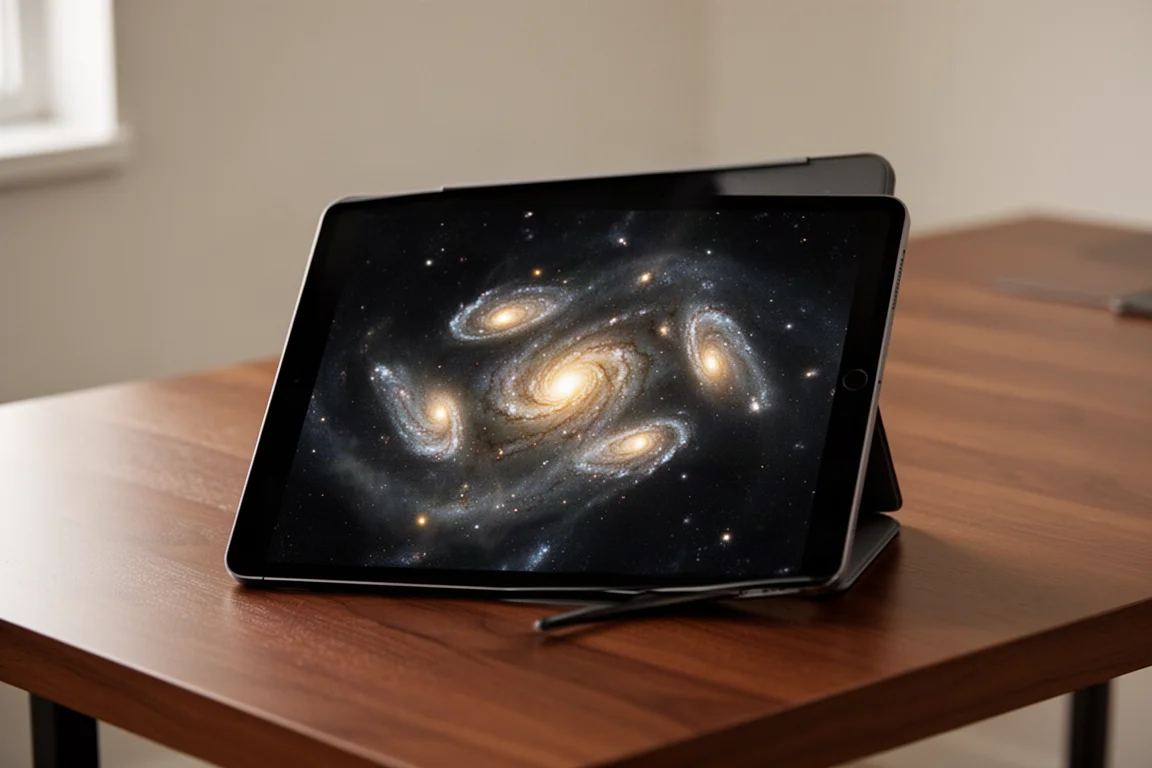
The purpose of a smart telescope like this is to bring more people out under the night sky and make astrophotography more accessible, and DwarfLab has nailed that goal. For some, the DWARF Mini will be a stepping stone toward dedicated astrophotography rigs. For others, it is exactly the stopping point they are looking for, a simple way to explore amateur astronomy without any of the traditional complexity.
Conclusion
The DWARF Mini proves that portability and image quality do not have to be a trade-off. With a capable apochromatic optic, a sensitive Sony sensor, an intuitive app loaded with thoughtful features like Sky Finder and Stellar Studio, and a body light enough to carry anywhere, it makes astrophotography feel effortless. If you have been curious about the night sky but intimidated by the gear, this is one of the friendliest ways to start.
Product link
View more details for Dwarf Mini
This product is mentioned in the review. Check the specifications, options, and compatibility before buying.
View more details for Dwarf MiniFurther reading
Related Reviews
Smart Telescopes
Vaonis Vespera 3 Review: A Premium Smart Telescope With Excellent Optics
A detailed look at the Vaonis Vespera 3 smart telescope, covering its standout hardware, impressive multi-night observations, and the software trade-offs to weigh before buying.
Smart Telescopes
Best Smart Telescopes Compared: Seestar S50 Pro, S50, S30 Pro, S30, and Dwarf Mini
Five of the most popular smart telescopes tested side by side in the desert: what they share, how they differ, and which one suits your budget and targets.
Smart Telescopes
Best Smart Telescopes: Four Scopes That Make Astrophotography Easy
Four smart telescopes that put detailed, color-rich night sky photos within reach of complete beginners, from ultra-portable to full home observatory.