Home Wellness
DIY Cold Plunge with Amazon Chiller: One Year of Real-World Testing
A practical review of building a budget cold plunge using an aquarium chiller and pump from Amazon, including temperature performance, setup challenges, and whether it's worth the effort.
Introduction
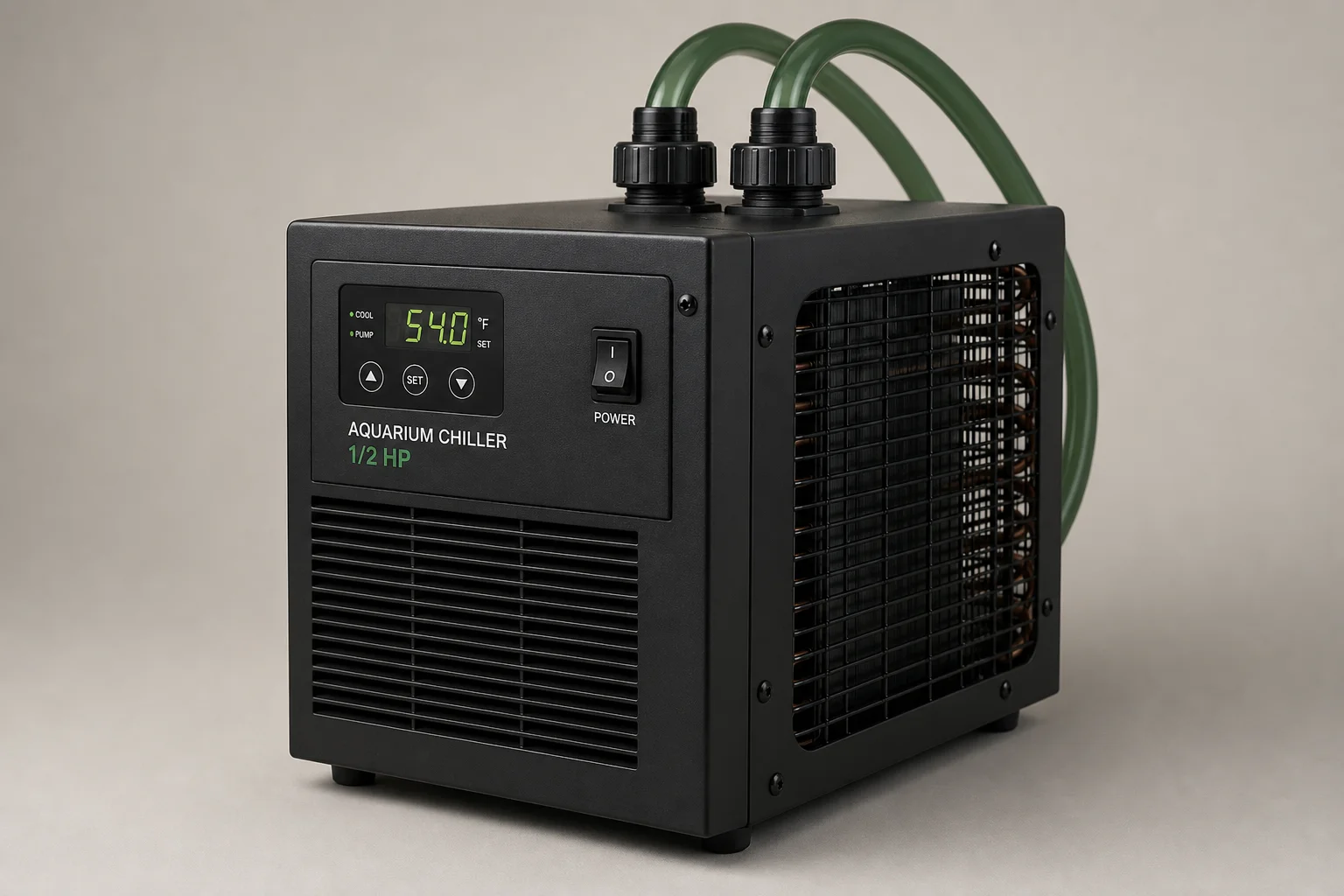
After a year of daily cold plunging using a half-horsepower aquarium chiller and pump sourced from Amazon, I wanted to share what actually works, what doesn’t, and whether this budget approach is worth your time and money.
Setting Up a DIY Cold Plunge
The core setup is straightforward: a half-horsepower chiller designed for aquariums, a submersible pump, and your bathtub. The chiller cools water that the pump circulates through hoses into the tub. Installation is simple enough, though I learned a few lessons along the way.
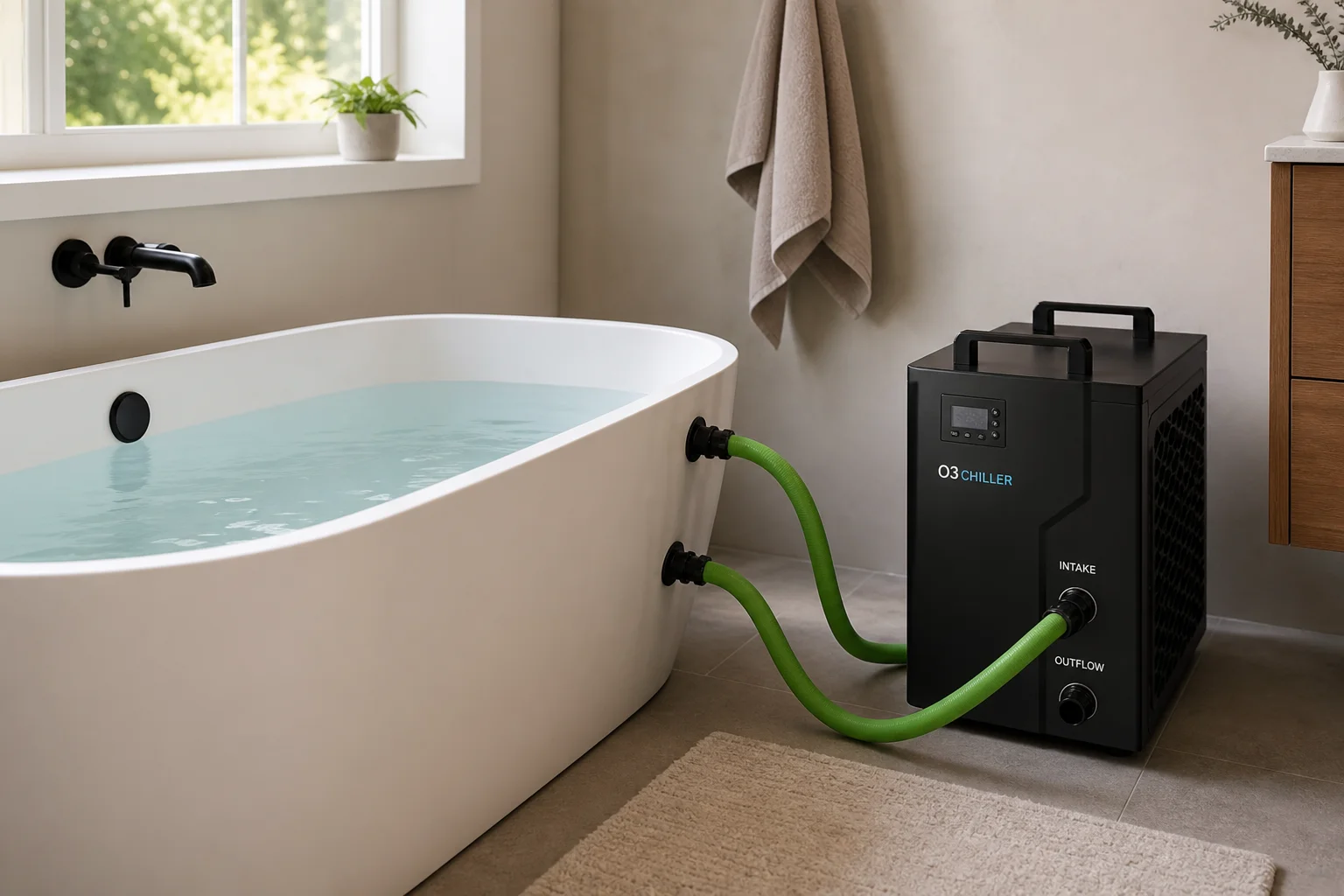
The chiller has a front-facing control panel with a digital temperature display and power switch. The pump sits in the water and requires priming before it will flow consistently. I discovered this the hard way during my first attempts, but once primed, the system runs continuously. Both units need dedicated electrical outlets, so bathroom outlet access is essential.
The appeal of this setup is the low entry cost and the ability to test whether cold plunging fits your routine before investing in a premium unit. If you’re using a bathtub indoors, you avoid the environmental exposure issues that come with outdoor tanks, though you do sacrifice some space.
Temperature Performance Over One Year
Here’s where the reality check begins. Over 250 recorded cold plunge sessions, my average water temperature was 60 degrees Fahrenheit. The lowest I achieved was 54 degrees, which happened on a cooler day when I left the chiller running for several hours. My target was 50 degrees, so I fell short of that goal consistently.
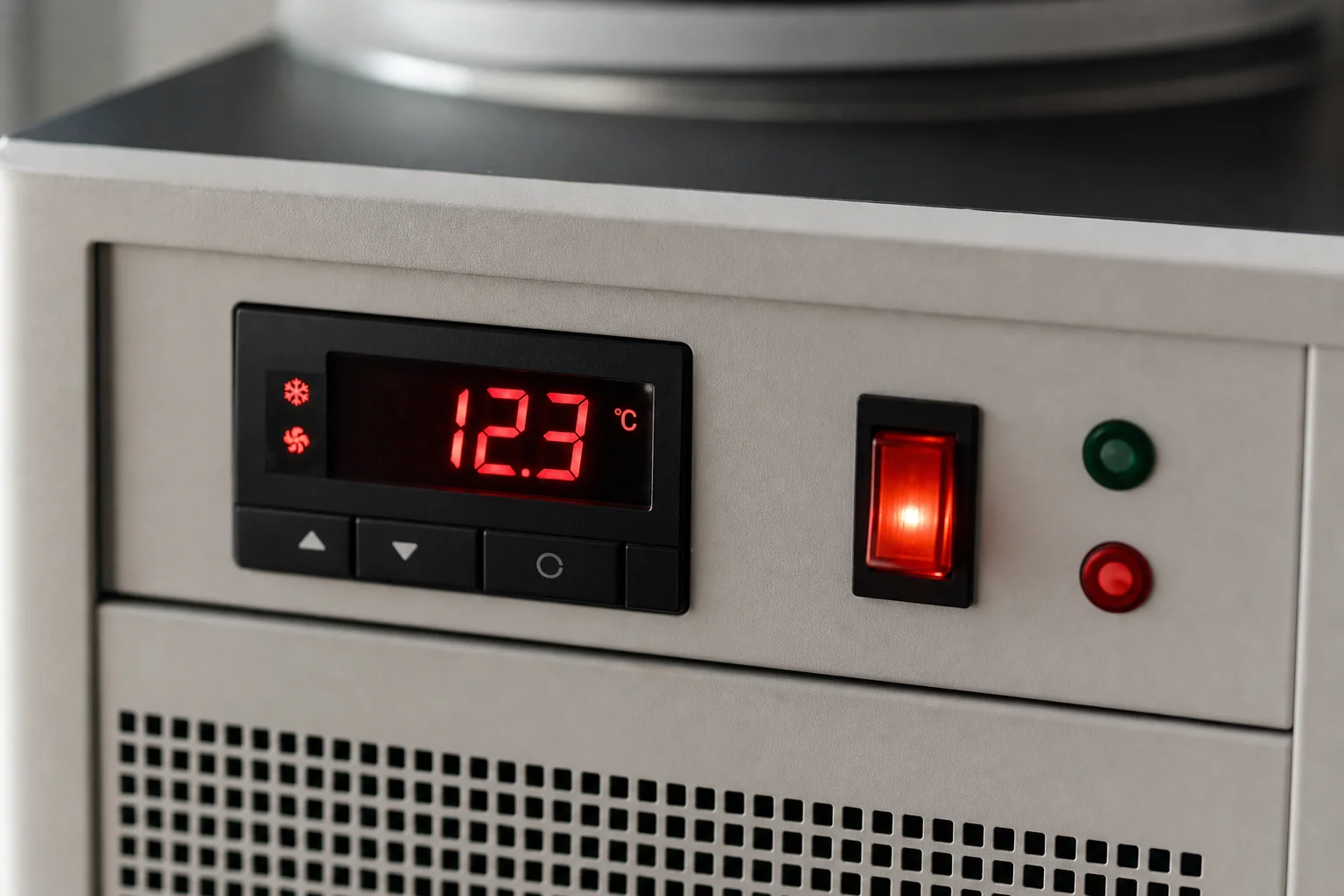
The half-horsepower chiller simply lacks the cooling capacity to reach the lower temperatures that serious cold plungers pursue. In August, when Louisiana heat peaks, I was lucky to reach 63 or 64 degrees. The chiller has no built-in timer or scheduling function, so I had to manually turn it on whenever I woke during the night to use the bathroom. This meant inconsistent pre-cooling throughout the day.
If I were to repeat this experiment, I would upgrade to a one-horsepower chiller, which cools faster and reaches lower temperatures. However, that comes with a significant price increase and the same aesthetic drawbacks.
Heat Dissipation and Bathroom Environment
This is a critical issue that surprised me. The chiller works like a refrigerator, expelling hot air through a rear vent fan. In my small bathroom (roughly 6 by 7 feet with an 8-foot ceiling), this heat buildup is noticeable and affects the water temperature.
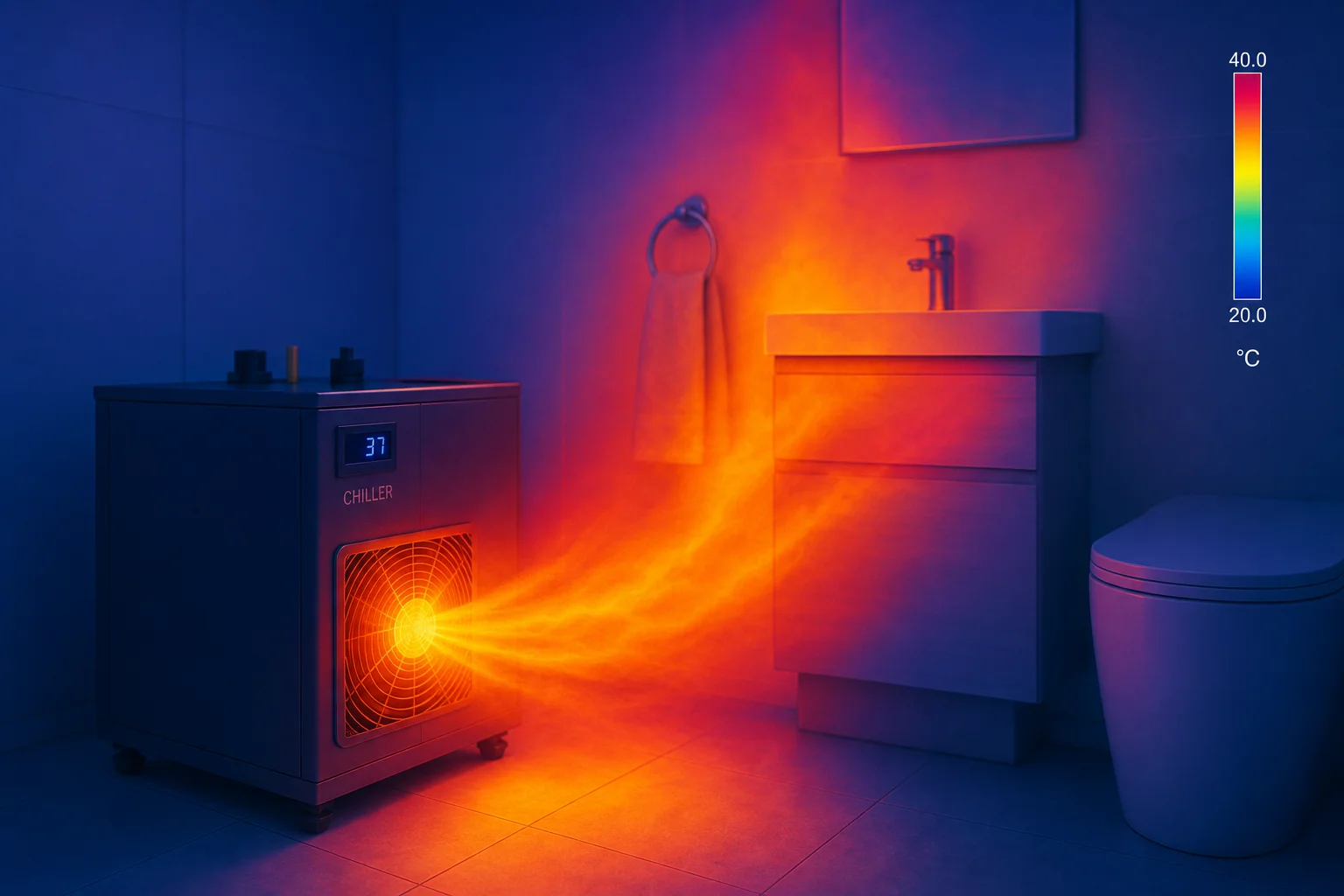
I measured the vent air temperature at over 121 degrees Fahrenheit on days when the chiller had been running for several hours. This heat directly warms the bathroom and, by extension, the bathwater itself. I found myself running the bathroom exhaust fan to mitigate this, but it’s an extra step that adds to the overall complexity.
There’s also a consistent 1 to 2-degree difference between the chiller’s digital display and the actual water temperature when measured with a meat thermometer. The display tends to read slightly lower than reality.
Practical Limitations and Daily Use
The chiller and pump are not aesthetically pleasing. My wife’s feedback was direct: it’s black, bulky, has green hoses, and takes up bathroom space. It’s not something you’d choose to display. Moving it requires lifting by the handles since it has no wheels, which becomes tedious if you need to clean around it.
The lack of scheduling is a genuine inconvenience. I had to develop a workaround: fill the tub with water at the end of my evening shower, turn on the chiller manually when I wake at night, and hope the water reaches an acceptable temperature by morning. This is far from ideal for consistent daily use.
Considering an Upgrade
If you’re serious about cold plunging and willing to spend more, the Home Plunge is worth investigating. It’s designed specifically for bathtub cold plunging, features a contemporary aesthetic that fits modern bathrooms, and comes on wheels for easy repositioning. It addresses the visual and functional shortcomings of the DIY chiller approach.
Conclusion
The Amazon chiller-and-pump setup works as an entry point to cold plunging. It’s affordable and proves whether the practice suits your lifestyle. However, it has real limitations: modest cooling power, no scheduling, heat dissipation challenges in small bathrooms, and aesthetic compromises. If you commit to regular cold plunging beyond the trial phase, a dedicated unit like the Home Plunge or a more powerful chiller becomes a worthwhile investment.
Product link
View more details for Home Plunge
This product is mentioned in the review. Check the specifications, options, and compatibility before buying.
View more details for Home PlungeFurther reading
Related Reviews
Coffee Brewing
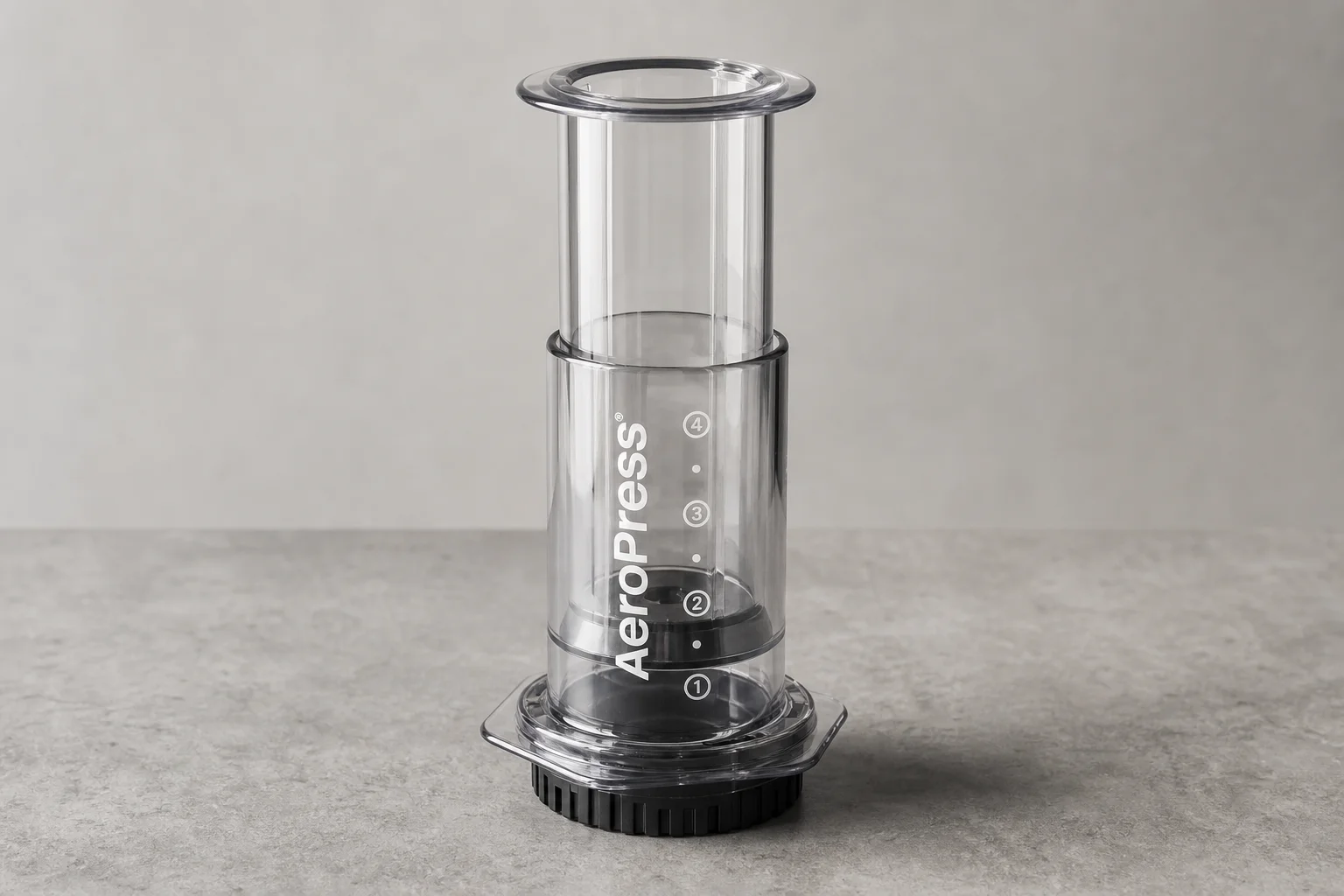
AeroPress Clear Review: A Transparent Upgrade With Caveats
The new AeroPress Clear uses Tritan material and costs $50, but doesn't brew better coffee than the original. We tested durability, staining, and what the price increase means for the brand's future.
Coffee Equipment
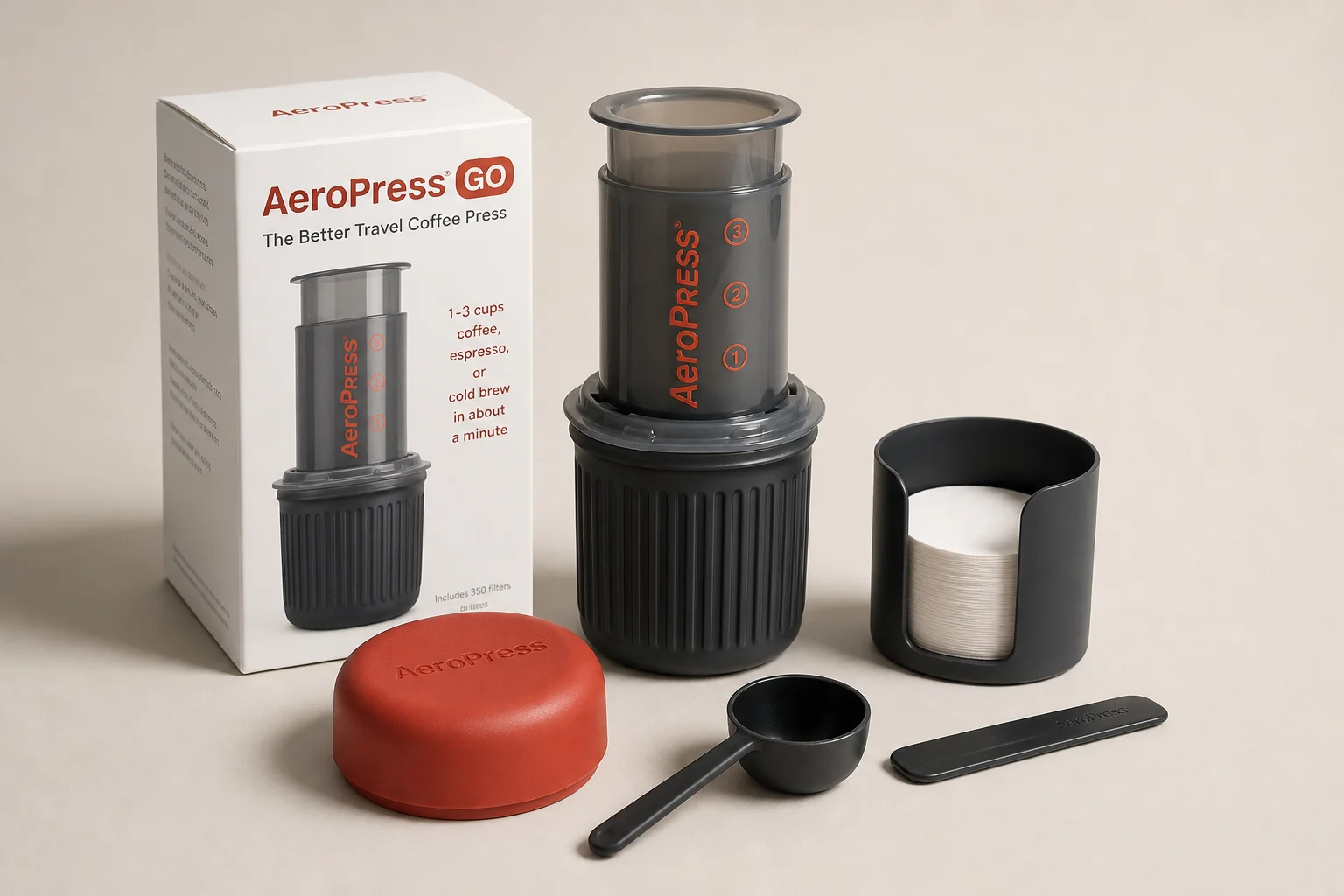
Aeropress Go Review: A Compact Travel Brewer That Solves One Specific Problem
The Aeropress Go shrinks the original design and adds an integrated cup, but it may not address the travel challenges most coffee enthusiasts actually face.
Tech
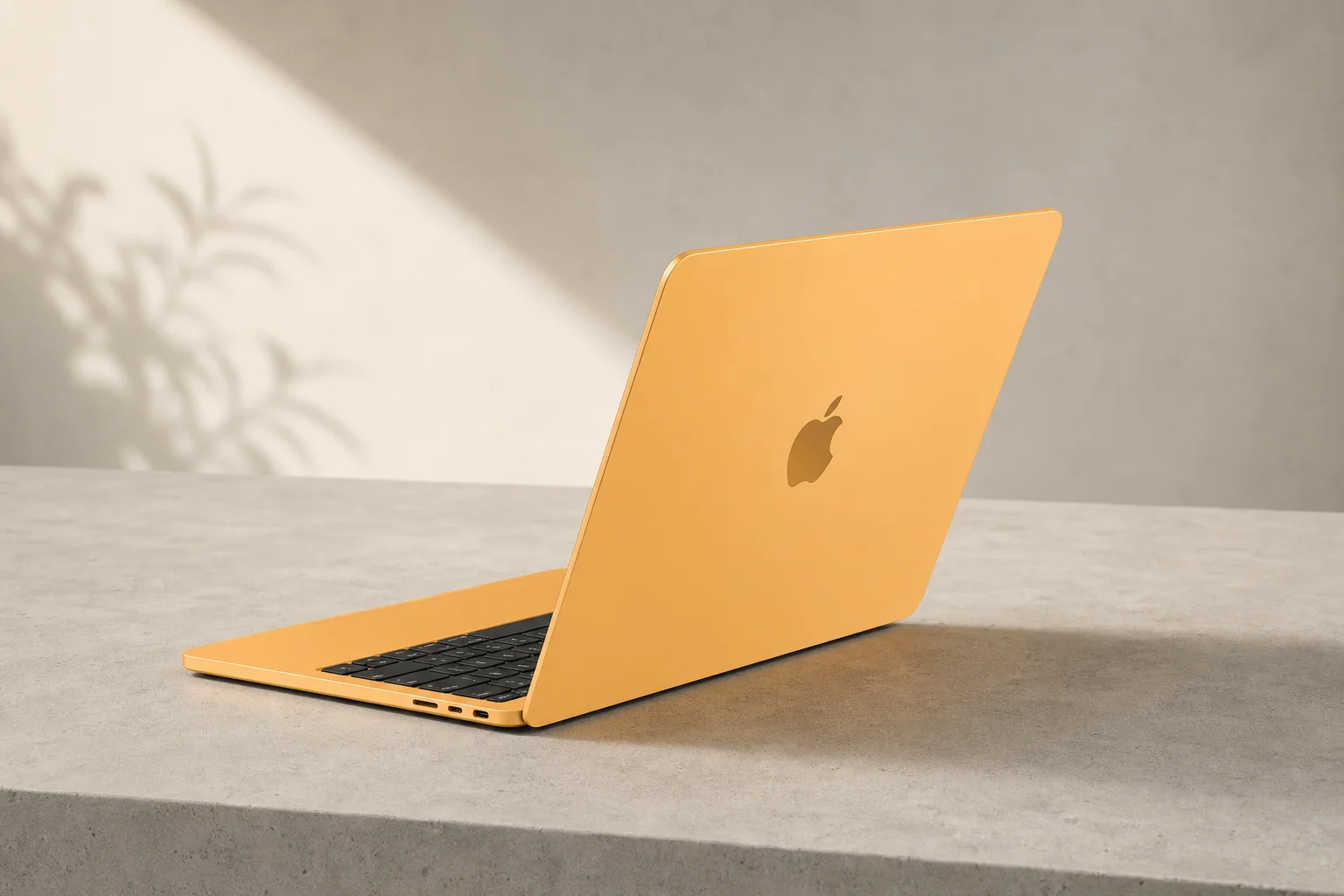
Apple MacBook Neo Review: A Surprisingly Capable Budget Laptop
The MacBook Neo brings M1-equivalent performance to a $599 entry-level laptop. We tested it across real workflows to see if it's worth considering over pricier alternatives.