Smart Home
DCT Smart Bird Feeder with Camera Review: Solid Captures, Flimsy Build
A camo-covered smart bird feeder with solar charging and a dependable camera app, held back by lightweight plastic construction.
Introduction
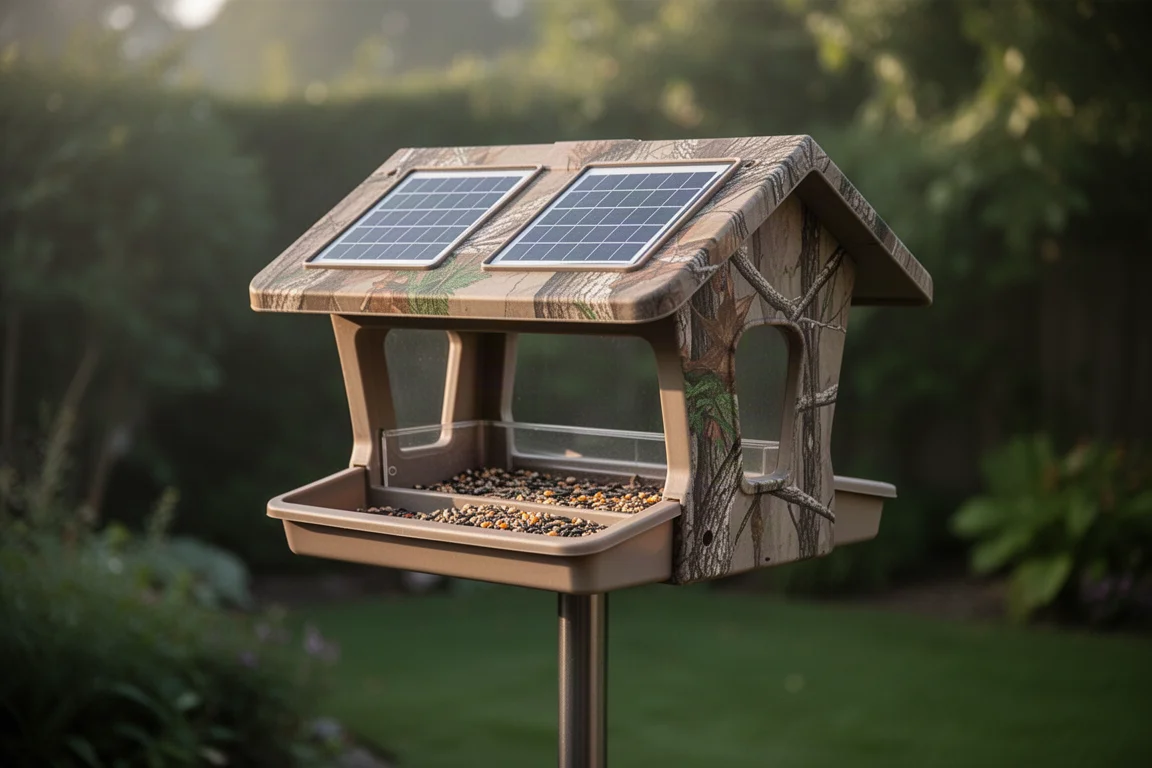
The DCT smart bird feeder with camera enters a crowded category, and it brings a distinctive camo finish, dual onboard solar panels, and an optional add-on solar panel to the table. After assembling it, pairing it, and letting it run outside for several days, it delivered plenty of bird visits and solid clips. The main caveat is build quality: the plastic construction feels light and a little fragile, so careful placement and serious squirrel-proofing matter.
Unboxing and What Comes in the Box
The package is generous for the price tier. Inside you get the main feeder body with the camera module on top, the seed hopper that attaches underneath, a mounting stand, a solar panel with its own mounting bracket, a charging cable, a tree strap, screws, a small screwdriver, a reset key, a component bag, and a user manual. There is also an antenna that screws onto the back of the unit.
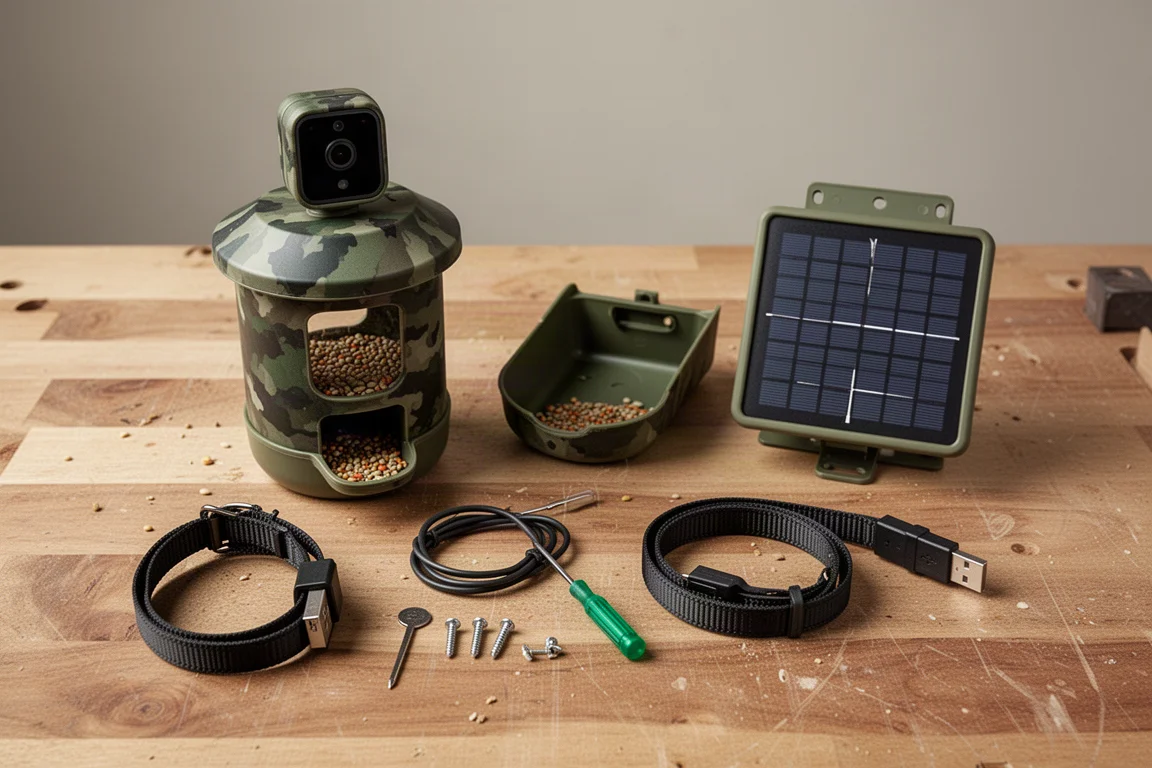
The camo design stands out. The feeder also comes in orange, but the natural camo gives it a trail-camera look that blends into garden settings. The stand is solid and should not bend, even under the weight of a raccoon, which is more than can be said for some competing stands.
Build Quality: The Main Trade-Off
The feeder body is all plastic. It is light, and while the camo finish looks good, the overall feel is on the flimsy side. One of the bottom screws stripped during assembly, leaving the unit slightly wobbly, and the included screws seem prone to stripping if rushed. A fall would likely damage it, so choose a mounting spot carefully.
If squirrels or other chewers reach it, the plastic will not fare well. Strong squirrel-proofing is strongly recommended before hanging this feeder.
App Setup and Pairing
Setup starts with a QR code to download the companion app. The code on the back of the unit did not work, but the one in the manual did, leading to the Vio Home Security app, which is a capable option. Pairing is straightforward: power on the feeder, add a new device, turn on Bluetooth, confirm your Wi-Fi details, and wait for the connection-succeeded tone.
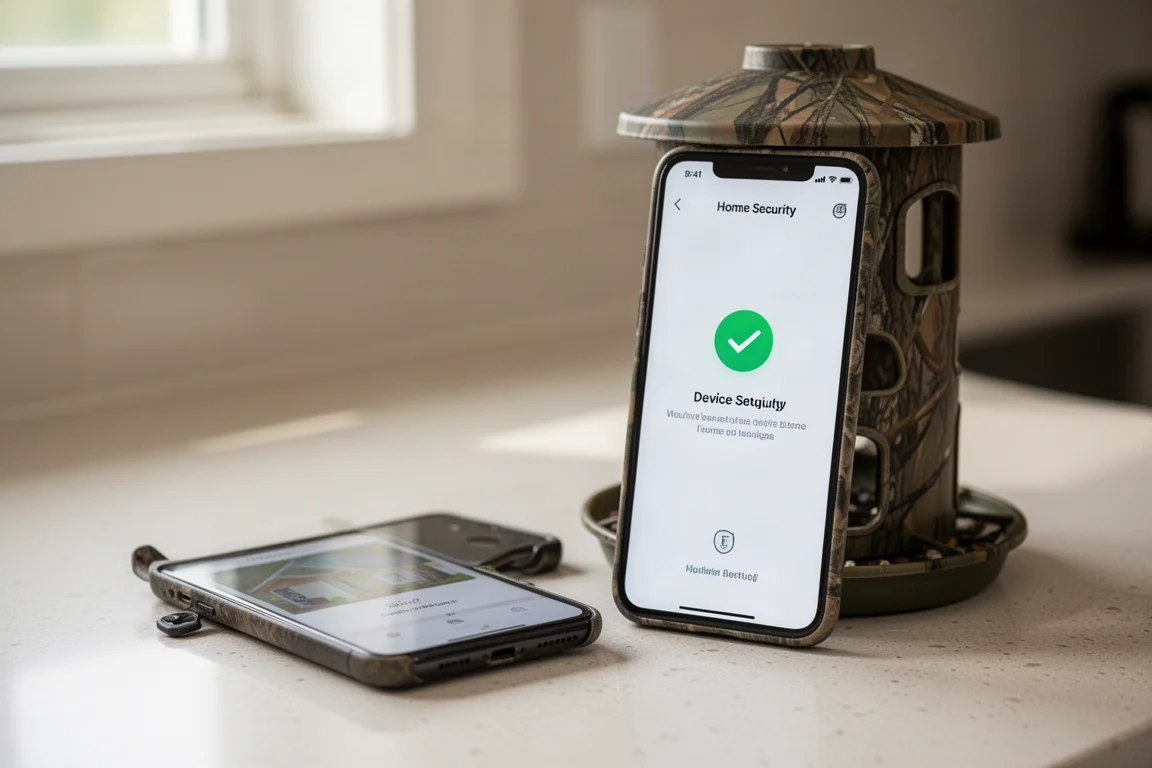
The app walks you through location selection, motion detection setup, and a Wi-Fi signal check. A paid “bird fans” plan exists with extra features, but the free tier covers the core functionality, which is the right approach: you should not have to pay extra for the basic job the product was bought to do. A firmware update was available and applied without issue.
Power and Solar Charging
Two solar panels sit on top of the roof, and the package includes a second, separate solar panel that can be screwed to a board or post and plugged into the back of the feeder for additional power. That makes three panels in total if you use everything, which should be enough to keep the battery topped up.
The unit arrived only partially charged, and it is best practice to fully charge it before mounting it outside. The power button sits on top.
Mounting and Squirrel-Proofing
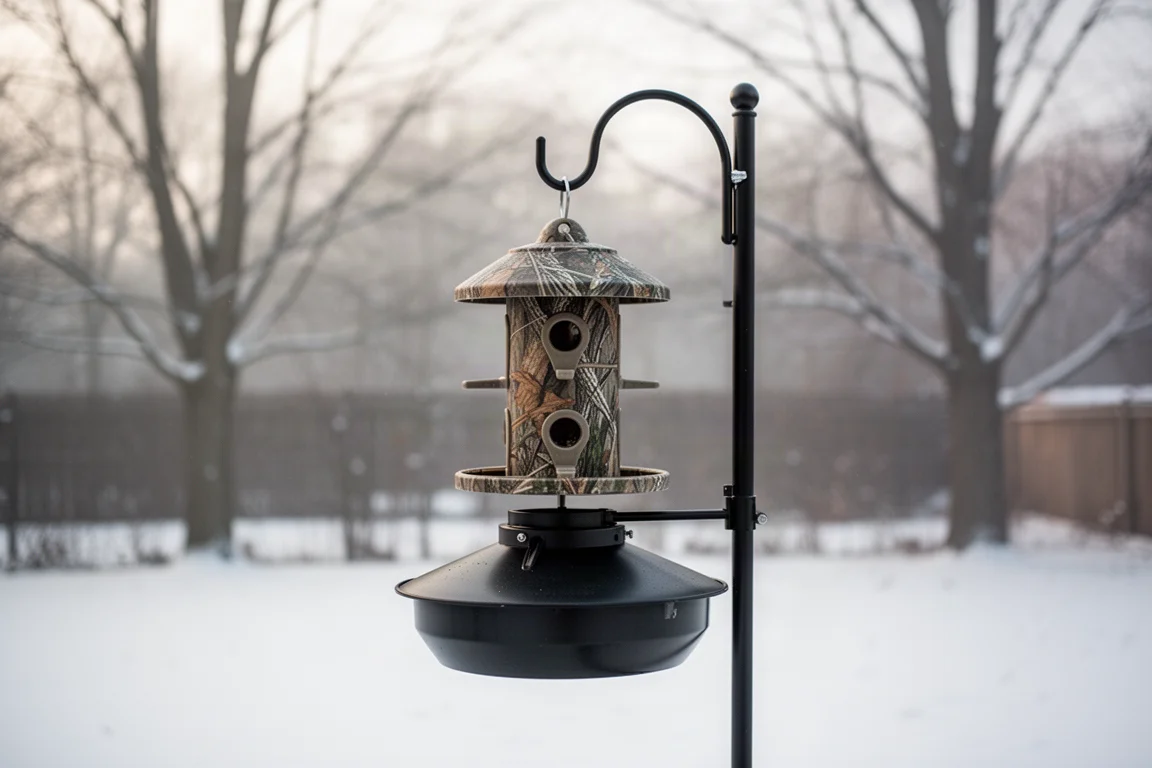
The feeder attaches to a board or post using the larger screws, while the smaller screws secure the seed hopper to the body. The tree strap allows direct tree mounting. In testing, the feeder was attached to a board setup on a pole fitted with a squirrel baffle, which is the smart move here: squirrels anywhere near a plastic feeder is a bad combination.
Real-World Performance: Birds, Clips, and Image Quality
Within days the feeder was busy. Cardinals showed up the very first morning, standing out nicely against light snow on the ground. Over the following days, the camera captured cardinals, chickadees, house sparrows, and a nuthatch, sometimes with two species at the tray at once.
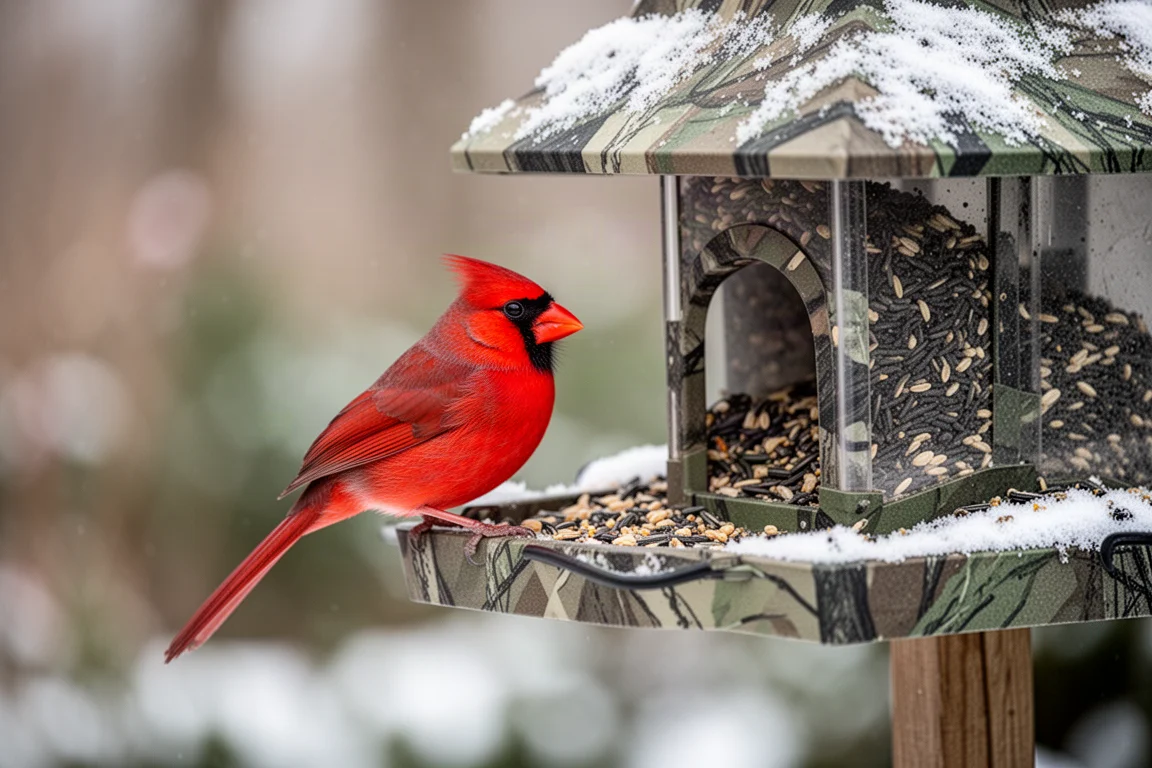
The Vio Home Security app automatically records short clips of each visitor, and the captured footage looked good, with birds showing up clearly. Notifications can be turned off, with an unread counter in the app for checking activity on your own schedule. The live stream connected reliably and produced a clear image.
Buying Advice
This feeder is a good pick if you want dependable bird detection and clips and do not mind handling it with care. Charge it fully first, use the smaller screws carefully during assembly, mount it somewhere sheltered, and put real effort into squirrel-proofing. If you want a rugged, metal-bodied feeder that can shrug off falls and chewing, look elsewhere.
Conclusion
The DCT smart bird feeder with camera did everything it was supposed to do: it attracted birds quickly, captured clear clips through a solid companion app, and offers flexible solar charging. Its weaknesses are honest ones: plastic construction, screws that can strip, and a body you would not want to see fall. Treat it gently and mount it well, and it earns its place in the yard.
Product link
View more details for DCT Smart Bird Feeder with Camera
This product is mentioned in the review. Check the specifications, options, and compatibility before buying.
View more details for DCT Smart Bird Feeder with CameraFurther reading
Related Reviews
Smart Home
Amazon Echo Hub Review: A Smart Home Dashboard That Finally Gets It Right
The Amazon Echo Hub puts smart home controls front and center with a fast, simple interface. Here is how it performs as a family-friendly dashboard.
Smart Home
15 Amazon Smart Home Automations: Practical Ideas for Every Room
Fifteen practical Amazon Alexa routines and automations that solve real household problems, from pet care to security and entertainment.
Smart Home
Apple TV as HomeKit Hub: Why It's Your Best Choice for Home Automation
The Apple TV combines HomeKit hub functionality with a display, camera viewing, and local automation control. Here's what makes it stand out from iPad and HomePod Mini alternatives.