Apps & Software
Crayola Adult Coloring App Review: Relaxing, but Rough Around the Edges
A hands-on look at Crayola's new adult coloring app, covering its tools, free content, subscription, and the glitches worth knowing about before you subscribe.
Introduction
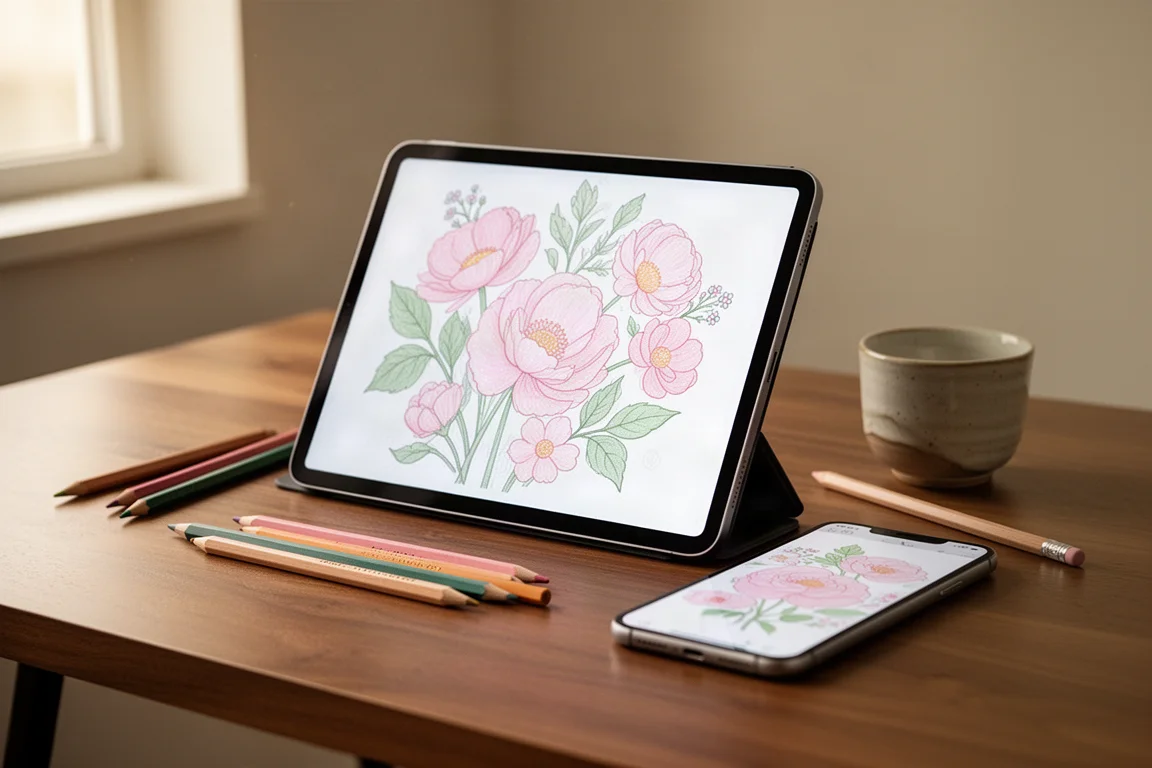
Crayola has been pushing a lot of new products aimed at adults lately, and its newest release is the Crayola adult coloring app, available on the Google Play Store and the App Store. It promises artist and non-artist friendly coloring, tools based on Crayola’s real art materials, and a suggestion that 30 minutes a day can help relieve stress.
After spending several hours with it on both a phone and an iPad, paying for the subscription out of pocket, the honest summary is simple: the premise is great, the coloring pages are lovely, but the app needs more work.
Who This App Is For
This is a coloring book app, not a drawing studio. If you want something a little mind-numbing that is a better use of downtime than endless social media scrolling, it fits that role well. Everything is built around picking a page, choosing a tool, and filling in hand-drawn artwork with Crayola-style crayon, colored pencil, oil pastel, watercolor, and alcohol marker tools.
On a phone, it works best with the tap-to-fill mode. Freehand coloring on a phone screen without a stylus is technically feasible but frustrating, since the canvas is small and fine detail is hard to control. A stylus helps, and zooming in makes finger coloring workable, though it is never going to feel as natural as a tablet.
Setup, Free Content and Pricing
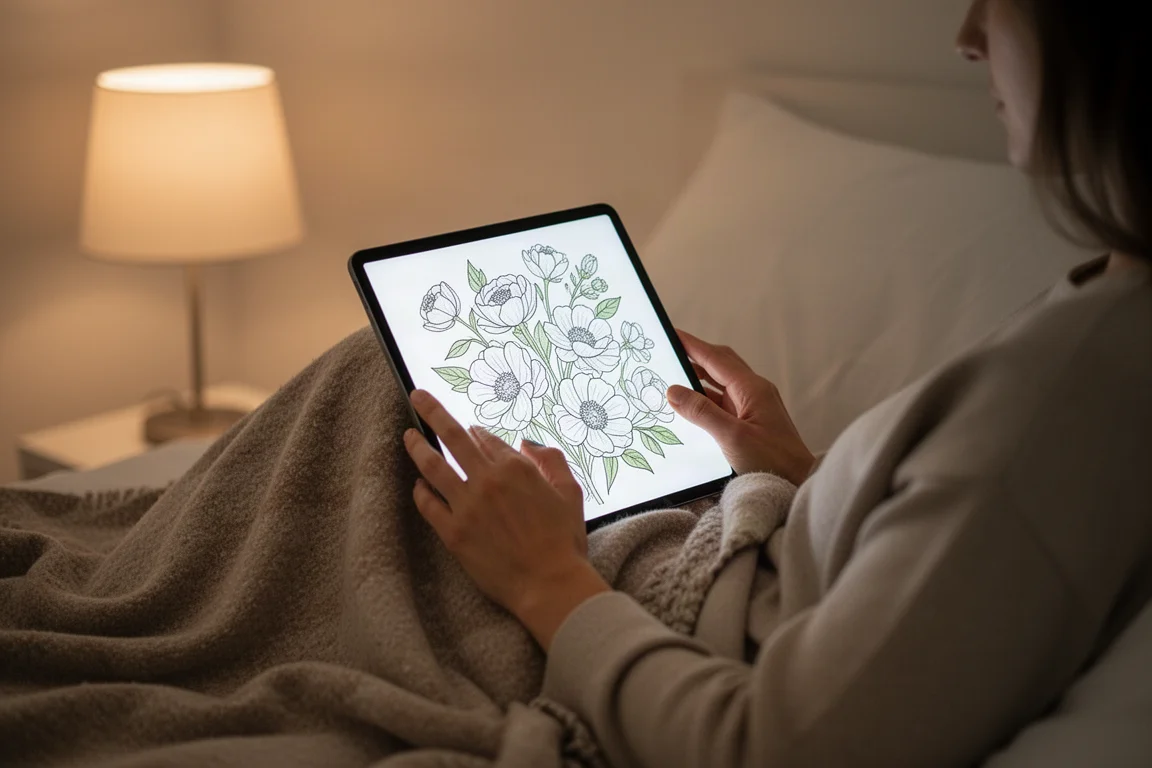
Onboarding walks you through preferences: themes like scenery, seasonal, simple, nature, nostalgia and cute, a relaxation or skill improvement goal, and light or dark mode. Books are filled with pages you unlock as you go.
The good news is that the free tier is genuinely generous. Around 59 pages are available at no cost, and entire themed sets, such as the florals, were completely free. If you never pay anything, there is plenty to color.
The subscription costs $25.99 yearly, which feels reasonable for people who color regularly. A subscription includes access to all current and future content, and it can be shared across up to five different devices signed into the same Crayola coloring profile.
Coloring Tools and Controls
The app offers four coloring tools: watercolor, colored pencil, oil pastel, and alcohol marker. The crayon-style strokes are a standout and feel authentically Crayola. Watercolor performs nicely too, and you can add subtle textures to fills. Oil pastel is the weakest of the bunch.
The fill bucket tool comes with an unexpected bonus: a range of fill patterns, from spots to more decorative textures, that let you get creative with regions rather than solid blocks of color.
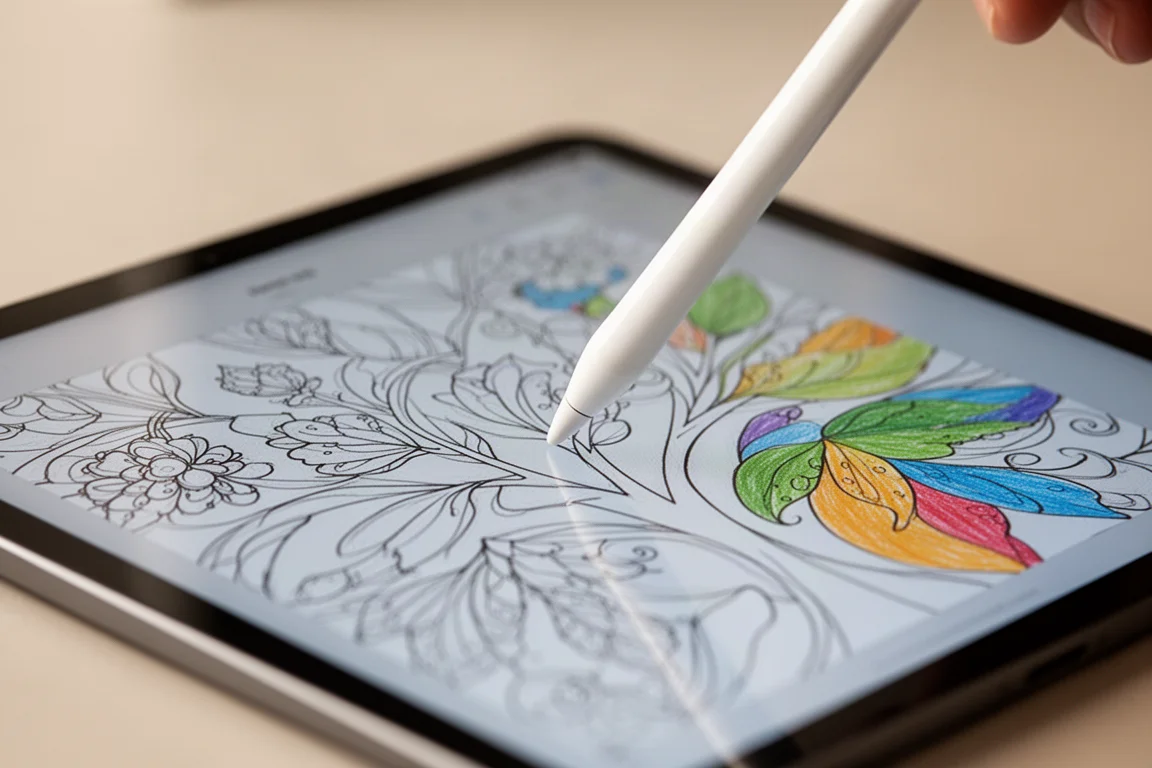
There are also VFX animations you can place anywhere, stamps for on-page designs, and stickers like clouds. None of these are essential, but they add a playful layer to finished pages.
A regions toggle is genuinely useful. Regions on locks your strokes inside the lines; regions off lets color go wherever you want, which suits looser, more artistic coloring sessions.
What Could Be Better
Several gaps will bother experienced digital artists. There is no color wheel and no color picker, so you are limited to the bundled palettes and color groups. Going back to a color you already used means hunting for it again, and some hue ranges are surprisingly thin, with barely more than one true red. Blend tools are also missing, so blending has to be done the old-fashioned way with low opacity layering.
The thinnest pencil size is still quite thick, so super-fine line work is not realistic. The sketchbook mode lets you free-draw, but without enough feature depth it is not a serious drawing option.
There are stability problems too. Error messages appeared on both test devices, one session froze entirely, and there was one worrying moment where a page seemed to lose its progress. The more persistent issue: reopening a coloring page sometimes garbles overlapping strokes made with the marker, crayon, or pencil, blending lines together or blowing fills out of their regions. It does not happen every time, which makes it harder to trust. Pages with lots of work also load slowly, and thumbnails can show stale, incomplete versions until the page fully reloads.
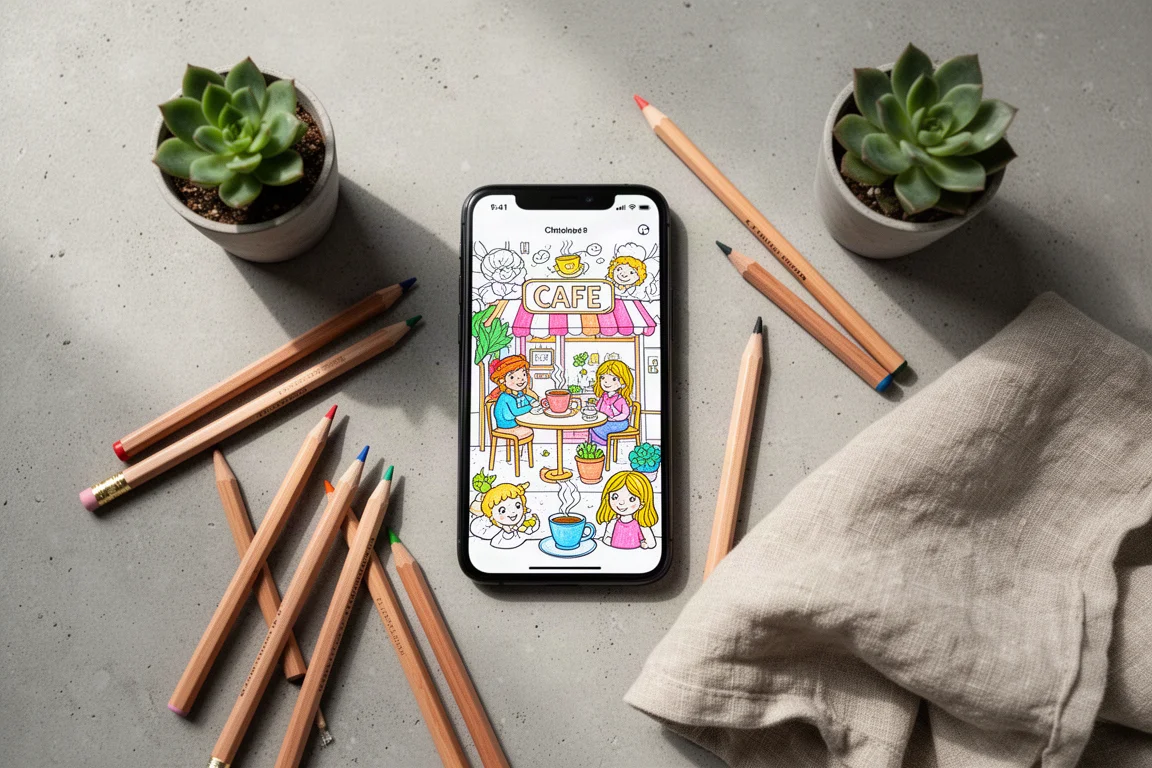
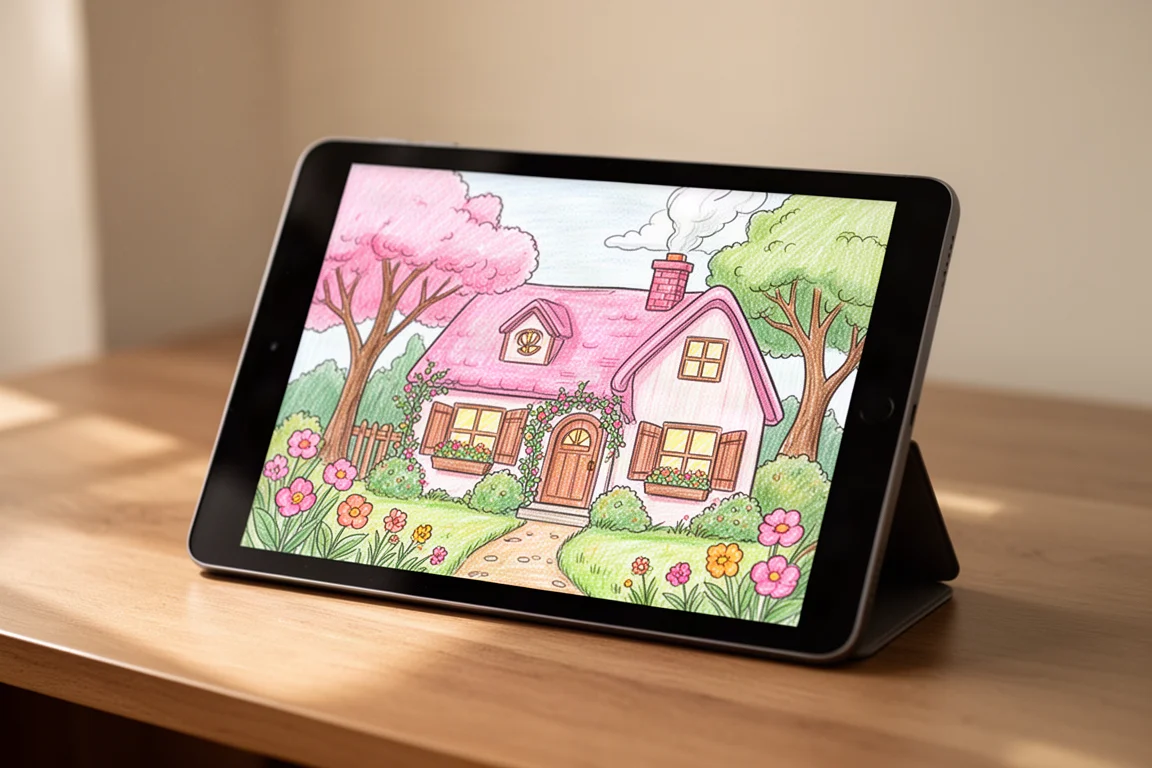
The finished results themselves, though, can look genuinely good. The color palettes are well curated, and the hand-drawn pages have real substance to them, particularly a charming cafe scene and the cozy cottage-themed books.
Final Verdict
There is a lot to like. A large library of beautiful, apparently hand-drawn pages, daily new releases, generous free content, and a fairly priced yearly subscription. All of that earns real credit.
But the glitches were very apparent over hours of testing on two devices, and anyone paying the subscription would reasonably expect a smoother experience. The app earns a 2.5 out of 5. Three additions would change that score: a color wheel, a color picker, and a finer pencil size. With those and some stability fixes, this could be a standout in the category. For now, it is a fun, free-to-try app with a strong foundation that needs polish.
Conclusion
If you want a relaxing tap-to-fill coloring experience on your phone, the free tier is worth downloading today. If you plan to color seriously with stylus strokes on a tablet, it may be worth waiting for the next round of updates before subscribing.
Product link
View more details for Crayola Adult Coloring App
This product is mentioned in the review. Check the specifications, options, and compatibility before buying.
View more details for Crayola Adult Coloring App