Apps
Best Adult Coloring Apps: The Standout Picks After Testing 100 Apps
We tested 100 iPad coloring apps to find the ones genuinely worth downloading. Here are the honorable mentions and the five apps that truly delivered.
Introduction
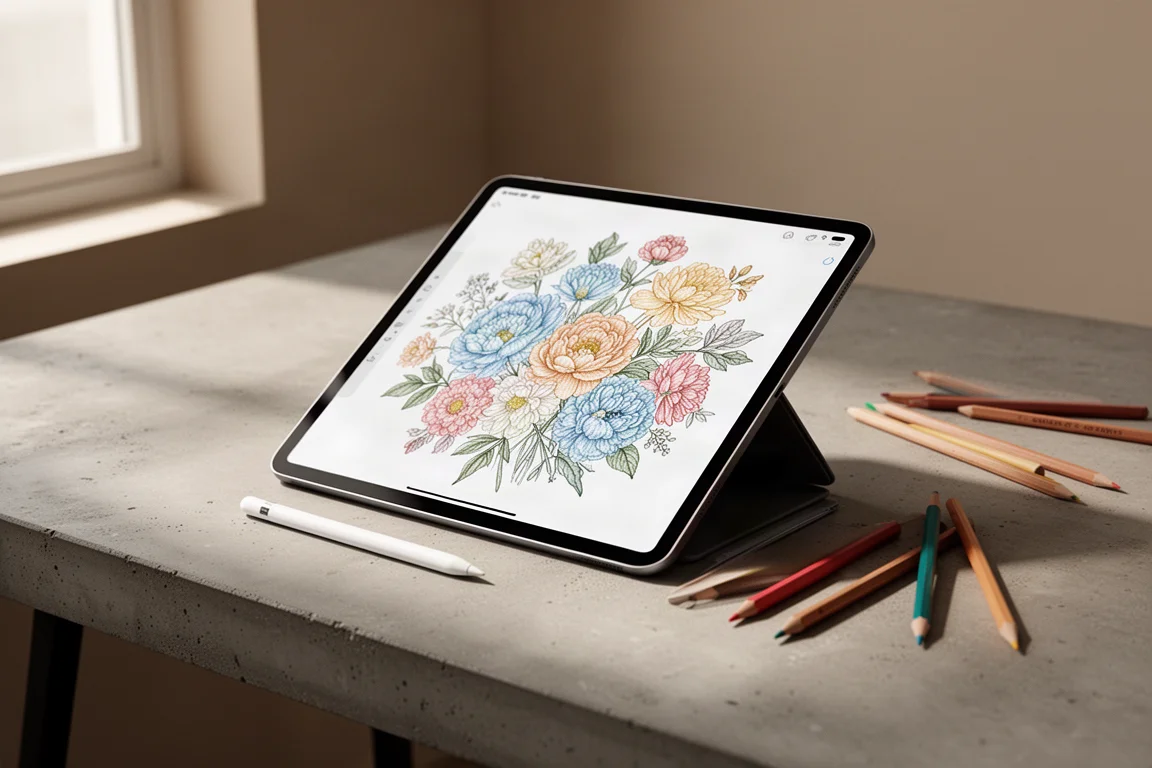
Digital coloring has quietly exploded, and with it, the number of apps claiming to be the best adult coloring book has ballooned. To cut through the noise, we put exactly 100 different coloring apps through hands-on testing on an iPad, spending time in each one and completing full pages to see which apps actually live up to their promises.
The results were eye-opening. The vast majority of what is on the App Store is either aimed at children, built on recycled templates, or locked behind aggressive subscriptions. But a small group of apps genuinely delivers a satisfying creative experience, complete with real brushes, blending, and thoughtful color tools. This guide covers the apps that made the final lineup, from honorable mentions to the five true favorites.
How These Apps Were Evaluated
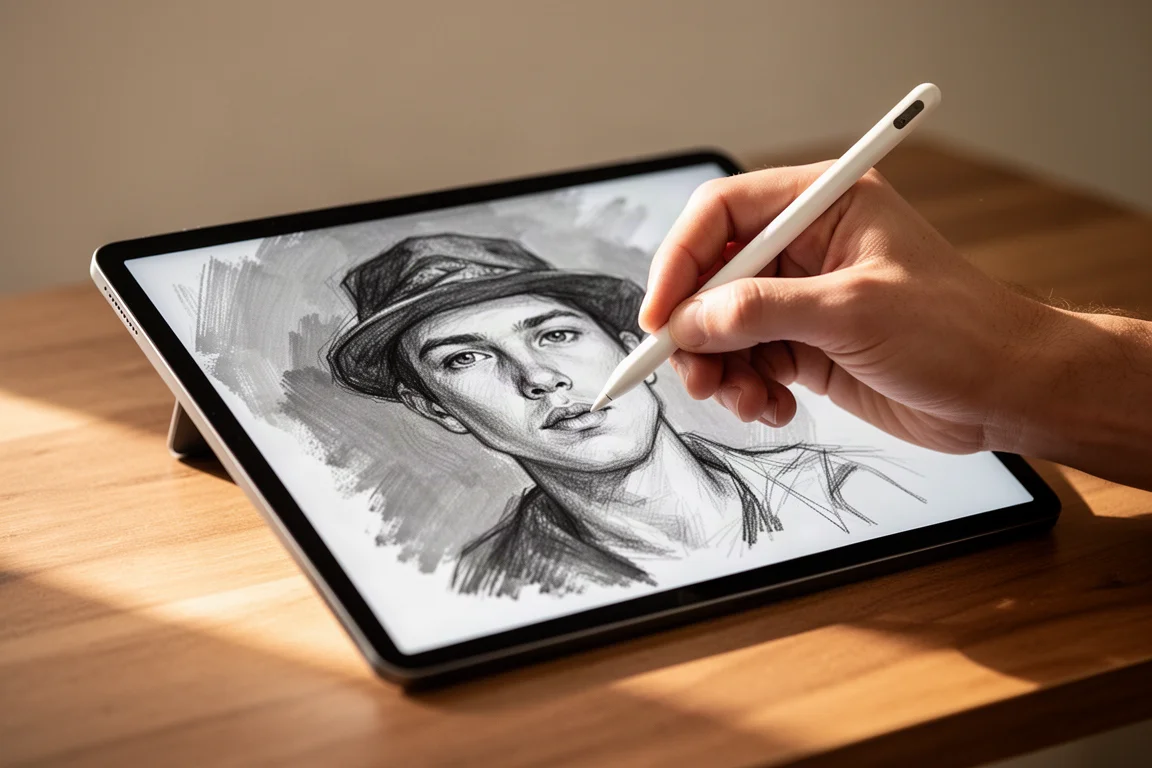
Every app was explored for roughly an hour, testing every feature, from color selection tools to brush behavior, and completing at least one full coloring page. The single most important factor turned out to be brush quality: the ability to shade and blend like a real coloring experience rather than simply tapping regions to fill them.
Other factors included the size and variety of the image library, color palette flexibility, undo behavior, community features, import options, and pricing fairness. Subscriptions were trialed and tallied honestly, and apps with predatory billing practices were disqualified on principle.
Why So Many Apps Fell Short
A surprising pattern emerged during testing. Many apps are near-identical clones, with matching color palettes, matching menus, and even identical feature sets sold under different developer names. Some developers appear to be selling a template app that dozens of others have repackaged, which is hard to trust when those same apps charge premium subscription prices.
Most of the remaining apps felt like children’s drag-and-drop coloring books with more intricate images. Fill-only tools, gradients, filters, and social sharing were common, but almost none offered adjustable brush size, transparency, or real blending. Color-by-number apps were excluded entirely: they are fun puzzles, but they leave no room for creative choices, which defeats the purpose of an adult coloring book.
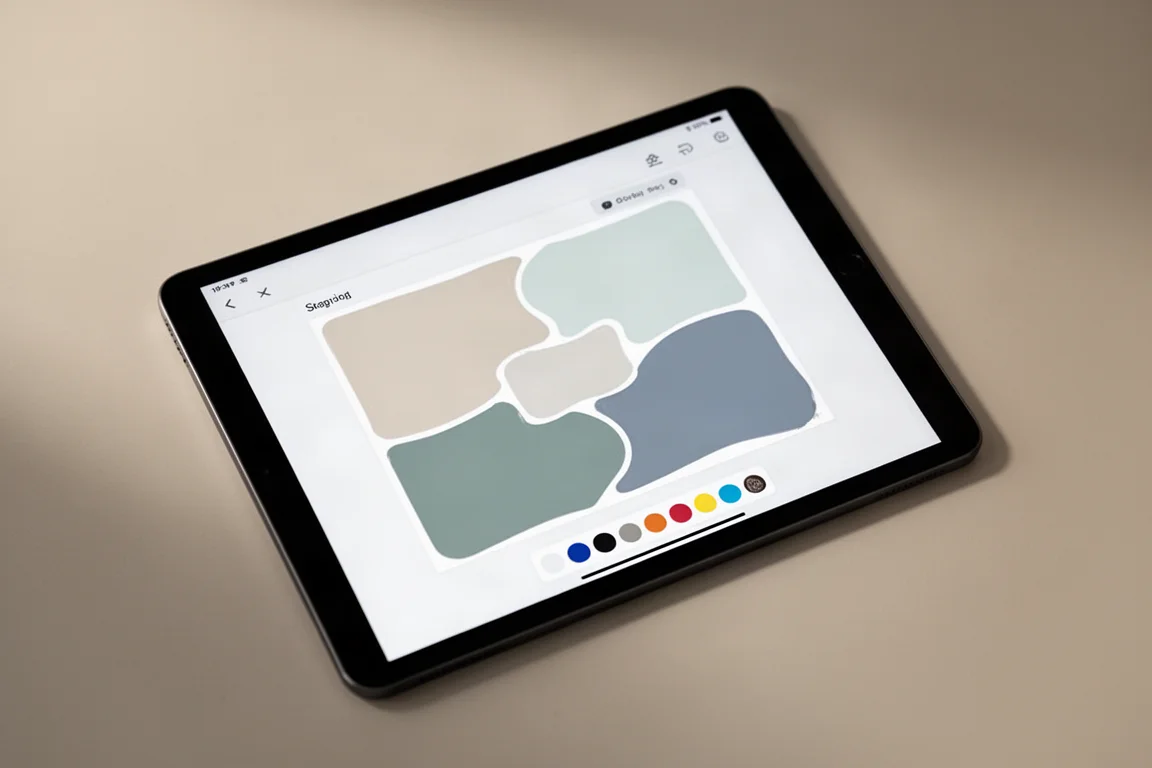
One caution worth flagging: during testing, one app with a supposedly free three-day trial charged $65 immediately instead. Always check the trial terms before entering payment details in any of these apps.
Honorable Mentions
These apps were fun and easy to use, with strong gradients and other appealing features, but they lacked the brush and blending abilities expected of a serious adult coloring app. They are still worth a look depending on what you want.
In Color
In Color is a solid app overall with an enjoyable workflow, but it does not let you turn off the line assist that keeps your color inside the lines. That sounds harmless until you discover that some of the tiniest areas of the artwork become unfillable as a result. Otherwise, this would have scored much higher.
The Color
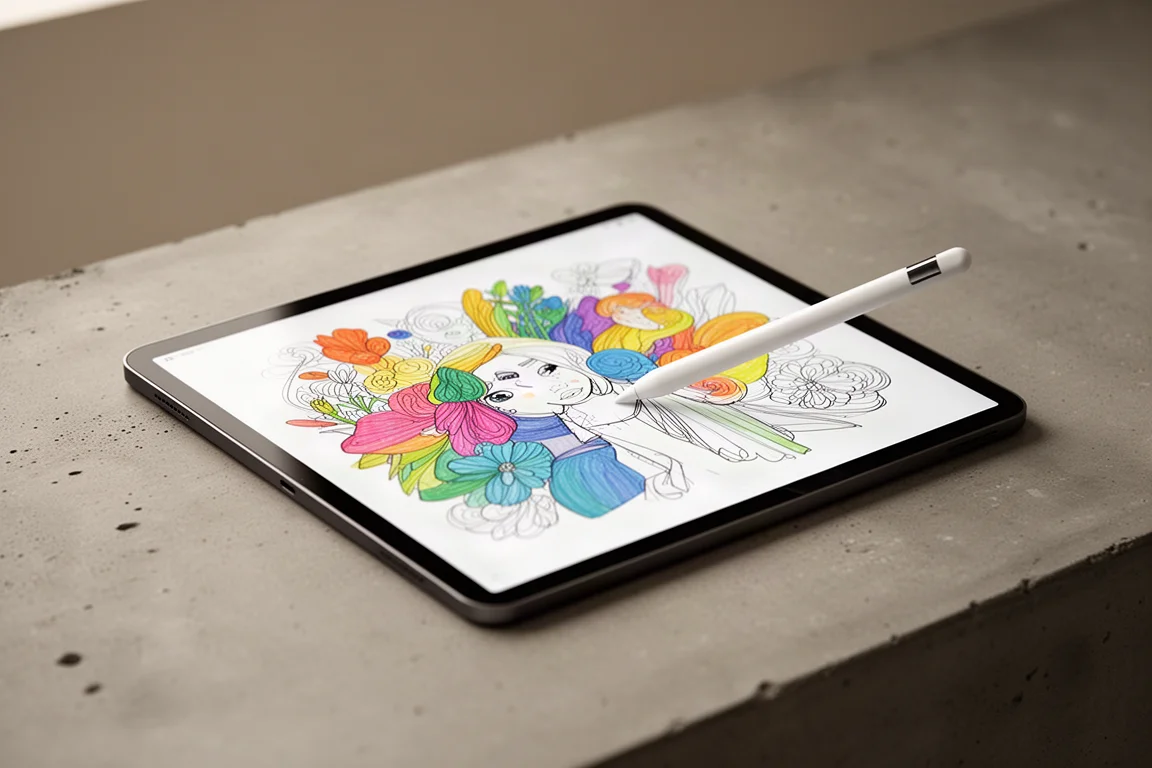
The Color takes a genuinely different approach. It was the only app found that uses a one-off payment instead of a subscription, and the only one that navigates like an actual book, which means you cannot jump to your pages quickly but you do get a more analogue, relaxed coloring experience. The range of coloring tools is genuinely enjoyable to use, and the different structure makes it feel refreshingly distinct.
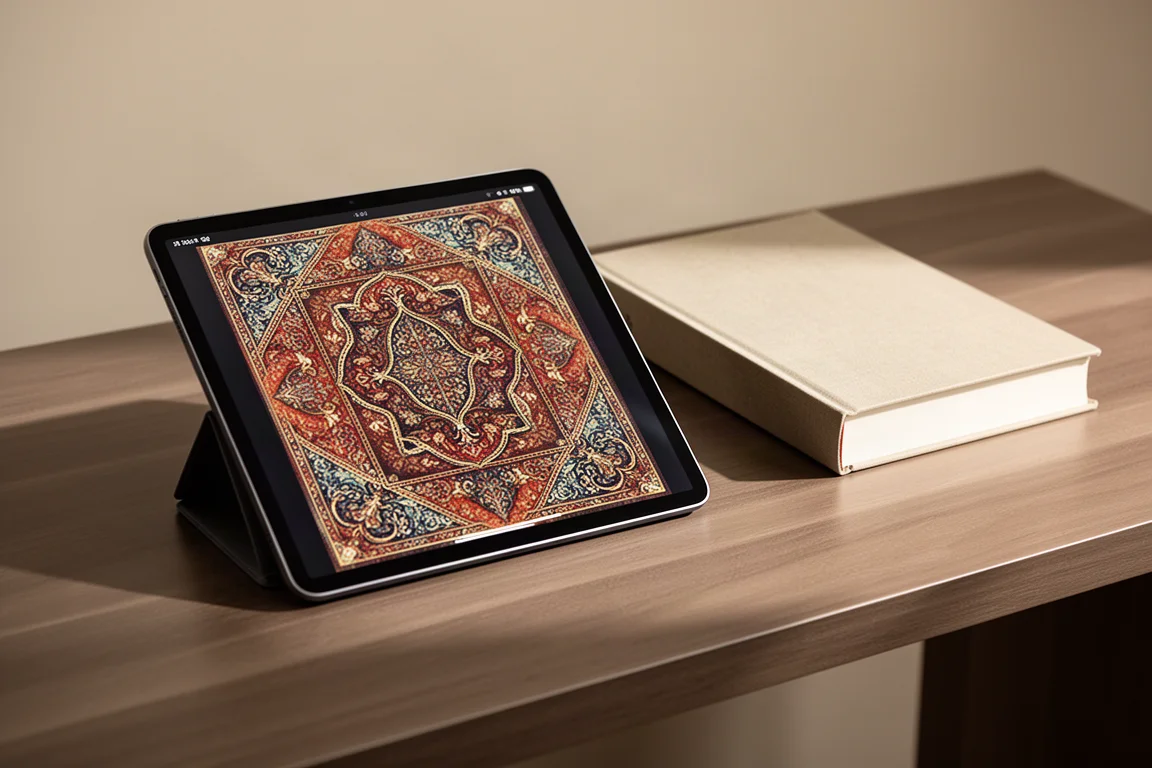
Lake
Lake focuses on creating a mindfulness experience, and it does this very well. Everything from the art style to the color palettes is catered to unwinding, and it includes a journaling element to match. The color wheel is limited to more muted tones and the styles are quite similar to each other, so it is not the best general-purpose coloring app, but as a calming ritual it is worth a look.
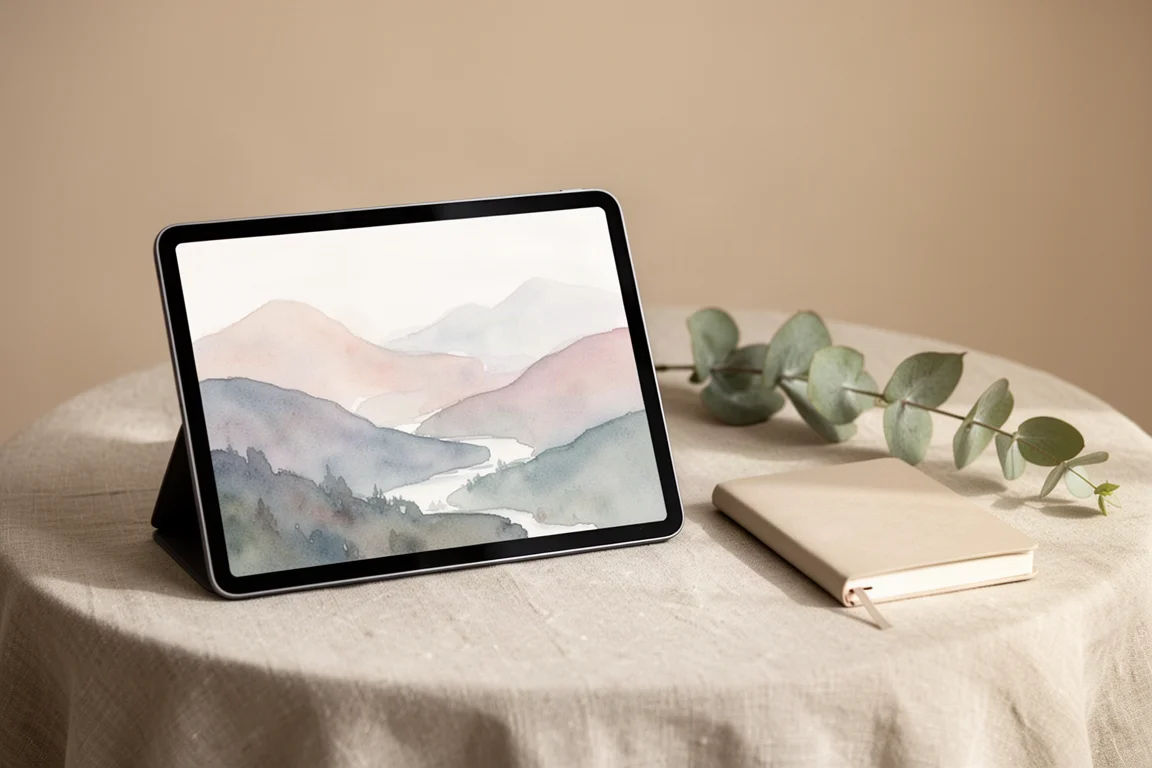
Carl Million
Carl Million caught attention as the only color-by-number app that also allows you to color manually. It includes popular 1000 dot-to-dot books and Quirkles coloring books that are also available as physical editions. It is not an outstanding app on its own, but for fans of those specific book formats it earns a mention.
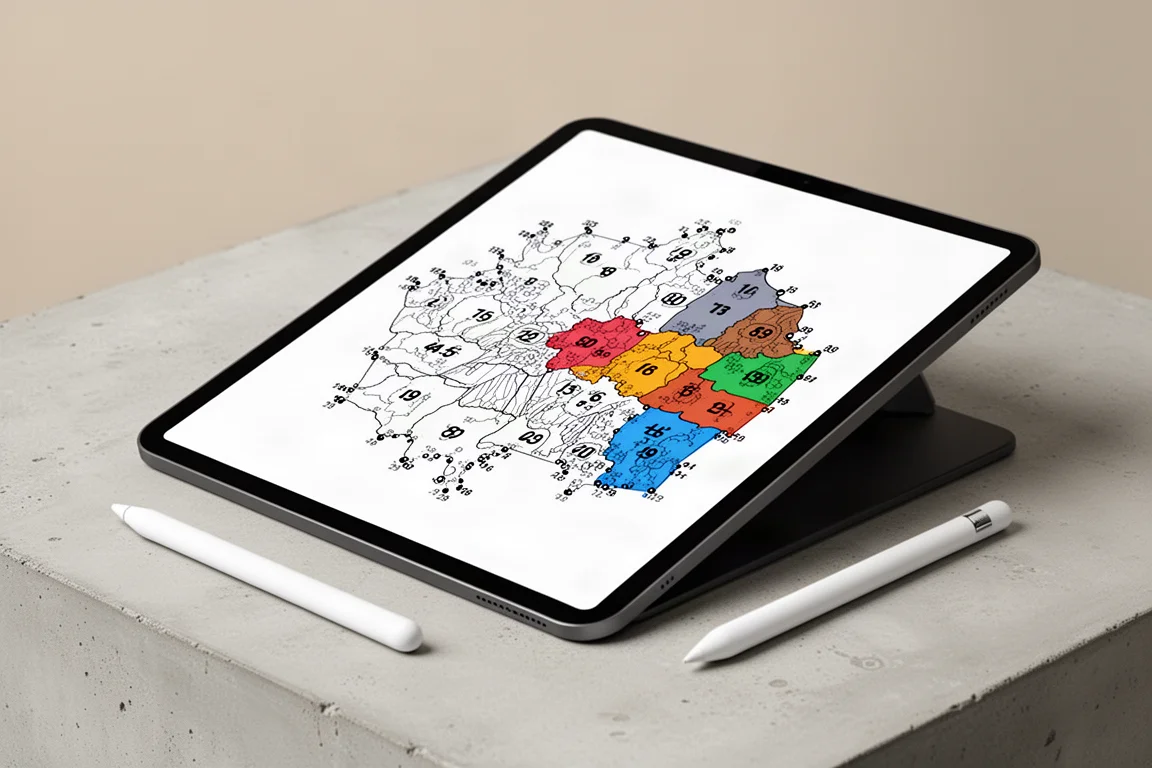
The Top Five Adult Coloring Apps
Out of 100 apps tested, only five met the standard of a true adult coloring app: real brushes, room for creativity, and art worth keeping. Even these have room for improvement, but they produced the best results with the least extra effort.
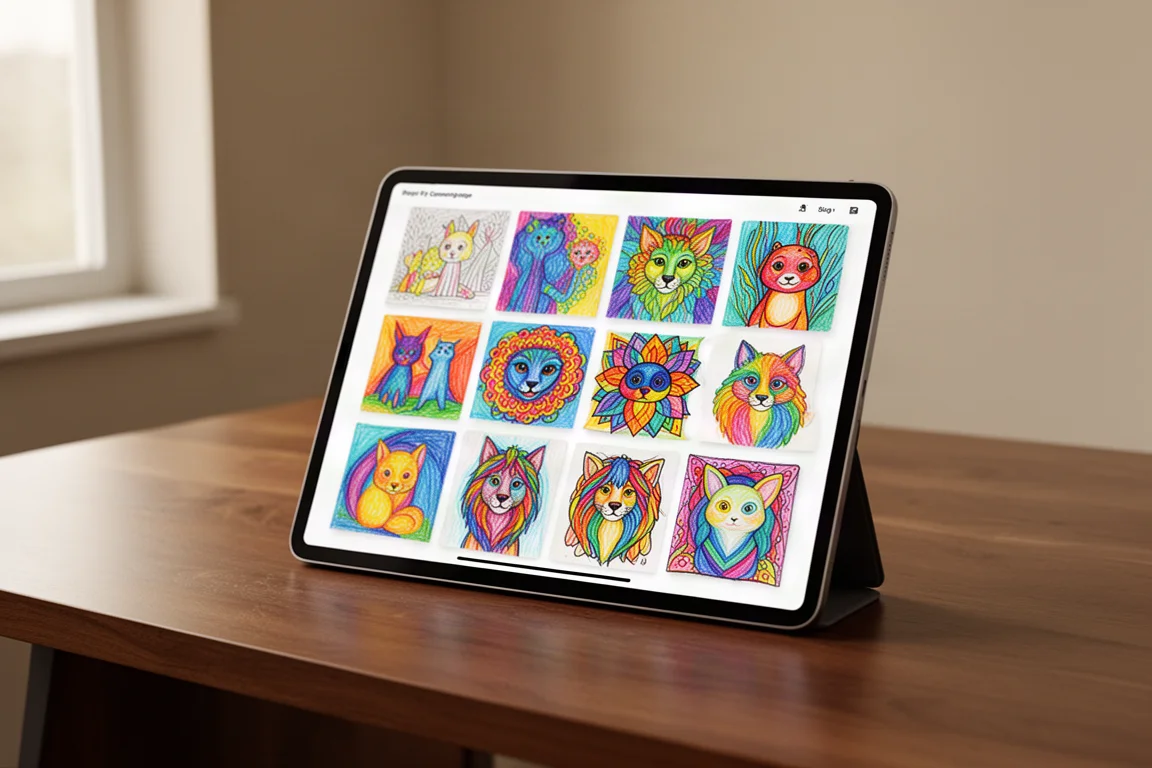
Chroma
Chroma was one of the best apps found and also offers the cheapest subscription pricing of the final five. It has a great range of fully customizable brushes and tools, flexible color palettes plus a color wheel, an inspiring community, and the ability to import your own images. One quirk to know about: the pigment liner is an outline brush that always sits on top of other colors. It is a nice effect when used deliberately, but an accidental stroke can be hard to undo late in a piece, so use it with intention.
Recolor
Recolor offers over 4,000 images and is very beginner friendly. It is the only app in the top five without adjustable brush size and transparency, but the standard brush still produces smooth blends, and the limitation mattered less than expected. The community is huge and active, you can import your own pictures, and the free version is generous. The subscription is the most expensive of any app tested, so it is worth starting with the free tier.
Colorfly
Colorfly, not to be confused with similarly named apps, includes over 1,000 images with a large portion available free. It has adjustable brushes and all the features you would expect from an adult coloring app, and while it is more basic than some rivals, it is very satisfying to use. The main frustration is the undo system: it undoes multiple brush strokes at once and there is no redo button, so you can lose more work than intended. Once you adapt to that rhythm, the results are impressive.
Pigment
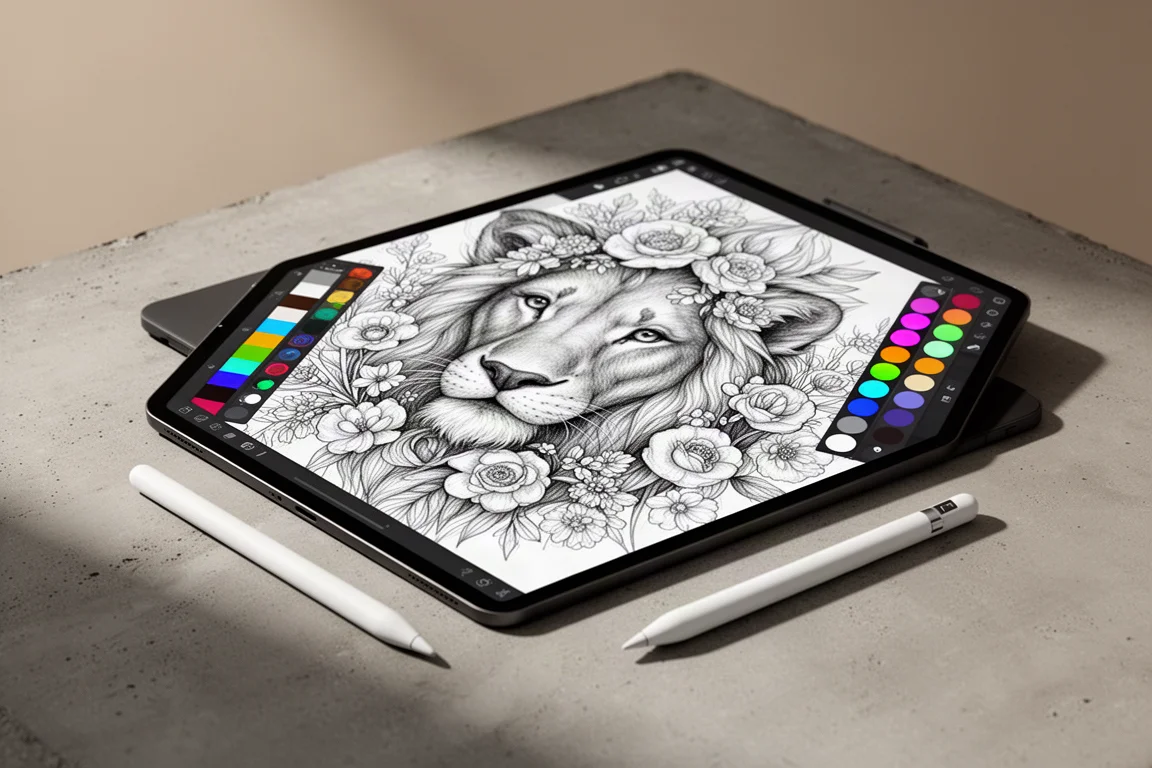
Pigment offers over 6,000 images, the biggest library of any app tested, along with an active community for sharing and feedback and the ability to import your own pages. Its brush selection is more extensive than any other app, fully customizable, and it also covers patterns, gradients, and fills alongside curated palettes and the color wheel. The standout feature is Hex code support, which lets you import and save custom palettes from anywhere, something no other app in this lineup offers. If you like following specific online color palettes, this alone makes Pigment the most versatile choice.
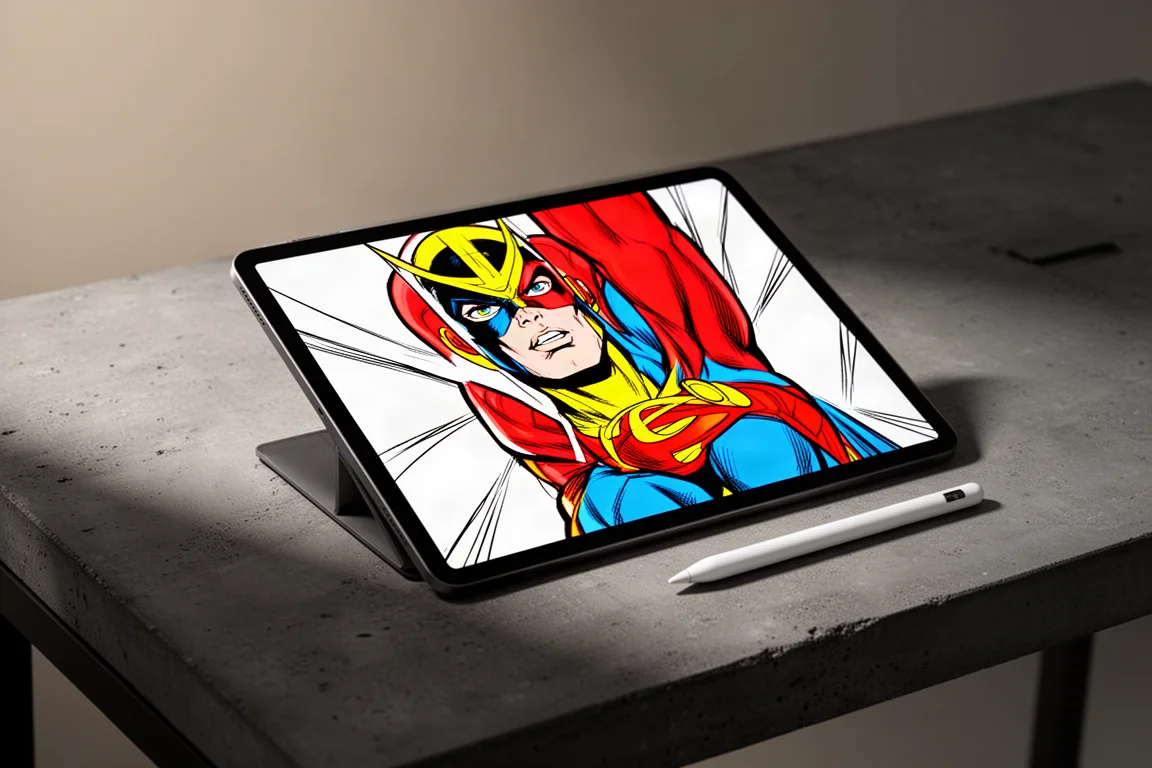
Marvel Coloring: For Superhero Fans
For Marvel fans, there is a dedicated Marvel coloring app made by the same team behind Pigment. You will not find florals or mandalas here, but you will find licensed Marvel and Star Wars coloring pages unavailable anywhere else. Because it is built on Pigment’s engine, you get those same strong tools. The color wheel has been removed, but the curated palettes are well suited to these pages, and the result still supports genuinely impressive finished artwork.
Final Buying Advice
If you want the most capable all-round experience, Pigment and Chroma are the strongest starting points, with Chroma offering the friendliest subscription of the top tier. If you prefer a simple, generous free tier before committing, Recolor is the easiest to recommend despite its premium pricing.
If a one-off purchase matters more to you than a subscription, The Color is the only app in this lineup that avoids recurring billing altogether. And if your goal is relaxation rather than artistic output, Lake delivers the most focused mindfulness experience of everything tested.
Whatever you choose, start with the free version where one exists, read the trial terms carefully, and avoid any app that asks for payment details before showing you what the free experience feels like.
Conclusion
After testing 100 apps, the takeaway is simple: most adult coloring apps are not really designed for adults who want to shade, blend, and create. The five apps that made the top tier, Chroma, Recolor, Colorfly, Pigment, and Marvel Coloring, all get the fundamentals right, and the honorable mentions each serve a specific niche. Pick the one that matches how you actually want to color, and you will get far more enjoyment out of your screen time than the App Store charts would suggest.
Further reading
Related Reviews

Backpacking Gear
Building a 10 lb Base Weight: An Ultralight Backpacking Gear List
A practical walkthrough of the ultralight pieces behind a 10 lb base weight, from a 765 g pack and a roomy one-person tent to a full camp chair and a dependable water filter.

Road Bikes
10 New Road Bikes Worth Watching: Aero, Titanium, Steel and Endurance Standouts
A practical roundup of 10 new road bikes, from aero flagships chasing single-watt gains to titanium, steel and endurance platforms built for real roads.
Bikepacking Gear
11 Bikepacking Essentials for Long-Distance Cycling
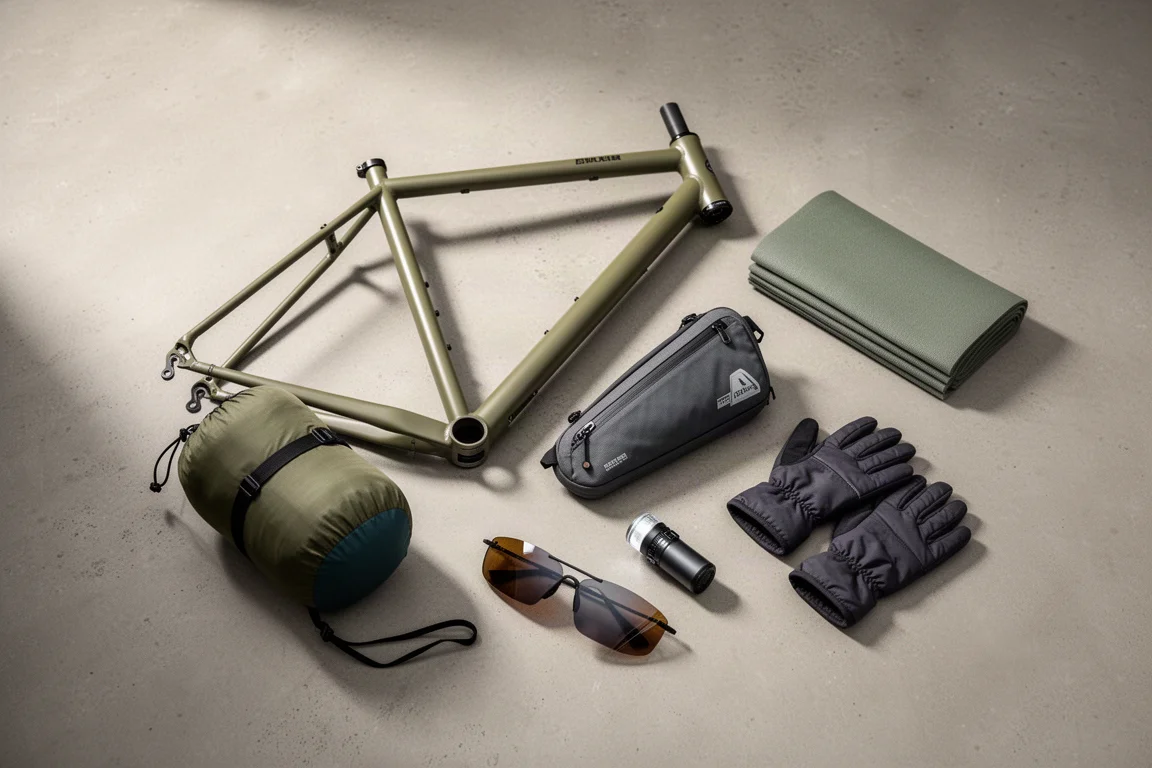
Eleven bikepacking essentials for long-distance cycling, from a steel gravel frame and a two-person tent to helmet lights, packable gloves, and a frame bag that puts weight in the right place.