Cycling Apps
Cadence Review: Turning Your Smartphone Into a Capable Cycling Computer
Cadence turns a smartphone into a full cycling computer interface, with custom ride screens, sensor and trainer support, radar alerts, navigation, and Strava live segments.
Introduction
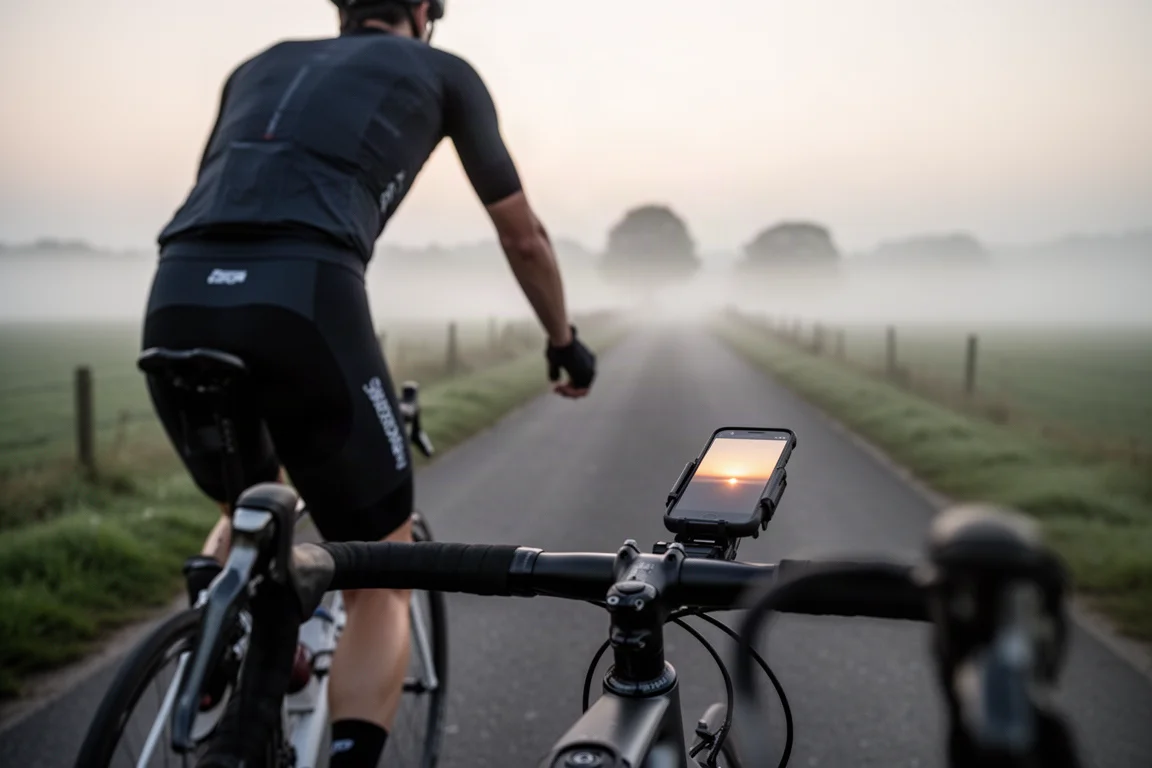
Dedicated cycling computers have been moving in one direction on price, and their feature lists have grown just as quickly, occasionally adding functions riders never touch. At the same time, most cyclists already own a device that is just as competent for the job: a modern smartphone. Cadence is an American-developed app that unlocks that capability, wrapping a head-unit-style interface around the sensors, maps, and training tools riders already rely on.
Cadence is built to feel familiar from the first ride. It offers the same core tools and data fields found on dedicated units, then extends further than many riders expect, from fully customizable ride screens to radar alerts and live segment tracking.
The app is free to use, with Pro and Elite membership levels that unlock more functionality. What follows covers what Cadence does well, who it suits, and what to weigh before choosing it over a dedicated head unit.
Who This Product Is For
Cadence suits riders shopping for a first cycling computer who want to understand what a phone-based setup can do before spending on hardware. Because the interface is built around a bright, responsive phone display, it also appeals to riders who want a large, highly configurable screen for data-heavy training.
Riders who already use sensors will find the app particularly practical. Heart rate straps connect, and so do speed, cadence, and power meter sensors, along with indoor trainers such as the Wahoo Kickr and Tacx Neo and exercise bikes like the Schwinn IC4 and Bowflex C6.
It is also a natural fit for anyone who already navigates with a phone in the car or on foot, and for riders who want rear-traffic awareness without adding another device, since radar units pair directly with the app.
What Cadence Does Well
The app concentrates on the handful of jobs riders actually depend on during a ride, then gives each one more depth than the usual head-unit equivalent.
Customizable Ride Screens
Screen layout is where Cadence feels most like a premium head unit. You can build as many custom layouts as you want and swipe between them while riding, showing up to 24 data points at once or a single metric full screen. Several pre-made layouts are included to get you started.
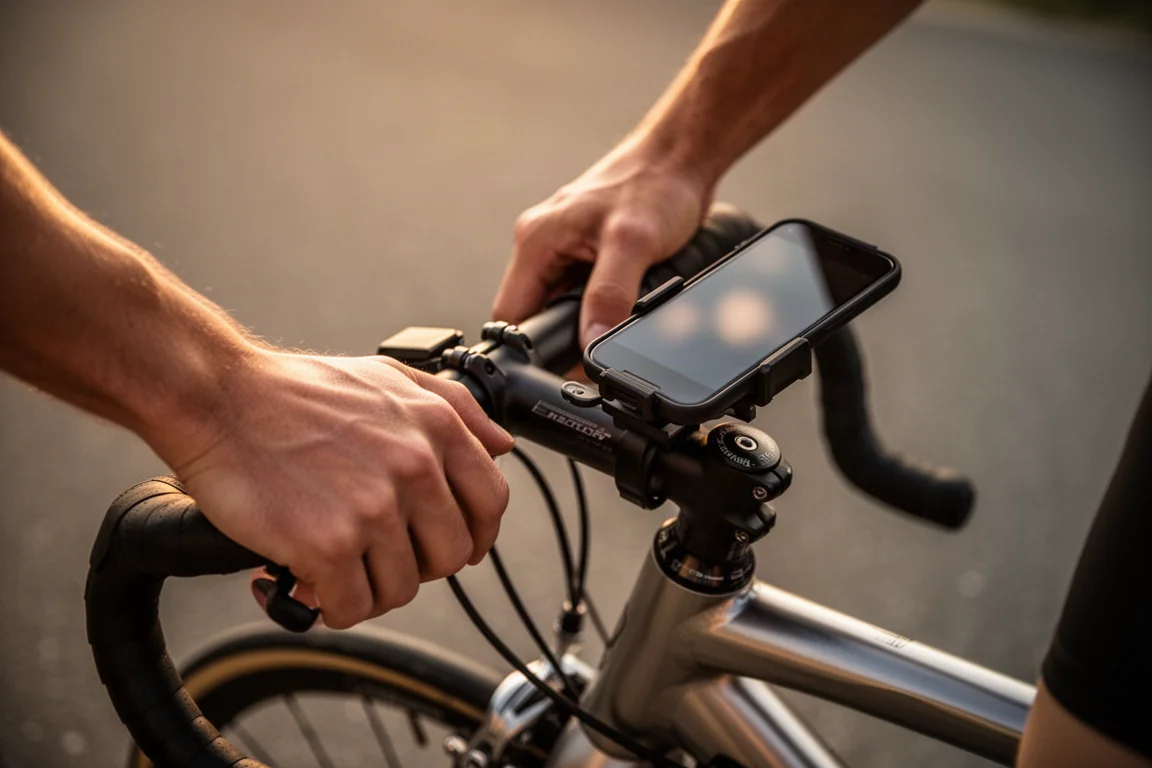
With more than 100 data points to choose from, each field can be adjusted individually, from text color and light or dark backgrounds to heart rate and power zone colors. Expect to spend some time dialing in a setup that matches how you ride, and to benefit from the phone’s fast response and bright daytime display once you do.
Sensor and Device Compatibility
External device support goes well beyond the basics. Heart rate straps work, and so do speed, cadence, and power meter sensors. Indoor trainers including the Wahoo Kickr and Tacx Neo connect, as do exercise bikes such as the Schwinn IC4 and Bowflex C6.
Radar is supported too. Pair a Garmin Varia or a Bryton Gardia and the main screen shows how many vehicles are behind you and how quickly they are approaching, just as it would on a head unit, with optional audio alerts for added awareness.
Navigation and Route Planning
Navigation is handled inside the app. You can create custom routes with turn-by-turn directions for rides and runs, save existing activities as routes, and import GPX files from services such as Strava, Komoot, and Garmin. If you are already out and simply want to reach a nearby cafe, enter the destination and the app will guide you there.
Live Segments and Activity Sync
Strava live segments are available while training. Cadence lists nearby segments and lets you switch between them in a detailed view that pairs a large map with an elevation graph, showing how far ahead or behind your effort you are and how much distance remains. The data points on the live segment screen can be customized as well. Once a ride is finished, activities sync automatically to Strava.

Beyond these, the app also offers detailed analytics, live tracking, and a standalone Apple Watch app, which are worth exploring if you want more from your training data.
Things to Consider Before Buying
Battery use is the main trade-off. Running Cadence typically costs around 10 to 20 percent of battery per hour depending on the device and settings, so plan to charge at your destination or carry a small power bank. Battery-saving features such as automatic screen dimming help reduce that draw.
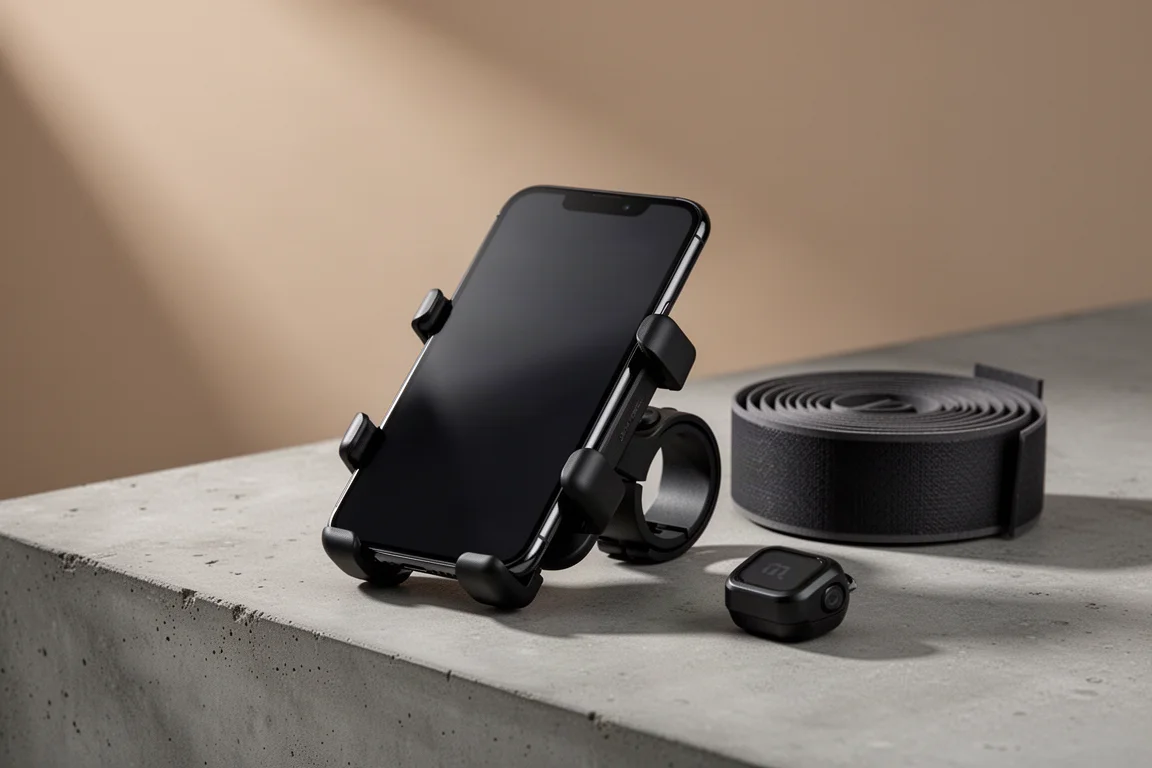
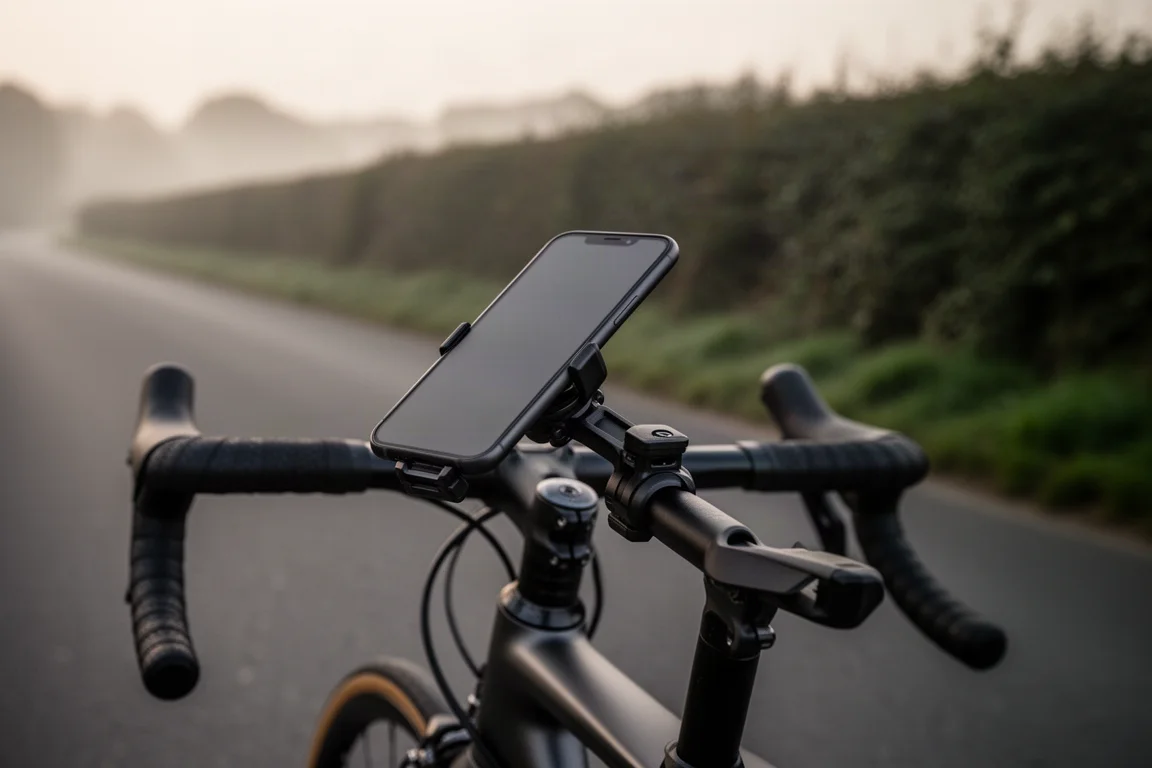
You will also need a way to mount the phone. Quadlock is one option, and there are more budget-friendly mounts available, along with waterproof cases if you ride in wet weather.
Finally, consider the membership structure. Cadence is free to use, but the Pro and Elite versions unlock more functionality, so compare the tiers on the Cadence website to see which features matter for your riding.
Buying Advice
If you are buying your first head unit, it is worth seriously considering a phone-based setup instead. The limitations that once made phones awkward on the bike are largely no longer present, and going this route can avoid the cost of dedicated hardware while keeping the features most riders actually use.
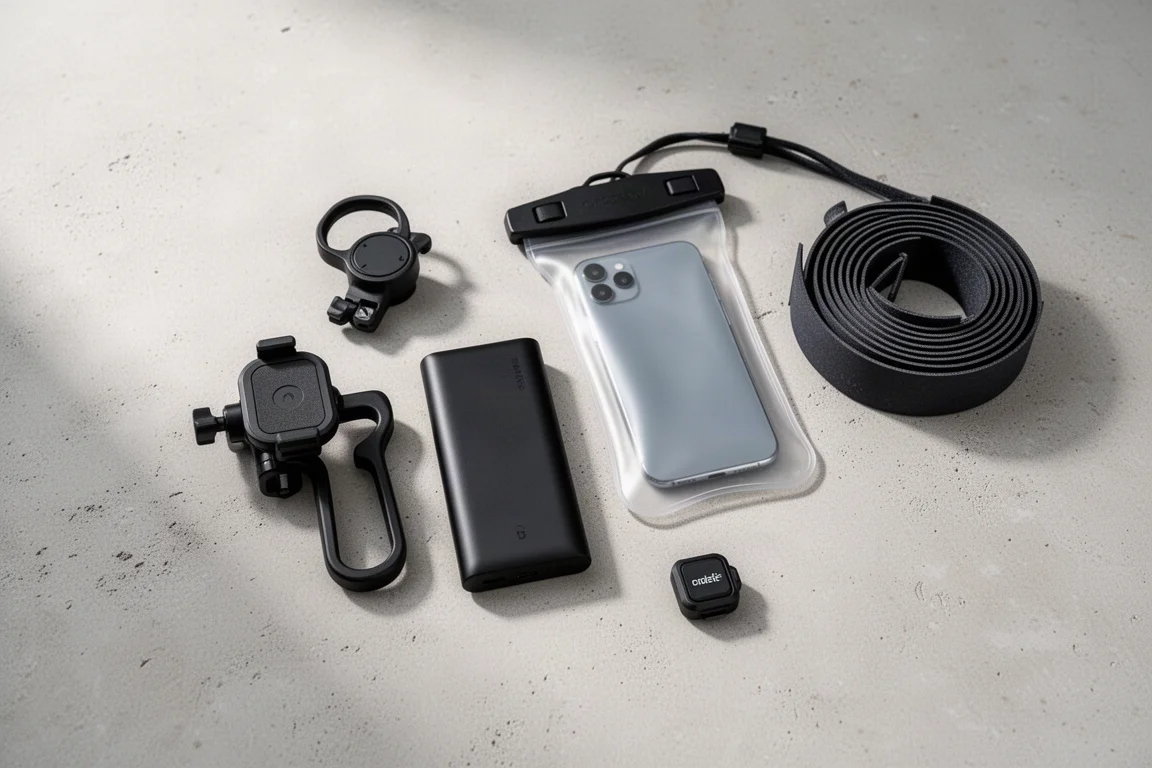
Start with the free version and build one or two custom layouts around the metrics you care about, then add sensors and radar once you are comfortable. If the features you need sit behind a membership tier, check the differences first. For many riders, the combination of a phone, a secure mount, and a waterproof case covers everything a dedicated computer would.
Conclusion
Cadence shows how far a smartphone can go as a cycling computer. Custom screen layouts, broad sensor and trainer compatibility, radar alerts, turn-by-turn navigation, and Strava live segments cover the core of what riders expect from a head unit, while the free tier makes it easy to try.
The trade-offs are real but manageable: extra battery draw, a mount and case to sort out, and paid tiers for the fullest feature set. For riders weighing a first computer purchase, or anyone curious whether their phone can replace a dedicated unit, Cadence is a practical place to start.
Product link
View more details for Cadence
This product is mentioned in the review. Check the specifications, options, and compatibility before buying.
View more details for CadenceFurther reading
Related Reviews
Cycling Apps
Best Cycling Apps 2026: Nine Tools That Make Every Ride Better
A practical roundup of nine cycling apps covering ride tracking, route planning, wind analysis, data review and indoor training, with the strengths and trade-offs of each.
Cycling Apps
Cadence App Review: Turning Your Phone Into a Capable Cycling Computer
Cadence brings head-unit style data fields, sensor pairing, radar support, and turn-by-turn navigation to the smartphone you already own.
Cycling Computers
Best Cycling Computers: 11 Options Compared
A practical look at 11 cycling computers, from the premium Garmin Edge 1050 to the budget Coros Dura, with strengths, trade-offs, and buying advice.