Cycling Apps
Cadence App Review: Turning Your Phone Into a Capable Cycling Computer
Cadence brings head-unit style data fields, sensor pairing, radar support, and turn-by-turn navigation to the smartphone you already own.
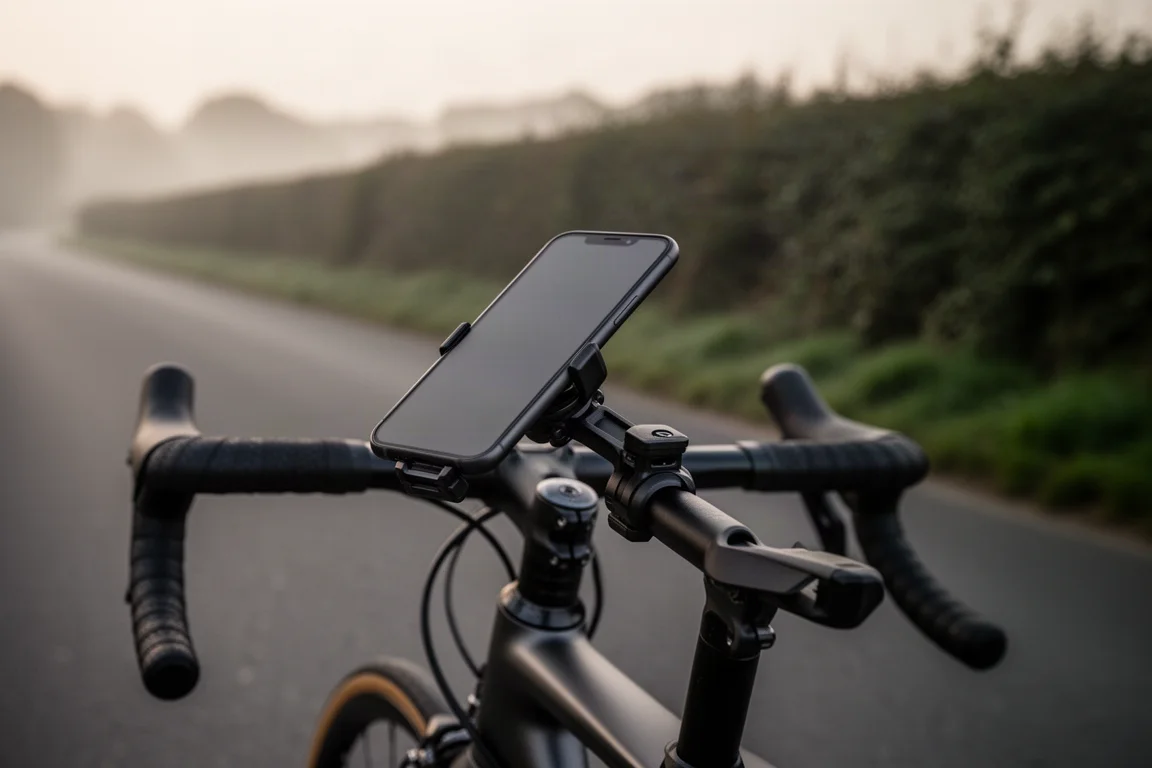
Introduction
Cycling computers have been moving in one direction on price, and that direction is up. Their feature sets have grown alongside, to the point where some functions exist more for the spec sheet than for the ride. Meanwhile, most riders already carry a device that is every bit as competent as many dedicated head units: the smartphone in their pocket.
The gap has never really been hardware. It has been software. Cadence, from an American company, is an interface built to close that gap, giving a phone the same style of toolset riders expect from a Garmin or Wahoo device. The interesting part is how far that functionality actually extends.
Who Cadence Is For
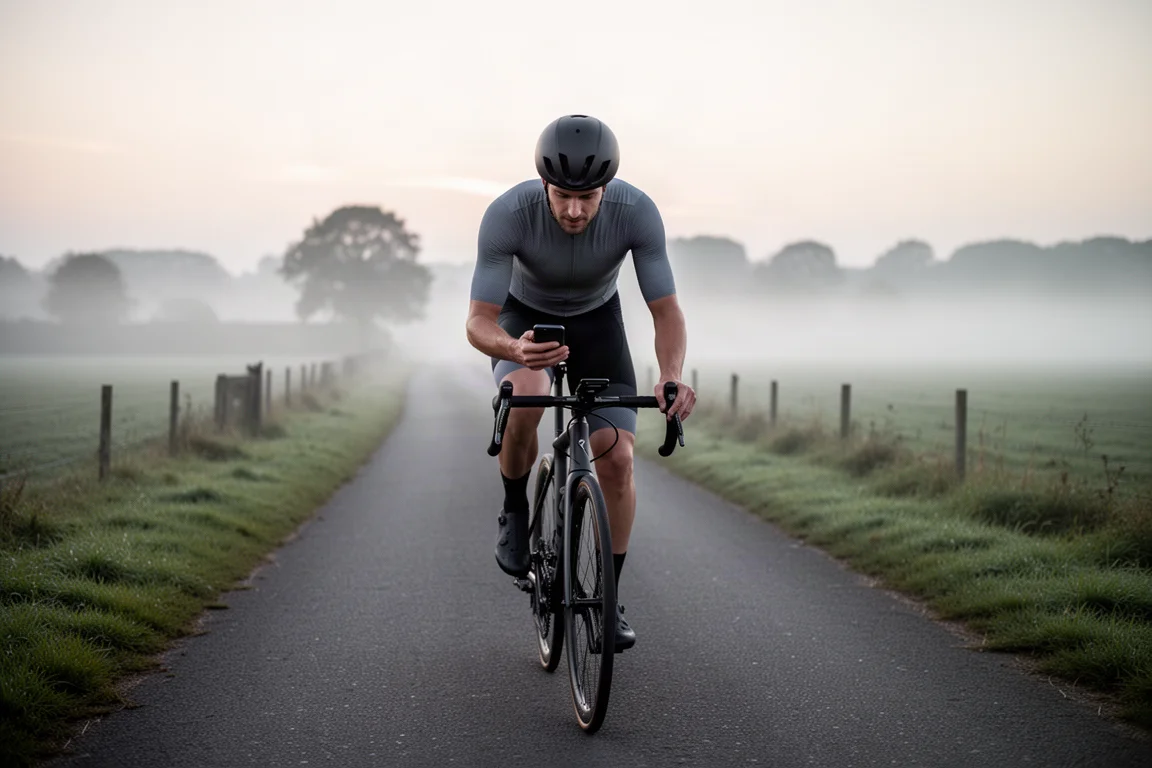
Cadence makes the most sense for riders who are buying their first head unit, or who are weighing whether they need one at all. If you already carry a phone on every ride and you mainly want data fields, navigation, and ride logging, the app covers that ground without adding another device to charge and maintain.
It also suits riders who want a large, bright display and the responsiveness of modern phone hardware rather than a smaller dedicated screen. The trade-offs are real and worth understanding before you commit, and they are covered further down.
Interface and Customization
You can build as many custom screen layouts as you like and swipe between them while riding. Up to 24 data points can be shown at once, or you can drop to a single full-screen field when you only want one number in front of you.
Cadence ships with several ready-made layouts to get you started, but expect to spend some time dialing things in. There are over 100 data points to choose from, and each field can be customized from text colour to light or dark background treatments, including heart rate and power zone colours. Because the app runs on a phone, interactions feel quick, and the screen stays bright in daylight.
Device and Sensor Compatibility
Compatibility is broader than the app format might suggest. Heart rate straps pair with Cadence, and the same applies to speed, cadence, and power meter sensors. Exercise bikes such as the Schwinn IC4 and Bowflex C6 are supported, as are smart trainers including the Wahoo Kickr and the Tacx Neo.
Radar is covered too. If you run a unit such as a Garmin Varia or a Bryton Gardia, it will connect. Once paired, the main screen shows how many vehicles are behind you and how quickly they are closing, just as it would on a dedicated head unit. Audio alerts can be enabled for extra awareness.
Navigation and Route Planning
Navigation is the function a GPS computer has to nail, and it is an area where a phone already has plenty of practice. Cadence lets you create custom routes with turn-by-turn navigation for rides, runs, and even driving directions.
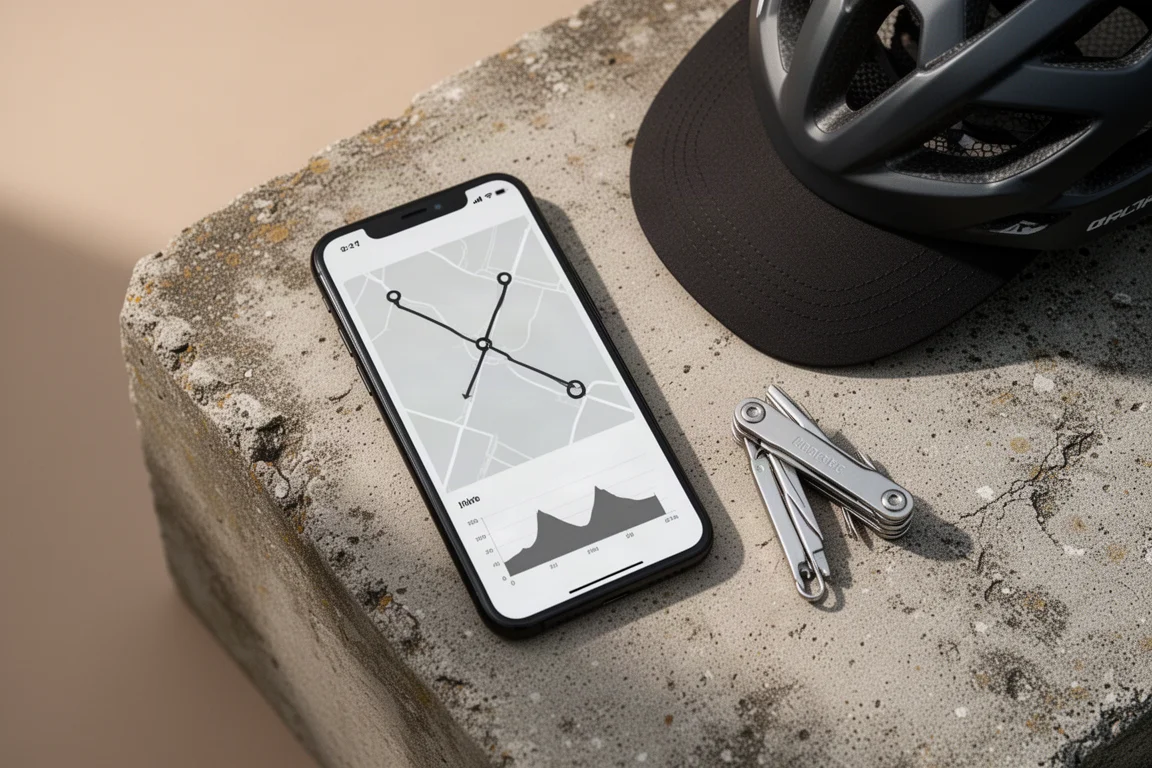
Existing activities can be saved as routes, and GPX files import from the usual sources, including Strava, Komoot, and Garmin. If you are already out and simply want to reach a nearby cafe, you can enter the destination and let the app route you there.
Live Segments and Ride Sync
Training with Strava live segments works inside Cadence. The app shows nearby segments and lets you switch between them in a detailed view. You can compare your position against your segment effort on both a large map and an elevation graph, see how far ahead or behind you are, and check how much distance remains.
Data points on the live segment screen are fully customizable, so you can build the view you actually want to read at speed. Once a ride is finished, Cadence can sync activities to Strava automatically.
Battery Life, Mounting, and Protection
Running navigation, sensors, and a bright screen will draw on your phone battery more quickly than usual. Typical consumption when using Cadence sits around 10 to 20 percent per hour, depending on the device and settings. The app includes battery-saving features such as automatic screen dimming, and the sensible habit is to plan a charge at your destination or carry a small power bank.
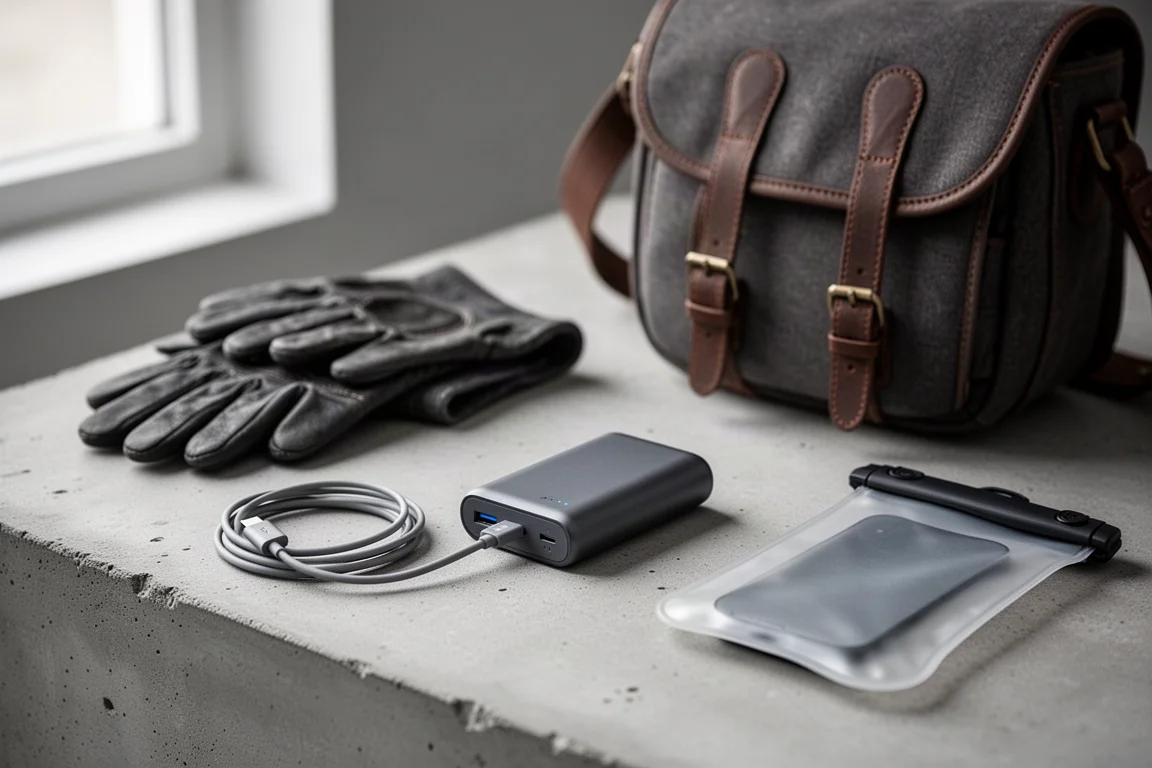
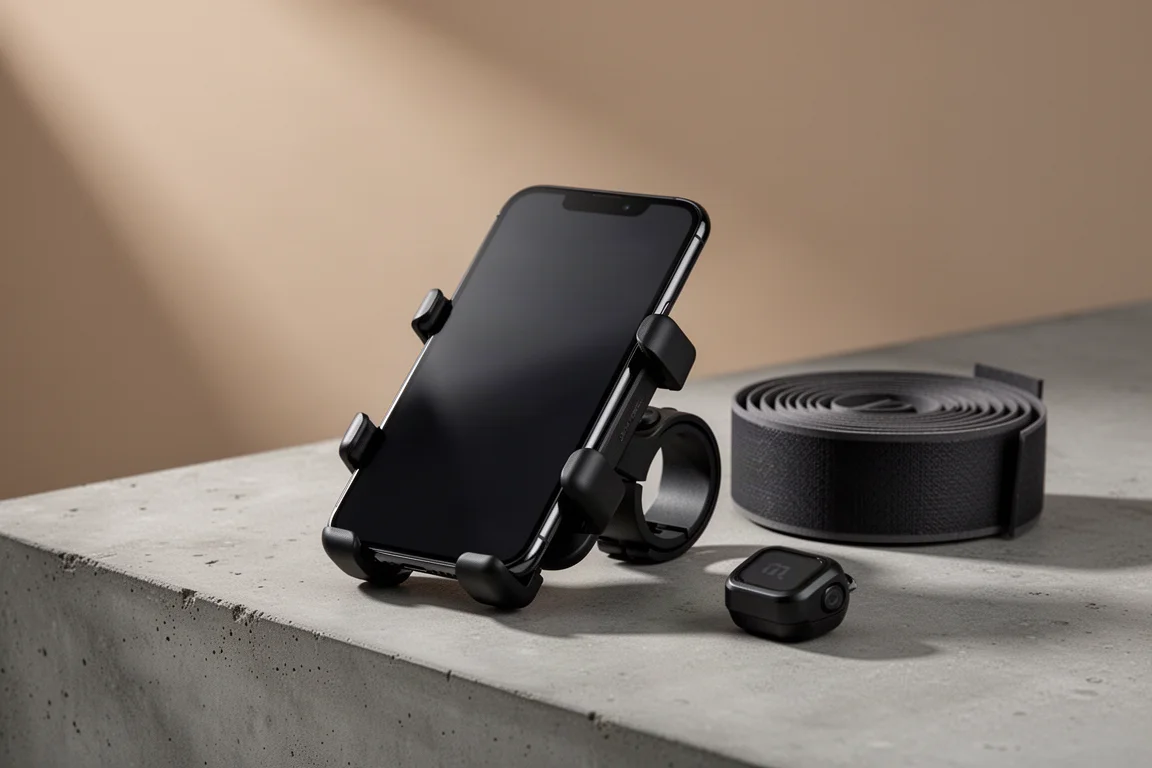
Mounting is straightforward. Systems such as Quadlock hold a phone securely on the bars, and more budget-friendly options work well too. If weather is a concern, a range of waterproof cases will keep the phone protected on wet rides.
Features Beyond the Core Toolset
Cadence does not stop at the essentials. Detailed analytics, live tracking, and a standalone Apple Watch app are also part of the offering, which goes some way beyond what most riders would expect from a phone-based setup. Between the sensor support, radar integration, navigation, and segment tools, the app covers the majority of what a dedicated computer is bought for.
Things to Consider Before Buying
The honest caveats are battery drain, phone protection, and mounting security. A phone on the bars is a more exposed setup than a sealed head unit, so a waterproof case and a reliable mount are not optional extras for anyone riding in mixed weather.
There is also the question of distraction. Some riders prefer a dedicated device precisely because a phone carries notifications and other apps. If that describes you, Cadence may still work well, but it is worth being deliberate about how your phone is set up during rides.
Buying Advice
Cadence is free to use, with Pro and Elite versions that unlock more functionality. The differences between membership levels are laid out on the company website, so it is worth comparing them against the features you would actually use before upgrading.
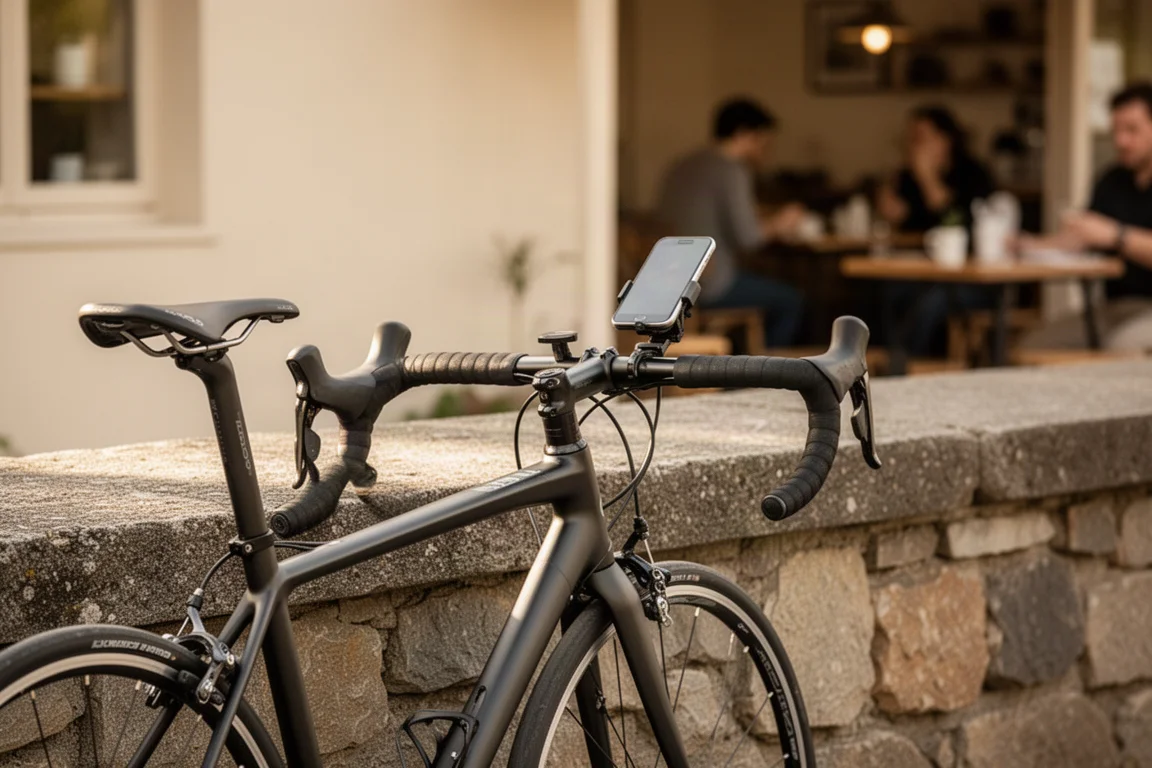
For anyone considering a first head unit, using your phone as the alternative is worth serious thought. The limitations that made phone-based cycling computing awkward a few years ago have largely faded, and going down this route can save a substantial amount compared with buying dedicated hardware. Mount, case, and battery planning are the practical pieces to sort out first, and once those are in place the experience holds up well.
Conclusion
Cadence unlocks more of the potential your phone already holds. With customizable layouts, wide sensor and radar support, turn-by-turn navigation, Strava live segments, and automatic ride syncing, it delivers the tools riders expect from a head unit without the price of one. For riders who want capable ride data and navigation on hardware they already own, it is a genuinely credible route to take.
Product link
View more details for Cadence
This product is mentioned in the review. Check the specifications, options, and compatibility before buying.
View more details for CadenceFurther reading
Related Reviews
Cycling Apps
Best Cycling Apps 2026: Nine Tools That Make Every Ride Better
A practical roundup of nine cycling apps covering ride tracking, route planning, wind analysis, data review and indoor training, with the strengths and trade-offs of each.
Cycling Apps
Cadence Review: Turning Your Smartphone Into a Capable Cycling Computer
Cadence turns a smartphone into a full cycling computer interface, with custom ride screens, sensor and trainer support, radar alerts, navigation, and Strava live segments.
Cycling Computers
Best Cycling Computers: 11 Options Compared
A practical look at 11 cycling computers, from the premium Garmin Edge 1050 to the budget Coros Dura, with strengths, trade-offs, and buying advice.