Video Conferencing
Bose Video Bar VBS Review: A Small-Room Conferencing Bar Built for Managed Deployments
A close look at the Bose Video Bar VBS, an all-in-one conferencing bar for rooms around 10 by 10 feet, with four beam-steering microphones, network management tools, and image settings that need dialing in.
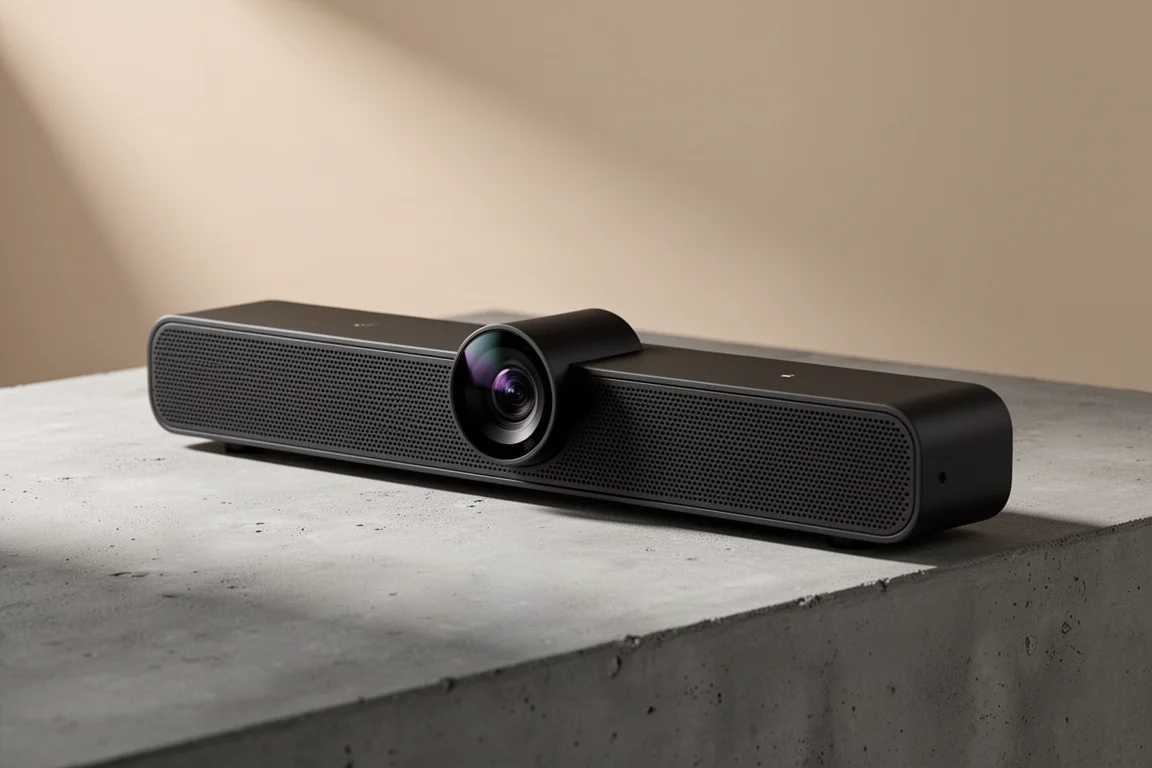
Introduction
The Bose Video Bar VBS is an all-in-one conferencing bar aimed at small meeting rooms, and it comes from the Bose Professional side of the business rather than the consumer range. That distinction shapes everything about it. This is a product built to be specified, deployed, and managed rather than simply plugged in and forgotten.
It sits alongside the larger VB1 in the same family, and the difference between the two comes down to room size and microphone count. The VBS is intended for spaces of roughly 10 feet by 10 feet and carries four beam-steering microphones, while the larger model is meant for rooms up to 20 by 20 and uses six.
What arrives in the box is refreshingly complete: mounting hardware for drywall or studs, a stand for tabletop use, and a compact infrared remote with cleanly laid out buttons and programmable keys for presets.
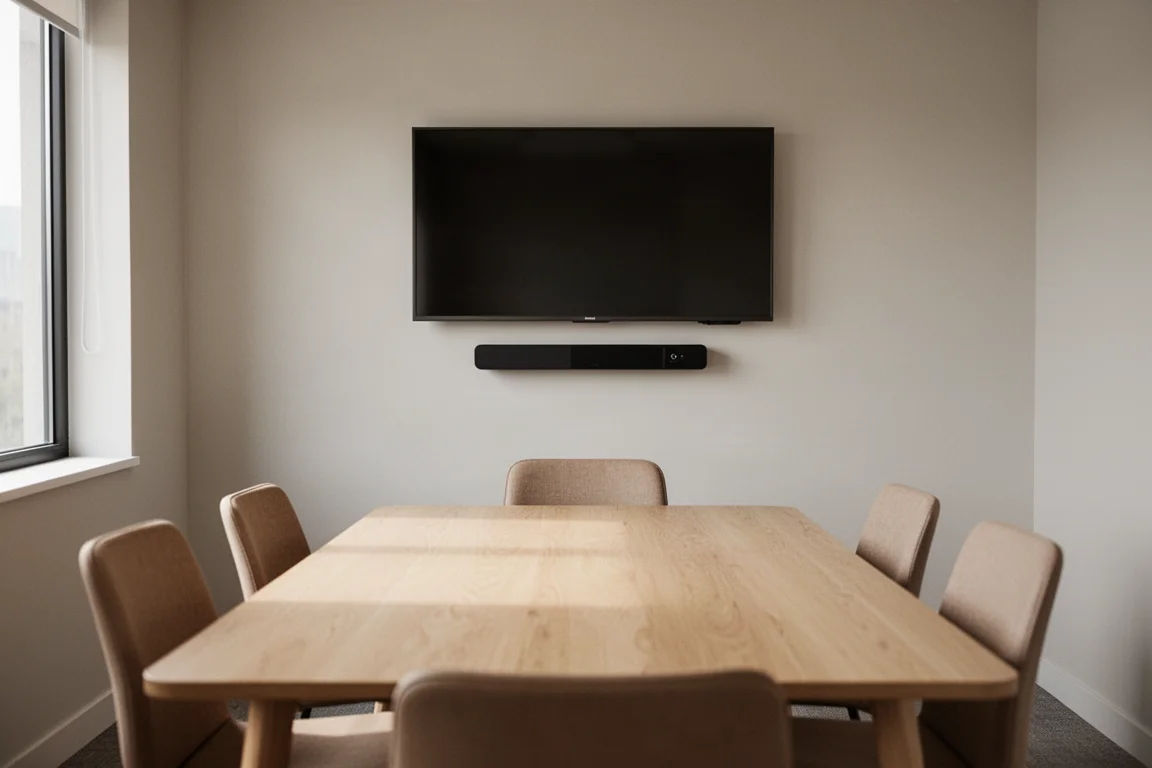
Assembly is deliberately simple. The mounting bracket attaches to the back of the bar, the base is fixed with the included screws, and the whole thing is ready in seconds. Once put together, the appeal of the design becomes obvious: an ultra low profile that disappears into a room rather than dominating it.
Who This Product Is For
The VBS is best understood as a room-sized solution. If your meeting space is around 10 by 10 feet, this is the footprint the bar was designed around, and that is where it makes the most sense.
It suits three broad groups. The first is small teams that want one device handling both audio and video instead of juggling a webcam and a separate speakerphone. The second is IT departments that need to manage several rooms consistently, since the bar supports network control and asset naming. The third is schools and workplaces that deploy conferencing hardware across multiple spaces and want a repeatable setup rather than a one-off install.
Anyone working in a much larger room should look at the bigger model in the line, because the microphone count and intended room size scale together.
Main Strengths
Audio is where this bar earns its place. The speakers deliver the quality the brand is known for, and vocals come through highly intelligible and natural, which is exactly what matters in a meeting. The four beam-steering microphones are the second half of that story, and they are supported by a graphical interface that shows precisely where they are listening.
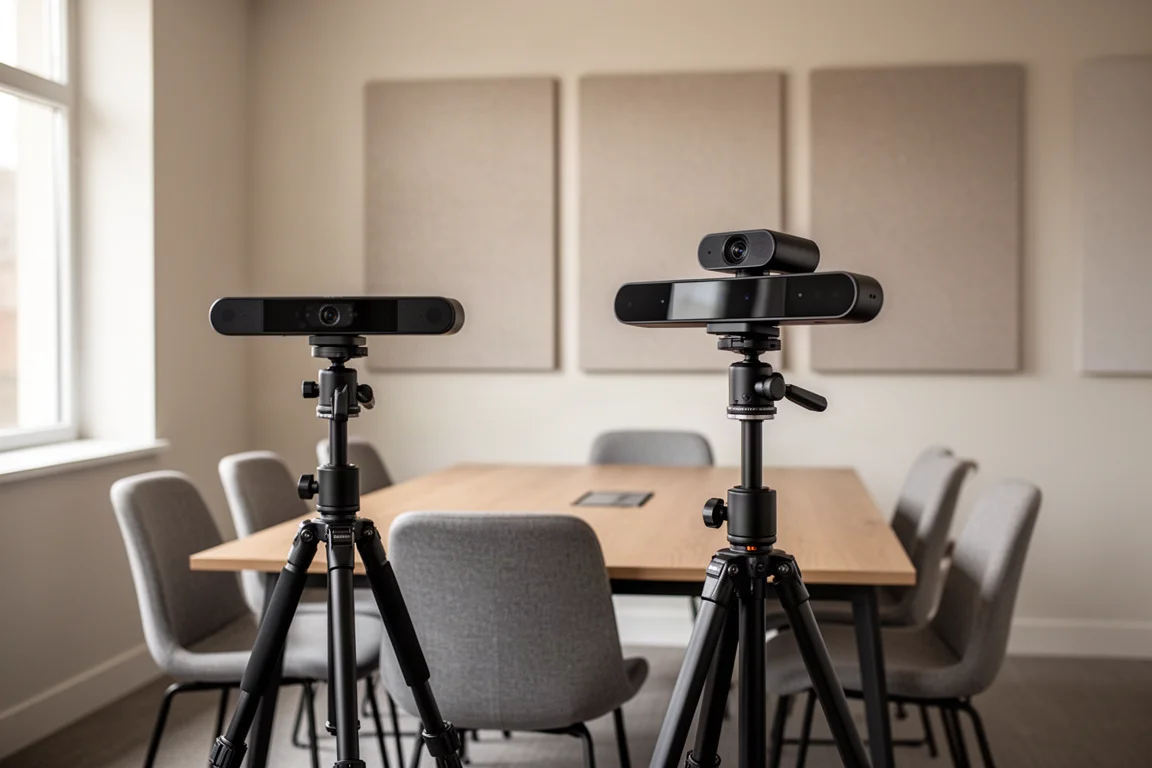
Camera image quality also holds up well. Placed side by side with a 4K webcam, the Bose image reads as clearer and sharper, and a display’s built-in camera looked noticeably washed out by comparison.
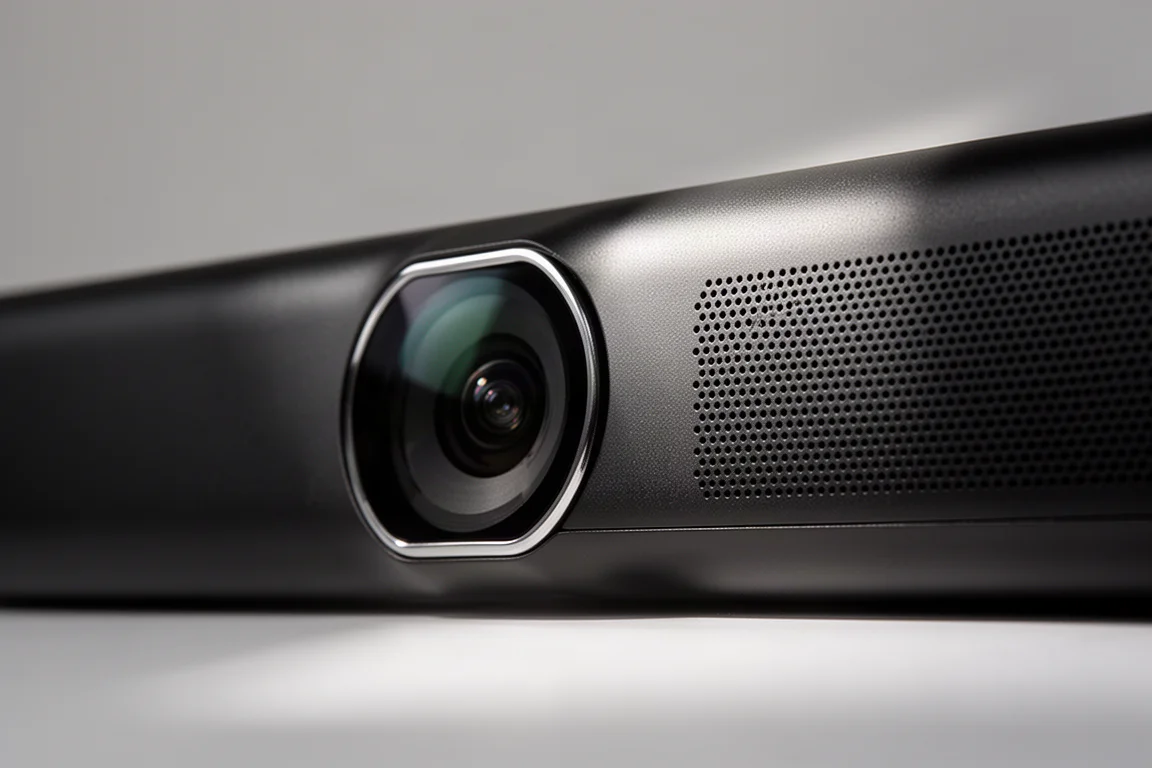
The physical design deserves credit too. The low profile keeps the bar visually quiet in a room, the included remote covers mute and a full set of everyday controls, and the manual privacy slider on the underside gives a hardware alternative to a software-only solution when someone wants the camera covered.
Setup, Mounting, and the Bose Work App
The rear panel keeps connectivity minimal: a USB-C port and a power port. The included USB-C to USB-A cable runs 15 feet, or three meters, and it carries data only, so power has to come from the supplied adapter brick. An adapter is also included for computers that only offer USB-C ports, which removes a common source of friction on newer laptops.
Mounting options are flexible. The bar can sit on a table using the included stand, or be fixed to a wall, where a hinge mechanism lets you pivot the camera up or down for the right angle. A threaded port on the bottom allows mounting on standard television or tripod hardware.
For anyone managing more than one unit, the Bose Work Configuration app for macOS and Windows is the real control center. The configuration utility surfaces over-the-air firmware updates, user access options on the network including SNMP for asset tagging and discovery, factory reset with saved profile configurations, log downloads, low power mode, and remote reboot. Units can also be given a network name that records the building, floor, room, and even room capacity, which makes tracking hardware across a site far easier.
Microphone and Camera Controls
The microphone interface is genuinely well thought out. Each beam-steering microphone appears as a translucent overlay, so you can see where pickup is directed in real time. Dynamic mode lets the microphones steer automatically toward whoever is speaking, and the display updates as people move around the room.
Static mode gives you granular control instead. It is a strong fit for a conference table with fixed seating, because you can aim each beam precisely at a seat and save that arrangement. You can also define mute zones by resizing grayed-out areas where pickup is disabled, and an exclusion zone that attenuates rather than fully mutes sound and can be moved anywhere within the arc. Room width and depth are adjustable as well.
On the camera side, presets can be saved from the app or the remote. Auto framing can be enabled or disabled and set for individual or group conferencing, and there are fine-tuning controls for low light compensation, backlight compensation, flicker frequency, and general image adjustments. A follow-me mode pans the camera based on voice, and auto zoom can be switched off when you prefer a fixed wide view.
Network settings, including SNMP and API access, are available in the same utility, and documentation is provided for the API. That is the piece that makes large-scale deployment practical, since settings can be pushed to many cameras without touching each one by hand.
Things to Consider Before Buying
The most important caveat concerns exposure. Left in auto exposure mode, the camera consistently produced an overly bright image across a range of lighting conditions, so plan on spending time in the manual settings. Lowering brightness substantially, adding a small amount of contrast, and in some cases raising saturation produced a much better result. The rich API helps here, because the same adjustments can be applied across a fleet of cameras at once.
There is also an oddity worth knowing about. Launching the configuration utility can introduce flicker on screen, and it disappears the moment the application is closed. It is not a 50 or 60 hertz power line or lighting problem, so there is no need to chase the room’s electrical setup when it appears.
Finally, consider distance. From a few feet away the microphone performs well, but some of the room is audible in the pickup. In a space where speakers sit far from the bar, an additional wired or wireless microphone is worth planning for, and rooms much larger than the intended footprint will need a different approach altogether.
Buying Advice
Start with the room. If the space is around 10 by 10 feet, the VBS is sized correctly, and the four beam-steering microphones will cover it comfortably. If the space is closer to 20 by 20, the larger model in the line is the more sensible choice.
Then think about how many units you will run. A single bar in one room is straightforward, but the real value shows up in multi-room deployments, where the configuration utility, network naming, and API access turn a handful of cameras into something an IT team can manage rather than babysit.
Budget time for image tuning as well. The camera rewards a few deliberate adjustments, and once brightness, contrast, and saturation are dialed in, the result is a clean, sharp picture that stands above typical webcam output.
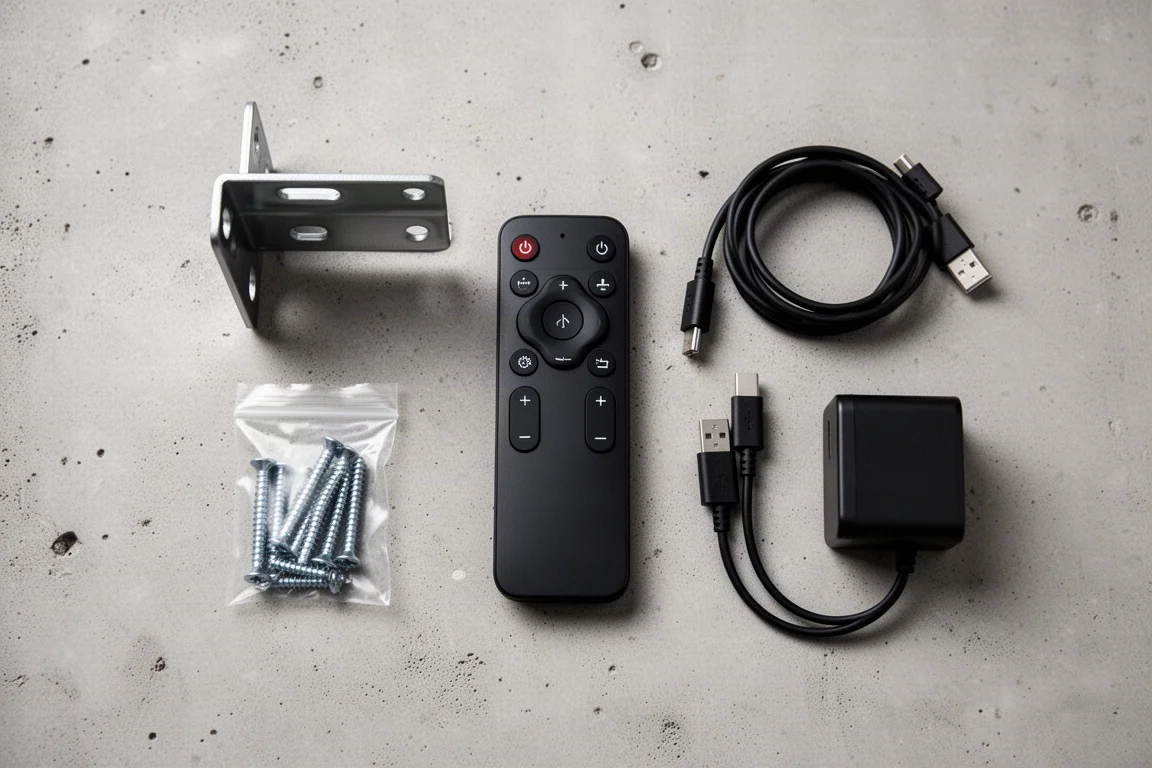
For what you get, the package reads as good value: strong audio, a capable camera, flexible mounting, a functional remote, and enterprise-grade management features that are unusual at this kind of all-in-one size. The main trade-offs are the exposure tuning and the small-room ceiling on coverage, both of which are easy to plan around.
Conclusion
The Bose Video Bar VBS is a well-designed all-in-one for small meeting rooms. Audio quality is the standout, with speakers that make voices sound natural and intelligible, and the beam-steering microphone system gives you more control than most compact bars offer.
The caveats are practical rather than fatal. Turn off auto exposure and tune the image, keep the configuration utility closed when you are not using it, and add a separate microphone if people will be sitting well back from the bar. Do those things and the VBS delivers a tidy, manageable conferencing setup for a room-sized footprint, with network features that make it easy to live with over time.
Product link
View more details for Bose Video Bar VBS
This product is mentioned in the review. Check the specifications, options, and compatibility before buying.
View more details for Bose Video Bar VBSFurther reading
Related Reviews

Backpacking Gear
Building a 10 lb Base Weight: An Ultralight Backpacking Gear List
A practical walkthrough of the ultralight pieces behind a 10 lb base weight, from a 765 g pack and a roomy one-person tent to a full camp chair and a dependable water filter.

Road Bikes
10 New Road Bikes Worth Watching: Aero, Titanium, Steel and Endurance Standouts
A practical roundup of 10 new road bikes, from aero flagships chasing single-watt gains to titanium, steel and endurance platforms built for real roads.
Bikepacking Gear
11 Bikepacking Essentials for Long-Distance Cycling
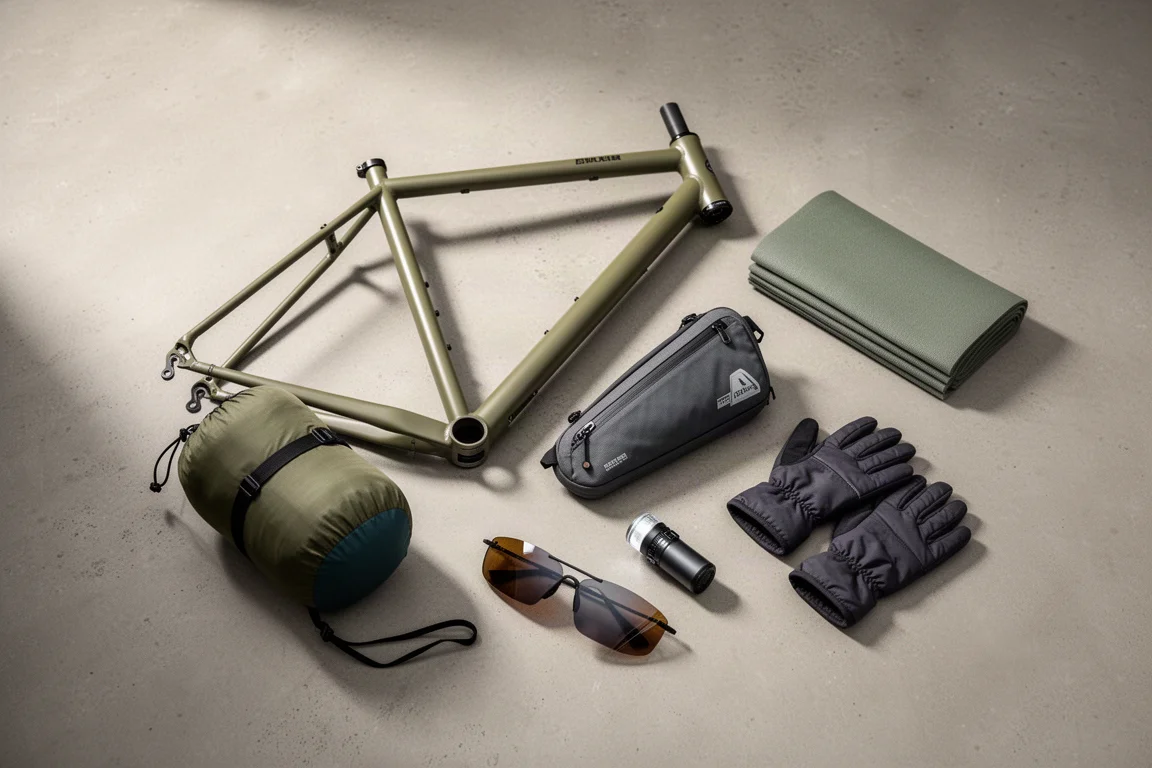
Eleven bikepacking essentials for long-distance cycling, from a steel gravel frame and a two-person tent to helmet lights, packable gloves, and a frame bag that puts weight in the right place.