E-Readers
Boox Go 6 Gen II Review: A Pocket-Sized Reader With Surprising Writing Power
The Boox Go 6 Gen II brings a refined design, a usable stylus experience, and a few notable trade-offs to the compact e-reader segment.
Introduction
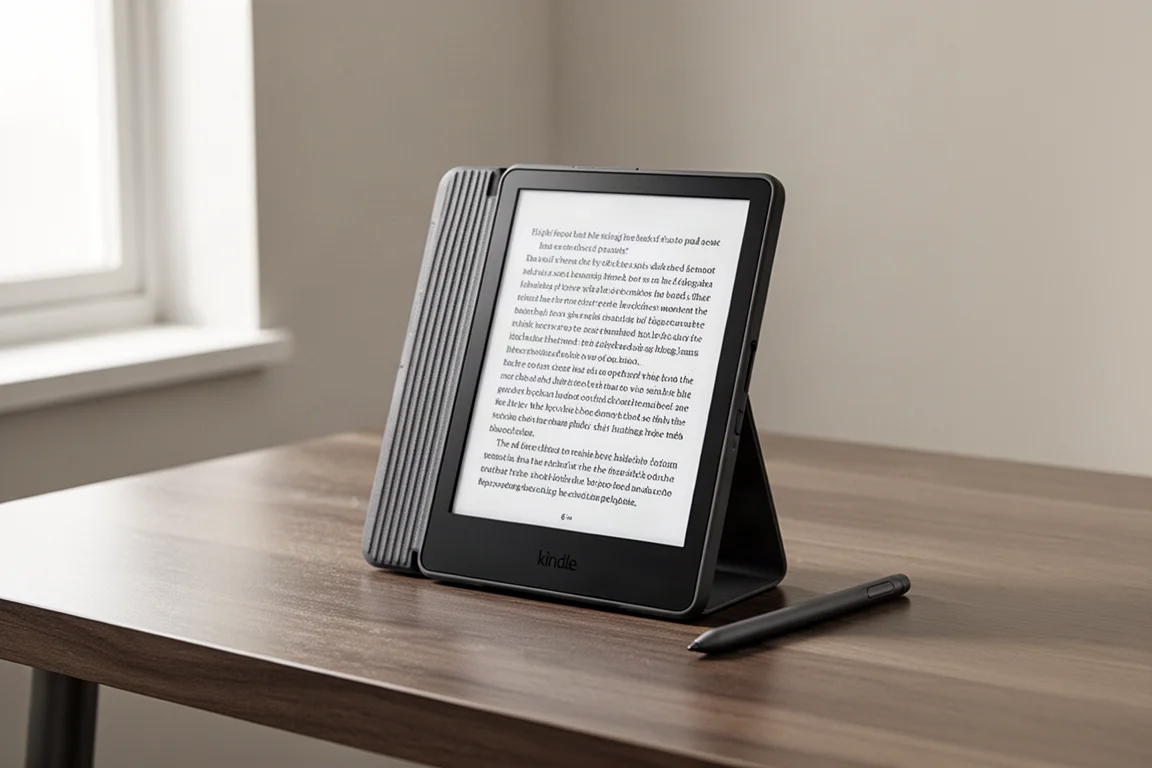
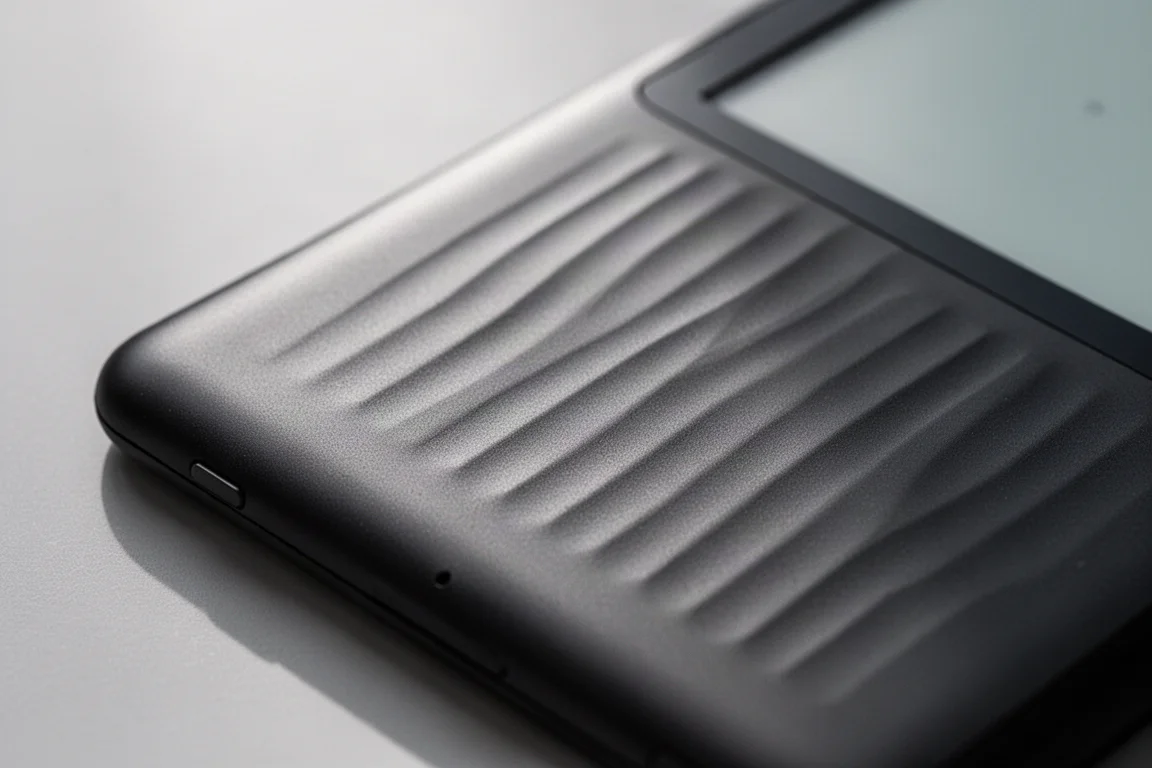
The Boox Go 6 Gen II is an evolution of the Go 6 that was released a couple of years ago. The front format is largely the same, but the housing around the device and the back panel represent the biggest design change. The new ridged back is genuinely pretty to look at and pleasant to touch, with a matte finish that suggests a rubberized, grippy surface. In practice, however, that surface is surprisingly slippery, which is worth keeping in mind for a portable reader with a glass screen.
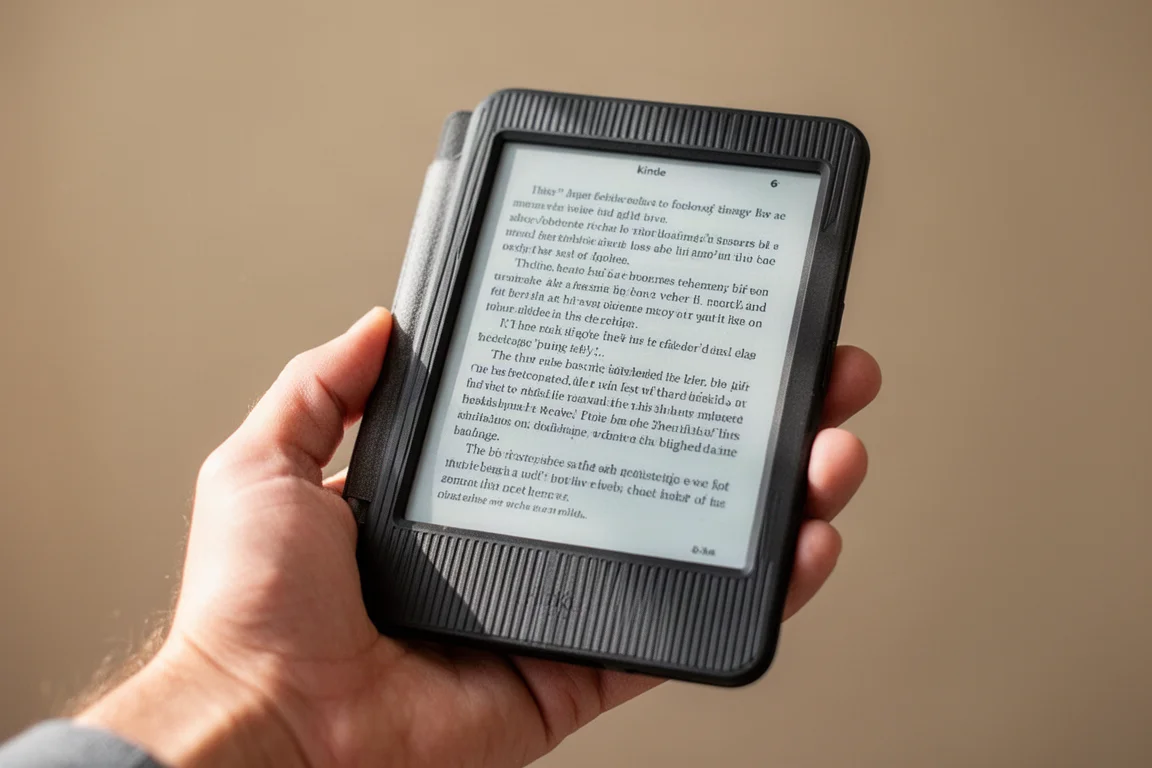
Inside, the Go 6 Gen II stays close to its predecessor. It features a 6-inch monochromatic front-lit screen with 300 PPI and dual adjustable front light. An octa-core CPU powers the device, paired with 32 GB of expandable storage via a microSD card slot. This time around, it comes with 3 GB of RAM instead of 2 GB, which is a welcome improvement. The device measures 6.8 mm thick and weighs 160 g, slightly heavier than the previous model, and it still carries the same 1500 mAh battery. It supports a magnetic case and includes the standard Boox features, such as the built-in Google Play Store.
Design and Build Quality
The ridged back panel is executed really nicely, with a quality feel that is hard to fault. The ridges feel good under the hand, but they do not provide much grip. The matte finish might suggest a sticky, non-slippery surface, but that is not the case. The device is incredibly slippery, which can make one-handed use a challenge. It is a shame because the design looks great, but the slipperiness is a real concern for a device meant to be used on the go.
The device includes standard controls and runs on Boox OS 4.2, which mitigates many of the issues introduced by OS 4.1. The software brings an AI assistant, an updated e-ink wise feature, stylus controls, navi control, a screen recorder, kids mode, and free mark, which allows you to mark on top of anything on the screen, take a screenshot, and manipulate it afterwards. The device can also function as a hotspot. All the usual Boox functionalities are present, including the front light.
Display and Reading Experience
The 6-inch screen delivers a crisp reading experience, with the 4:3 format providing rough proportions that suit documents and books well. Opening larger documents for the first time is reasonably quick, and navigation works smoothly. The device offers regal and speed refresh modes, with a full screen refresh accessible via a side gesture once customized.
Fit to width functionality works well for documents, transforming even tiny text into something fully usable on the small display. Image quality at full zoom looks good, though ghosting is present. The ghosting performance is noticeably worse than on earlier Boox devices, which seems to be a trend across newer models. The speed refresh mode uses a de-ghosting algorithm that cleans up image remnants and is faster, but it comes with meaningful image degradation. For documents that rely on images, this trade-off matters. For regular ePub reading, the device is more than adequate.
The reflow feature, now called extract text, works automatically but with mixed results. Some content is lost and images are not handled well by default. Adjusting font size and spacing improves the output, but image-heavy documents can still be dissected poorly. Stripping away images and converting directly to text produces much better results, and in this mode, a PDF can act like an ePub with pinch-to-zoom support. The octa-core CPU handles this processing capably, making the functionality genuinely useful for text-based PDFs.
Image smoothing is now on by default, and with contrast lowered, the device handles gradients well. Some ghosting is present, but it is not catastrophic and is definitely better than on the Go 10.3. The refresh feels pleasant and smooth, similar to the Go 10.3 Gen 2.
Writing Experience With the Ink Sense Plus Pen
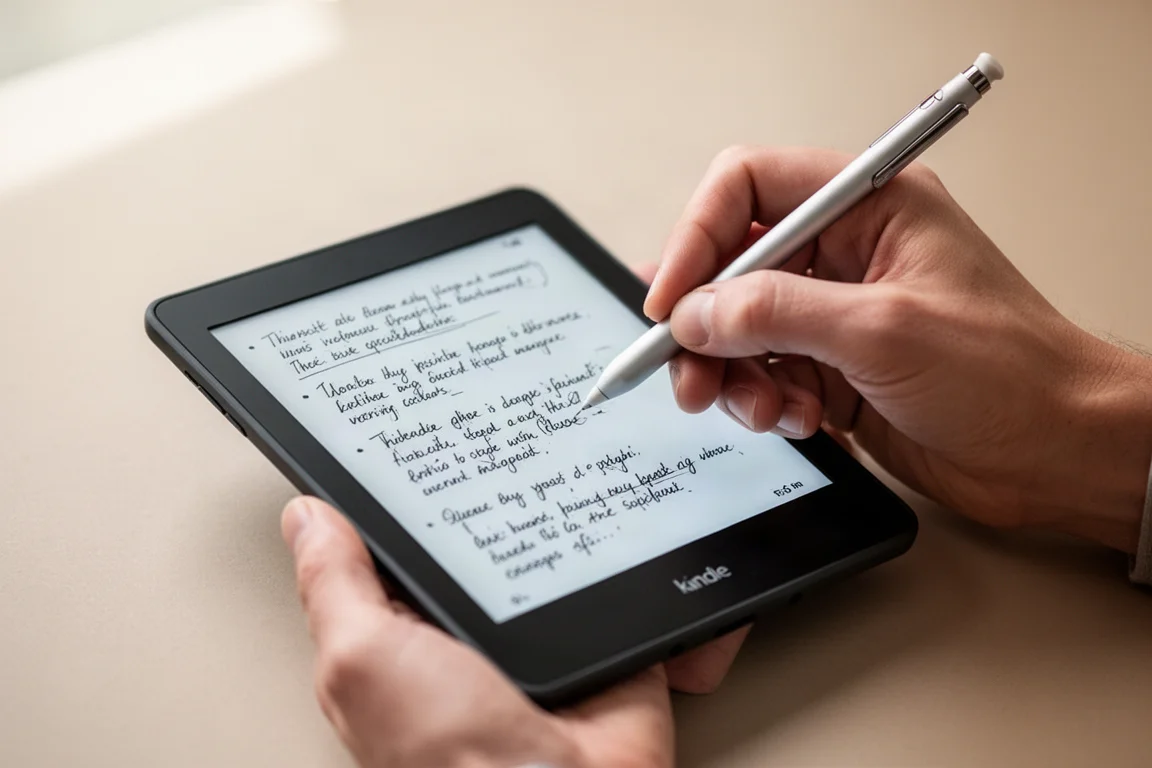
For the first time, the Go 6 supports note-taking with the Ink Sense Plus pen. This is a genuinely interesting proposition: a portable 6-inch device with usable writing capabilities. The pen is an active USI 2.0 pen, not an EMR pen, which means it needs to be charged manually. There is no charge indicator on the pen itself, and recharging takes a while once it runs out.
Writing on the device is effortless, which was not the case with the Go 7 series. The new Ink Sense Plus pen delivers results largely similar to what you get on the Go 10.3. Latency is around 30 to 40 milliseconds, which is absolutely usable. The active refinement of written strokes makes anti-aliasing look clean and polished.
The writing feel is glassy because the screen surface is very smooth, which is great for reading clarity but fairly slippery for writing. The pen itself is made of aluminum, is very hard, and has an oval shape that does not lend itself well to ergonomics. Longer use can lead to hand discomfort, pain, or cramping after about 15 minutes. Despite these negatives, the pen is functional enough to make the device truly usable for note-taking.
Cover and Portability
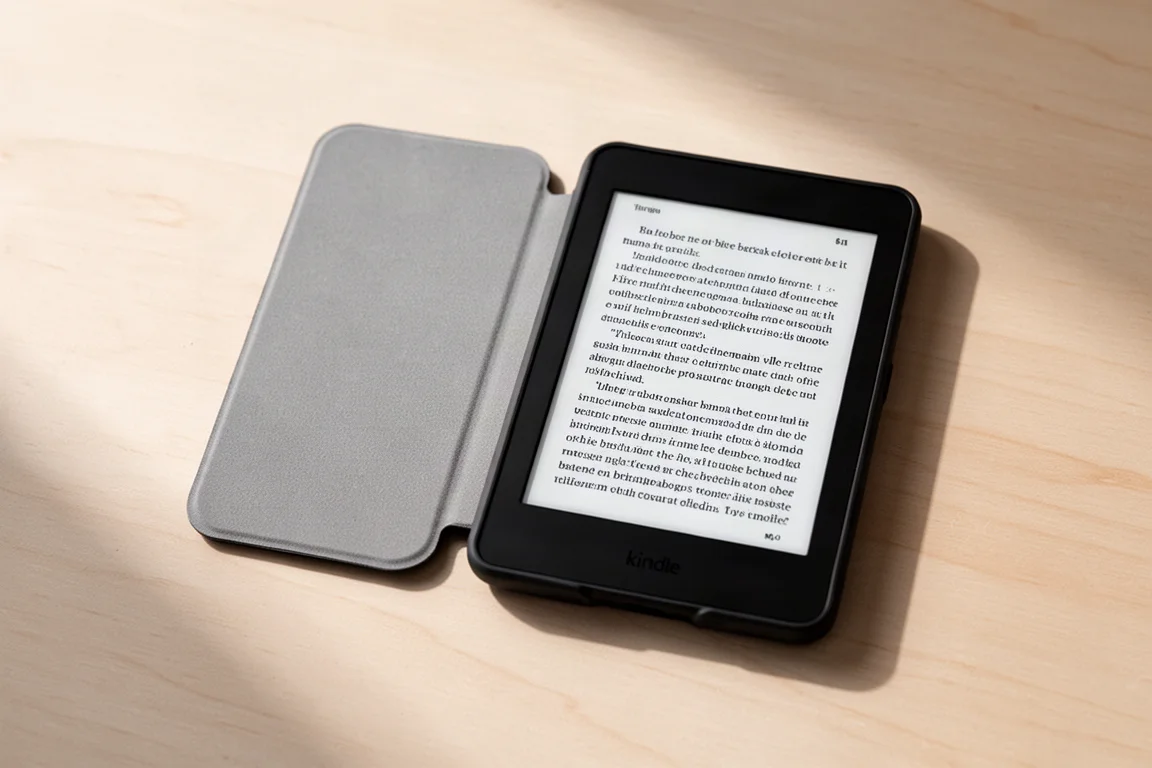
The device comes with a standard, very nicely made, and super minimalistic cover. It is important to note that this is a cover, not a case, so it does not protect the sides if the device falls. For a cover, it is a lovely minimalistic package with a fine weight. The magnets hold the device properly in place, the cover is magnetically held, and the magnets are calibrated well so it does not unstick. Auto sleep and auto wake work as expected. The only thing not accommodated is the pen itself, but the rest of the package works really well.
The cover also helps address the slipperiness concern. Holding the device with the cover provides a much more confident grip, making it a worthwhile addition. It does make the device thicker, which is unfortunate, but it effectively eliminates the number one issue with the device.
Software and Performance
The device runs on Android 11, which is a notable limitation. The latest Android security patch and OS update on Boox devices is dated February 1, 2024, and this is a brand new device. Android 11 is old enough that there are no further security updates available. For a device with Google Play Store enabled, a more current Android version would have been a good idea. If you stick to verified apps and avoid shady sites, it is not a catastrophic deal breaker. However, if you rely on a Google Play app that requires a later Android version, this could be a deal breaker.
The device does not have auto rotation or an accelerometer, which is a minor but notable omission. It is also not IP certified in any way, so it is not waterproof or splashproof.
Buying Advice
The Boox Go 6 Gen II is priced at $190 for the device itself, or $200 with the cover. The pen costs an additional $45, bringing the full package to around $245. For a portable reader, $200 is a bit on the pricier side; $150 or $160 would have been a no-brainer. However, the build quality, features, and performance are all there.
The device really carves its own niche with the addition of the pen. If you already own a Boox Go 10.3 Gen 2, which uses the same Ink Sense Plus pen, you can reuse the pen on both devices without added expense. This creates a portable companion that synchronizes with your larger device, letting you work on the go and continue at home with the same pen, writing feel, and habits. That kind of ecosystem continuity is quite valuable and rare in the e-ink device market today.
Conclusion
The Boox Go 6 Gen II is a really cute little device that is surprisingly powerful. It is not perfect: the slippery surface is a real concern, ghosting is present, and Android 11 is a genuine limitation. However, the addition of usable writing capabilities makes this an important device. It can be easily overlooked because of the Android 11 issue, but if that is not a concern for you, this is a really interesting option. For a truly portable, pocket-friendly e-reader with note-taking abilities and full Boox functionality, the Go 6 Gen II is worth serious consideration.
Product link
View more details for Boox Go 6 Gen II
This product is mentioned in the review. Check the specifications, options, and compatibility before buying.
View more details for Boox Go 6 Gen IIFurther reading
Related Reviews
E-Readers
Boox Go 10.3 Gen 2: A Deep Dive Into the Writing Experience, Screen Quality, and Everyday Trade-Offs
A detailed look at the Boox Go 10.3 Gen 2, covering the active pen, front light options, ghosting behavior, and how it compares to the Gen 1 and Note Max.
E-Readers
Boox Go 10.3 Gen II Classic Review: A Non-Front-Lit E-Reader With Trade-Offs
The Boox Go 10.3 Gen II Classic offers a sharp 300 PPI display and lighter build, but ghosting and pen precision issues are worth considering.

E-Readers
Boox Go 10.3 After OS 4.1: A Detailed Look at What Changed
A hands-on look at the Boox Go 10.3 after the OS 4.1 update, covering the new features, the frustrating bugs, and whether the upgrade is worth the risk.