Tech EDC
My Favorite Tech EDC Gadgets: Cables, Power Banks, Tiny E-Readers and More
A practical roundup of the tech gadgets that earn their place in an everyday carry: retractable cables, high-output power banks, a credit-card e-reader, a phone-ready SSD, retro handhelds, and adventure watches.
Introduction
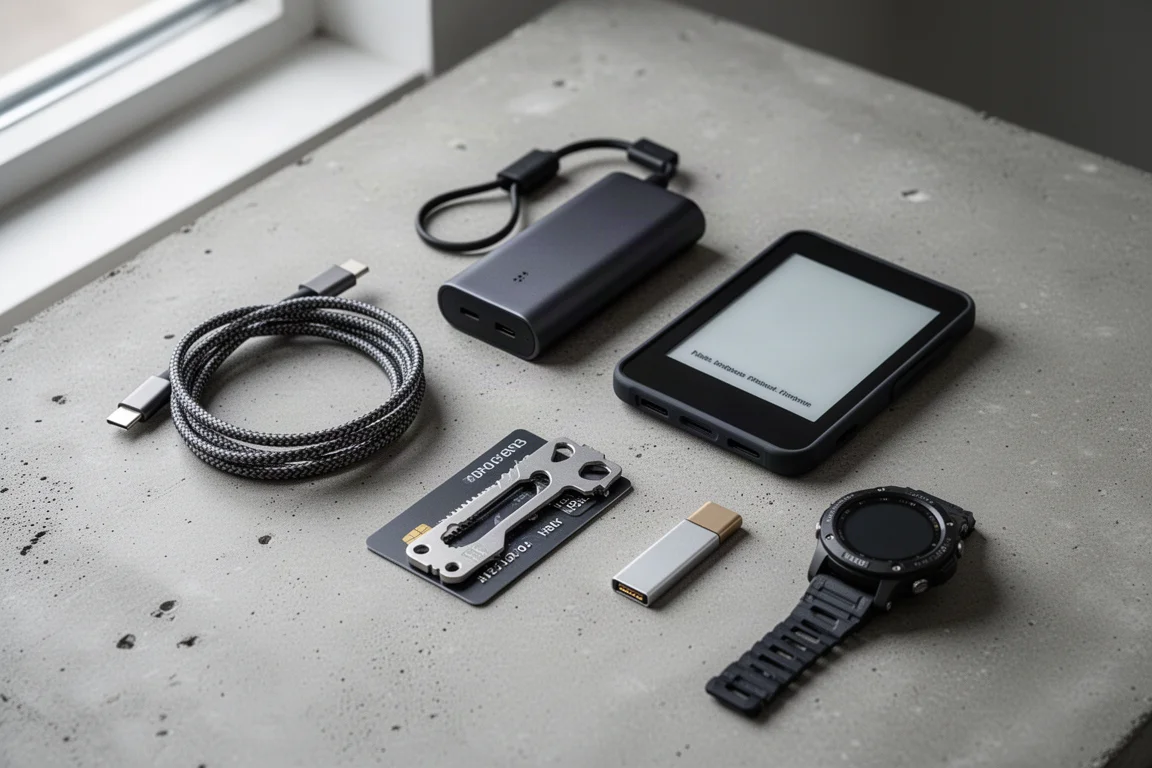
After years of testing tech for a living, then stepping away from it, the gadgets that made it back into my everyday carry are the ones that quietly earn their spot: a cable that retracts itself, a power bank that has saved a dead laptop more than once, an e-reader smaller than my wallet, and a watch that replaced my flashlight entirely. Here are the pieces that stuck.
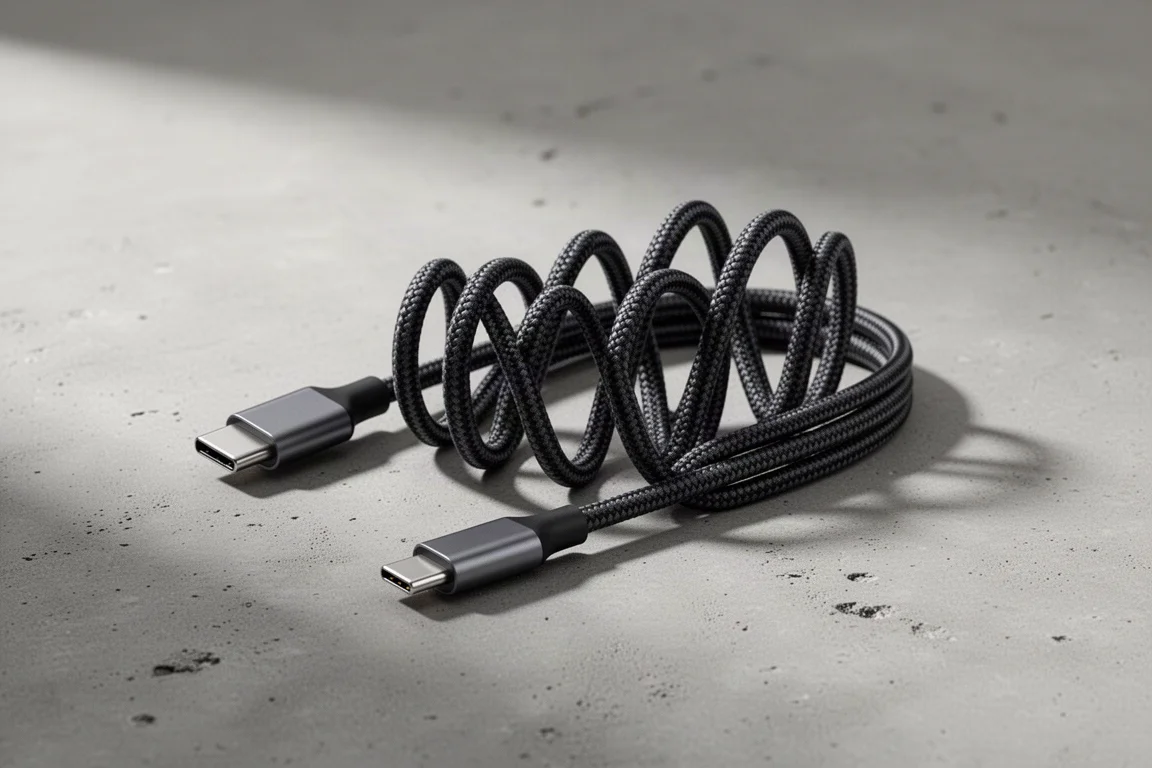
Sharge MagLoop USB-C Cable
The Sharge MagLoop is a USB-C to USB-C cable that supports up to 240 watts of charging, which is faster than most wall chargers can deliver. Data speeds max out around 480 megabits per second, so it is a charging cable first and not the pick for fast file transfers.
The appeal is the self-retracting design: pull out only the length you need and it coils back into place once it has re-learned its shape. Straighten it fully and it takes a little patience to get it back, but it wants to return to form. At around $30 it is not the cheapest cable, but it is a genuinely nice luxury item for a bag.
Sharge 25000mAh 170W Power Bank
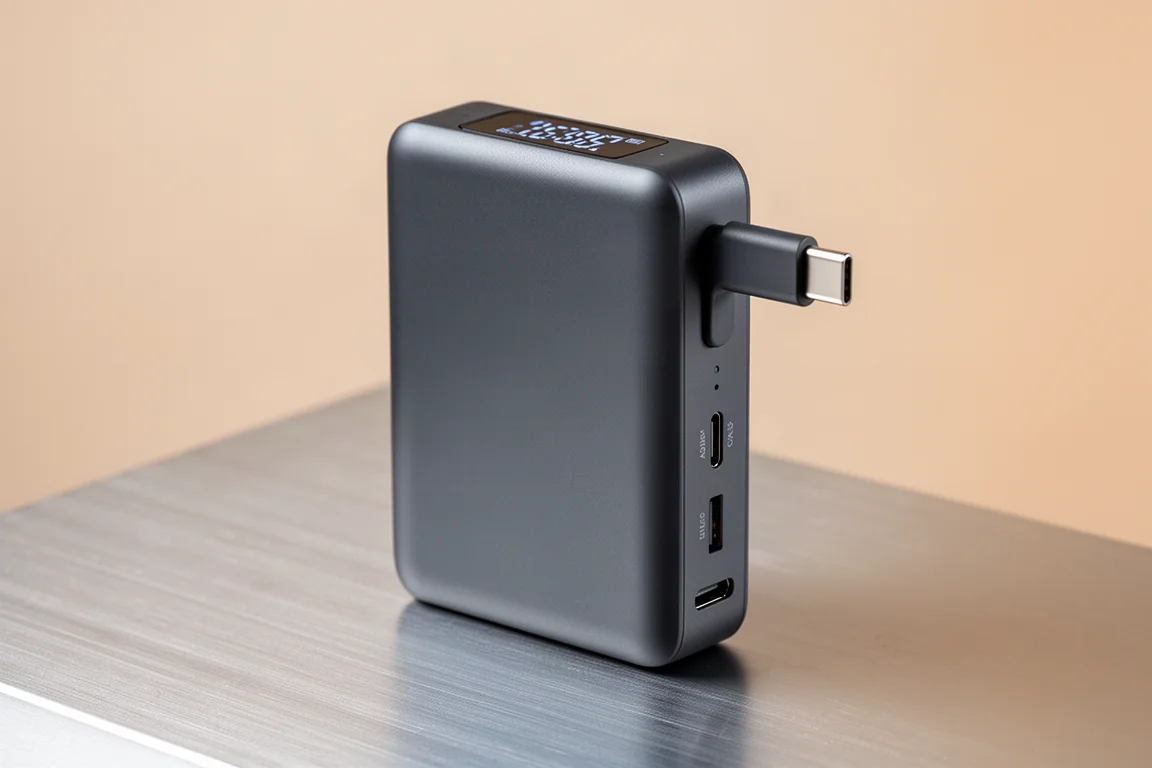
This 25,000mAh power bank outputs up to 170 watts and has bailed me out repeatedly, taking a laptop from completely dead to roughly 70-80 percent. It also lives in my camera kit, where it charges camera gear very quickly.
The built-in cable is a love-it-or-hate-it feature: you always have a cable, but if it ever fails, that becomes dead weight. There are extra USB-A and USB-C ports, all the USB-C ports work as input and output, and you can charge four devices at once. It launched at $109 and has been seen on sale around $80, which is a strong deal for this capacity.
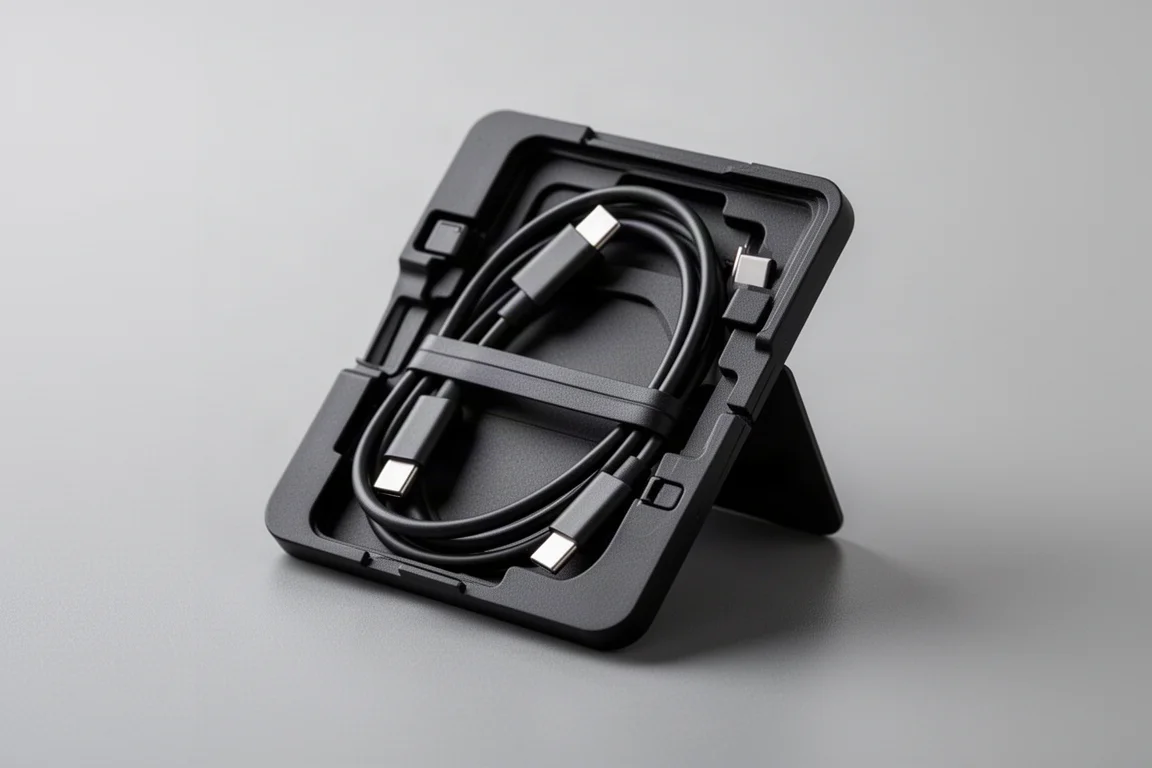
Cable Card
The Cable Card is essentially a Swiss Army kit for charging, about the size of a credit card but fairly thick. Inside you get a USB-C to USB-C cable that wraps around the perimeter, plus a Lightning adapter, a micro USB adapter, a USB-A adapter, a SIM tool, and a microSD slot.
Some of the tools may never get used, but the adapters matter more than you would think: some devices simply refuse to charge over USB-C to C and need the USB-A route. It also doubles as a phone kickstand, and with the cable plugged into a power bank there is a toggle switch that activates a small light, though the use case for that one is a bit of a head scratcher. It all snaps shut into a very tidy package.
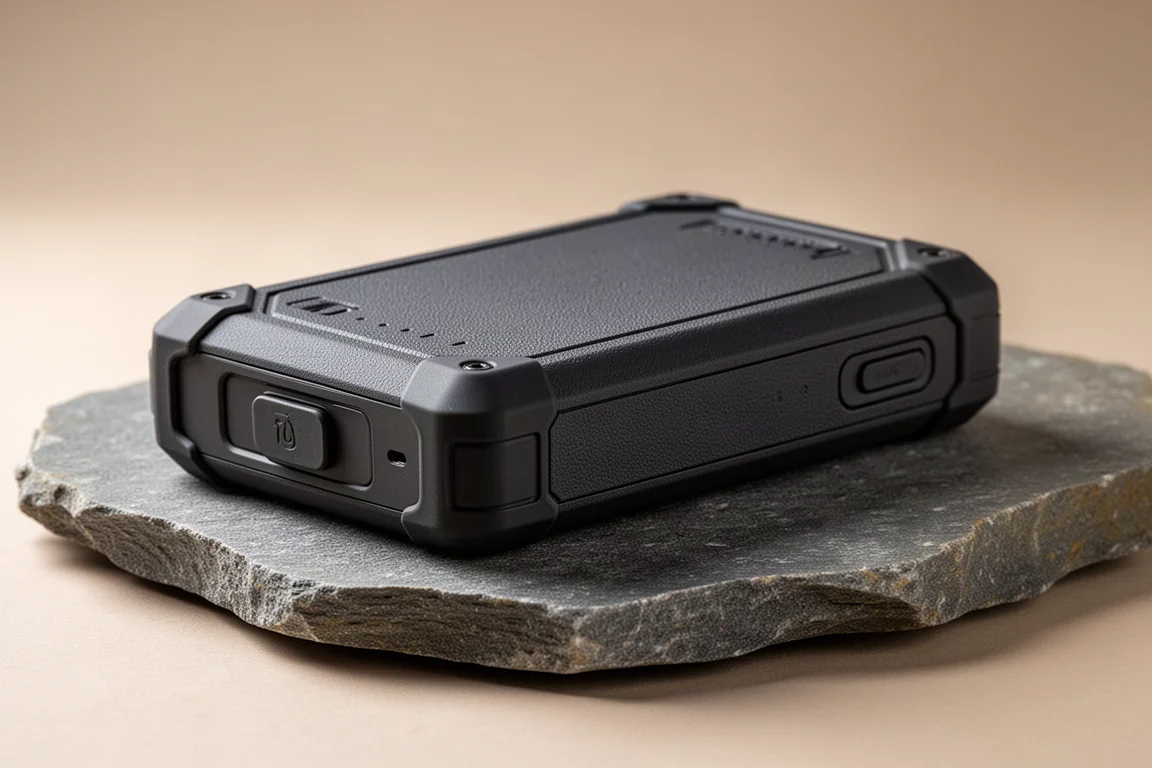
Nitecore Waterproof Power Bank
This Nitecore is my dedicated outdoors power bank, reserved for backpacking, hiking, or any trip where getting wet is a real possibility. It is waterproof, shockproof, and dustproof, and it weighs remarkably little for the peace of mind it offers.
It is not the power bank for daily city carry, and that is the point: it is pure, worry-free backup power for conditions where a normal bank would not survive.
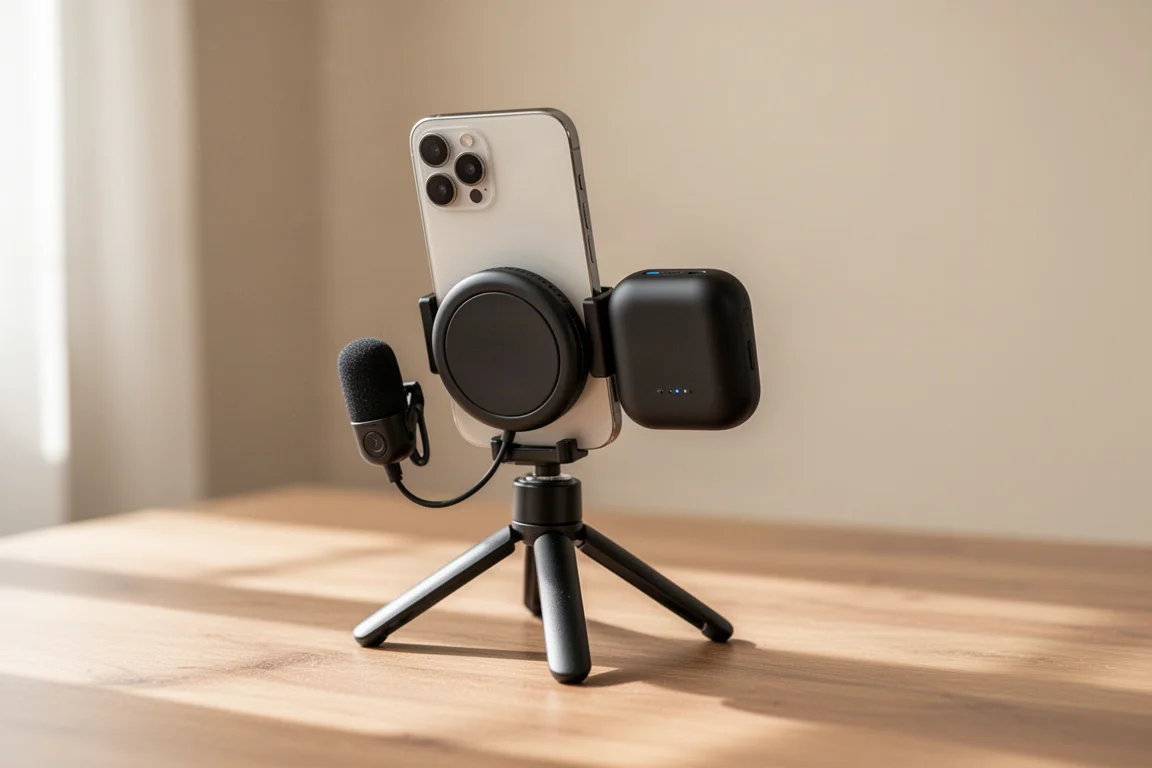
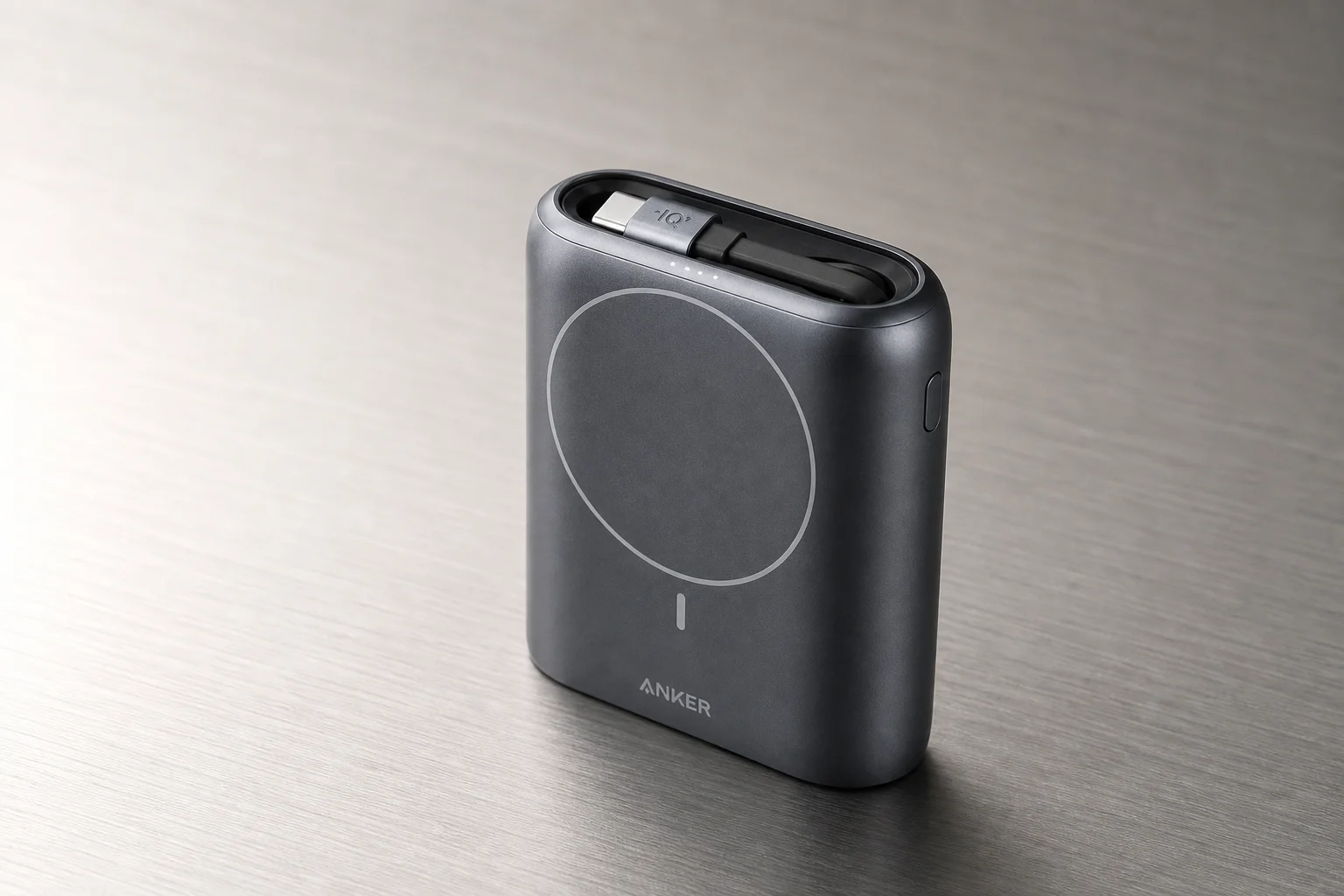
Anker MagSafe Power Bank
This is my most-used power bank, and the reason is MagSafe. It snaps onto the back of an iPhone and stays there while I film video wirelessly charging, without interfering with the port my microphone uses. No extra mount, no extra thing to carry.
Like the Sharge, it has a built-in cable that doubles as a lanyard, with the same trade-off: always a cable, but dead weight if it breaks. I have had zero issues with it, and for anyone who films on their phone, this combination is hard to beat.
XTE Ink X4 E-Reader
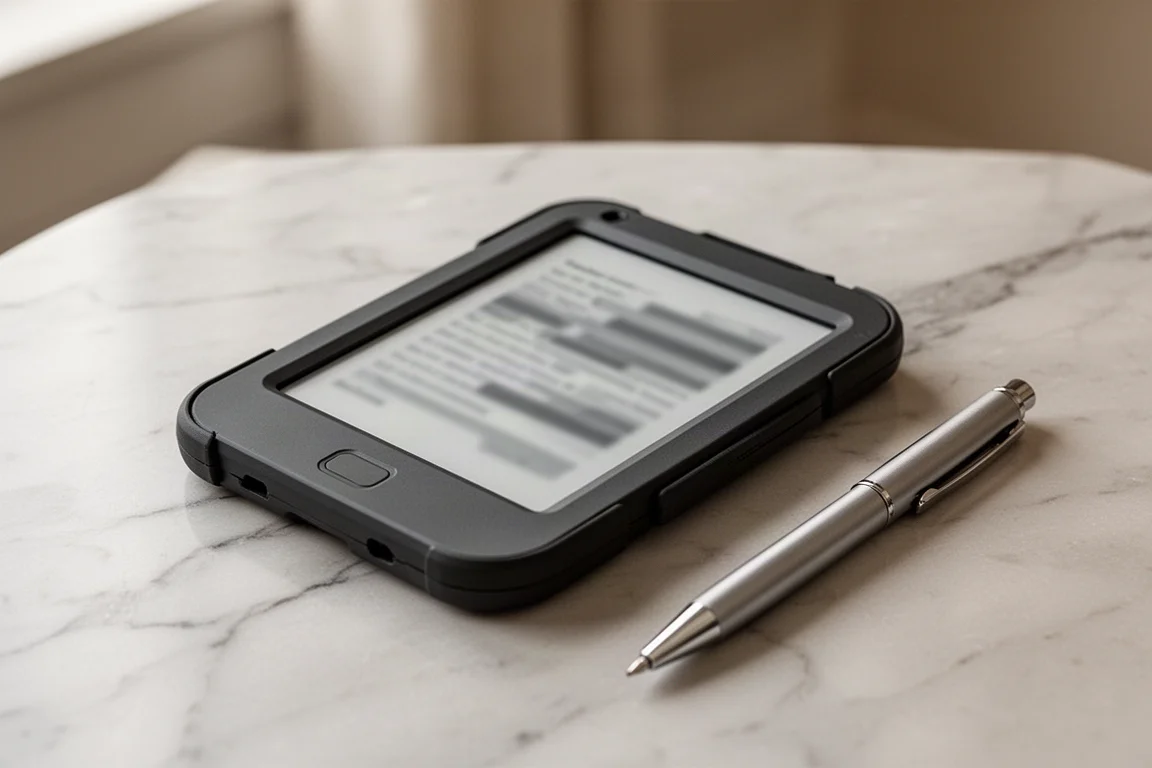
This might be the most surprising item in my carry: an e-reader barely bigger than a credit card, from a brand called XTE Ink. I picked the X4 over the newer, smaller X3 for two reasons: the X3 felt too small, and it charges over pogo pins while the X4 uses USB-C. I added the snap-on case, and it turned the whole experience around.
Manage your library with something like Calibre, since you give up Kindle and cloud sync but gain DRM-free freedom. The first reading session in portrait mode felt cramped, but loading the community Crosspoint firmware and switching to landscape reading mode changed everything. It has no backlight, which is the one real drawback if you mostly read at night. I found the reader on sale for about $50 with the case around $16, roughly $65 total, and I have not put it down since.

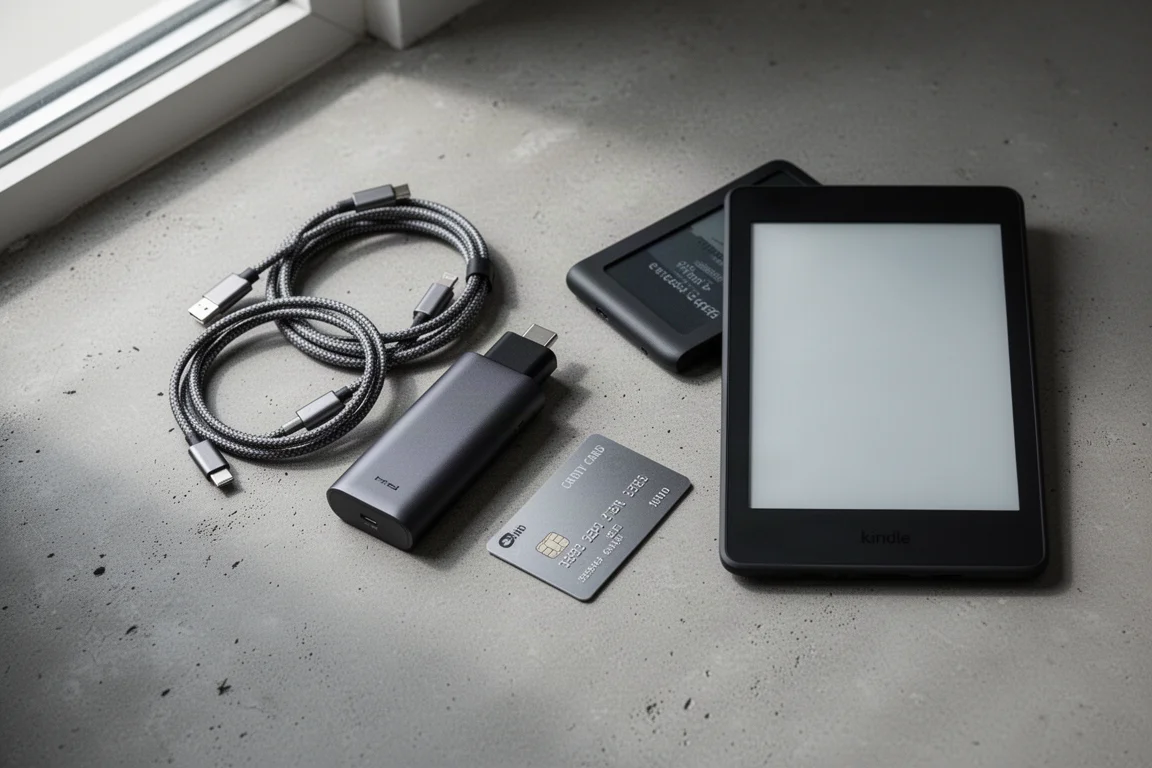
Kindle Paperwhite
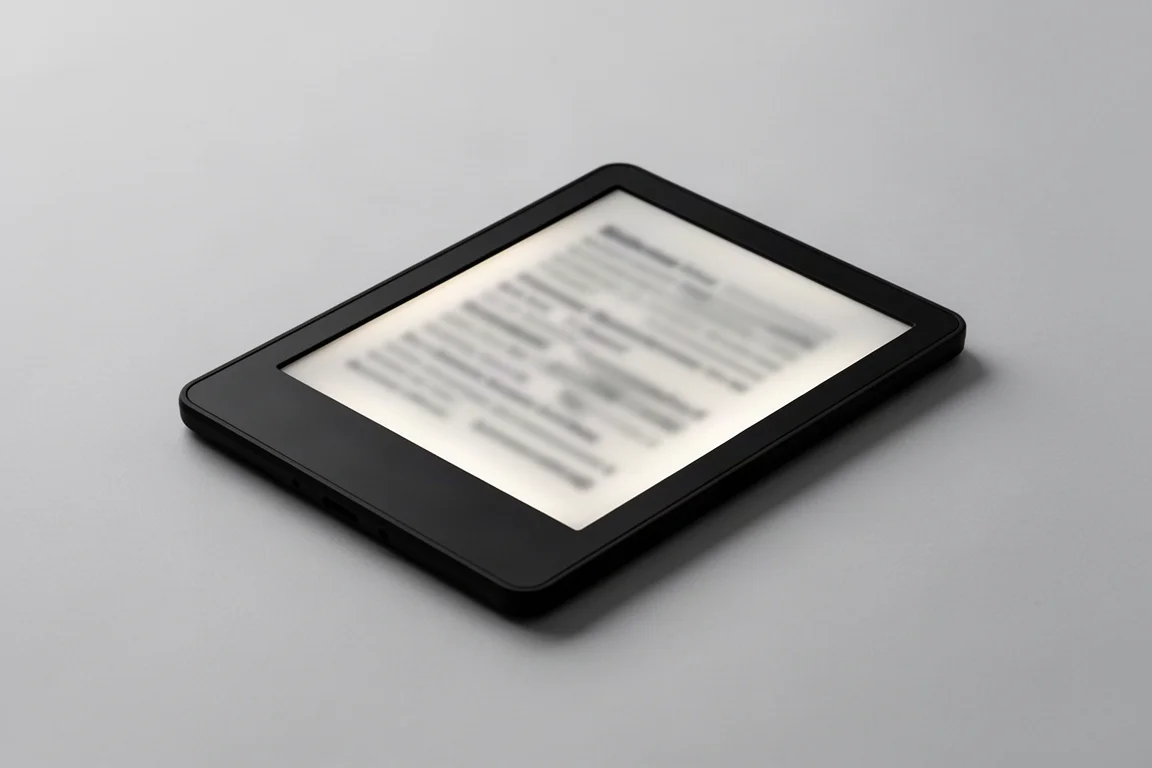
The Kindle Paperwhite is here mostly as a point of comparison, and it shows why tiny e-readers exist. It is a better reading experience in many ways: cloud sync, a polished store, a backlight for night reading, and comfortable ergonomics.
But it is too big for pocket carry, and that is exactly where it failed me. I took it on every trip for years and barely opened it. If you read mainly at home or in bed, the Paperwhite remains the safer, more comfortable choice; it just never earned a spot in a bag.
Plugable 2TB SSD
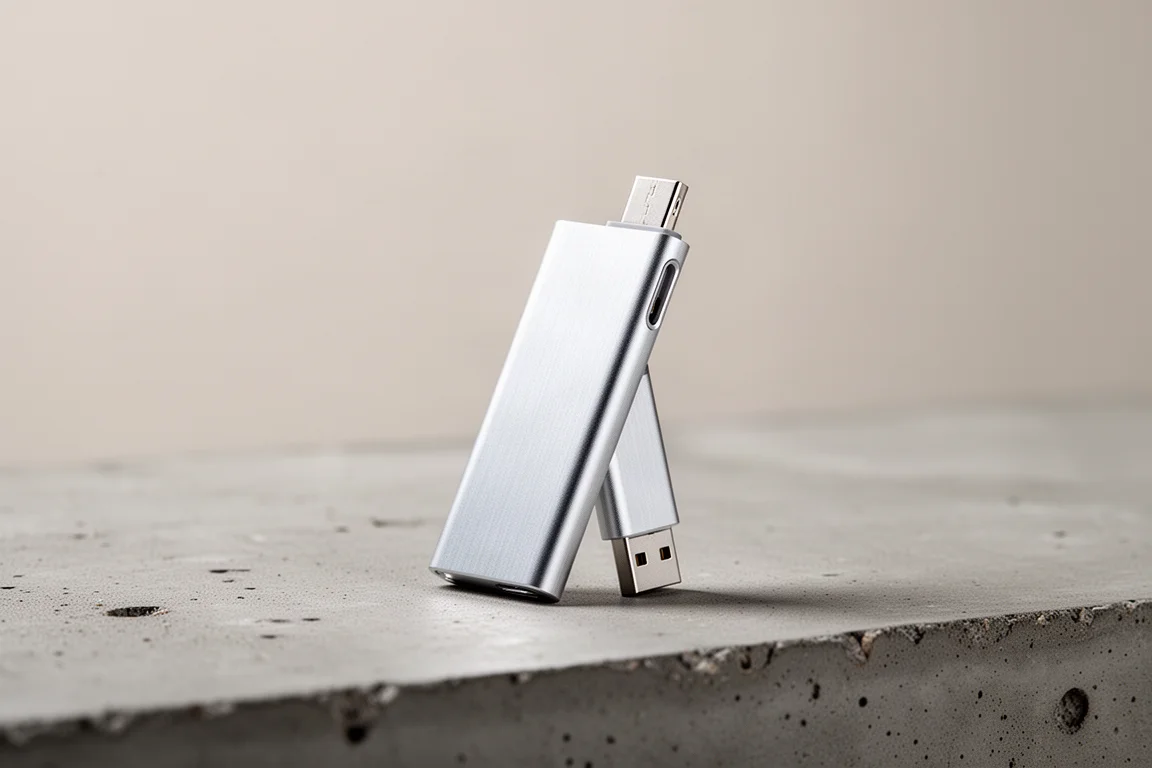
Filming a lot on an iPhone means drowning in footage, and AirDropping 100GB of video takes far too long. This Plugable 2TB SSD plugs straight into the iPhone with no cables, and transferring footage directly out of the Blackmagic Camera app takes seconds. Other SSDs I have used with phones were slow to connect and slow to transfer; this one is not.
I paid $269 for it and considered that fair. The price has since risen to around $350, and I would hesitate at that number. If the price drops back down, this is one of my favorite purchases in years.
Trimui Brick Hammer
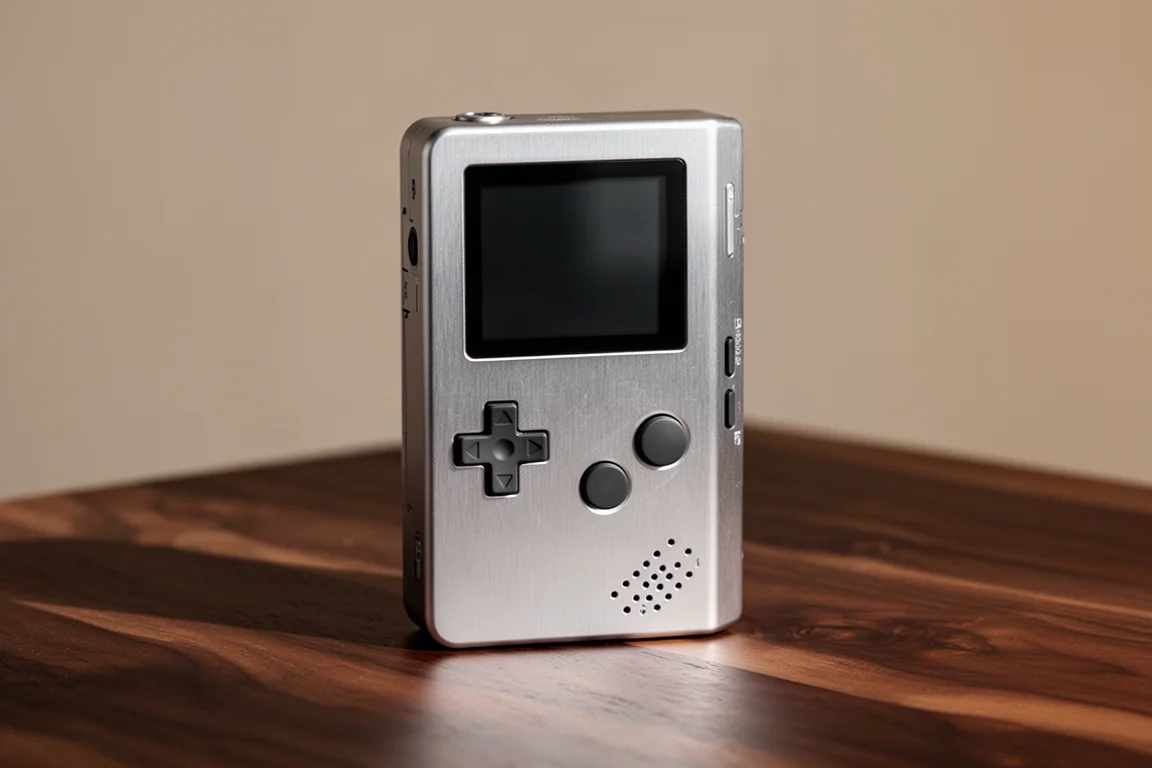
I have owned a lot of handhelds, from the Miyoo Mini to Android-based Retroids, Steam Decks and the ROG Ally X, but the handheld I reach for most is the Trimui Brick, and the Hammer version is my pick. The main difference is the aluminum body instead of plastic: it feels more premium, though it is heavier and can dent, as I learned on day two.
I run the MinUI custom firmware, a beautifully minimal interface with my own game collections and a recently played list for jumping straight back in. It is the perfect pocket companion for hospital lobbies, gymnastics pickups, and any dead time. The Brick runs around $80 and the Hammer around $109, with frequent sales.
Trimui Brick
The standard Trimui Brick delivers the same experience in a plastic shell, and it is still one of the most pocketable and nostalgic ways to play retro games. Stock software works, but MinUI custom firmware is worth the small effort.
Plan on replacing the included microSD card, which is very prone to failure; buy a reputable brand if you plan to load your own games. At roughly $80 with frequent sales, this is the easier entry point into the same great little device.
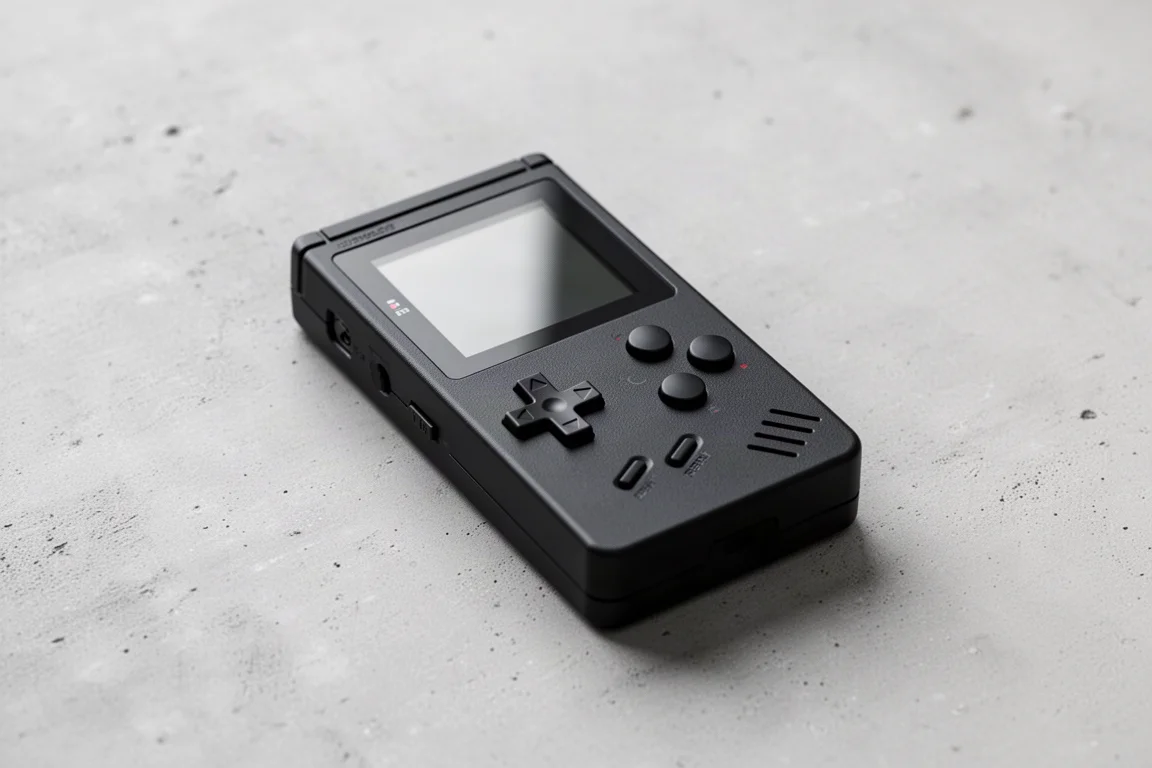
Loop Gear SK05 Pro
This flashlight genuinely feels like a tech item because it is also a power bank: it has a USB-C port, so you can charge the light from the wall, or plug your dead phone into the flashlight and charge it that way.
The scroll wheel makes switching modes intuitive: a mostly spill beam, a spotlight, and a side light with multiple functions including a very long-running reading light and a red light mode with various patterns, some of which most people will never use. The big win is that it combines USB-C charging with removable batteries, so you can carry spares. The side light and reverse charging are the two standout features.
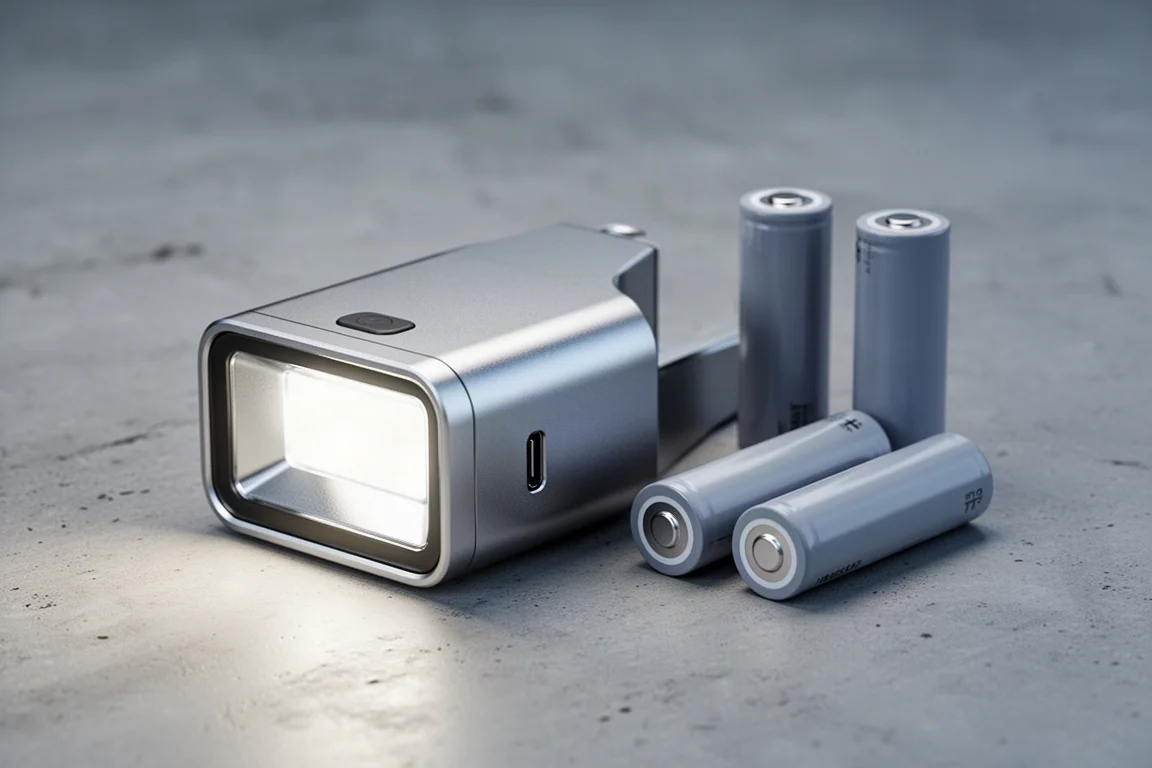
Olight iUltra
The Olight iUltra is a pop light: it lives on your keychain, turns on when you remove it, and turns off when you dock it back. One mode, one job: quick light for finding a keyhole or the door at night.
What makes it feel techy is the built-in USB-C port, so you can charge it from a computer, a power bank, or even a phone without carrying a dedicated cord. The magnetic dock is a really well-thought-out detail.
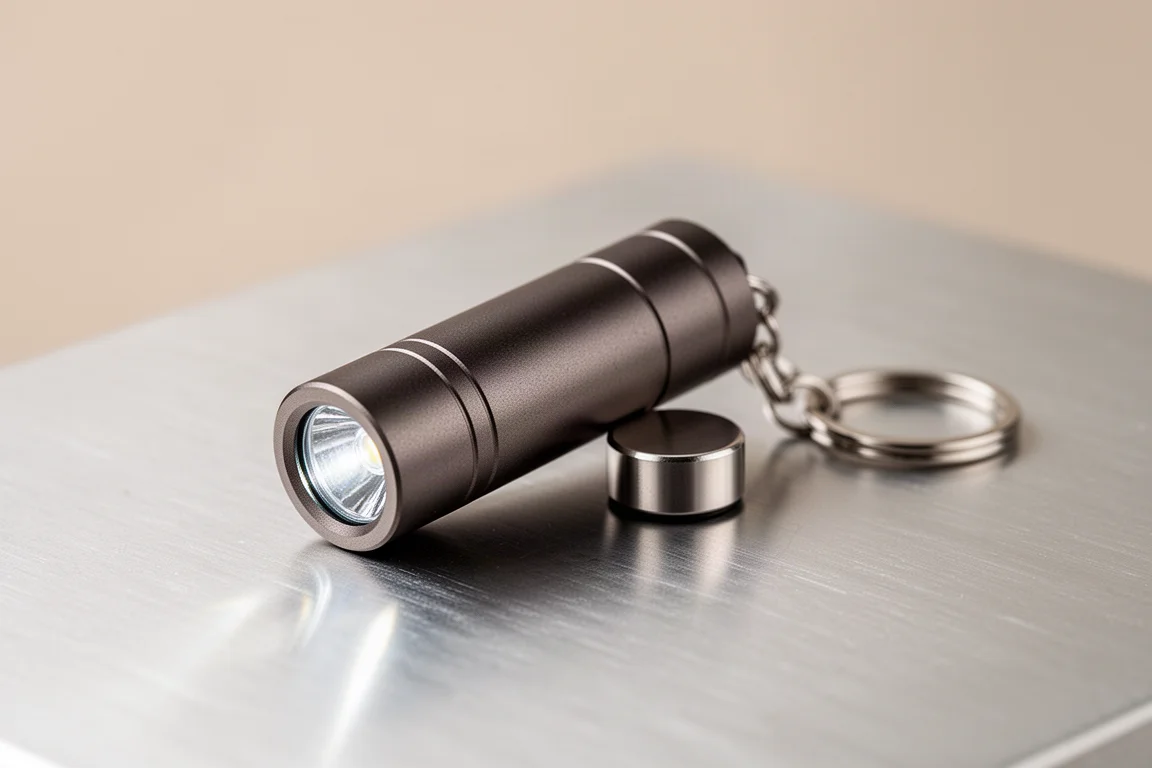
Olight iMini 2
The iMini 2 is the same pop-light concept with a USB-A port on the back instead, and it saves you about $10. It ships with a small cover to protect the exposed port contacts.
I prefer the iUltra’s enclosed USB-C port because there are no exposed contacts to worry about, but if your charging setup is USB-A based, the iMini 2 delivers the same convenience for less.
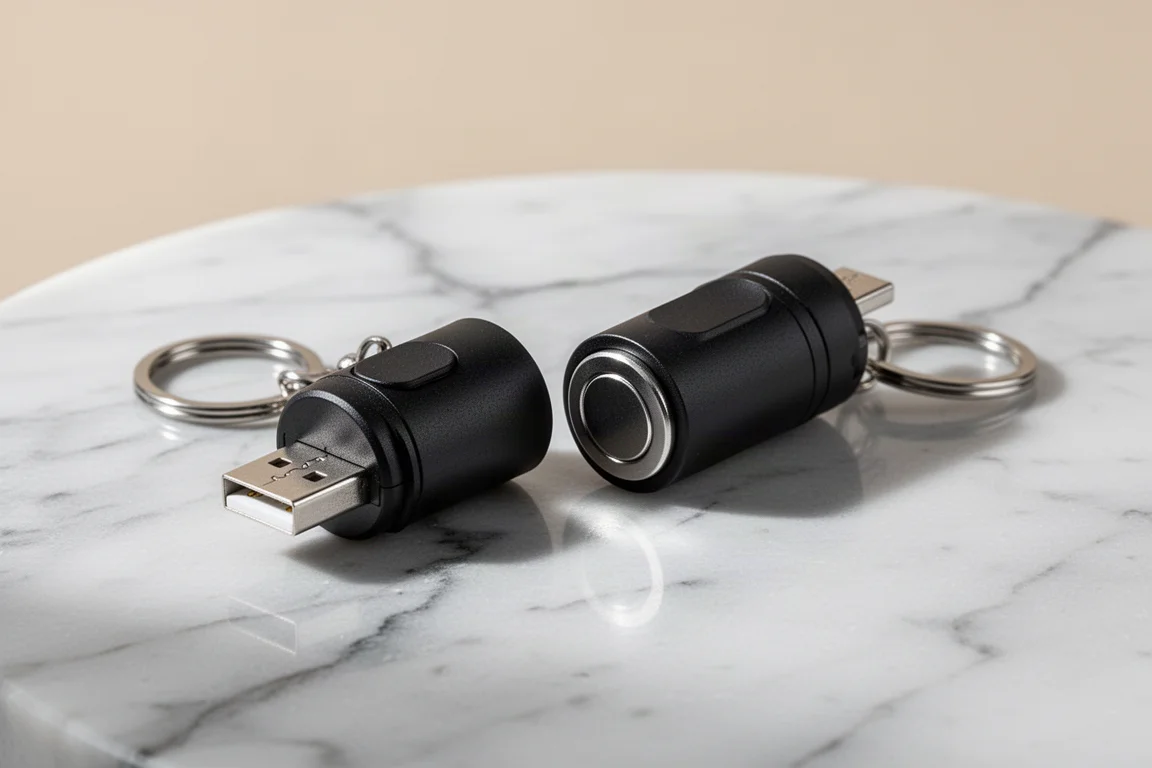
Garmin Fenix 8 Pro
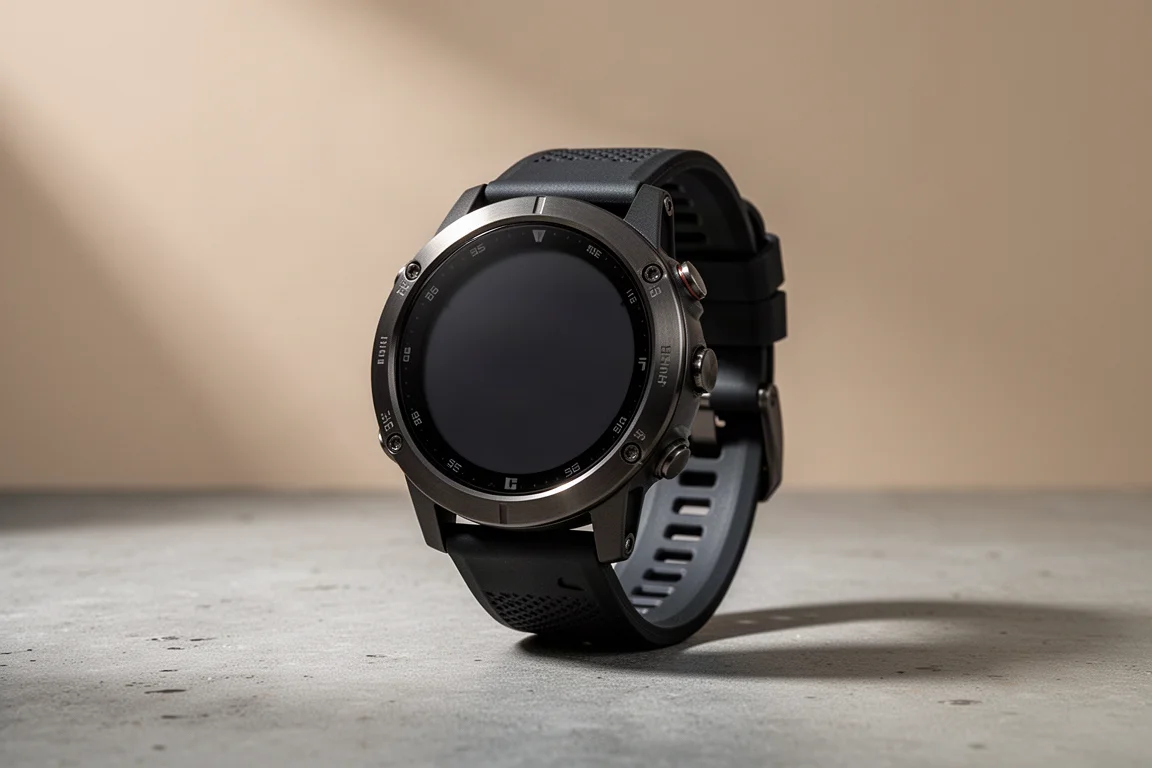
This watch is what prompted this whole roundup. The two features that sold me are Garmin inReach, which puts satellite communication on the wrist during backpacking and off-grid trips on a device that runs roughly two weeks per charge, and a built-in flashlight.
The flashlight sounded like a gimmick until I realized I stopped carrying a separate flashlight entirely. It works really well, and since I already charge the watch daily, it means fewer devices to keep alive. The catch is the price: at $1,100, it is a lot for a smartwatch with a limited lifespan, and if you do not need inReach, I would not recommend it at that cost.
Garmin Marq
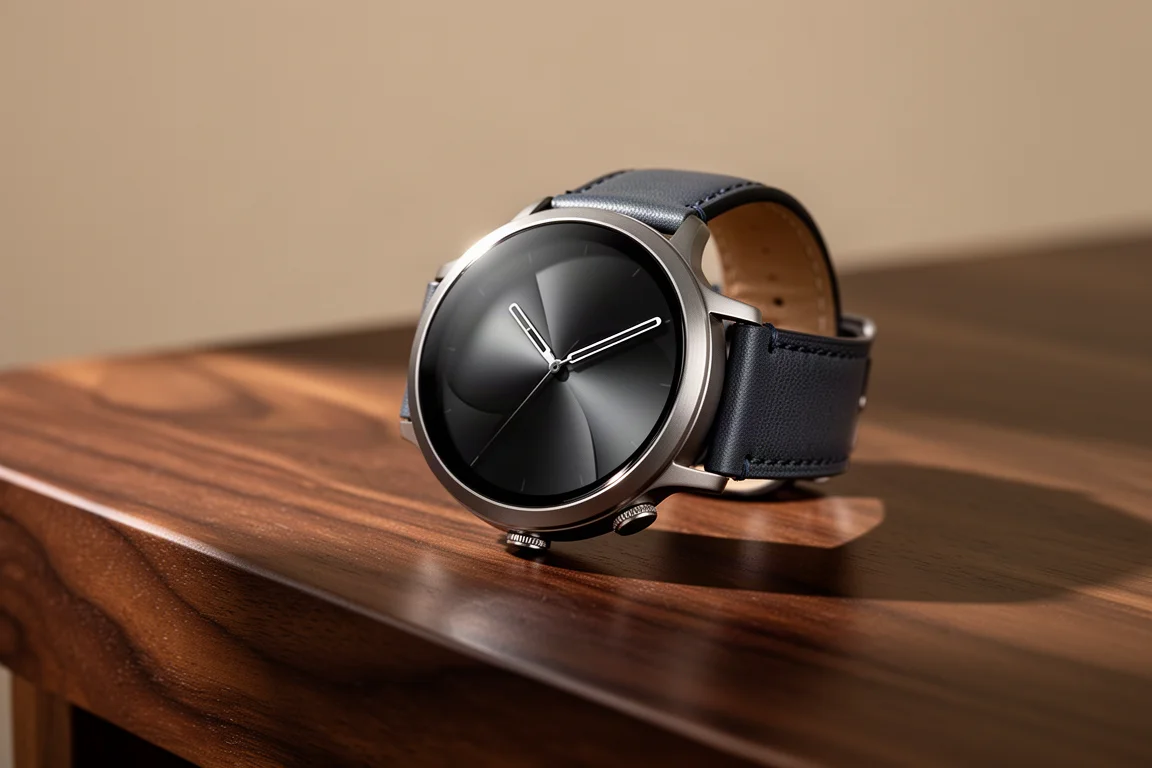
The reason I was comfortable spending $1,100 on another Garmin is the Marq. I have worn mine for over four years, it has been beaten up on the outside, and it still works exactly like day one with no battery degradation.
That longevity changed how I think about expensive smartwatches. I keep notifications pared down to texts and use it mainly for health tracking: sleep, HRV, and training data. It is a luxury purchase, but a durable one.
Garmin Instinct 3
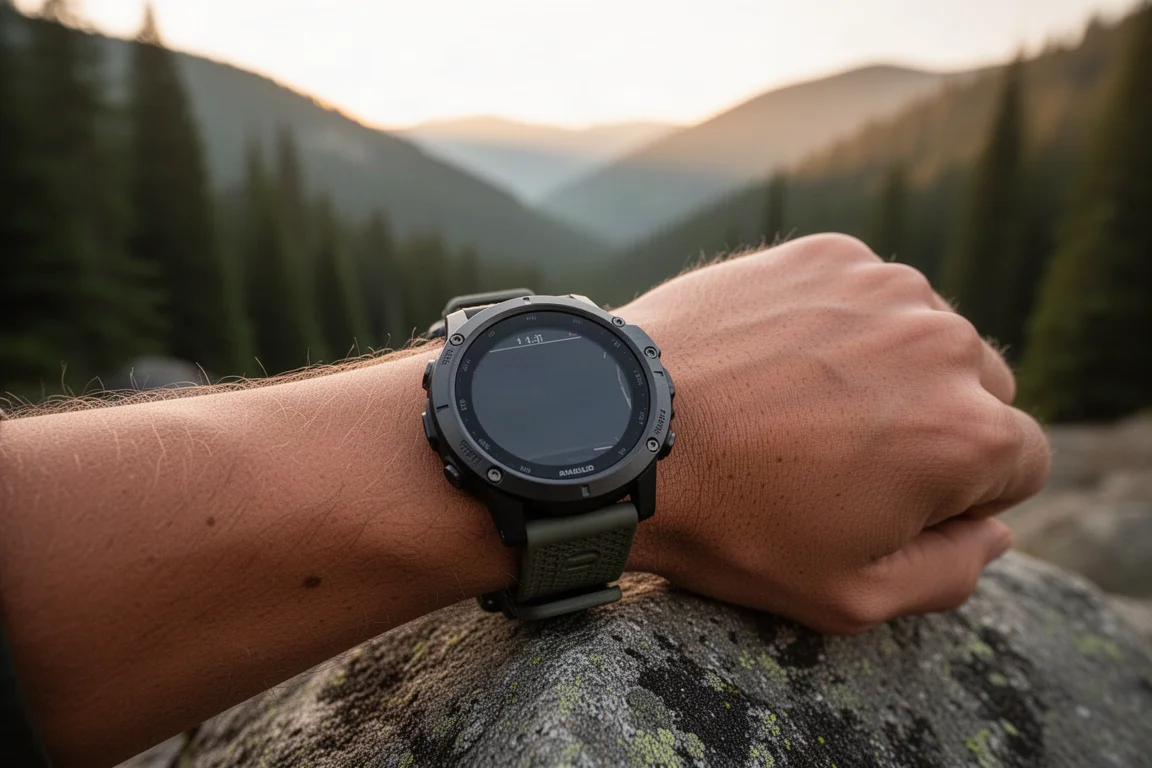
If I were buying again and did not need inReach, this is the watch I would get. The Instinct 3 costs about a third of the Fenix 8 Pro and still has the built-in flashlight, which for me is the feature I actually use every day.
For most people who want rugged tracking, a reliable battery, and that handy light without the satellite communication premium, this is the smarter buy.
Buying Advice
Match the gadget to the real problem: the MagLoop and Cable Card for cable anxiety, the Sharge or Anker bank depending on whether you charge a laptop or film on a phone, the Nitecore if your trips get wet, and the X4 if you want to actually read again. For watches, be honest about whether you need satellite features before paying for them.
Conclusion
None of these are flashy, but each one removed a real annoyance from daily life. The best tech EDC is not the most advanced gadget; it is the one you keep reaching for months later, and every item on this list has earned that.
Further reading
Related Reviews

Backpacking Gear
Building a 10 lb Base Weight: An Ultralight Backpacking Gear List
A practical walkthrough of the ultralight pieces behind a 10 lb base weight, from a 765 g pack and a roomy one-person tent to a full camp chair and a dependable water filter.

Road Bikes
10 New Road Bikes Worth Watching: Aero, Titanium, Steel and Endurance Standouts
A practical roundup of 10 new road bikes, from aero flagships chasing single-watt gains to titanium, steel and endurance platforms built for real roads.
Bikepacking Gear
11 Bikepacking Essentials for Long-Distance Cycling
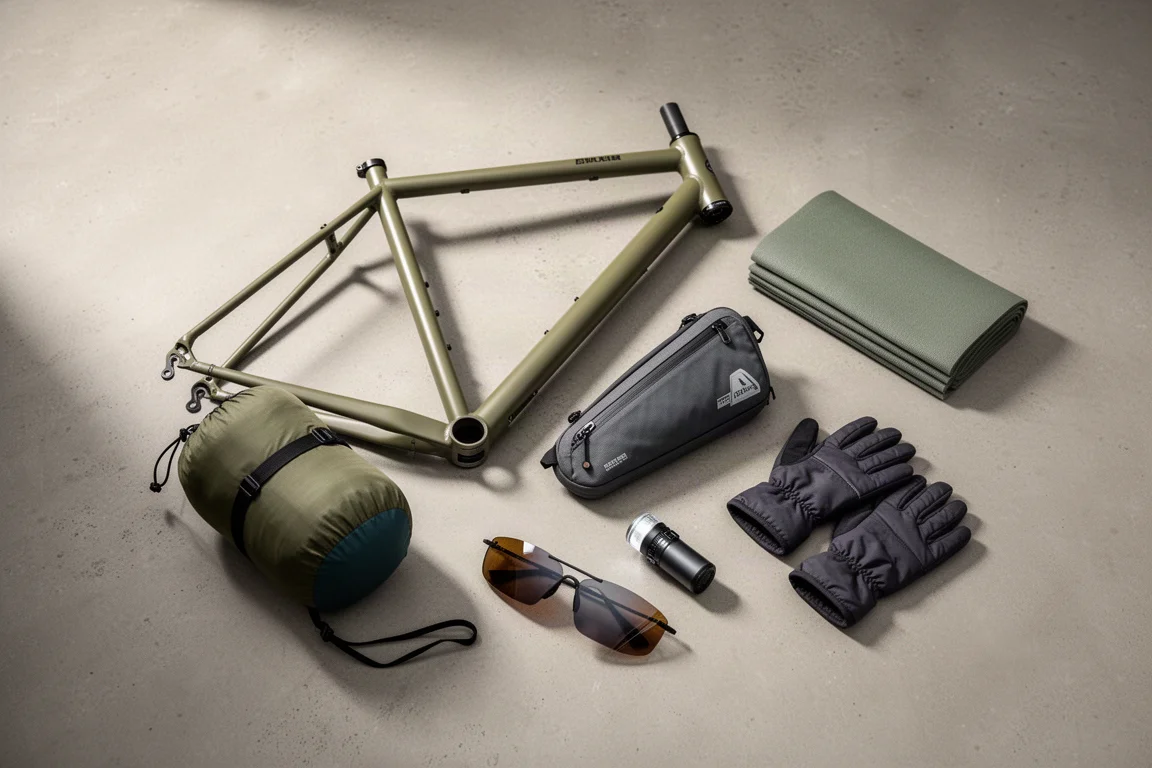
Eleven bikepacking essentials for long-distance cycling, from a steel gravel frame and a two-person tent to helmet lights, packable gloves, and a frame bag that puts weight in the right place.