Studio Monitor Stands
Best Studio Monitor Stands: Three Options for Cleaner Monitor Placement
Three studio monitor stands at very different price points, compared on height, isolation, cable management, and how each one fits a real room.
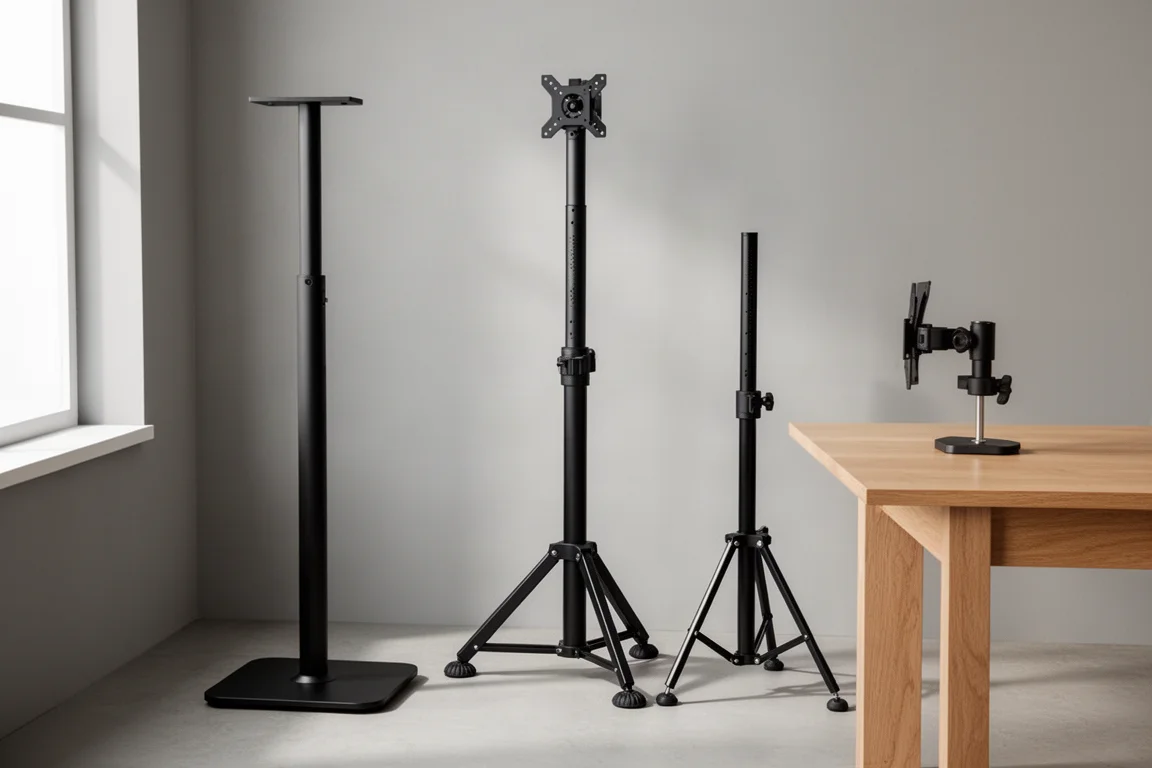
Introduction
A pair of studio monitors can only deliver what the room and the setup allow. Height, angle, distance, and the surface the speakers sit on all shape what actually reaches the listening position. Monitor stands are the most direct way to take control of those variables, and they come at wildly different prices.
The three stands below cover the practical spread: a fixed-height floor stand designed to limit resonance, an adjustable floor stand that costs less than half as much, and a desk-mounted pair for rooms where floor space is at a premium. Each one solves a slightly different problem.
How Studio Monitor Stands Change What You Hear
The first job of a stand is vertical. High frequencies are far more directional than low frequencies, so a monitor that is not aimed at your ears can start to sound muffled. Raising the cabinet so the high-frequency driver sits at ear height, and then angling it toward the listening position, restores the intended frequency balance. The same applies horizontally: the speakers should point at you, not past you.
Placement in the horizontal plane matters just as much. The goal is an equilateral triangle between the listening position and the two speakers, meaning the distance from you to each speaker equals the distance between the speakers. Get that right and the stereo image tightens: instruments blend between the left and right channels in a way that creates real dimension in the sound stage. The ideal distance varies with the monitor model, the size of the room, and a number of other factors, which is exactly why adjustable placement helps.
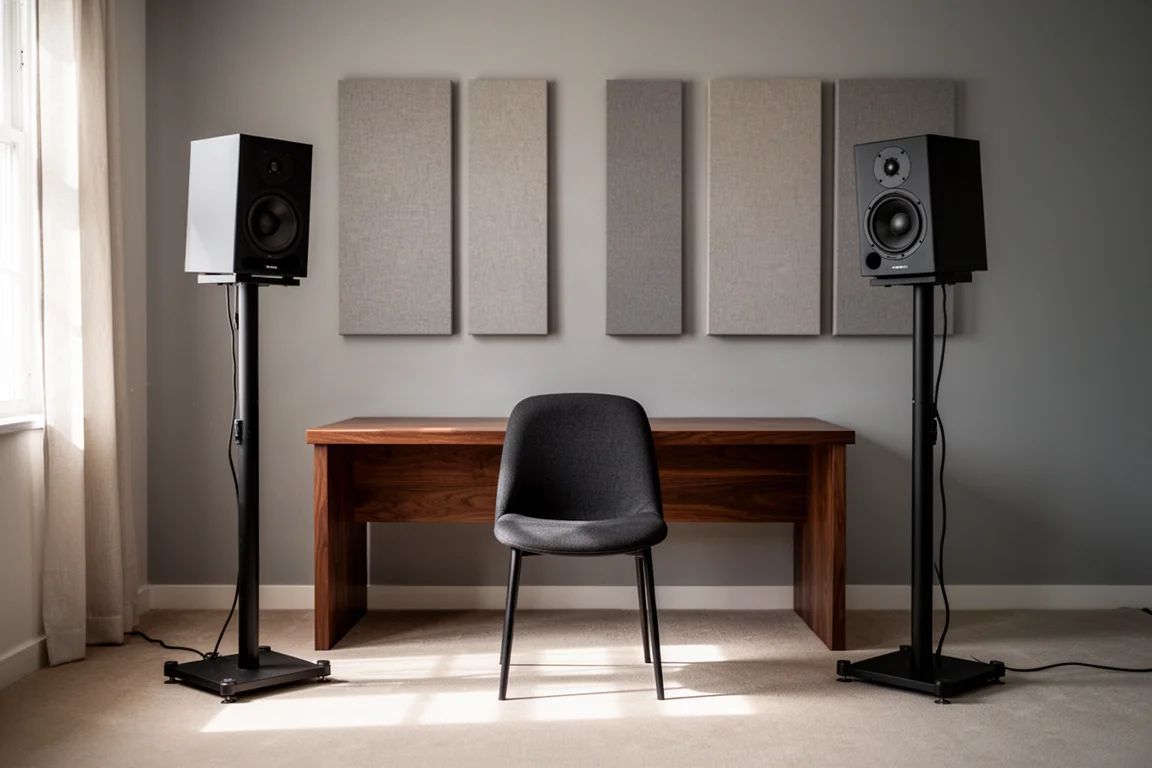
Desk reflections are the third consideration. Bouncing sound off a desk is difficult to eliminate completely, but stands let you push the monitors further away so the angle of that reflection becomes obtuse enough that it no longer reaches your ears. Reflections cause interference, and that interference shows up as uneven frequency response at the listening position.
Isolation, Resonance, and the Surface Beneath Your Monitors
Put a monitor directly on a desk or shelf and the surface itself starts to sing. Every desk resonates at specific frequencies set by its size and shape, and those resonances combine with the sound coming out of the speakers. The result is interference that colours the low end and blurs detail.
The fix is to stop energy from transferring into the furniture and the floor in the first place. Some stands use isolation pads under the cabinet. Others add mass and density to the stand structure so it resists vibrating. A few go further and let you fill an internal channel with sand or shot, which lowers the resonance of the stand and reduces how much vibration reaches the floor.
The supporting surface matters too. Rubber feet keep a stand stable on hardwood, while spikes can be swapped in to bite through carpet and stop the base from rocking. Neither approach is better in the abstract; it depends on what is underneath the stand.
Ultimate Support MS-90: Fixed Height With Resonance Control
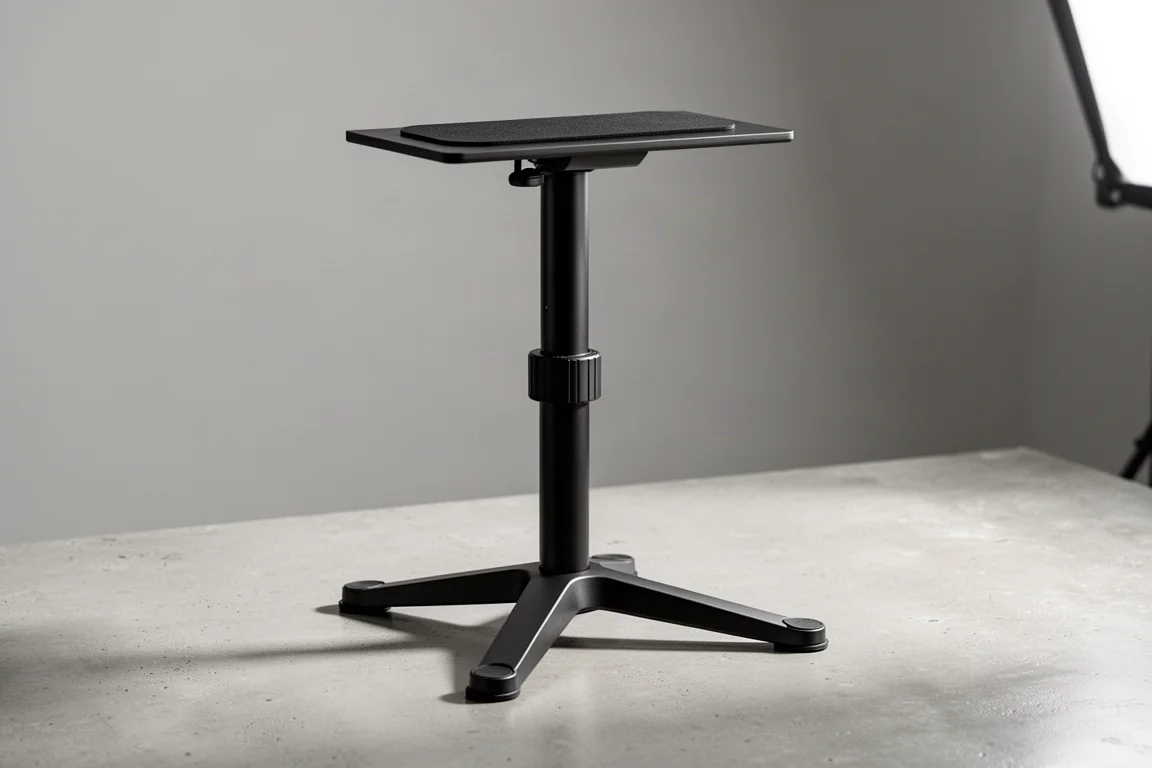
The Ultimate Support MS-90 is the most refined pair in this group and the one to look at if you want a set-and-forget stand. Height is fixed at 36 inches, which lines up with a standard-height chair, and a 45-inch version is available for taller desks and seating.
Isolation is handled in two ways. Small pads sit under the speaker to damp vibrations, and the channel running through the column is capped at both ends so you can fill it with sand or shot. That added mass reduces the resonance of the stand itself and limits how much vibration travels into the floor. The same channel doubles as cable routing, so speaker cables stay hidden inside the stand instead of looping down the outside.
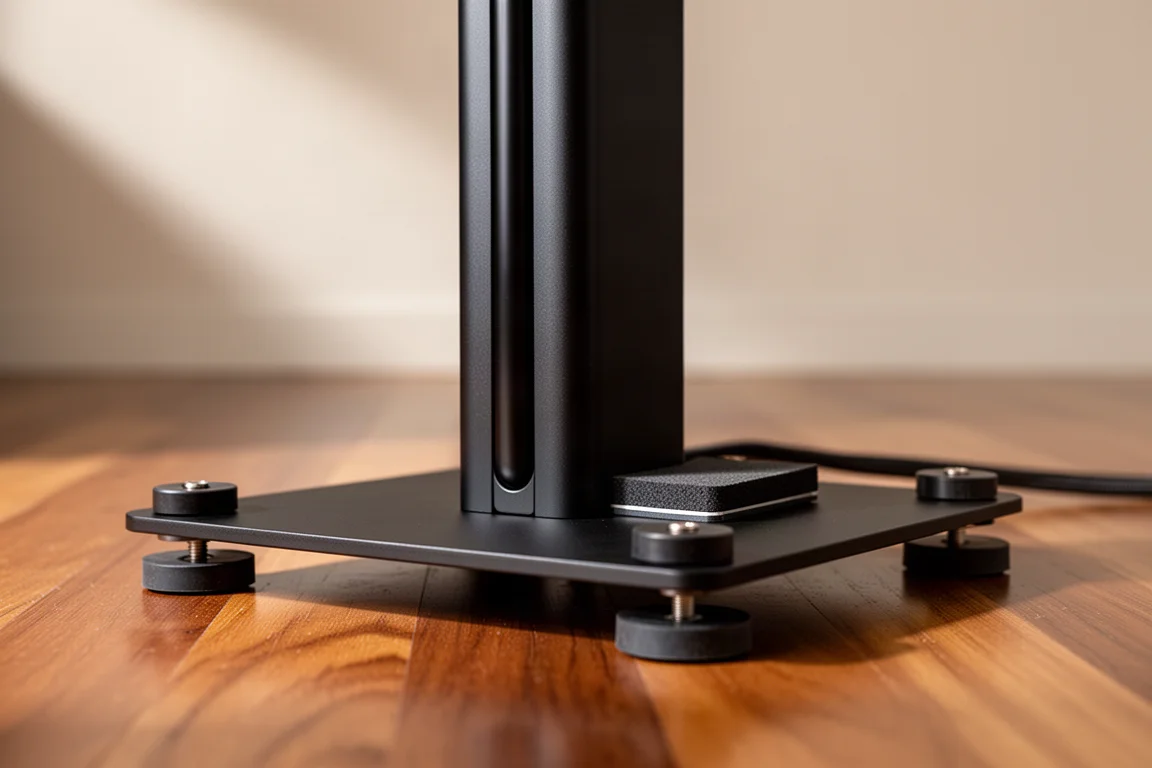
The base is deliberately low profile, and it stays planted on hardwood thanks to rubber feet. Remove those feet and fit the included spikes and the stand holds steady on carpet as well. It is the most expensive of the three, but the build quality and the resonance control explain where the money goes.
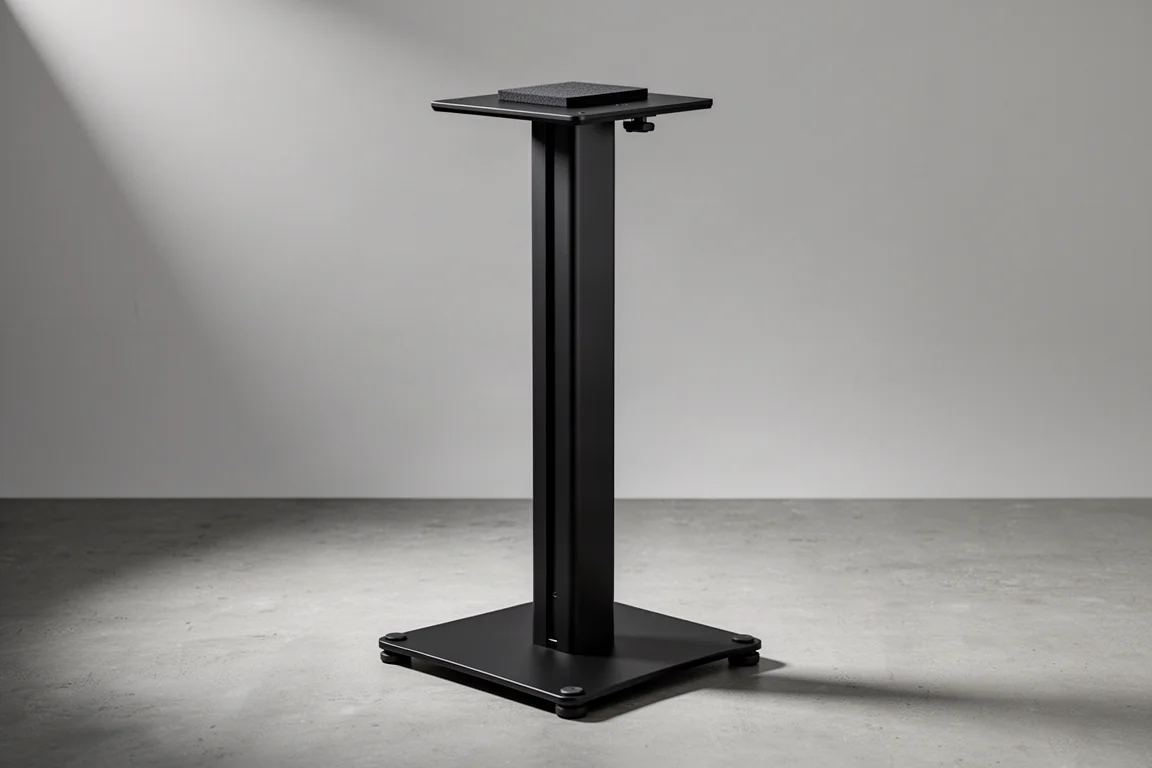
On-Stage SMS6000P: Adjustable Height at a Lower Price
The On-Stage SMS6000P costs less than half as much and gives up some refinements to get there. What it offers instead is flexibility: the height adjusts anywhere between 36 and 54 inches, which makes it easier to match a taller desk, a standing position, or a seating arrangement that changes over time.
Cable management is limited to a small clip on the outside of the column, and there is no option to fill the stand with sand. The rubber pads on top are thin and are there mainly to stop the speakers from sliding rather than to isolate them from the stand. If isolation matters to you, a separate isolation product under each speaker will do more than those pads will.
The triangular base is wider and taller than the low-profile tripod design of the MS-90, though it still ships with rubber feet for hard floors and carpet spikes for soft ones. For a home studio that needs a specific height without paying premium prices, the trade-offs are reasonable.
Gator Frameworks Desk-Mounted Stands: Off the Floor, On the Desk
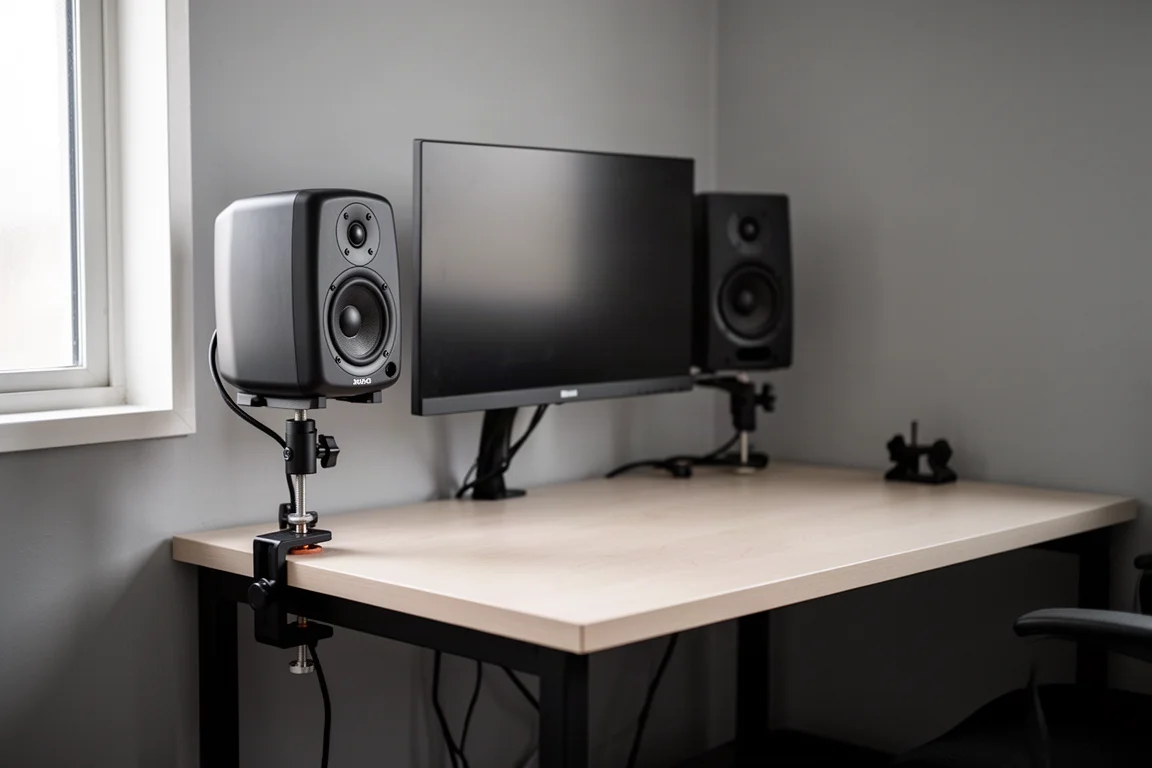
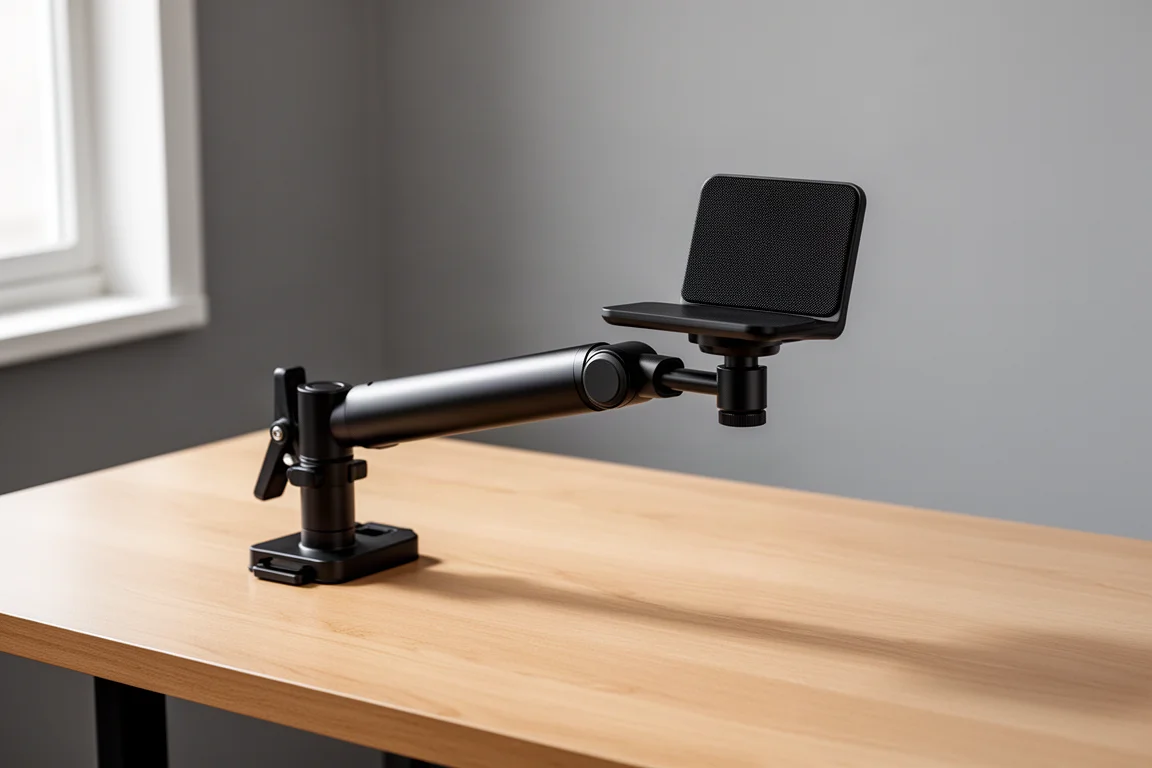
The Gator Frameworks stands take a different approach: they clamp to the edge of a desk or table instead of standing on the floor. Height varies between roughly 10 and 13 inches, which is enough to lift a monitor clear of the desk surface and closer to ear level in a compact setup.
The appeal is space. Nothing touches the floor, and in a small room where the desk has to sit as close to the wall as possible, that can be the difference between a workable layout and a cramped one. The trade-offs are equally clear: the stands occupy desk space that would otherwise be free, and because the speakers sit closer to the desk, the reflection angle becomes very steep and the desk bounce is harder to avoid.
These are best understood as a problem solver for tight rooms rather than a replacement for floor stands in a dedicated studio. If floor space exists, a floor stand will almost always give you more freedom to position the speakers.
Practical Setup Tips for Any of These Stands
Whichever stand you choose, a few details are worth getting right. If the stand has a fillable channel, sand or shot will noticeably reduce how much the stand itself resonates. Route cables through the stand where the design allows, since a tidy run keeps the setup stable and avoids tugging on the speaker.
Match the feet to the floor: rubber for hardwood and other hard surfaces, spikes for carpet. And remember that a stand’s own pads are not the final word on isolation. Any of these stands can be paired with dedicated isolation products, such as ISO Acoustics ISO stands or a set of ISO pucks, which sit between the speaker and the stand and give you a way to fine-tune both the angle and the decoupling.
How to Choose the Right Stand
Start with height, because it is the one thing you cannot work around. Measure the height of your ears in your normal listening position and compare it with the high-frequency driver on your monitor. If a fixed height matches, the MS-90 is the most capable option here. If you need room to move, the 36 to 54 inch range of the SMS6000P covers far more setups.
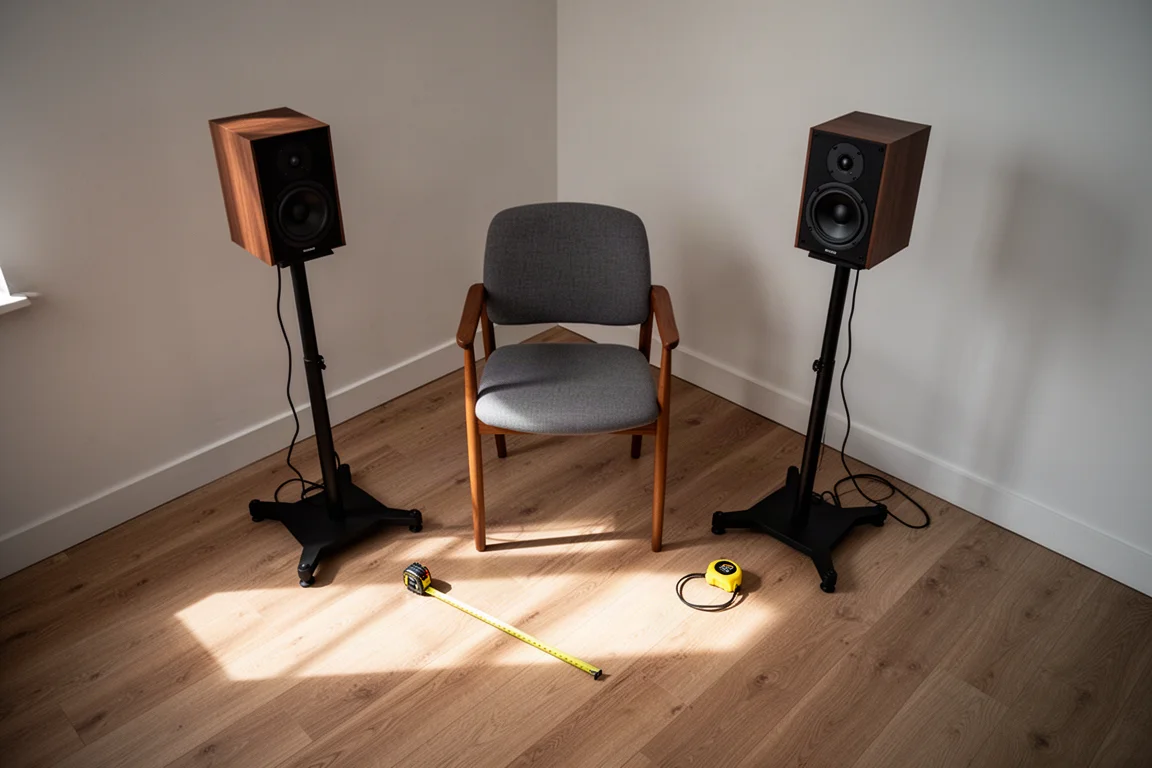
Then think about the room. Floor stands need floor space and a little distance from the wall so you can form that equilateral triangle. Desk-mounted stands trade desk area for floor area, and they make the most sense in rooms where the desk is pinned against a wall.
Budget is the last variable. Monitor stands start under $100 and climb to around $1,300 a pair at the top of the market, so the roughly $100 SMS6000P and the roughly $320 MS-90 sit at very different points on that curve. Paying more buys rigidity, resonance control, and cleaner cable management rather than a different basic function.
Conclusion
All three of these stands do the same fundamental job: lift the monitors, let you aim them at your ears, and separate the cabinets from a resonant surface. The Ultimate Support MS-90 does it with the most attention to resonance and cable routing, the On-Stage SMS6000P does it with adjustable height at a much lower price, and the Gator Frameworks pair does it without using any floor space at all. Pick the one that matches your seating height and your room, and the rest of your monitoring chain gets a fairer chance to show what it can do.
Further reading
Related Reviews

Backpacking Gear
Building a 10 lb Base Weight: An Ultralight Backpacking Gear List
A practical walkthrough of the ultralight pieces behind a 10 lb base weight, from a 765 g pack and a roomy one-person tent to a full camp chair and a dependable water filter.

Road Bikes
10 New Road Bikes Worth Watching: Aero, Titanium, Steel and Endurance Standouts
A practical roundup of 10 new road bikes, from aero flagships chasing single-watt gains to titanium, steel and endurance platforms built for real roads.

Bikepacking Gear
11 Bikepacking Essentials for Long-Distance Cycling
Eleven bikepacking essentials for long-distance cycling, from a steel gravel frame and a two-person tent to helmet lights, packable gloves, and a frame bag that puts weight in the right place.