Smart Home
The Best Smart Home System: Combining Home Assistant With Apple HomeKit
A practical two-system approach that pairs Home Assistant's powerful automations with Apple HomeKit's simple interface for the best smart home experience.
Introduction
Choosing the right smart home system can feel overwhelming. With so many options available, each with its own strengths and weaknesses, it is easy to end up juggling multiple platforms just to cover basic needs. The most common mistake is trying to find one system that does everything well. In reality, the best approach often involves combining two systems that complement each other.
The key is to separate smart home systems into two categories: those that are user-friendly and those that act as the brains of the operation. User-friendly systems are easy to operate but often lack advanced automation capabilities. Powerful hubs offer deep customization but can be intimidating to use daily. By pairing one from each category, you get the best of both worlds.
The Two-System Approach
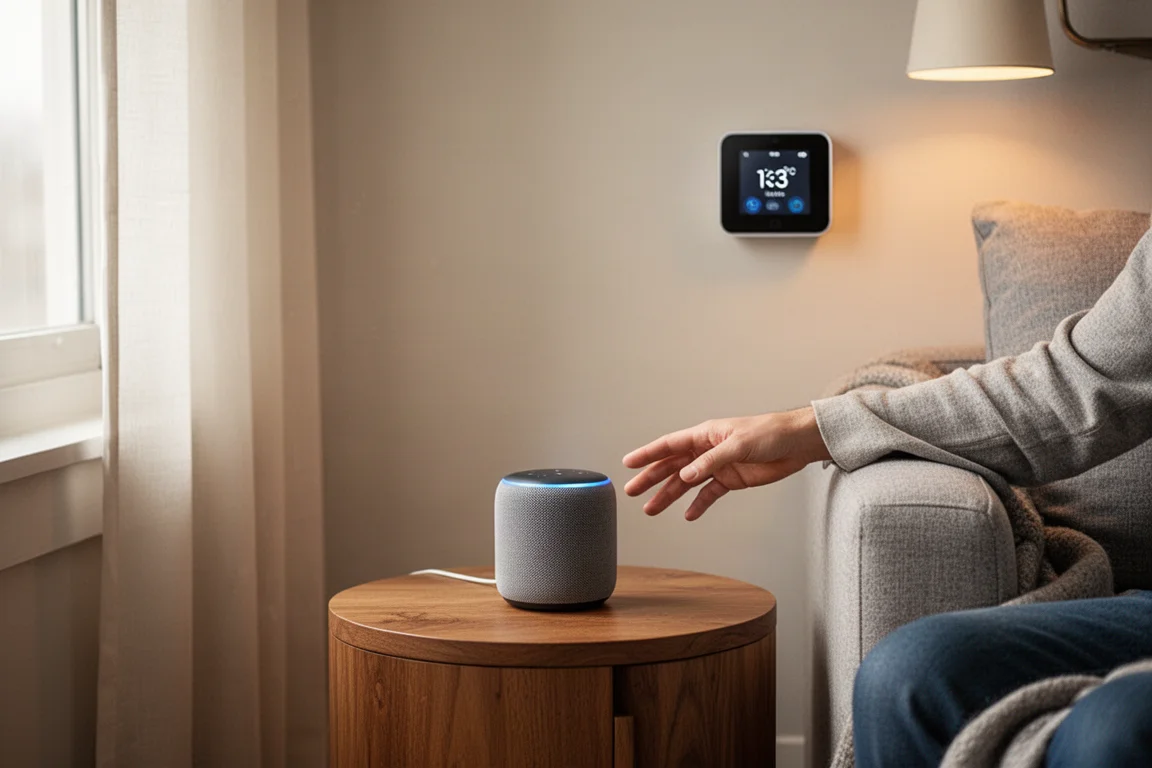
The ideal setup uses one system for everyday interaction and another for heavy lifting. For the user-facing side, Apple HomeKit stands out for several reasons. Apple has a strong track record of supporting its devices and systems for years, which provides confidence that the platform will remain reliable. Privacy is another major advantage. HomePods do not try to sell anything or collect personal data; they simply handle voice commands and play music.
Local control is the third reason Apple HomeKit excels. Apple has pushed for running everything locally on devices in your home, only using the cloud when you are away. This makes everything faster and more reliable. The Apple Home app is also easy to use and looks polished right out of the box.
For Android users, Google Home is the better choice for an easy-to-use system. Google has improved its routines and added a script editor for those who want more advanced control. It is a great option if you want to keep things simple but still have room to grow.
Why Home Assistant Is the Best Hub
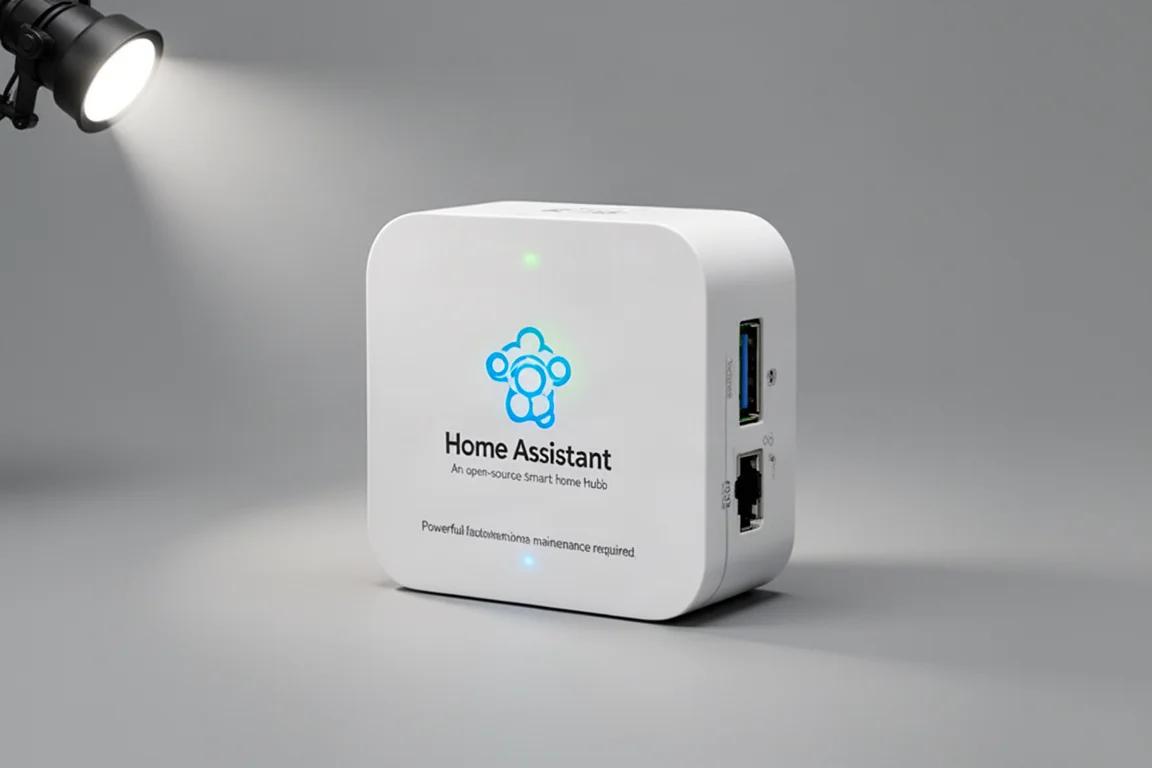
The second half of the equation is the hub. While there are many capable hubs available, Home Assistant stands out as the most powerful and flexible option. It is often misunderstood because of its reputation for being complex and time-consuming. Much of that perception comes from the dashboard, which is either auto-generated and messy or requires significant effort to customize.
The solution is to skip the Home Assistant dashboard entirely. Instead, you can import the devices you want into Apple HomeKit or Google Home and use their apps or voice assistants for daily control. This gives you the powerful automations and integrations of Home Assistant with the simple, familiar interface of Apple Home.
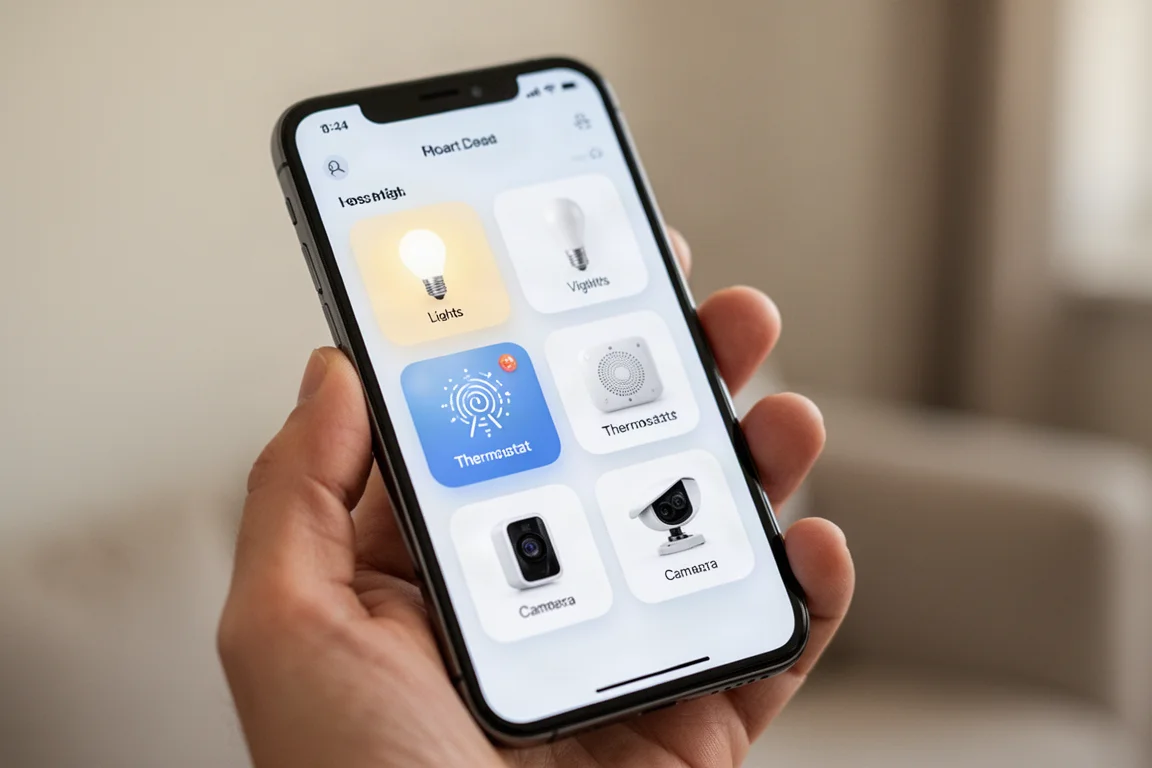
Setting this up is straightforward. In Home Assistant, you can select which devices to bring over into Apple HomeKit using Homebridge. Everything stays local, so it is fast and reliable. The Apple Home app then shows all your devices from Home Assistant, organized neatly and easy for the whole family to use.
The Power of Home Assistant
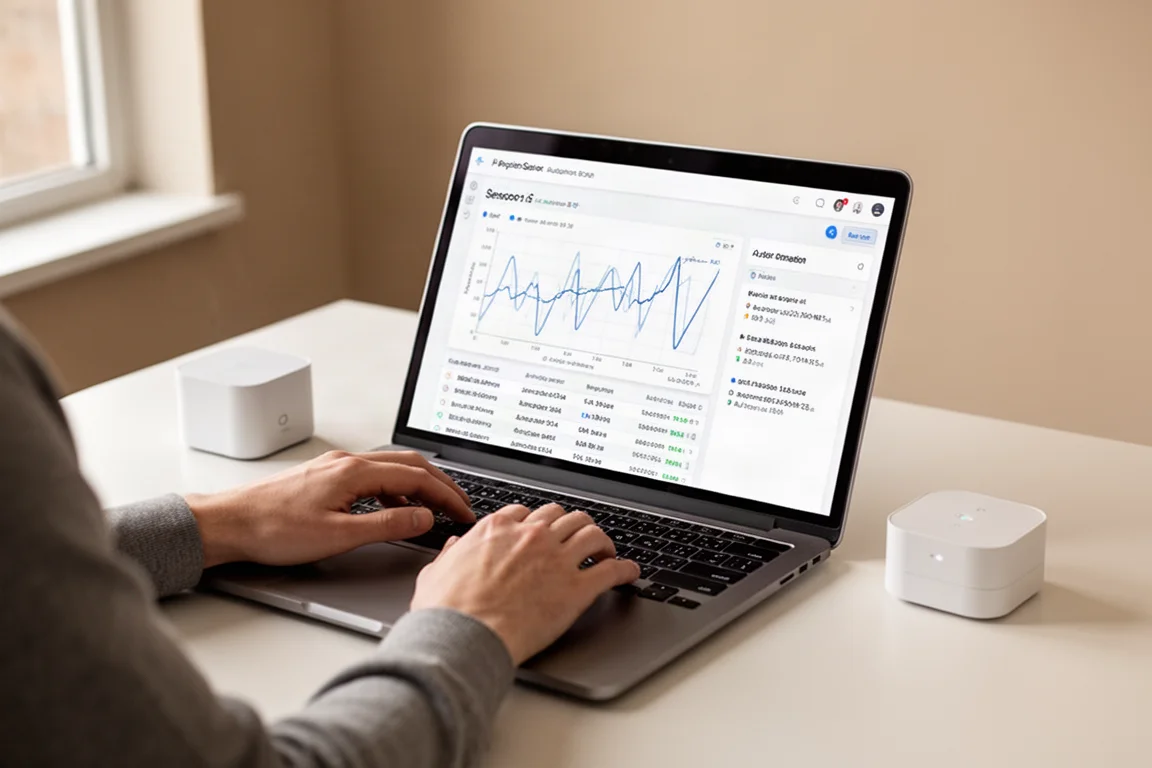
What makes Home Assistant truly special is its device and sensor history tracking. You get detailed graphs for everything. Want to know the garage temperature last night at 10 PM? It takes seconds to look up. This data is invaluable for creating automations. For example, energy monitoring outlets can tell you exactly when your TV is on or when the washing machine has finished.
Home Assistant also makes troubleshooting much easier. When an automation does not run as expected, you can click on a condition to see if it would pass or fail in real time. This takes the guesswork out of building and debugging automations.
Another major advantage is that Home Assistant is free and open source. No executive at a company can decide to shut it down. It is kept alive by a large community and is one of the most active open source projects. This gives confidence that it will be around for a long time. It also integrates with almost every device you can imagine, from smart lights to Bluetooth toothbrushes.
Getting Started With Home Assistant
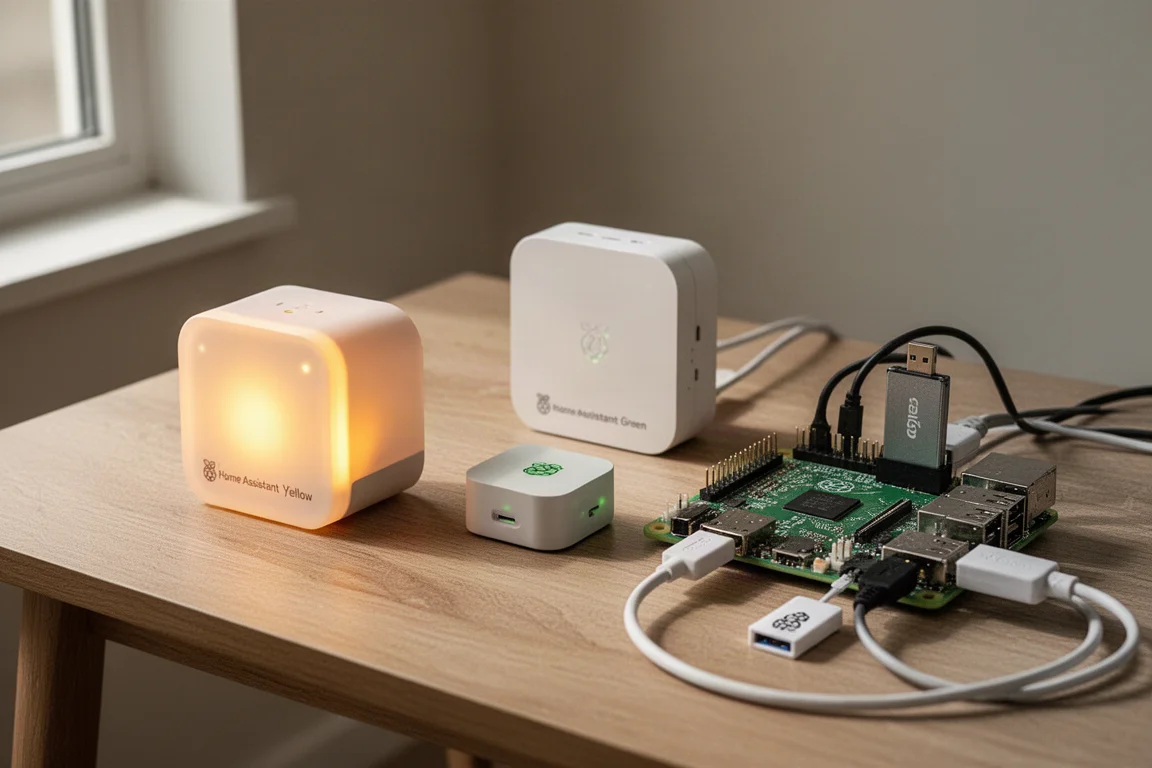
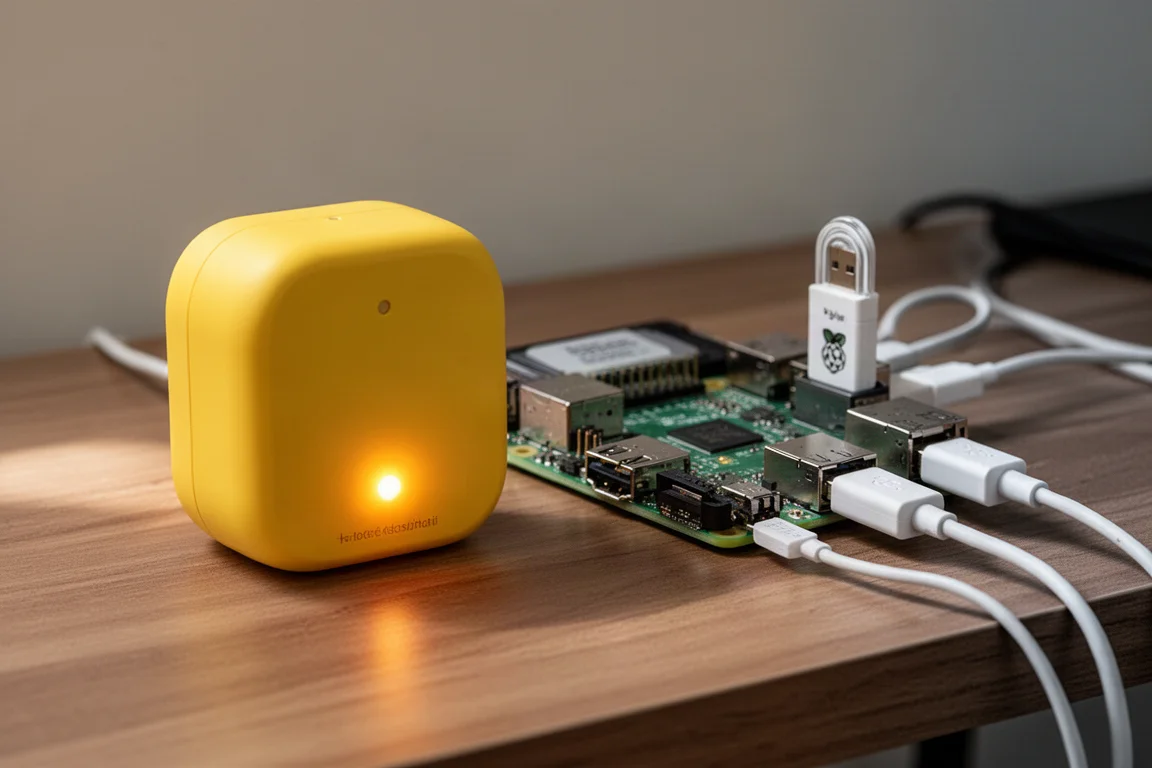
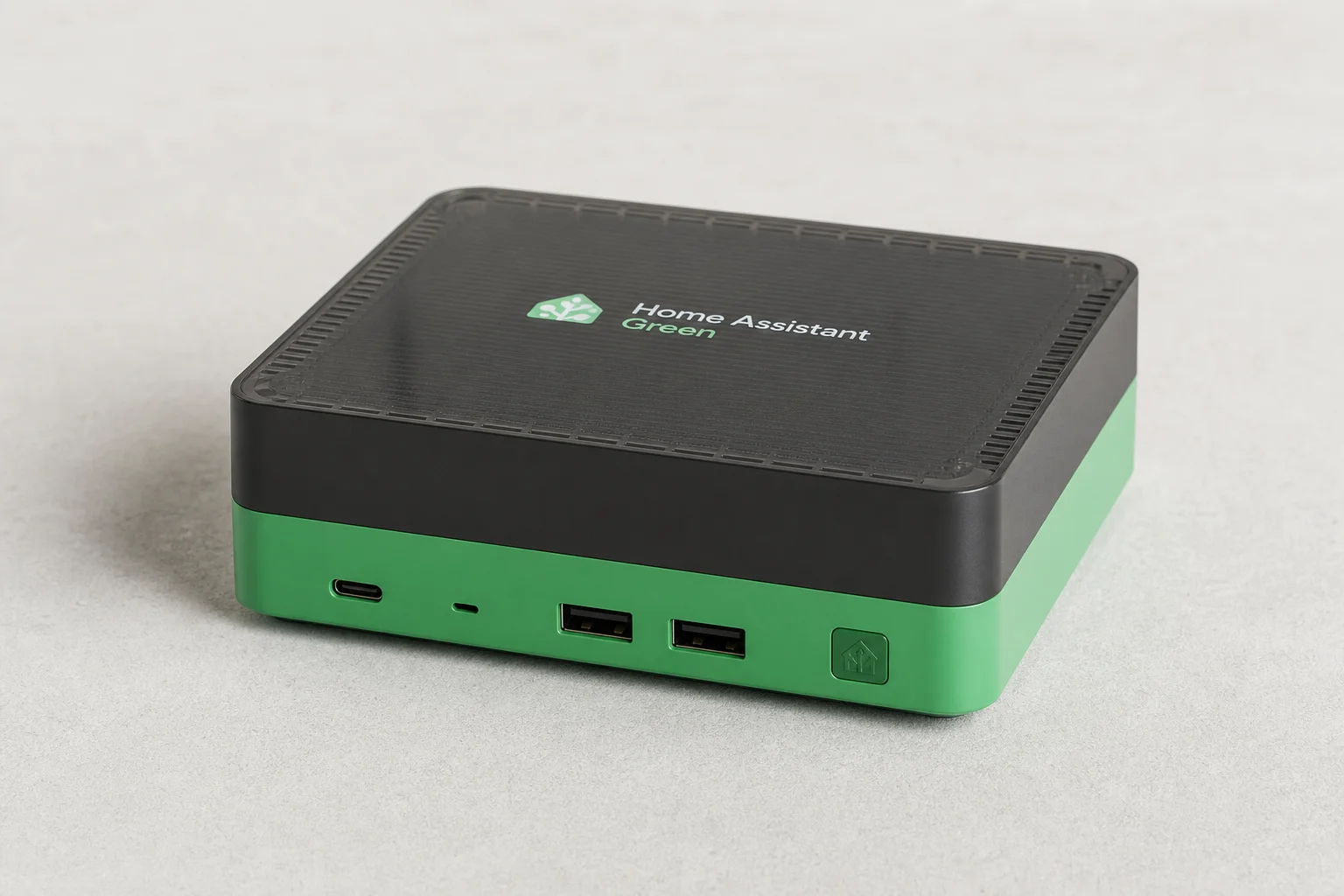
Home Assistant is easier than ever to get started with. You can buy Home Assistant Yellow or Home Assistant Green, both of which come with the software pre-installed. Just plug them in and start using them.
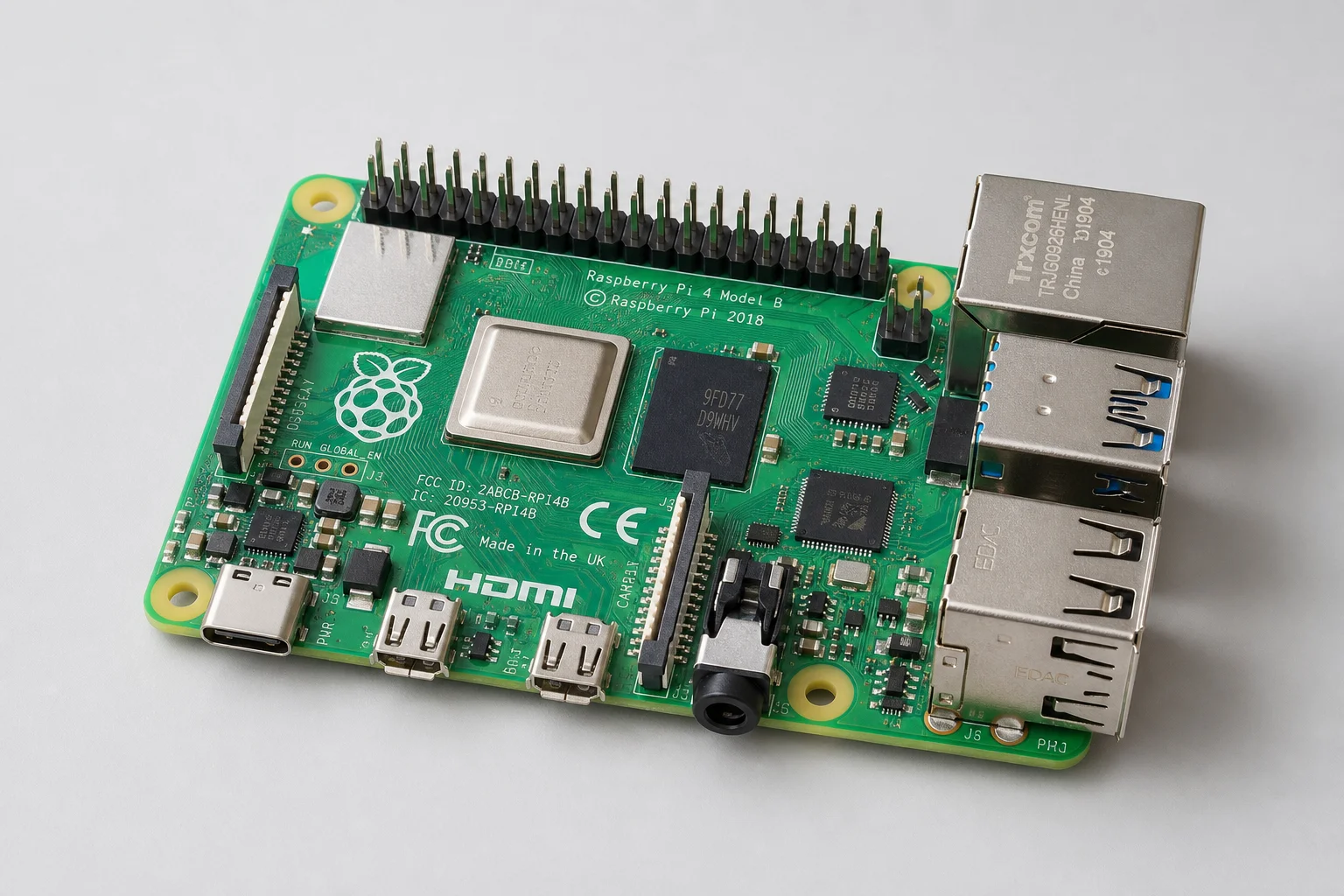
Alternatively, you can run Home Assistant on a Raspberry Pi 4 with 8 GB of RAM and an SSD. While it is technically possible to use a Micro SD card, those cards can fail because Home Assistant writes data constantly. An SSD is a more reliable choice. Home Assistant is not very resource-intensive, so you do not need powerful hardware unless you are doing something demanding like advanced voice assistant processing.
A Zigbee and Z-Wave combo USB stick can be plugged into the Raspberry Pi for wireless device connectivity. Using a USB extender helps reduce signal interference.
Buying Advice
For most people, the best smart home system combines Home Assistant with Apple HomeKit. This pairing gives you the automation power and integration flexibility of Home Assistant, while Apple HomeKit provides a clean, easy-to-use interface for daily control.
If you prefer Google over Apple, the same approach works with Google Home. The key is to let Home Assistant handle the complex automations and integrations, while your user-facing system handles voice commands and manual control.
Conclusion
The best smart home system money can buy is not a single product. It is a combination of two systems that play to their strengths. Home Assistant provides unmatched automation capabilities, local control, and open source reliability. Apple HomeKit or Google Home delivers the simple, polished interface that makes daily use enjoyable.
This approach saves time, reduces frustration, and gives you the flexibility to automate almost anything in your home. Whether you are just starting out or looking to consolidate your existing setup, pairing Home Assistant with a user-friendly front end is the way to go.
Further reading
Related Reviews
Smart Home
Amazon Echo Hub Review: A Smart Home Dashboard That Finally Gets It Right
The Amazon Echo Hub puts smart home controls front and center with a fast, simple interface. Here is how it performs as a family-friendly dashboard.
Smart Home
15 Amazon Smart Home Automations: Practical Ideas for Every Room
Fifteen practical Amazon Alexa routines and automations that solve real household problems, from pet care to security and entertainment.
Smart Home
Apple TV as HomeKit Hub: Why It's Your Best Choice for Home Automation
The Apple TV combines HomeKit hub functionality with a display, camera viewing, and local automation control. Here's what makes it stand out from iPad and HomePod Mini alternatives.