Home Theater
Best Movie Sources for a Home Theater: Physical Media vs Streaming
A practical look at five movie sources for a home theater, from a premium local movie server to game consoles and streaming boxes.
Introduction
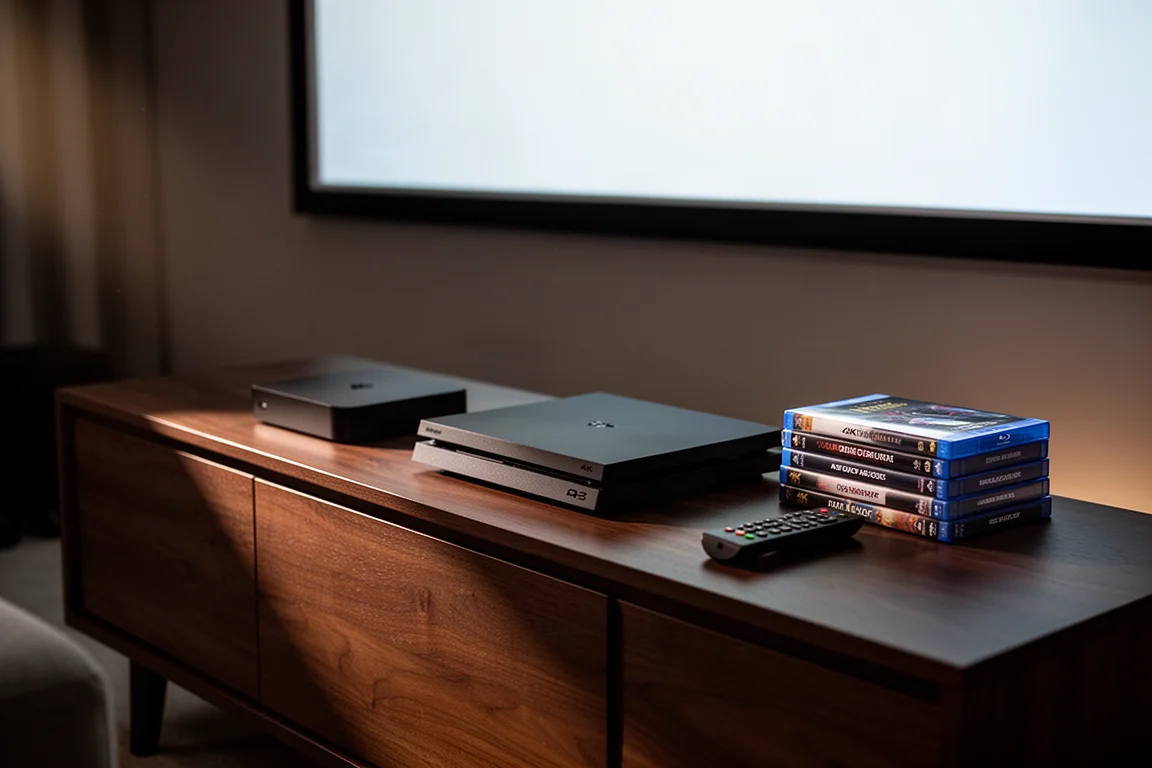
Streaming has become the default way most households watch movies and shows. It is fast, it works on almost any screen, and the libraries are enormous. But in a dedicated media room, where a large projection screen or a calibrated display is paired with a full surround system, the source you feed that system becomes the limiting factor. The five options below cover the realistic ends of that spectrum: a premium local movie server, two current game consoles that can play 4K discs, and two streaming boxes that handle everything else.
Where Streaming Stands Today
Modern streaming is genuinely good. Most major platforms now deliver 4K resolution with HDR and some form of object-based audio, and on a 55-inch living room television the difference between a stream and a disc can be difficult to spot unless you are looking for it.
The gap widens as the screen grows. A typical 4K Blu-ray disc carries video at bit rates around 50 Mbps. A 4K stream from a major platform might reach roughly 15 Mbps under ideal conditions, and often sits below 10 Mbps in practice. In bright, slow-moving scenes that difference rarely shows. In fast action, heavy fog or smoke, deep shadows, rain, or sand, compression becomes visible as artifacts, soft detail, and banding across gradients.
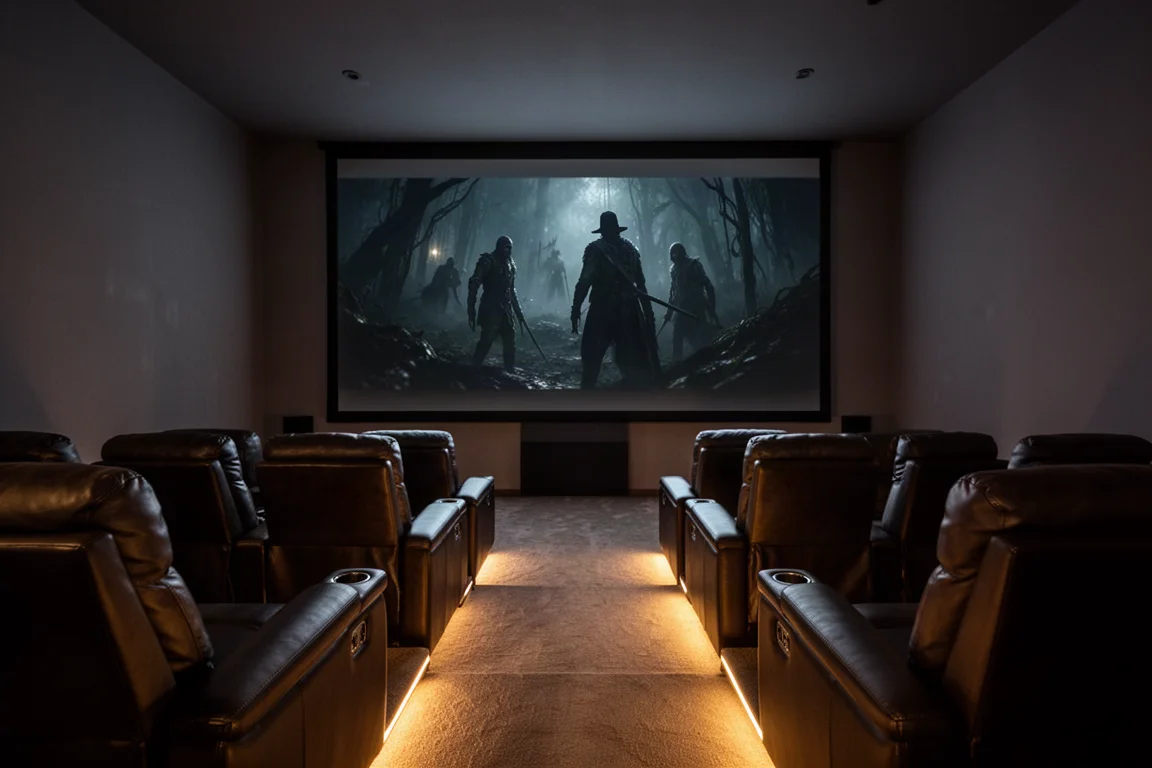
Audio shows the gap even more clearly. Streaming services typically deliver their surround tracks at around 0.5 Mbps in a compressed format designed for bandwidth efficiency. Lossless formats on Blu-ray and 4K UHD discs, such as Dolby TrueHD and DTS-HD Master Audio, run closer to 4 to 6 Mbps. That extra data is what gives a good system its dynamic range, clean dialogue, and the sense that object-based effects move through the room rather than sit in front of it. If you have already invested in a treated room, careful speaker placement, and a high-end receiver, the quality of the source is the one part of the chain you can still control.
Kaleidescape: A Local Library With Higher-Than-Blu-ray Quality
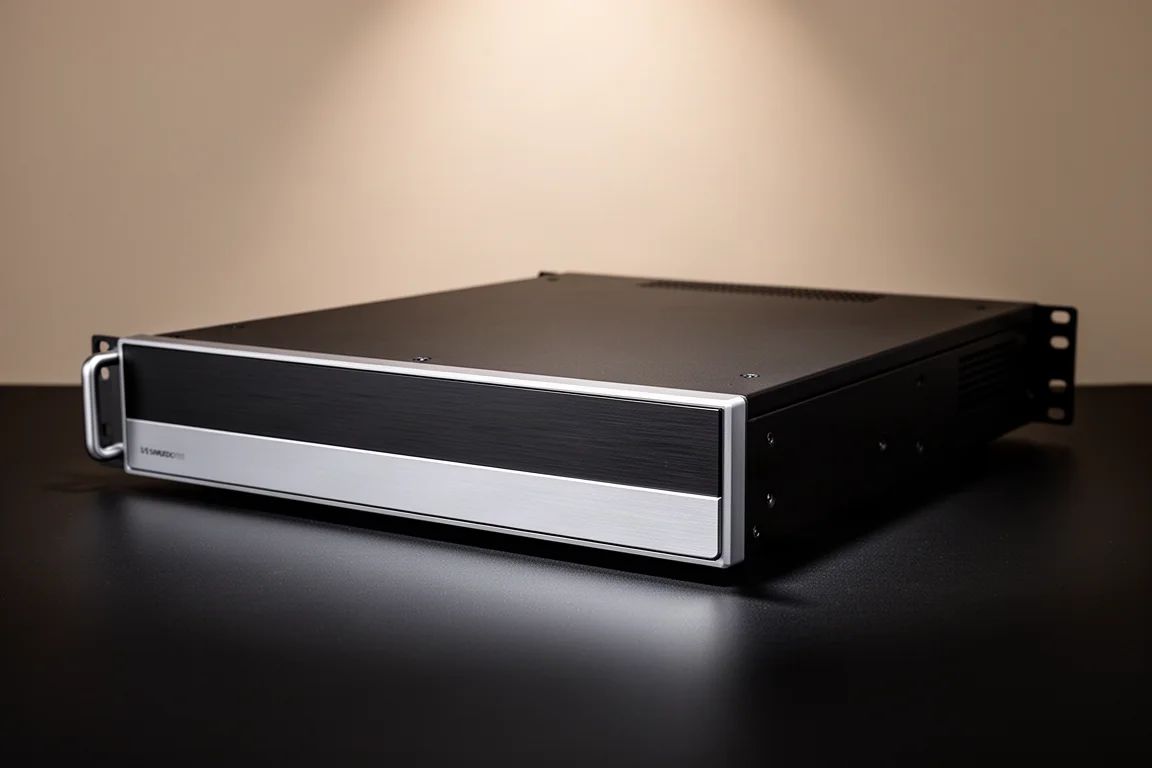
Kaleidescape is a premium movie server platform. Films are purchased and downloaded at higher than Blu-ray quality, then stored locally for instant playback. There is no buffering, no reliance on your internet connection at playback time, and no disc to load. Files are downloaded at high bit rates that retain the detail of the studio master, complete with lossless Dolby Atmos or DTS:X soundtracks. Audio is downloaded at around 6 Mbps, which is more than ten times what a typical streaming service sends to your speakers.
The interface is built for people who care about their collection. You browse by cover art, build watch lists, and can script playback so that pressing play dims the lights and drops the projection screen. It also fits into home automation systems.
The trade-offs are real. Systems start in the thousands of dollars, and movies are purchased through the platform. If you already own a large physical library, there are options to buy those titles from the platform at a discount.
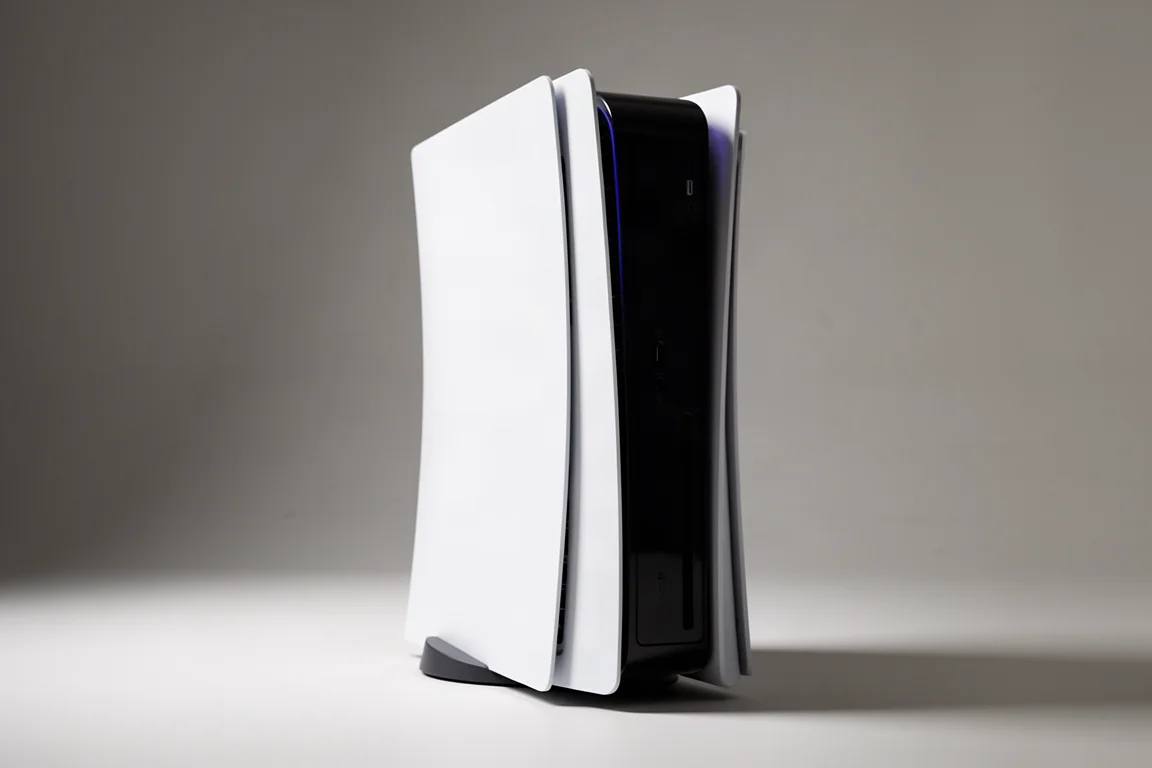
PlayStation 5: 4K Disc Playback With Caveats
The PlayStation 5 can play 4K UHD Blu-ray discs, which makes it a tempting alternative to a standalone player if the console already lives in the room. The catch is Dolby Vision. The console does not support Dolby Vision for physical media, so disc playback tops out at HDR10. You will also want to disable ALLM and any game picture modes before sitting down for a film.
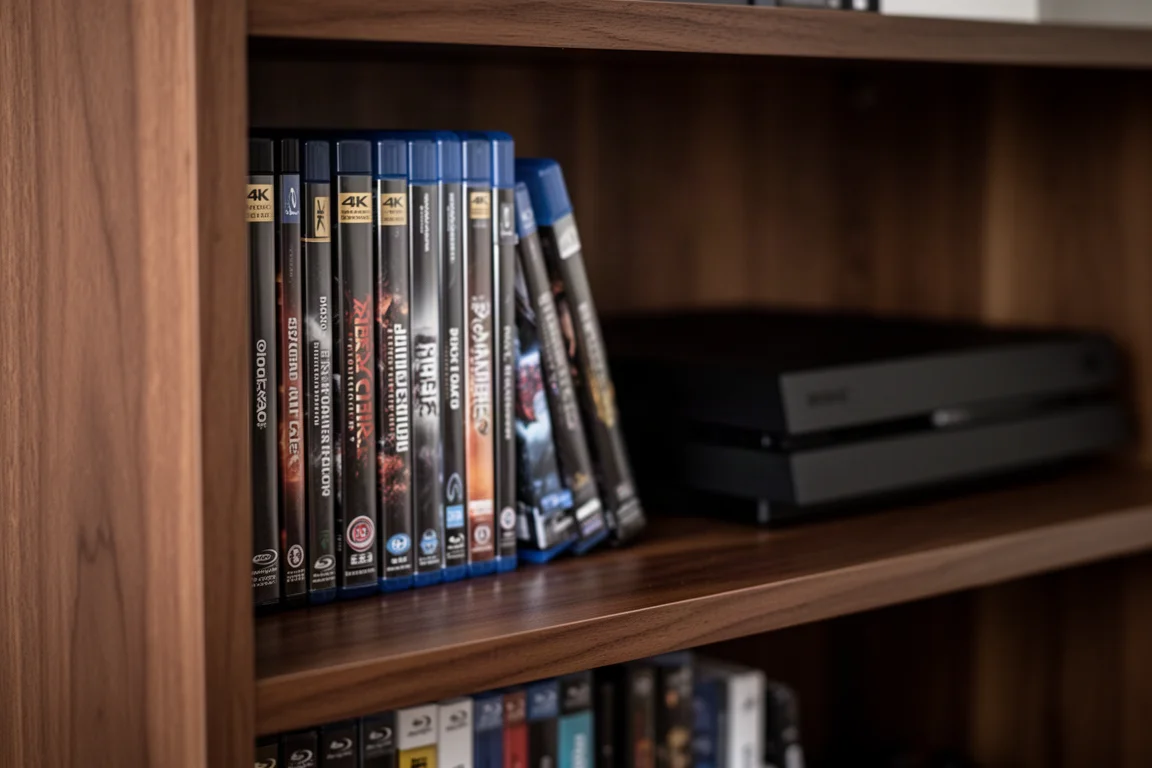
Beyond format support, dedicated players tend to be quieter, load faster, and offer better disc navigation. If you are building a serious collection, a standalone 4K Blu-ray player is usually the better long-term choice, with the console covering occasional viewing.
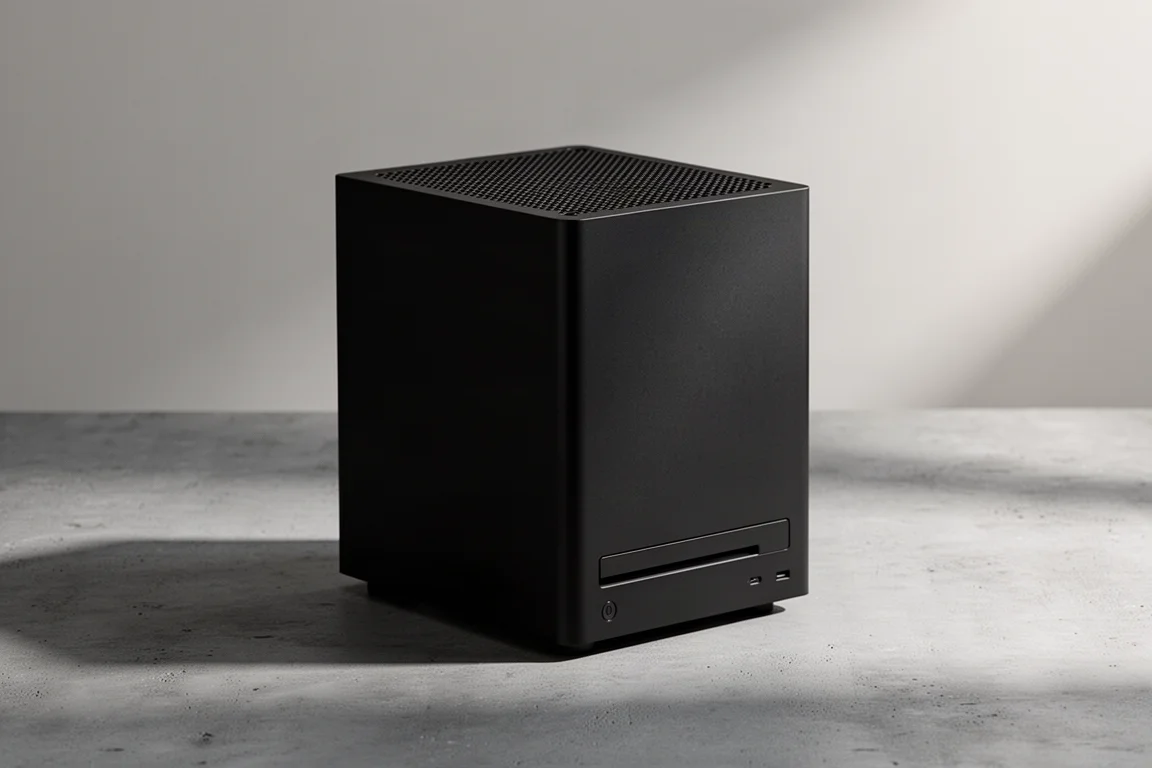
Xbox Series X: Dolby Vision for Streaming Only
The Xbox Series X also plays 4K UHD discs, and it supports Dolby Vision for streaming content. That support does not extend to disc playback, so the same HDR10 ceiling applies when a movie goes in. As with the PlayStation 5, game modes and extra processing should be switched off for critical viewing.
For a household that games and watches the occasional disc, a console covers both jobs in one device. For a dedicated theater, the same conclusion applies: a standalone player will be quieter and easier to live with over years of use.
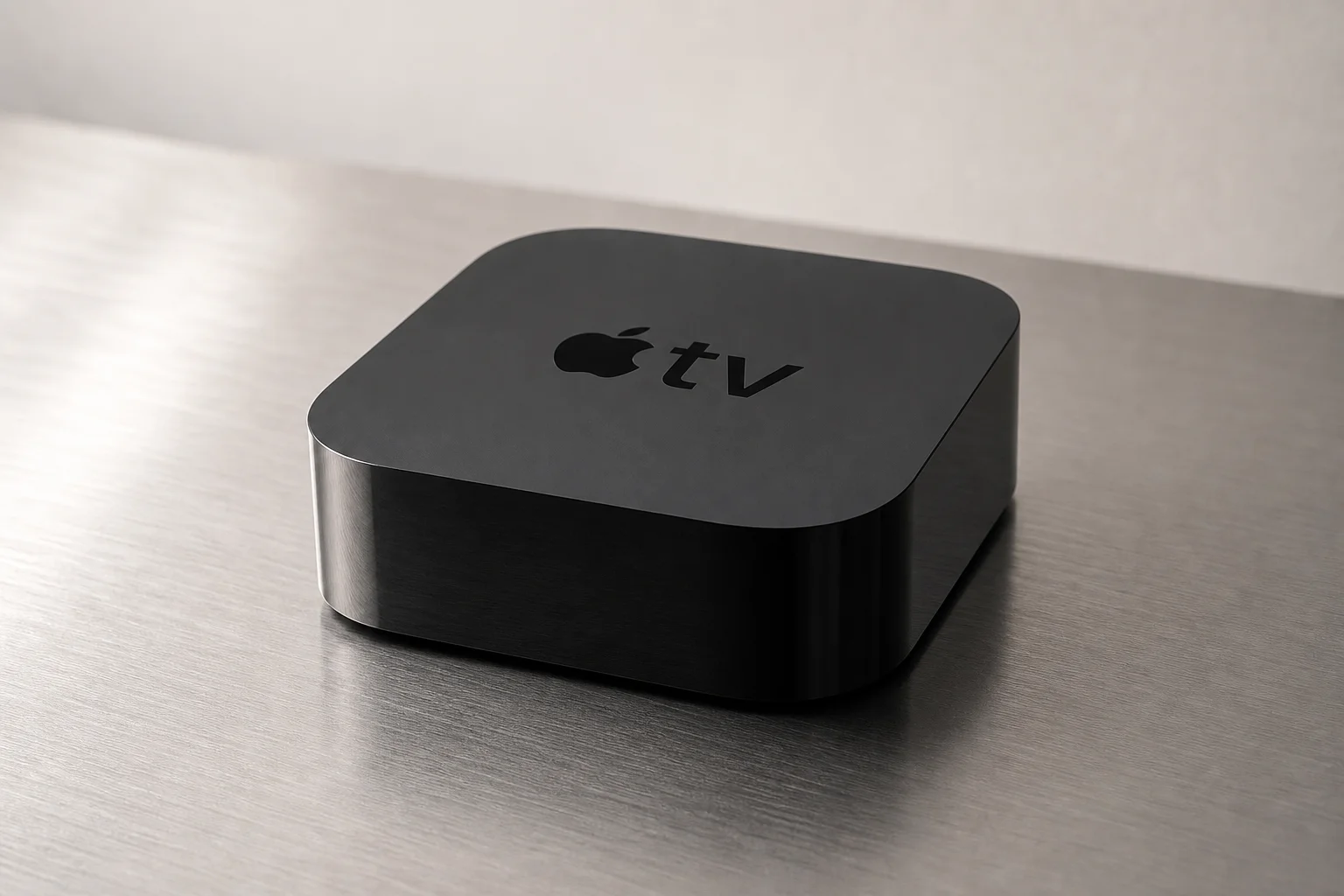
Apple TV 4K: A Reliable Streaming Hub
Apple TV 4K is one of the streaming boxes that makes the most of a good connection. Paired with solid fiber internet, it delivers impressive picture quality, and for everyday viewing such as a new series or a sitcom with friends, that is exactly what most people need.
It is the practical half of a hybrid setup: a huge catalog for a flat monthly fee and no discs to manage. What it cannot do is match the bit rate of a disc or a high bit rate download when the lights go down and the projector comes on.
Nvidia Shield: A Streaming Box for Everyday Viewing
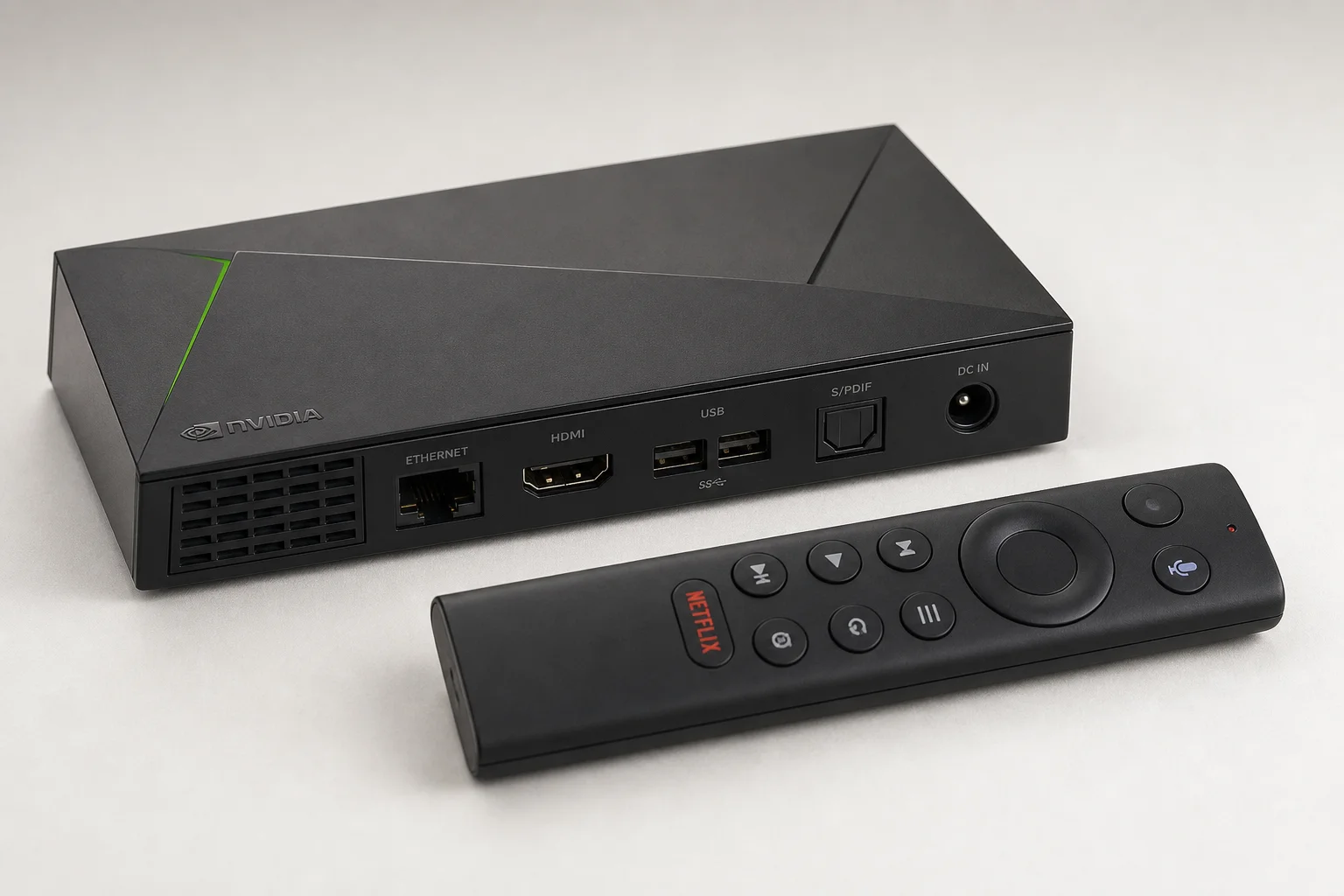
Nvidia Shield is the other streaming box that suits a home theater rack. Like the Apple TV 4K, its picture quality depends on the connection feeding it, and on a solid fiber line the results are impressive for casual viewing.
Where it fits best is the everyday half of a hybrid library. It gives you a large catalog for a flat monthly fee and leaves the disc player or the movie server free for the titles you actually care about.
Buying Advice: Physical, Digital, or Both
Most home theaters end up hybrid, and that is usually the right answer. Use streaming for everyday watching, then build a physical or Kaleidescape library for favorite films, reference titles, and demo material.
If you go the disc route, a quality 4K Blu-ray player is a modest investment next to a projector, screen, receiver, and speakers. Discs often cost the same as, or less than, a digital copy, and they usually include a digital copy anyway. There is also a large secondhand market. Ownership is the other advantage: a disc cannot be pulled from your library or quietly replaced with a different version, while streaming catalogs change as licensing deals expire.
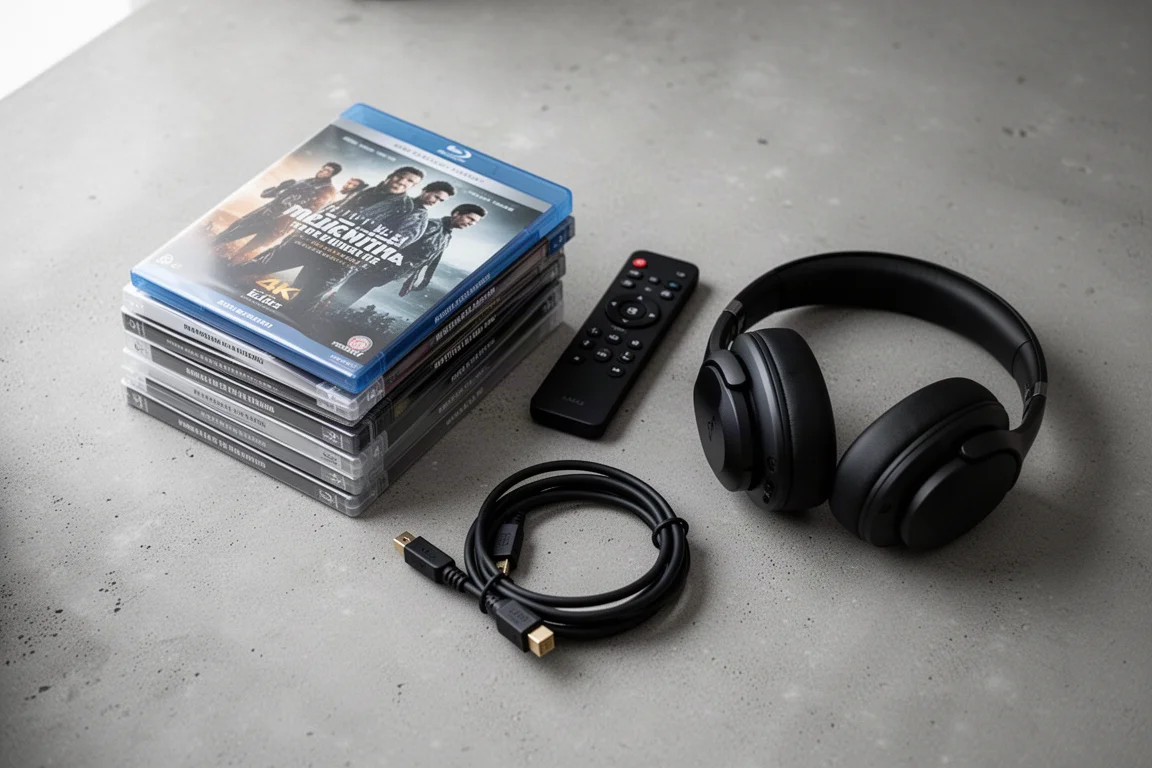
If you want digital convenience with physical media quality, Kaleidescape is the option that combines both, provided the budget allows. If it does not, a console or a dedicated player alongside a good streaming box covers the vast majority of viewing.
Conclusion
Streaming offers convenience and quantity. Physical media delivers consistency and quality. A premium movie server such as Kaleidescape gives you the highest quality available with digital convenience, if your budget allows for it. Whichever route you choose, the goal is the same: give your display and your speakers the best source you reasonably can, so that every movie night is worth the room you built.
Further reading
Related Reviews
Home Theater
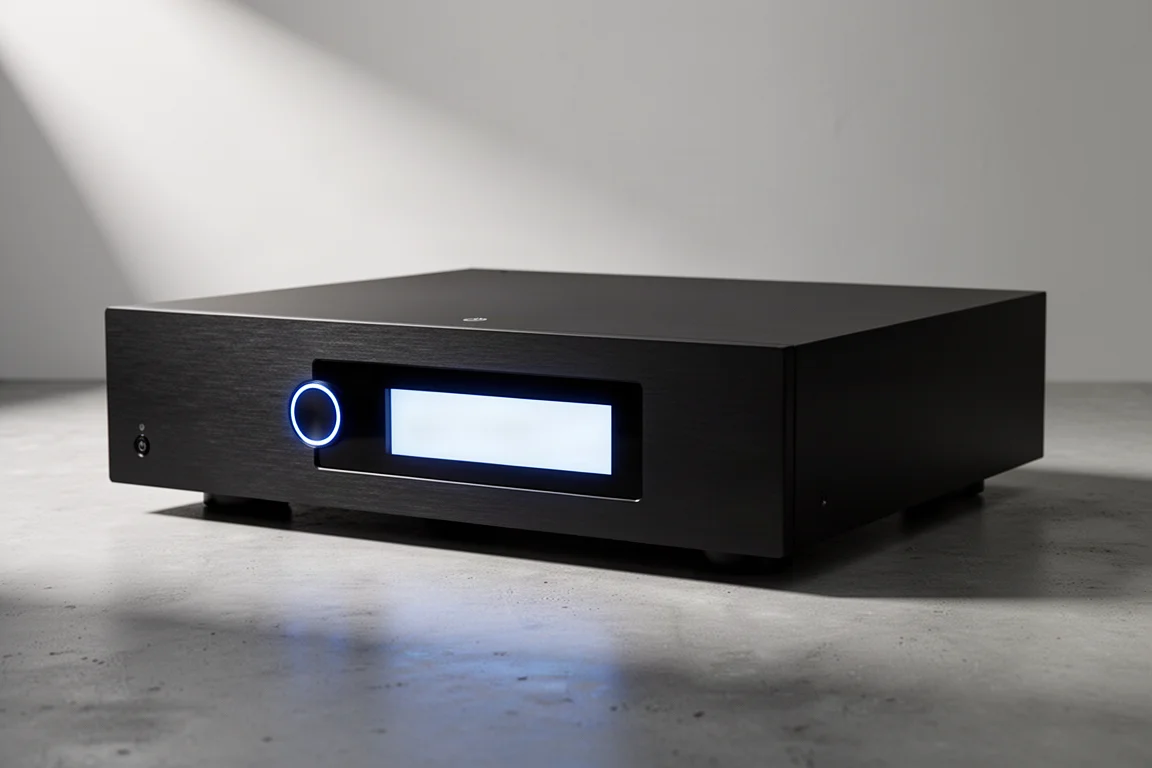
Anthem AVM 90 Review: A 15.4-Channel Flagship Preamp Processor
A close look at Anthem's flagship preamp processor, covering its dual ESS DAC architecture, 15.4-channel layout, ARC Genesis calibration and four independent subwoofer outputs.
Home Theater
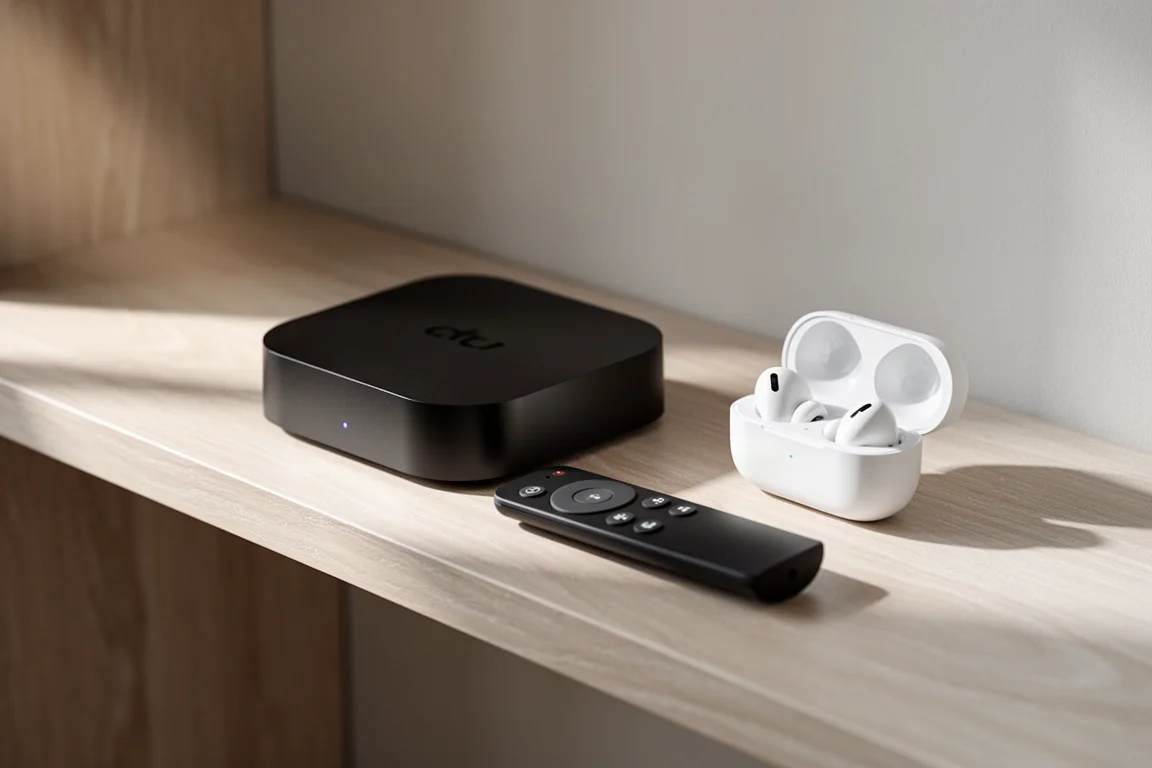
Apple TV 4K With AirPods: A Best-Value Home Theater Setup
An Apple TV 4K paired with AirPods over Bluetooth makes a compact home theater setup for movies, spatial music and late-night viewing, and it can be assembled for as little as $300.
Home Theater
Arcam AVR15, AVR25, AVR35, and AVP45 Compared: Which AV Amplifier Fits Your System?
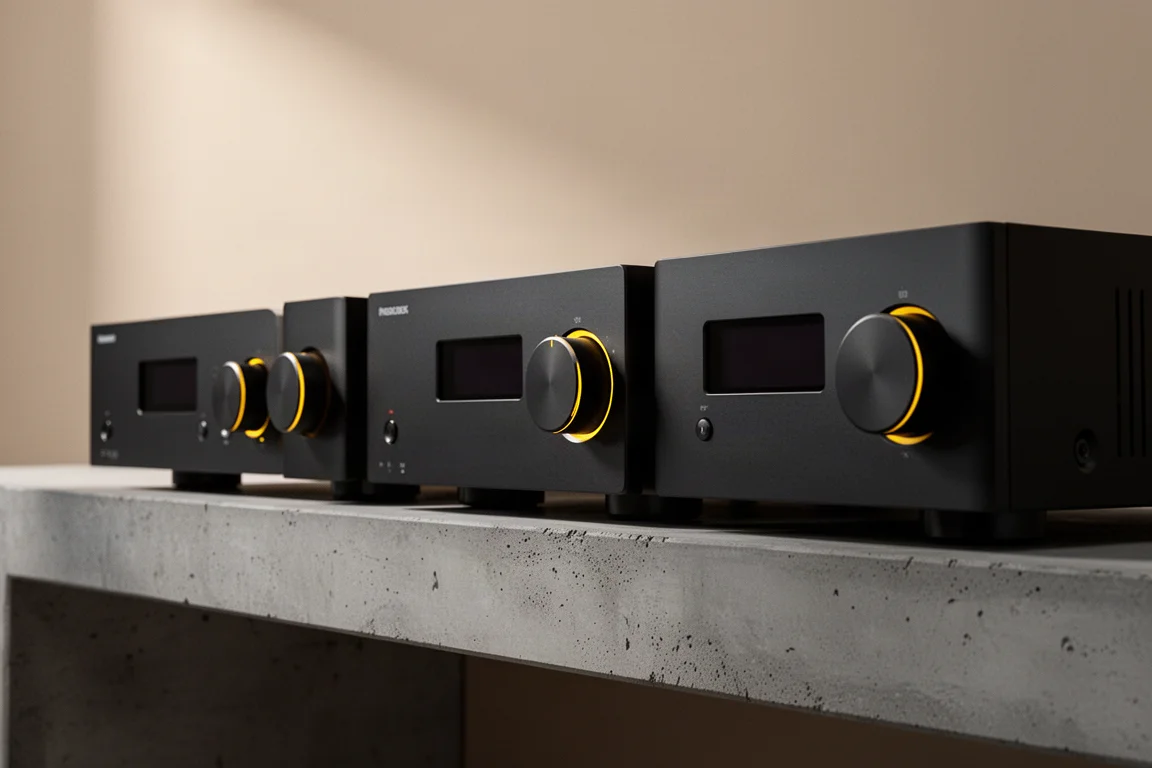
Four new Arcam home theater components share nine-channel amplification and Dirac Live, but differ in power, processing ceiling, and channel flexibility.