Podcasting Gear
Best Microphones for Podcasting and Streaming: 9 Options Worth Considering
A practical guide to choosing a podcast or streaming microphone, covering USB and XLR setups, polar patterns, dynamic and condenser capsules, and the accessories worth budgeting for.
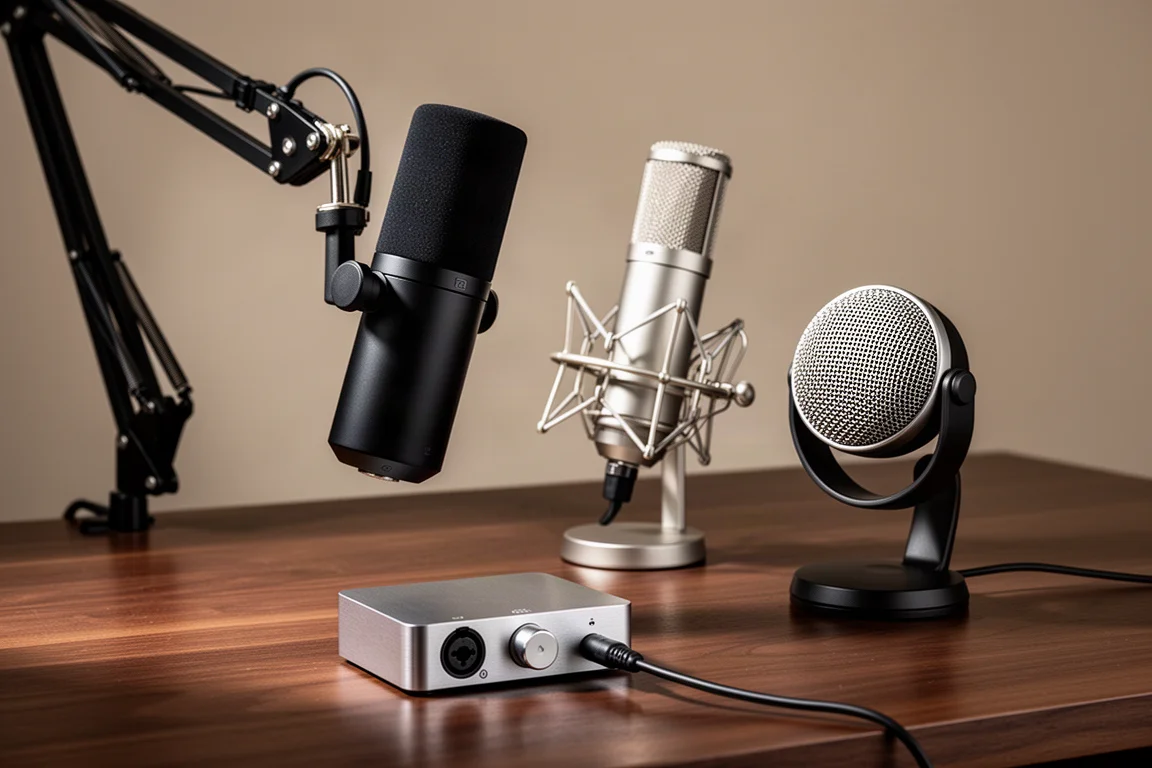
Introduction
Choosing a microphone for podcasting or live streaming comes down to a small number of decisions that shape everything else: how the microphone connects, how it hears the room, and how much room the setup leaves to grow. Get those right and the rest of the gear list falls into place.
This guide works through the decisions in the order they matter, then looks at a set of specific microphones and one accessory that cover the most common podcasting and streaming situations, from a first solo show to a two-person setup with room to expand.
USB or XLR: The First Decision
A USB microphone is entirely self-contained. Connect it to a computer with a USB cable and it is ready to record. With no audio interface to buy, USB is the cheapest way into podcasting, and entry-level models can be found for as little as $30. Extremely inexpensive microphones are a gamble, but several established USB models, including the Audio-Technica AT2020 USB and the Shure MV7, sound good enough to get started. Over time, the limitations of USB microphones compared with XLR mics tend to become more apparent.
The strength of USB is consolidation. Headphones, speakers, and the computer all connect to the microphone itself, which keeps the signal chain to a single device. That arrangement is convenient on some desks and cluttered on others. Moving the hub to an audio interface instead means one XLR cable runs to the microphone while everything else connects to the interface, which keeps the desk clean and the cables out of the way.
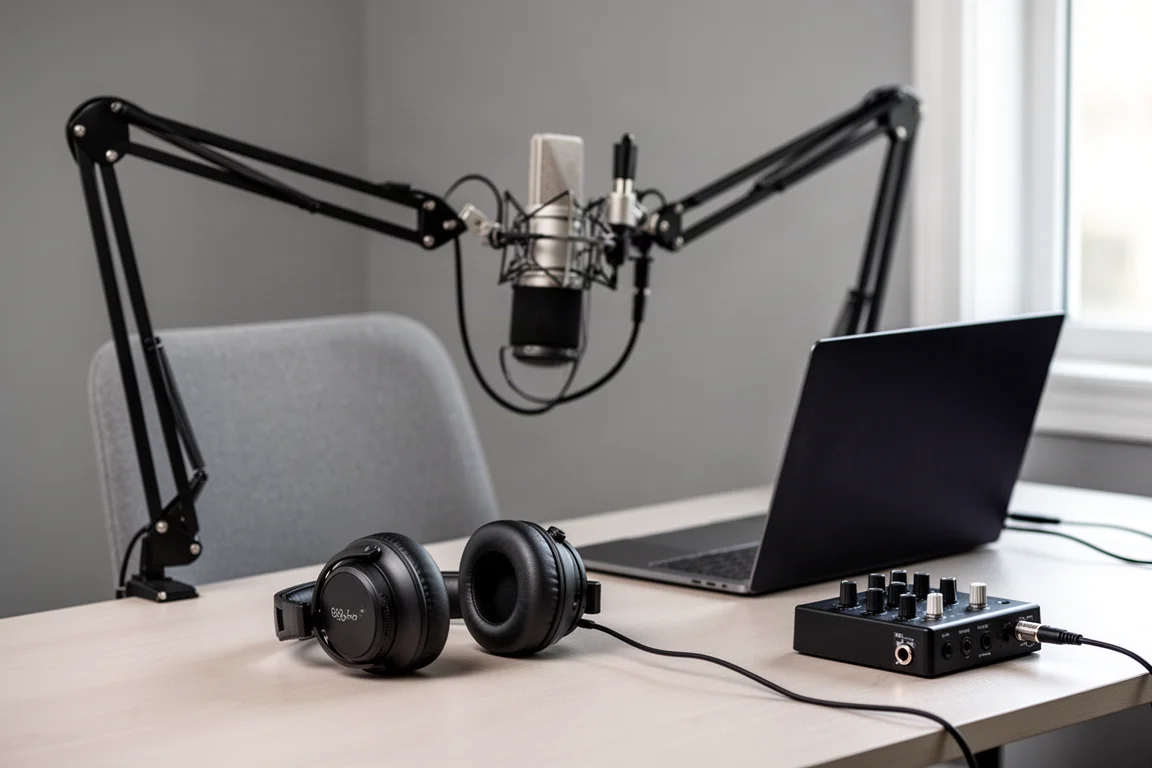
XLR also scales. If the interface has multiple XLR microphone inputs, adding a second microphone for a guest or a co-host is straightforward. XLR is an industry standard, so any XLR microphone bought today will work with any audio interface or mixer bought in the foreseeable future.
For a solo podcast or live stream, a USB microphone is a reasonable choice. For anyone more serious about podcasting and streaming who intends to build the system over time, starting with an XLR microphone and an audio interface is the better path.
Polar Patterns Explained
The polar pattern describes a microphone’s directionality, and it decides how much of the room ends up in the recording.
Cardioid is by far the most popular pattern for podcasting. The microphone picks up sound best from the front and rejects sound arriving from behind. Bidirectional and omnidirectional patterns exist as well. Omnidirectional picks up evenly from every direction, which can be useful for recording several people at once.
Sharing a single microphone has real trade-offs. The greater the distance between a speaker and the capsule, the more gain is needed, and more gain means more room noise. A single microphone also records every voice to the same track, which makes editing harder. Multiple microphones capture each voice on a separate track so the tracks can be edited independently.
The practical approach for most shows is a cardioid microphone placed a few inches from each person. The shorter that distance, the less gain is required, which keeps room noise and echo to a minimum. Close placement also brings the proximity effect, the low-end lift often associated with a warm, radio-style voice.
Most microphones have a fixed polar pattern listed in their specifications. A few, such as the Blue Yeti, let the pattern be switched.
Dynamic vs Condenser Capsules
Condenser microphones are generally more sensitive than dynamic microphones, which cuts both ways: they capture more detail, and they capture more of the room. For most podcasters and streamers, a dynamic microphone is the safer choice. A condenser is worth considering mainly for those working in a room that is neither noisy nor echoey.
Audio-Technica AT2020 USB: A Straightforward USB Option
The AT2020 USB is a self-contained USB microphone that keeps an entire recording setup to one cable. It is one of the USB models that sounds good enough to start a podcast or stream with, and it suits solo recording where the host is the only voice on the track.
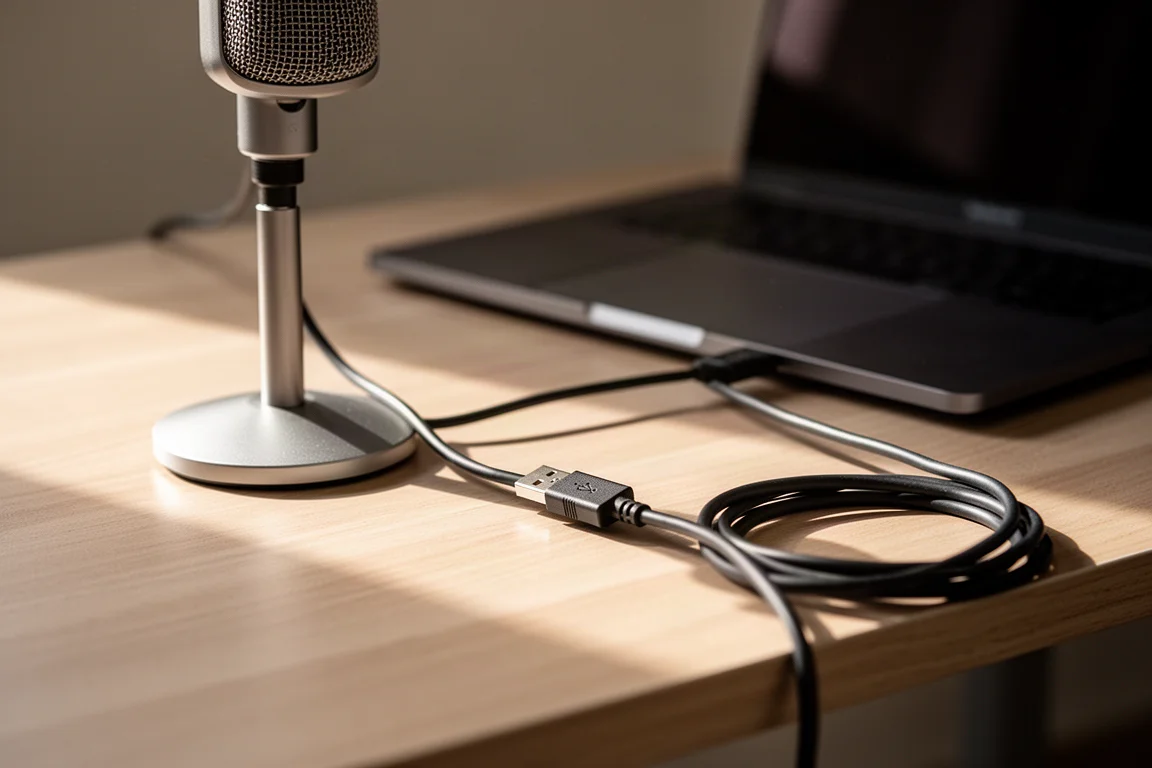
Because everything connects through the microphone itself, there is no interface to configure and no XLR cable to route. The trade-off is the one common to all USB mics: less flexibility later if the setup grows to include a second voice or an outboard preamp.
Shure MV7: A USB and XLR Hybrid
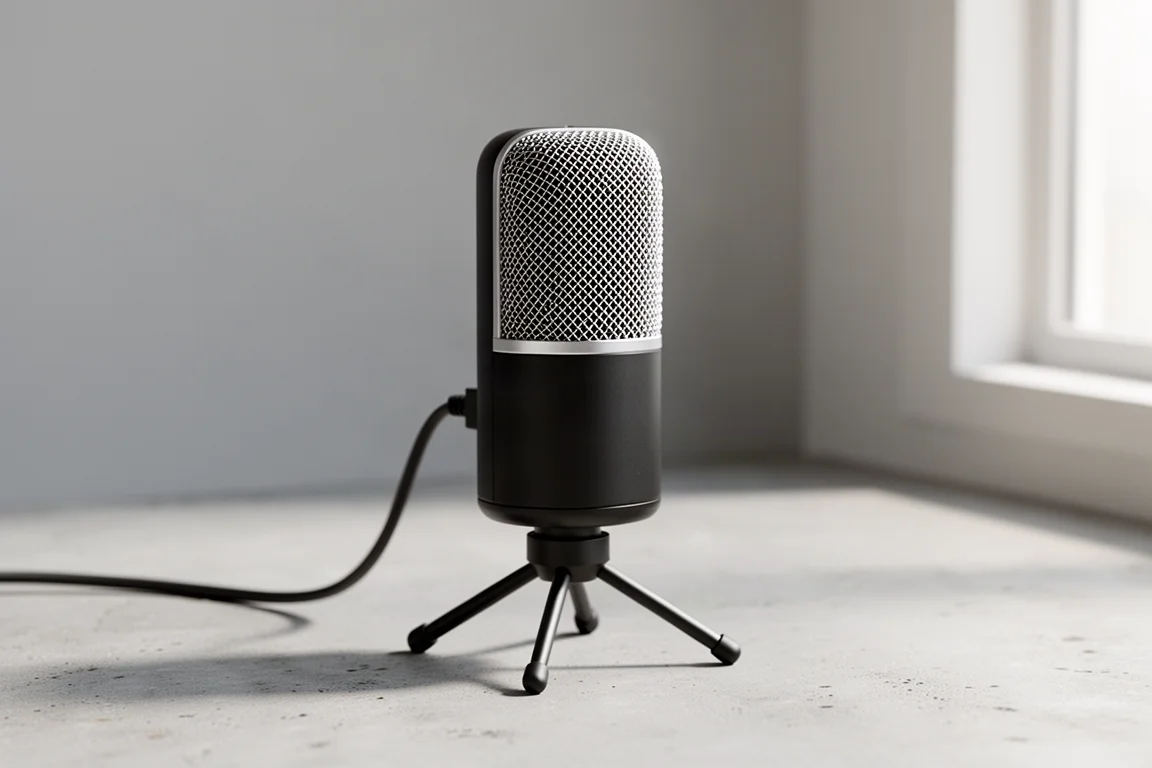
The MV7 can operate either as a USB microphone or as an XLR microphone. In USB mode, a single USB cable to the computer is all that is required. In XLR mode, the microphone connects to an audio interface, which in turn connects to the computer, usually over USB. That dual behaviour makes it a useful first microphone for anyone who wants to start simple and move to an interface-based setup later without replacing the microphone itself.
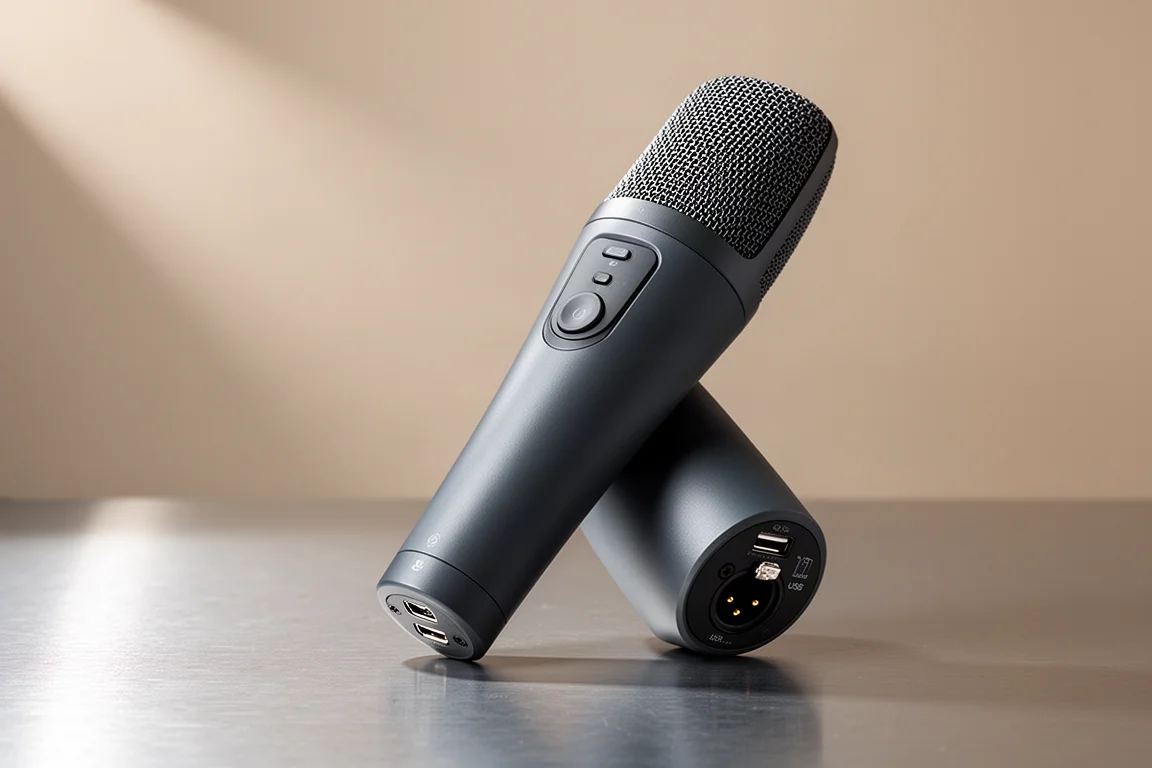
Blue Yeti: A Multi-Pattern USB Microphone
The Blue Yeti is a USB microphone that can be switched between three polar patterns: cardioid, bidirectional, and omnidirectional. Cardioid mode picks up best from the front and rejects sound from the rear, which is the usual choice for a single host. Omnidirectional mode picks up evenly in all directions and can be used to record several people at once, while bidirectional mode suits two people facing one another across the microphone.
Both shared arrangements come with the usual caveats: the extra distance between each speaker and the capsule requires more gain, which brings in more room noise, and every voice lands on the same track. Where the Yeti earns its place is flexibility, since the pattern can be matched to the room and the number of voices without buying a second microphone.
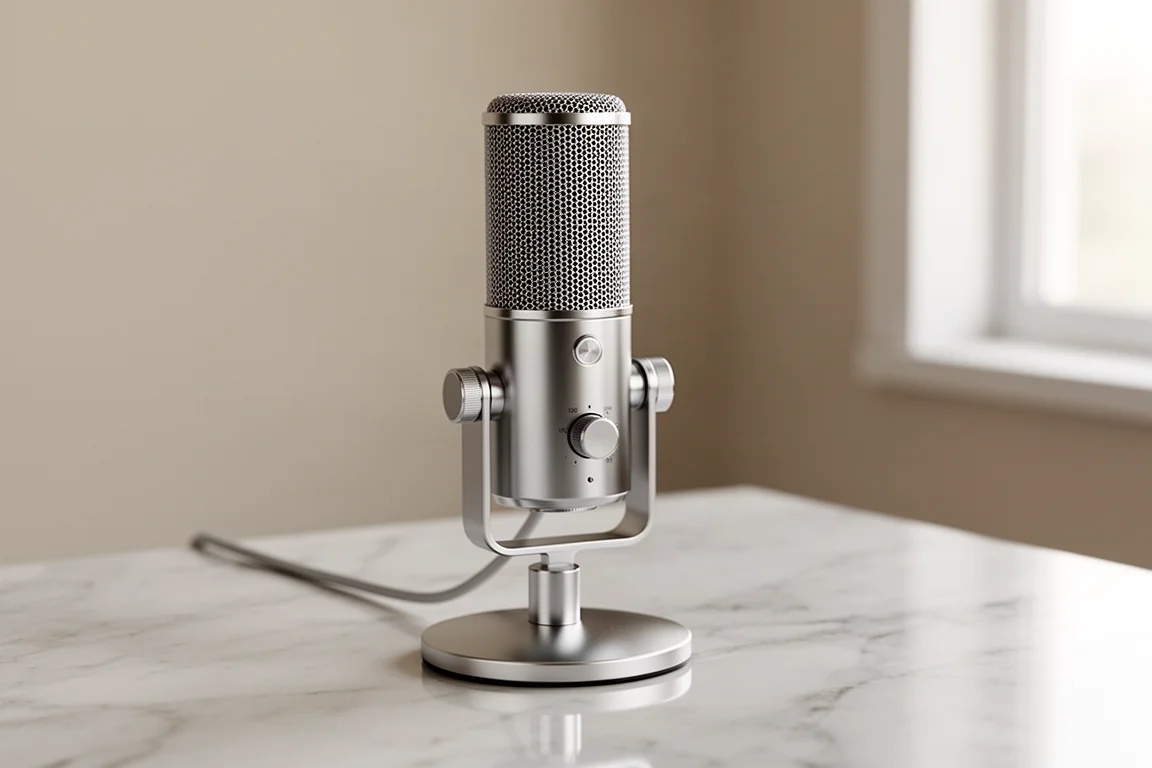
Rode Procaster: A Dynamic XLR Microphone
The Procaster is a dynamic XLR microphone, and dynamic capsules are the recommendation for most podcasters and streamers because they are less sensitive to the room than condensers. It needs an audio interface in the chain, since it has no USB output of its own.
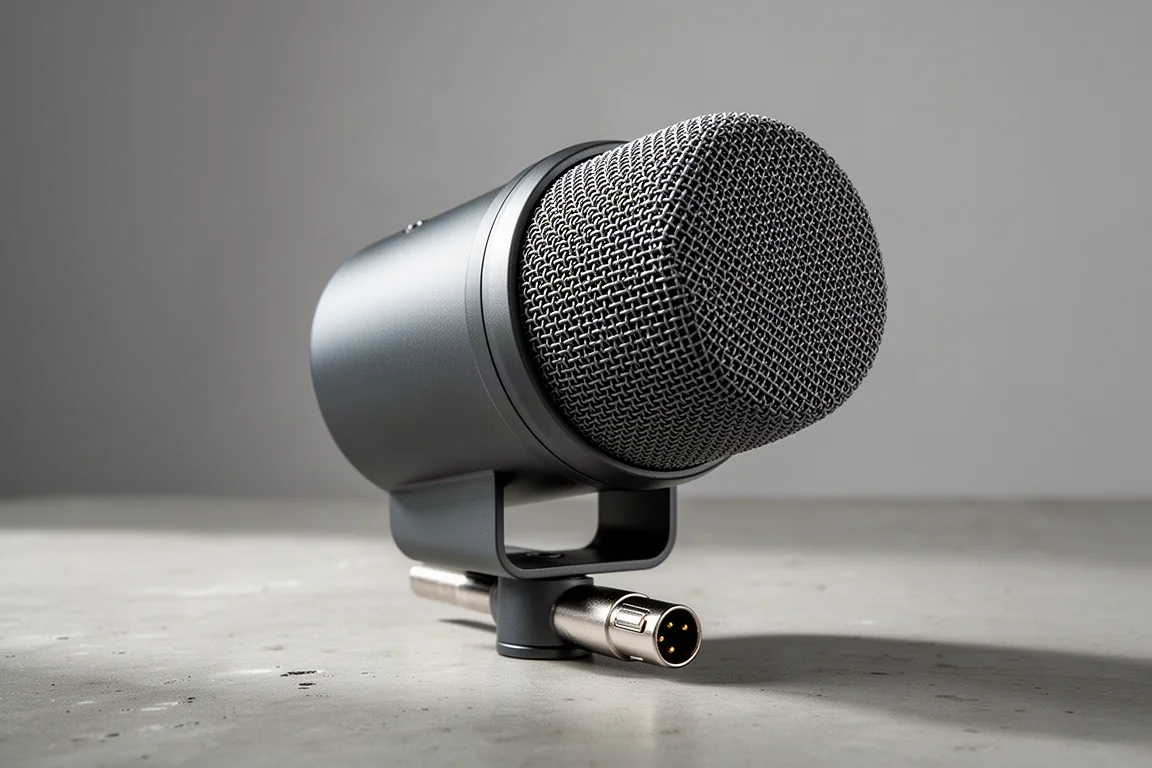
Rode NT1-A: A Condenser XLR Microphone
The NT1-A is a condenser XLR microphone, and its sensitivity is the defining characteristic. Condensers are more sensitive than dynamics, which is an advantage in a controlled space and a liability in a noisy or echoey one. A condenser is best matched to podcasters and streamers who record in a quiet, well-treated room.
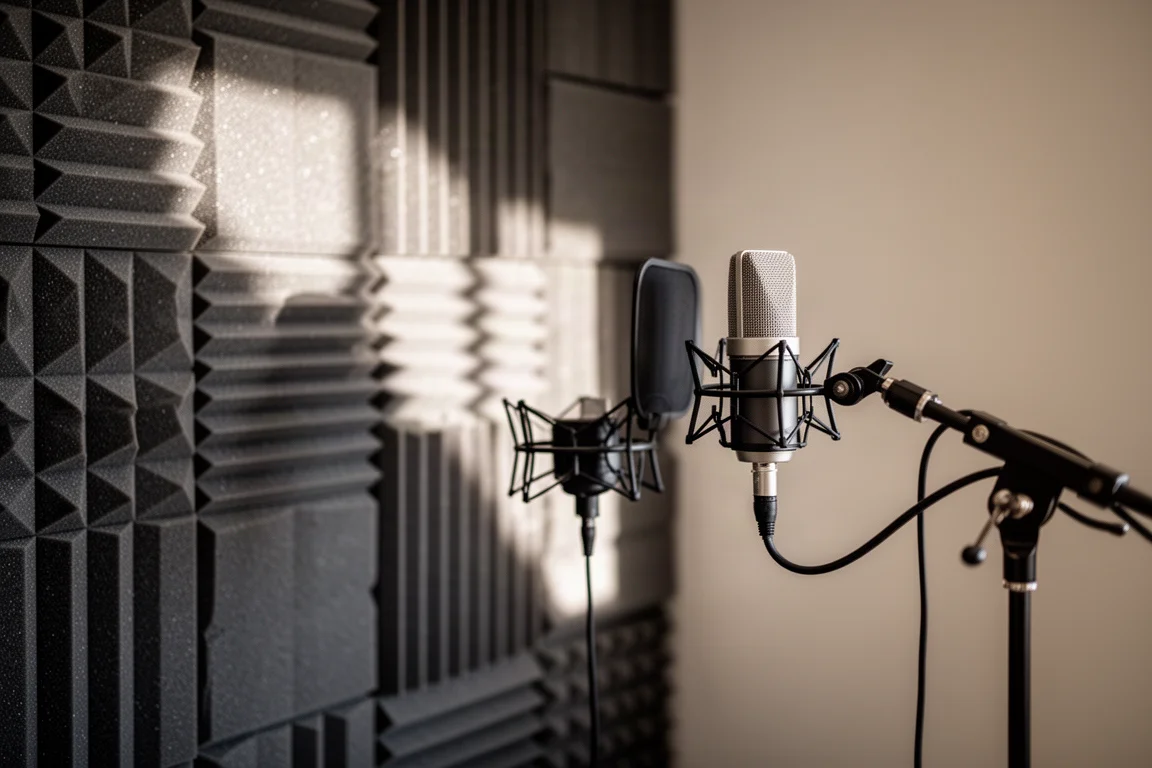
Like any XLR microphone, the NT1-A needs an audio interface between the microphone and the computer, which is also what makes it easy to add a second microphone later.
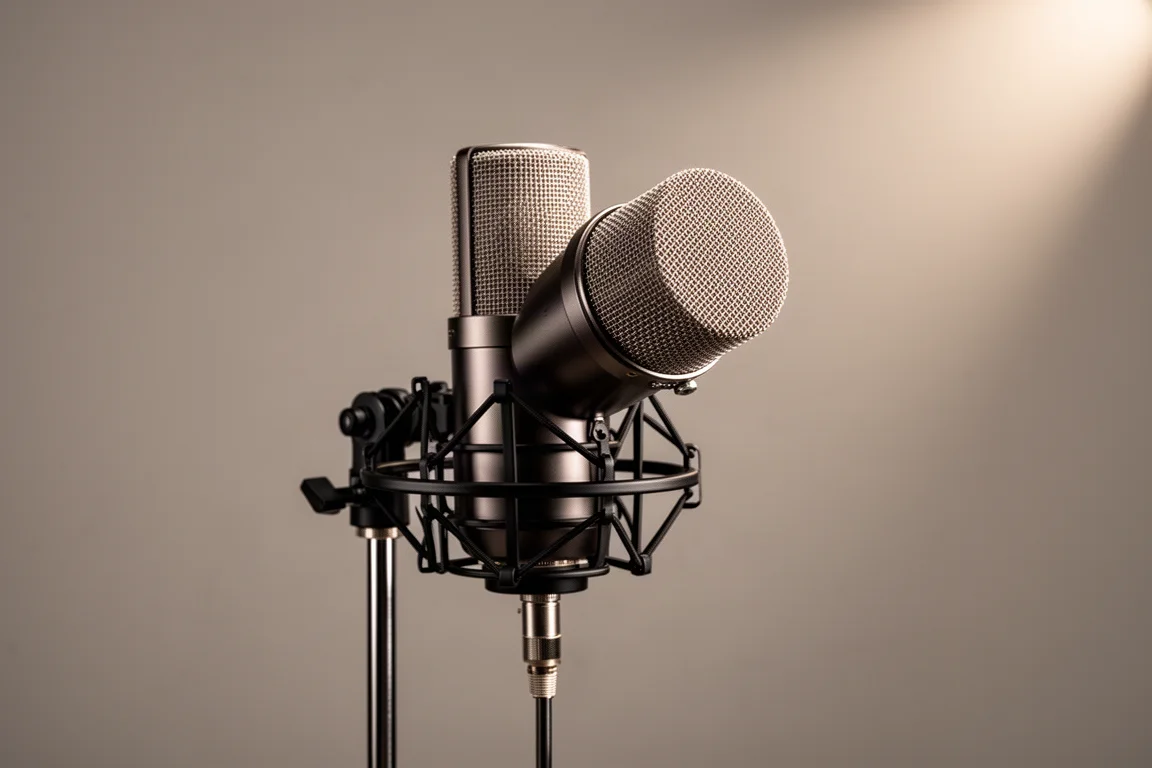
Shure SM7B: A Yoke-Mounted Dynamic Microphone
The SM7B is a dynamic microphone, and its yoke mount is a genuine practical benefit for anyone mounting a microphone on a boom arm, since it is easier to adjust and position correctly. That matters during long recording sessions where the microphone needs to be moved between positions. It also handles movement well: repositioning it mid-session does not produce much rumble compared with microphones that transmit more handling noise.
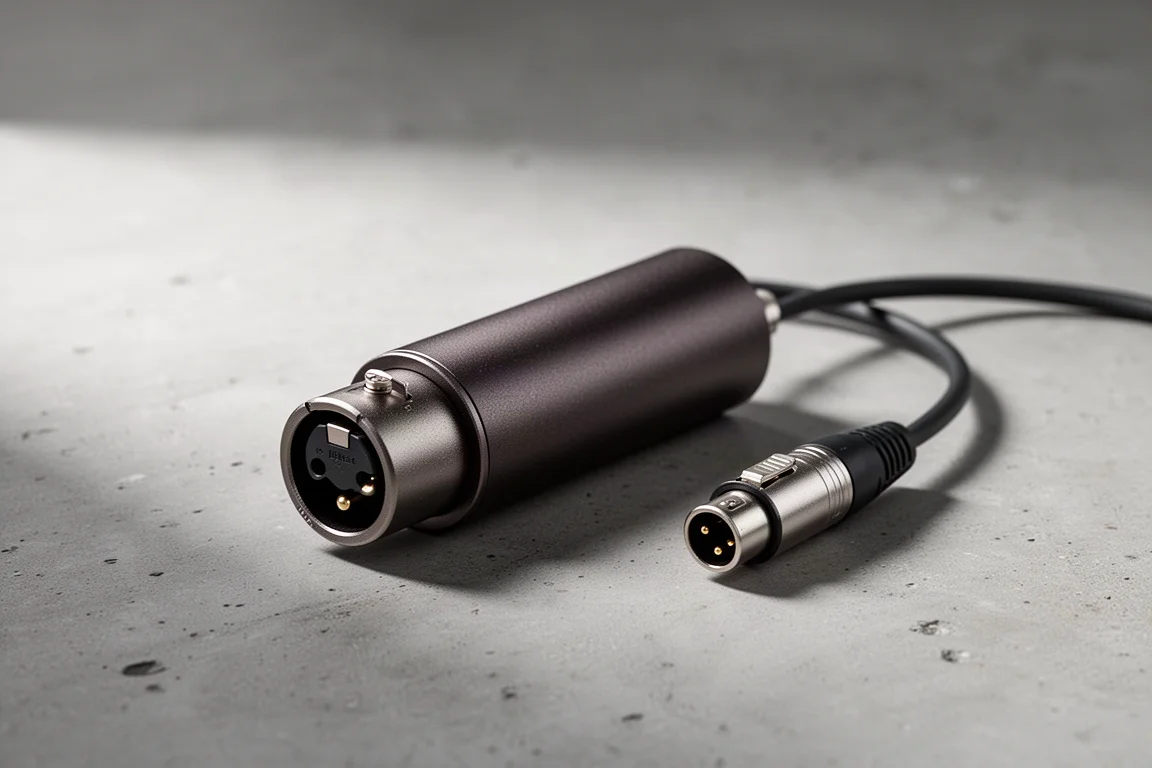
The trade-off is sensitivity. The SM7B has very low sensitivity and needs a lot of preamp gain to reach a good recording level. A quiet speaker paired with this microphone may need an inline preamp, such as a Cloudlifter, to add extra gain to the signal. An interface with powerful preamps solves the same problem at the other end of the chain.
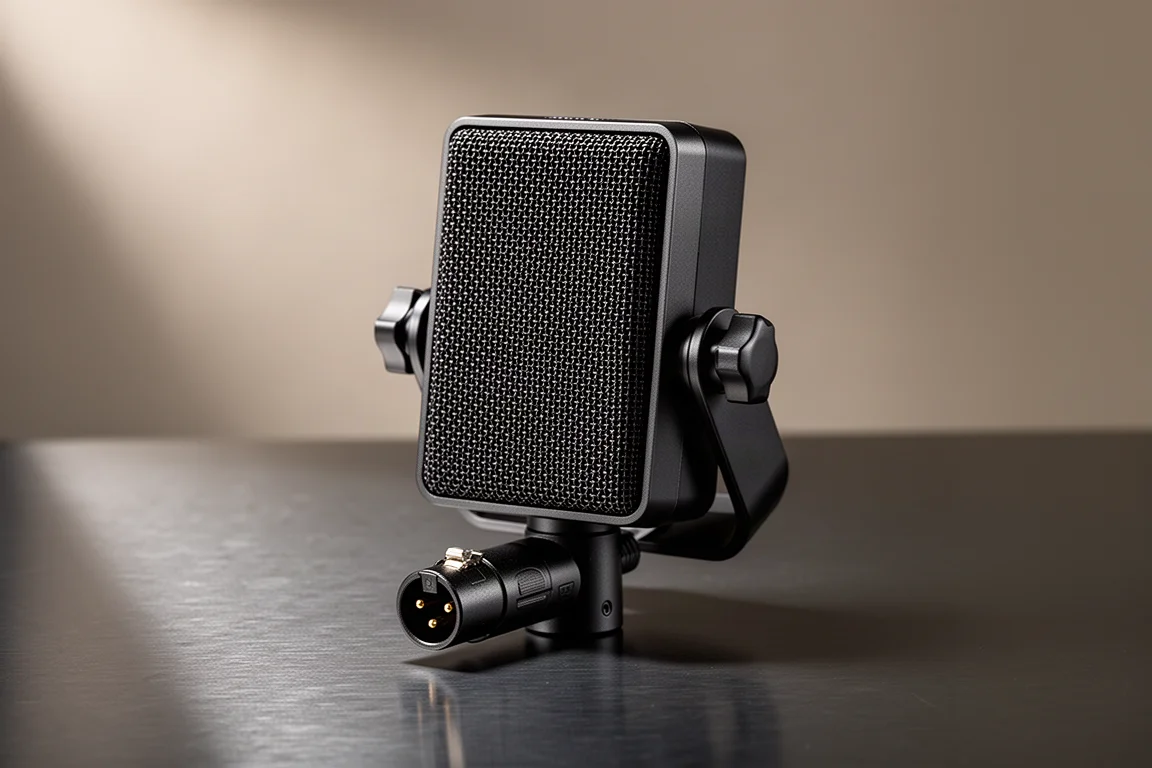
Electro-Voice RE20: A Favorite for Recording Voice
The RE20 is a strong choice for recording voice, and it is the kind of microphone that rewards a little planning. It ships with the microphone itself and a small mic clip, and nothing else. That included clip is not ideal if the microphone is moved around, so a shock mount designed for the RE20 is a better long-term solution, at additional cost. As with any XLR microphone, it pairs with a standard audio interface or mixer.
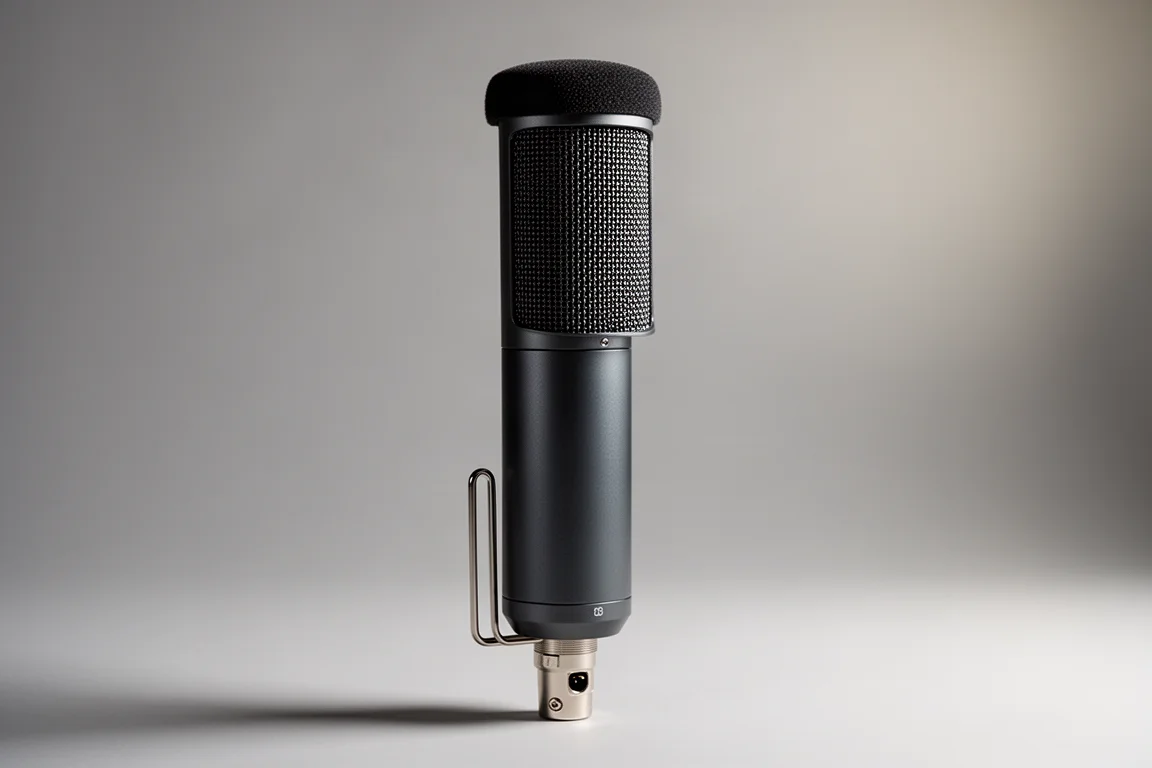
Lewitt Connect 6: An Interface Built for Content Creation
The Connect 6 is an audio interface designed with content creation in mind. It provides two microphone inputs and an aux input, plus the ability to route audio from various programs on a computer into a podcast or stream. That routing opens the door to recording remote interviews, playing background music and effects, and building software tutorials.
Two USB-C connections on the back panel allow a second computer or a mobile device to be connected. The included Control Center software works as a virtual mixer for building a balanced, professional-sounding mix for the audience. Its preamps are also powerful, supplying more than enough gain for pretty much any microphone, which is directly relevant to low-sensitivity dynamics.
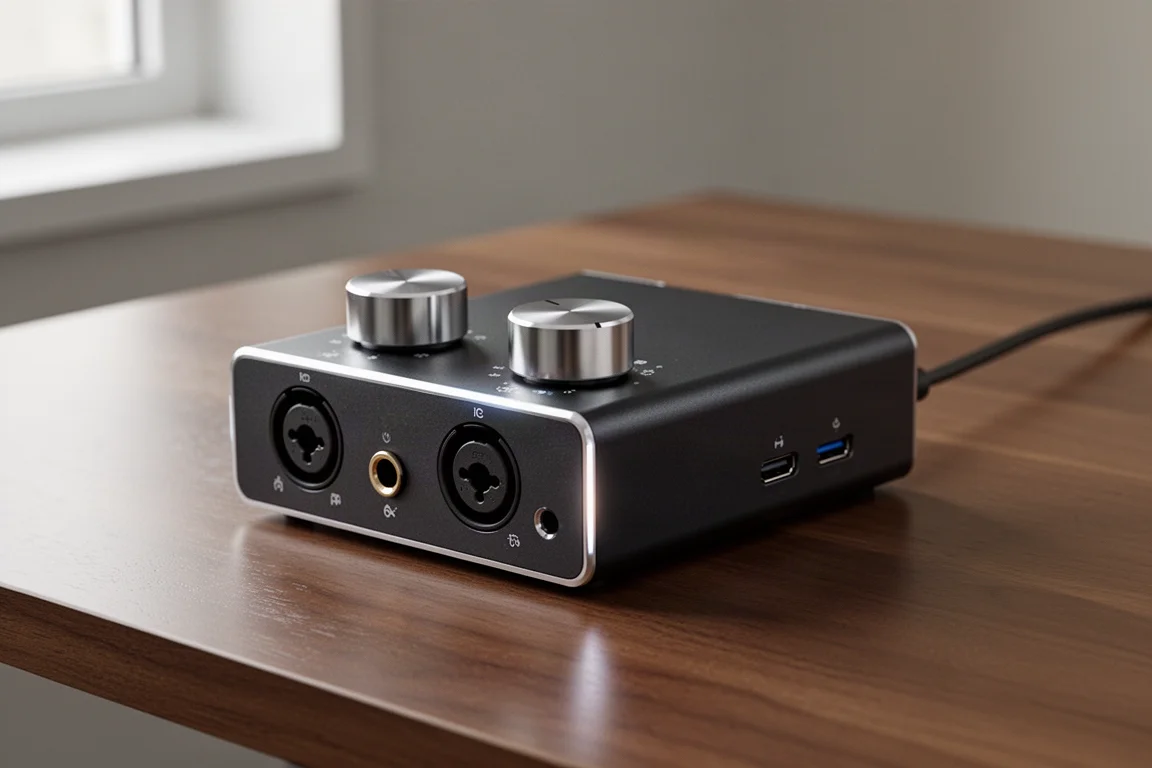
Cloudlifter: Extra Gain for Low-Sensitivity Microphones
The Cloudlifter is an inline preamp that adds extra gain to the signal. It targets a specific situation: a quiet speaker using a low-sensitivity microphone, such as the SM7B, where the interface preamp alone does not supply enough gain. Hosts who project their voice and speak loudly into the microphone typically do not need the extra gain.
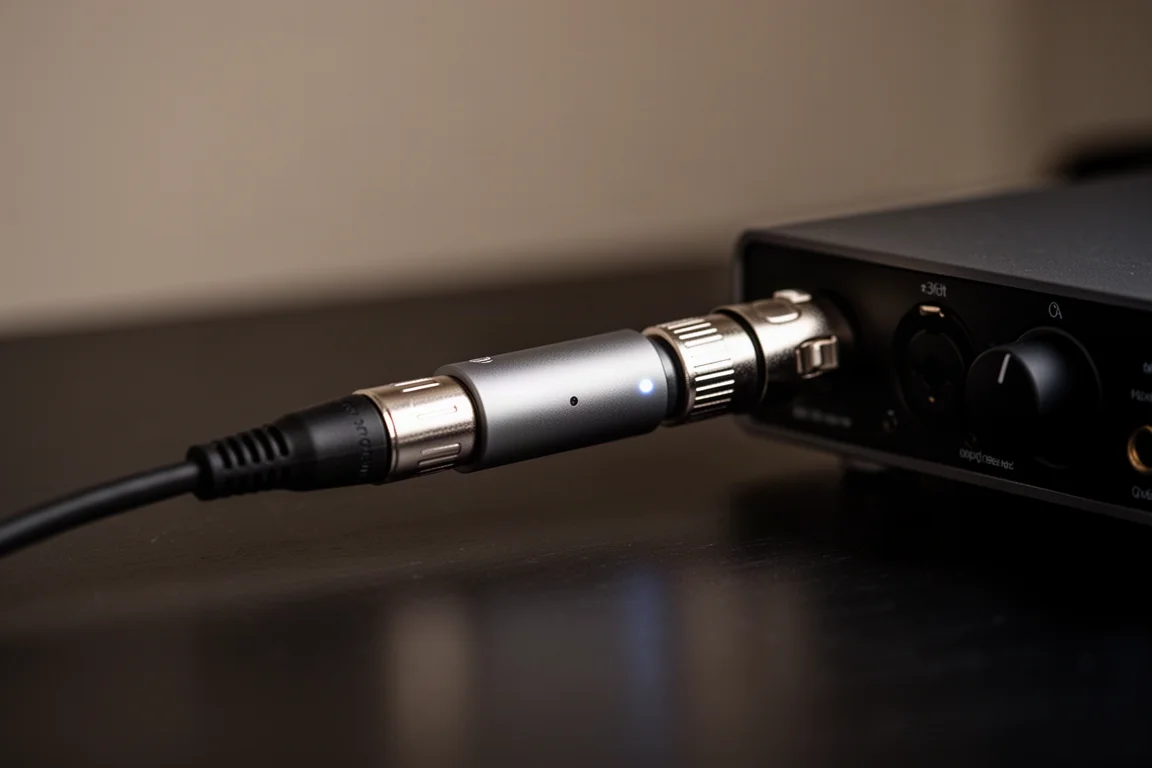
It is worth treating the Cloudlifter as a problem-solver rather than a default purchase. If a microphone already reaches a healthy recording level on the interface’s own preamps, adding an inline preamp does not improve the result.
Overall Buying Advice
Budget for accessories, not just the microphone. A desk-mounted microphone arm is usually a better fit for podcasting than a floor stand, which is awkward to place when sitting at a desk, or a desk stand, which gets in the way. A shock mount is worth adding for microphones that get moved around. And a quiet speaker using a low-sensitivity microphone should account for an inline preamp.
Matching the microphone to the room matters as much as matching it to the budget. Dynamic microphones suit most untreated rooms, while condensers suit quiet, controlled spaces. Cardioid placement a few inches from the mouth keeps gain low and room noise out. If more than one person will be recorded, separate microphones on separate tracks will save time in editing.
Conclusion
The short version: a USB microphone is the simplest and least expensive way to start a solo podcast or stream, and an XLR microphone paired with an audio interface is the better foundation for anyone planning to grow. Dynamic capsules suit most rooms, cardioid placement suits most voices, and a desk-mounted boom arm is the accessory most hosts end up wishing they had budgeted for from the beginning.
Further reading
Related Reviews

Backpacking Gear
Building a 10 lb Base Weight: An Ultralight Backpacking Gear List
A practical walkthrough of the ultralight pieces behind a 10 lb base weight, from a 765 g pack and a roomy one-person tent to a full camp chair and a dependable water filter.

Road Bikes
10 New Road Bikes Worth Watching: Aero, Titanium, Steel and Endurance Standouts
A practical roundup of 10 new road bikes, from aero flagships chasing single-watt gains to titanium, steel and endurance platforms built for real roads.
Bikepacking Gear
11 Bikepacking Essentials for Long-Distance Cycling
Eleven bikepacking essentials for long-distance cycling, from a steel gravel frame and a two-person tent to helmet lights, packable gloves, and a frame bag that puts weight in the right place.