Art Apps
Best Art Apps Worth Trying: Six Apps Tested, From Doodle Editors to Pose References
Six top-rated art apps put to the test, covering photo doodling, drawing games, forensic sketch puzzles, keyboard customization, and poseable figure references.
Introduction
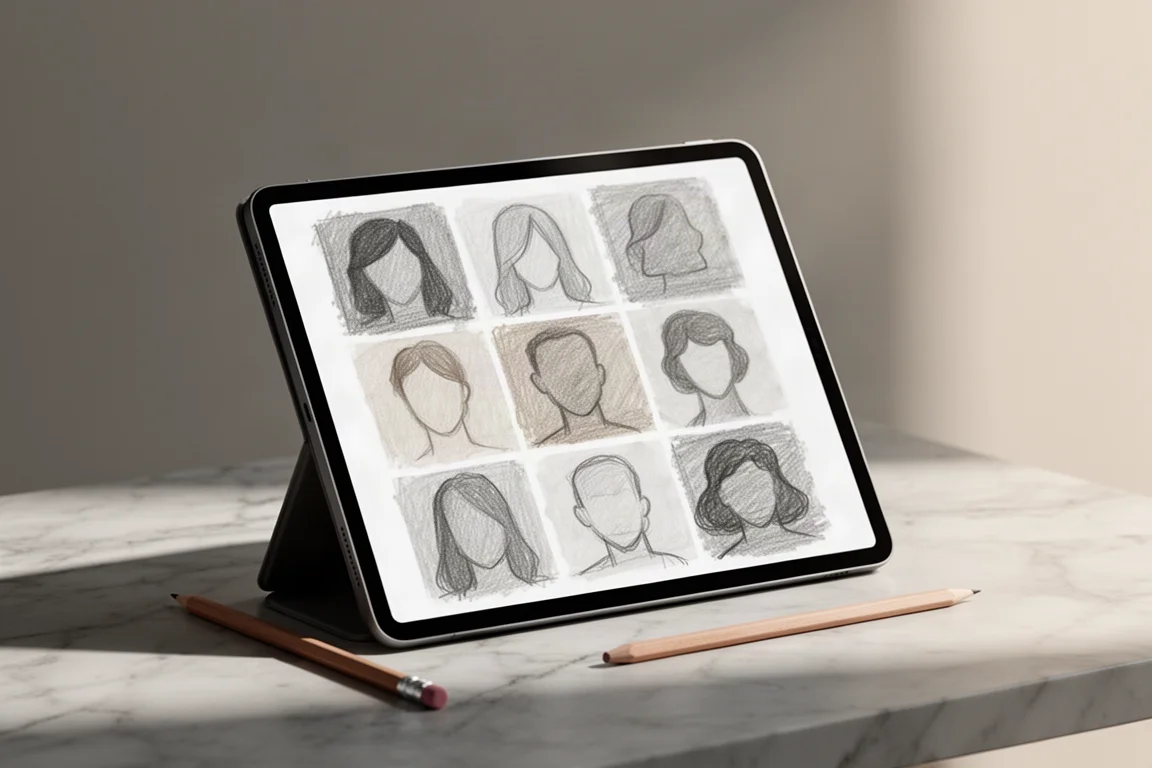
Art apps come in huge numbers, and the top charts are a mixed bag of genuine gems and disposable time-fillers. We spent time with six of the most popular downloads to find out which ones actually deserve space on your tablet: Doodle Plus, Draw It, Lineup: Draw the Criminal, DIY Keyboard, Mannequin, and Magic Poser.
Testing was done on an iPad with a stylus, which is worth keeping in mind, since the most serious tools here are aimed at people who want drawing and figure references rather than casual doodling.
Doodle Plus: Nostalgic Photo Editing, for Better or Worse
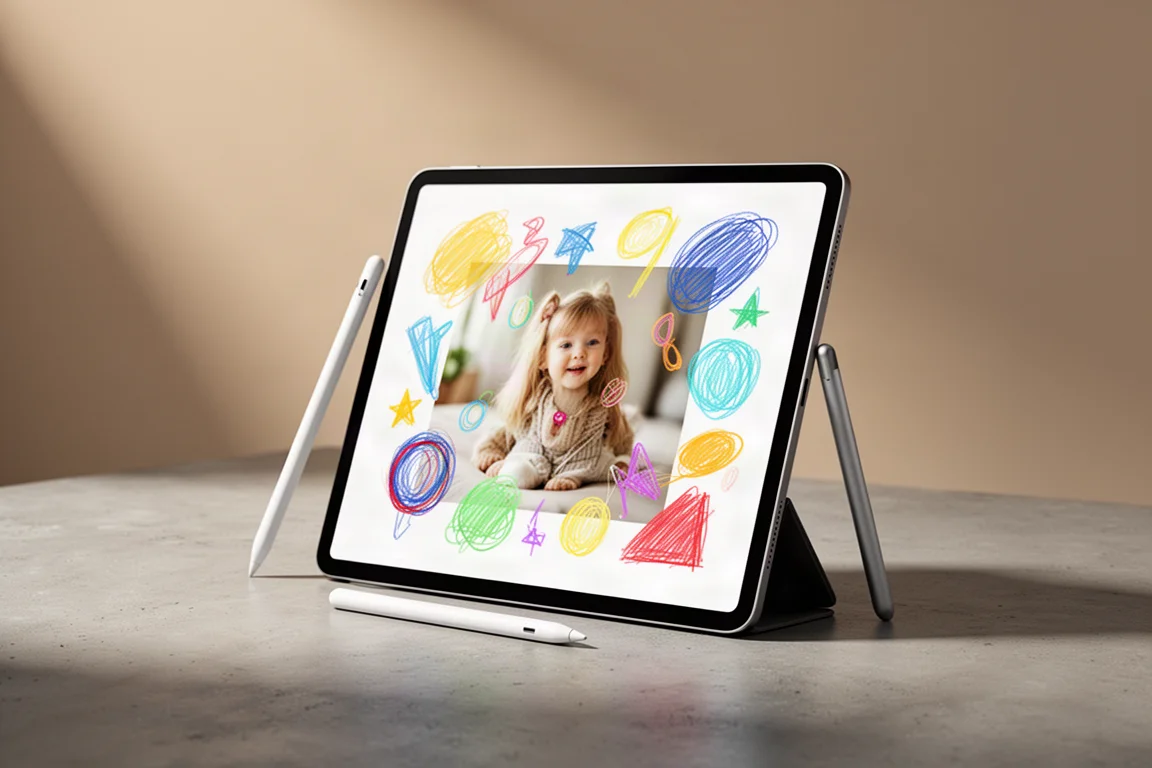
Doodle Plus markets itself as a photo editor where you can draw on photos, add clip art, text, shapes, and custom images. In practice, it feels remarkably like Microsoft Paint, complete with airbrush and spray tools, which will be either charming or dated depending on your perspective.

It does have a few things classic Paint never offered: layers, photo imports, and a cut-out tool where you draw an outline with your finger to remove parts of an image. Filling shapes is not supported the way you might hope, though, and the drawing tools only work on the foreground layer.
This is best treated as a very basic picture editor. If you are nostalgic for 1990s desktop drawing programs, it delivers that feeling, and it technically has more features than Paint ever did. For serious editing, keep your usual photo app.
Draw It: The Doodle Guessing Game That Gets Competitive
Draw It sits near the top of the charts with around 53,000 ratings and a 4.5-star average, and it is easy to see why. The game asks you to draw a prompt, such as a sock or a kangaroo, and judges how accurately you drew it.
The twist is a leaderboard that pits you against other players, which turns a casual doodling game into something surprisingly stressful. We won some rounds and lost others, and the competitive loop is genuinely addictive.
There are a lot of ads between rounds, which gets tiring quickly, and it is unclear how well the game works offline since it appears to lean on connectivity. Still, as a five-minute time-filler it is very fun, just be aware it can swallow far more of your day than you planned.
Lineup: Draw the Criminal: A Fun but Shallow Forensic Sketch Game
Lineup: Draw the Criminal casts you as a forensic sketch artist. You read a witness description of a suspect, then assemble the face and outfit to match, and a lineup decides whether you picked the right person.
The descriptions can be amusingly vague or late, such as mentioning the suspect wore purple only after you have already finished. There are also in-app purchases that are aggressively pushed, including prompts to pay before you can progress normally.
As a game it is silly and occasionally satisfying when your sketch nails the suspect, but it runs out of steam fast. Three out of five is fair: it is different and fun for a few rounds, not something you will play for an extended period.
DIY Keyboard: Fun Decorations Buried Under Ads
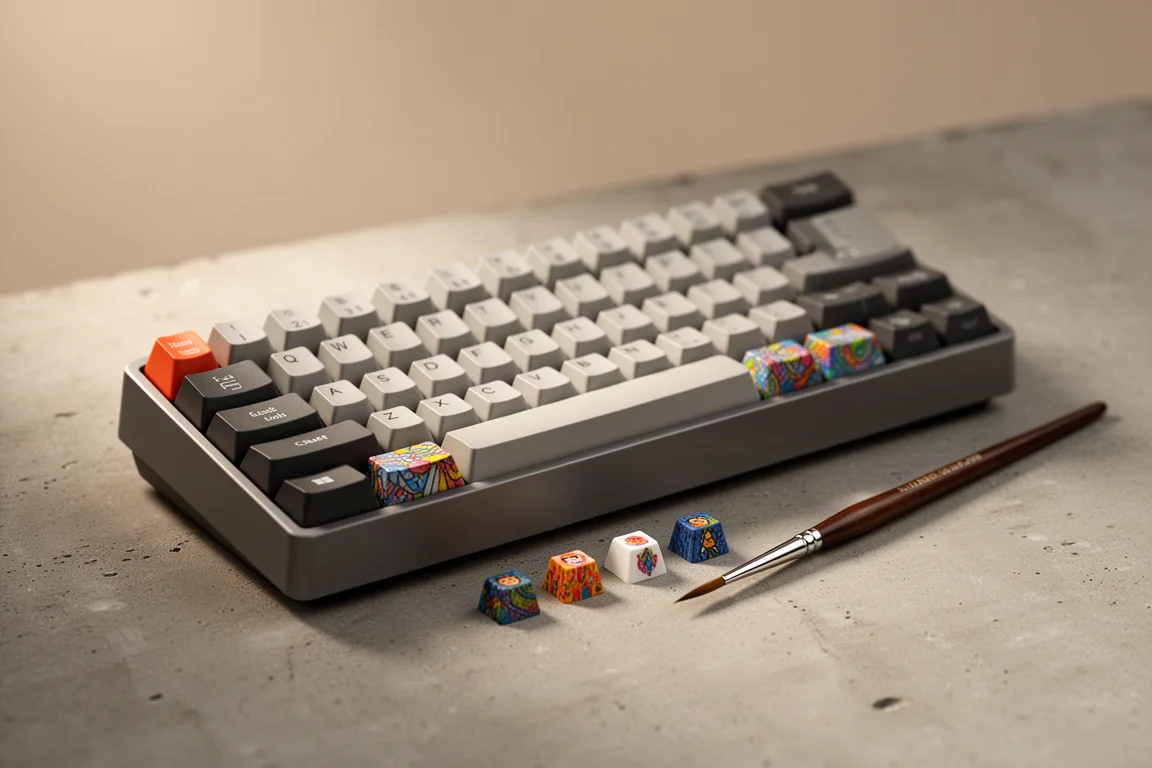
DIY Keyboard lets you decorate your own keyboard caps on a tablet, using simulated resin pours, stencils, and paint to design custom keys. When the flow works, the results genuinely look nice, and decorated caps snap back onto the keyboard without extra prep.
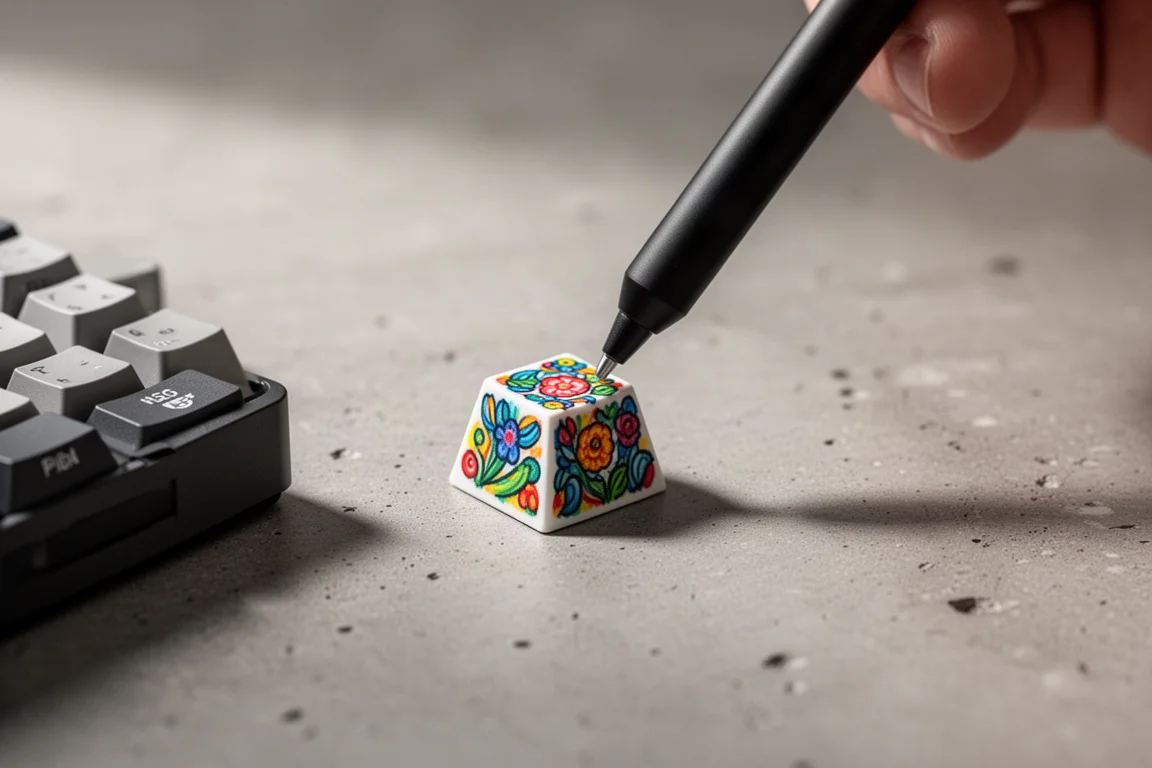
The problem is everything wrapped around that core idea. Ads are long, frequent, and intrusive, to the point where it undermines an app whose own title is literally DIY Keyboard. Some steps, such as sanding the cap before painting, feel like padding rather than creativity.
If you enjoy craft-style decoration minigames, there is short-lived fun here. Just go in expecting to sit through a lot of advertising.
Mannequin: Powerful Pose Reference at a Fair Price
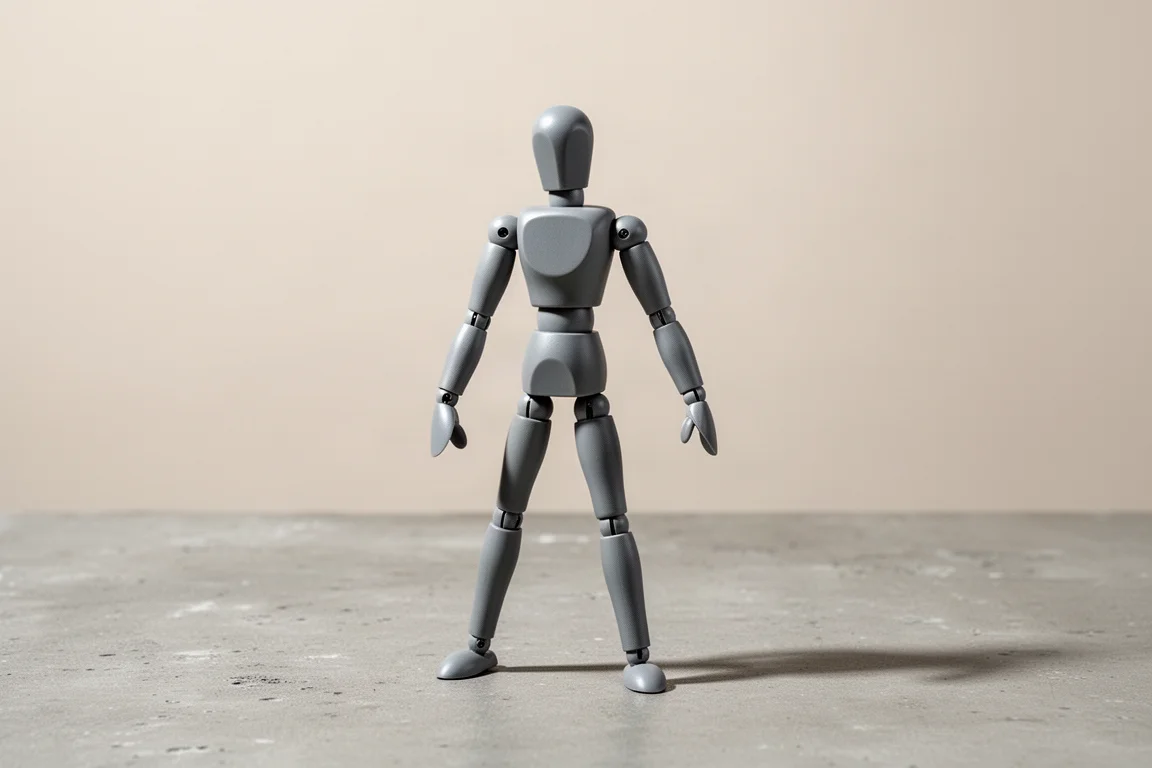
Mannequin belongs to the family of apps built for artists who need pose references. You place adjustable figures, move limbs, rotate the camera, and arrange a scene to draw from, and the interactivity is immediately impressive.
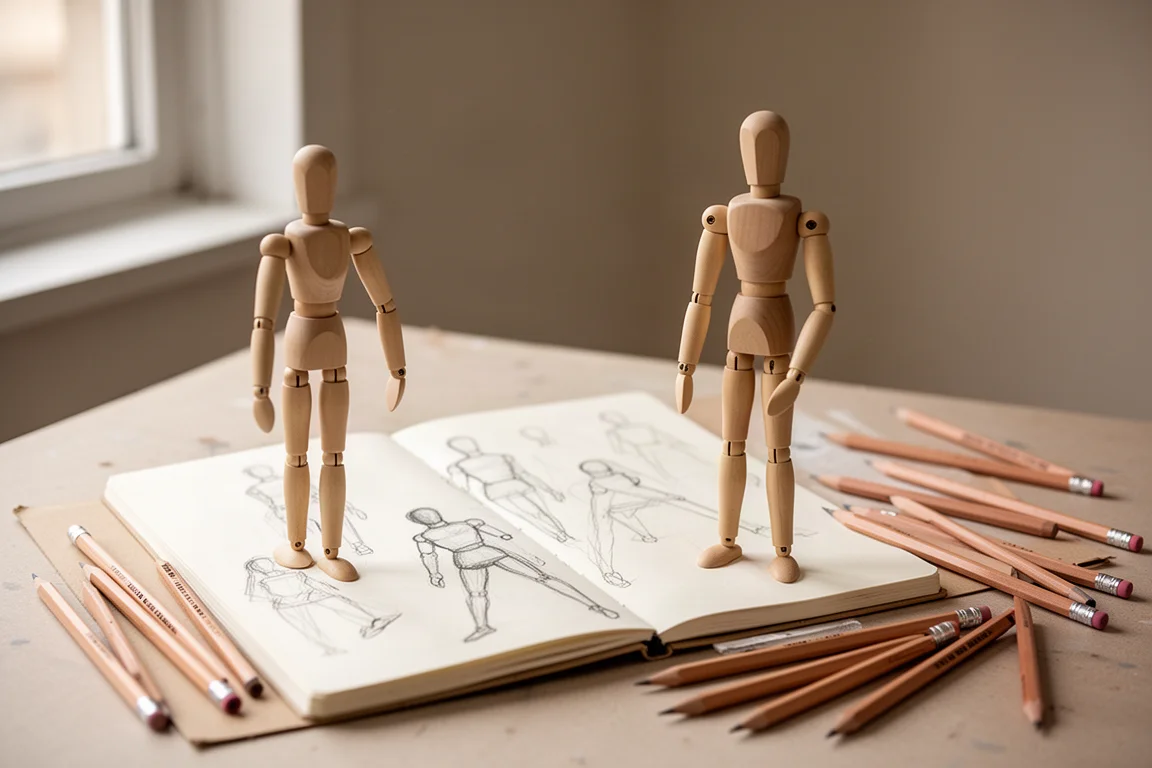
Paying $10 unlocks everything, including a skeleton overlay, furniture, stairs, tools, shapes, and adjustable lighting. The figures are the clear highlight, and there are even hand models with individually adjustable fingers, which is rare and genuinely useful for anyone who struggles with drawing hands.
The controls take some learning. Tap and hold to resize objects, and getting items exactly where you want them can be fiddly at first, with objects occasionally floating awkwardly in space. The furniture is basic, but the figure tools alone justify the app. With very high ratings backing it up, this is a solid four out of five and a recommended purchase for artists who use references, even though the basic figurines are usable without paying anything.
Magic Poser: The Strongest Pick for Figure Reference
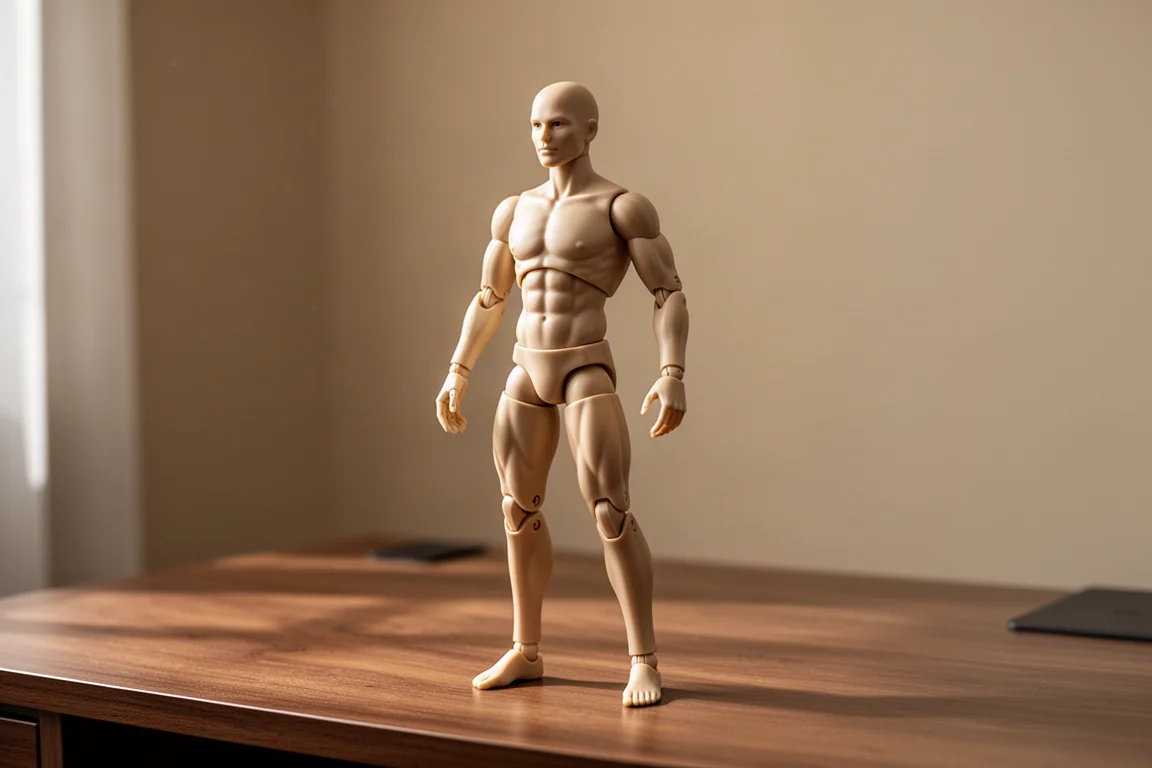
Magic Poser has been around for years and had a rough start, which explains its lower ratings, but the app has improved substantially since then. The headline feature is anatomical detail: figures actually show muscle definition, which is invaluable for studying how bodies look in different poses.
Customization goes deep. You can morph body shapes, change hairstyles, adjust clothing, tweak individual toes, and choose from presets that place the figure in natural poses. Presets matter, because manually moving body parts into believable positions is the hardest part of any pose app.
Overall Buying Advice
If you want a serious tool, the two figure reference apps are in a different league from everything else here. Mannequin is the friendlier entry point, with a $10 full unlock and simple figurines that work free. Magic Poser is the deeper investment, with muscle detail, morphing, and fine control that make it the stronger choice for artists focused on the human figure.
The casual games, Draw It and Lineup: Draw the Criminal, are fun but disposable. Doodle Plus and DIY Keyboard round out the list as novelty picks with real limitations. Choose based on what you actually want: reference tools for drawing practice, or quick games for passing time.
Conclusion
Six apps, three clear tiers. Magic Poser and Mannequin are genuinely useful for artists and the only ones with lasting value. Draw It is the best of the casual games if you can handle a leaderboard. The rest are fun for a few minutes and then forgettable. For anyone building a drawing toolkit, start with the figure reference apps.
Further reading
Related Reviews
Art Apps
Five iPad Art Apps Tested: Which Ones Are Worth Your Time?
From realistic oil textures to frame-by-frame animation and anatomy reference, we put five iPad drawing apps through their paces with an Apple Pencil.
Art Supplies
Best Gift Ideas for Artists and Sketchers: Practical Tools Worth Giving
From water-soluble graphite pencils to a classic sketching book, these are thoughtful, practical gifts for the artist on your list.
Art Supplies
Faber-Castell Pitt Matte Graphite Pencils: A Review of the Anti-Shine Graphite
These matte graphite pencils are built to kill the shine that plagues regular graphite drawings. Here is how they sharpen, erase, smudge, and draw in real use.