iPad Accessories
Best iPad Accessories 2026: Stands, Keyboards, Docks and Organizers Worth Carrying
A practical look at the iPad accessories that add real function: the Moft Snap ecosystem, the Keychron K7, the Basis six-in-one dock, a pocket charger, storage pouches and a drawing shortcut keyboard.
Introduction
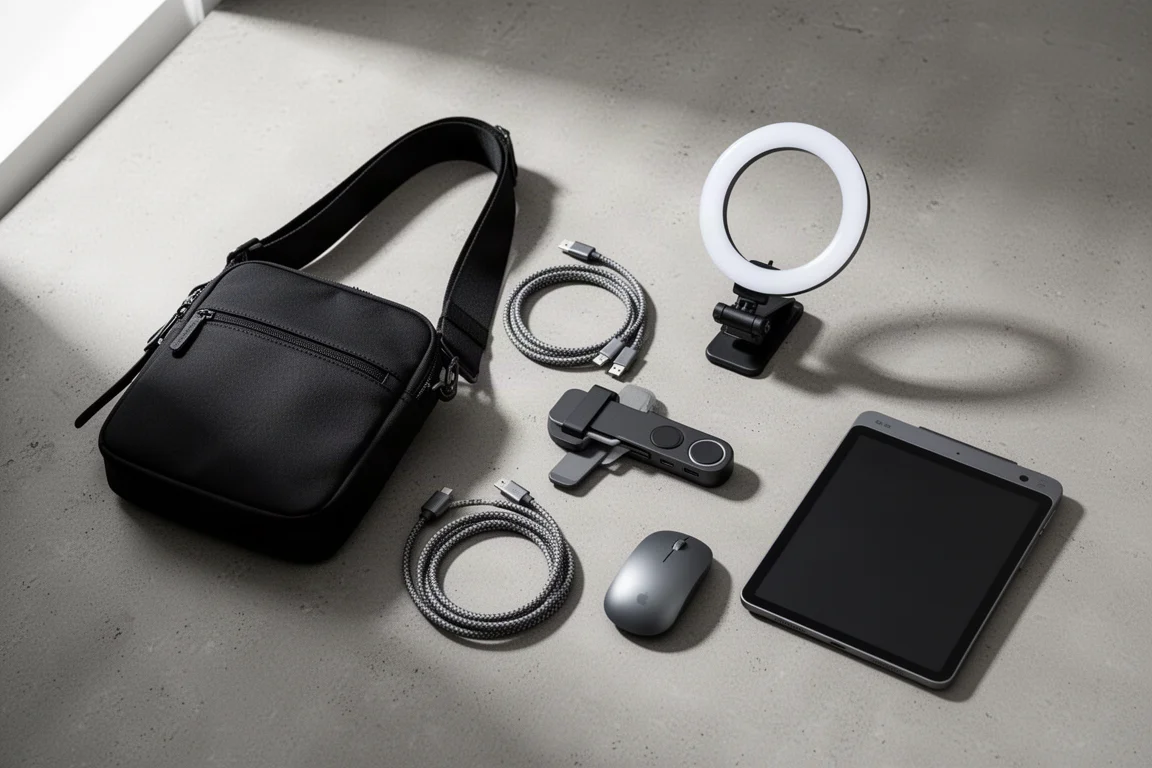
The iPad still does not fully replace a MacBook, but the right accessories get it surprisingly close. This roundup focuses on gear that solves real problems: viewing angles, typing, port expansion, charging bulk, and carrying your accessories without turning your bag into a mess.
The Moft Snap System: One Magnetic Ecosystem
If you want an iPad setup that does a bit of everything and still works alongside the Apple Magic Keyboard, the Moft Snap System is the most complete option here. It is built around a magnetic mounting system on the back of your iPad, with a wall mount, a sturdy stand, and multiple viewing angles that all play nicely with your favorite keyboards.
You can buy the pieces individually, since everything works together, or pick just the parts that match how you actually use your iPad. Either way, the ecosystem is the starting point for most of the Moft gear below.
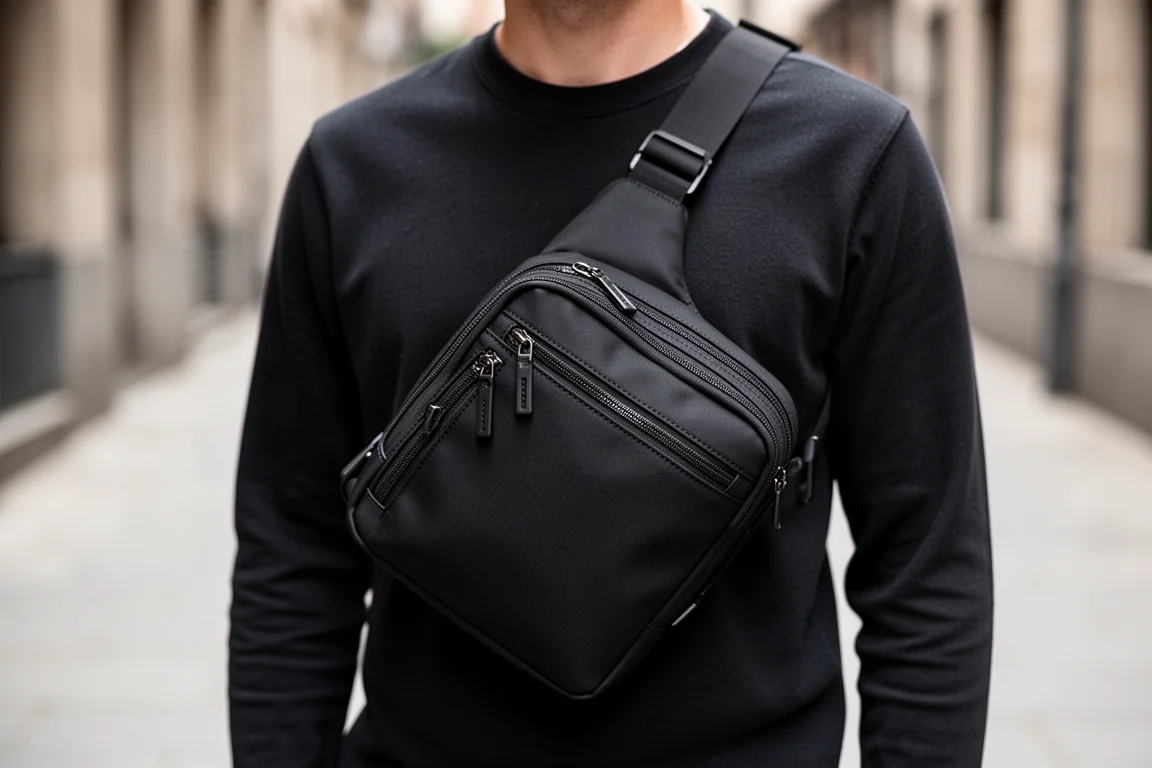
It suits anyone looking for an easier way to read, a better drawing angle, or a lightweight mobile workstation that does not fight with the Magic Keyboard.
Moft Snap Case: Thin, Leather, and Magic Keyboard Friendly
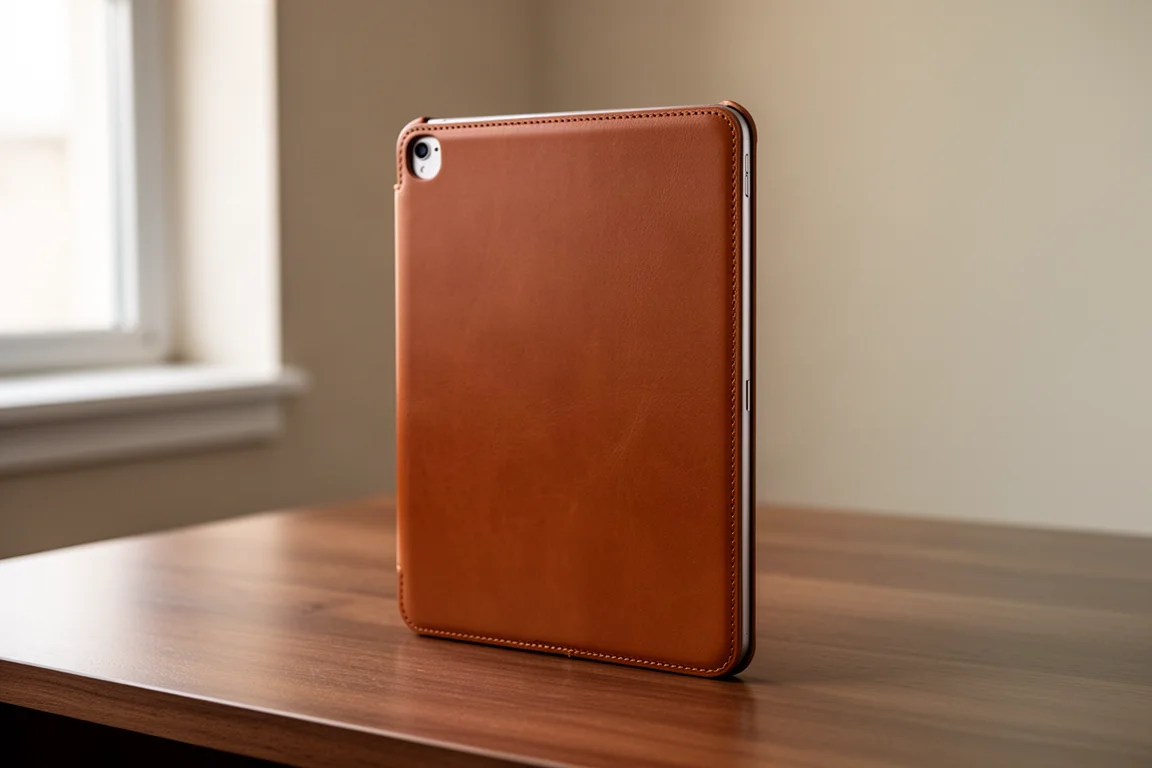
The Snap Case is where the system begins. It is a seriously thin case with a full leather back for a premium feel, and just enough thickness to offer light scratch resistance when you toss the iPad around. The front coverage is minimal, so pairing it with a screen protector is a sensible move.
The standout trade-off is a built-in Smart Connector area combined with magnets, which means you can keep the case on while using the Apple Magic Keyboard. Moft also includes a sleeve for the Apple Pencil so it stays charged and does not get knocked off or lost while you travel.
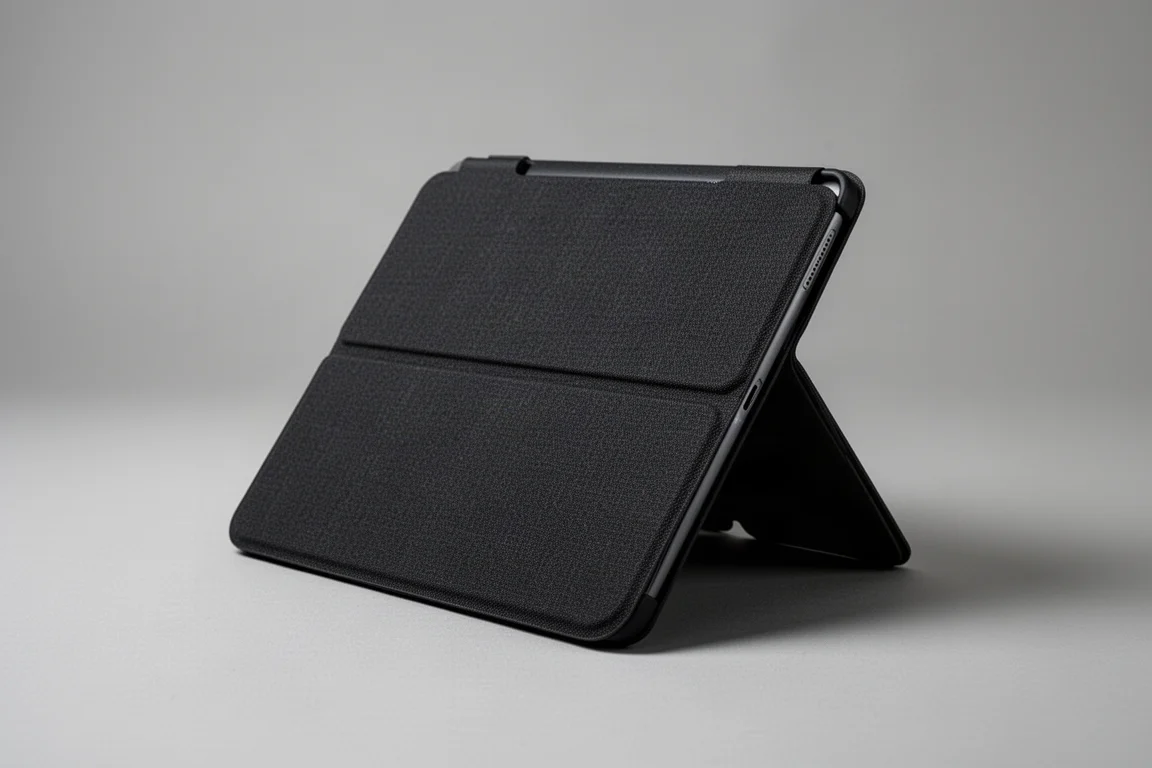
Moft Snap Tablet Stand: Flat Storage, Instant Setup
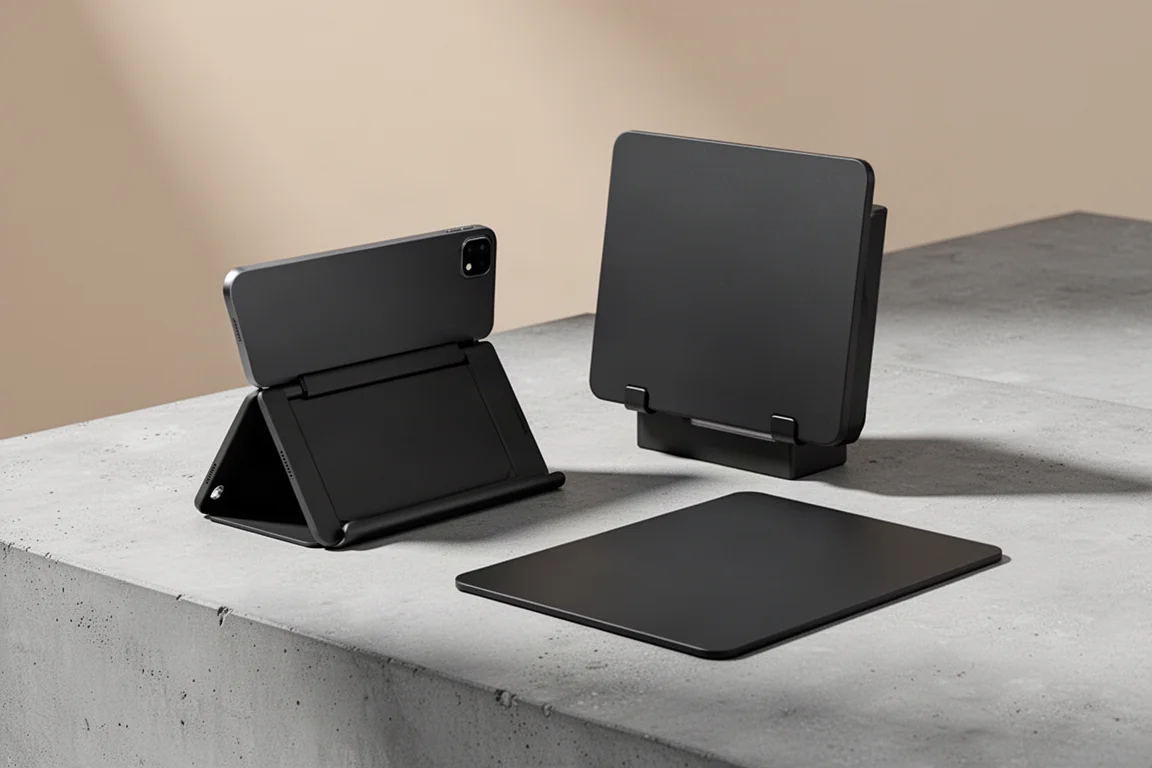
Our favorite piece of the ecosystem is the Snap Tablet Stand. It stores completely flat when not in use, then flips open into a sturdy portrait or landscape stand with a quick flick. Moft claims six viewing angles, which is plenty for reading, browsing, or drawing comfortably.
When you are done, you slide it off and move straight back to the Magic Keyboard without unclipping or removing anything. You can also leave it attached, because it folds so flat you barely notice it is there.
Moft Float Stand: For Keyboard Enthusiasts
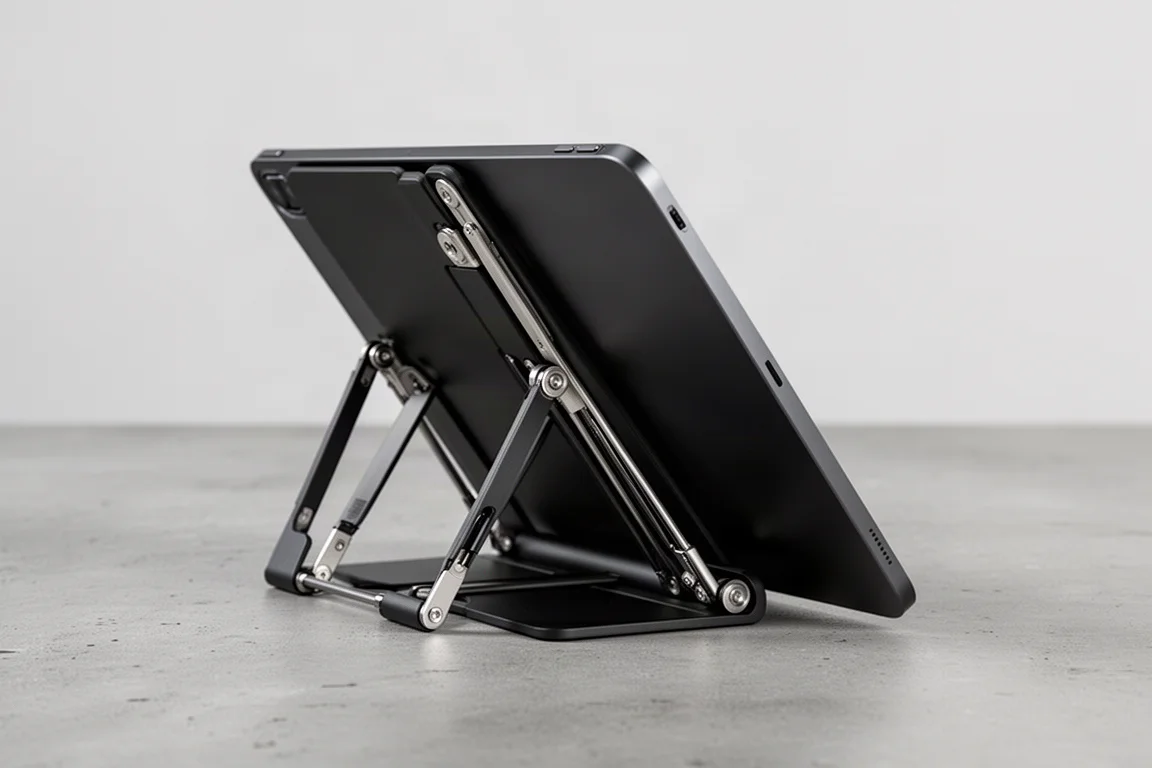
If you prefer carrying your own keyboard, the Moft Float Stand is the sturdier option. It is built with metal hinges, offers a full range of angles, and still packs into a fairly slim form. The idea is the same: slap it on, and it holds at any viewing angle you set.
When you are finished, it folds flat and magnetically stores in place, which makes it a natural partner for a portable mechanical keyboard.
Moft Snap Wall Mount: Set It and Forget It
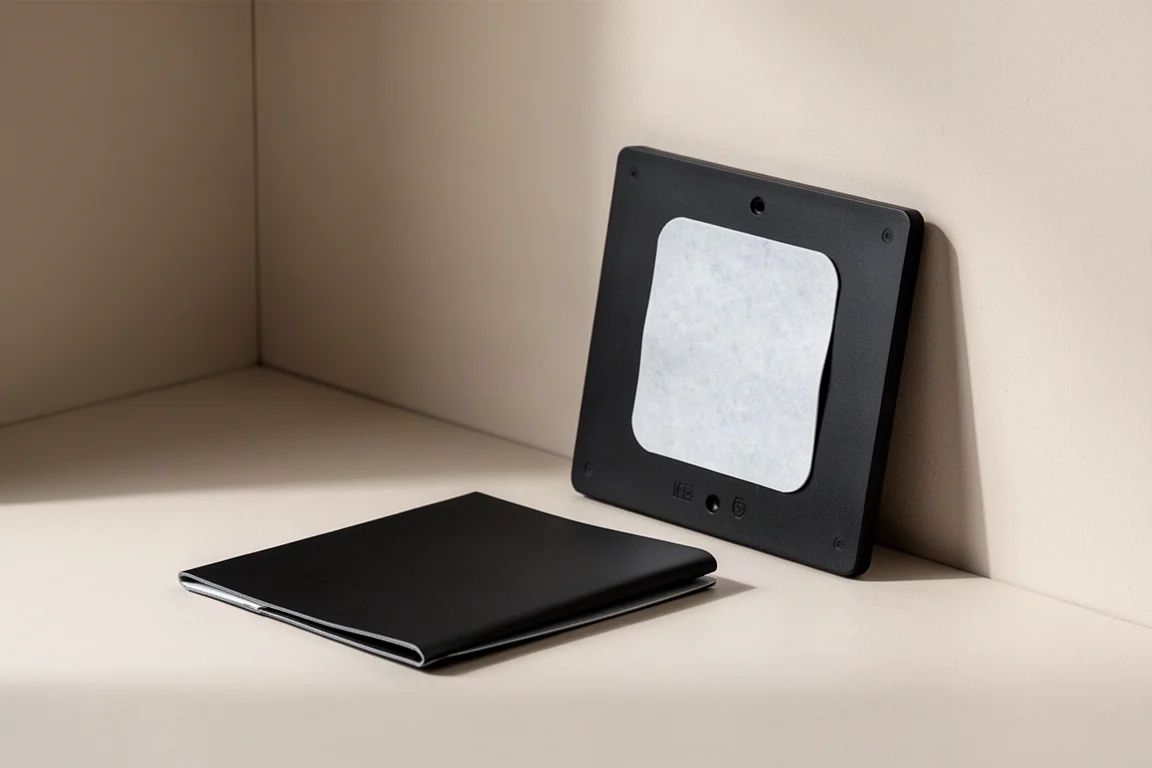
For home chefs, or anyone who just wants the iPad pinned somewhere convenient, the Snap Wall Mount is super slim and folds out like origami to create a tiny shelf. Peel off the large sticky pad on the back, place it wherever you need the iPad nearby, and you have a hands-free spot for midnight recipes or videos.
Moft Snap Sticker: Make Any Case Compatible
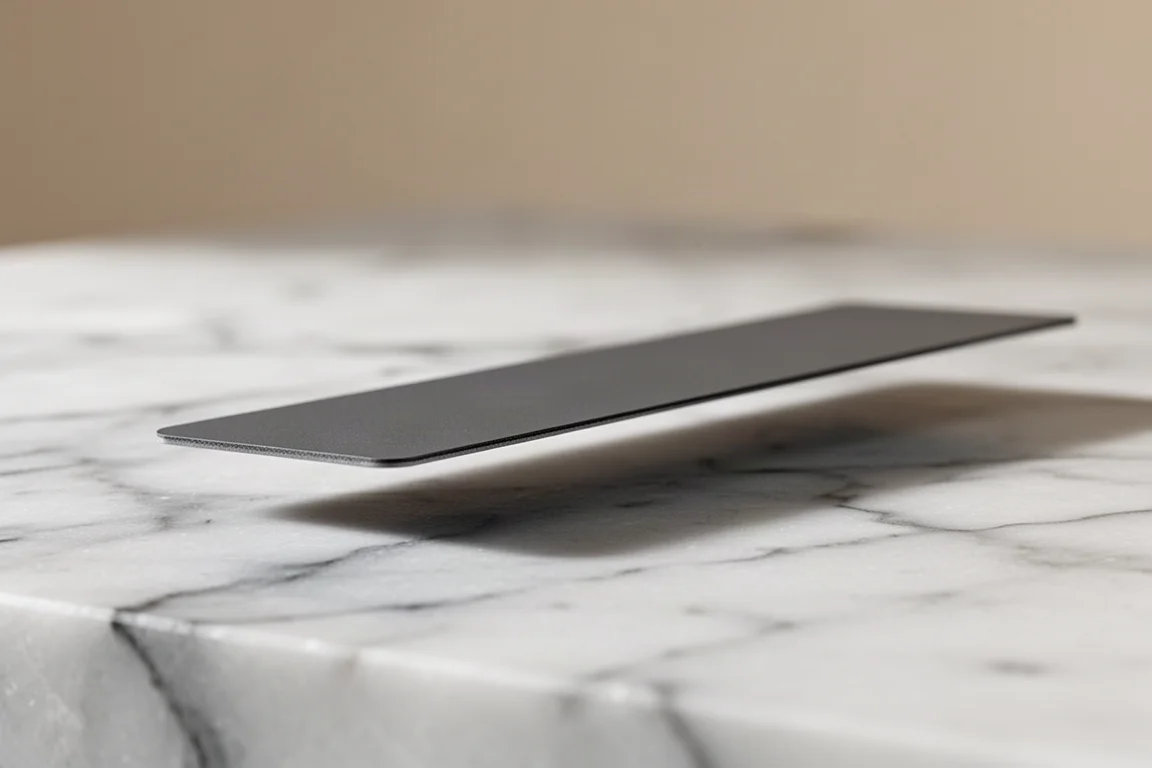
Already love your current case, or prefer the iPad bare? The Snap Sticker is literally as thin as a sticker and adds the magnetic mounting point to either option. That makes any iPad setup compatible with the accessories above while still working with the Apple Magic Keyboard.
Keyboard Upgrade: Keychron K7
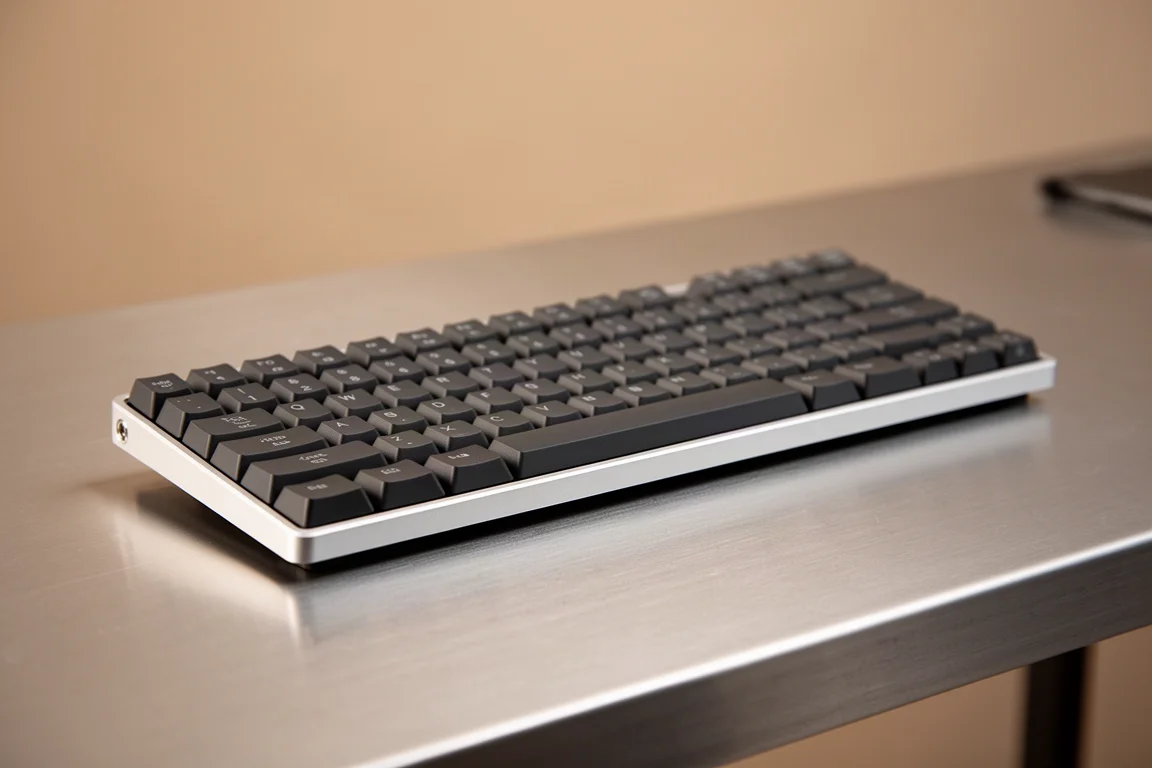
You have to really love Apple to pay $400 for the Magic Keyboard. While that keyboard is still a favorite for many, the Keychron K7 combined with the Moft Float Stand costs roughly a quarter of that, while offering more freedom in viewing angles, a satisfying typing experience, and plenty of clicky feedback.
It is one of the tiniest mechanical keyboards around, about as thick as a finger and roughly double the size of an Apple Pencil, thanks to a lightweight aluminum frame and plastic bottom. Despite the size, it uses full-size keys that are comfortable to type on, and all the function-row shortcuts are crammed into the number row.
The optical red switches feel great without annoying everyone around you, and even without RGB there are several white backlight patterns to choose from. Small, light, and affordable, it is an easy recommendation for a portable workstation when paired with the Float Stand.
Port Expansion Without the Bulk: Basis Six-in-One Dock
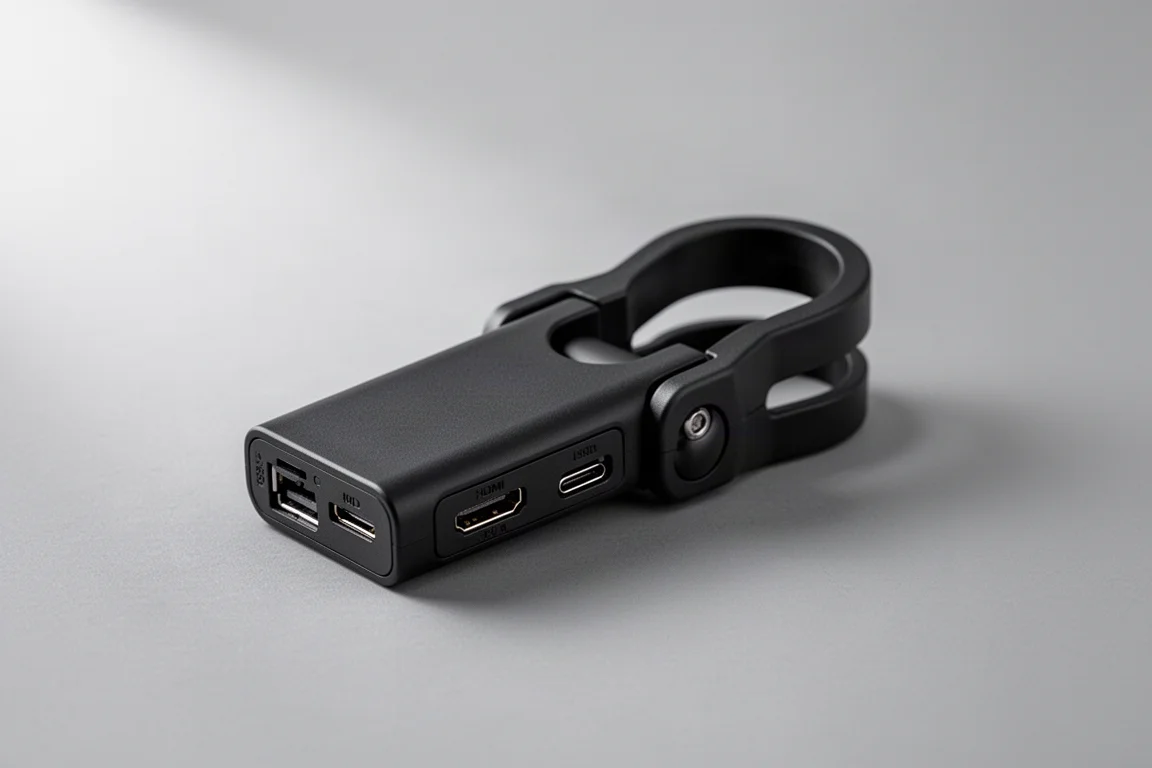
Attaching a giant metal hub to the side of an iPad is one of the most awkward parts of using one. The Basis six-in-one dock solves this by clamping onto the back of the iPad instead, keeping your cables out of sight and out of the way without adding a big lip to the bottom.
The hub itself is lightweight and all-plastic. It does not feel cheap, but it is not premium either. The large clamp is what really differentiates it: it can clip directly onto the Magic Keyboard, creating a genuinely tidy productivity combo, and it is wide and strong enough to hold onto a bare iPad too, designed to fit the front screen without obstructing your view.
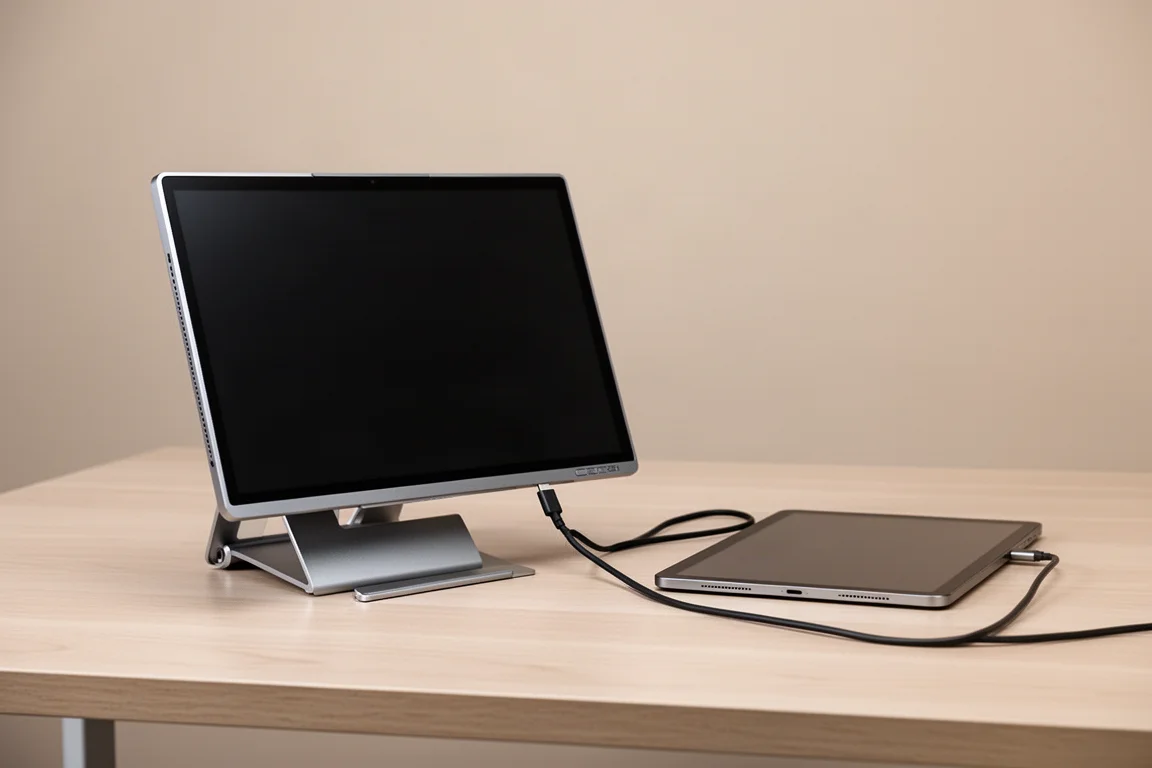
Ports cover the essentials: USB 3.0, SD and microSD slots, full HDMI, a 3.5mm audio jack on the side, and a USB-C 100W PD charging port that is more than enough to charge an iPad at full speed. If your case is too thick for the clamp, clipping it onto a Moft stand instead gives you handheld freedom while transferring photos or streaming. When you are done, you can plug it into itself and toss it in your bag as a just-in-case accessory.
The Smallest 65W Charger: CIO NovaPort Dual Charger
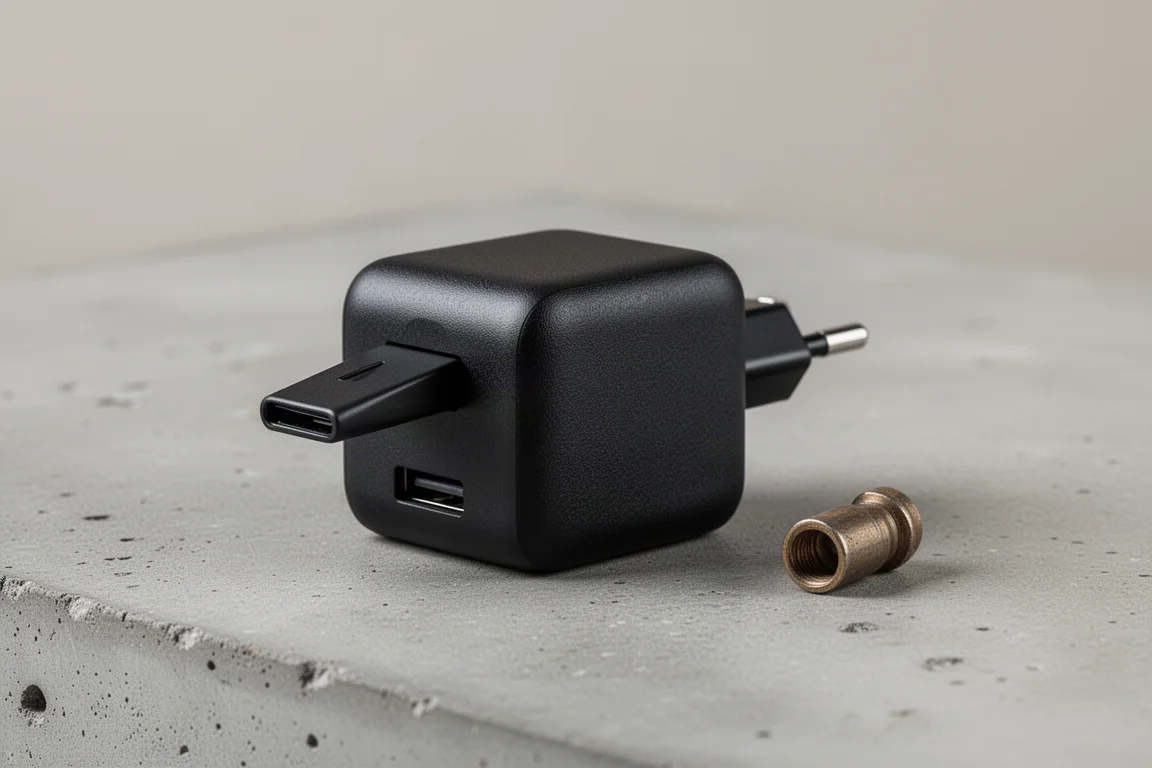
The iPad is already a chunky device, so the CIO NovaPort Dual Charger aims to avoid adding more bulk. It may be the tiniest 65W wall charger around, roughly as wide as AirPods Pro and smaller than a car fob, with a textured surface and flip-out prongs so it does not jab into your other gear.
The dual USB-C ports give you options on the go: keep the iPad charged, or top up your phone too, with smart charge allocation splitting that 65W output between them. In testing it can also charge a MacBook, just at a slightly slower speed. The project has already raised over $290,000, and backing it early can save you a little compared to later retail pricing.
Philip Pocket Version 2: The Pouch You Did Not Know You Needed
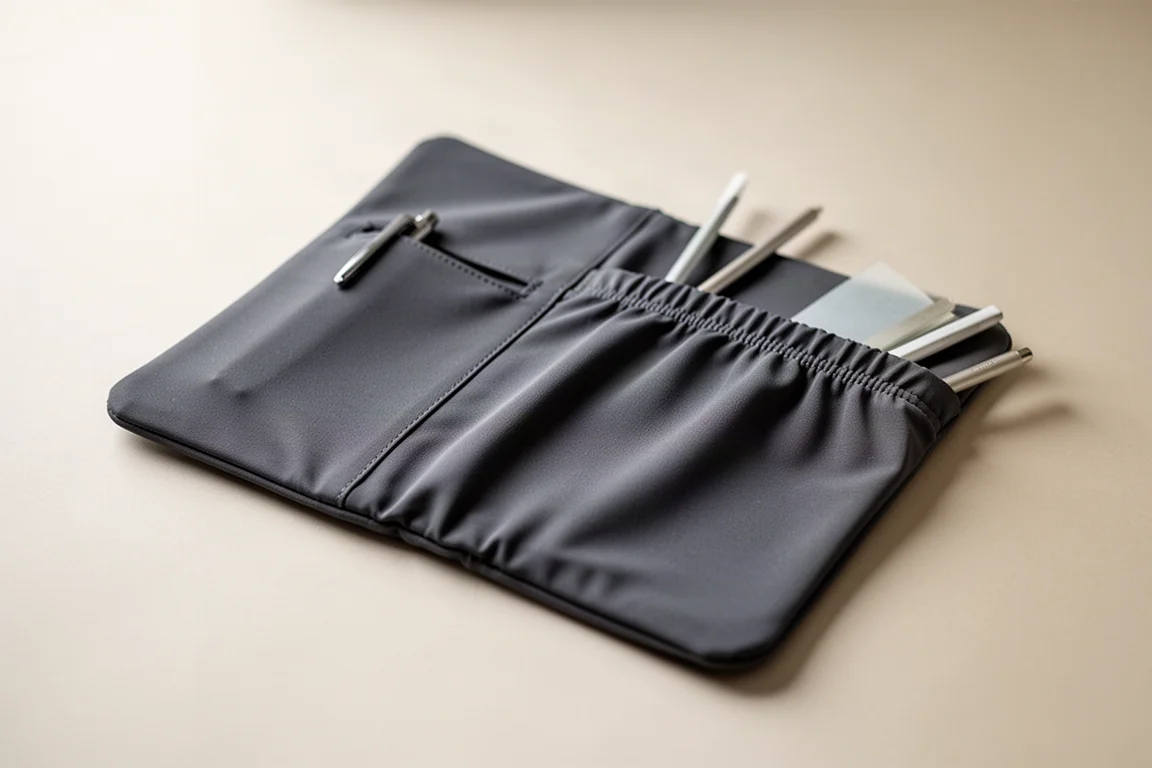
If you only carry a few accessories with your iPad, the Philip Pocket Version 2 may be the perfect pouch you have never heard of. It is a stretchy pocket that sticks directly onto your iPad, or, better yet, fits perfectly behind the Magic Keyboard.
There is a dedicated pen slot to secure your stylus in transit, and the large stretch pocket swallows more than you would expect: a hard drive, cables, USB or SD cards, mints, even an actual pen. Thanks to a lip closure and 3M backing, everything stayed locked in through shake testing, while the full-length opening keeps items easily accessible.
Larger items like a macro keyboard or a mouse fit too, though the more you stuff in, the more it stretches out. When empty, it sits flat and effectively disappears. If you hate it when a hard drive hangs off your iPad, this is one of those accessories that adds no bulk and never needs to be remembered.
TinyRig HoriGrid Organizer: A Backpack for Your Keyboard
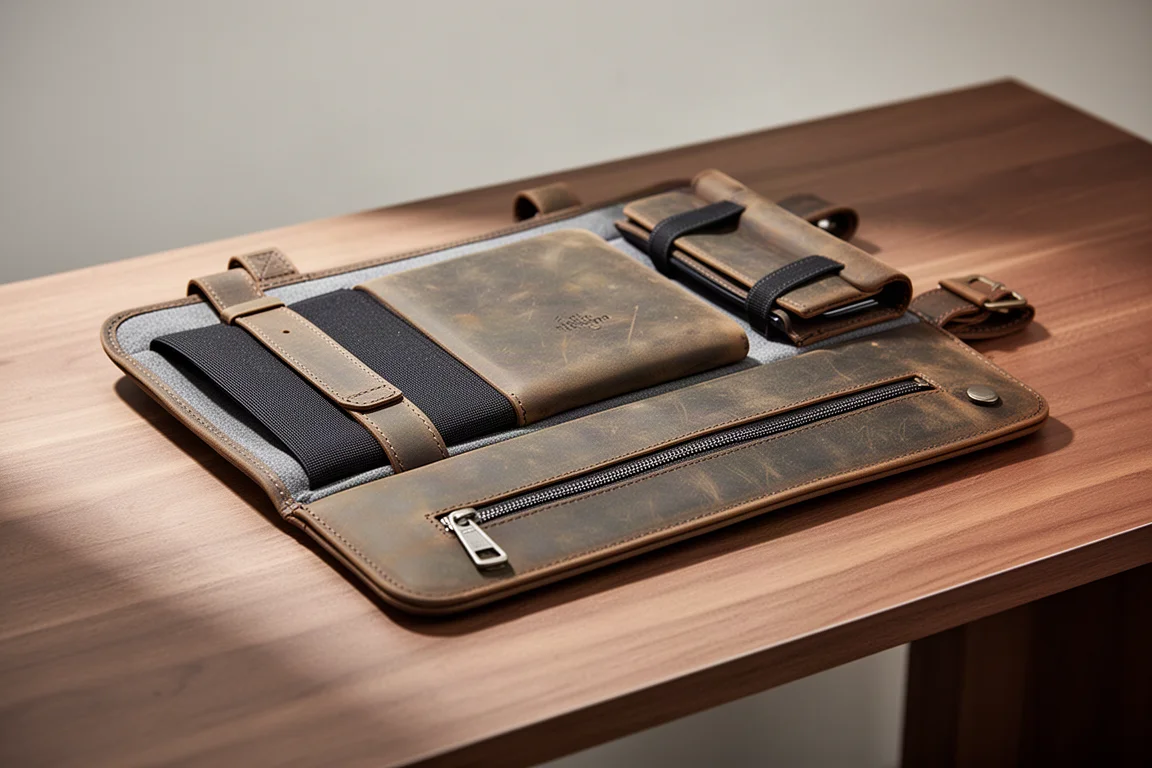
For serious accessory hoarders, the TinyRig HoriGrid Organizer is designed specifically for the Apple Magic Keyboard. It fits everything you would realistically carry: a hard drive, cables, a stylus, AirPods, even a shortcut keyboard, mouse, or external battery, thanks to how much space is available.
It is made from a combination of leather and a lightweight stretchy sleeve inside, and it looks rustic and scrappy while being genuinely modular. This model includes a zippered pocket along the bottom for smaller items like cables and SD cards, as well as longer items like pens and styluses.
Installation is as simple as sliding it on, with cutouts lined up to match the folds of the Magic Keyboard. It does not interfere with attaching your iPad, even with a case on, and a dedicated fold matches the keyboard’s hinge. When you want to slim down, you slide the whole thing off and toss it into your bag, making it both an iPad companion and a convenient travel organizer.
For the Artists: Shortcut Keyboard
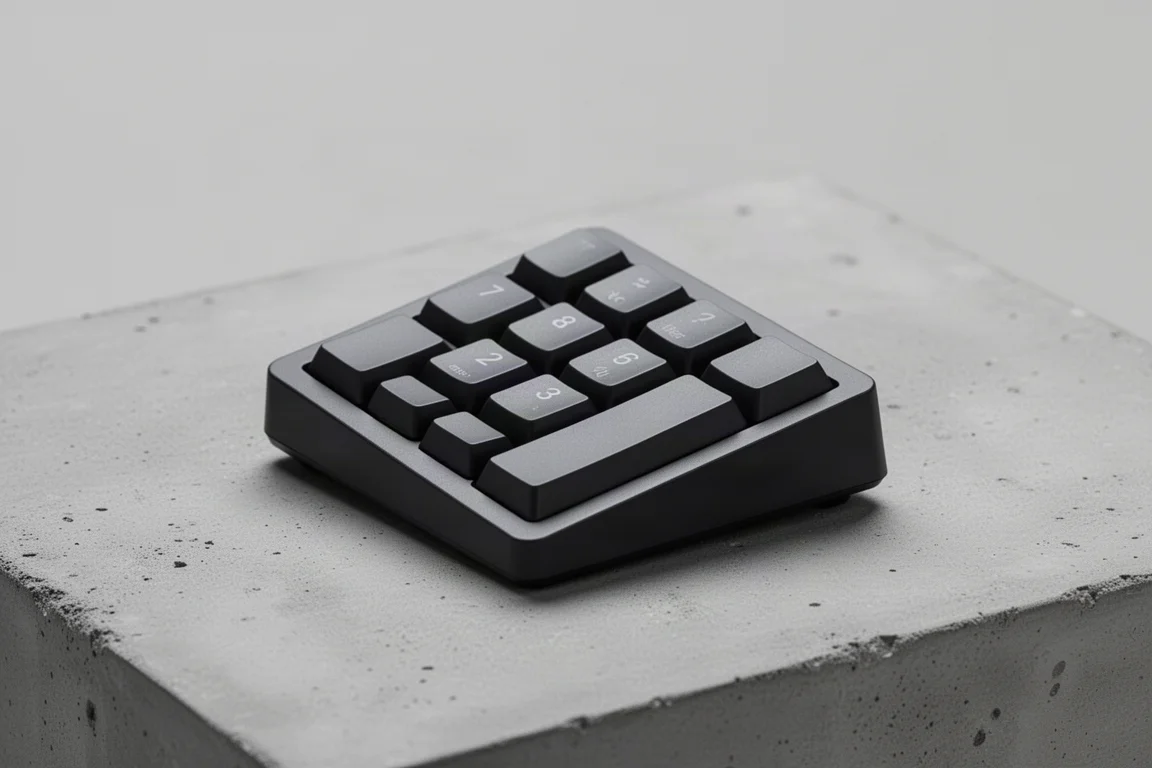
This one is specifically for iPad artists who want to level up their Procreate game. A shortcut keyboard puts your most-used tools at your non-drawing hand, so you stop going back and forth mid-stroke. It is simple plastic construction, but sturdy enough to hammer away at, and roughly the size of a numpad so it can sit right beside your iPad.
The raised-angle design helps slightly with ergonomics, but the smart preset layout helps most: increasing and decreasing brush sizes, cycling colors, the selection tool, quick actions, and dedicated undo and redo buttons. With low-profile keys, it feels something like a budget MacBook keyboard.
Could all of these shortcuts be done on a real keyboard? Sure, but then you are carrying a full-size keyboard when all you want to do is draw until your thumbs hurt. At under $40, the question is simply how much the added convenience and saved time is worth to you.
Overall Buying Advice
If you want one coherent system, start with the Moft Snap Case and add the stands or wall mount that match your habits. Keyboard-first users should look hard at the Keychron K7 plus Moft Float Stand as a far cheaper alternative to the Magic Keyboard. Heavy media and photo users will get the most from the Basis dock and NovaPort charger, while anyone who travels with a pile of accessories should add the Philip Pocket or TinyRig HoriGrid. Artists have an easy, inexpensive win with the shortcut keyboard.
Conclusion
None of these accessories turn an iPad into a MacBook, but together they remove most of the daily friction: better angles, better typing, cleaner ports, less charging bulk, and organized carrying. Pick the pieces that match how you actually use your iPad, and the whole setup gets noticeably better.
Further reading
Related Reviews

Backpacking Gear
Building a 10 lb Base Weight: An Ultralight Backpacking Gear List
A practical walkthrough of the ultralight pieces behind a 10 lb base weight, from a 765 g pack and a roomy one-person tent to a full camp chair and a dependable water filter.

Road Bikes
10 New Road Bikes Worth Watching: Aero, Titanium, Steel and Endurance Standouts
A practical roundup of 10 new road bikes, from aero flagships chasing single-watt gains to titanium, steel and endurance platforms built for real roads.
Bikepacking Gear
11 Bikepacking Essentials for Long-Distance Cycling
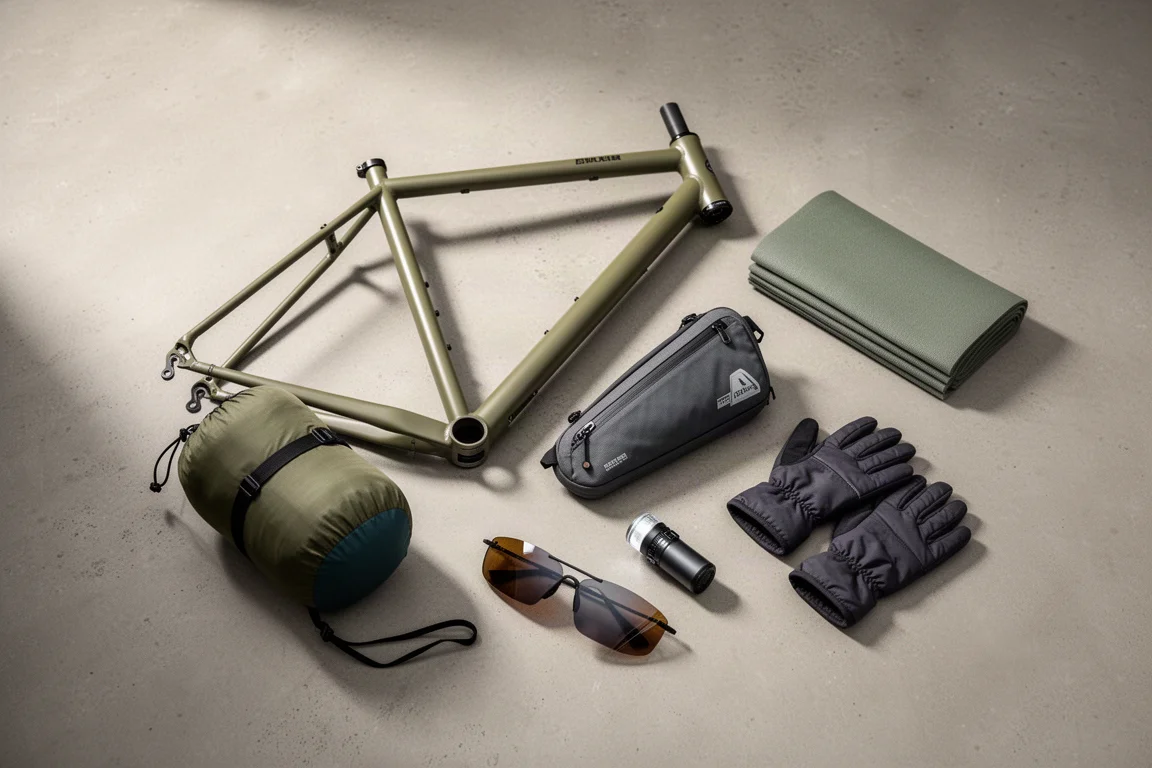
Eleven bikepacking essentials for long-distance cycling, from a steel gravel frame and a two-person tent to helmet lights, packable gloves, and a frame bag that puts weight in the right place.